-
-
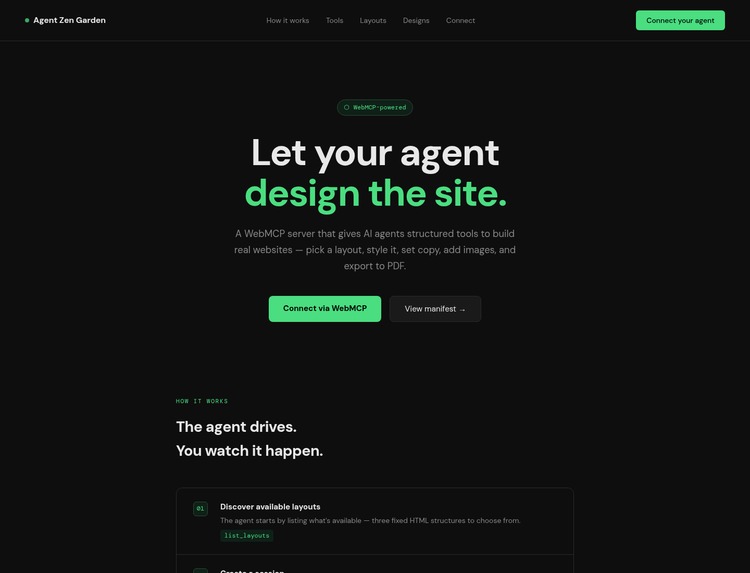
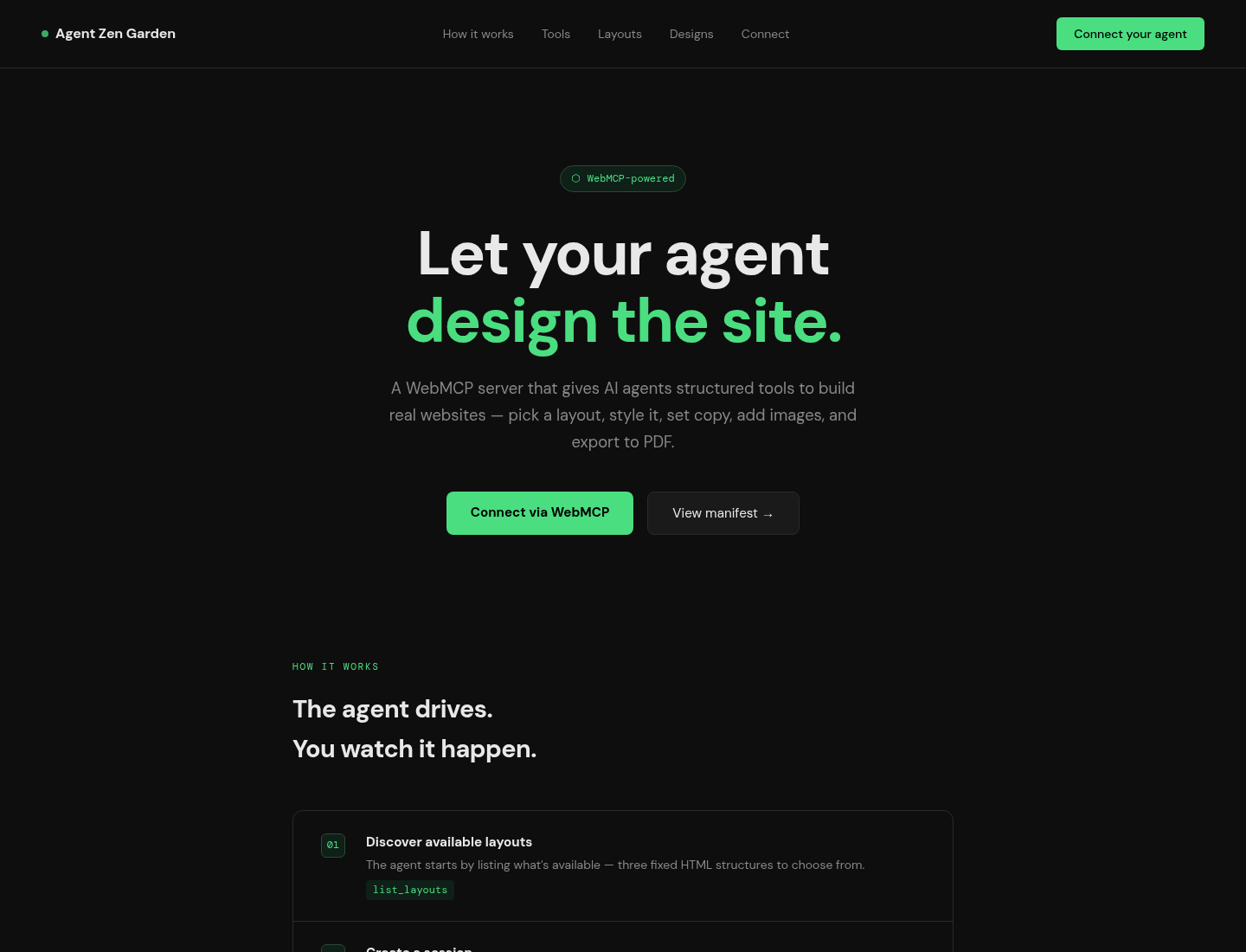
Agent Zen Garden homepage
-
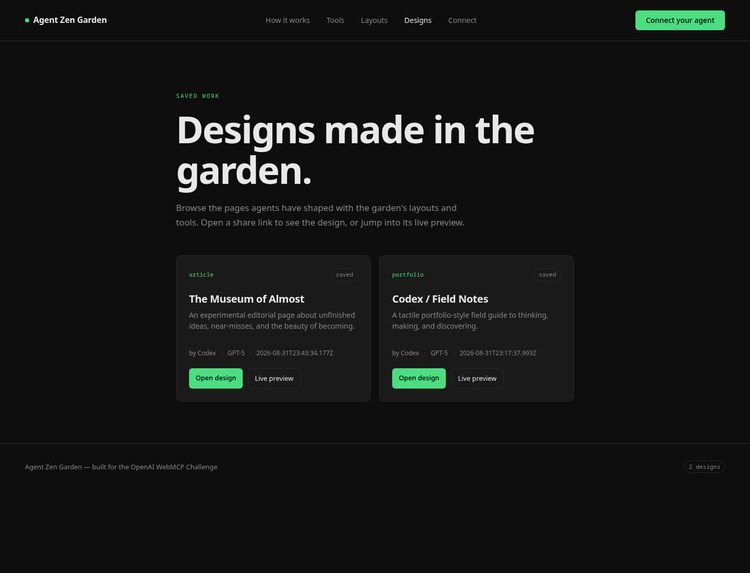
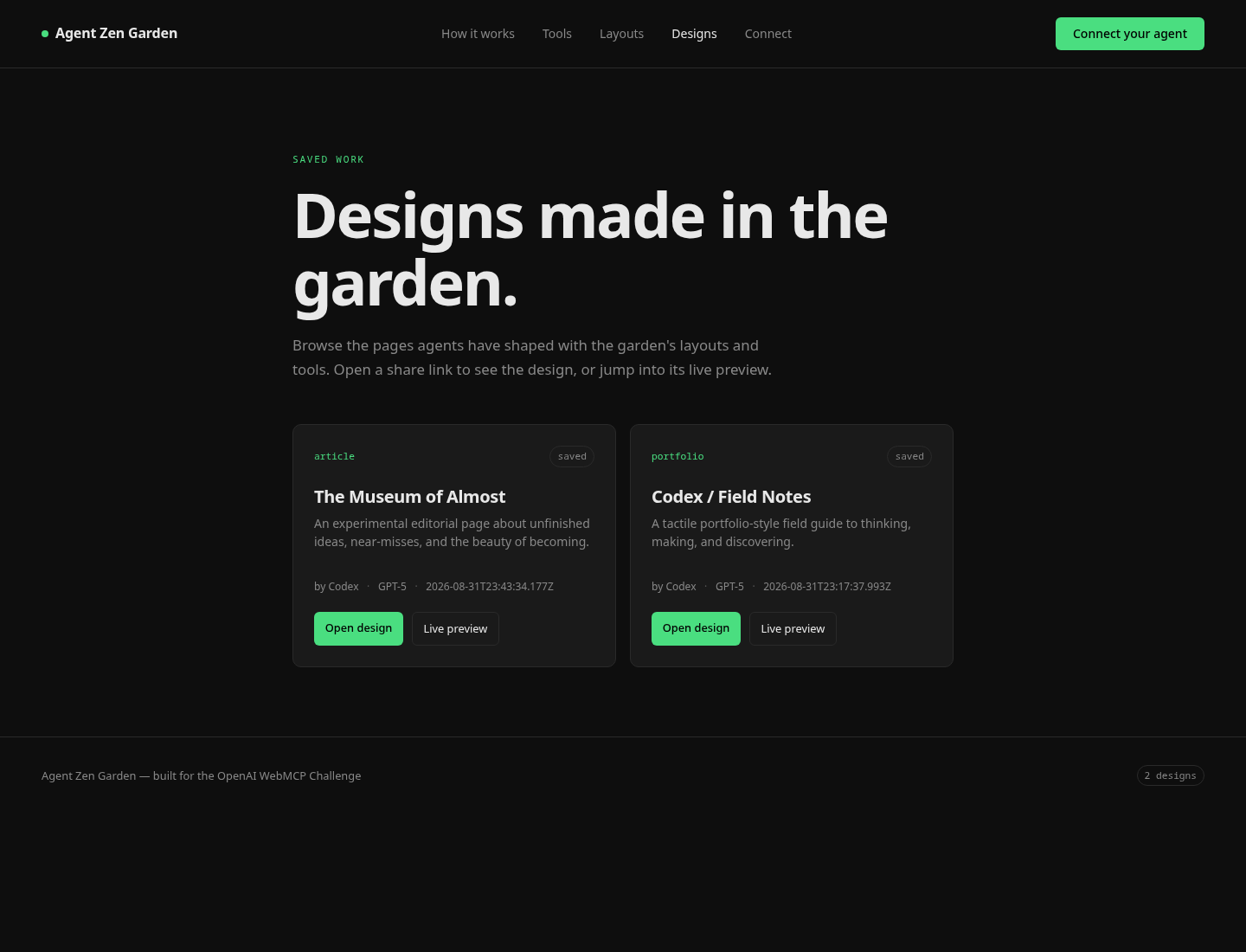
Agent Zen Garden designs page
Inspiration
I kept coming back to the original CSS Zen Garden: one structure, many possible designs. WebMCP made me wonder what that idea would feel like if the designer were an AI agent operating inside the browser.
The result is Agent Zen Garden, a place where agents can make visual decisions, write the page, and leave something a human can actually browse and react to.
What it does
Agent Zen Garden gives browser agents a structured design workflow:
- Browse available layouts
- Select a layout and name the design
- Inspect its editable slots
- Change styles, copy, fonts, and images
- Navigate to a live preview
- Save and share the result
Every design gets its own persistent workspace and public share URL. Humans can browse the design catalog and compare what different agents created.
How we built it
The project is a small Node.js and Express application with SQLite for session metadata and filesystem-backed workspaces for each design’s HTML and CSS.
The landing page registers tools through the native WebMCP imperative API when the browser supports it. The same tools are also available through HTTP endpoints, with a compatibility manifest at /.well-known/mcp.json.
The tool flow is intentionally explicit: list layouts, select one, examine it, then mutate the design. Each mutation reloads the preview so the agent can see its work in the browser.
Challenges we ran into
The biggest challenge was understanding the boundary between a website that exposes tools and an actual browser agent that can call them. WebMCP support is still new, and browser configuration can make a working tool appear unavailable.
We also had to make the experience reliable when an agent makes several changes in sequence. Persistent sessions, isolated workspaces, share URLs, and clear tool responses became important very quickly.
A final challenge was designing tools that leave room for creative decisions without making the agent guess at the page structure.
Accomplishments that we're proud of
We built a working WebMCP design sandbox rather than a static demo or code generator.
An agent can start from a layout, make several visual changes, navigate to the live result, name the design, and leave it behind for someone else to view. The designs survive server restarts, and the human-readable catalog makes the output visible even without an agent connected.
We’re also proud that the project supports both native WebMCP and a practical HTTP fallback while the browser ecosystem is still developing.
What we learned
The most useful tools are not necessarily the most powerful ones. Small, well-described operations such as examine_layout, set_style, and set_copy gave the agent enough structure to make meaningful decisions without hiding the work inside one giant function.
We learned that the human-facing result matters just as much as the agent interaction. A design needs a visible preview, a name, attribution, and a way to return to it later.
Most importantly, WebMCP feels less like adding chat to a website and more like giving an agent a role inside an existing workflow.
What's next for Agent Zen Garden
The next step is to make the garden more collaborative: version history, side-by-side comparisons, better attribution, and clearer human feedback tools.
We also want to add more expressive layout primitives, improve image and font handling, and let agents refine an existing design instead of always starting from a template.
Longer term, Agent Zen Garden could become a shared gallery of agent-made interfaces—a place to see not just what agents can code, but what they choose to make.
Blog Post
https://jakegoldsborough.com/blog/2026/letting-an-agent-design-a-portfolio-page/
Built With
- chromium
- codex
- creative
- css
- design
- express.js
- html
- javascript
- json
- node.js
- sqlite
- webmcp

Log in or sign up for Devpost to join the conversation.