-
-
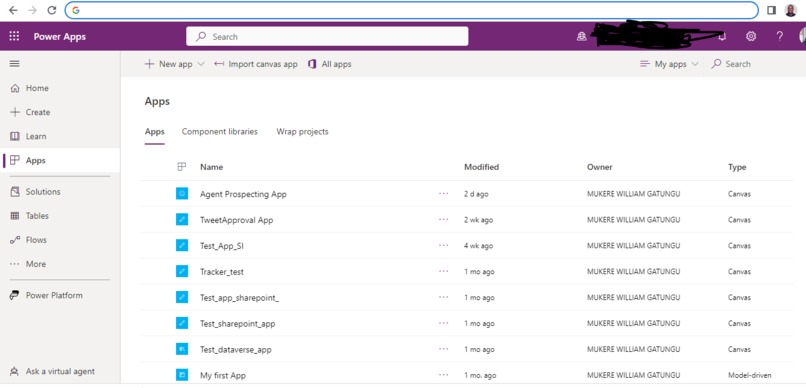
Where Agent Prospecting App is stored(Enviroment)
-
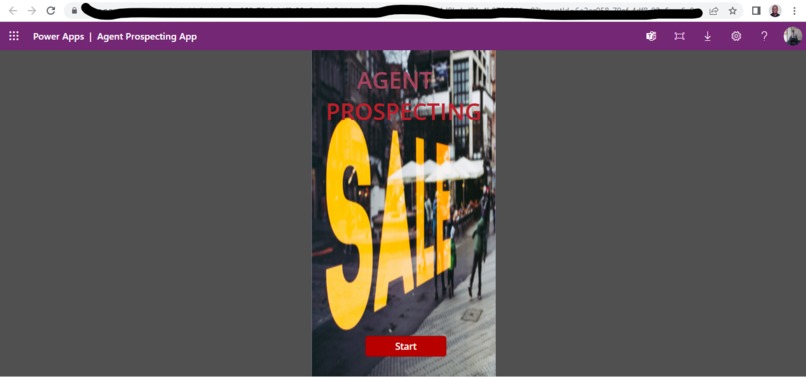
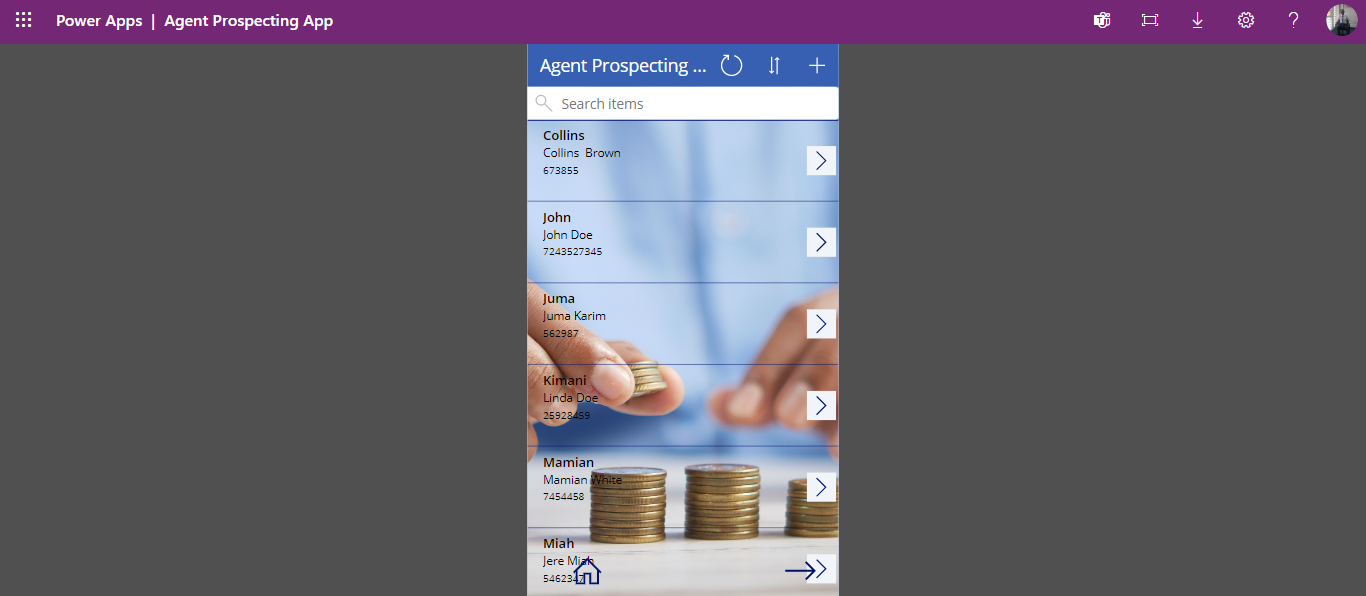
Home Page
-
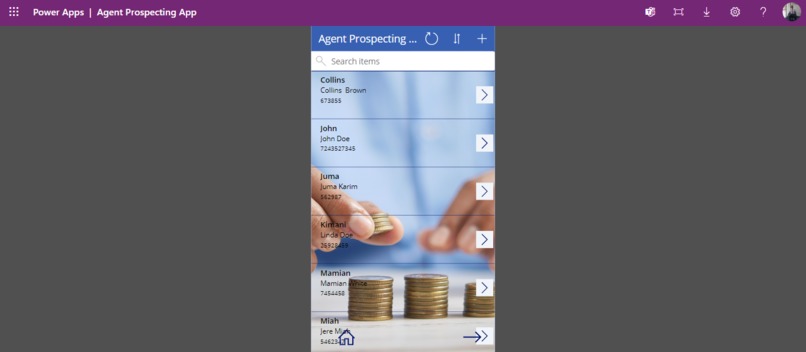
Browsing Page
-
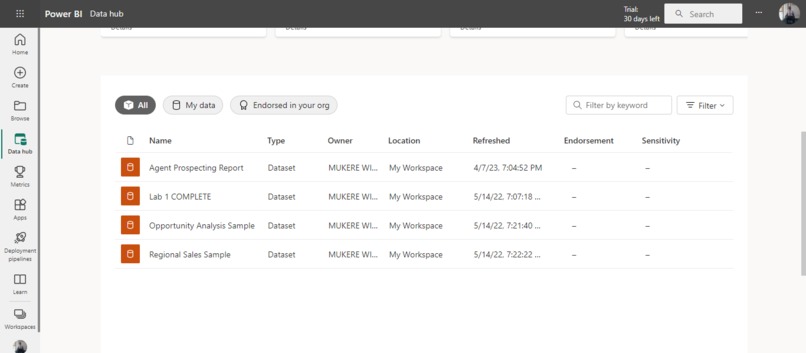
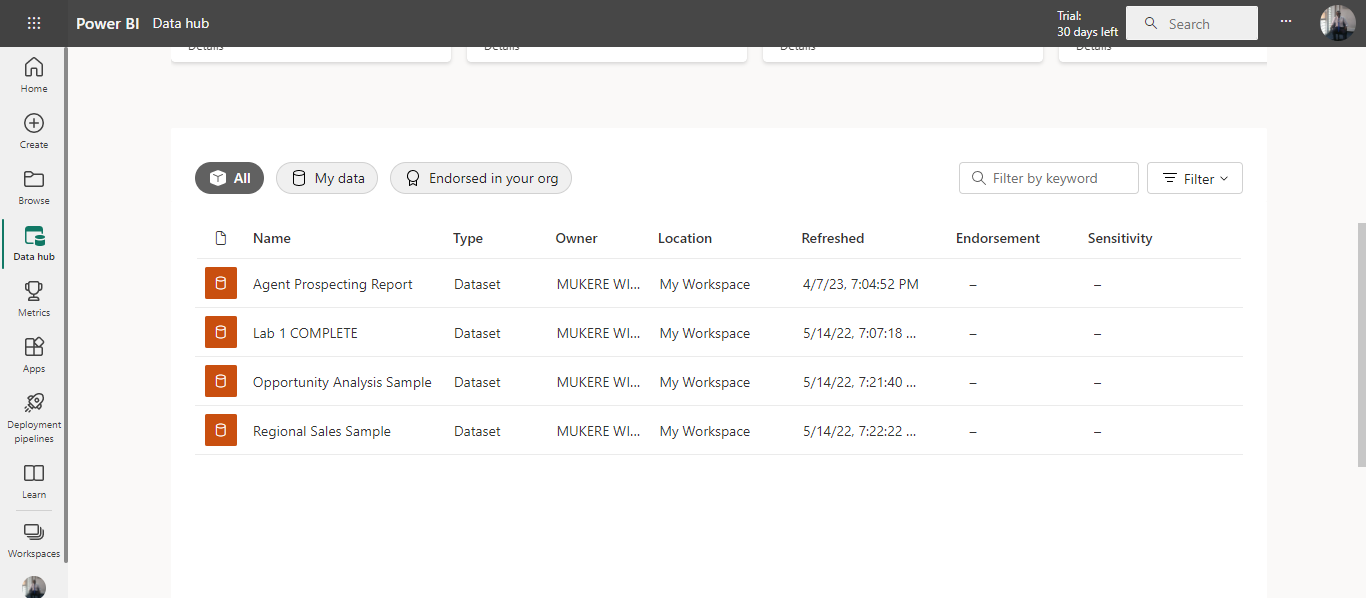
Power Bi Data Hub
-
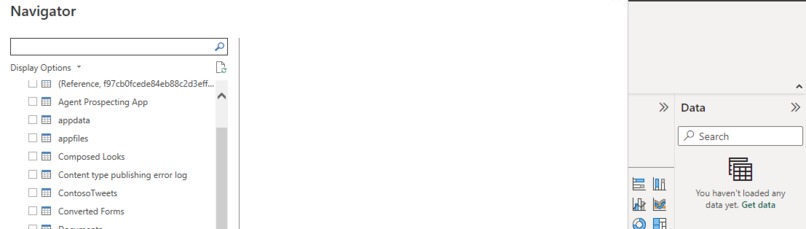
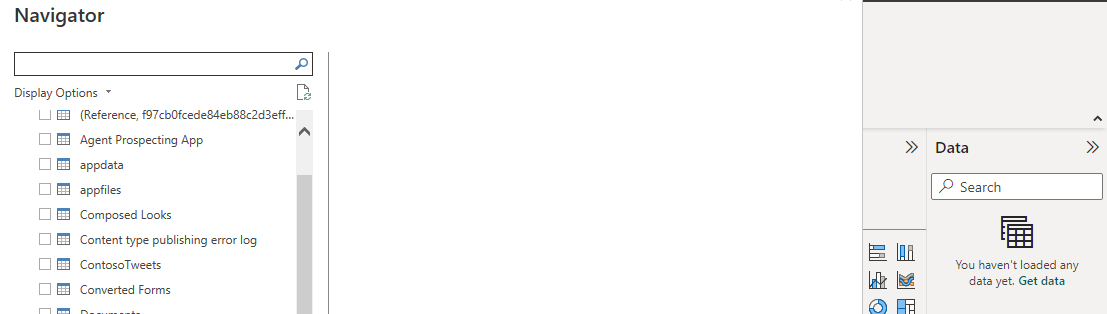
Power Bi navigator
-
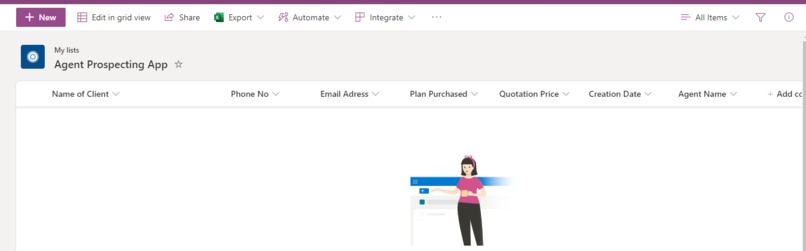
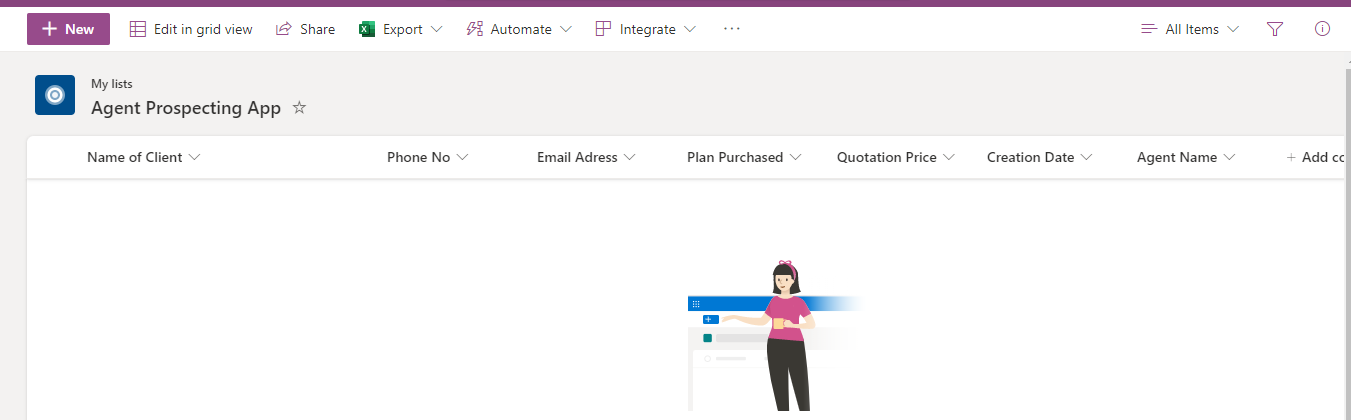
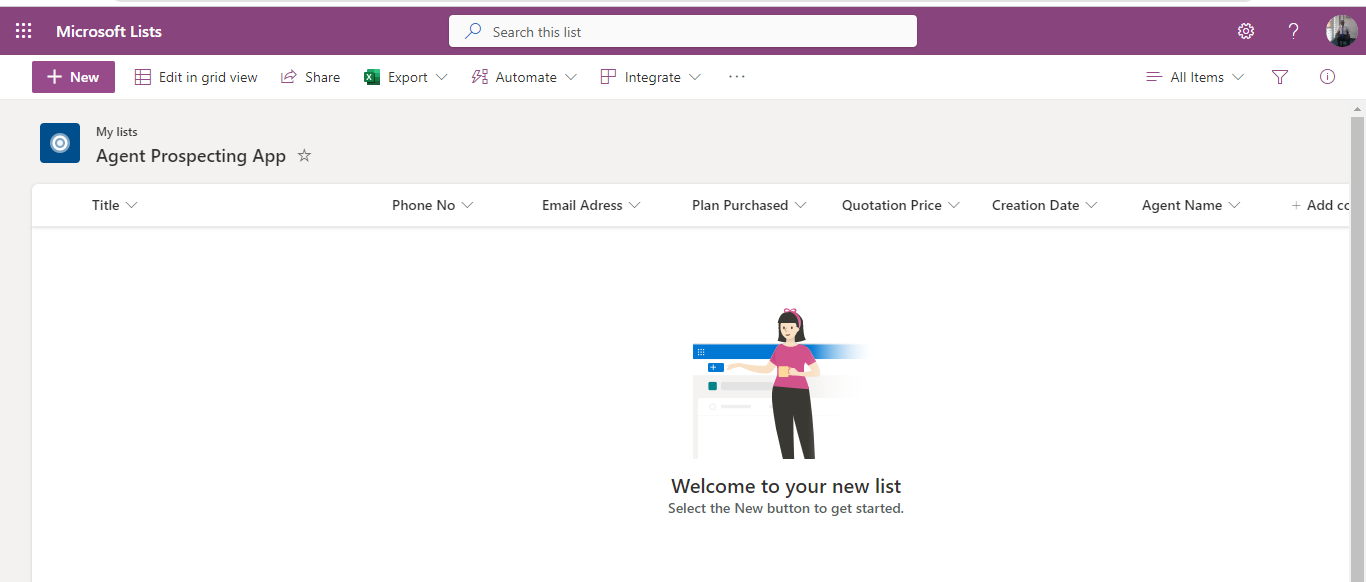
List_Agent_Propecting_App
-
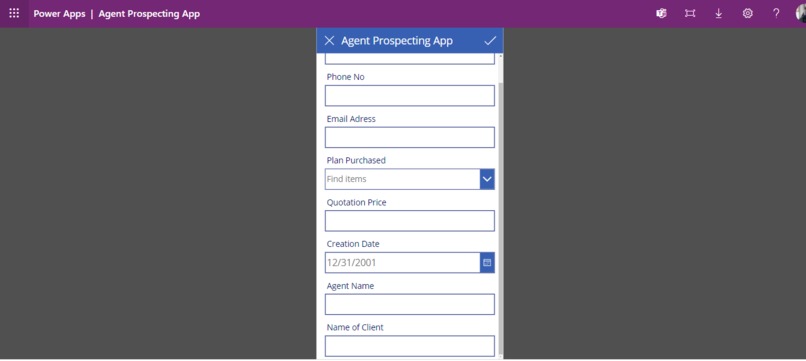
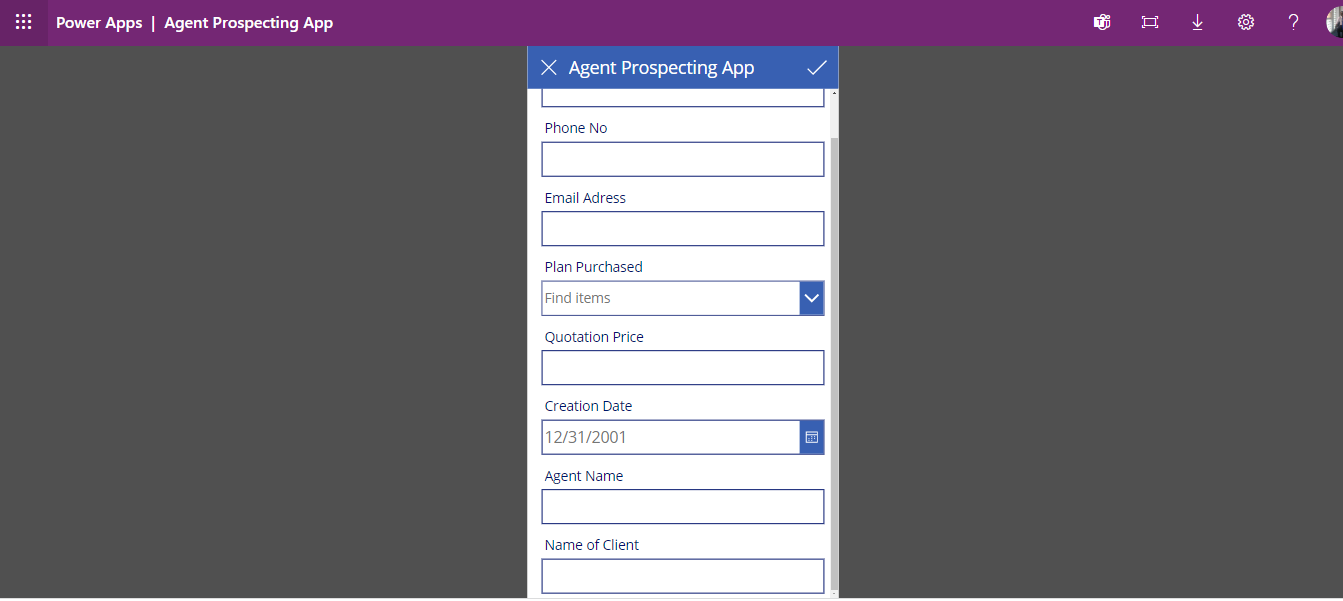
Data entry page
-
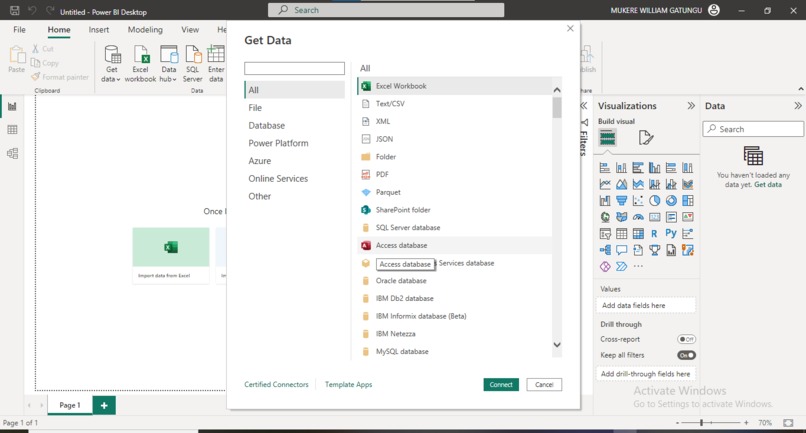
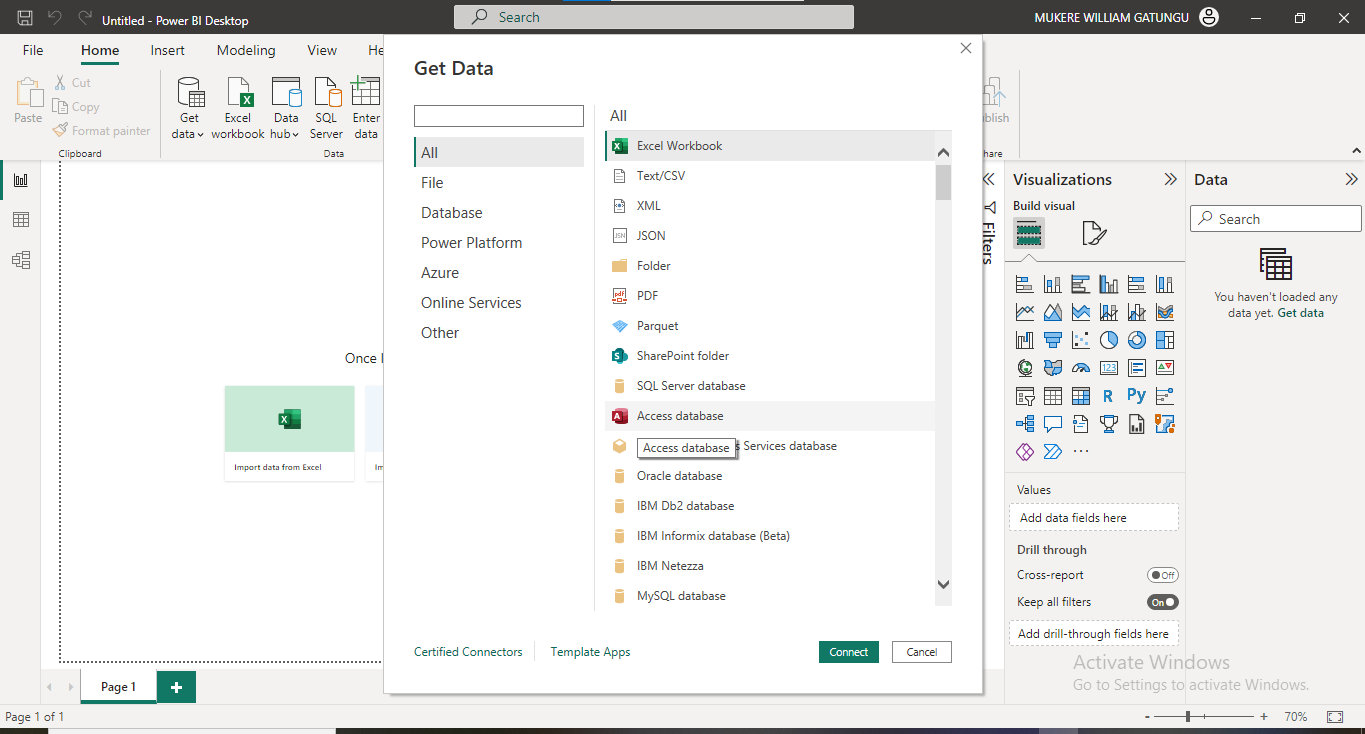
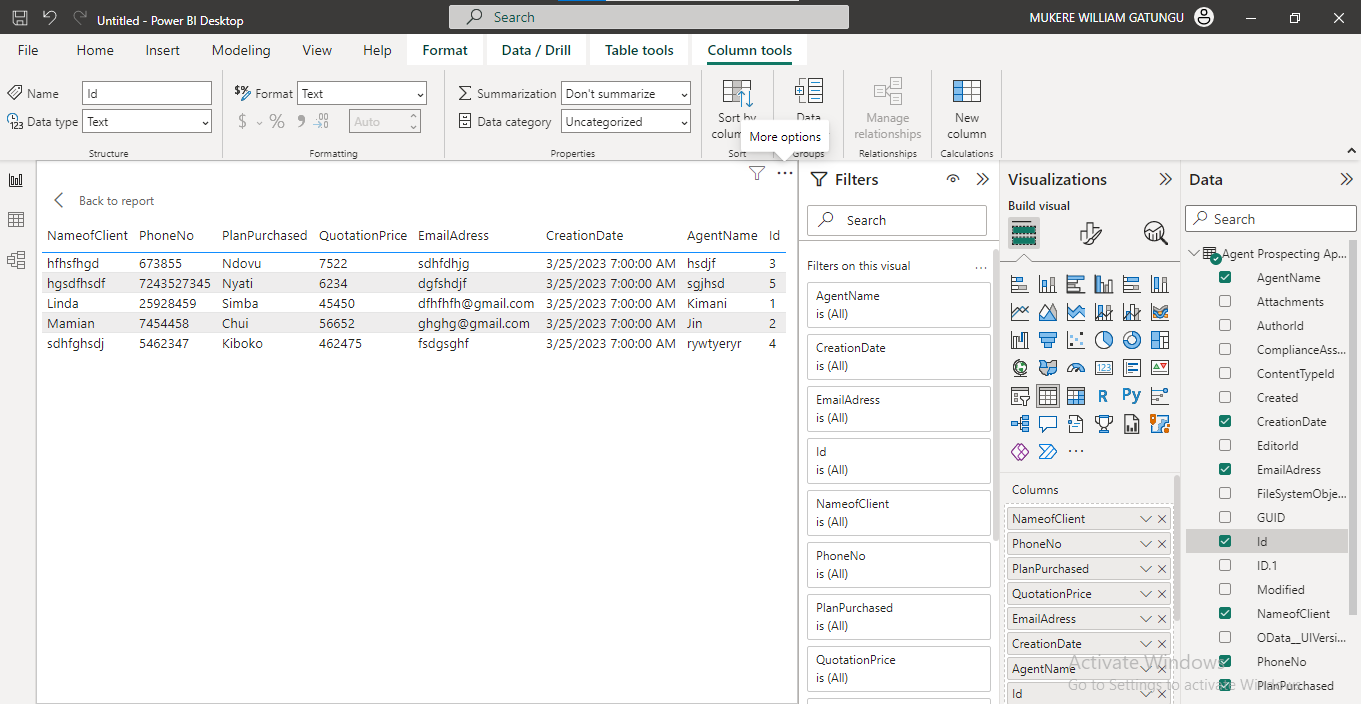
Getting Data
-
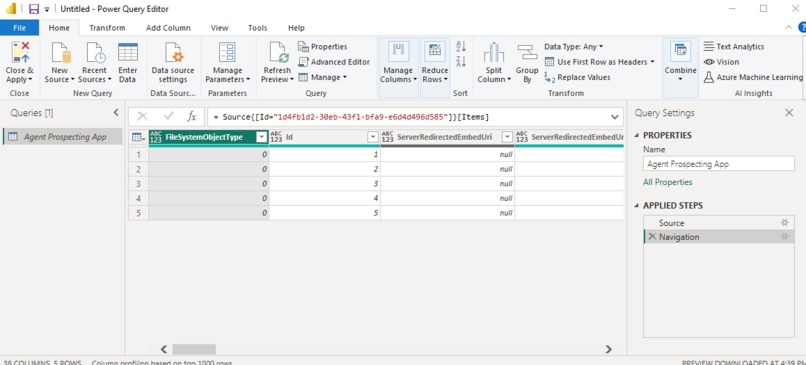
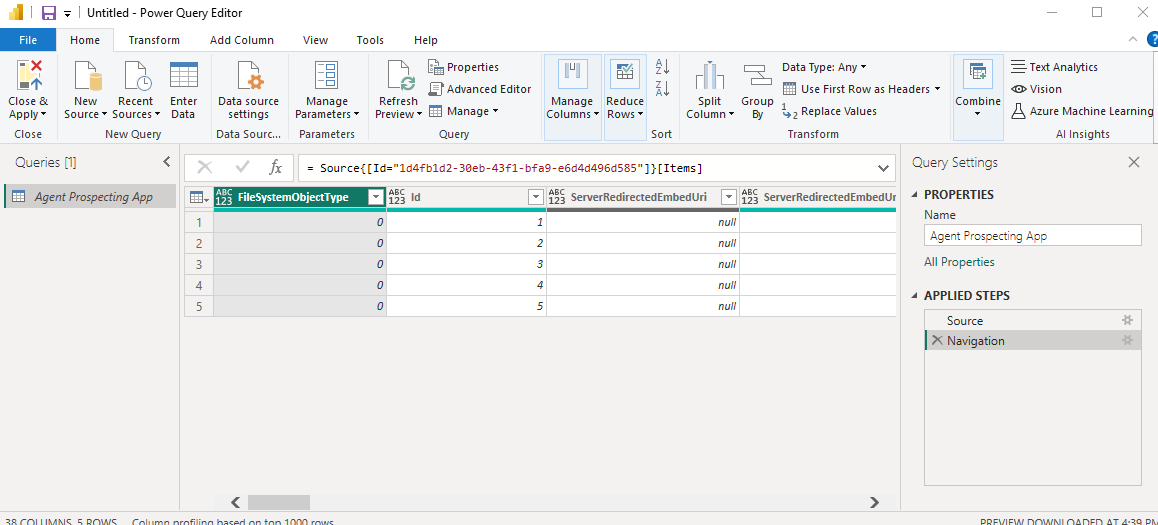
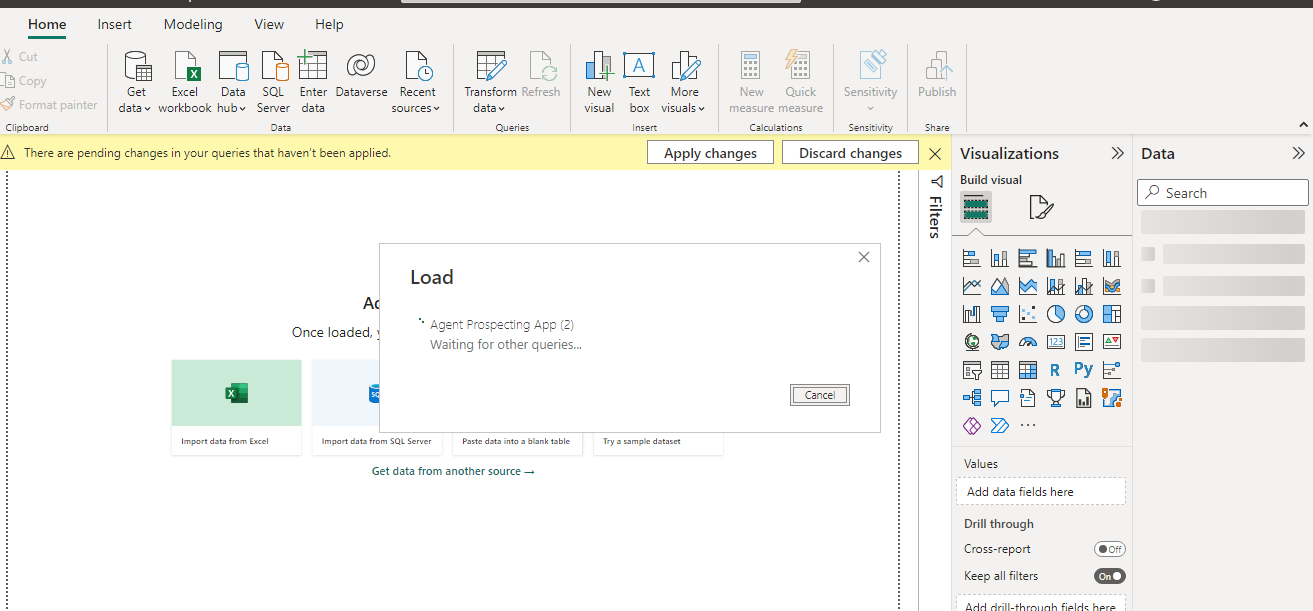
Loading and transforming data
-
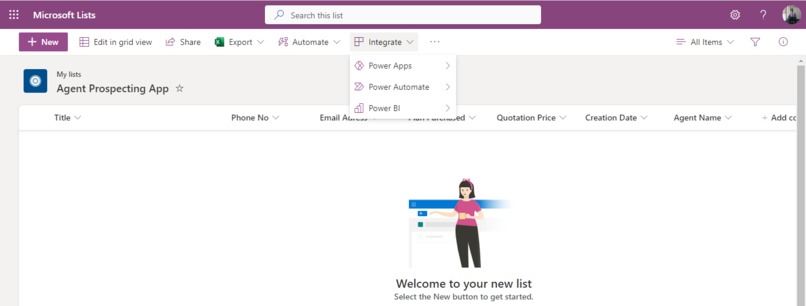
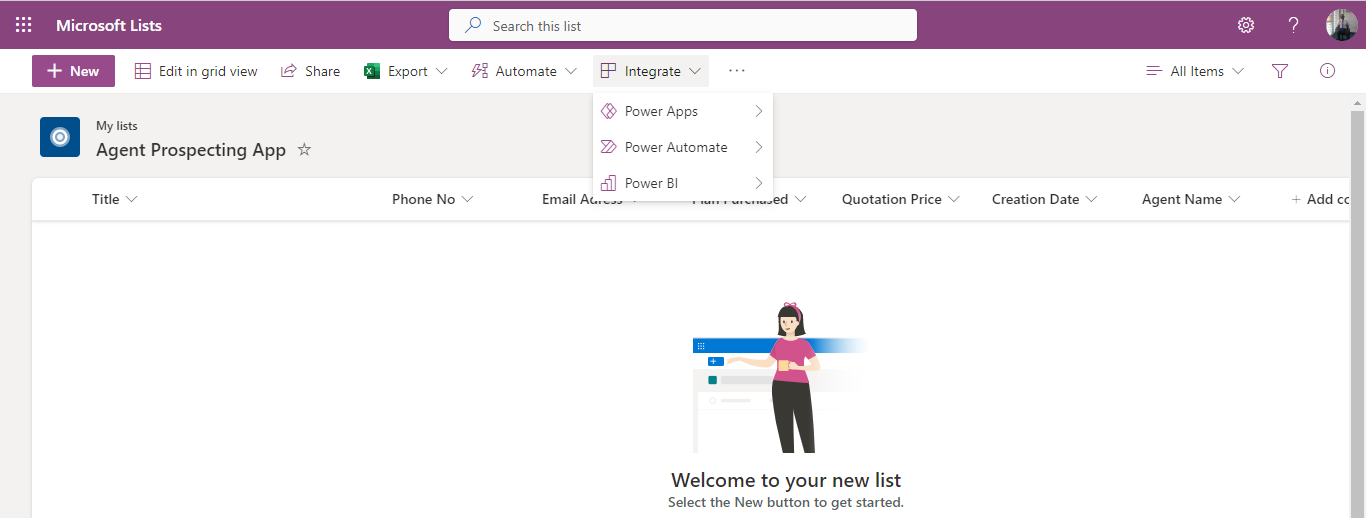
Integrate_with_PowerApp
-
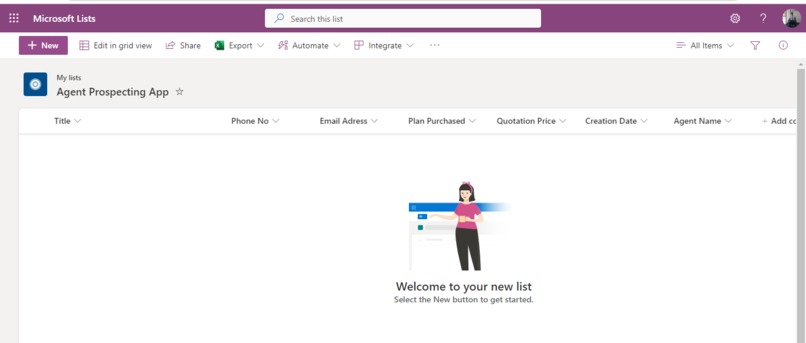
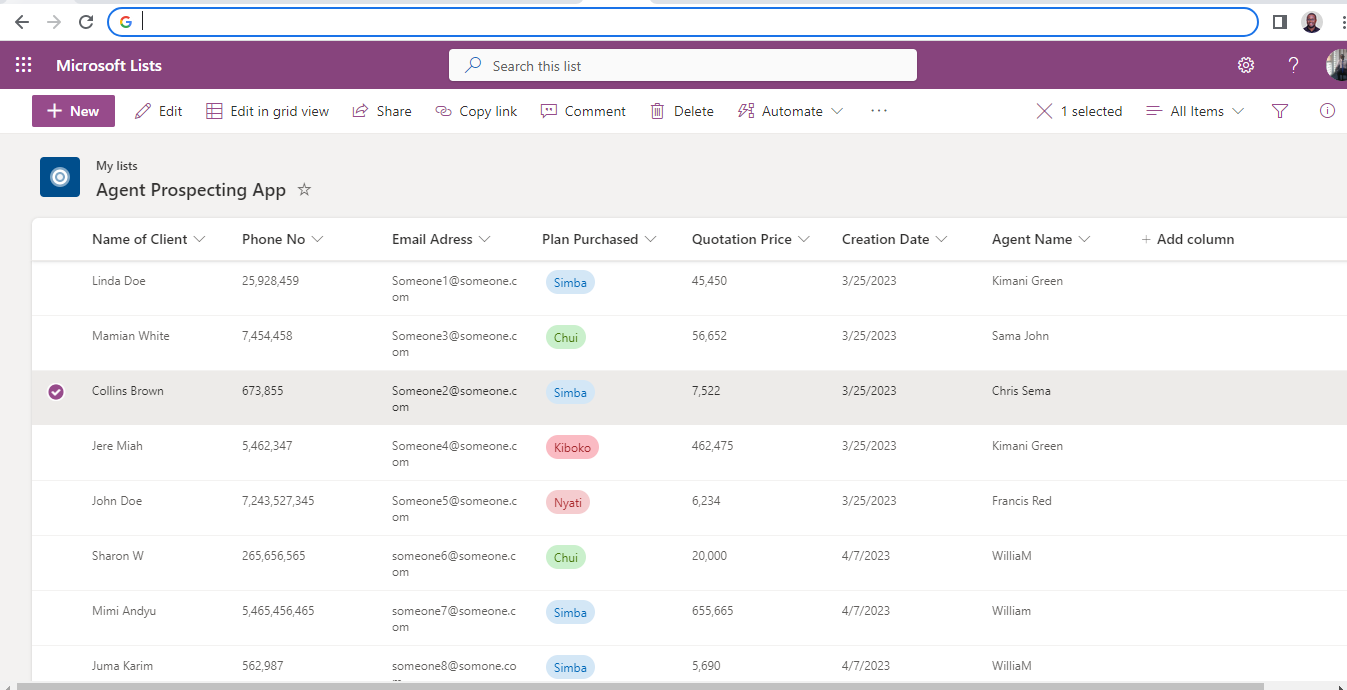
sharePoint List
-
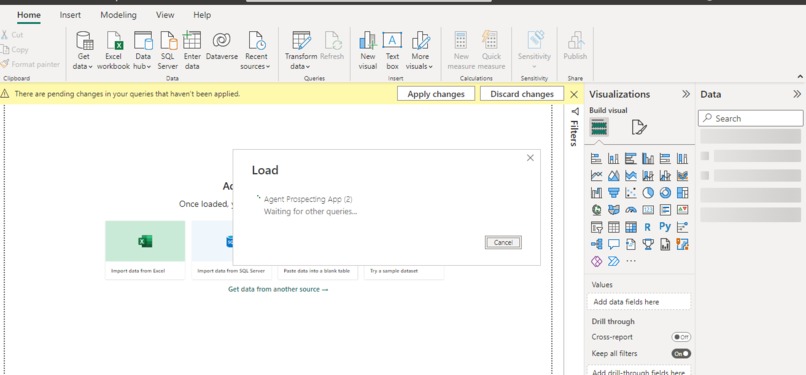
Getting data
-
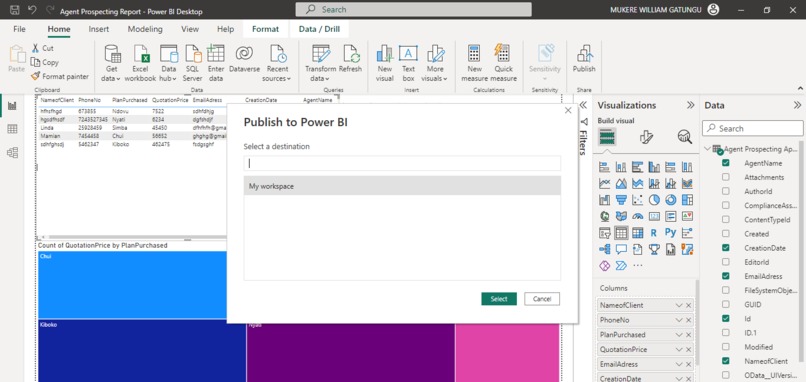
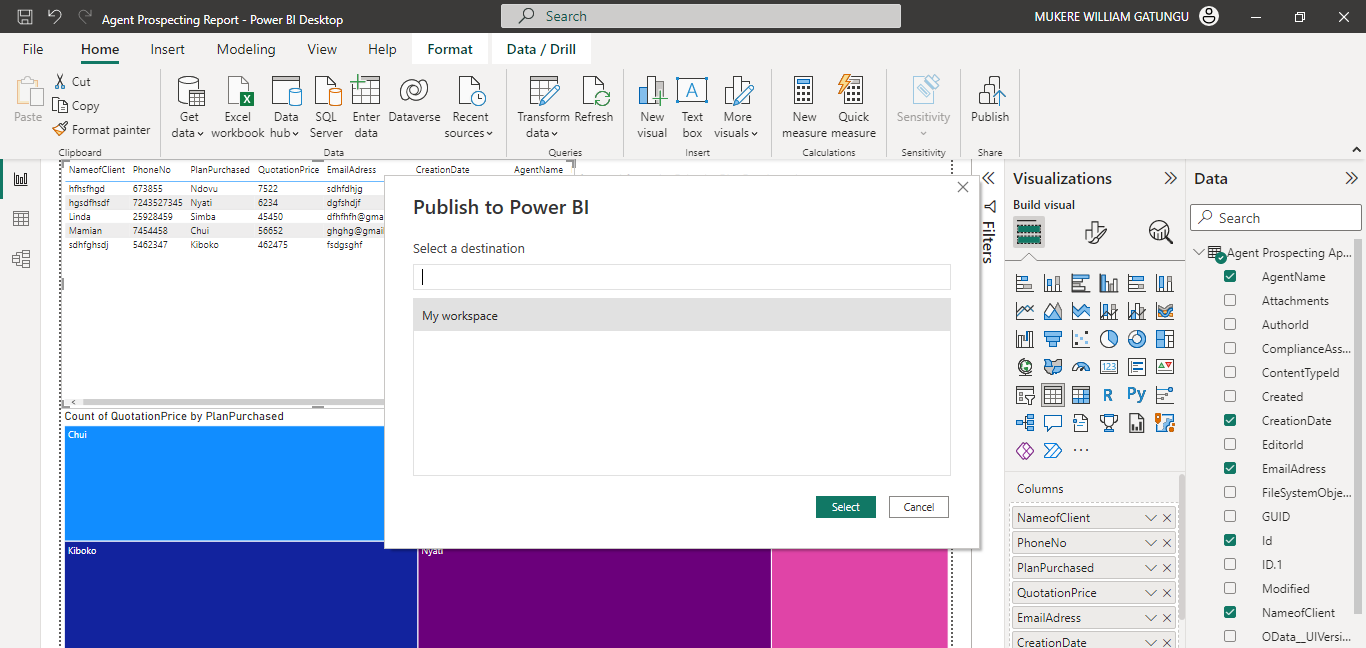
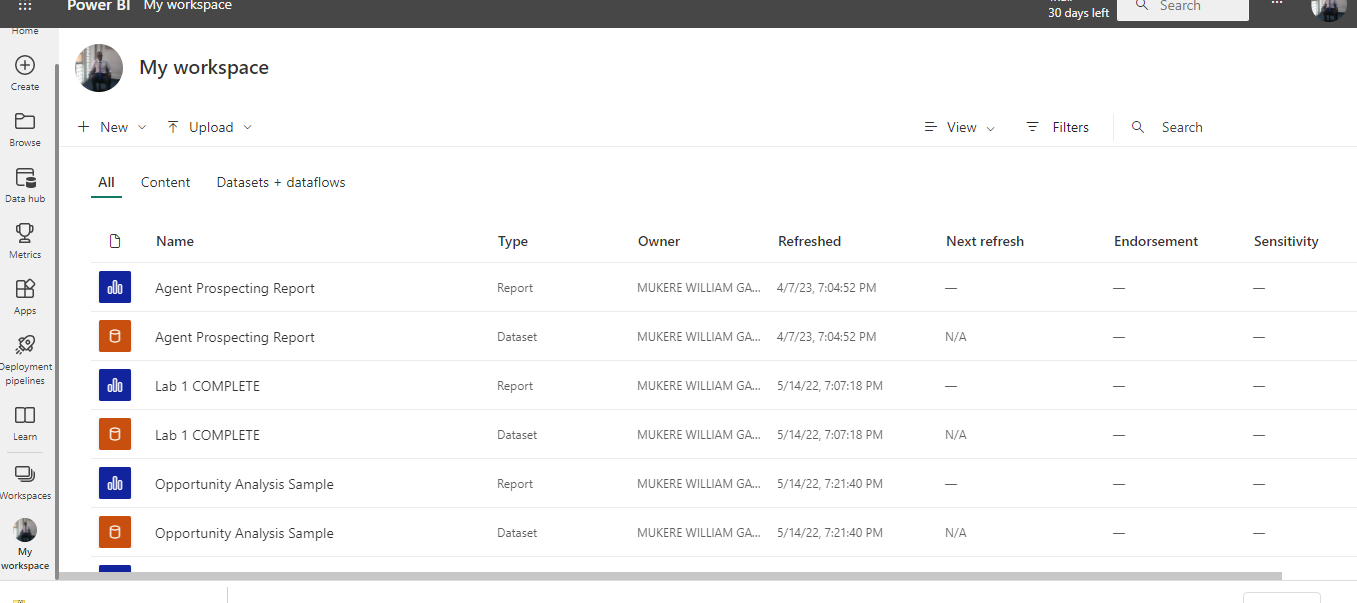
Publishing report to Power Bi online services
-
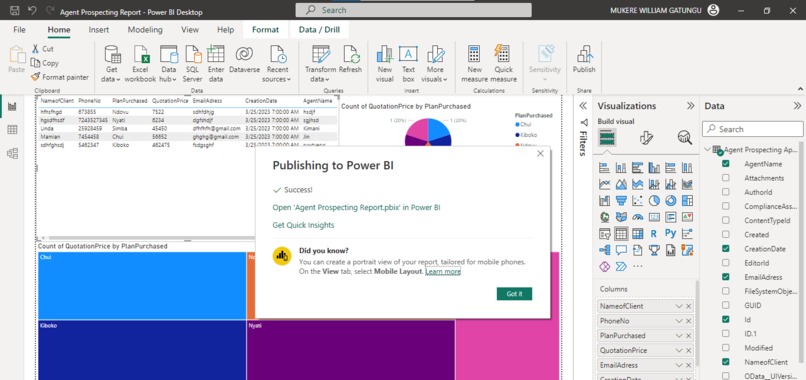
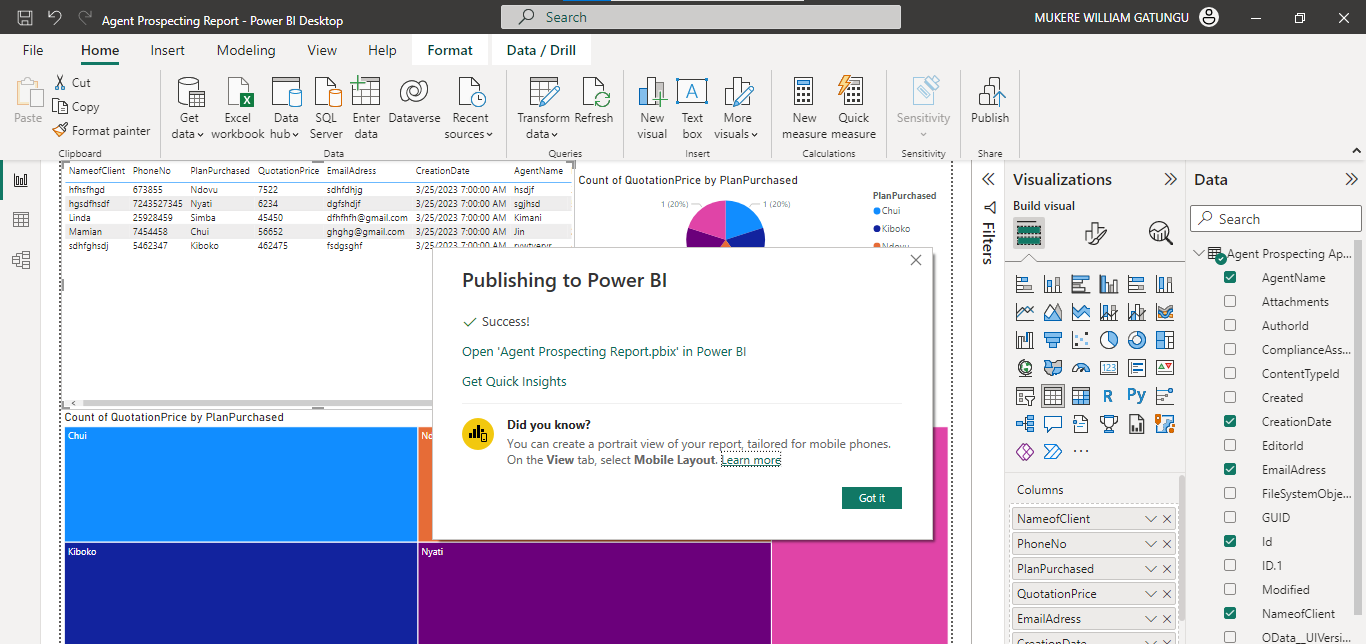
Report Published
-
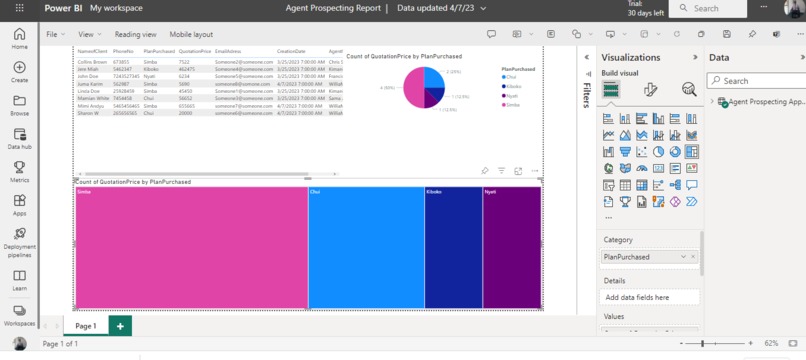
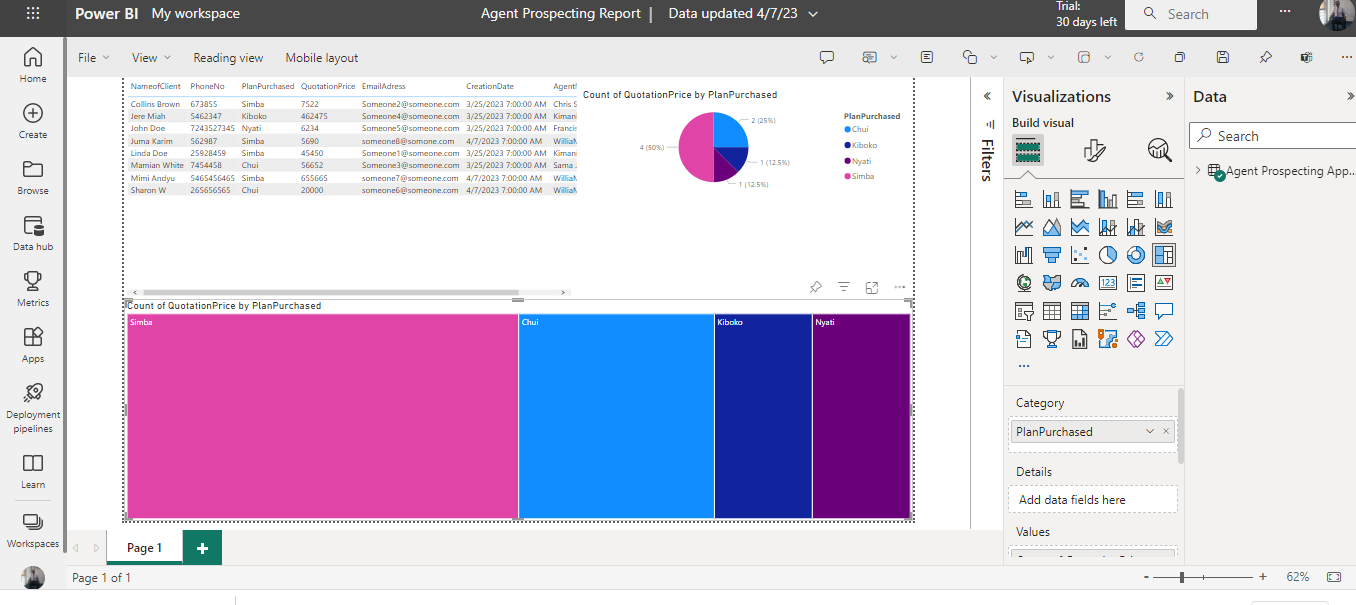
Report View in Power Bi
-
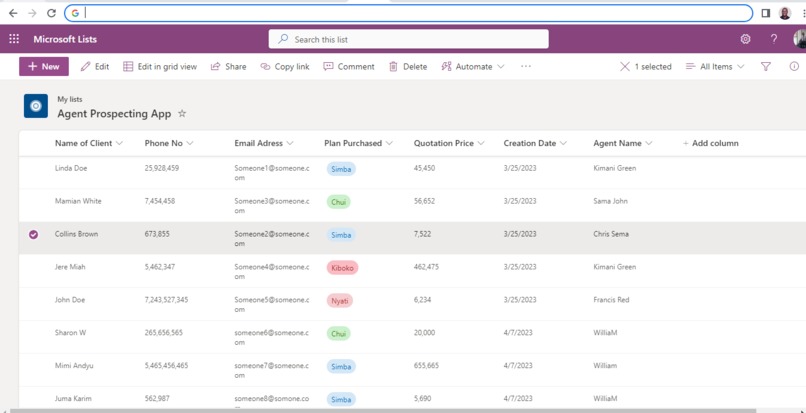
SharepointList
-
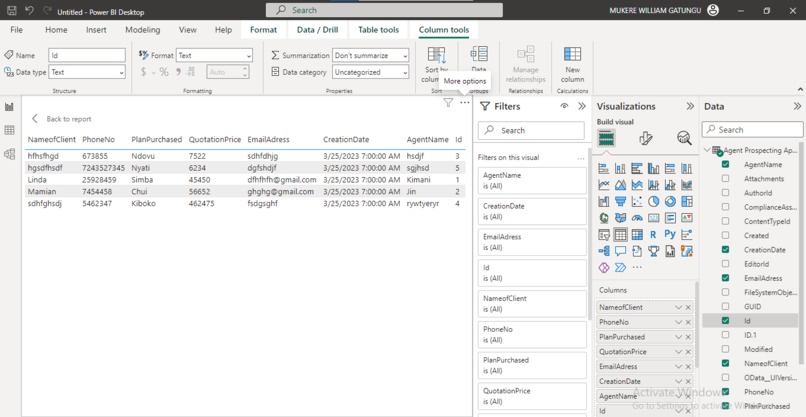
Data Before Visuals in Power BI Desktop(test data)
-
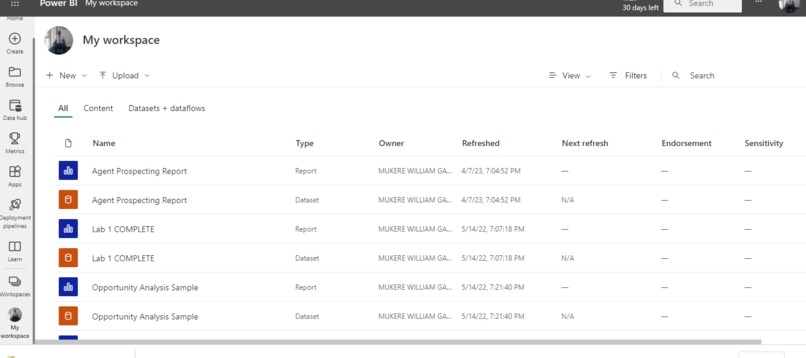
My Workspace in Power Bi
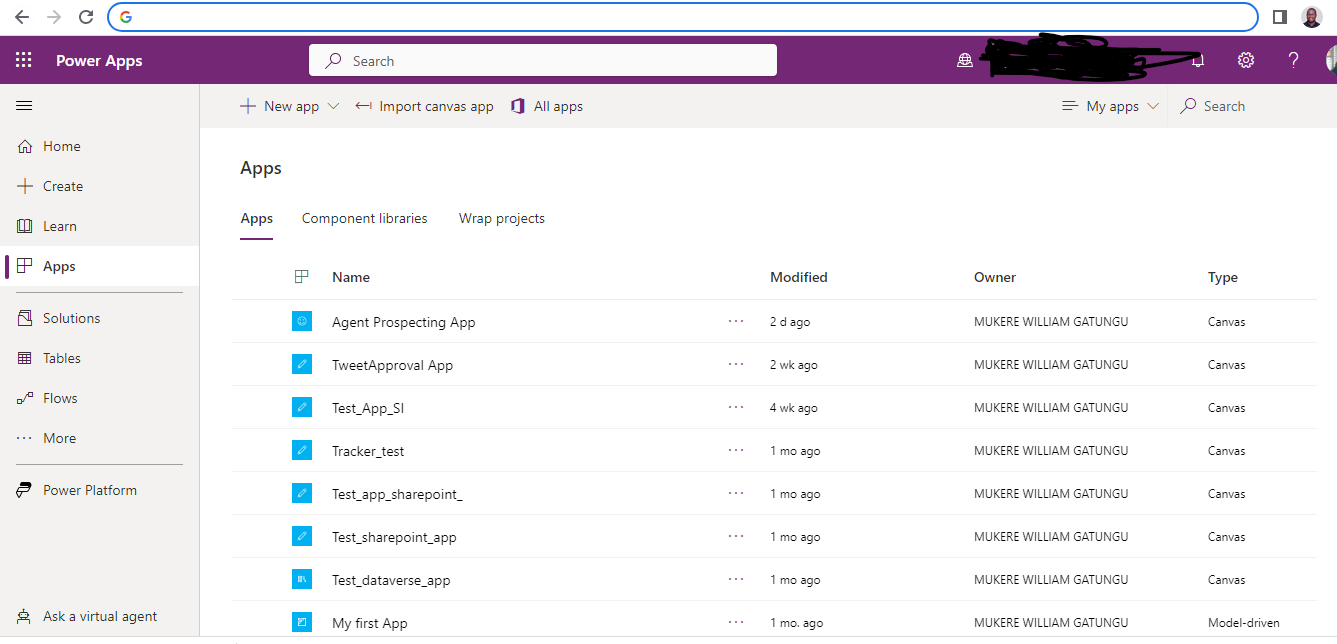
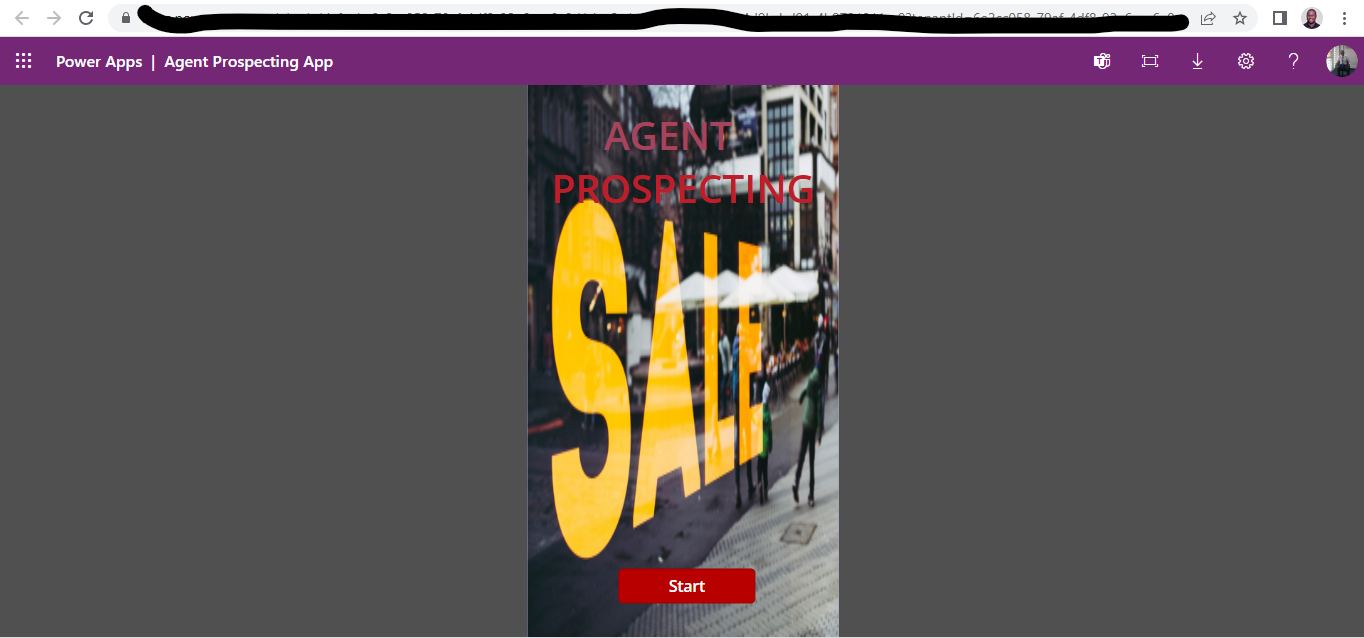
Agent-Prospecting-App
This App is created using Microsoft Power platform tools
Use Case Description
The app is suitable for an insurance company seeking to know the number of potential clients that its agents interact with at a certain point in time.
App functionality
a. The app allows the agents to collect the details of potential and store it in database linked to the app.
b. The app allows agents to access stored information for their specific potential clients and leads in order to make follow up calls.
c. It has dashboard that allow the management team to get real time visualization of what is happening in the market.
d. The app has a feature of status of client, whether a client has decided to purchase a plan.
Components & Services
Power Apps
- Mobile Application
SharePoint
- SharePoint list
Power BI
- To show dashboards for performance to the management
Power Automate (schedule for Phase 2)
- Send email notifications to the agent when a client accept a plan
Inspiration
Agents struggle with managing large amounts of data or keeping track of leads. There is a need for an app that is easy to use and intuitive which delivers real value and solves agents' pain points. Need to make organized client follow ups
What it does
This app addresses these challenges by providing tools for organizing and analyzing data, and provide management with uptown date information of what is happening on the market including performance of different products.
How we built it
We first created SharePoint list, which we then use to create power app. The SharePoint list acts as our data source and also act as our backend, we then modify and customize user interface of our app. We tried to create design using figma but the implementation was not what we expected so we instead did the customization using tools already provided under power app studio. We then connected our SharePoint list to power Bi for management access to data. We started by connecting SharePoint list through power Bi desktop, then loaded and transform data using power query inbuild in power Bi desktop, after that we created a visuals and published the report on powerBi online services for access by the management.
Challenges we ran into
We had challenges of integrating data from SharePoint to Power BI but after reading several documentation published online and watching YouTube tutorials we were able to integrate the power Bi, power app and SharePoint list. Also due to time we not able to add power automate features, but we have set the same for phase 2 of the project.
Accomplishments that we're proud of
The app can automate many of the time-consuming and repetitive tasks involved in identifying and contacting new prospects, such as data entry, lead scoring, and follow-up reminders. This can free up agents' time and allow them to focus on higher-value activities, such as building relationships and closing deals.
What we learned
Through building the app we have developed skills in user research and data management. We understood the importance of data, data integration, security features. We were able to learn how to integrate power Bi and also create visualization. We learn that sometimes refresh of data in power BI may fail due to changes in credential of data sources.
What's next for Agent Prospecting App
We are planning to add power automate to be able to send notification to business users of leads that are being closed, that will lead to speed up of activation process. Also in subsequent update we are planning to add feature that will allow agents to be notified once policy is active and at renewal.
Built With
- power-app
- powerbi
- sharepoint


Log in or sign up for Devpost to join the conversation.