## Inspiration
I had built Agent OS, a Chrome extension that sends AI web agents to several websites at once — compare fares, research a company, find jobs. It worked on my laptop, but it had the classic post-code problems:
- Two API keys were hard-coded in the extension's JavaScript — in a public repo.
- No tests, no pipeline, no deployment — every change was manual and risky.
- Website results were inserted into the page with
innerHTML(an XSS risk).
The hackathon question — what happens after the code is written? — was exactly my problem. So I turned Agent OS into a real web product and let GitLab Duo agents take over the post-code lifecycle.
## What it does
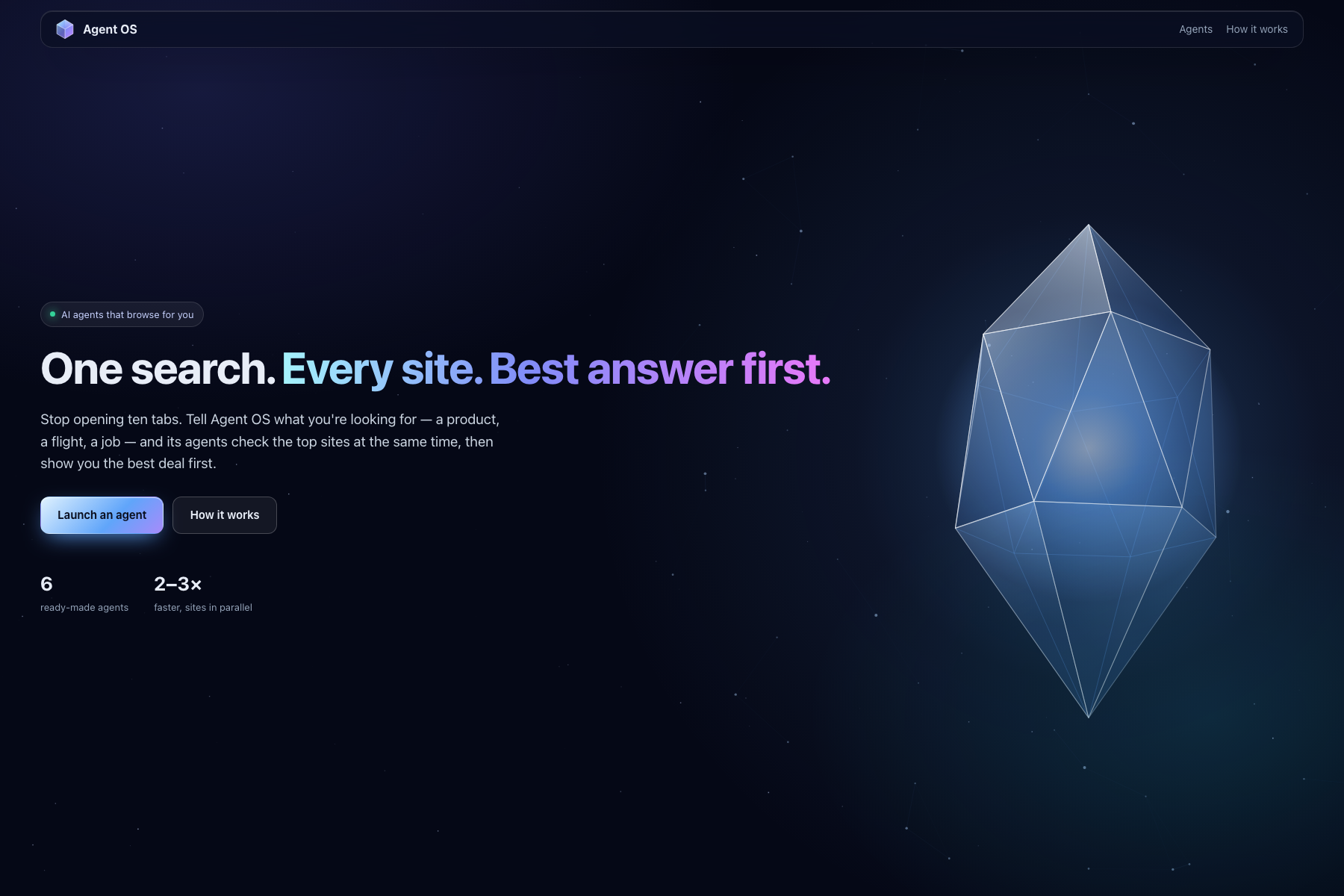
Agent OS — One search. Every site. Best answer first.
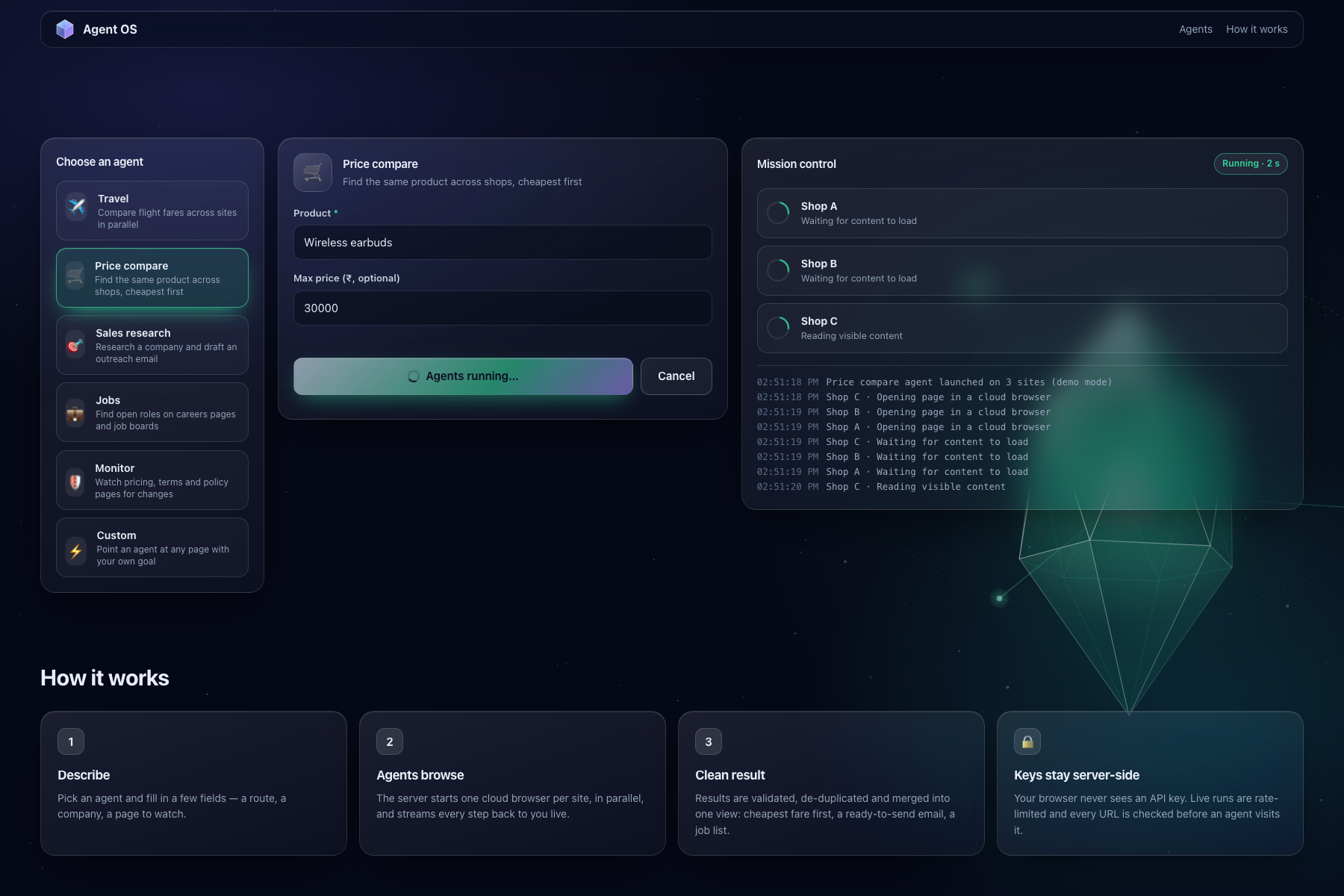
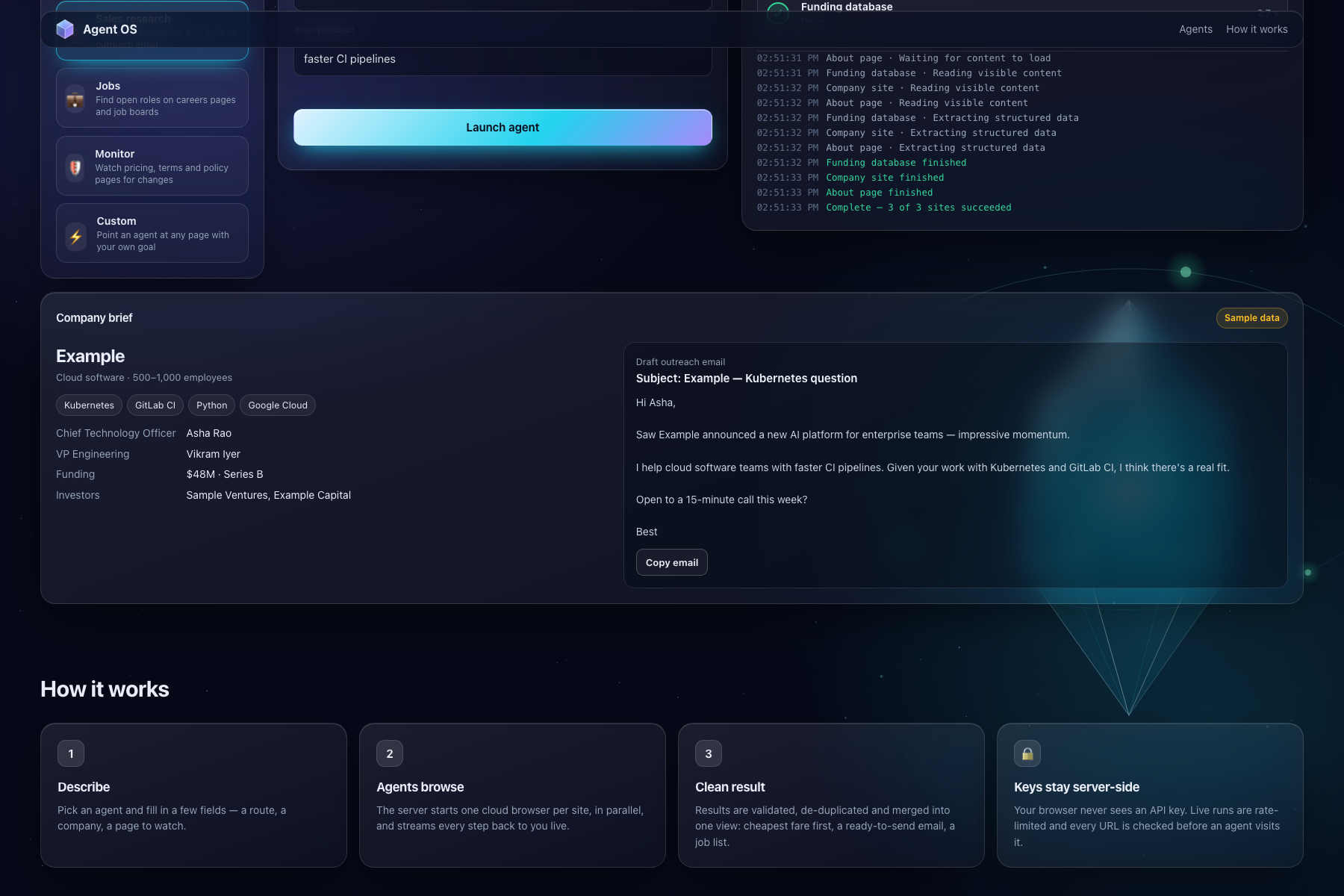
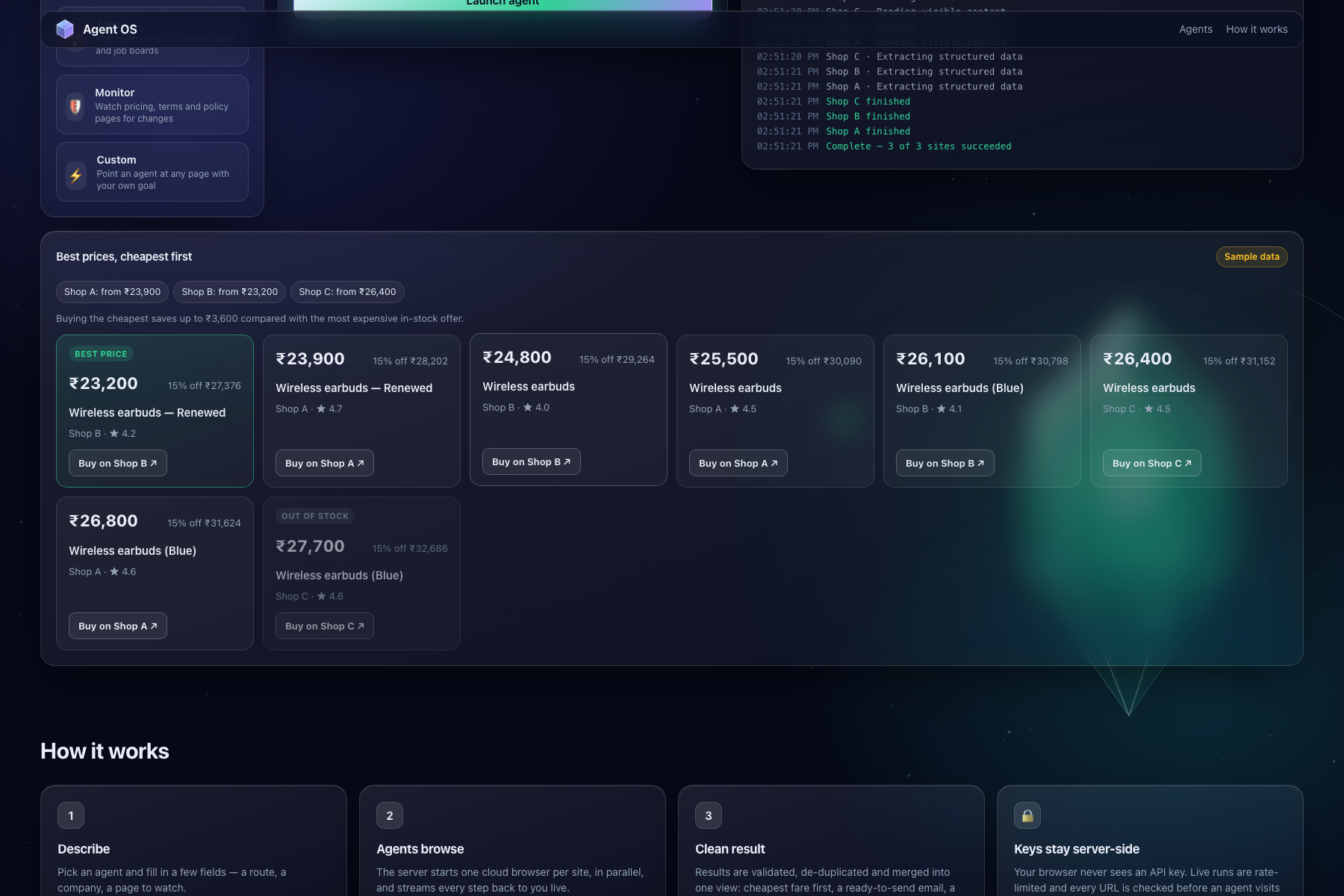
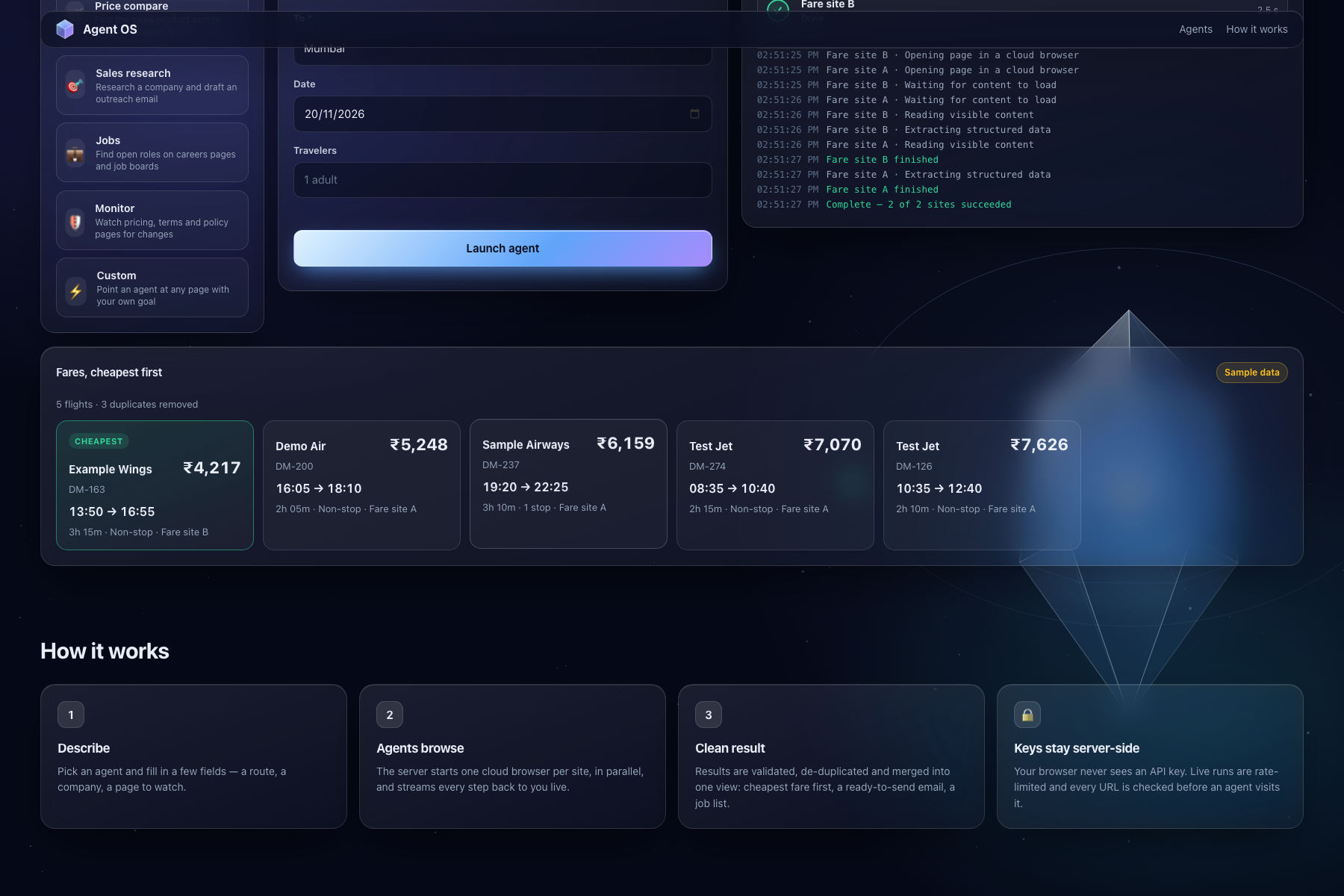
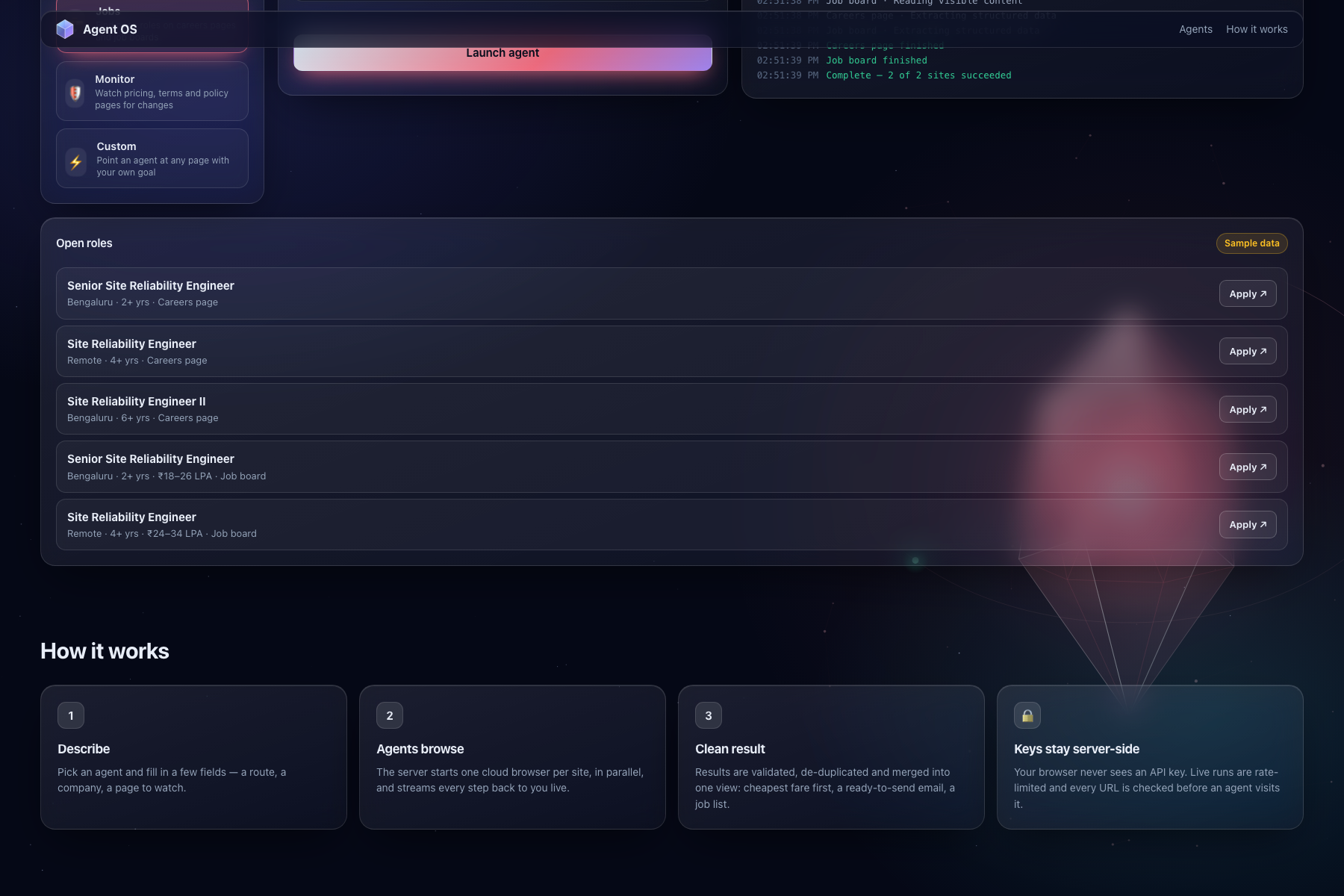
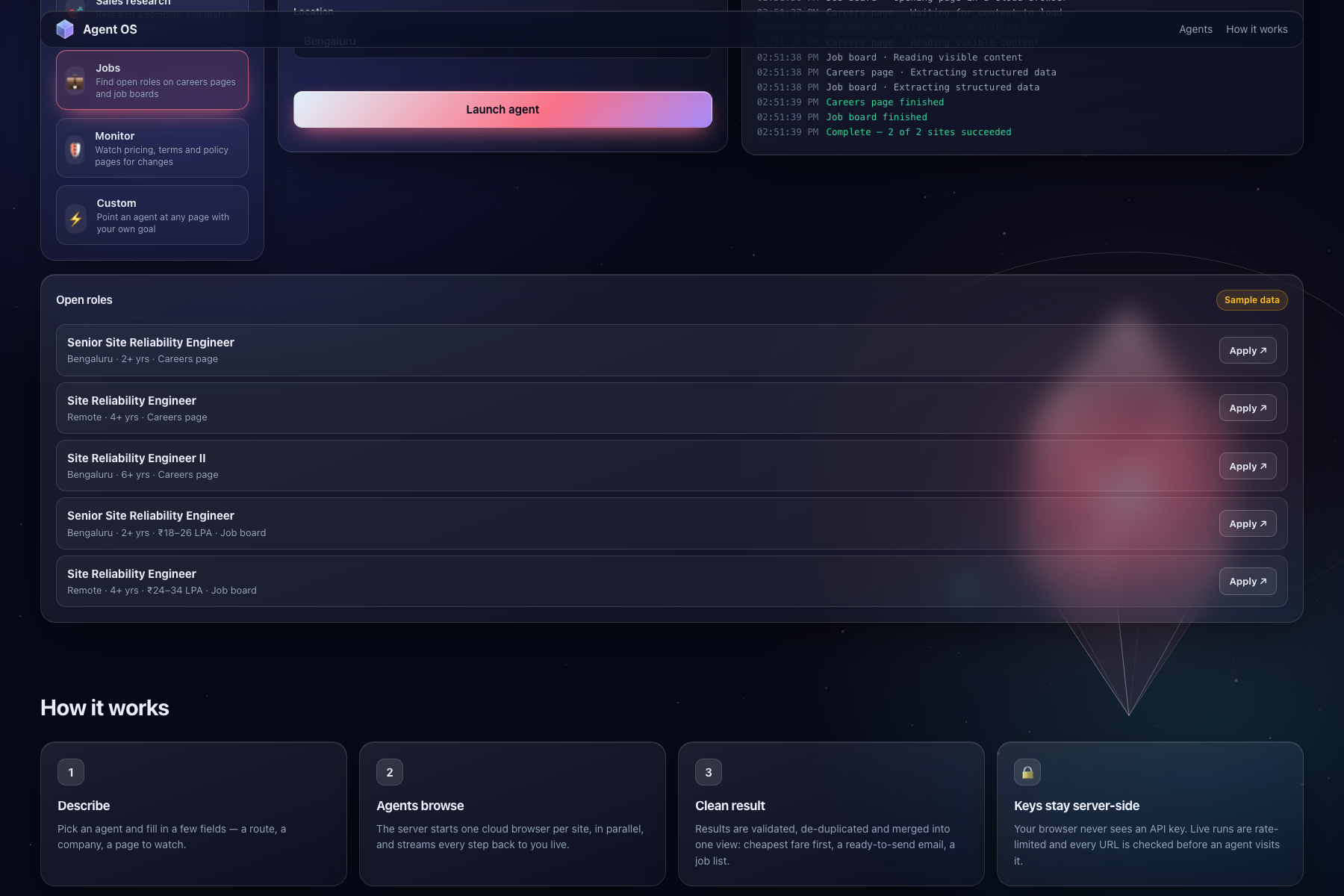
You describe what you need — a product, a flight, a job, a page to watch. The server starts one cloud browser per site in parallel, streams every step live, and merges everything into one clean answer:
- 🛒 Price compare — the same product on Amazon, Flipkart and Croma, cheapest in-stock first, with "Buy on shop ↗"
- ✈️ Travel — fares from two sites, sorted and de-duplicated
- 🎯 Sales research, 💼 Jobs, 🛡️ Monitor, ⚡ Custom
Because sites run in parallel, total time depends on the slowest site, not the sum:
$$ T_{\text{parallel}} = \max_{i} t_i \qquad\text{vs.}\qquad T_{\text{sequential}} = \sum_{i=1}^{n} t_i $$
Three shops at ~60 s each take ~1 minute instead of ~3.
Behind the app, GitLab automates everything after the code is written: tests, image builds, security scans, deployment to Google Cloud, health checks — and Duo agents that turn findings into issues and fixes. [TODO: finalize once Duo flows are built]
## How we built it
The app (new for this hackathon)
- 3D glass UI on a plain
<canvas>, no libraries: a rotating crystal "agent core" with one orbiting satellite per site that turns green when its agent finishes. Remote data is rendered withtextContentonly. - Zero-dependency Node.js server. The browser sends only an agent id and form fields; the server builds every URL and goal, validates input (length limits, a public-URL guard that blocks private and metadata addresses), keeps the API key server-side, rate-limits runs and streams progress with Server-Sent Events.
- Demo mode with clearly labelled sample data, so anyone can try it without a key.
The post-code lifecycle on GitLab
| Stage | Automation |
|---|---|
| Verify | Lint + secret scan, 28 unit/API tests (97% coverage), smoke test that boots the server and runs an agent |
| Package | Docker image built and pushed to the GitLab registry on every commit |
| Secure | SAST (Semgrep), Secret Detection, Container Scanning |
| Deploy | Google Cloud Run with keyless GitLab OIDC → Workload Identity Federation; secrets in Secret Manager [TODO: live] |
| Monitor | Post-deploy health + agent check, /api/metrics [TODO: live] |
| Plan · Create · Release · Govern | GitLab Duo agents & flows [TODO: describe flows once built] |
## Challenges we ran into
- The leaked keys. Deleting them from the file isn't enough — they stay in git history. I revoked them, imported the code into GitLab with fresh history, and added a lint rule that fails the pipeline on any hard-coded secret.
- Booking needs one browser session. The extension tried to log in with an OTP and book across separate agent runs, but every run is a new cloud browser, so the login was lost between steps. Instead of shipping something unreliable that handles people's OTPs and personal data, the web app compares and the user completes the purchase on the shop's own site.
## Accomplishments that we're proud of
- Turned a laptop-only extension into a public, secure web app with no API key in the browser.
- A fully green pipeline from the first push: lint, 28 tests at 97% coverage, smoke test, image build, SAST, secret detection and container scanning.
- A 3D interface with zero front-end libraries that still works on phones and respects reduced-motion settings.
- Keyless deployment design — no cloud service-account key files anywhere.
- Live streaming of real agent steps, including a "Watch live" view of the cloud browser.
## What we learned
- Security has to be the default path: server-side keys, strict CSP, input validation and scanning on every commit.
- Testing against a fake upstream made streaming, failures and timeouts testable without spending API credits.
- Agentic automation works best with guardrails: agents propose, the pipeline verifies, humans approve what matters.
- Knowing when not to automate (payments and OTPs) is part of building trustworthy agents.
## What's next for agent-os-autopilot
- Price-drop alerts: scheduled agent runs that notify you when a product gets cheaper.
- Per-user saved logins (browser profiles), so agents can safely go further on sites you already use.
- More agents: hotels, rentals, government service status.
- Carbon reporting per pipeline run (SCI), to make CI/CD greener.
- Self-healing: Duo agents that open a fix MR automatically when a post-deploy check fails.

Log in or sign up for Devpost to join the conversation.