Inspiration
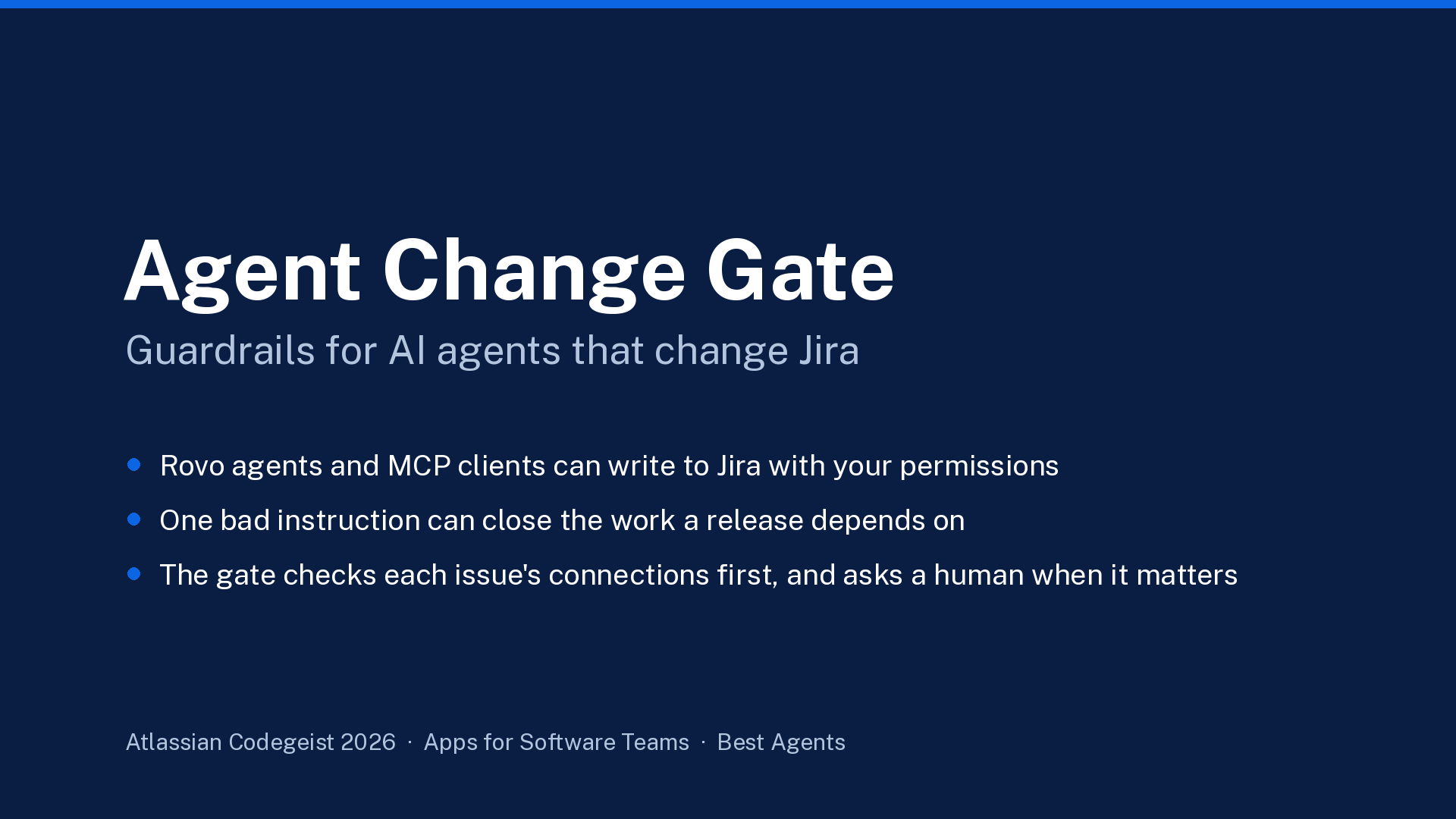
Teams are giving Jira to AI agents: Rovo agents in chat and, through rovo:mcp, any MCP client a user connects. An agent acting as a user can do whatever that user can: close a sprint's worth of issues, rewrite priorities, delete work. Jira permissions answer "may this person do X?". Nobody answers "should an agent do X to this issue, right now, without a second human?". Moving an ordinary ticket to In Progress is fine. Moving the ticket that ships in this week's release is not, and the agent cannot tell the difference.
What it does
Agent Change Gate gives Rovo agents and MCP clients Jira write tools that pass through a deterministic policy gate. For transitions, edits, assignments and deletions, the gate reads what each issue is connected to before deciding:
- ALLOW: routine change, runs immediately.
- NEEDS APPROVAL: the issue's context says it matters (fix version due within 7 days, blocks open work, highest priority, linked to an active goal, open pull request, production deployment), the change is bulk, or it touches a protected field or status. A human approves on a Jira page; the approval is single-use, expires, can require a second person, and is re-checked at run time: if new risk appeared, the run is refused.
- DENY: outside the allowed projects, kill switch on, or a runaway bulk change (more than 20 issues in one call by default). Going over the per-user hourly/daily or per-site daily caps needs approval rather than being denied.
Gate decisions on change requests, approval events and execution attempts are written to an audit log (previews and malformed requests are not). Admins edit the policy, choose which context signals need a human, and can pause all agent writes with one click.
How to try it (judges)
- Install with the installation link (an organisation admin accepts the scopes; Teamwork Graph read scopes are organisation-wide). Open Jira → Apps → Agent Change Gate as a Jira admin.
- No setup, no Rovo, no Jira writes: on the Approvals tab, run the Guided demo (open at the top on a fresh install; Try guided demo once projects are allowed): routine change (allowed) → the same command on an issue that ships in 3 days (needs approval, with the reasons) → approve as the reviewer → run it once → try to run it again (refused, single-use) → runaway bulk close (denied). Its audit trail shows every step. The demo uses sample issues and its own storage, so your real policy, caps and audit log are untouched.
- On real issues: Policy tab → add your project key to
allowedProjectsand save. To approve your own requests when testing alone, setrequireDistinctApprovertofalse(set it back afterwards). Then use Test a request (the request simulator) with an issue key, or the Rovo agent. - With Rovo (Rovo-enabled sites only): Rovo chat → Change Gate Agent → "What could go wrong if you move KAN-2?", "Move KAN-1 to In Progress", "Close these 25 issues".
Full steps, including how to reproduce the release-context pair on your own issues: README, section "Try it in 5 minutes".
How we built it
- Forge app:
rovo:agent(Change Gate Agent),rovo:skill, 11actionmodules,rovo:mcpexposing the same tools, a Jira global page in UI Kit, Forge functions and Forge KVS. No external egress. - Jira REST v3 as the requesting user (
asUser), so the gate never widens anyone's permissions. Identity comes from the Forge invocation context, never from the model's payload. - Teamwork Graph (
asUser().requestTeamworkGraph(), curated read-only queries) for linked goals, pull requests and deployments. Approvers see count-only context; names stay with the user whose permissions read them. - Policy engine is pure and deterministic (no LLM in the decision). Concurrency-safe usage reservation with a
FAIL_IF_EXISTSstorage lease; an approval is bound to the exact resolved operation and rechecked against the current policy before it runs. - 201
node:testtests (no Atlassian account needed); independent code reviews until no material issues were left.
How it meets the technology requirement
Agent Change Gate runs entirely on Atlassian Forge and integrates with Jira Cloud through a native global page, Forge functions, Forge KVS and Jira REST v3 calls made as the signed-in user. Read-only Teamwork Graph queries supply additional issue context, and Rovo is integrated through a Forge Rovo agent, a reusable Rovo skill, 11 actions and a rovo:mcp server. Six change-request tools and the approval executor all go through one deterministic policy gate.
Bonus: Best Agents (Rovo)
The app ships a Forge rovo:agent and a reusable rovo:skill with 11 actions other agents can invoke. Risky changes come back as PENDING_APPROVAL with a link to the approval page and a plain-language next step; the approval page offers Ask Change Gate Agent and, for an approved request, Run it from Rovo chat. Before executing an approved request the gate re-checks the current policy, the resolved operation, expiry and context, and refuses reuse. Rovo's own Confirm prompt is not treated as approval: the gate decides after Confirm.
What was verified, and limits
- The video shows the Guided demo (real gate code, sample issues, no Jira writes) and a real Rovo conversation on a Forge demo site with Rovo: Rovo picked the app's tools and read live context (
MOBL-12 blocks 5 open issues); after Rovo's Confirm the gate returnedPENDING_APPROVAL; the request was approved on the app page; Run it from Rovo chat executed it once (MOBL-12moved to Done in Jira); asking to run it again was refused (single use). - An external MCP client was not run.
- The gate covers this app's tools only; it cannot stop other Jira tools or direct REST calls.
What's next
Per-agent policies, Confluence page writes through the same gate, and Marketplace listing.
