-
-
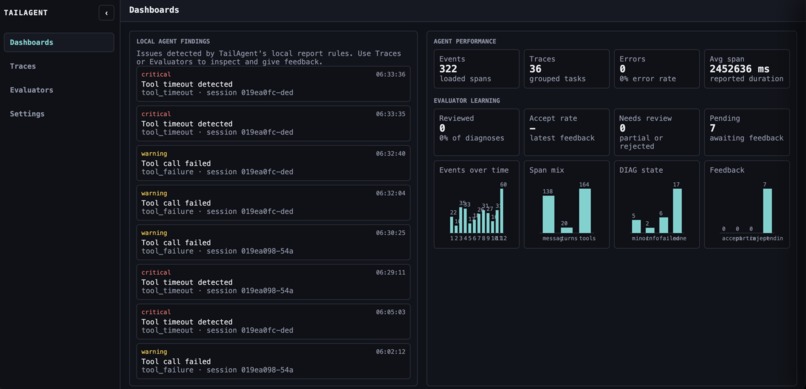
dashboard
-
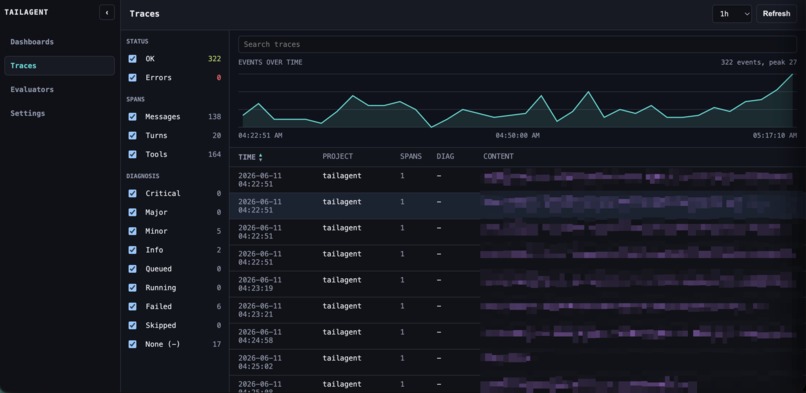
traces
-
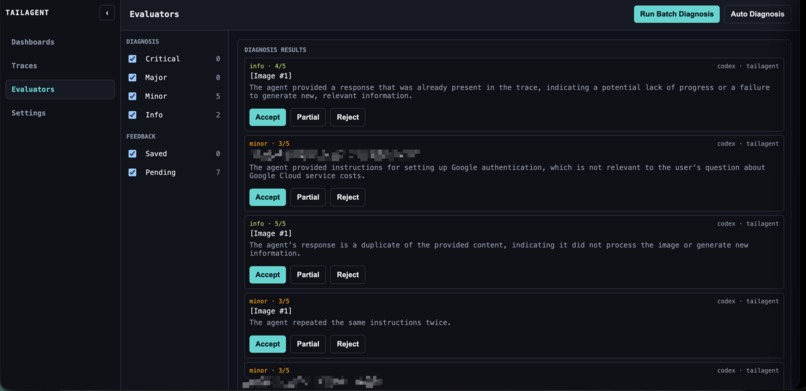
evaluation
Inspiration
I kept losing context when Codex sessions got long. I wanted a simple way to see what happened, where things went wrong, and how to recover.
What it does
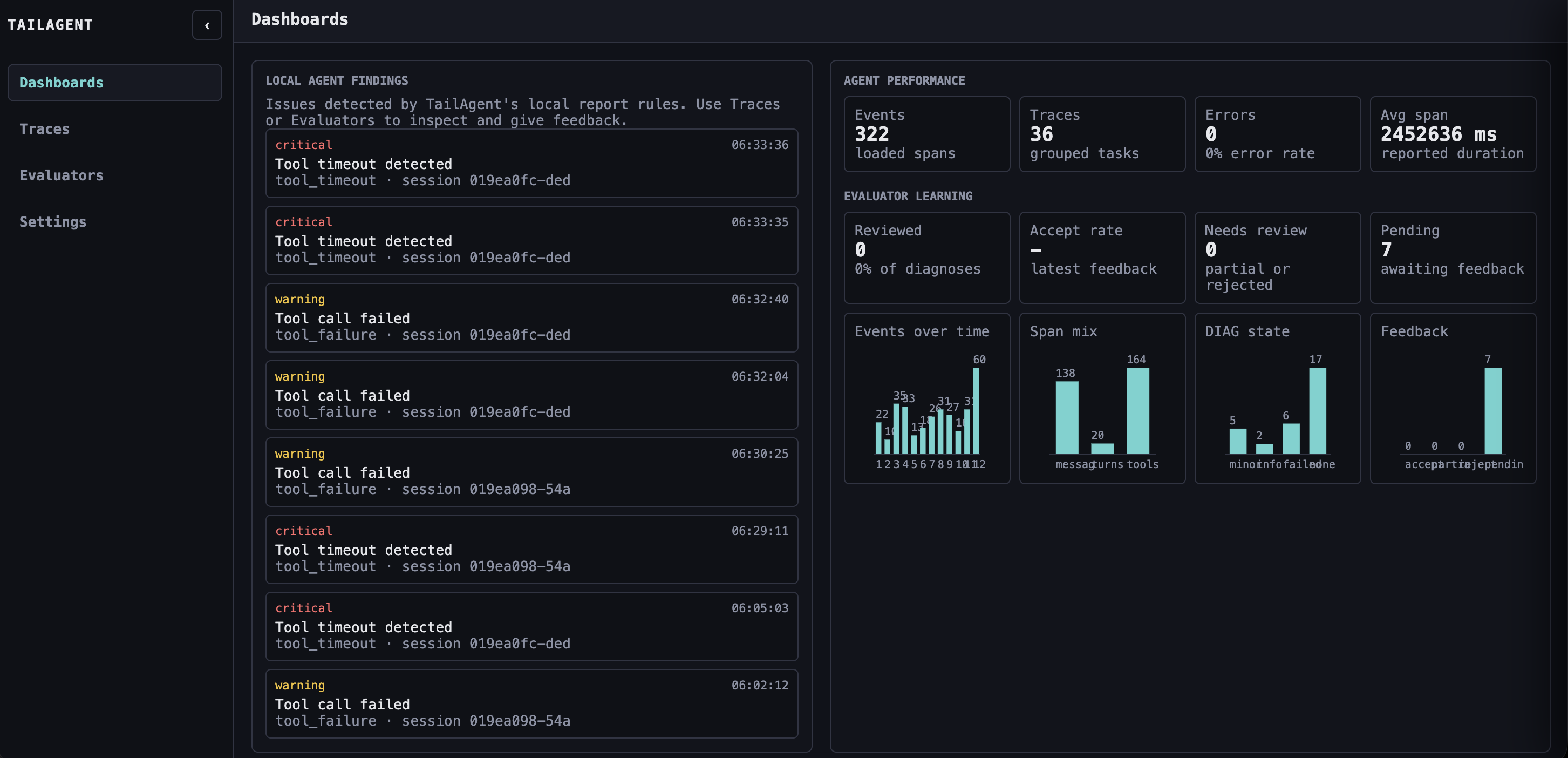
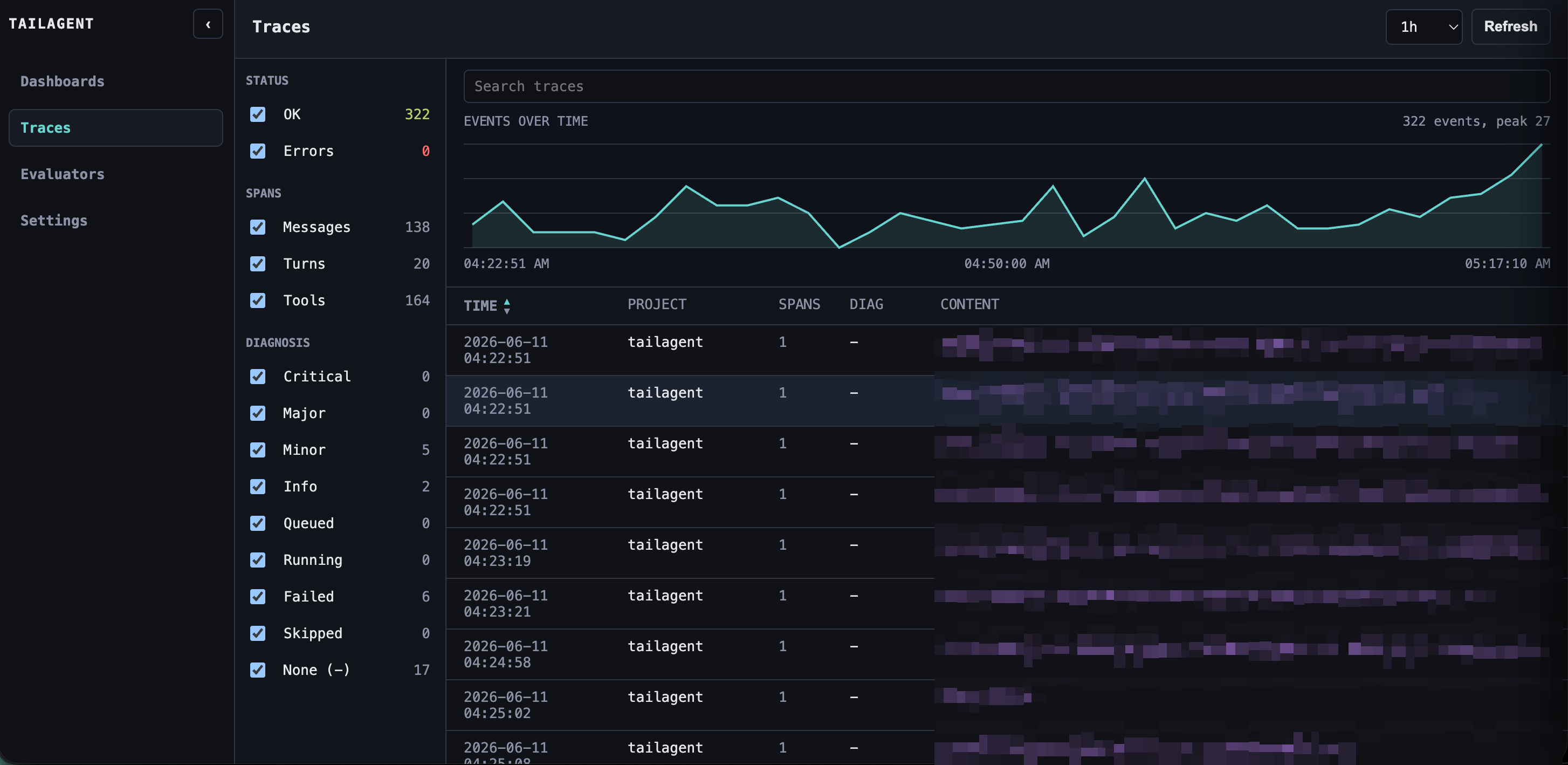
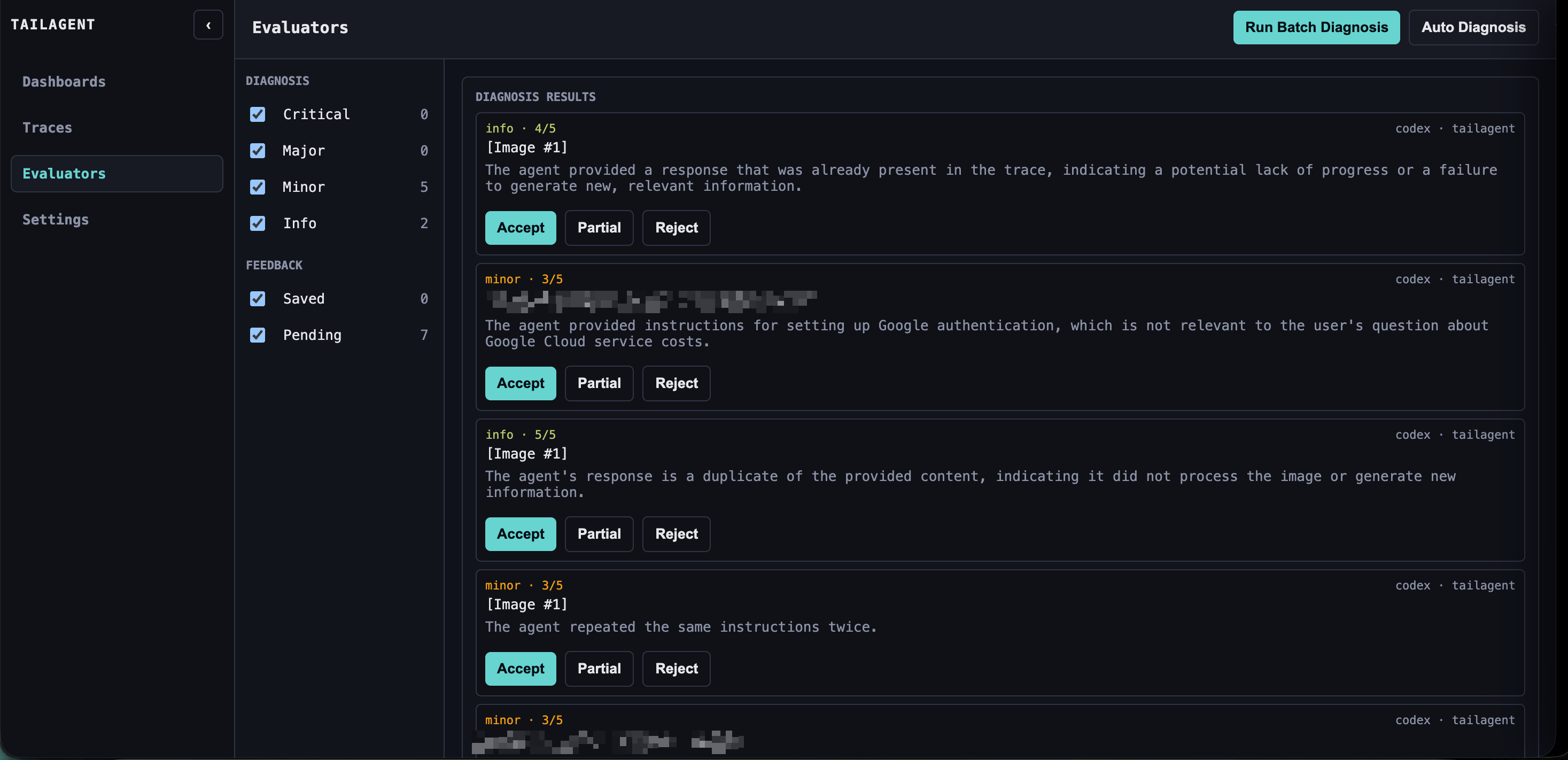
I built tailagent as a local web UI for Codex sessions. It shows traces, highlights failures, runs Gemini diagnoses, and turns issues into repair prompts.
How we built it
I built it in Go, reading Codex session JSONL files directly and serving a local web UI. Phoenix export and Gemini diagnosis run alongside the local workflow.
Challenges we ran into
The hardest part was turning noisy agent logs into something readable without hiding useful detail. Diagnosis also needed careful privacy defaults.
Accomplishments that we're proud of
I’m proud that the default experience is now just opening the web UI and inspecting real sessions quickly, without a heavy setup loop.
What we learned
I learned that agent debugging needs both high-level summaries and raw evidence. One without the other is not enough.
What's next for tailagent
Next, I want to improve batching, feedback loops, and repair workflows so tailagent can help teams evaluate and fix agent behavior over time.

Log in or sign up for Devpost to join the conversation.