-
-
ImagePro
Inspiration
The ImagePro Export Plugin was inspired by the need for an efficient and versatile image export solution for Figma users. As a developer and designer, I often faced repetitive tasks like resizing, renaming, and organizing exported assets. The lack of tools that could simplify and automate this process sparked the idea for ImagePro Export. This plugin is designed to empower Figma users by offering a seamless, feature-rich export experience.
What I Learned
Throughout the development process, I learned:
- The importance of user-centric design and providing flexibility for various use cases.
- How to integrate modern frameworks like Bun for a smoother development experience.
- The value of gathering user feedback to prioritize features like search functionality, case conversion, and scale options.
- Team Management: How to effectively collaborate with a team, including onboarding new contributors, coordinating across time zones, and fostering a sense of shared ownership in the project.
How I Built It
- Development Stack:
- Languages & Frameworks: JavaScript, TypeScript, Node.js, Preact, and Bun.
- Design API: Figma API for interacting with Figma files.
- Bundling: Bun for rapid development and testing.
- Languages & Frameworks: JavaScript, TypeScript, Node.js, Preact, and Bun.
- Core Features Implemented:
- Export functionality in PNG, JPG, WEBP, SVG, and PDF formats.
- Dynamic renaming options including camelCase, snake_case, kebab-case, and PascalCase.
- Image scaling for multiple resolutions (1x, 2x, etc.).
- File organization as ZIP downloads for easy access.
- Dark mode support for a seamless user experience.
- Export functionality in PNG, JPG, WEBP, SVG, and PDF formats.
- Challenges Faced:
- Ensuring compatibility across various design workflows.
- Implementing upcoming AI-based features like background removal and image upscaling.
- Optimizing for both performance and usability without overloading the plugin.
- Ensuring compatibility across various design workflows.
Challenges
The primary challenges revolved around:
- User Experience: Balancing feature richness with simplicity.
- Scalability: Designing the plugin to handle large files and varied resolutions efficiently.
- Future-Proofing: Incorporating AI and cloud-based features without compromising current functionality.
- Read More: For an in-depth look at these challenges and how they were addressed, check out My Maintainer Experience.
Built With
The following tools and technologies were used:
Languages & Frameworks:
- JavaScript/TypeScript
- Preact
- Express
- Node.js
- Bun
- Docker
- JavaScript/TypeScript
APIs & Platforms:
- Figma API
- Figma API
Utilities:
- Axios
- Multer
- pdf-lib
- Ghostscript
- zustand
- tailwindcss
- Cron
- Notion Documents
- Axios
Try It Out
- Figma Plugin Page: ImagePro Export Plugin 👈 Try this!
- GitHub Repository: ImagePro Export GitHub Repo
Features
Core Features
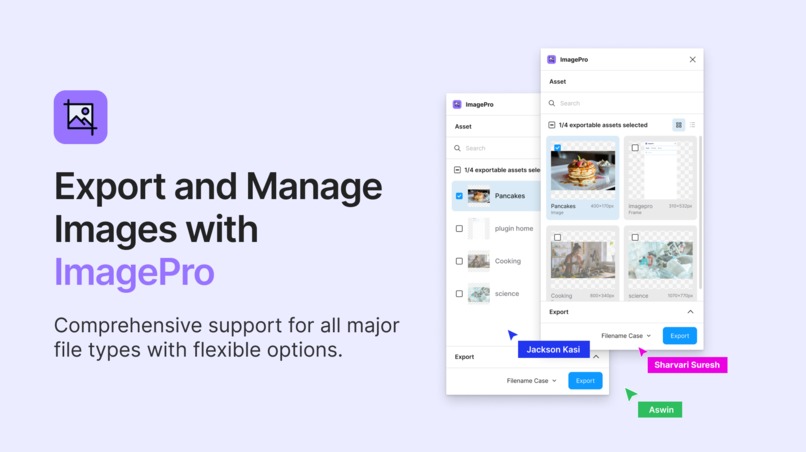
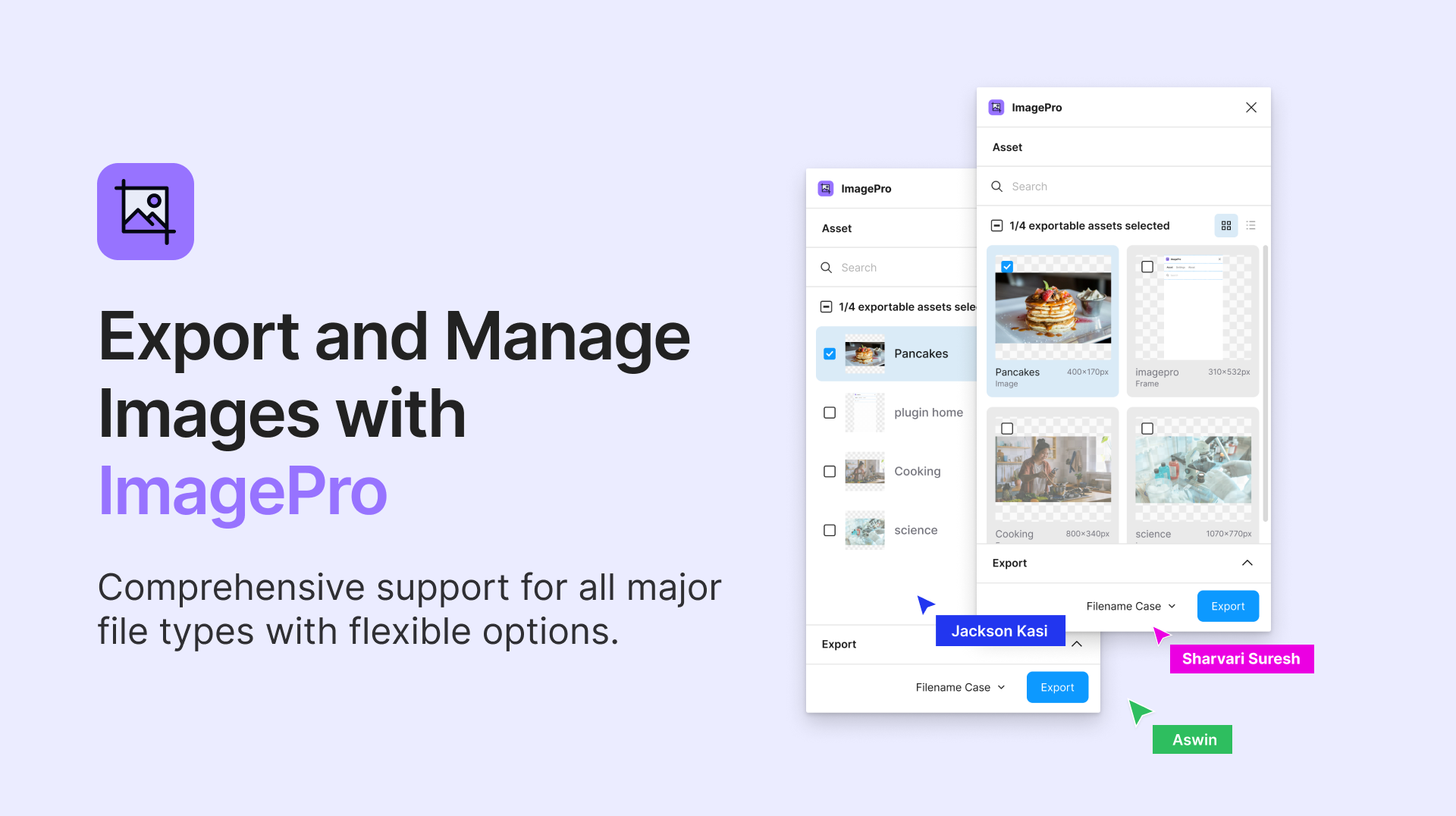
- 🌟 Export images in PNG, JPG, WEBP, SVG, and PDF formats.
- 🖋️ File naming flexibility with camelCase, snake_case, kebab-case, and PascalCase.
- 🔍 Search functionality to filter images by prefix.
- 📏 Scale options for multiple resolutions: 1x, 2x, 2.5x, 3x, 4x.
- 🌗 Light & Dark Mode Support for user preferences.
- 📁 Organized ZIP downloads for efficient file management.
- 📉 Image compression based on quality settings.
Upcoming Features
- AI-powered tools like background removal and image upscaling.
- Export options for RGB, CMYK, and greyscale.
- Cloud-based features for file management and sharing.
Built With
- axios
- bun
- docker
- express.js
- figma
- figma-api
- ghostscript
- huggingface
- multer
- preact
- typescript
- zustand


Log in or sign up for Devpost to join the conversation.