Inspiration
After watching the WWDC 2014 keynote where Apple announced the Swift programming language, I decided that it would be a perfect time to begin learning iOS development. At the same time, I also discovered that Apple host a scholarship competition for students each year. I therefore made it a target to attend in 2015 and used AffordIt as a way to learn Swift and get started!
What it does
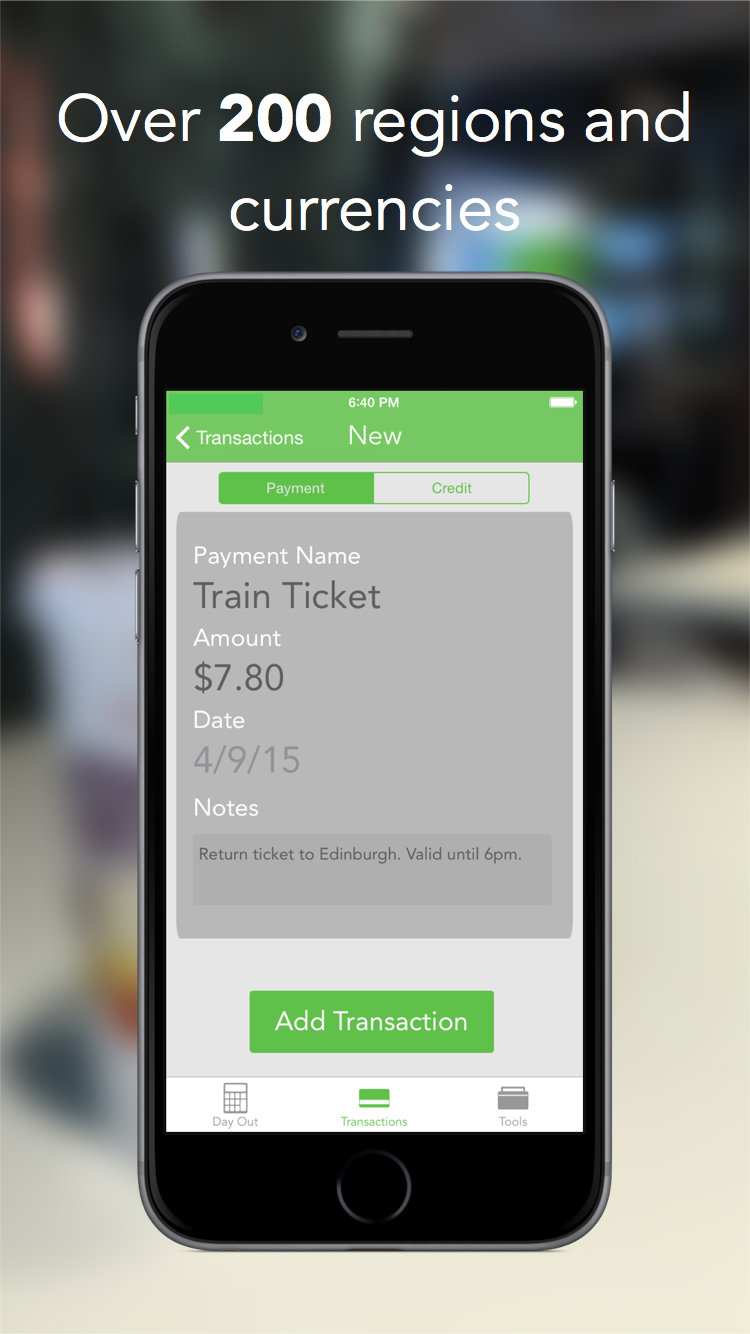
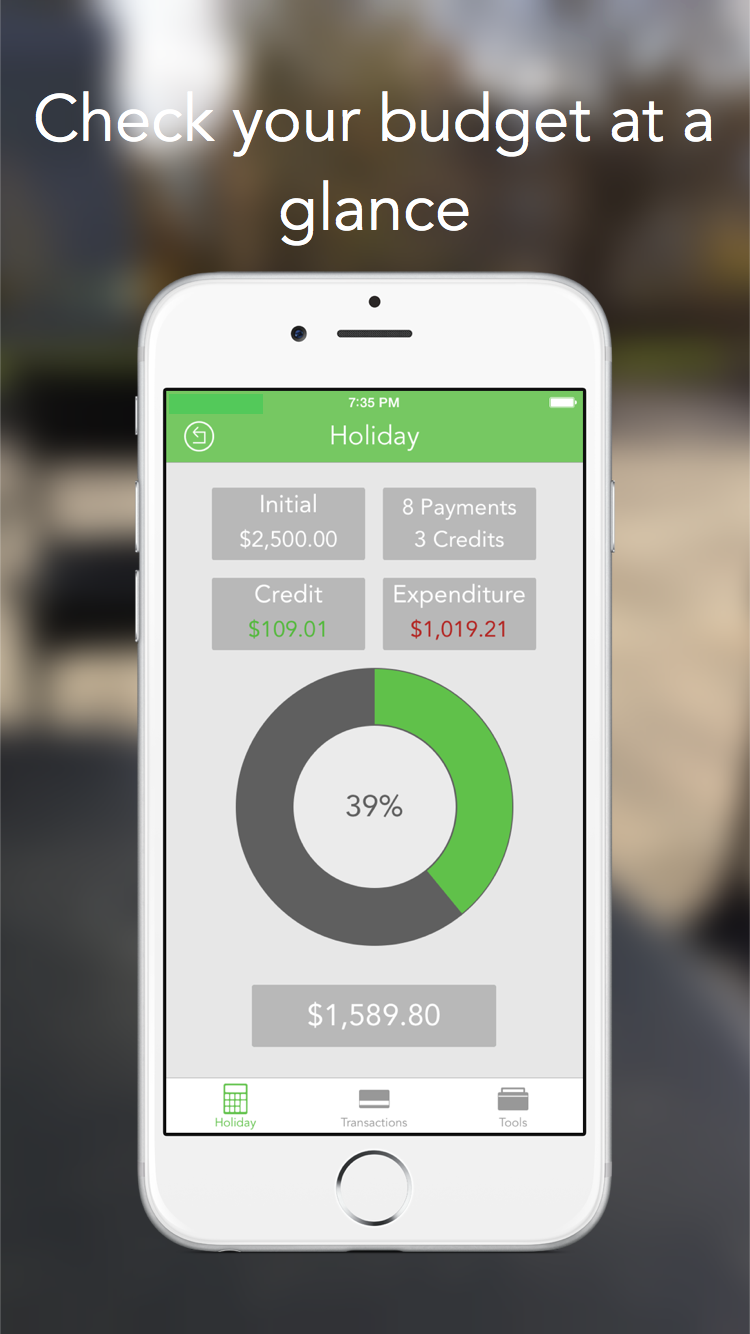
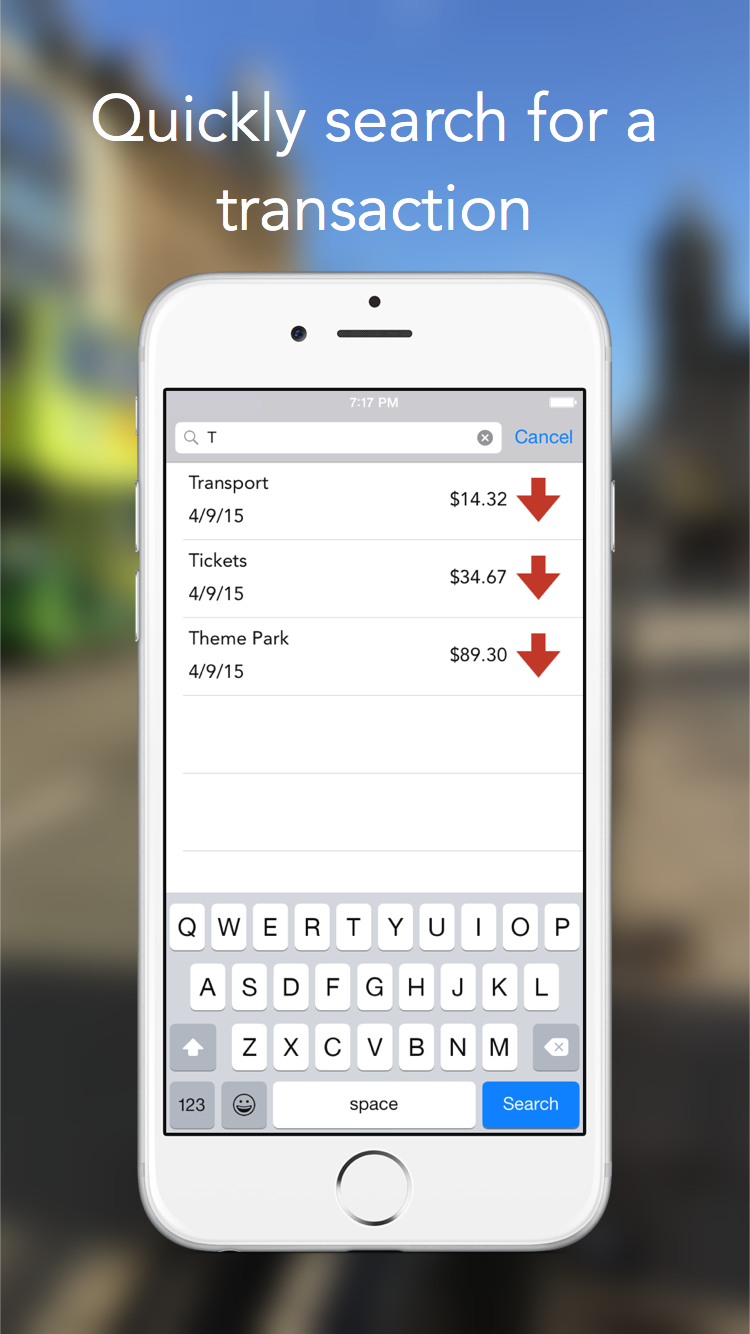
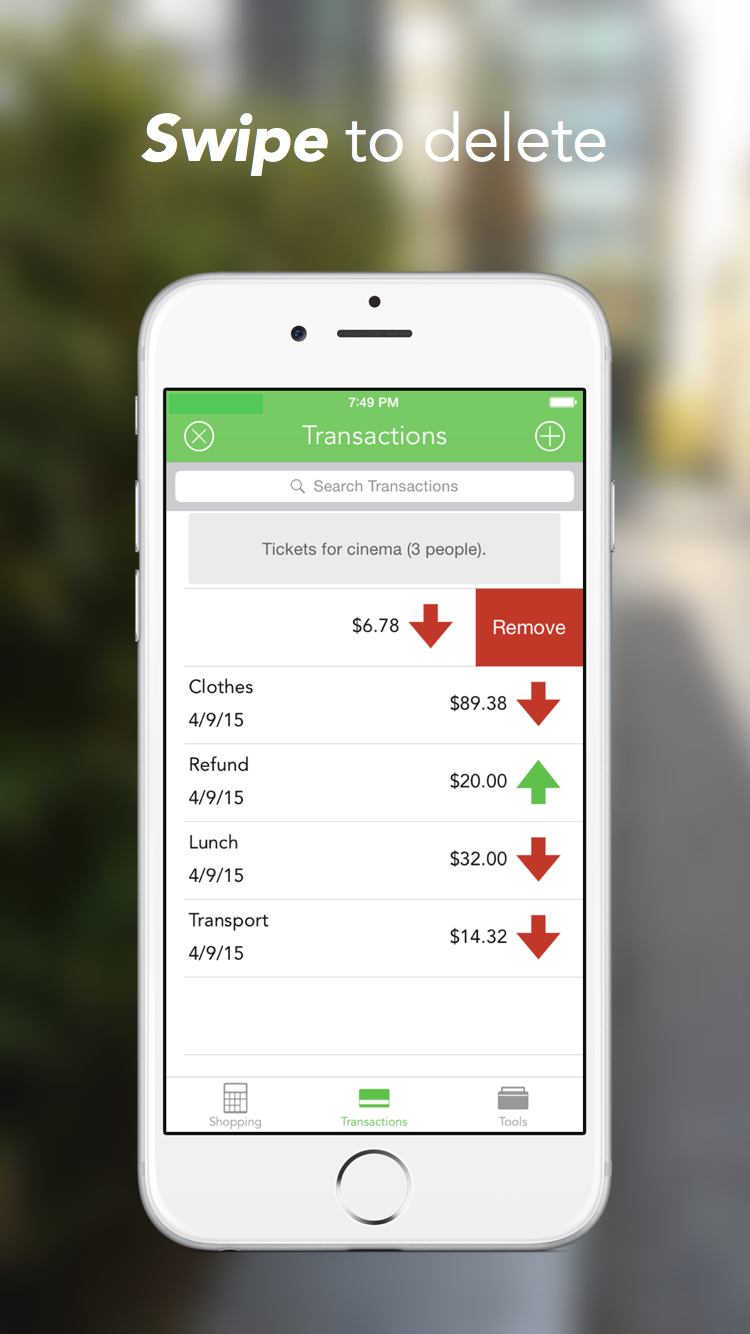
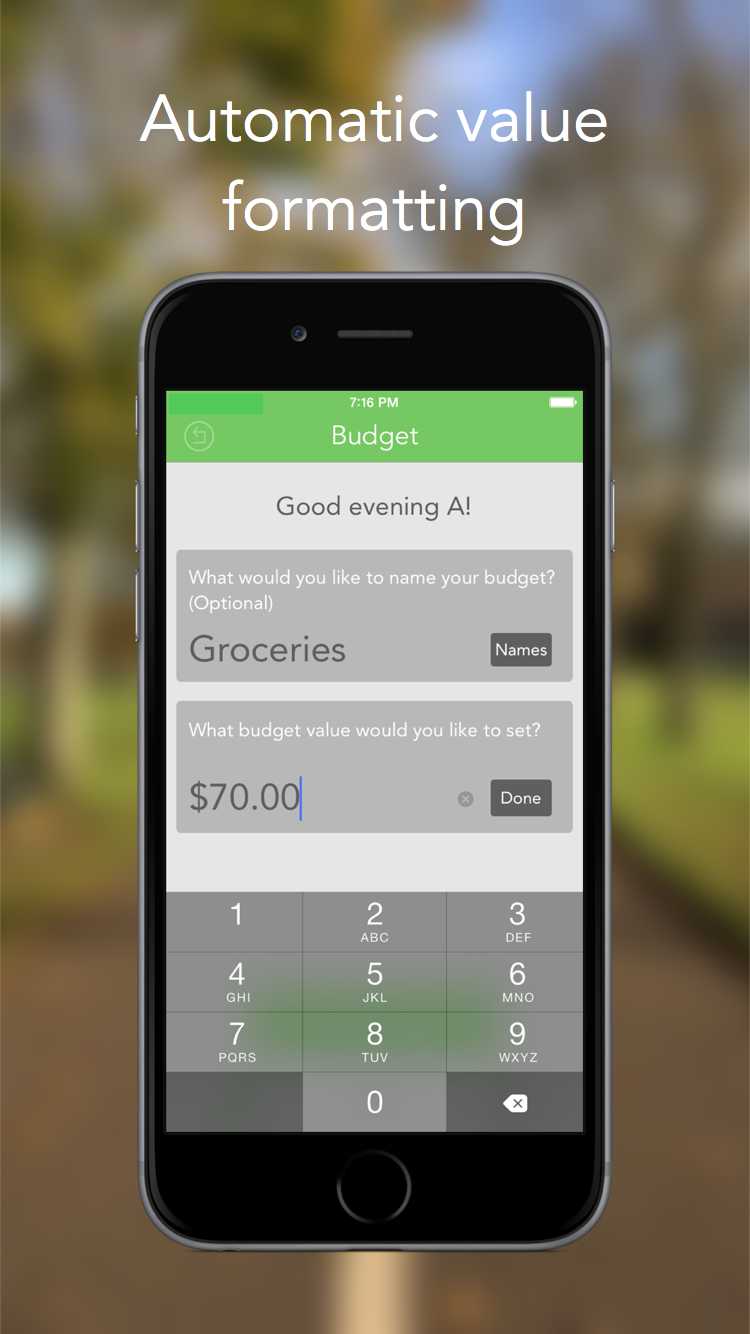
The app provides a very simple interface for tracking budgets and entering transaction information. These can be viewed from the Apple Watch extension or through a dedicated notification centre widget.
Challenges I ran into
As this was my first application, I didn't use any 3rd party libraries (assuming this would be a simpler route). As it turns out, this made this more complicated as I had to develop custom UI elements and functionality which could have been sourced elsewhere. I also didn't use Auto Layout or scroll views which really limited the potential for the UI.
Accomplishments that I'm proud of
I completed the app in around 2 months, and it ended up being featured in Apple's October 2014 keynote as Craig Federighi was discussing Swift-developed apps.
What I learned
This application helped me develop the knowledge I needed to make a stand-out scholarship application which impressed judges enough to get me a place at WWDC 2015!
What's next for AffordIt
I don't currently have any plans for AffordIt, however if I ever come back to it, I will likely start the project from scratch. The experience I now have would enable me to make a significantly more impressive and useful application!

Log in or sign up for Devpost to join the conversation.