-
-
Our logo! Designed by AI
-
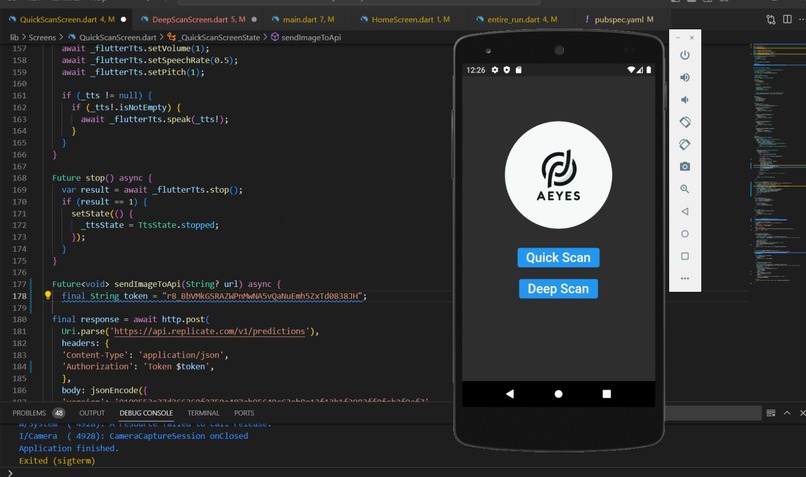
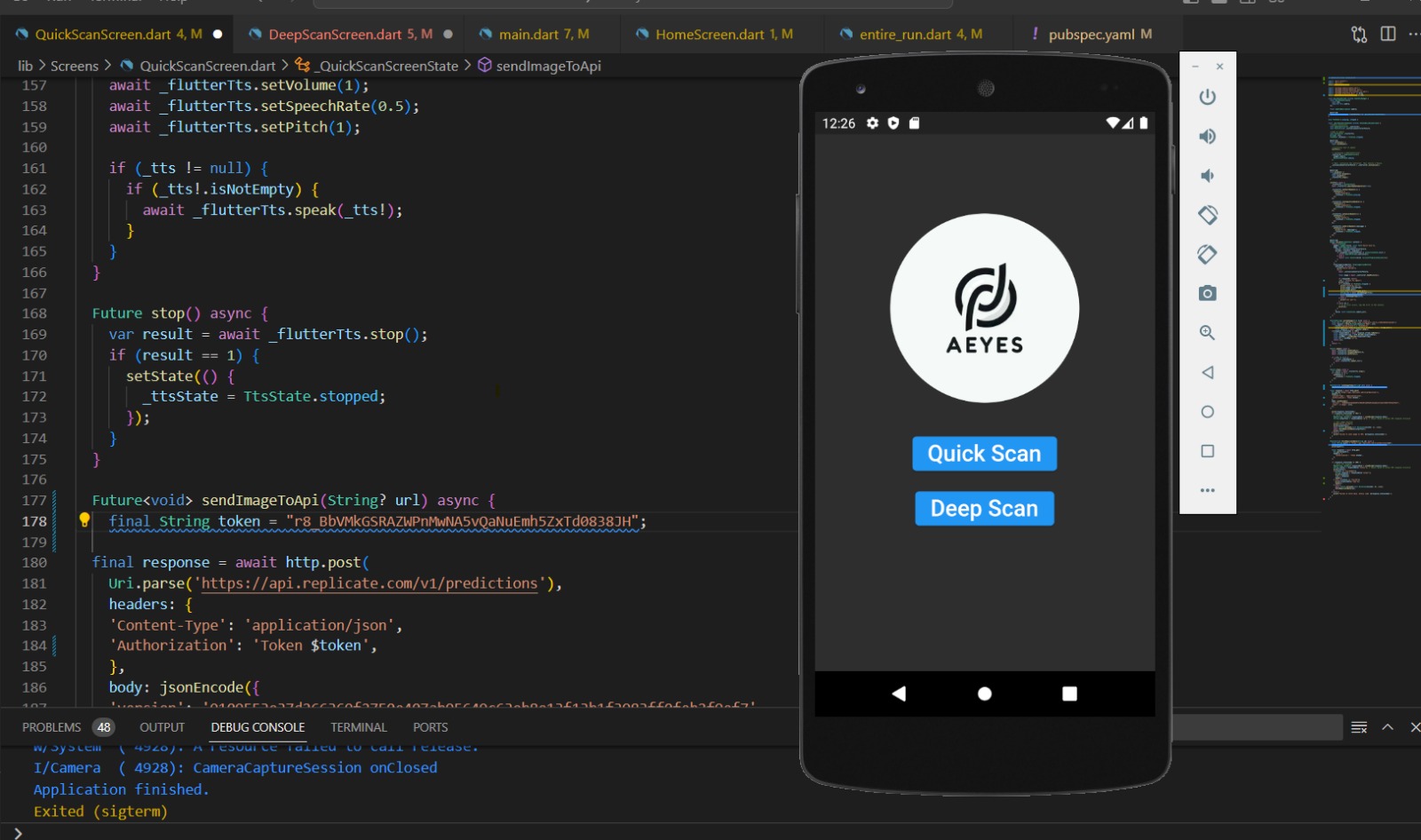
Our coding environment
Inspiration
We are motivated by our friends back home who are visually impaired. It is difficult for many to afford smart glasses to help them understand their environment. We wish there was a way for that service to be free and accessible to anyone.
What it does
Our app functions as the eyes of a person. After choosing one of two modes, either deep or quick, the app will proceed to take an image of the surrounding and generate a description for the objects within it.
How we built it
We used flutter so that it can be cross-platform. We integrated two state-of-the-art pre-trained computer vision models: llava-13b and blip-2. Using the camera via flutter, we receive the image and send it to an image hosting API that stores it via HTTP. Then, we send the url over to the models to get a description. We finish it off with an AI-based text-to-speech library to speak the description to the user.
Challenges we ran into
The trouble is the models we wanted to integrate had poor documentation. Especially, the flutter libraries that corresponded to it have little to know community engagement and documentation. We also had to condense this ambitious project into 24 hours while efficiently splitting the work among only two team members.
Accomplishments that we're proud of
Honestly, for such an ambitious project, we are just proud we got it working. Mainly we are proud to have learned Flutter development and the state-of-the-art of computer vision in the modern day.
What we learned
Having little prior experience in Flutter, we learned a lot for how to use it. We gained a lot of knowledge and patience in debugging and fixing dependency issues. We also learned about computer vision models and how to pick which ones were ideal for certain use cases.
What's next for AEyes
We plan to polish it up and upload it to the Google Play and App stores. We also plan to add features to better describe the emergency hazards in the image so that even non-visually impaired users can use it to help improve the safety of a visually impaired individual's environment. It is already good in many situations, but we want to see what kind of iterations that are suggested by the users. One that we thought of was a loop in the quick scan code that would regenerate descriptions on the fly, providing a live feed to the user of the environment. Finally, an ambitious iteration in the scope of our project is face recognition.


Log in or sign up for Devpost to join the conversation.