-
-
-
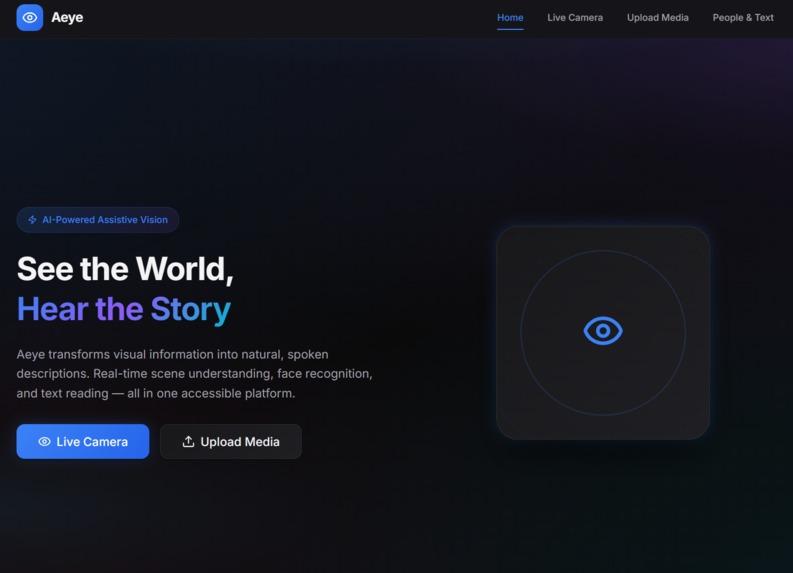
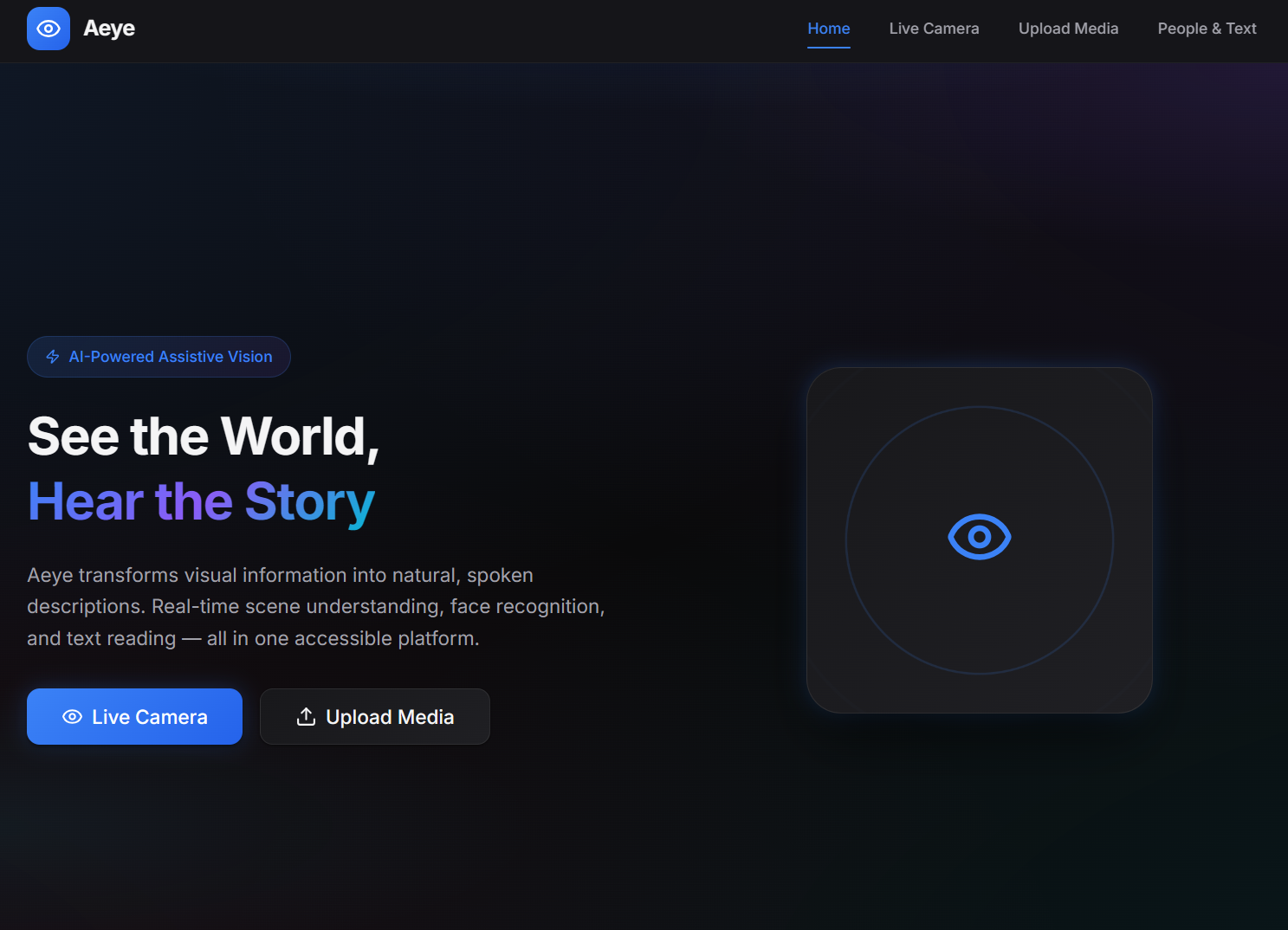
Home Page
-
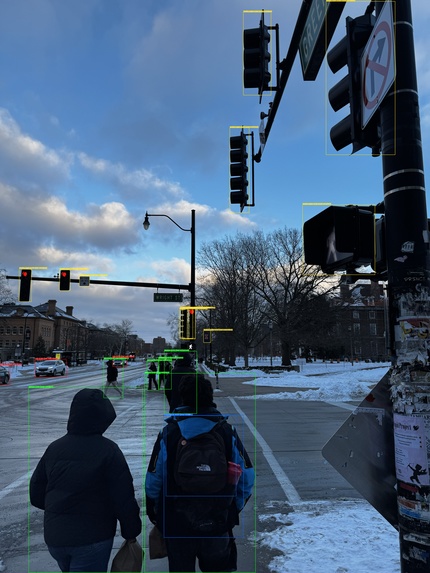
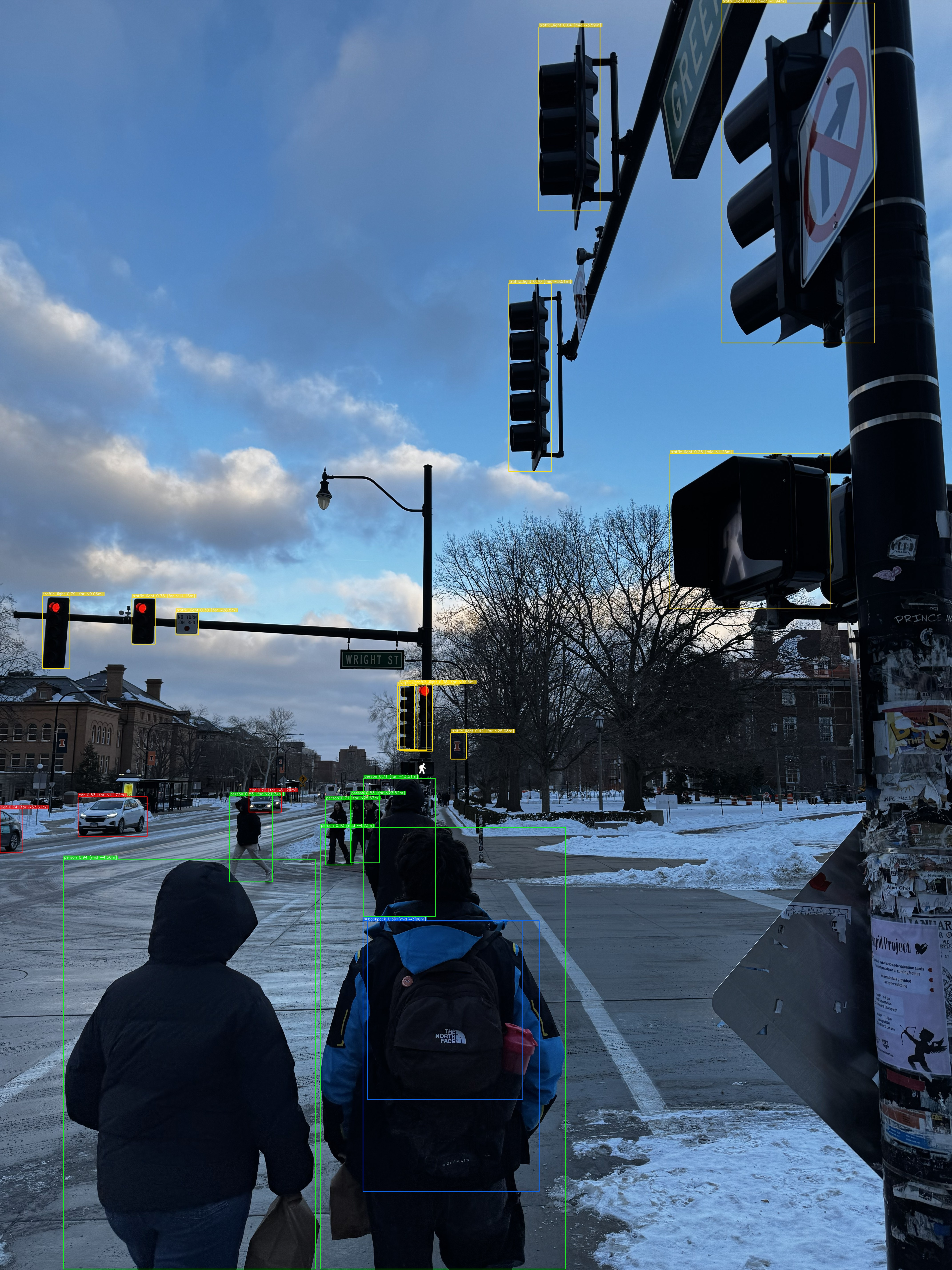
Object Detection at work
Inspiration
Blind and low-vision individuals constantly navigate environments that were not designed for them. Existing assistive tools often fail in one of two ways: they are either prohibitively expensive or they overwhelm users with constant, noisy feedback. That cognitive overload can be just as dangerous as having no information at all.
We wanted to solve a simple but critical problem: How can we provide real-time environmental awareness while staying quiet unless something truly matters?
Aeye was inspired by the idea that assistive AI should behave less like a loud narrator and more like a calm guide: speaking only when safety, clarity, or context is needed.
What it does
Aeye is a real-time AI-powered vision assistant for blind and low-vision users that run on the Rayban Meta Glasses.
It uses a live camera feed from your phone camera or your RayBan Meta glasses to:
- Detect safety-critical objects like people, vehicles, stairs, doors, and obstacles
- Read text from signs, labels, menus, and documents on demand
- Describe scenes using natural language when requested
- Recognize people and summarize past conversations for social context
- Deliver all feedback through prioritized, low-noise audio alerts
Aeye is designed around strict prioritization. The system speaks only when there is new, important, or potentially dangerous information: reducing cognitive load while improving safety and confidence.
How we built it
Aeye is a full-stack, real-time system built for low latency and modularity.
Perception Layer
- YOLOv8n for object detection (CPU-friendly, sub-120ms inference)
- IOU-based tracking for object persistence
- EasyOCR for real-time text extraction
- Whisper for speech-to-text during conversations
Reasoning Layer
- Priority scoring based on object class, distance, motion, novelty, and cooldown windows
- Claude 3.5 Haiku used for scene narration and summarization
- Transparent agent trace showing why alerts were triggered or suppressed
Output Layer
- Browser-native text-to-speech for instant feedback
- React-based UI with dedicated modes for vision, text reading, and people memory
- Live bounding box overlays and an AI reasoning panel for judge visibility
The system runs end-to-end in real time on consumer hardware without requiring a GPU.
Challenges we ran into
- Notification overload: Early versions spoke too often. Solving this required designing a priority system that understands when not to speak.
- Latency tradeoffs: Balancing detection accuracy with real-time performance on CPU was non-trivial.
- Asynchronous pipelines: Coordinating video, OCR, LLM calls, and audio output without blocking the user experience required careful system design.
- Face recognition setup: Ensuring reliable identity tracking while minimizing setup friction was challenging.
- Trust and transparency: Assistive AI must be explainable. Building a traceable reasoning layer added complexity but was essential.
Accomplishments that we're proud of
- Achieved sub-200ms end-to-end feedback latency on CPU
- Built a real-time prioritization system that dramatically reduces cognitive overload
- Implemented persistent memory for people and conversations
- Delivered a fully functional, polished UI suitable for real users and judges
- Created a transparent AI reasoning trace that makes decisions auditable
- Completed an MVP that works end-to-end without external hardware dependencies
What we learned
- Assistive technology is as much about what you suppress as what you surface
- Low-latency systems demand architectural discipline from the start
- Accessibility features must be designed with cognition in mind, not just accuracy
- Trust in AI comes from explainability, not just performance
- Real-time multimodal systems benefit greatly from modular design
What's next for Aeye
- Expand detection classes and fine-tune models for assistive-specific scenarios
- Add offline and edge-deployed inference modes
- Integrate audio cues and spatial guidance (turn-by-turn, “find X”)
- Improve multilingual OCR and translation
- Optimize for wearable hardware like smart glasses
- Conduct real-world user testing with blind and low-vision communities
- Address privacy, consent, and regulatory considerations for scale
How Keywords, Trae, & Lovable were used
- Keywords AI was used to orchestrate and manage LLM calls to Claude 3.5 Haiku, enabling fast, cost-efficient scene descriptions and summaries with consistent prompt control. We also used the Logging features to monitor LLM calls, see output, and see any errors. We also used the system prompt feature to allow better version control of the system prompt.
- Trae was used as the primary development IDE for everyone on the team. The agentic coding abilities helped implement features including UI styling, correct errors, and helped design the system.
- Lovable supported rapid UI iteration and refinement, enabling a clean, accessible, and judge-friendly interface without sacrificing development speed.
Built With
- claude
- css
- fastapi
- framer
- html
- javascript
- keras
- keywords-ai
- machine-learning
- object-detection
- python
- rayban-meta
- sqlite
- tensorflow
- typescript


Log in or sign up for Devpost to join the conversation.