-
-
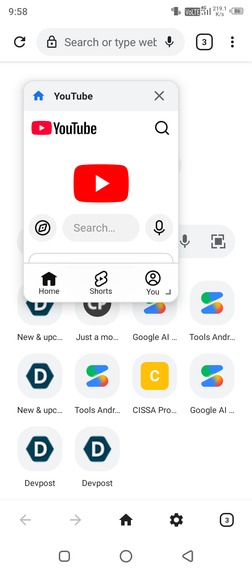
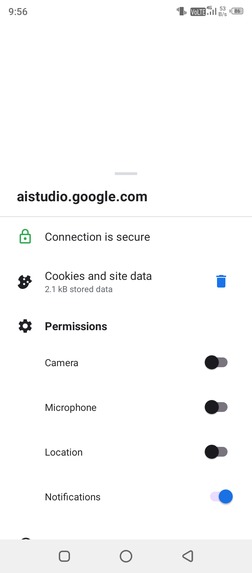
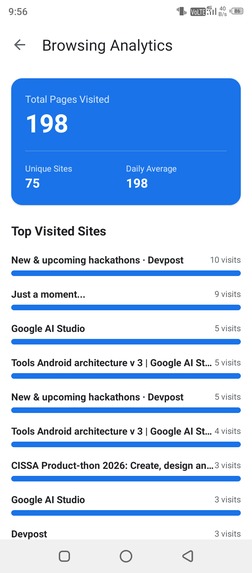
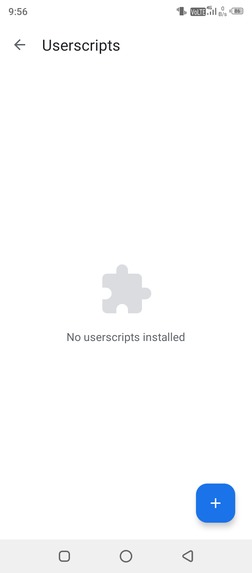
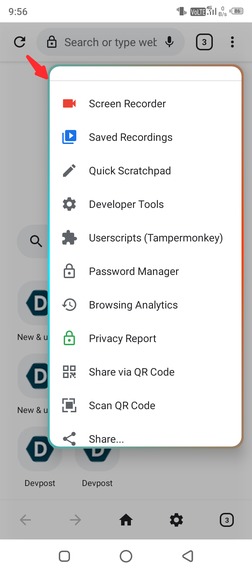
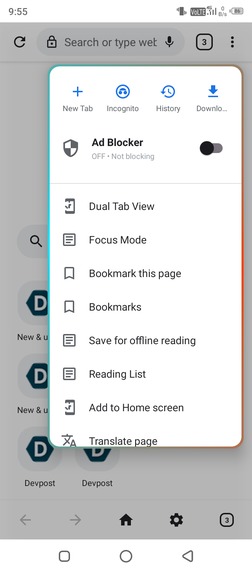
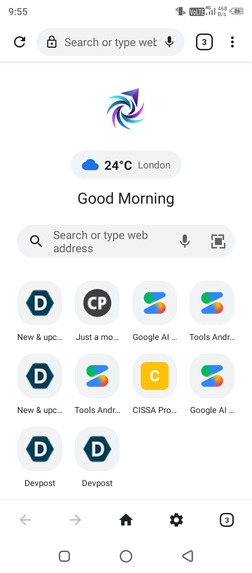
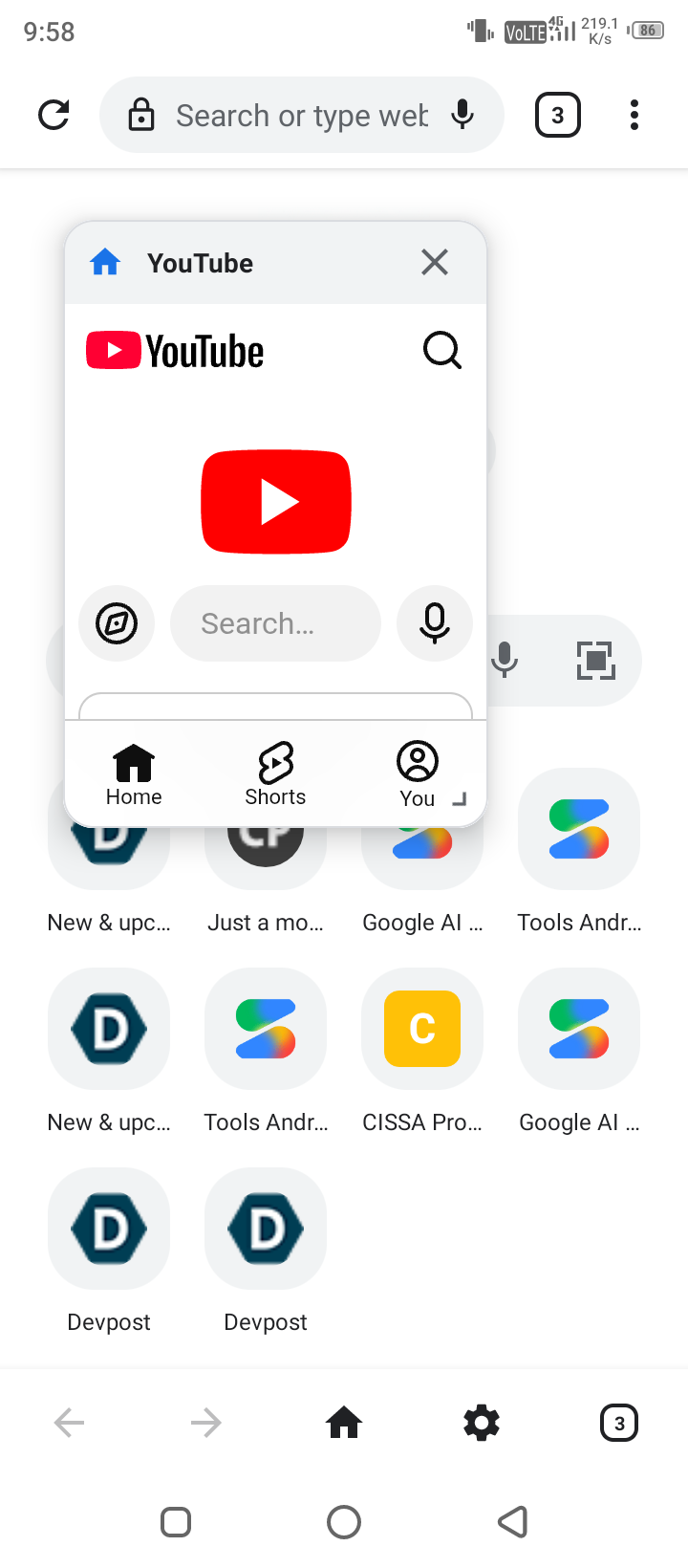
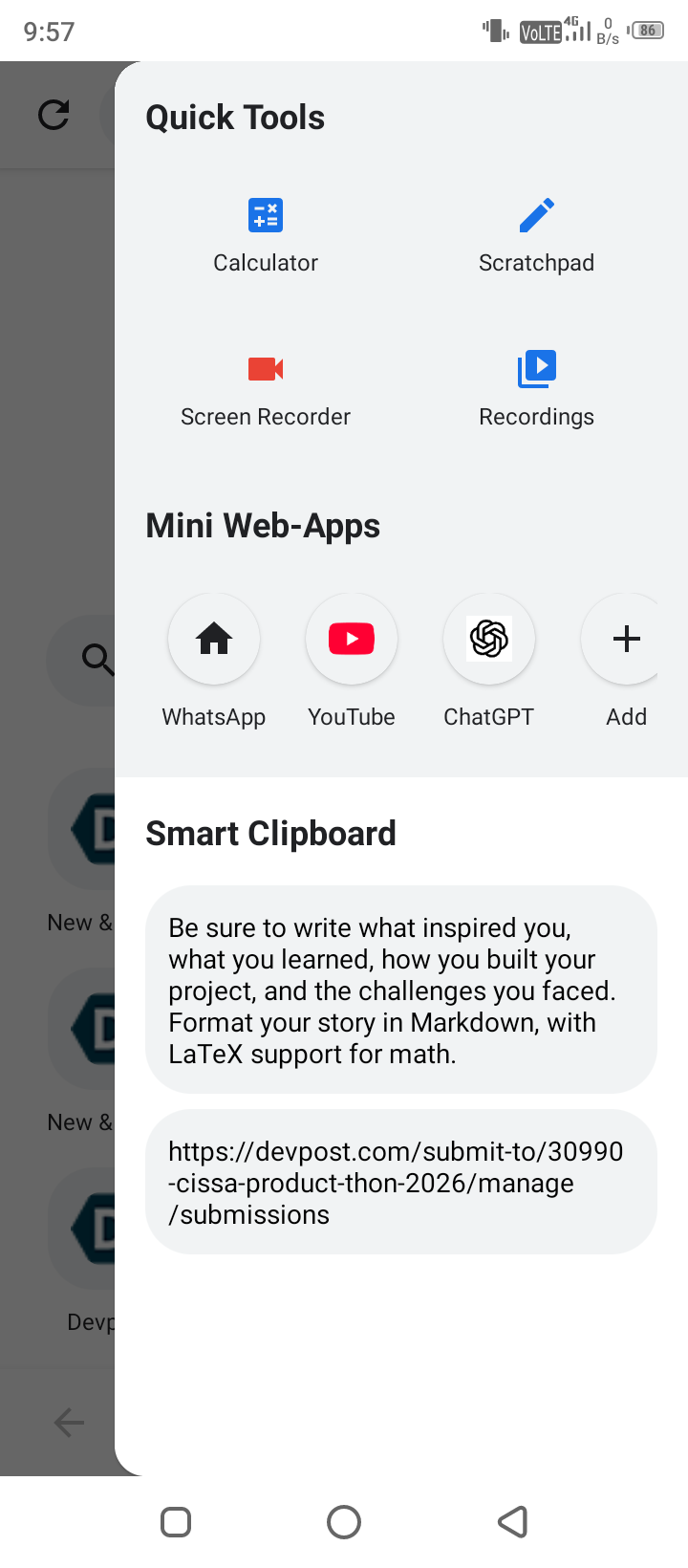
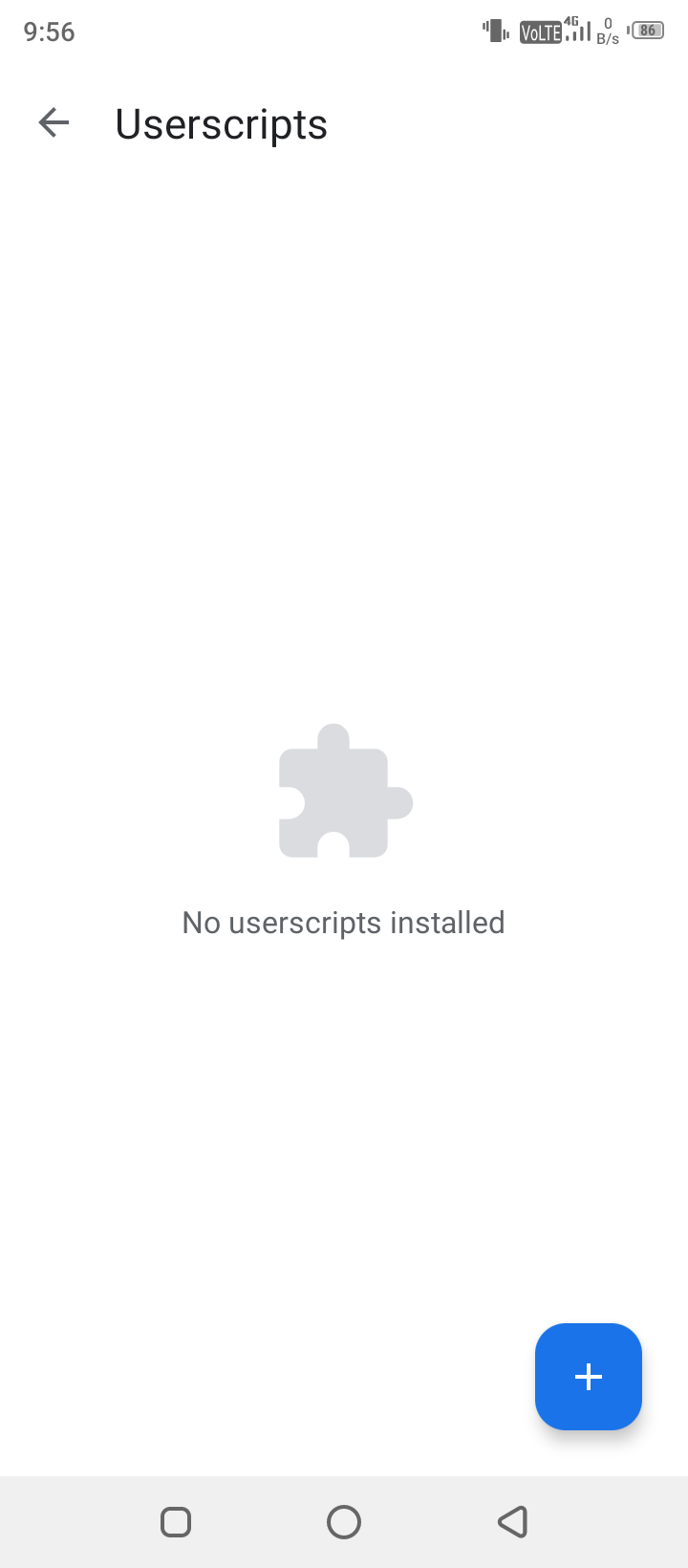
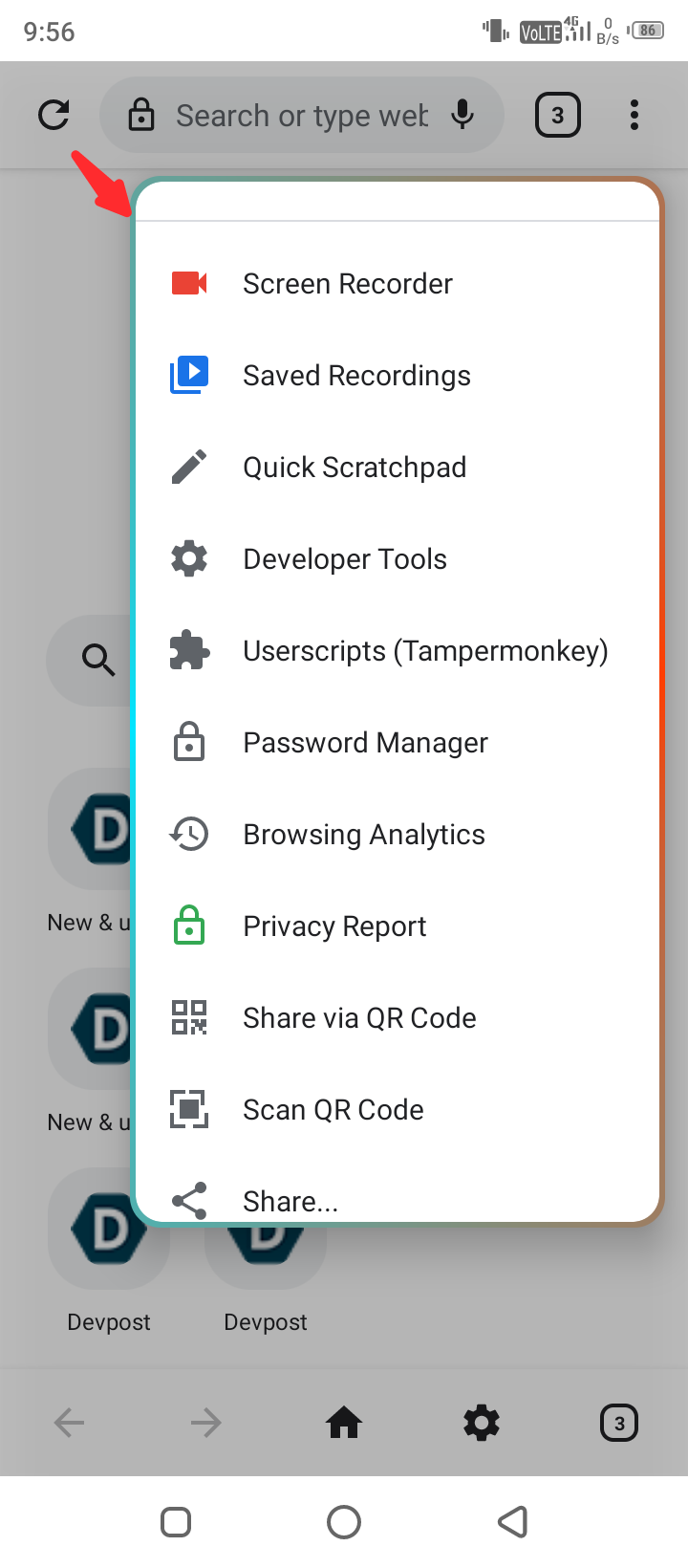
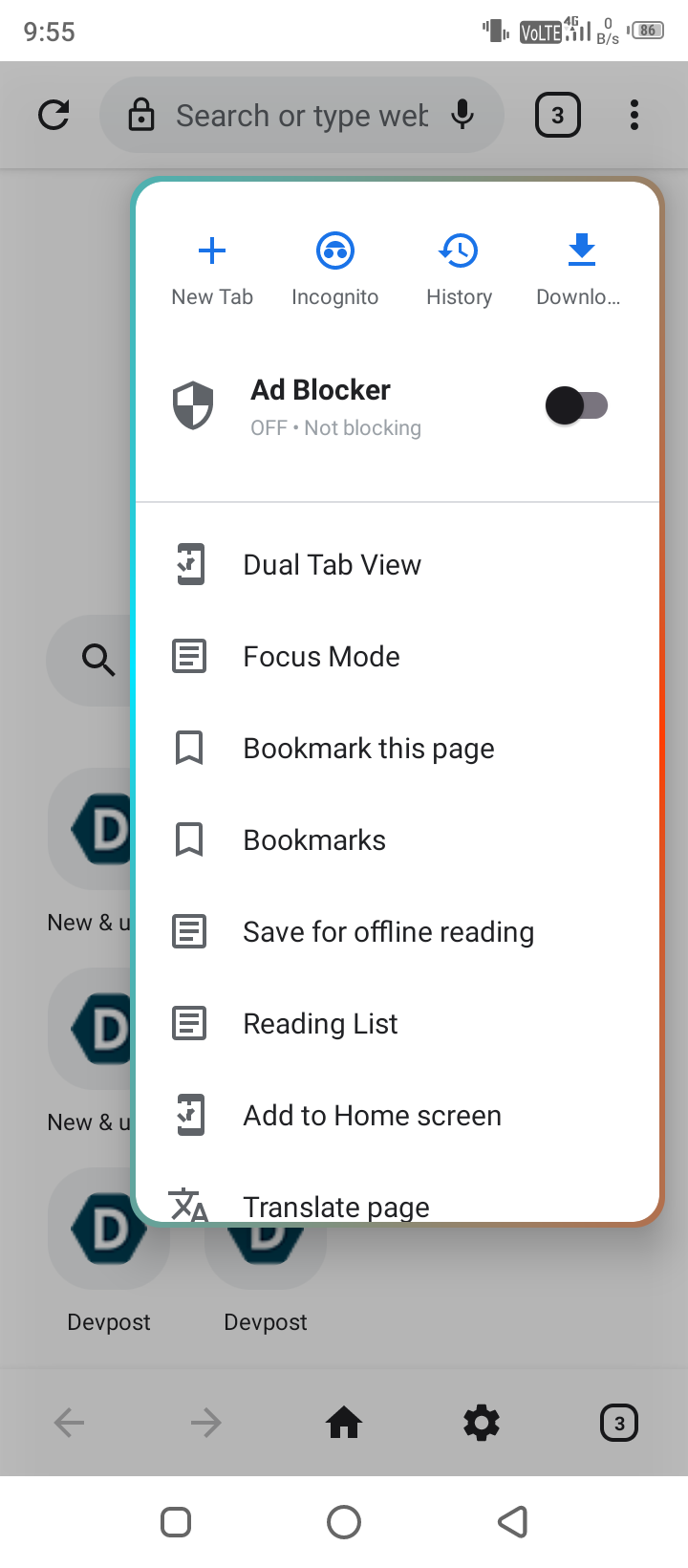
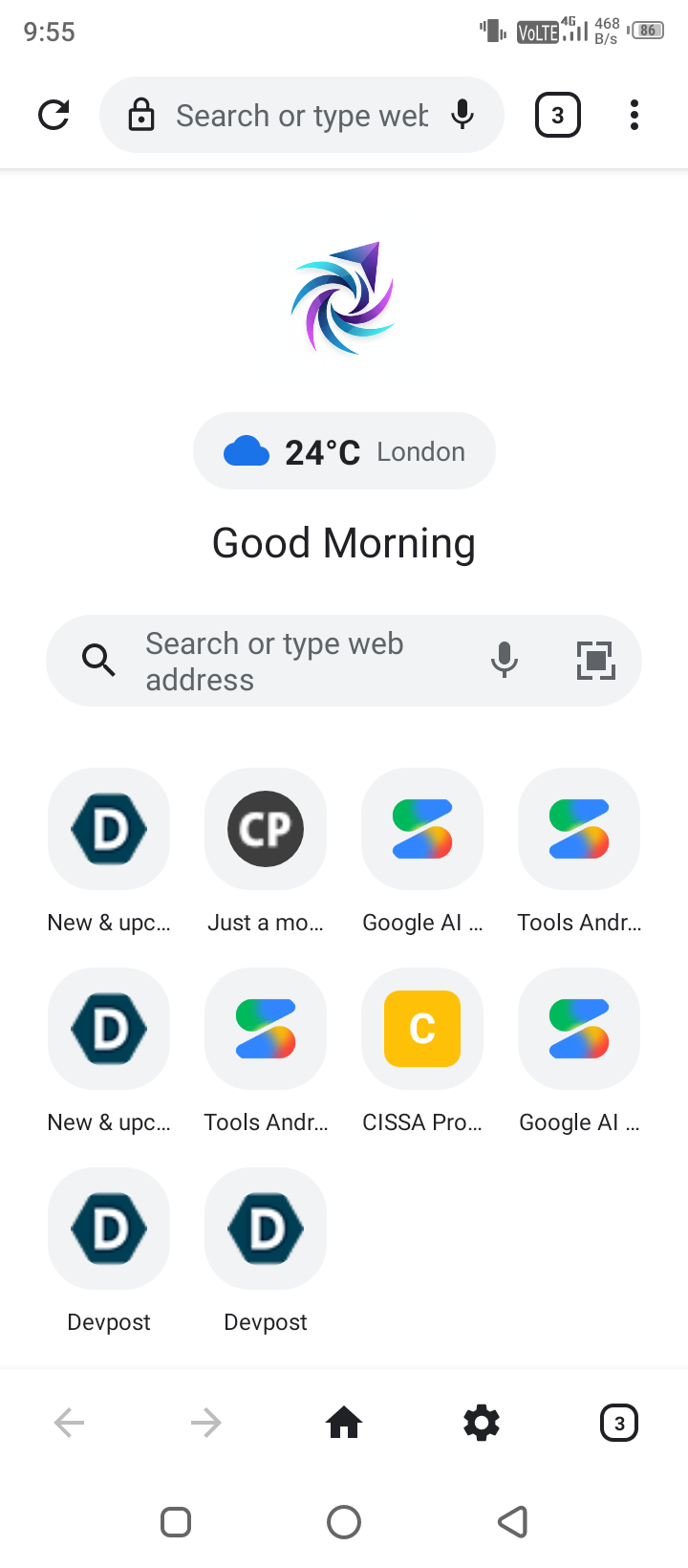
We created a floating small web app system to make smooth browser experience on a single tab
-
-
-
-
-
-
-
-
-
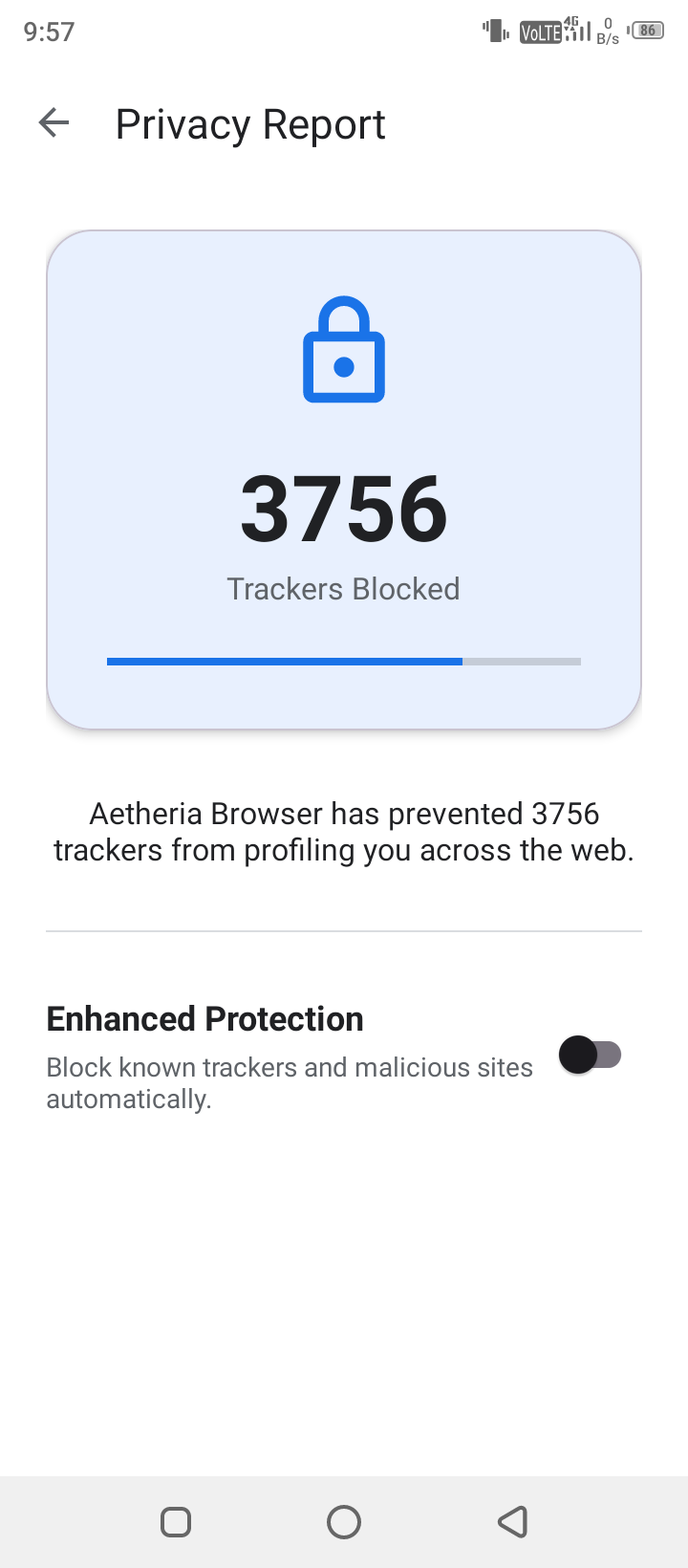
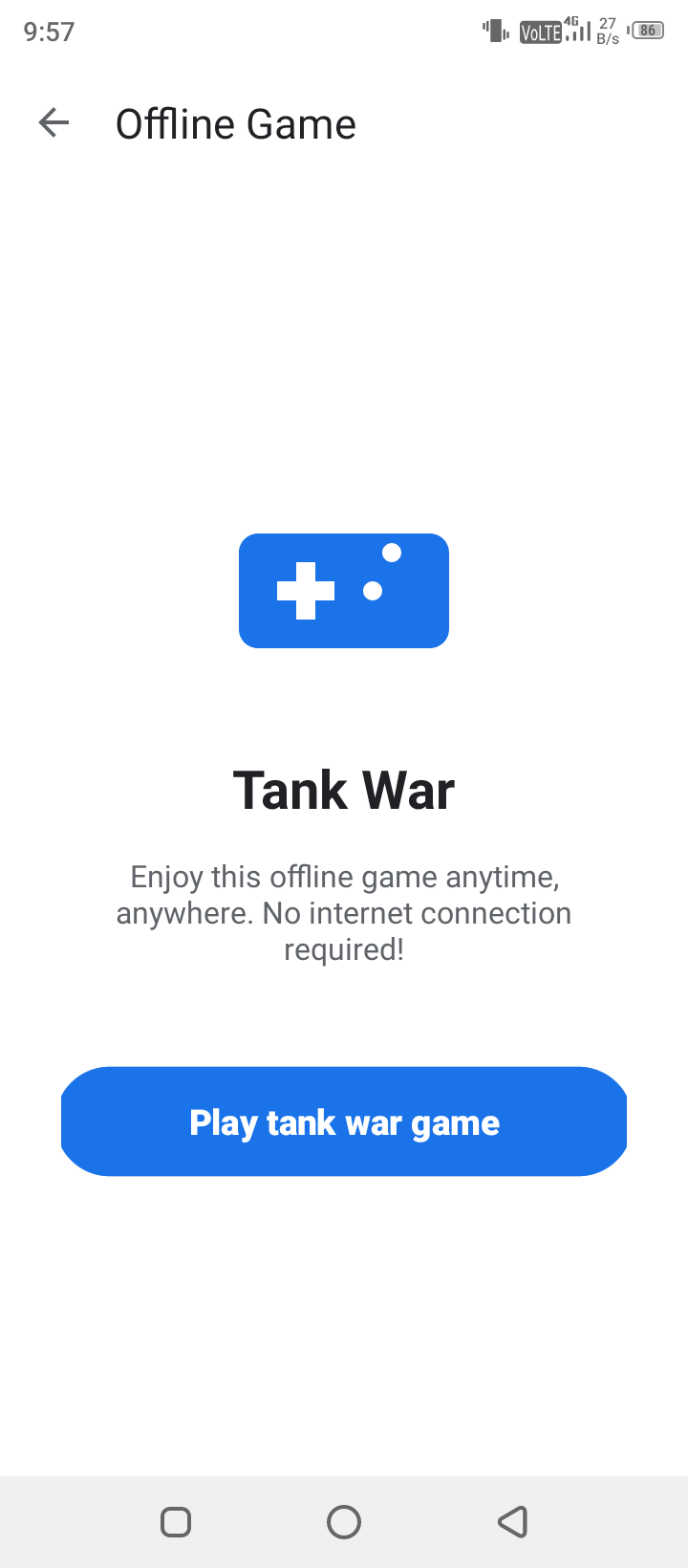
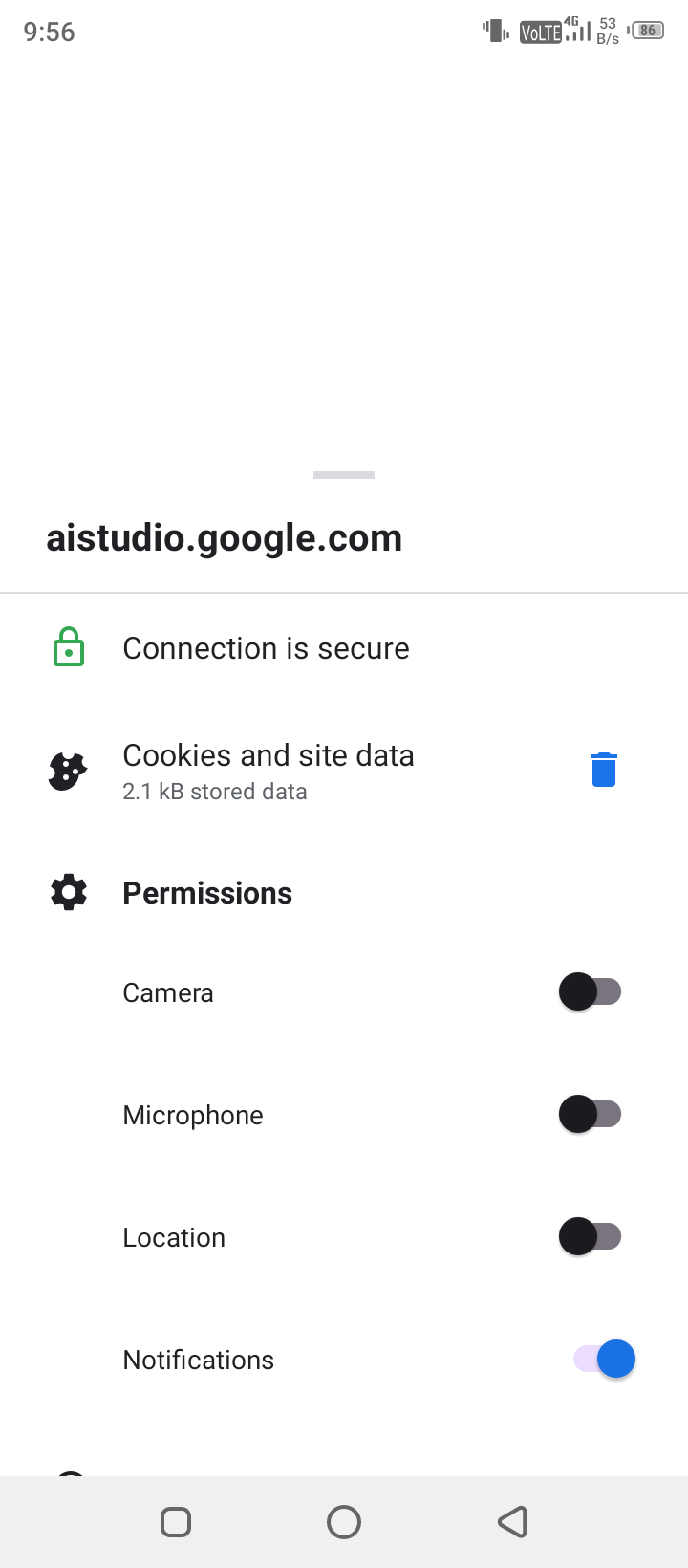
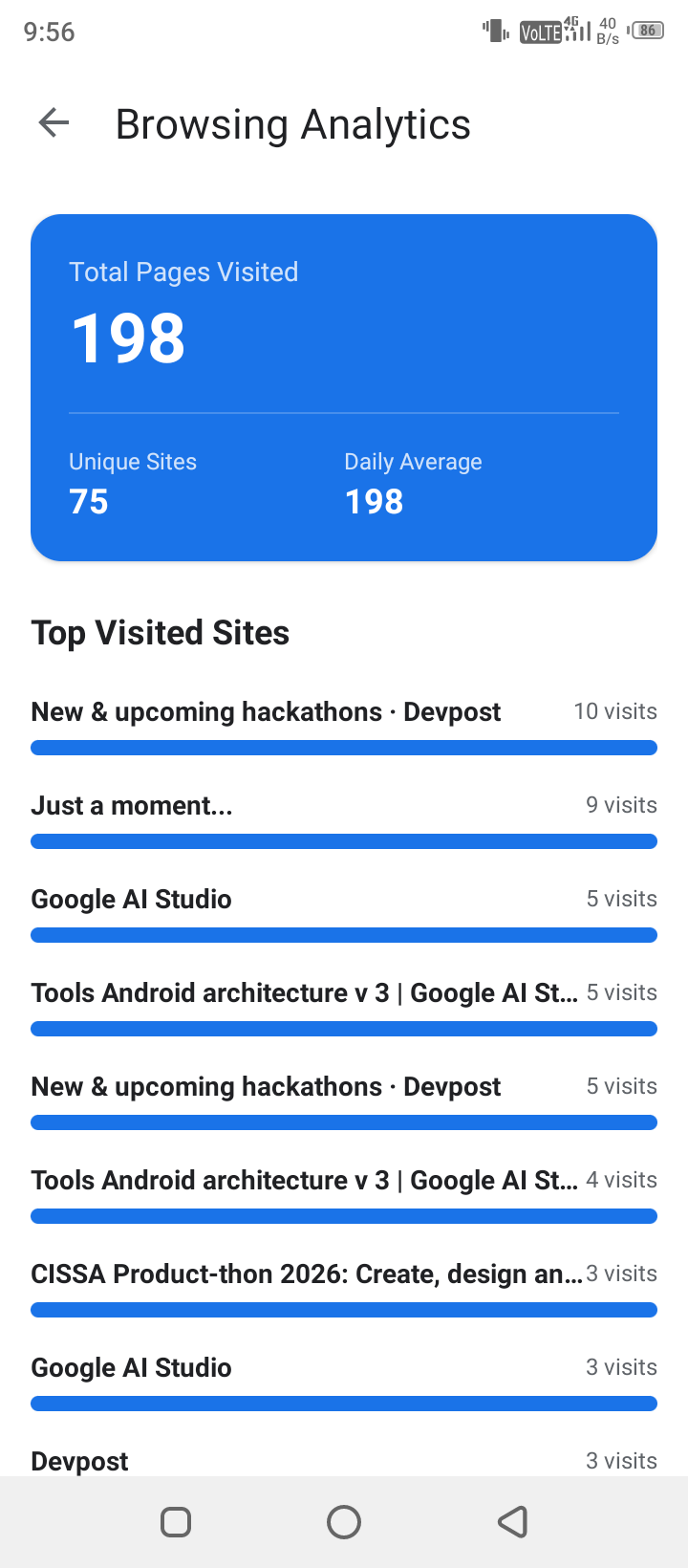
================================================================================
DEVPOST & HACKATHON PROJECT STORY
Inspiration
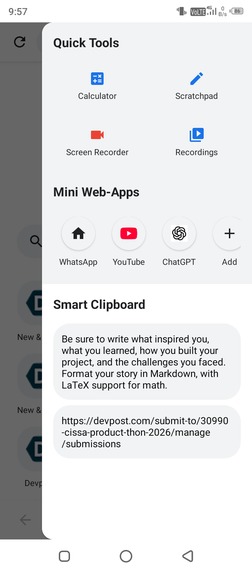
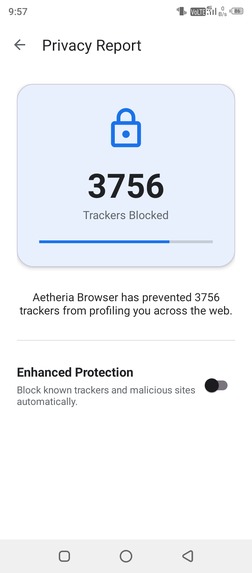
Building a browser from scratch on Android often feels like facing a walled garden. Most mobile browsers are heavy, bloated, or restricted in how they allow users to interact with scripts, passkeys, and custom media players. We wanted to build a browser engine that didn't compromise on speed while giving power users desktop-class freedom—allowing seamless userscript execution, native WebAuthn/Passkey authentication, and floating multi-tasking widgets directly on a smartphone display.
How We Built It
We architected the application using modern Android practices (MVVM, Kotlin Coroutines, View Binding, and Jetpack components). At its core, the application manages dynamic WebView instances isolated inside custom tab structures.
- JavaScript Bridges: We implemented custom
@JavascriptInterfacelayers (UserscriptBridge,NotificationBridge,PwaBridge) to bridge the web runtime with native Android APIs. - Network & Media Optimizations: We implemented custom
WebChromeClientandWebViewClientimplementations to injectVideoPlaybackFixroutines for H.264 video rendering and intercept cross-origin XMLHttpRequests. - Tab & Memory Orchestration: Tab previewing uses memory-optimized bitmap rendering:
$$\text{Memory Overhead} = W \times H \times \text{BytesPerPixel}$$
By constraining preview bitmaps to the $\text{RGB_565}$ configuration ($2 \text{ bytes/pixel}$) instead of $\text{ARGB_8888}$ ($4 \text{ bytes/pixel}$), we reduced preview memory consumption by $50\%$:
$$\Delta \text{Memory} = 1 - \frac{2}{4} = 0.50 \quad (50\% \text{ reduction})$$
Challenges We Faced
- Cross-Origin & Local API Execution: Enabling local AI API calls (like Gemini and Gemma endpoints) from userscripts required bypassing CORS limitations while ensuring sandbox security and handling extended HTTP timeouts safely via Kotlin Coroutines.
- GPU Video Rendering Glitches: Video playback on platforms like Pixabay and YouTube often suffered from black screens during tab switching. We resolved this by overriding hardware acceleration flags dynamically on the
WebViewcontainer level when active video streams are detected. - State Serialization: Persisting multi-tab groups, split-screen states, and isolated incognito instances without leaking memory or crashing during process death required a custom JSON state serialization framework backed by encrypted
SharedPreferences.
What We Learned
- Deep Native-Web Interoperability: Gained low-level understanding of Chromium WebView internals, web manifests, and bridging FIDO2/Passkey authentication into Kotlin runtime handlers.
* Resource Optimization: Managing high memory overhead when handling $N$ concurrent WebView tabs taught us how to aggressively clear hidden layer caches, unbind layout listeners, and manage bitmap lifecycles effectively.
Built With
- adblock
- ai-integration
- android
- coroutines
- custom-browser
- hardware-acceleration
- javascript-bridge
- kotlin
- mobile-browser
- multi-tab-engine
- mvvm
- passkey
- performance
- privacy
- pwa
- userscripts
- webauthn
- webview

Log in or sign up for Devpost to join the conversation.