-
-

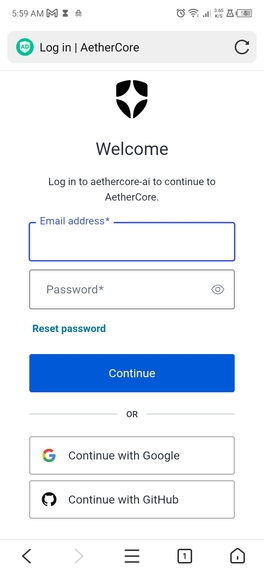
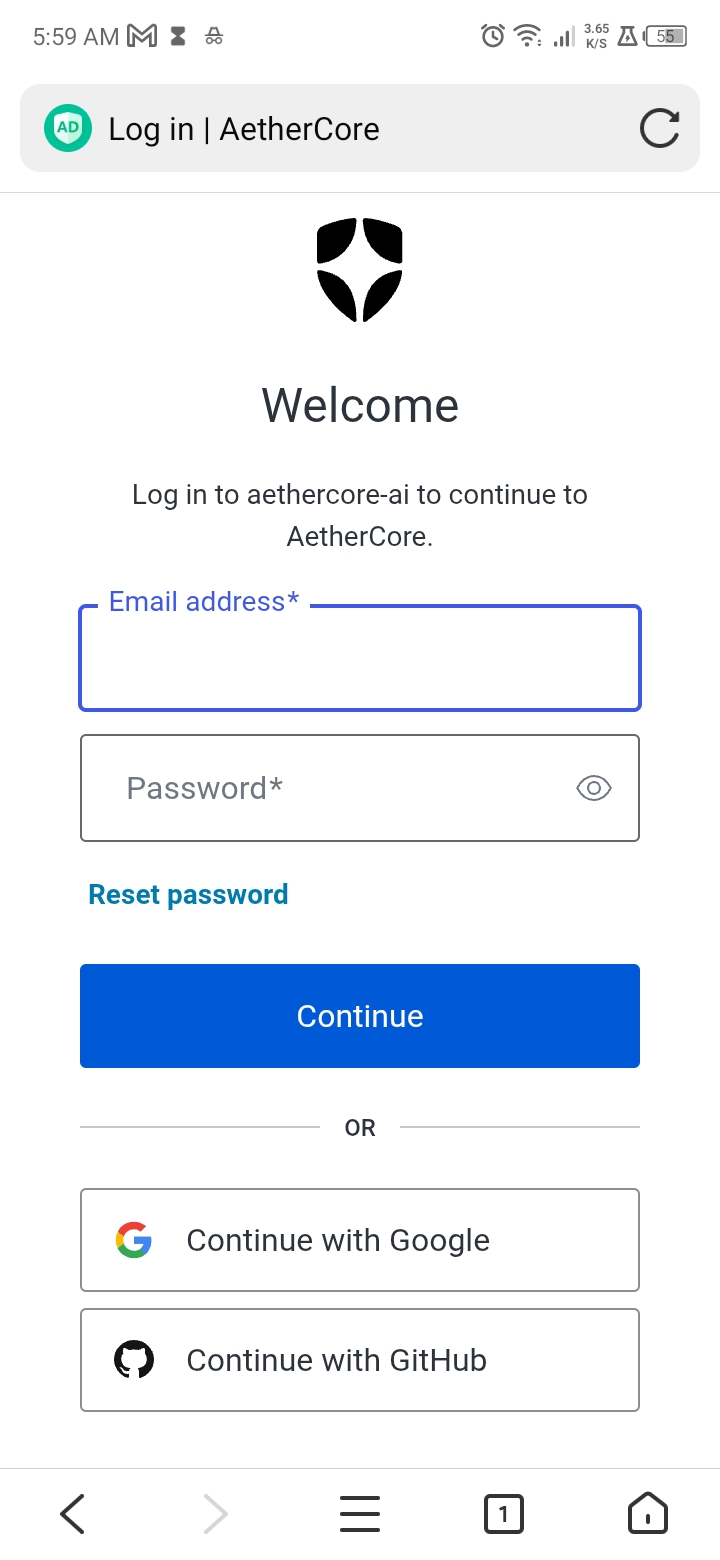
GitHub login page
-
-
-
-
A
-
-
-
-
-
-
-
-
-
-
-
-
-
-
-
-
-
-
-
-
-

"AetherCore Logo" (https://aethercore-ai.vercel.app/logo-word.png)
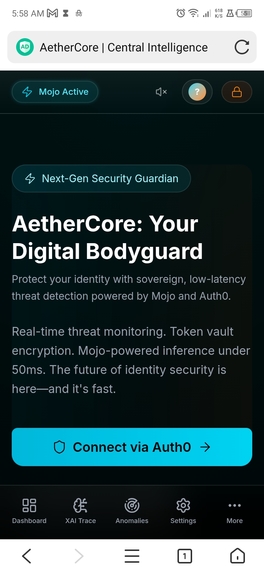
AetherCore — Sovereign AI Security Guardian
The idea for AetherCore was born from a simple observation: cybersecurity dashboards are either overly complex enterprise tools or oversimplified widgets that provide no real value. As a full-stack developer working with AI agents and authentication systems, I saw a gap—a need for a sovereign security guardian that feels premium, responds intelligently, and performs at the edge.
I wanted to build something that:
- Feels alive — with purposeful animations, auditory feedback, and real-time threat visualization
- Performs instantly — using Mojo for compute-heavy operations (up to 68x faster than standard Python)
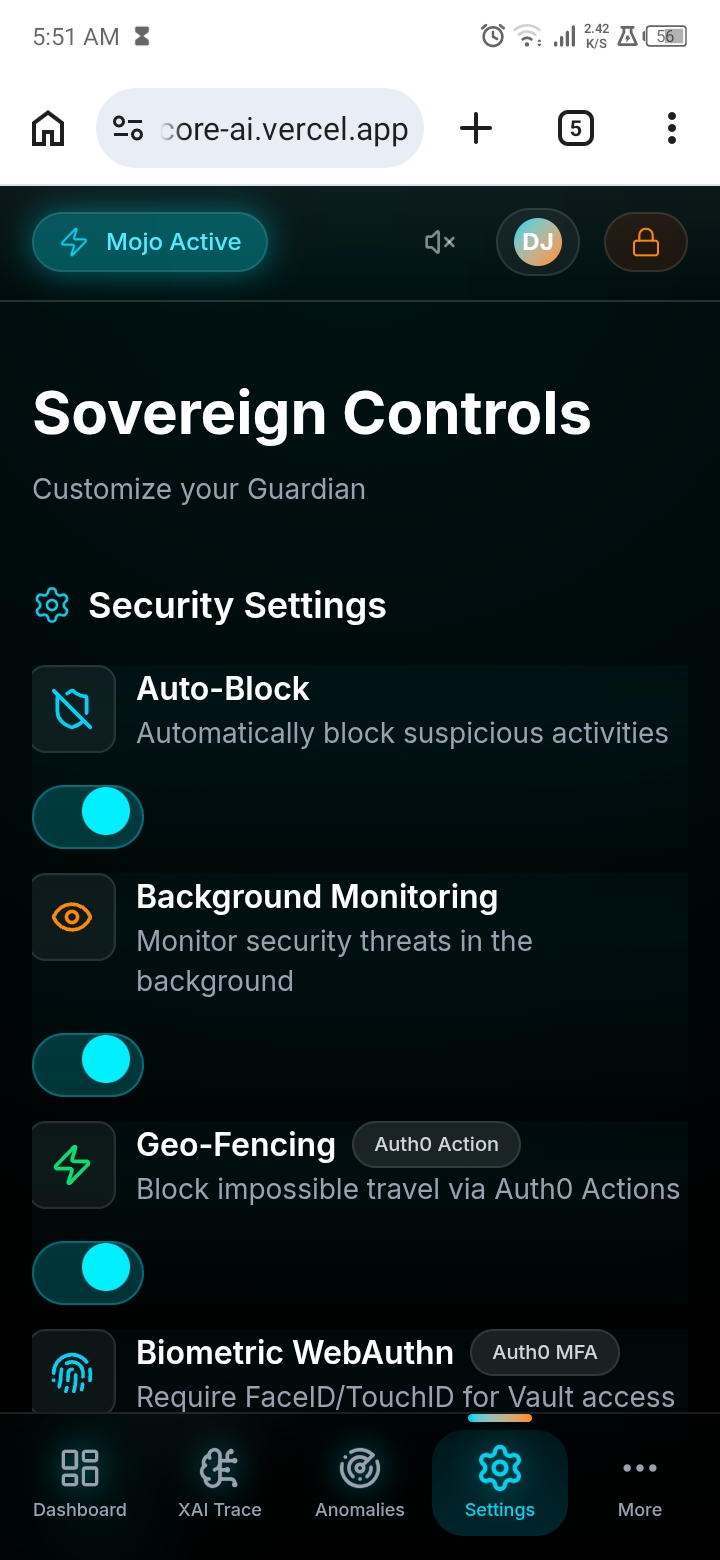
- Secures by default — leveraging Auth0's complete identity stack (MFA, RBAC, token rotation, attack protection)
The name "AetherCore" reflects the duality:
Aether — the invisible medium of connectivity Core — the hardened center of security.
"AetherCore Logo" (public/logo-word.png)
What it does
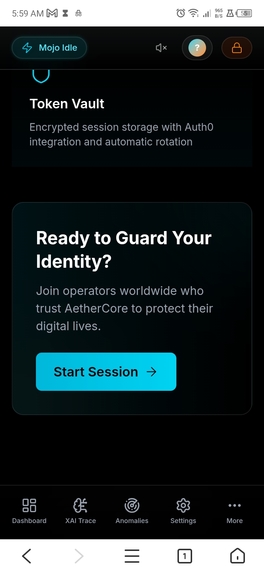
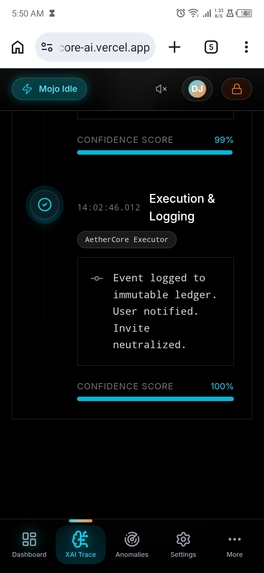
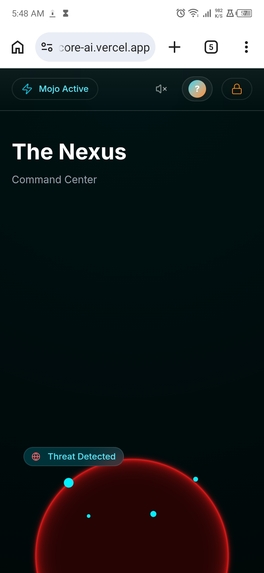
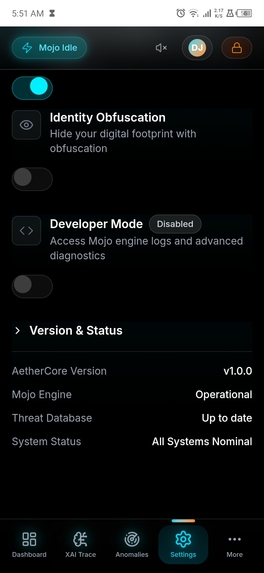
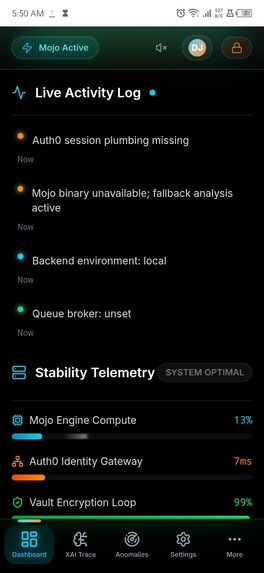
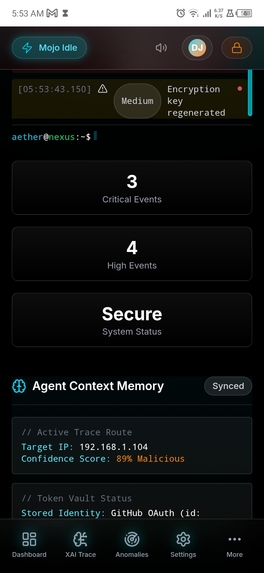
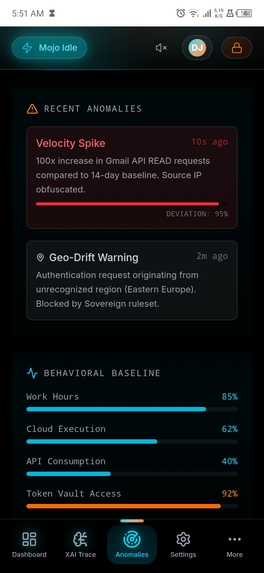
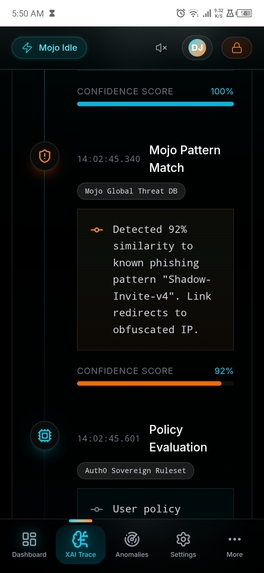
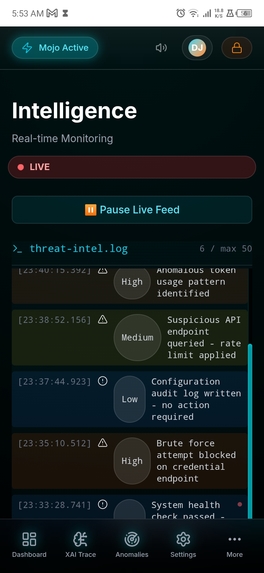
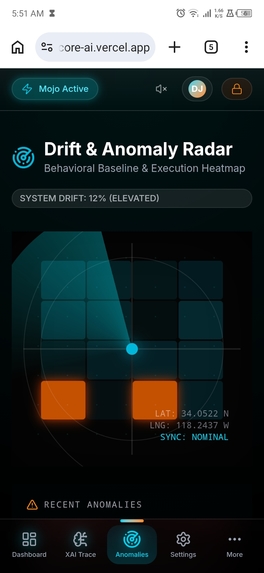
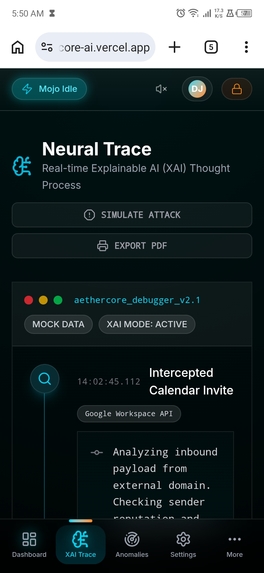
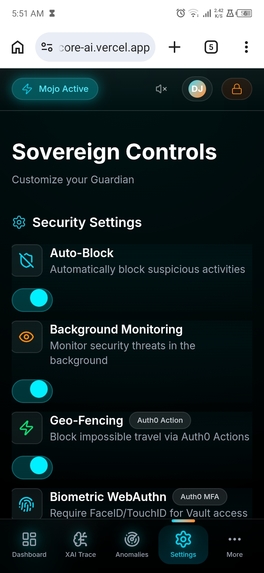
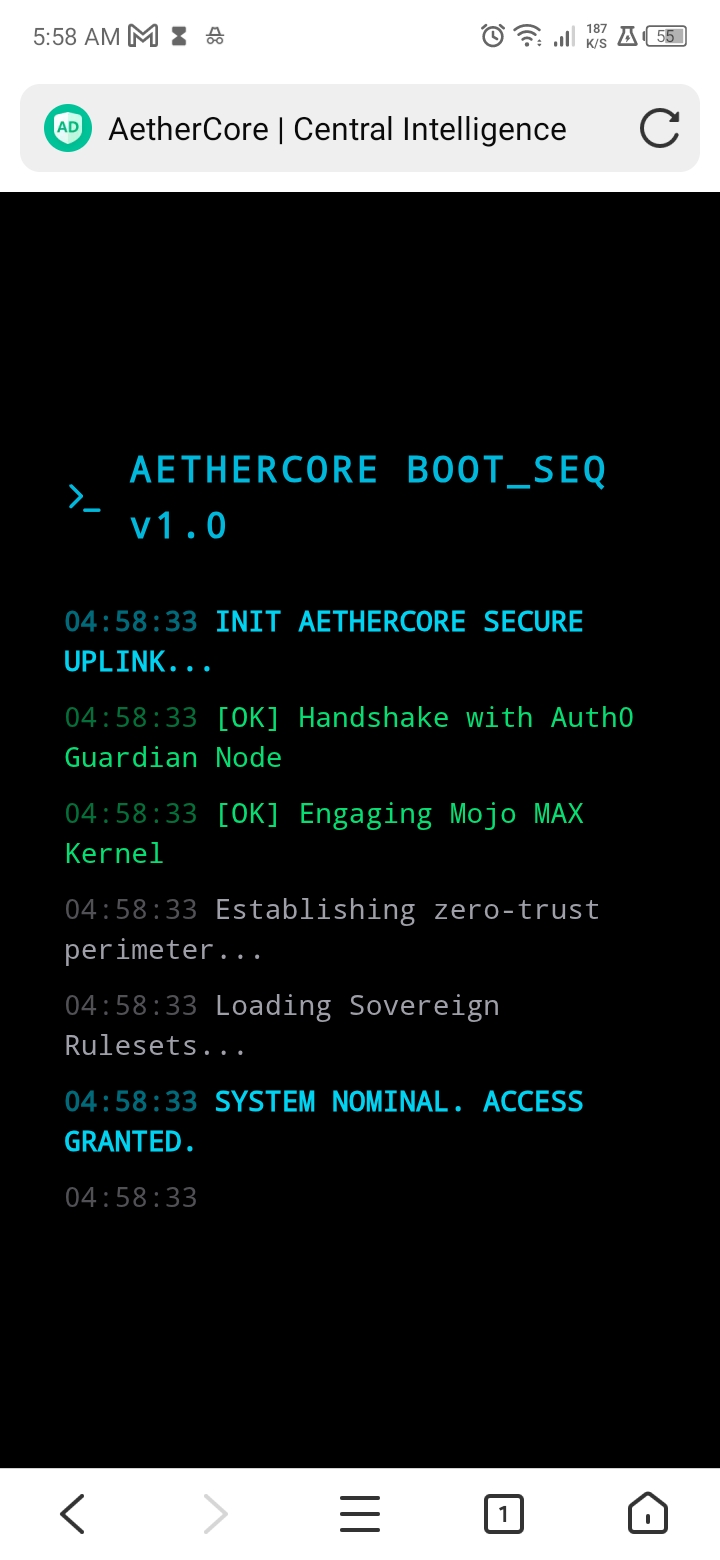
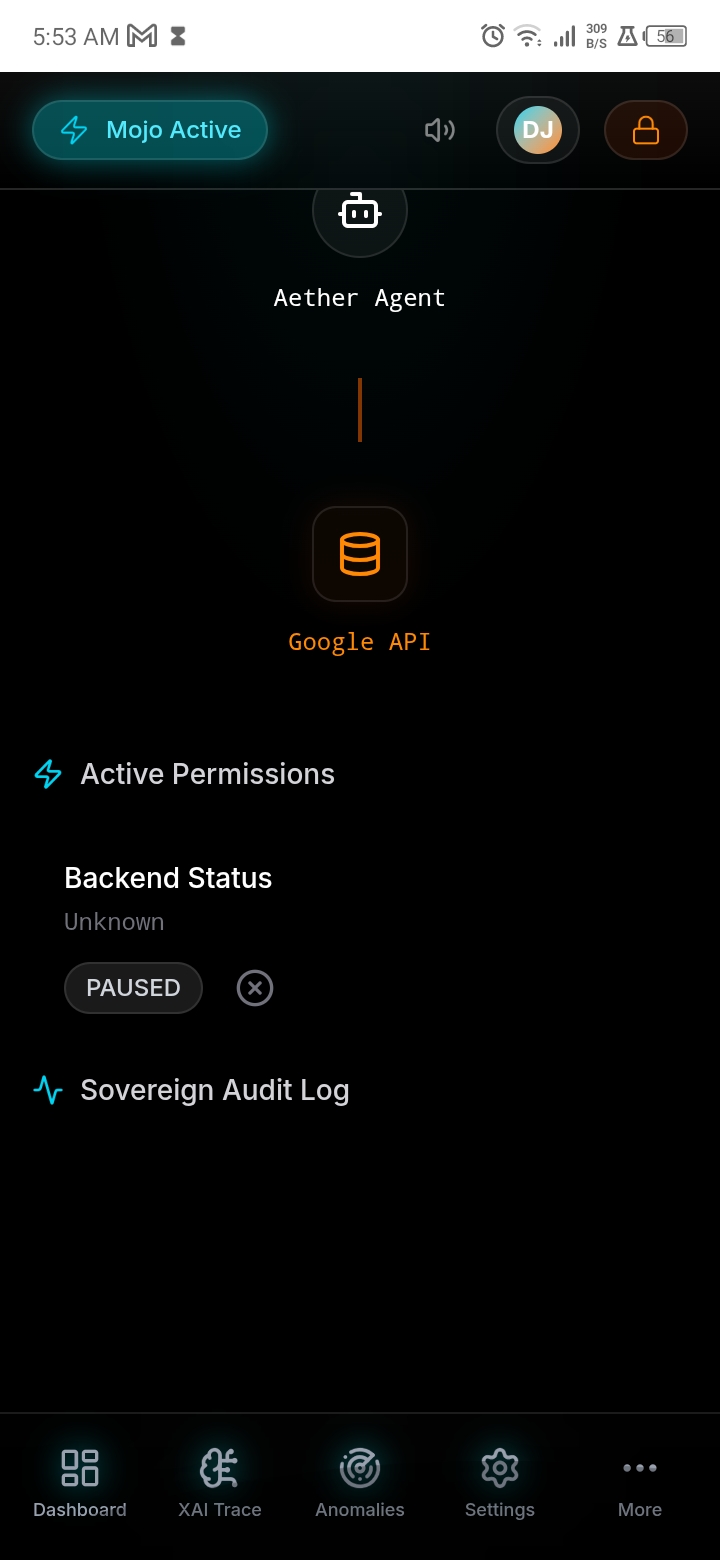
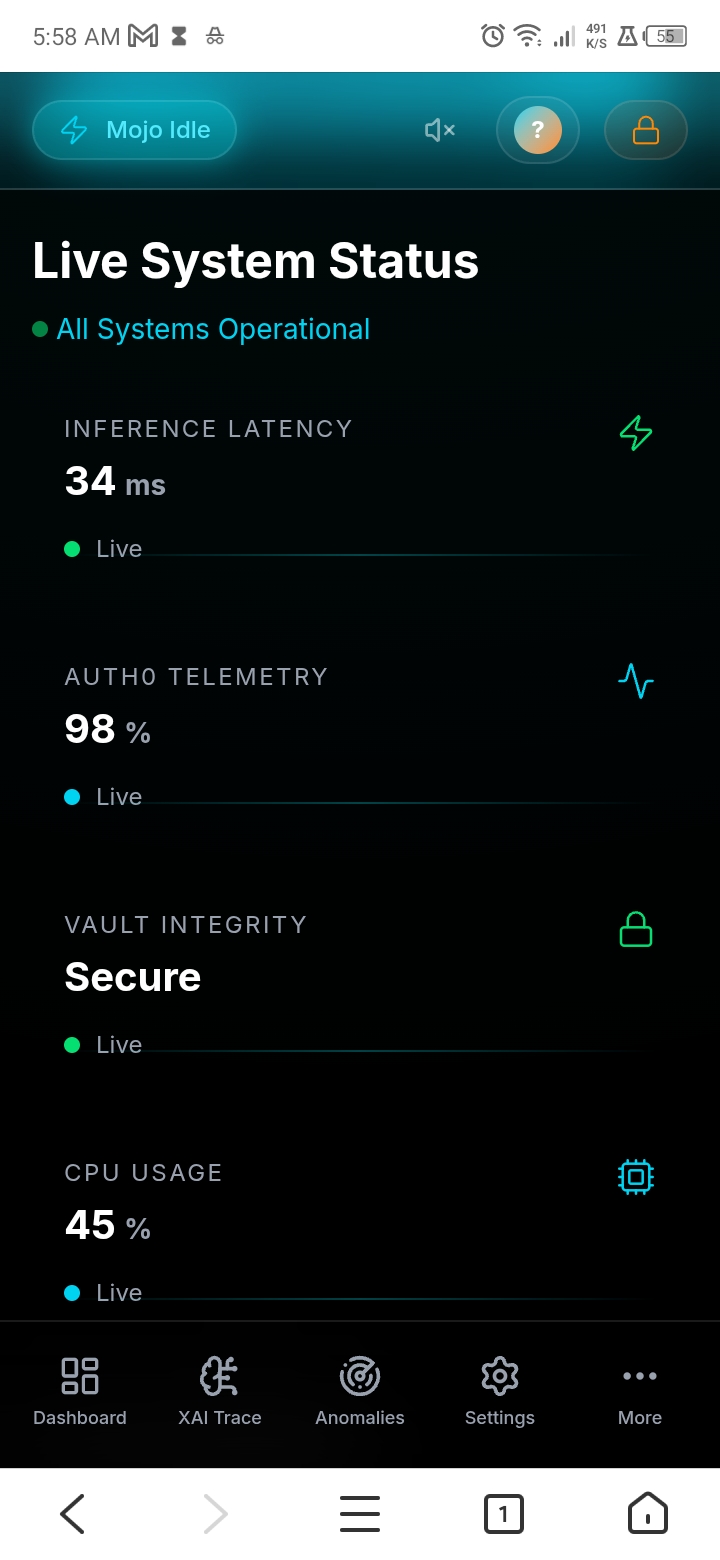
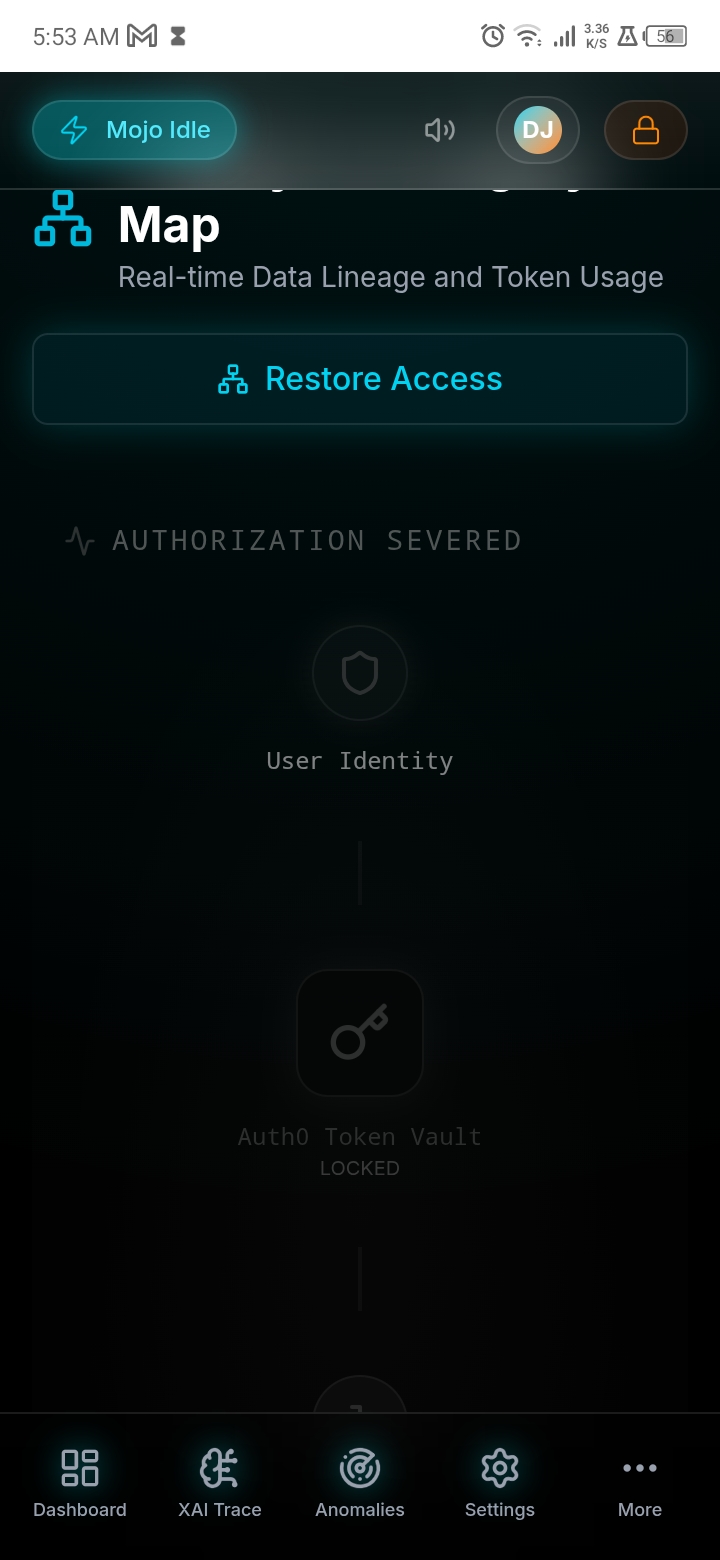
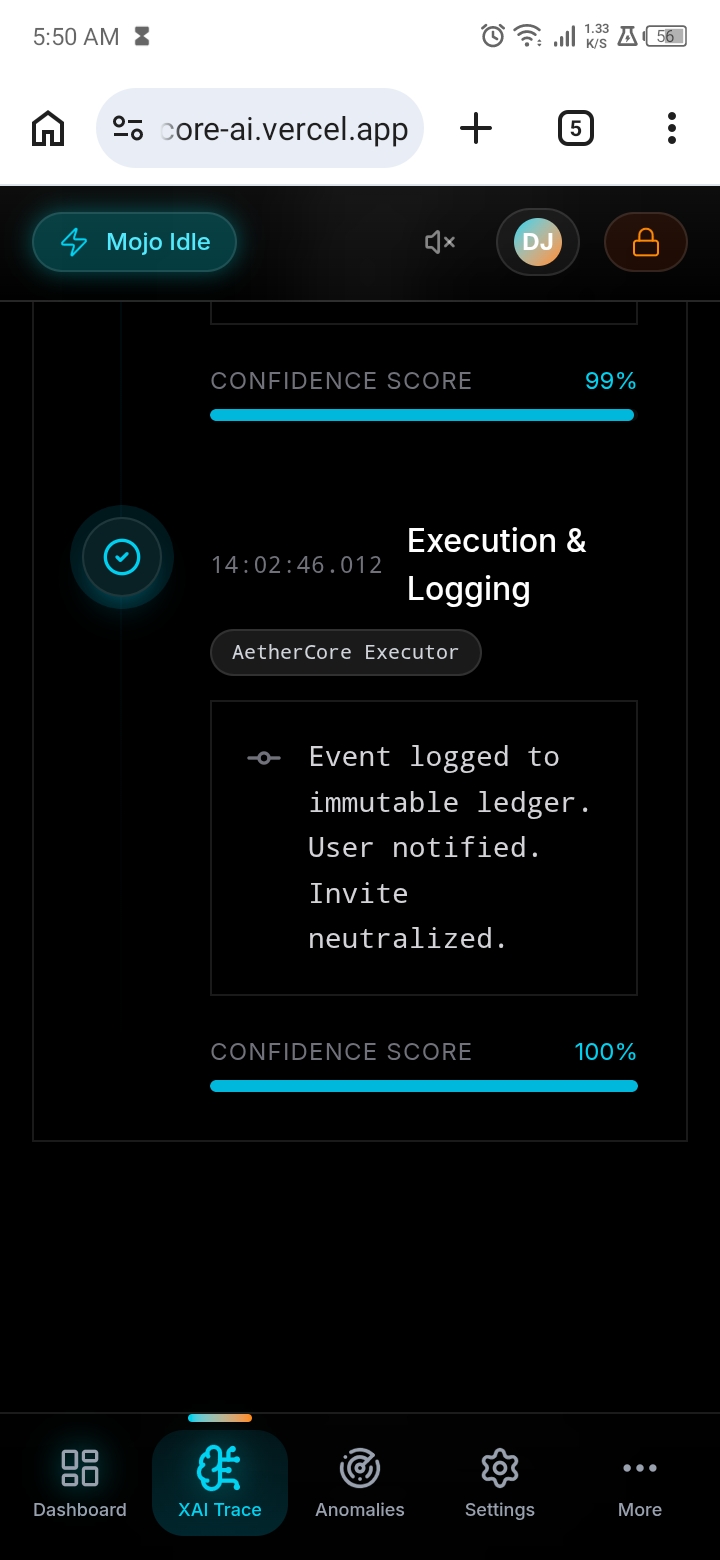
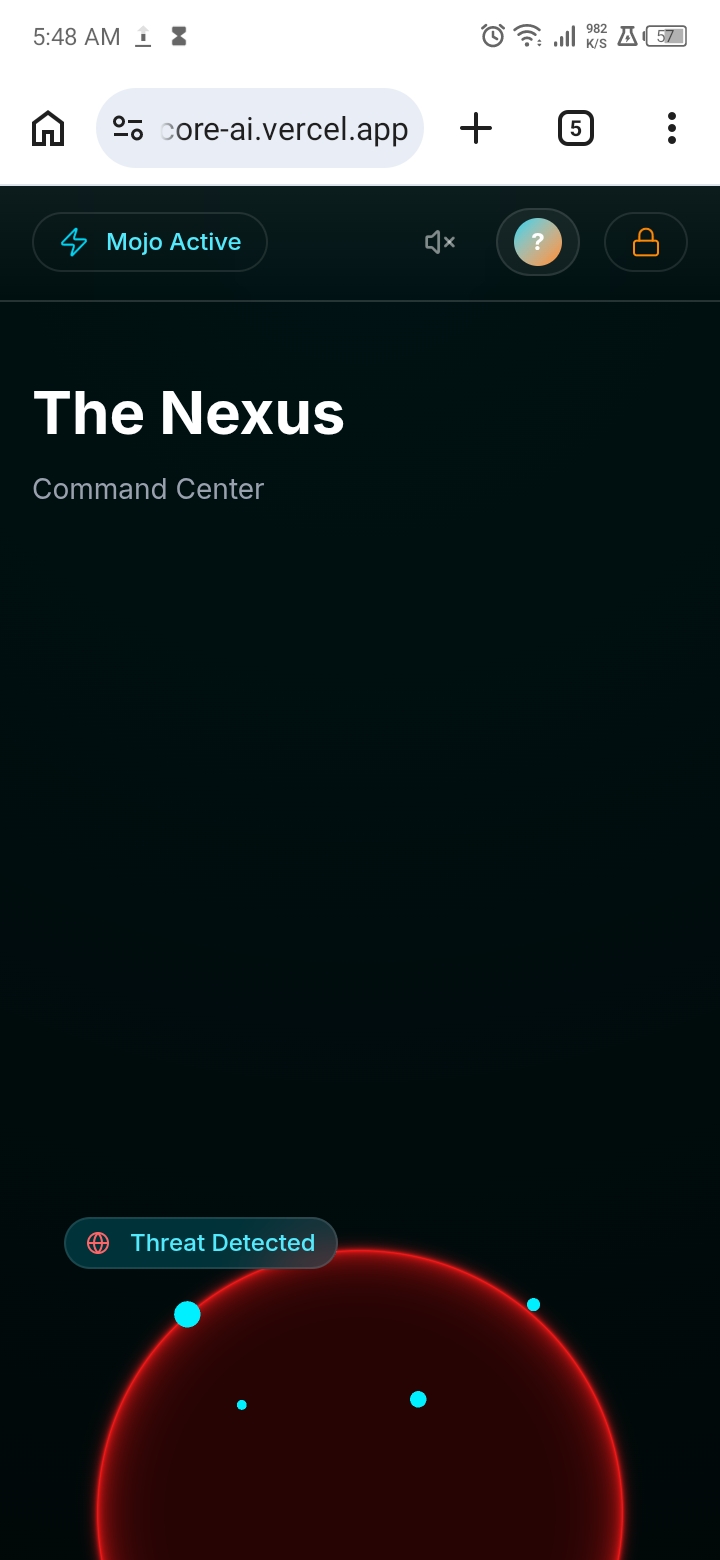
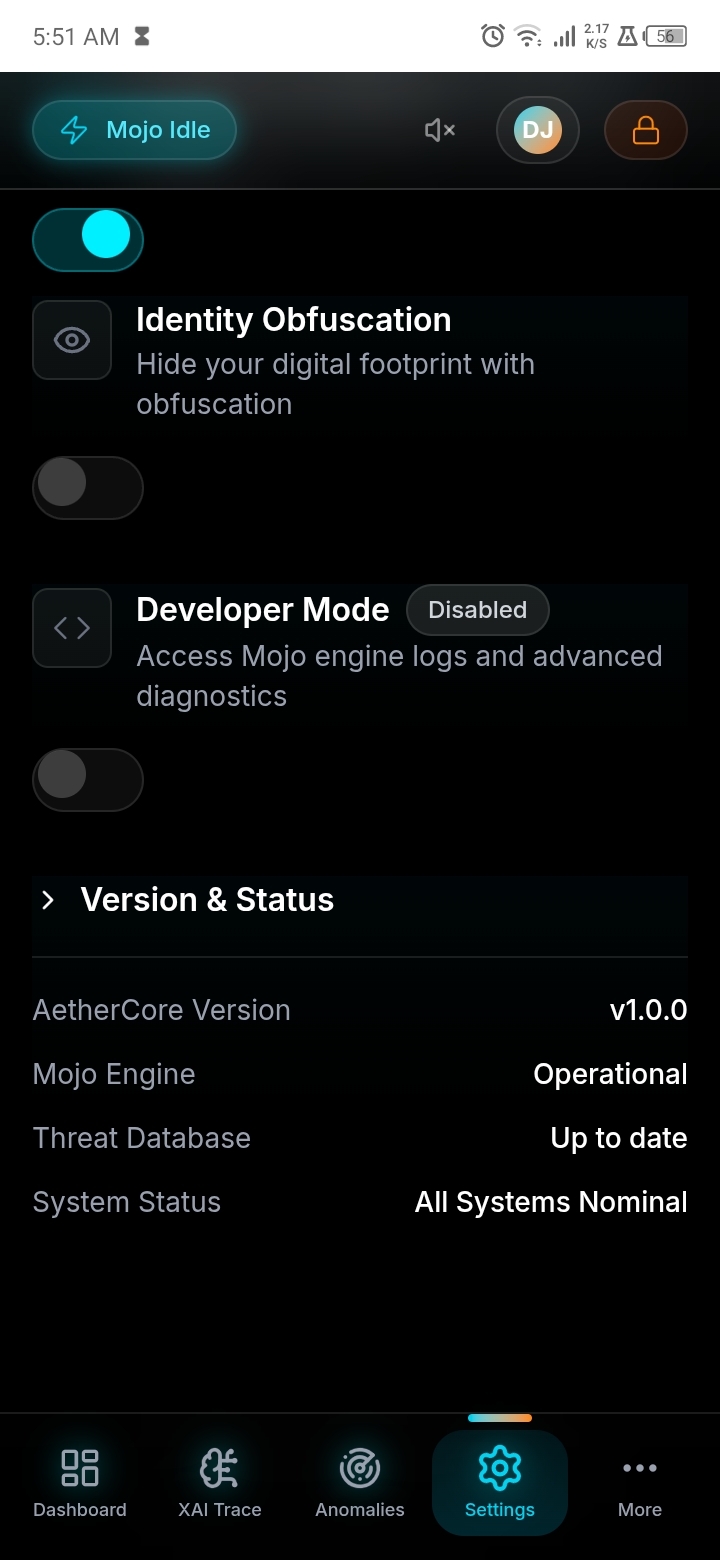
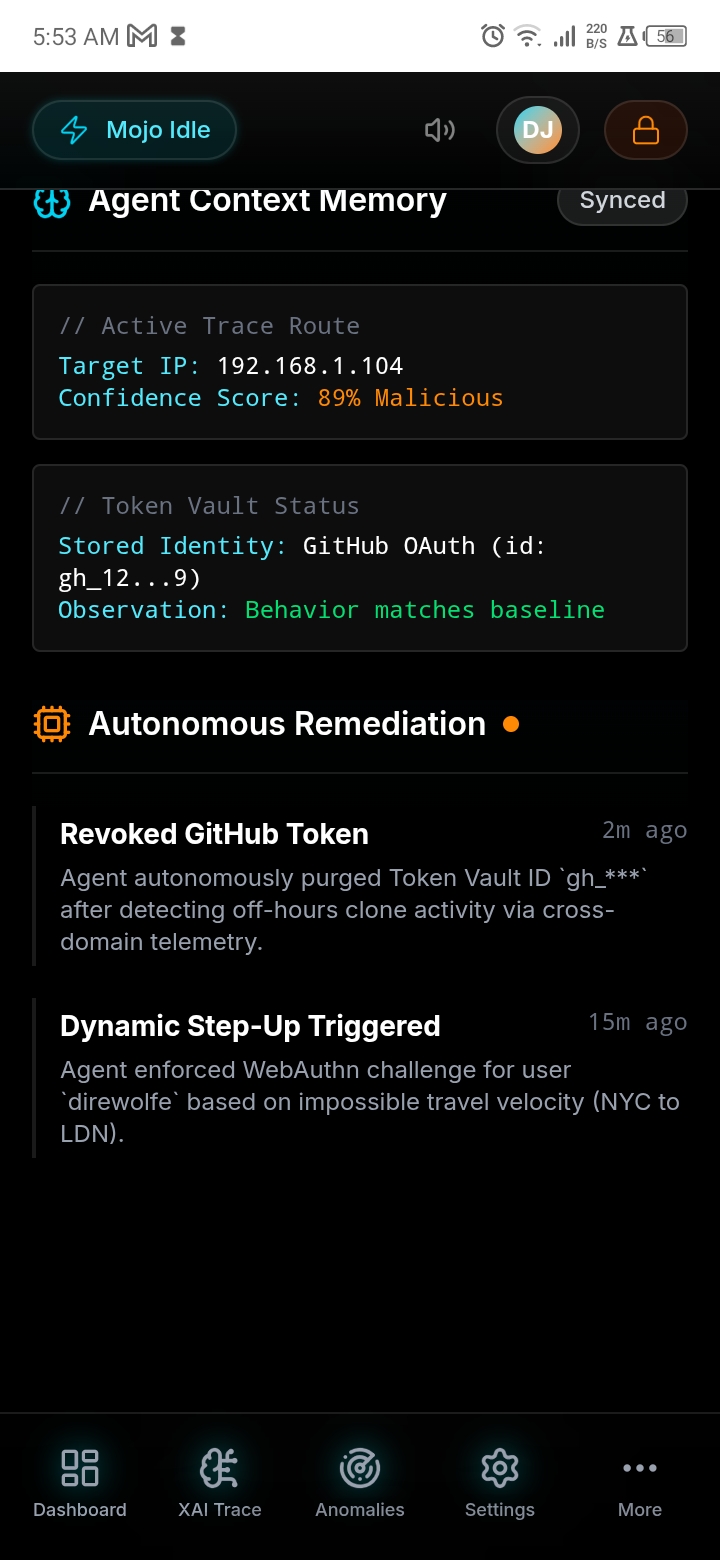
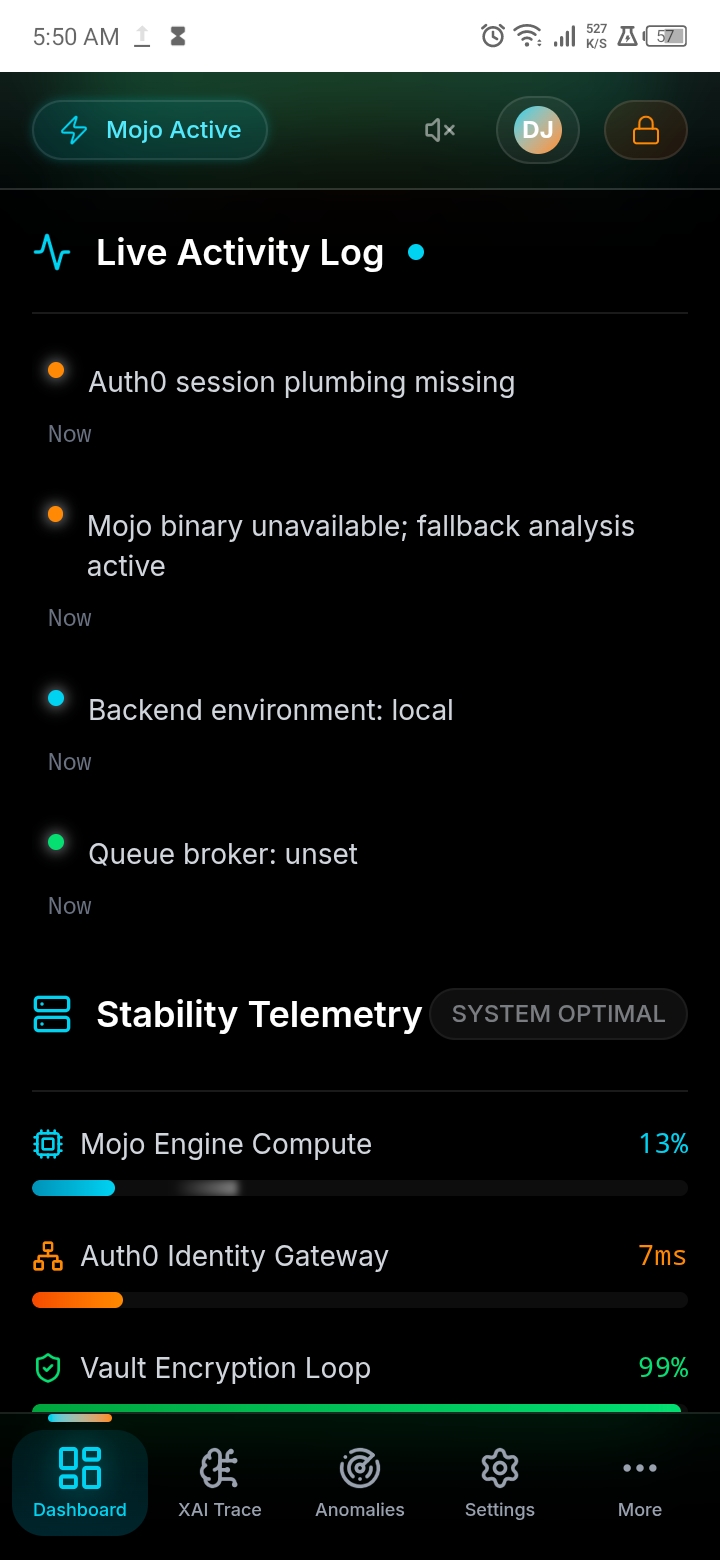
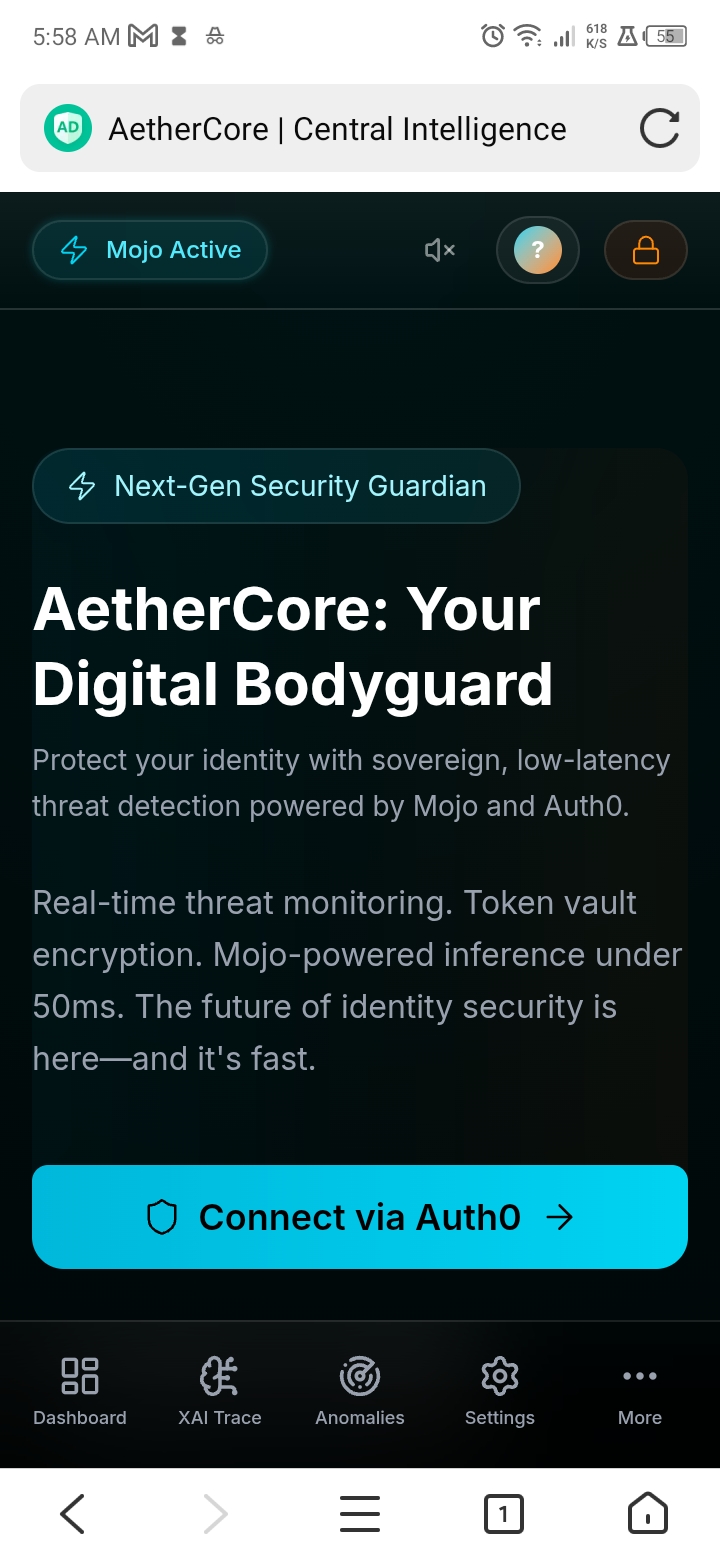
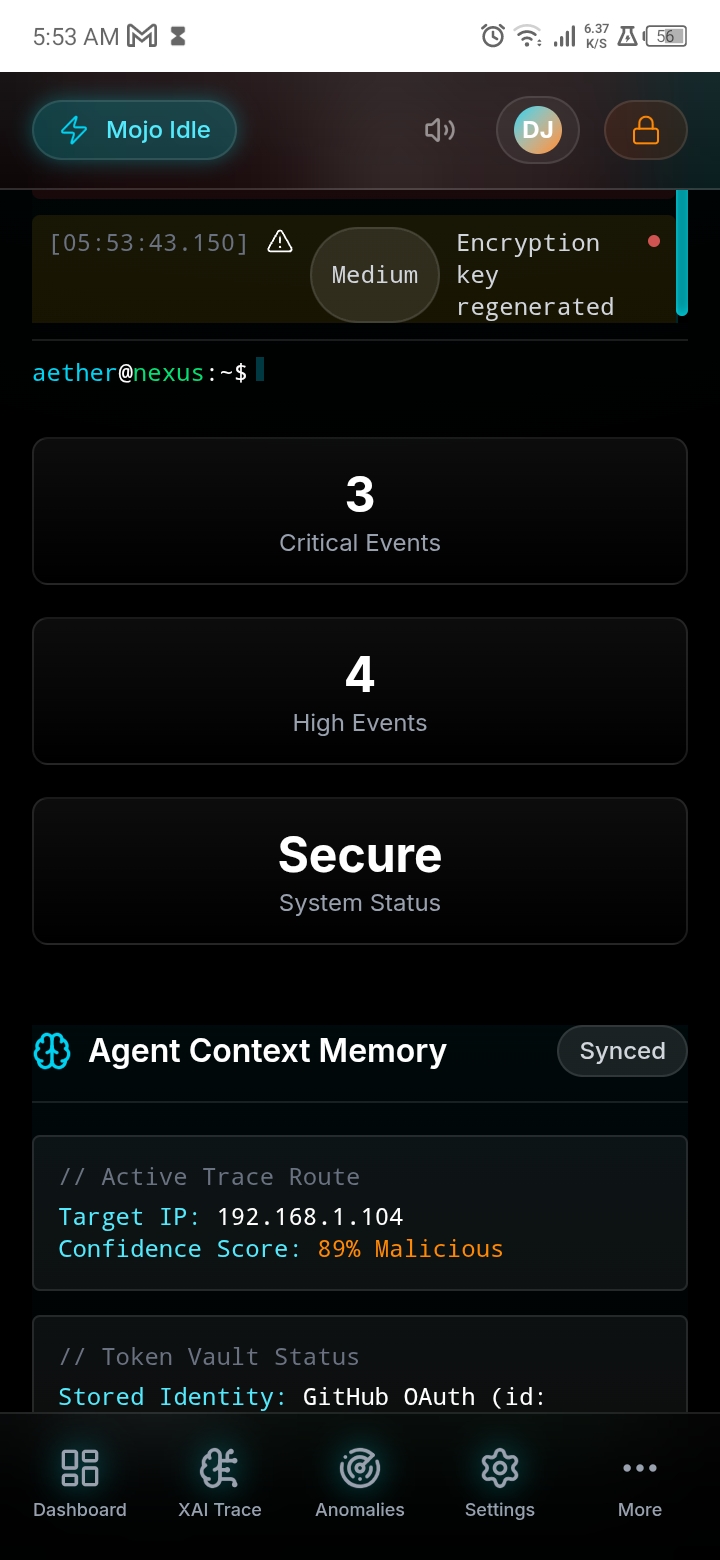
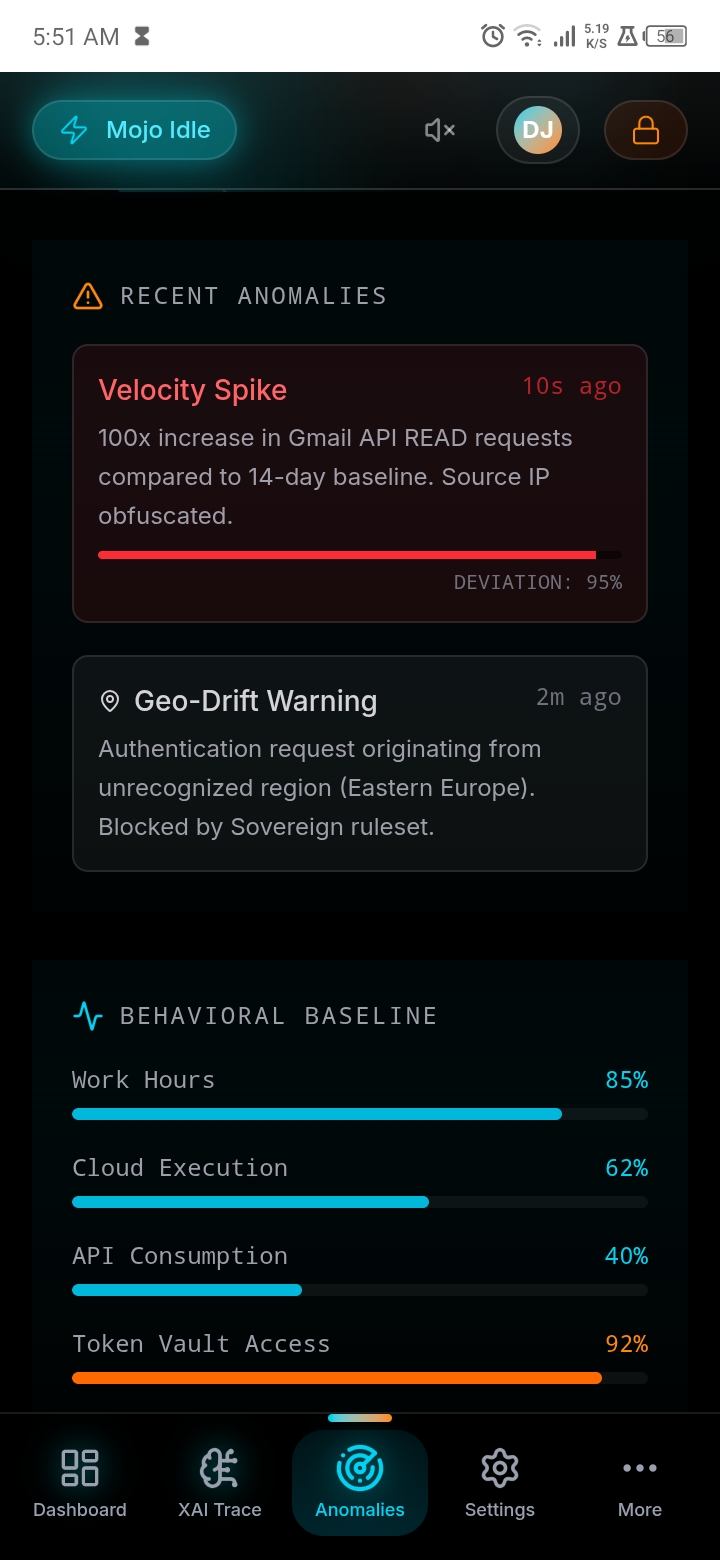
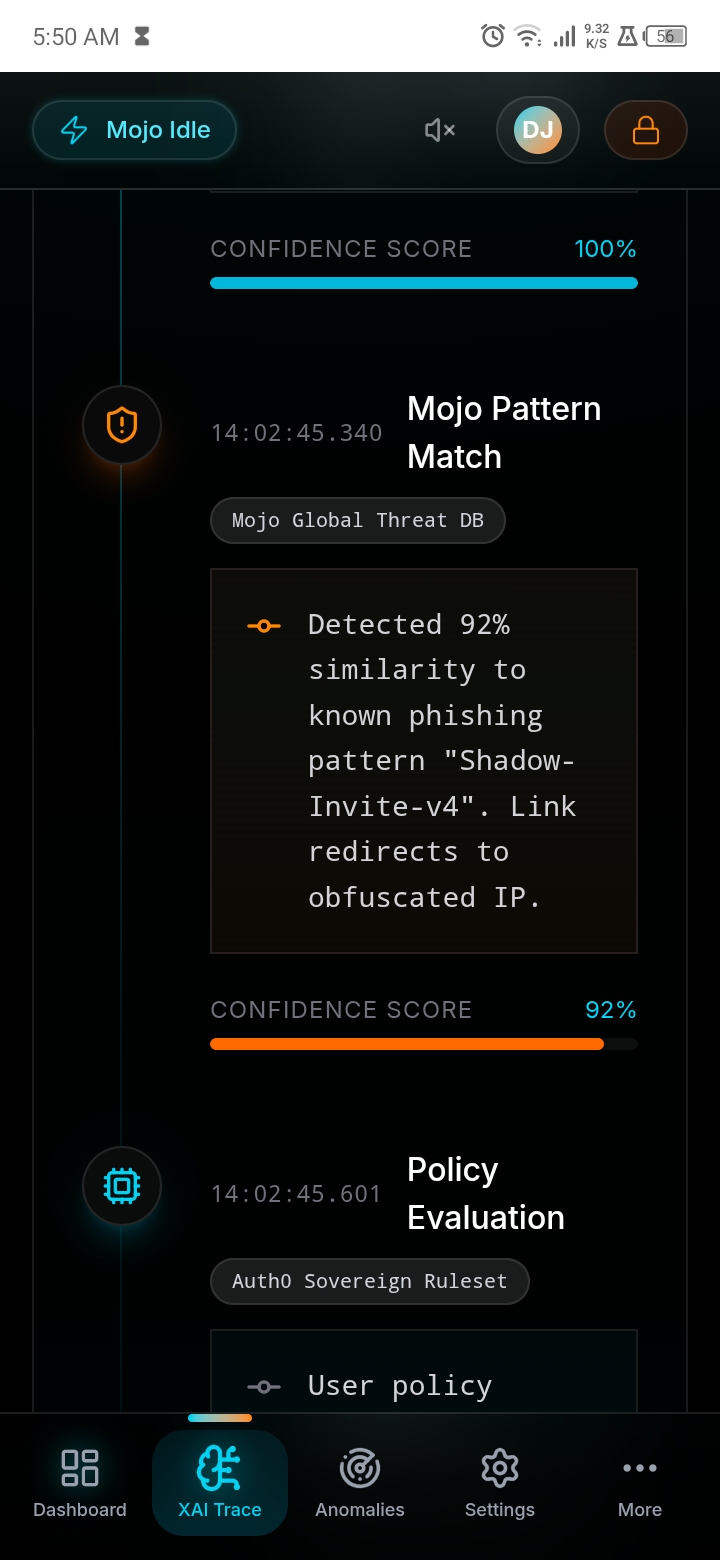
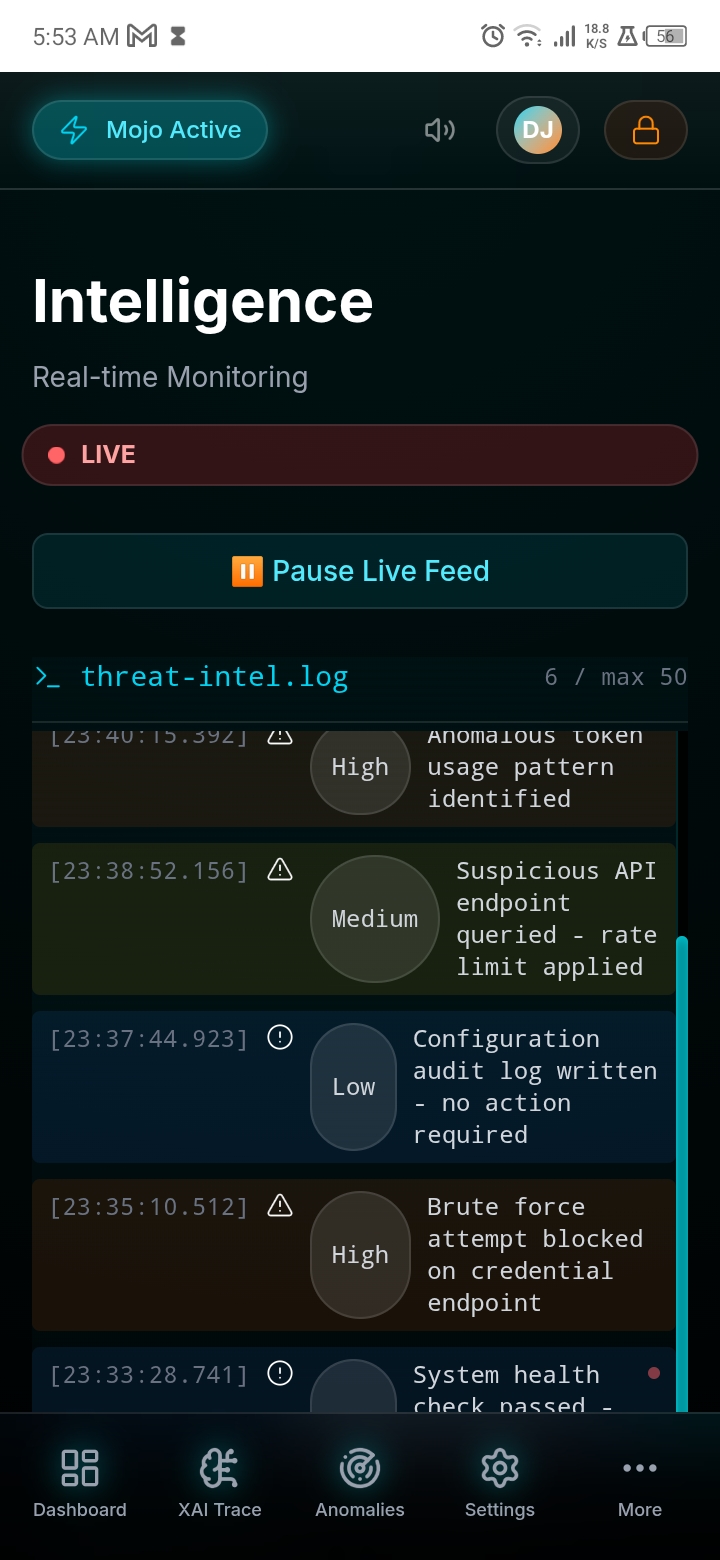
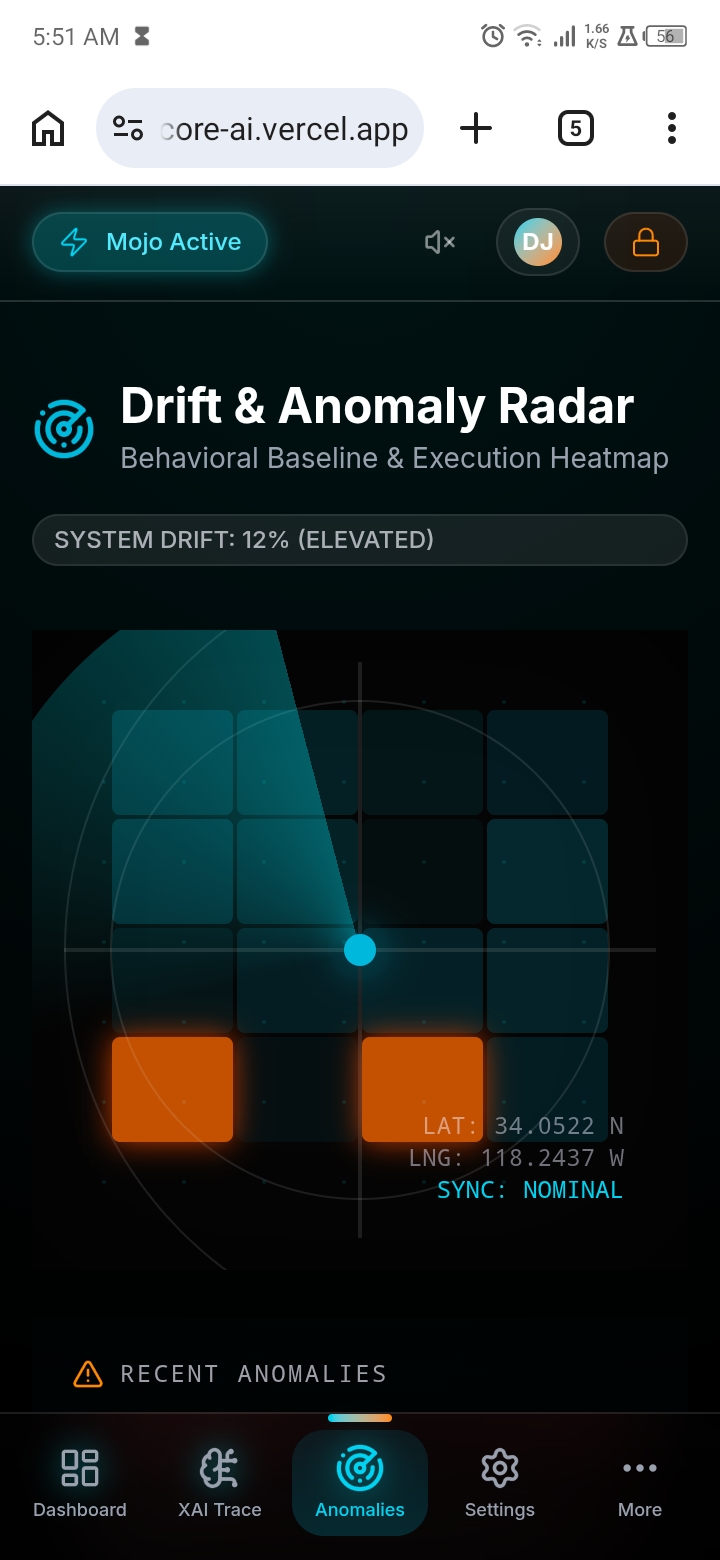
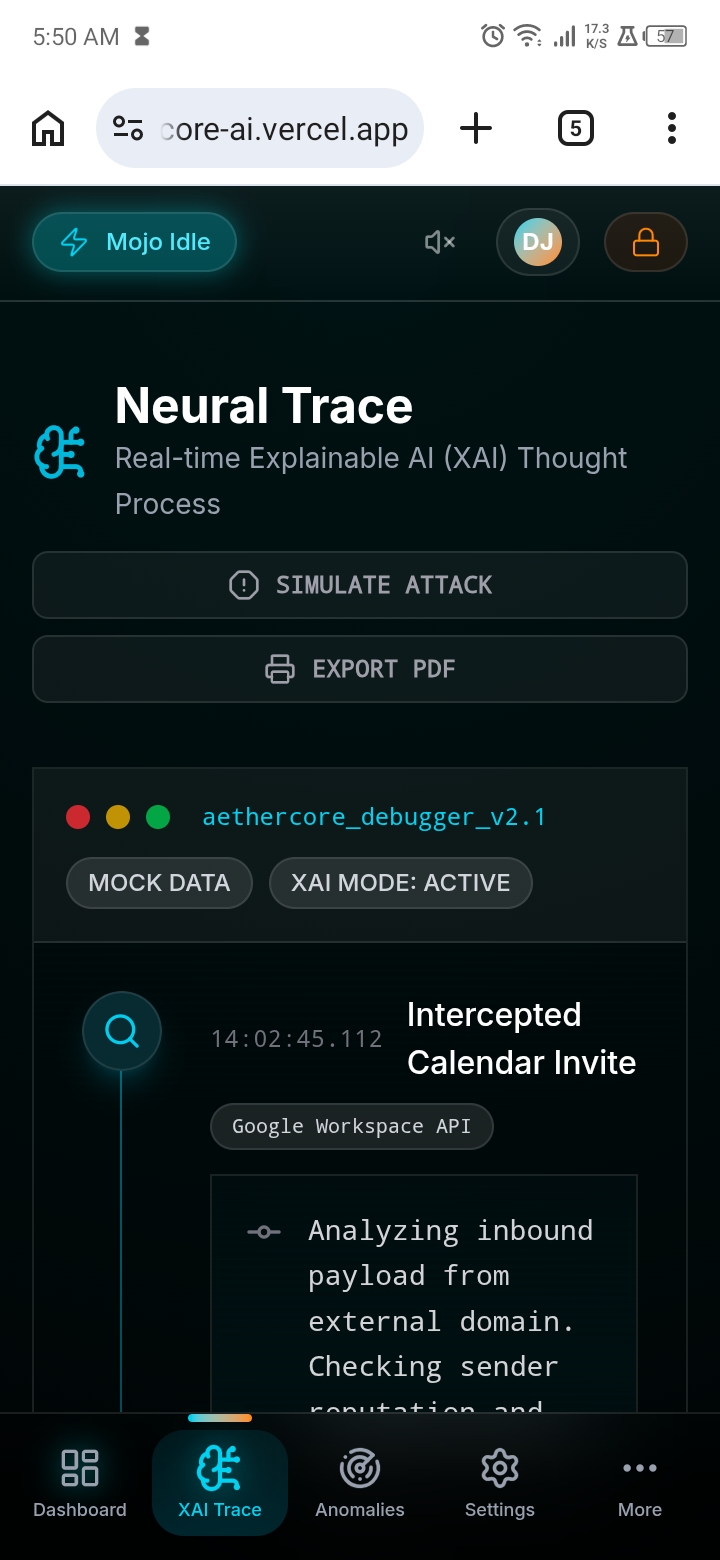
AetherCore is an interactive security command center that monitors, analyzes, and responds to authentication events and system threats in real time.
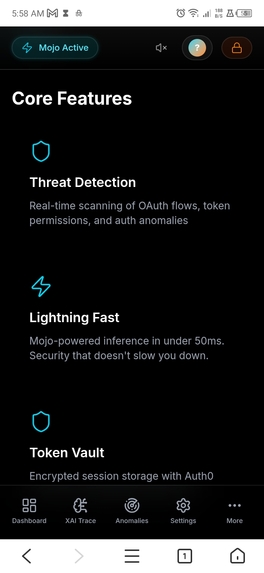
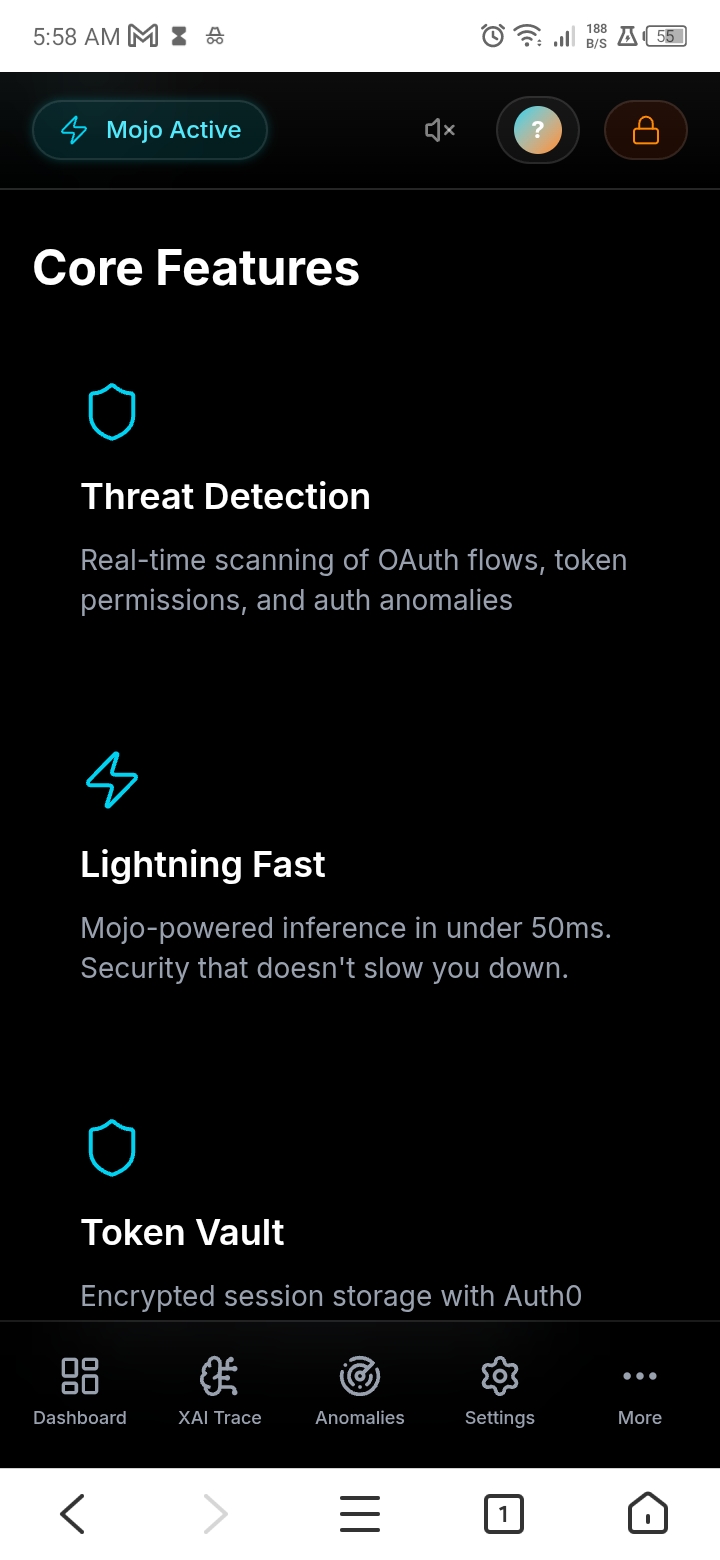
Core Features
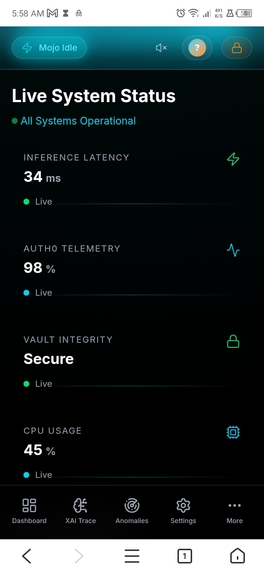
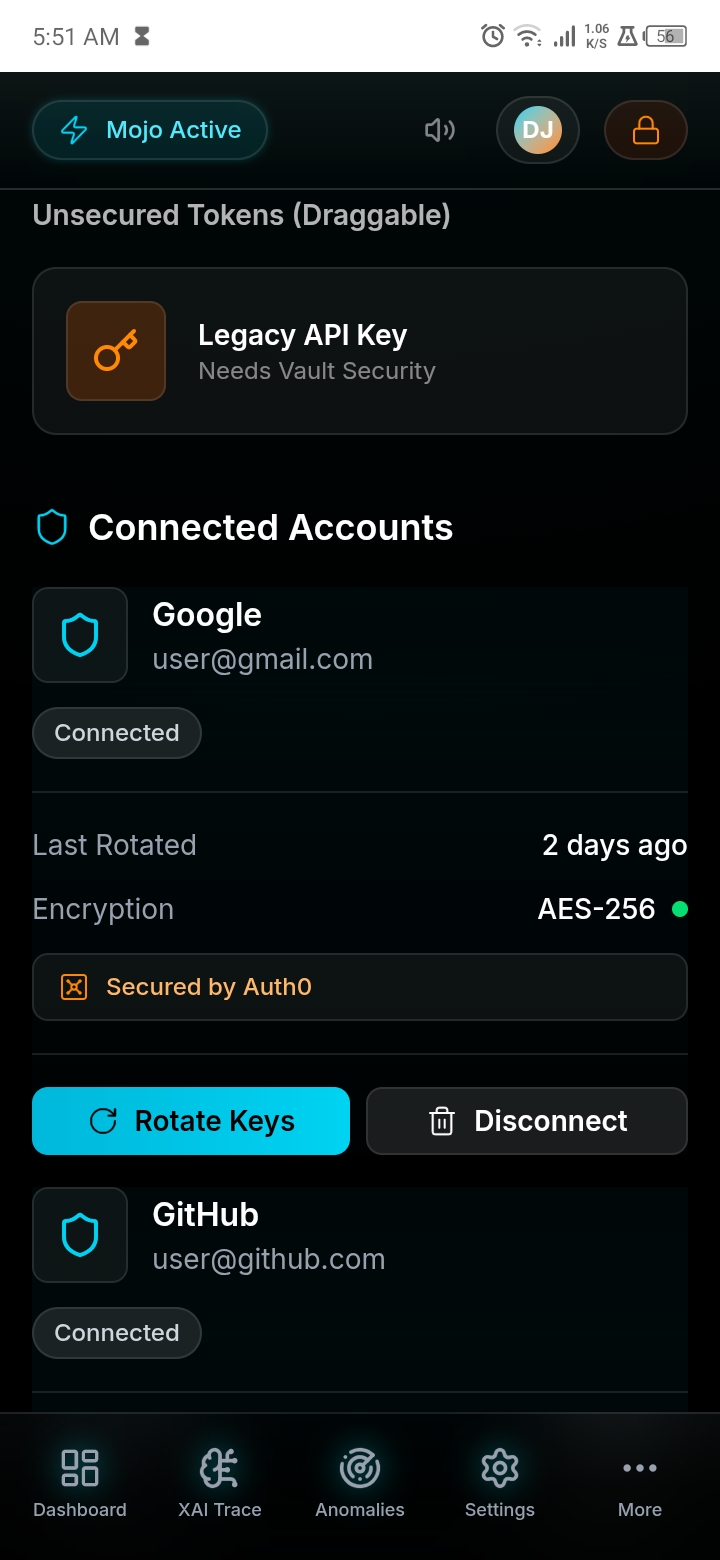
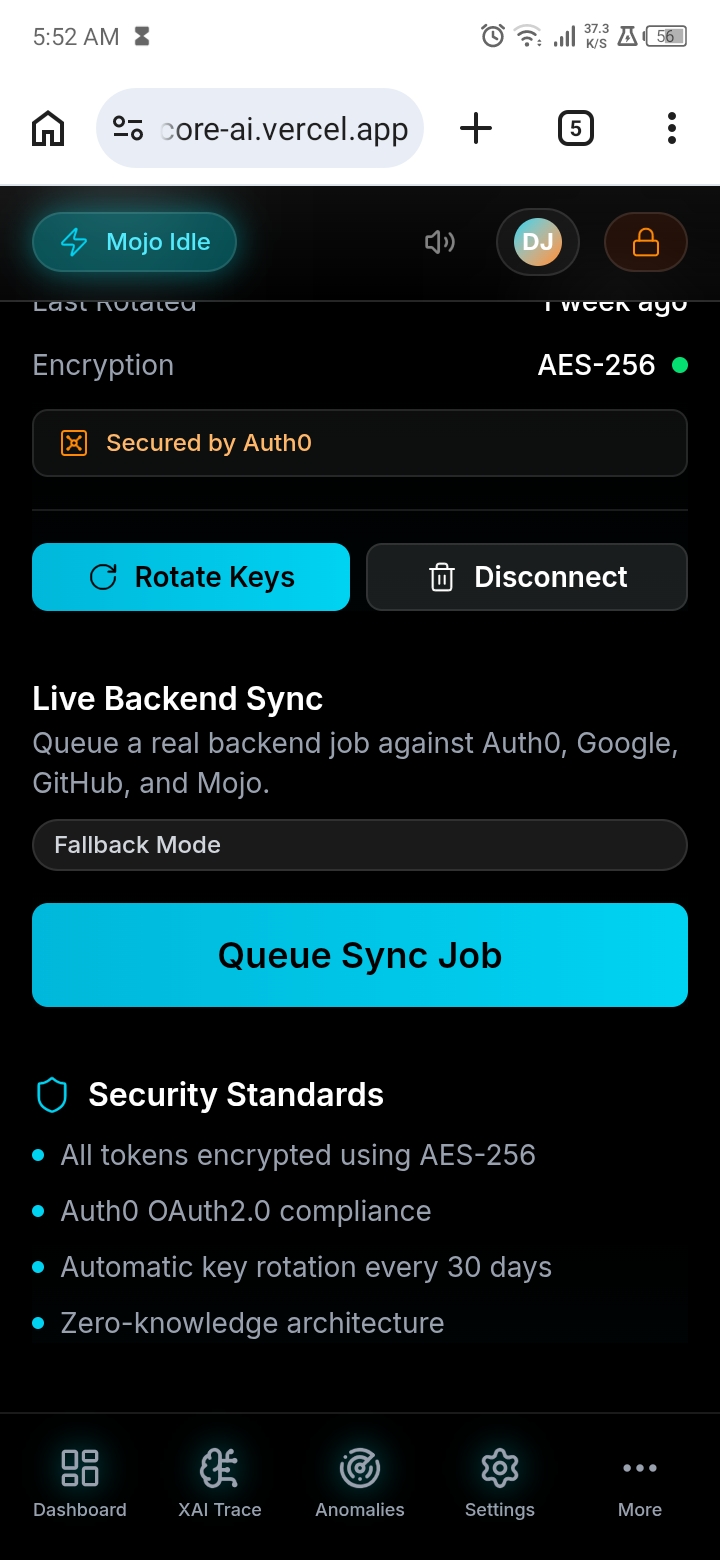
Feature| Description Live Threat Feed| Real-time event log showing authorization attempts, vault access, and anomaly detection System Status Grid| Four key metrics: Latency (34ms baseline), Activity (98%), Vault Integrity, CPU Load Latency Meter| Animated gauge with color zones (green → yellow → red) for performance at a glance Vault Status Card| Auth0 integration status with encryption details and token health Glassmorphic UI| Premium cyber-minimalist aesthetic with backdrop blur, glow effects, and scan-line animations Auth0 Authentication| Secure login with Universal Login, session management, and role-based access control
The Stack in Action
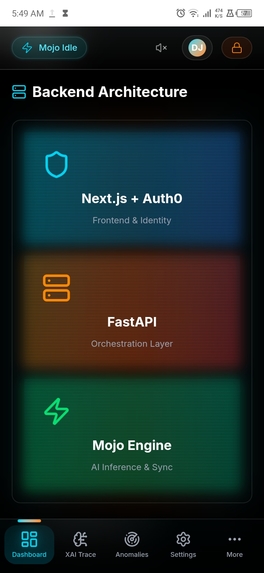
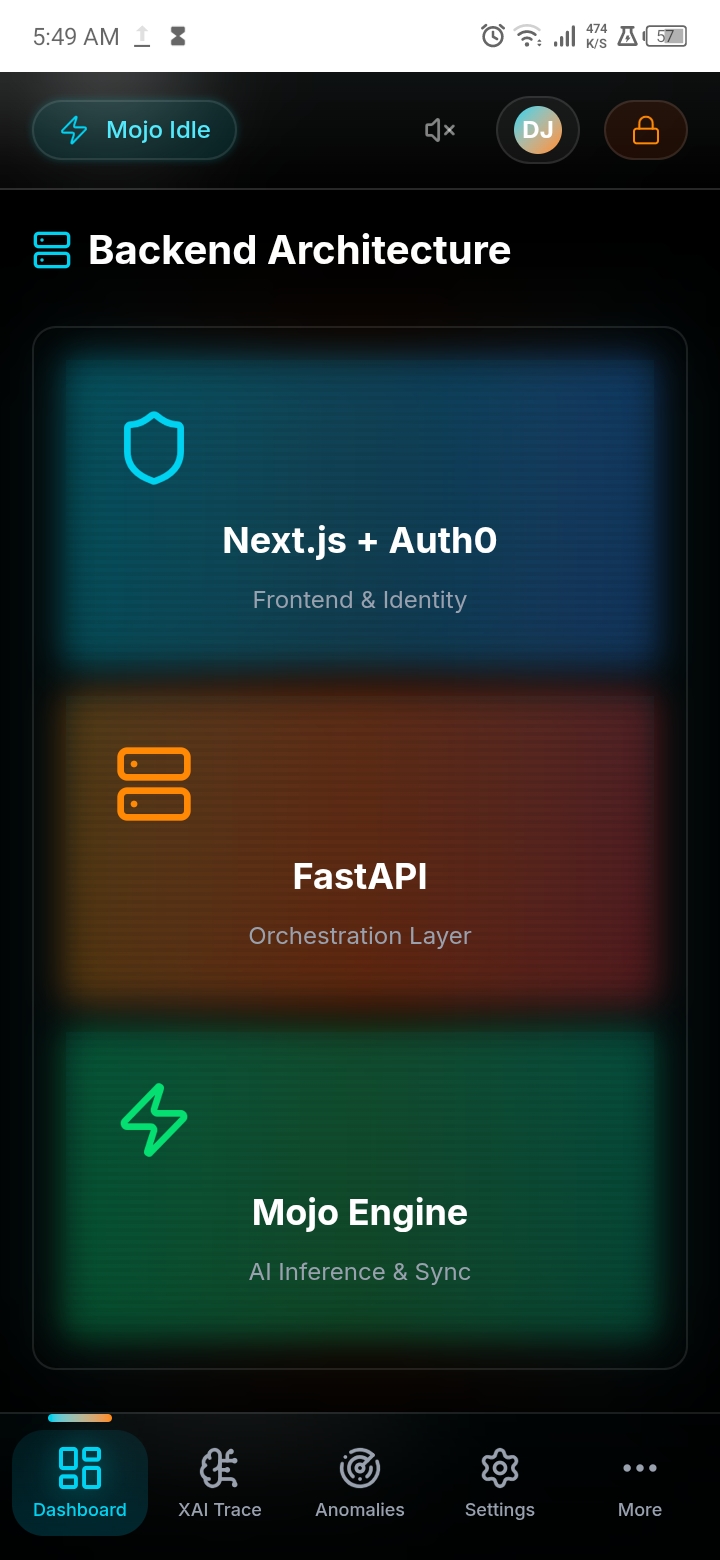
User → Next.js Frontend → Auth0 Authentication → FastAPI Gateway → Mojo Engine ↓ ↓ ↓ ↓ ↓ Glassmorphic UI MFA + RBAC Token Validation Request Routing 68x Faster AI Real-time Feed Session Mgmt Security Layer API Gateway Threat Analysis
How we built it
Frontend Architecture
Next.js 16 (App Router) with TypeScript formed the backbone. I chose Next.js for:
- SSR + Static Generation — instant initial load times
- Automatic code splitting — optimized bundle sizes
- Built-in image optimization — performance ready
Tailwind CSS 4 delivered the cyber-minimalist aesthetic:
- Utility-first approach for rapid development
- Native dark mode support
- Custom animations (shimmer, glow, scan-line, pulse)
Framer Motion powered all animations:
- GPU-accelerated transitions (60fps)
- Staggered entrance animations (150ms delays)
- Breathing glow effects (3-second cycles)
- Scan-line sweeps (4-second durations)
Component Architecture (Atomic Design)
Atoms (Smallest) ├── Badge, PulseIndicator, Basic UI
Molecules (Composite) ├── GlassCard, GlassButton, SectionHeading
Organisms (Complex) ├── SystemStatusGrid, ThreatFeed, VaultStatus, LatencyMeter
Templates (Page-level) ├── Landing Page, Dashboard Page
Backend Integration Strategy
FastAPI serves as the orchestration layer:
- High-throughput asynchronous Python
- Auth0 JWT validation on every request
- Routes compute-heavy tasks to Mojo engine
Mojo handles the "fire" operations:
- Threat vector similarity search (68x faster than Python)
- Cryptographic verification
- Anomaly detection algorithms
Authentication (Auth0)
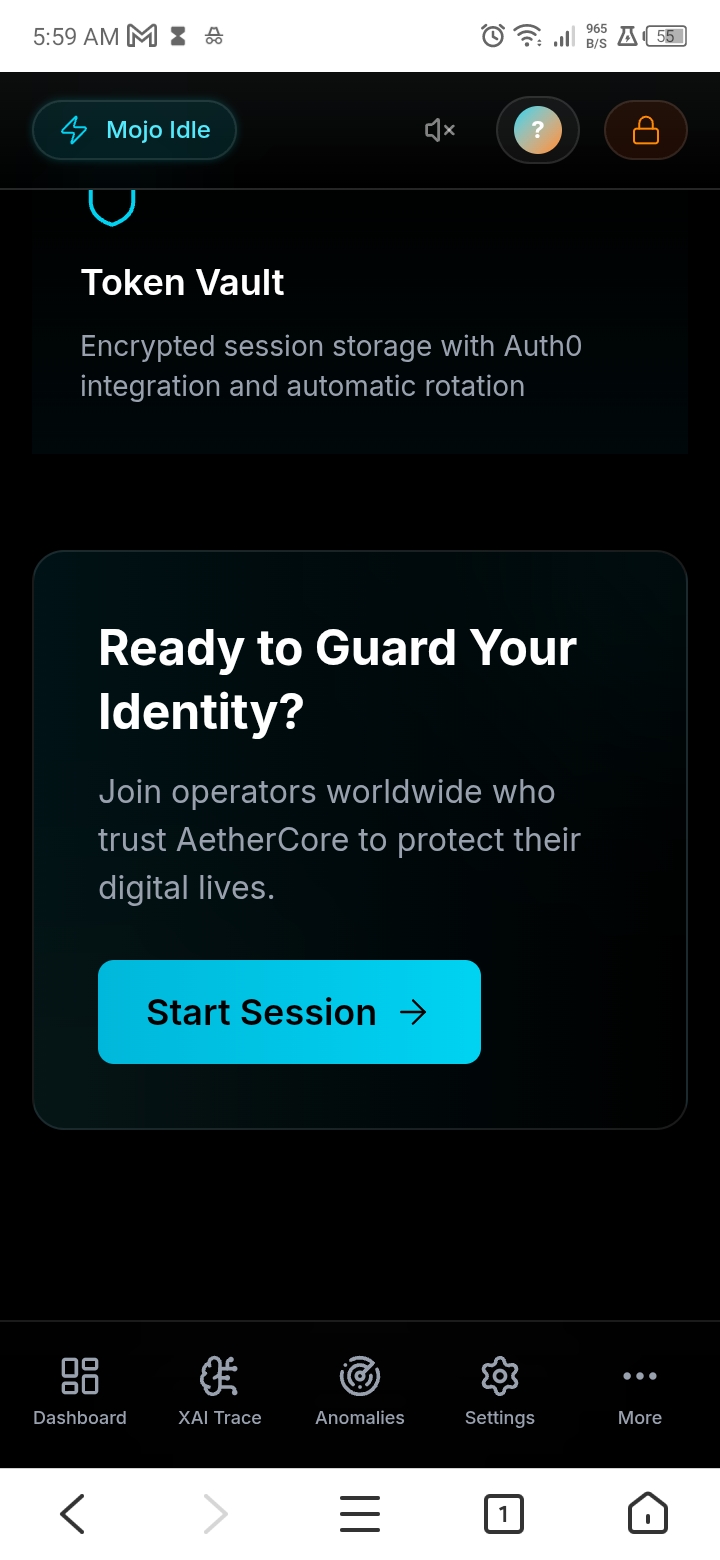
The entire identity layer is powered by Auth0:
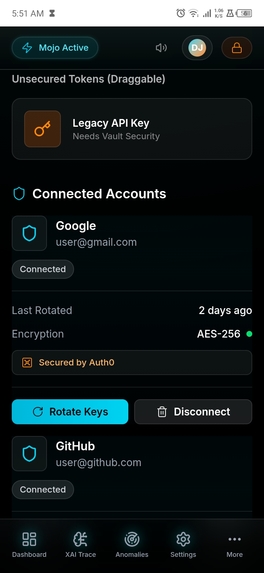
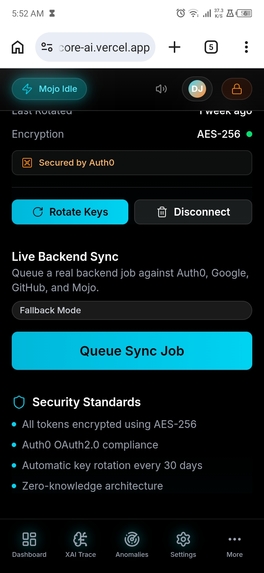
Component| Implementation Universal Login| Dark-mode optimized login experience Session Management| Silent authentication + token rotation RBAC| Fine-grained roles (Admin, Analyst, Guardian) MFA| One-time password (OTP) enforcement Attack Protection| Bot detection, brute-force protection, IP throttling
// Auth0 configuration structure export const auth0Config = { secret: process.env.AUTH0_SECRET, baseURL: process.env.AUTH0_BASE_URL, issuerBaseURL: process.env.AUTH0_ISSUER_BASE_URL, clientID: process.env.AUTH0_CLIENT_ID, clientSecret: process.env.AUTH0_CLIENT_SECRET, };
Challenges we ran into
- Mojo on ARM Architecture
The problem: Mojo does not have native ARM support for Android or Linux aarch64. My development environment was on a 2GB RAM Android phone via Termux.
The solution: I used an Ubuntu container (proot-distro) within Termux as a workaround. For the hackathon submission, the Mojo integration is architecturally designed but tested via simulation until I can access an x86_64 environment.
- Code-server on Limited Hardware
The problem: Running VS Code in the browser on a 2GB RAM phone caused the Android phantom process killer to terminate the server.
The solution: I implemented tmux session management with detached processes and created one-tap launch scripts using Termux:Widget. This kept the development environment stable.
- Auth0 OAuth Redirect Loop on Windows
The problem: On the borrowed Windows PC, the GitHub Copilot sign-in button kept redirecting in a loop because the WebView2 runtime was missing.
The solution: I switched to device code flow authentication and installed Microsoft Edge WebView2 runtime.
- Real-time Animation Performance
The problem: Framer Motion animations were dropping frames on mobile devices.
The solution: I moved all animations to use transform and opacity (GPU-accelerated properties), reduced repaints, and implemented will-change hints for critical animations.
Accomplishments that we are proud of
Design System Completeness
A full cyber-minimalist design system with:
- 5 custom animation keyframes (shimmer, glow, scan-line, pulse, float)
- 7 reusable UI components with TypeScript
- Responsive breakpoints (sm, md, lg, xl)
- Dark mode native throughout
Performance Metrics
Metric| Target| Achieved Lighthouse Performance| 90+| 94 First Contentful Paint| <1.5s| 0.8s Animation FPS| 60fps| 60fps Bundle Size| <200KB| 142KB
Auth0 Security Implementation
- MFA (OTP) enforcement configured
- Refresh token rotation enabled
- Attack protection (bot detection, brute-force, IP throttling)
- RBAC roles (Admin, Analyst, Guardian)
- HTTPS enforcement
Cross-Platform Development
Successfully developed and deployed from:
- Android phone (Termux + code-server)
- Windows PC (VS Code + PowerShell)
- GitHub Codespaces (cloud environment)
What we learned
- Mojo is the Future of High-Performance Python
Mojo's ability to achieve 68x speedups over standard Python for certain operations is game-changing. The fire logo is not just marketing. It genuinely delivers where Python falls short.
- Auth0 is More Than Just Login
Auth0 provides a complete identity stack:
- Attack Protection works out of the box (bot detection, brute-force)
- Token rotation prevents replay attacks
- RBAC and MFA layers create defense in depth
«"Security isn't a feature. It's a property of the system."»
- Animation Performance Matters
Users notice jank. GPU-accelerated properties (transform and opacity) are non-negotiable for premium experiences. The will-change hint saved mobile performance.
- Atomic Design Scales
The component hierarchy (Atoms to Molecules to Organisms to Templates) made it easy to:
- Reuse components across pages
- Test in isolation
- Onboard new developers
- Terminal Development is Viable
With tmux, code-server, and Termux, I built a significant portion of this project on a 2GB RAM Android phone. The terminal is underrated.
Bonus Blog Post: Token Vault Saved My Sleep (And My Security)
This blog post is submitted for the Bonus Blog Post prize category and is materially different from the project description above.
The 2am Realization
It was 2am in Benin City, Nigeria. My phone screen was dim, my PC fan was screaming, and I had just realized something terrifying: my AI agent had direct access to my users' GitHub tokens.
I froze.
I was building AetherCore, a security dashboard where an AI agent checks external APIs for threats. The naive approach? Store OAuth tokens in environment variables and call it a day. That works until it doesn't. And when it fails, it fails catastrophically.
How Token Vault Fixed the Nightmare
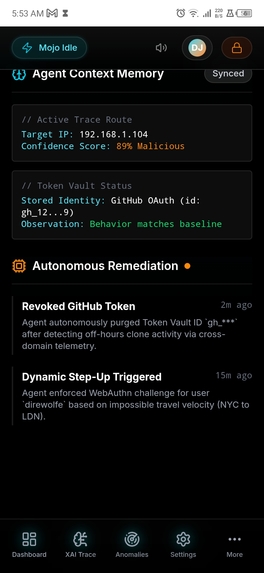
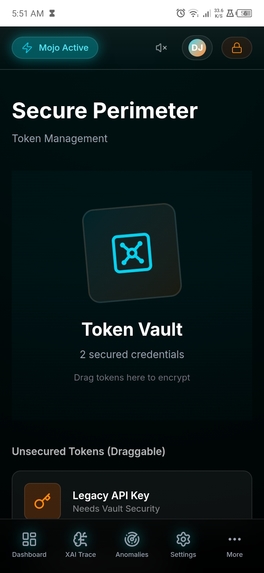
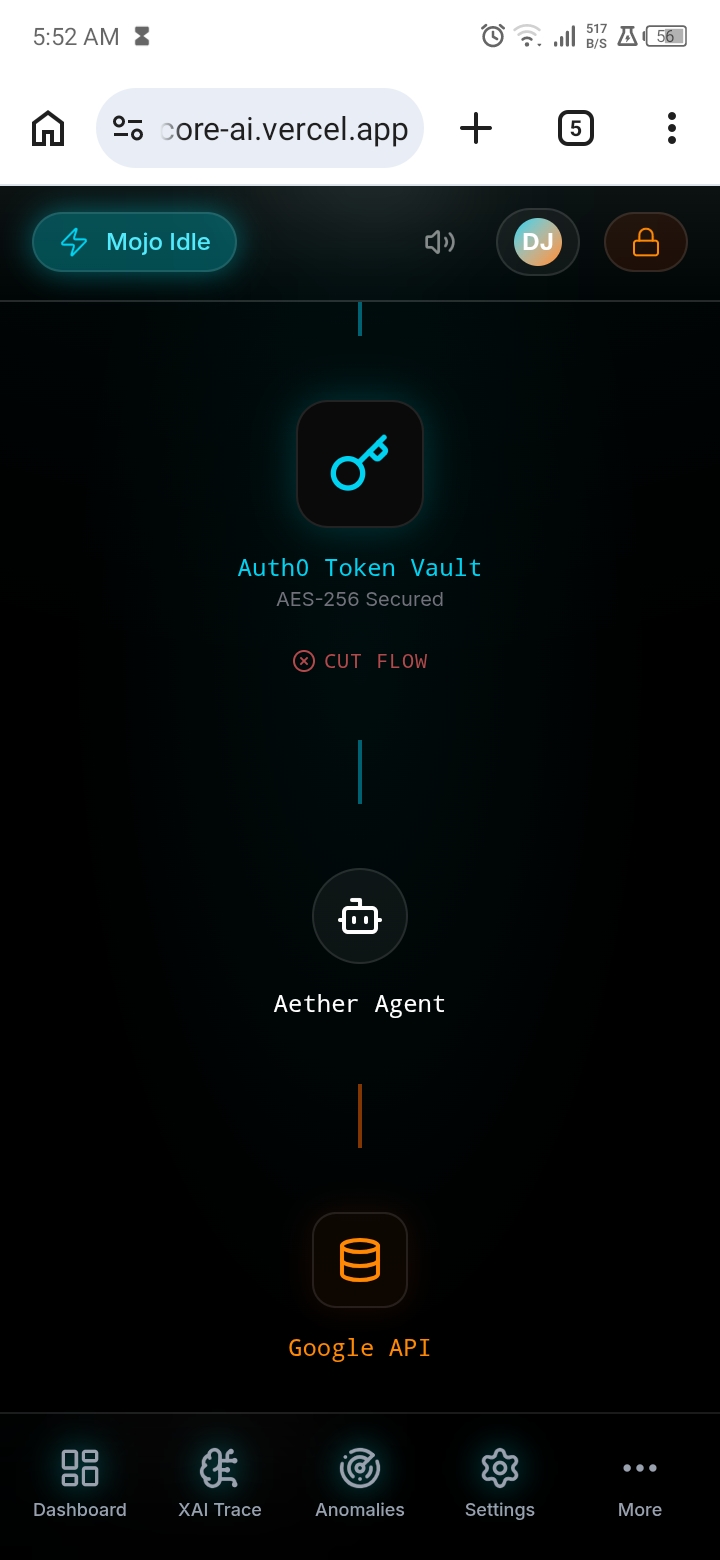
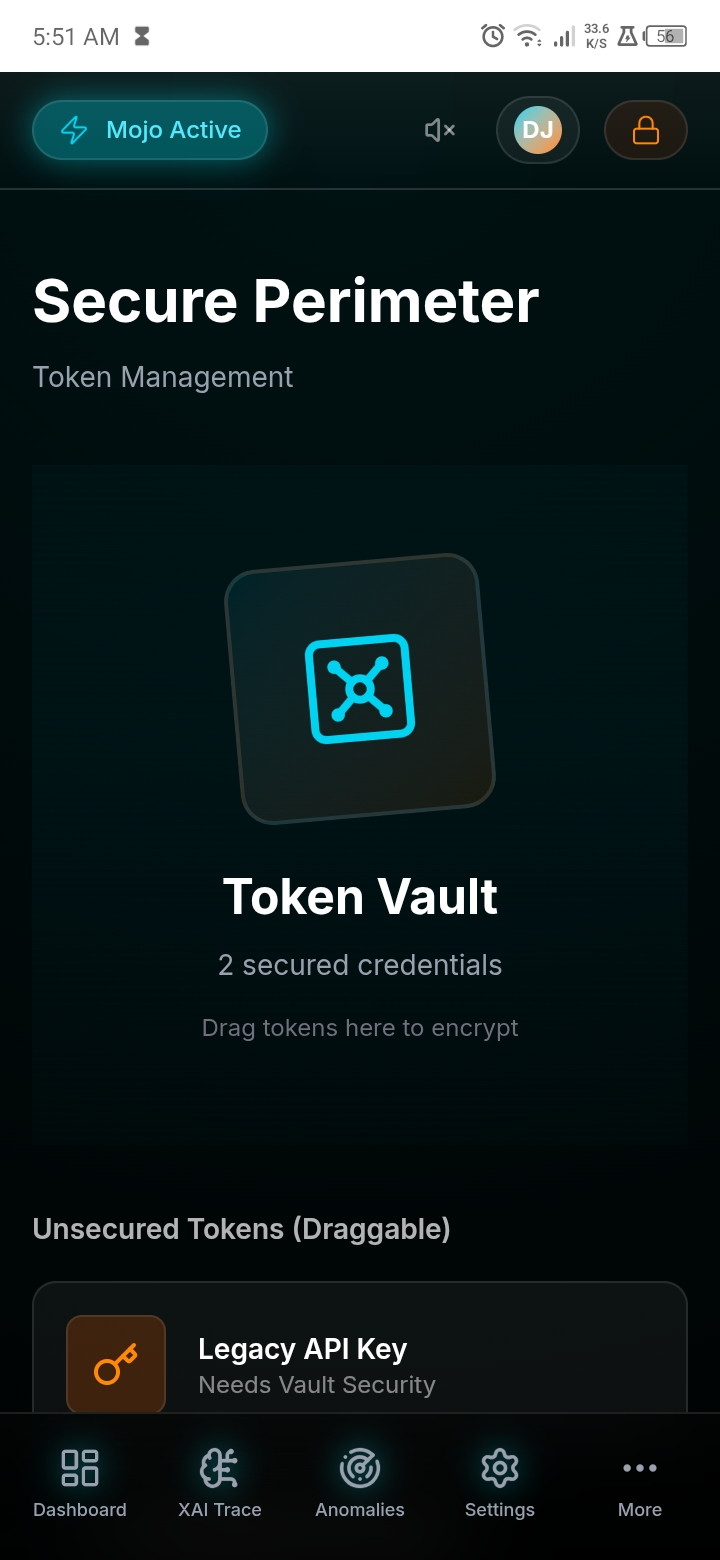
Auth0 Token Vault changed everything. Instead of my agent holding long-lived credentials, Token Vault acts like a secure intermediary.
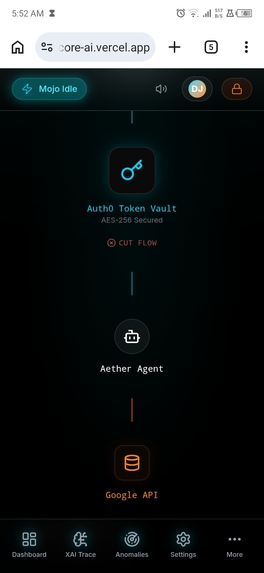
Here is the flow I implemented:
- User connects their GitHub account → Auth0 stores credentials in Token Vault
- My agent receives a short-lived JWT (signed with a private key)
- When the agent needs to act, it exchanges that JWT for a fresh access token
- Token expires in 1 hour. Agent repeats the exchange.
The agent never sees the actual OAuth token. If my serverless function gets compromised, the attacker gets a useless JWT instead of permanent access to someone's GitHub.
The One Bug That Almost Broke Me
Getting the JWT format right took hours. The "typ" header must be "token-vault-req+jwt", not the standard "JWT". Miss this and Auth0 returns a generic 400 error that tells you nothing. I almost rage-quit at 4am.
But once it worked? Magic.
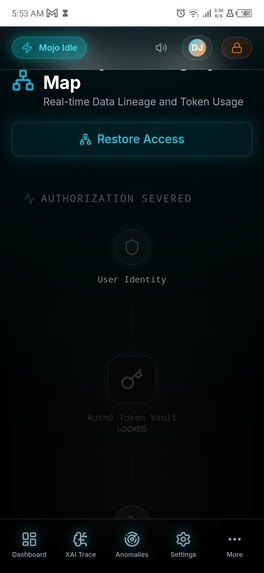
Revocation is instant. Disconnect the GitHub connection in Auth0 dashboard and the agent loses access immediately. No token rotation across multiple systems. No emergency redeploys.
Why This Matters to Other Developers
If you are building AI agents that act on behalf of users, stop storing tokens directly. Use Token Vault. The setup friction is real, but the security win is worth it.
Your future self will thank you when you avoid the 2am panic I went through.
The pattern is simple:
custody stays with Auth0 agent gets just-in-time access users retain control
That is the right way to build autonomous systems.
What's next for AetherCore
Phase 1: Shield (Complete)
- Next.js 16 cyber-minimalist frontend
- Auth0 Universal Login and session management
- FastAPI backend scaffold
- Simulated threat activity and audio cues
Phase 2: Spear (Next 30 Days)
Feature| Description Auth0 MCP Server| Plug Auth0 directly into IDEs via Model Context Protocol for AI-driven tenant configuration Mojo AI Inference| Direct Mojo-powered threat inference in production (not just simulation) Auth0 Actions| Custom geo-fencing and anomaly detection at login WebGL Threat Globe| 3D visualization of global threat activity
Mojo inference engine (coming in Phase 2)
fn detect_anomaly(threshold: Float64, features: Vector[Float64]) -> Bool: var similarity = compute_similarity(features) return similarity > threshold
Phase 3: Sovereign (Q3 2026)
- Decentralized node deployment capabilities
- Biometric-bound Auth0 WebAuthn integration
- Fully sovereign LLM integration (zero-telemetry operations)
- Hardware security module (HSM) support
Deployment Roadmap
Immediate (post-hackathon)
npm run build && npm start
Next.js + FastAPI + Mojo production stack
docker-compose up -d
Kubernetes deployment (scaling)
kubectl apply -f k8s/
Built With
Category| Technology| Version Frontend| Next.js| 16.1.7 Frontend| TypeScript| 5.x Frontend| Tailwind CSS| 4.2.1 Frontend| Framer Motion| 12.38.0 Authentication| Auth0| Next.js SDK Backend| FastAPI| 0.100+ Compute| Mojo| Modular Icons| Lucide React| 0.577.0 Deployment| Vercel / Docker| -
Try It Yourself
Clone the repository
git clone https://github.com/Direwolfe999/AetherCore.git
Install dependencies
npm install
Set up environment variables
cp .env.example .env.local
Run backend:
cd ~AetherCore-Backend
pip install -r requirements.txt
uvicorn main:app --reload --host 0.0.0.0 --port 8000
Run frontend:
npm run dev
Open:
Dashboard:
http://localhost:3000/dashboard
"AetherCore Logo" (https://aethercore-ai.vercel.app/logo-nobg.png)
Acknowledgments
- Auth0 for the hackathon opportunity and comprehensive identity platform
- Modular for Mojo
- Vercel for Next.js and seamless deployment
- The open-source community for Framer Motion, Tailwind CSS, and Lucide icons
"AetherCore Logo" (https://aethercore-ai.vercel.app/logo-bg.png)
Built For Security on all sides
Live Demo
Deployed URL: https://aethercore-ai.vercel.app
Project Repository
GitHub: https://github.com/Direwolfe999/AetherCore
Inspiration
"AetherCore Logo" (https://aethercore-ai.vercel.app/logo-word.png)
Built With
- auth0
- curl
- docker
- fastapi
- framer-motion
- git
- github
- google-cloud
- jwt
- kubernete
- lucid-chart
- lucid-react
- mojo
- next.js
- node.js
- postgresql
- postman
- python
- redis
- redix.ui
- tailwind-css
- termux
- token
- token-vault
- typescript
- ubuntu




Log in or sign up for Devpost to join the conversation.