AEROLAB: A Wind Tunnel in Your Browser
Inspiration
Every physics class teaches drag and lift with diagrams. But what if students could actually see air flowing around an object, change its shape, and immediately see the difference?
Physical wind tunnels aren't practical for many classrooms. We wanted students to be able to hold up a paper car, watch the air separate behind it, and experiment with ways to make it more aerodynamic, all without specialized equipment.
What it does
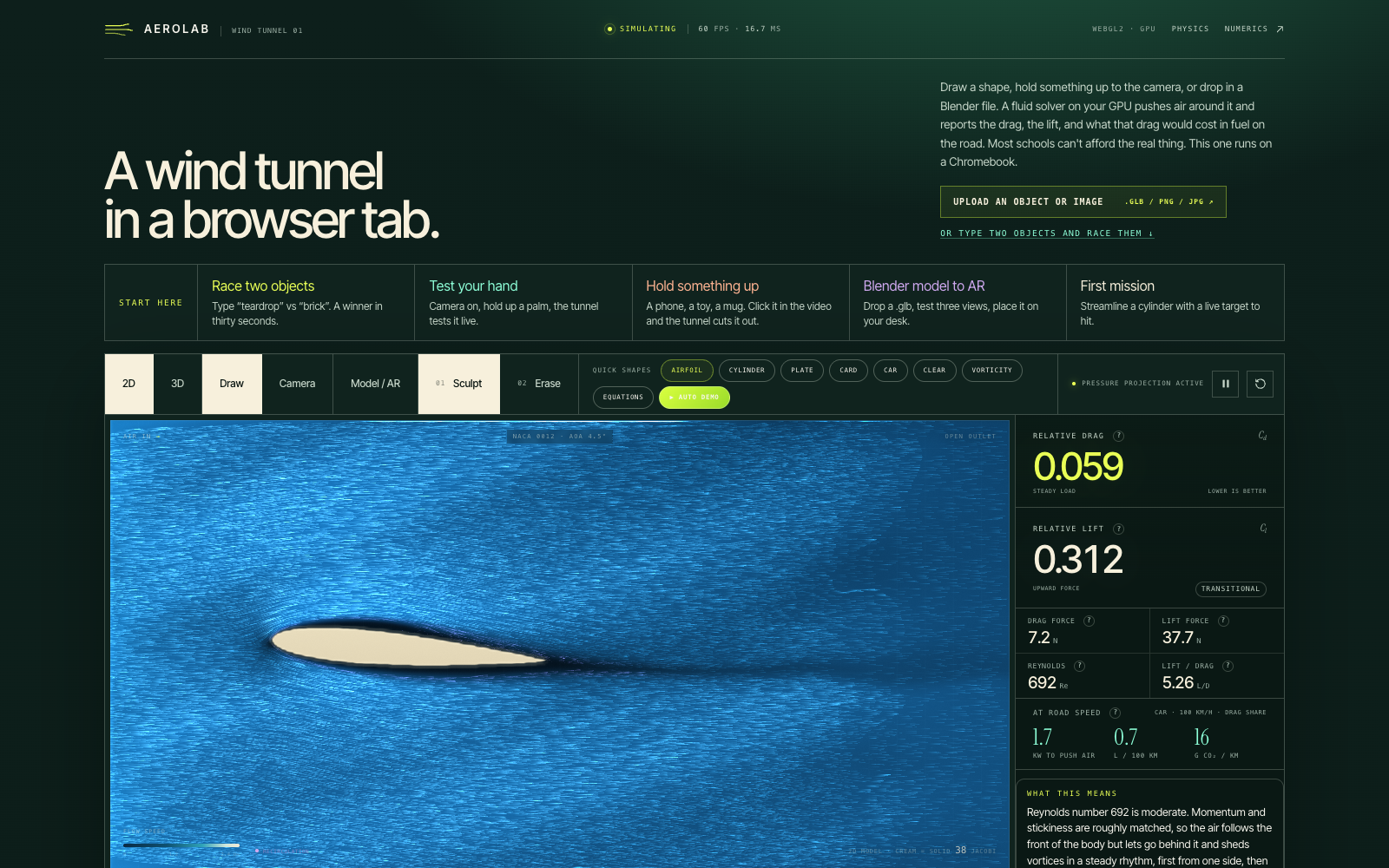
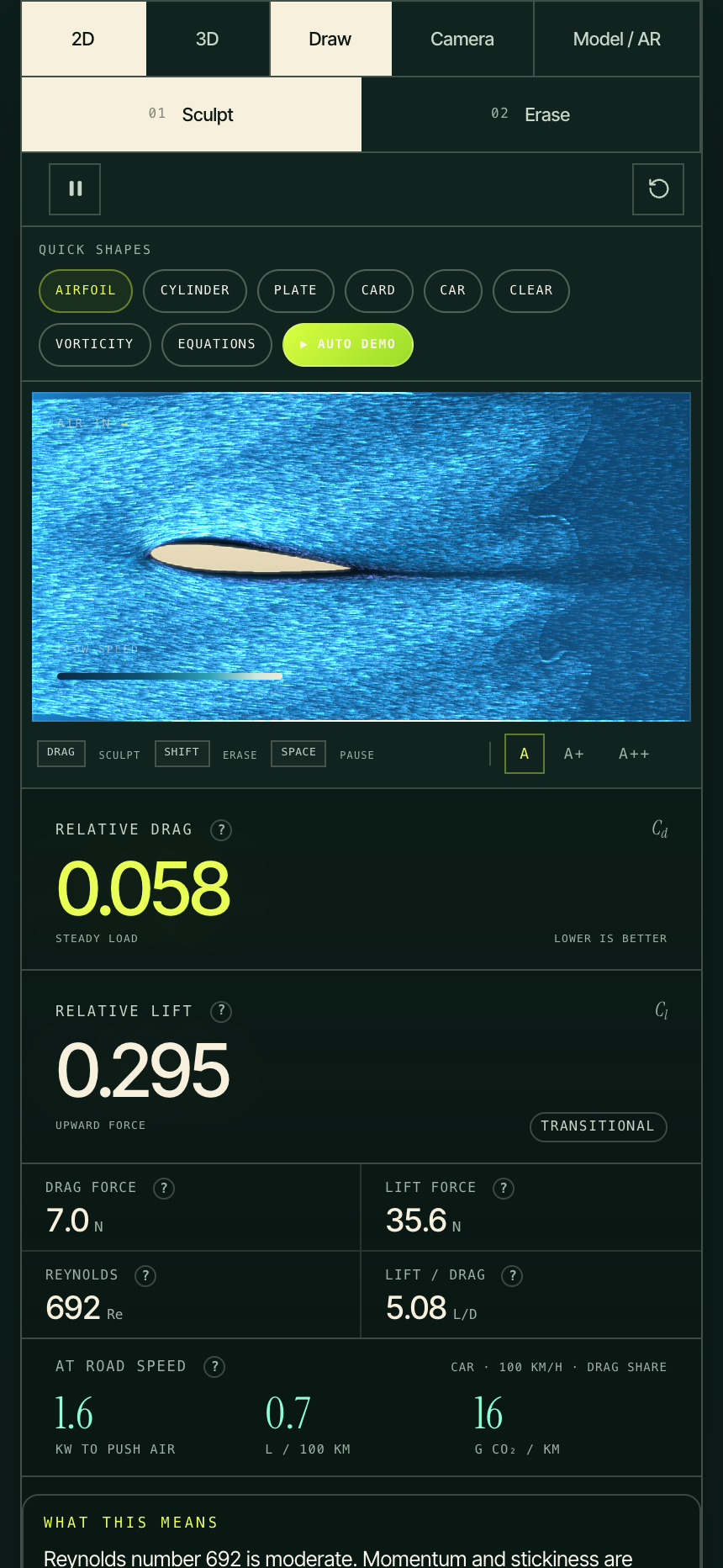
AEROLAB is an interactive wind tunnel built for classrooms. Students can design objects, simulate airflow, measure aerodynamic forces, and improve their designs in real time.
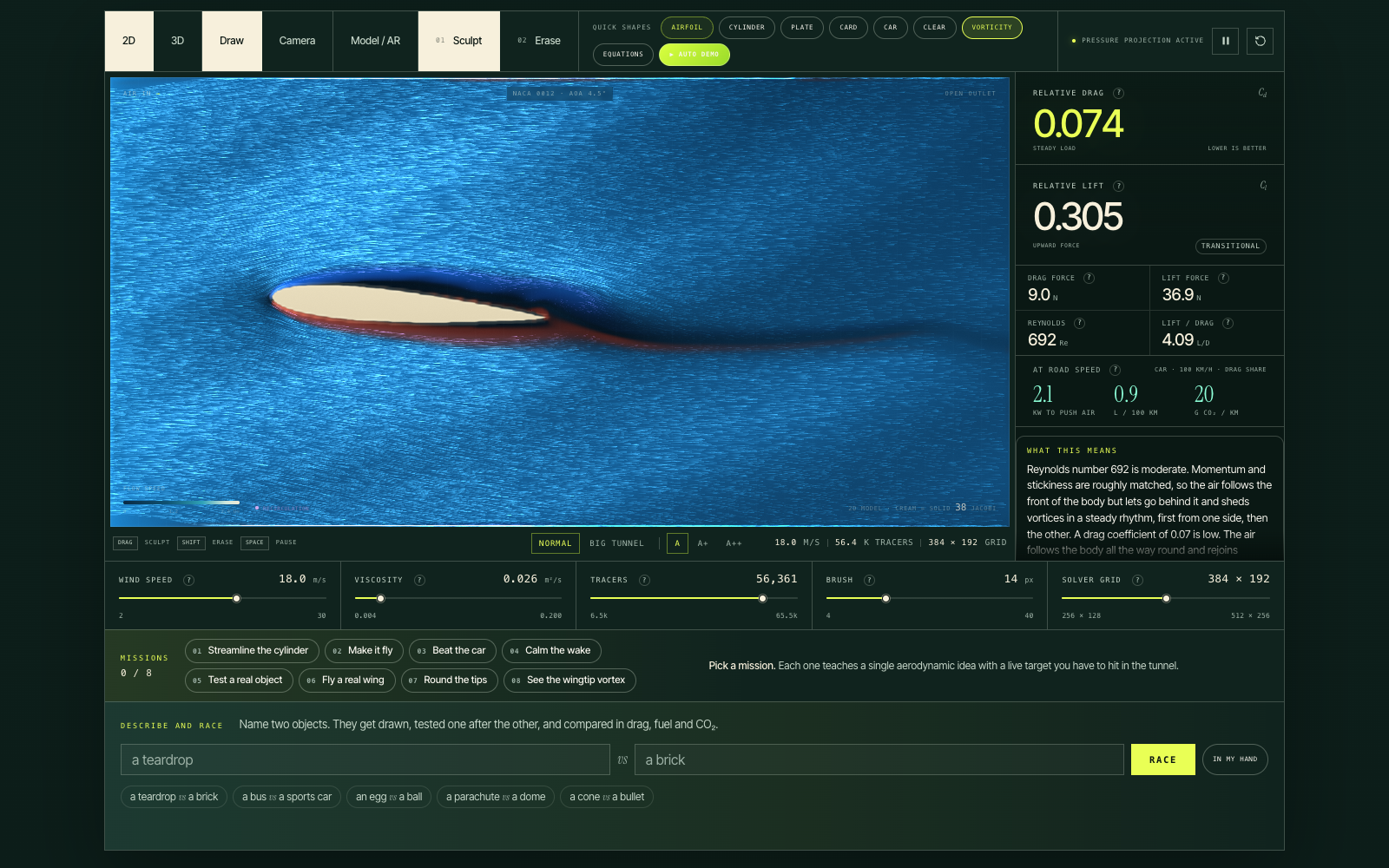
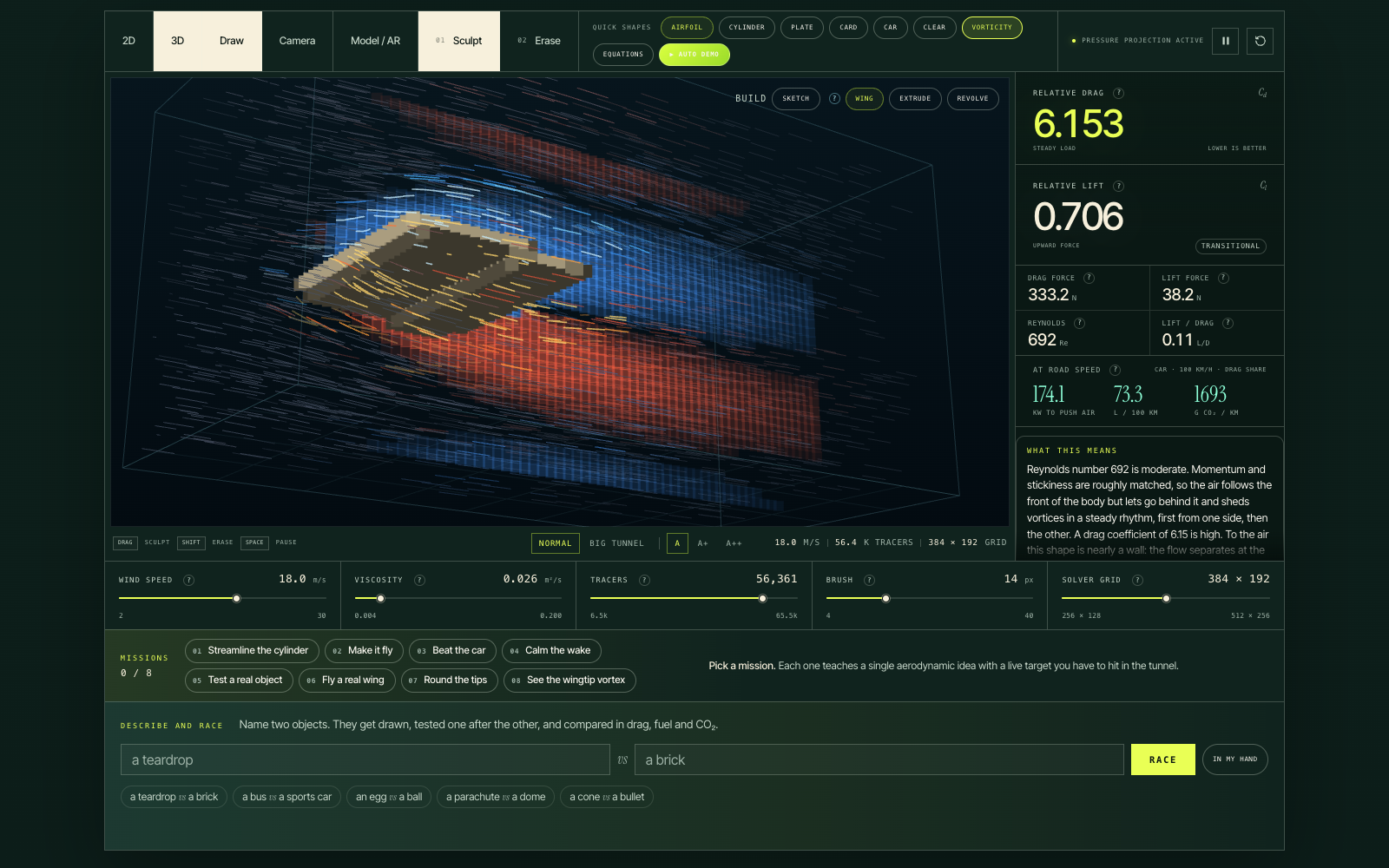
Real fluid physics, live. A WebGL2 solver simulates incompressible fluid flow using the Navier–Stokes equations on a 384 × 192 grid, with 65,536 GPU tracers visualizing the velocity field. A separate 3D lattice-Boltzmann solver lets students explore finite wings, rounded objects, and wingtip vortices.
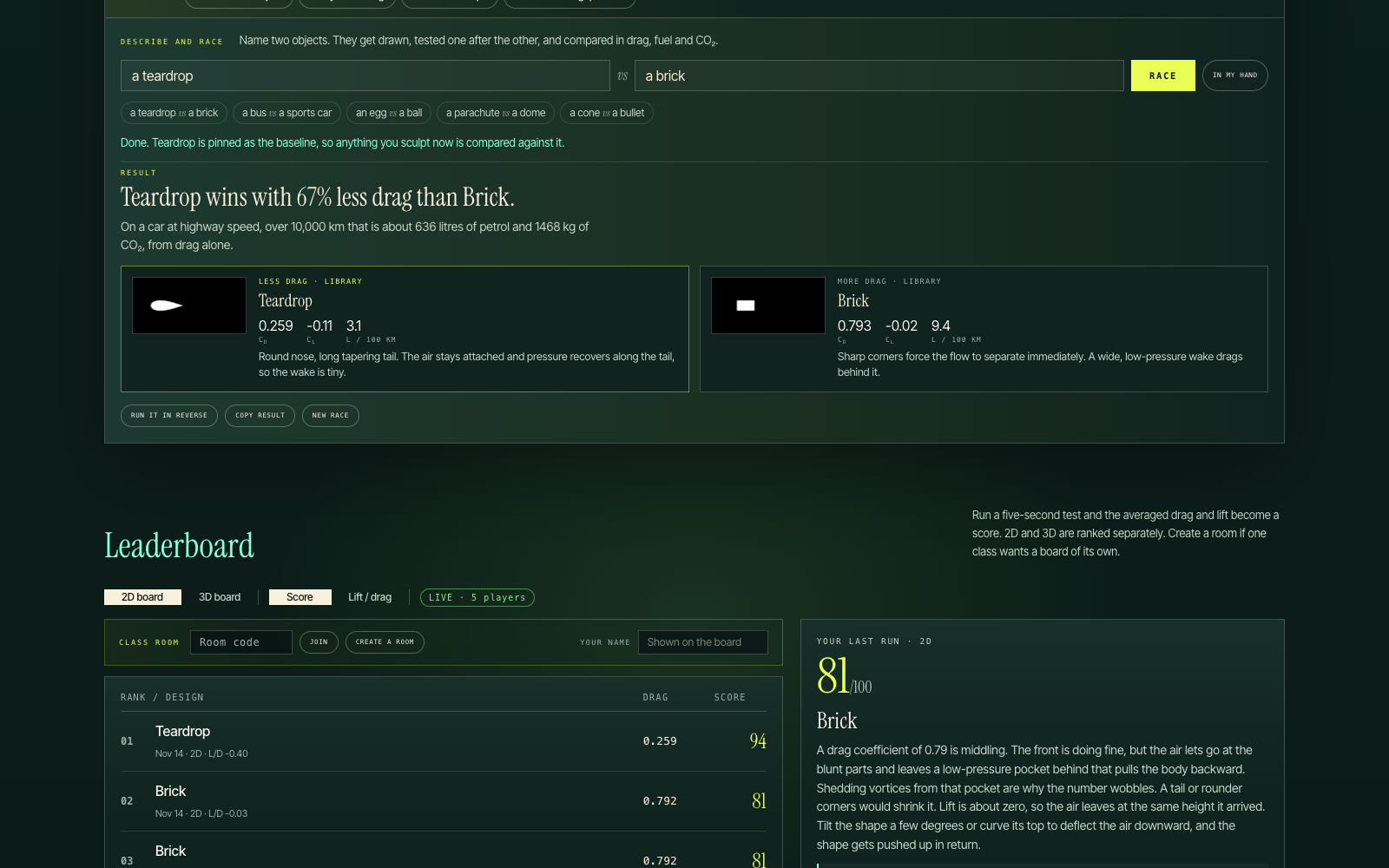
Draw it, hold it up, or describe it. Students can draw shapes directly in the tunnel, point their camera at a real object, or describe two objects to compare. MediaPipe segments objects locally in the browser, while Claude can trace outlines when segmentation struggles. Students can even hold up their hand to test its shape. With "Describe and race," they can enter something like "a teardrop vs. a brick" and compare both objects under the same conditions.
Turn drag into fuel consumption. AEROLAB connects aerodynamics to sustainability by translating simulated drag coefficients into illustrative vehicle energy and emissions estimates. At 100 km/h, students can explore how changes in drag affect power consumption, fuel use, and CO₂ emissions under stated assumptions. They can save a baseline and see estimated fuel savings over 10,000 km.
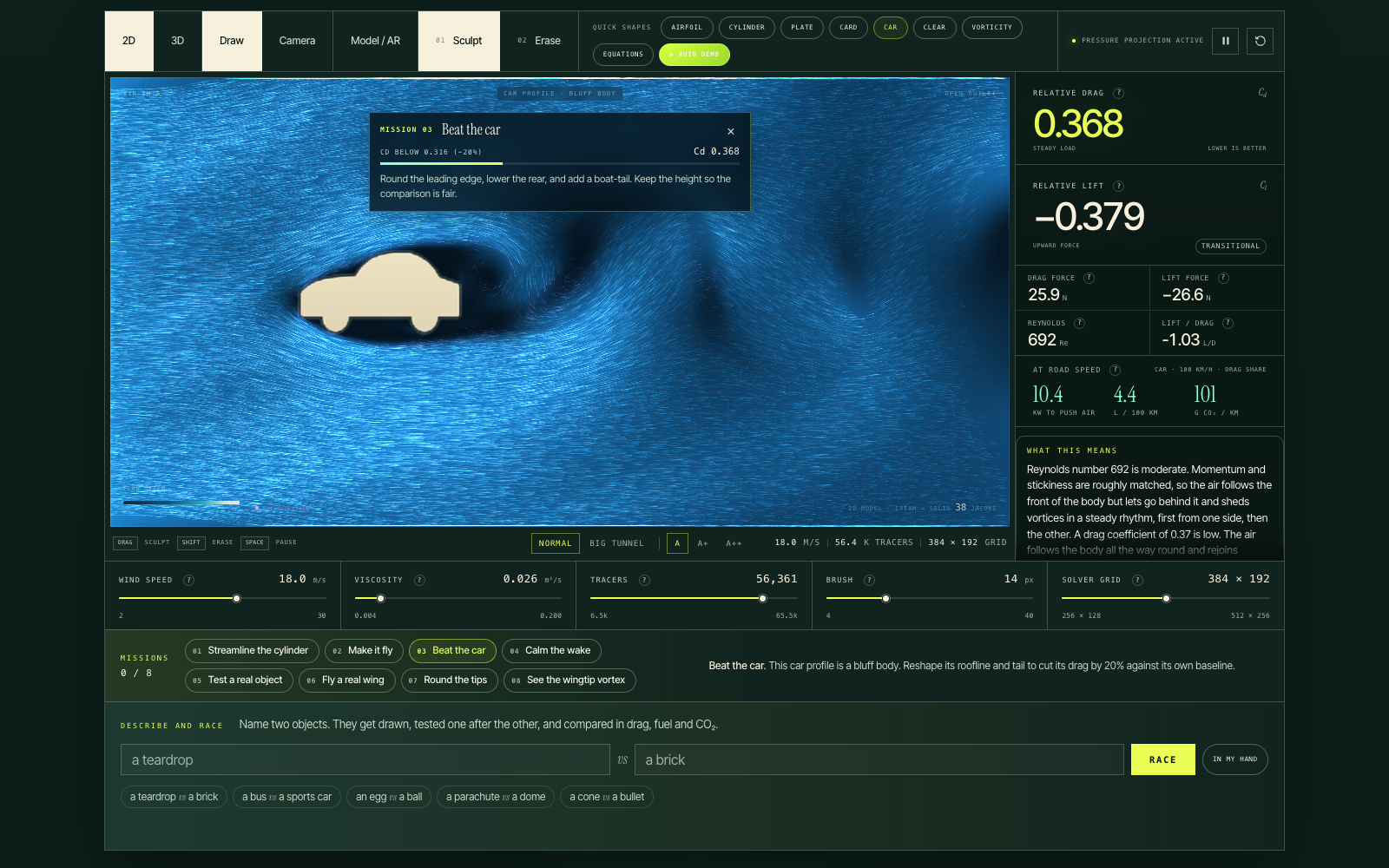
Eight guided missions. Students can streamline a cylinder, make a plate generate lift, reduce a car's drag by 20%, experiment with viscosity, test a real object, and explore wingtip vortices in 3D. Each mission measures a baseline, tracks improvement, and requires an actual design change to count as complete.
An AI physics coach. After each five-second test, Claude examines the measurements and silhouette, explains what happened in two short sentences, and suggests one change to try next.
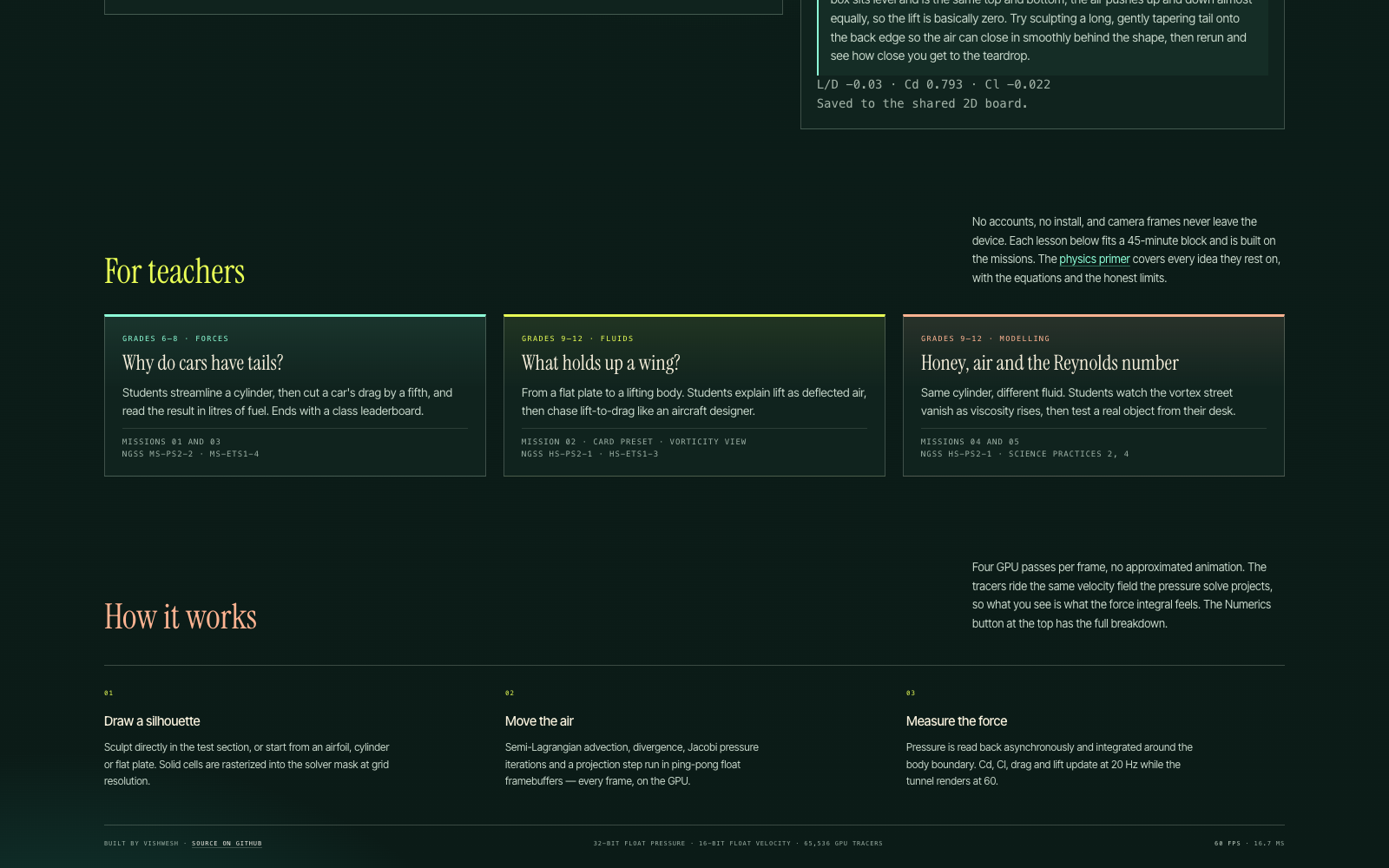
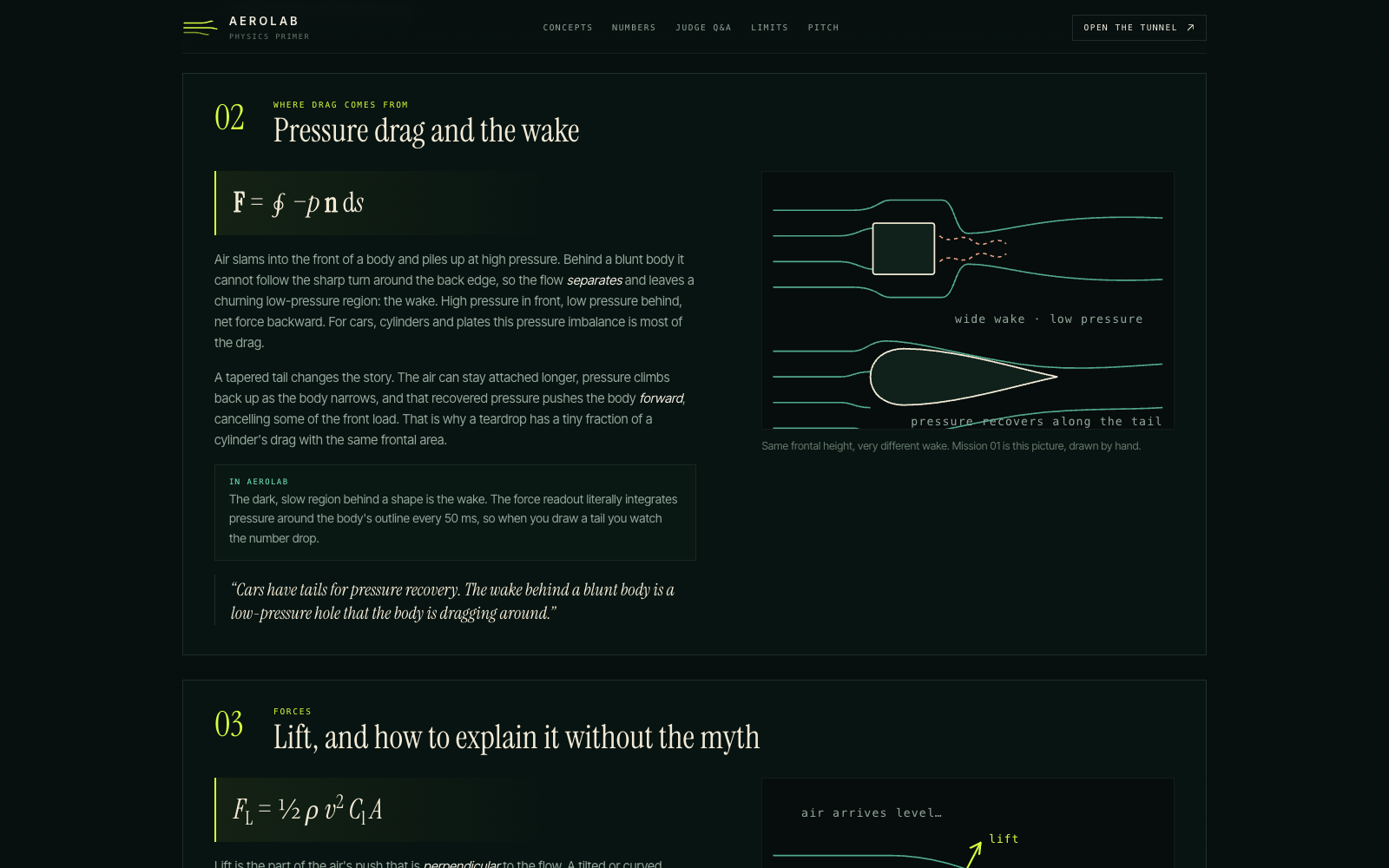
Built for classrooms. Teachers can create a room with a four-letter code and have students compete on a live leaderboard. Designs can be shared through compact links. A built-in physics primer explains drag, lift, Reynolds number, vorticity, and the simulation's limitations, with explanations tied to the controls. Every measurement also includes a hover explanation.
How we built it
We built AEROLAB using Vite and vanilla JavaScript, without a frontend framework.
The 2D fluid solver uses a fractional-step method implemented in GLSL, combining semi-Lagrangian advection, Jacobi pressure iterations, and velocity projection. Ping-pong floating-point framebuffers store the simulation state on the GPU.
To measure aerodynamic forces without interrupting rendering, we implemented asynchronous pressure readback using pixel-pack buffers and synchronization fences. A boundary integration estimates pressure-based drag and lift coefficients at 20 Hz while the tunnel renders at 60 FPS.
The 3D solver uses a D3Q19 lattice-Boltzmann model with bounce-back boundaries and momentum-exchange force calculations.
For camera interactions, we integrated MediaPipe's hand landmarker and interactive segmenter, allowing segmentation to run directly in the browser. Claude provides optional AI-assisted outlining, object generation, and educational explanations.
Vercel serverless functions handle the AI features and classroom sessions. Shared rooms use Vercel Blob with ETag-conditional writes.
Challenges we ran into
One of our biggest challenges was making force measurements consistent enough for meaningful comparisons.
A cylinder naturally sheds vortices, causing its drag to oscillate over time. Rather than measuring an arbitrary instantaneous value, we designed missions to check recent readings before establishing a baseline. Targets are measured relative to that baseline instead of relying on fixed drag values.
We also needed to read pressure data from the GPU without stalling the rendering loop. Implementing fence-gated asynchronous readback allowed the simulation to continue running smoothly while measurements were collected.
The camera was another major challenge. Webcam frames use a 3:2 aspect ratio, while the tunnel uses 2:1. Initially, this stretched captured objects horizontally, changing their aerodynamic behavior. We traced a real camera frame through the processing pipeline and corrected the transformation.
Segmentation also failed when users clicked pixels classified as background. We improved the selection process by identifying the likely foreground region and expanding it using color information.
Finally, our generated-object comparisons initially produced nearly identical drag estimates. We discovered that objects were being distorted into square-like shapes and rendered too large, causing excessive tunnel blockage. Correcting their proportions and scale made the comparisons more meaningful.
Accomplishments that we're proud of
Our biggest accomplishment is running a GPU-based fluid simulation at 60 FPS on a laptop, directly inside a browser.
Students can draw objects, capture real-world shapes using their cameras, modify designs, and measure the results.
In our simulator, a teardrop had 67% less estimated drag than a brick, a wing had 94% less estimated drag than a flat plate, and an egg outperformed a ball. These are relative simulation results, not experimentally validated drag coefficients.
We're also proud of the mission system. A mission only completes after the shape has actually changed, so a settling baseline can never beat itself.
We built a Numerics panel exposing the assumptions behind the fuel calculations, shared classrooms requiring no installation, and camera segmentation that works even on a white phone case against a white wall.
What we learned
We learned that students don't necessarily need professional CFD software to begin understanding aerodynamics. They need a responsive simulation that encourages them to experiment, compare designs, and question their results.
AEROLAB isn't intended to replace a validated engineering wind tunnel. Its purpose is to make aerodynamic concepts visible and interactive while communicating the limitations of its numerical models.
We also learned how important real-world testing is. Three of our biggest bugs only appeared when we processed actual webcam images instead of synthetic test inputs. Those issues showed us how easily errors in geometry, scaling, and data processing can affect simulation results.
What's next for AEROLAB
We want to add teacher dashboards, validate the simulator against published experimental drag coefficients at comparable Reynolds numbers, and improve screen-reader accessibility. We also want to support continuous tracking of Claude-outlined objects so students can move them through the tunnel instead of relying on a frozen capture.
