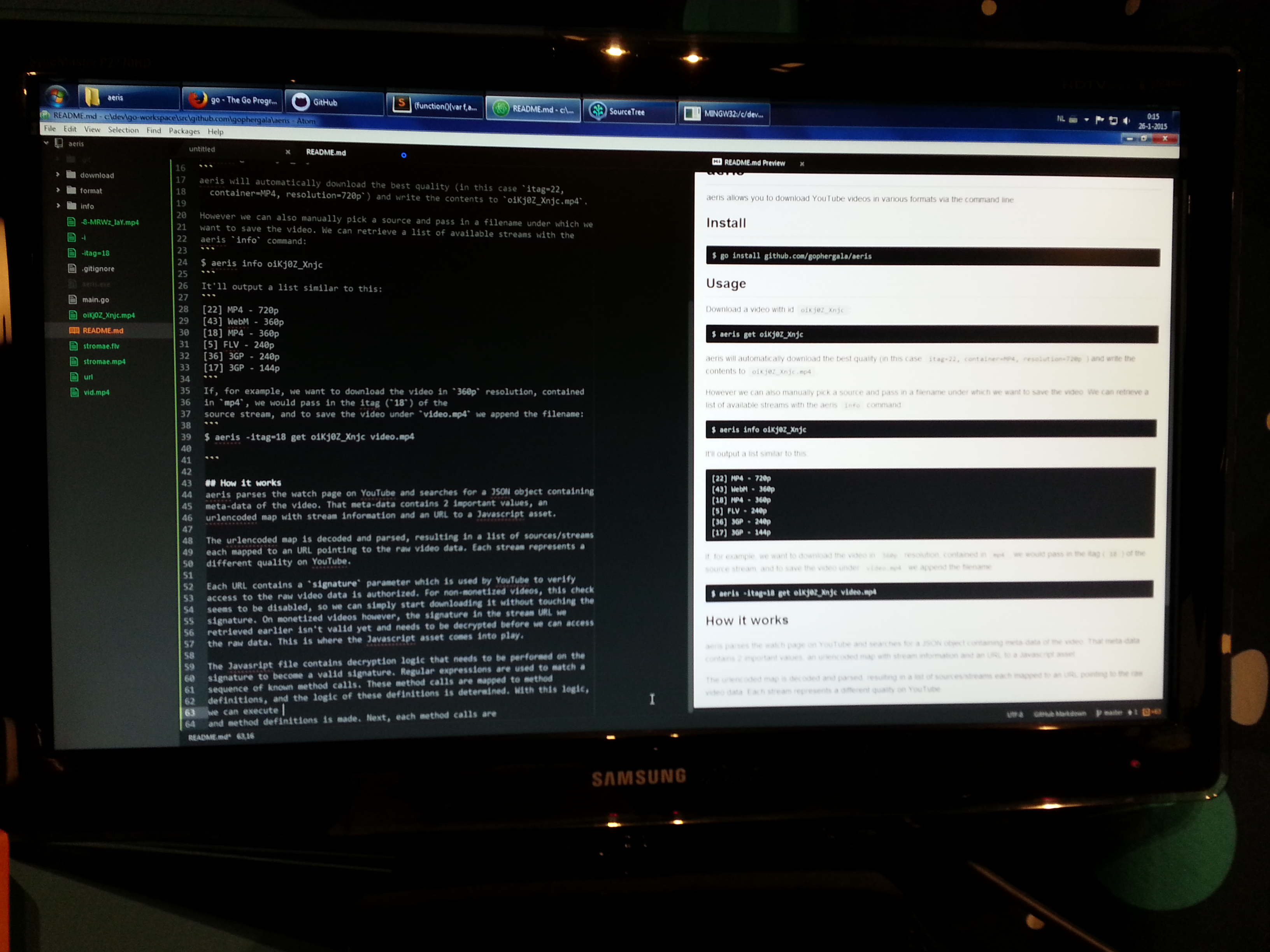
aeris
aeris allows you to download YouTube videos in various formats via the command line.
Team/Repo information
Team members:
- Gijsbrecht Hermans - GitHub: @Gijsbrecht
Install
$ go get github.com/gophergala/aeris
Usage
Download a video with id oiKj0Z_Xnjc:
$ aeris get oiKj0Z_Xnjc
aeris will automatically download the best quality (in this case itag=22,
container=MP4, resolution=720p) and write the contents to oiKj0Z_Xnjc.mp4.
However we can also manually pick a source and pass in a filename under which we
want to save the video. We can retrieve a list of available streams with the
aeris info command:
$ aeris info oiKj0Z_Xnjc
It'll output a list similar to this:
[22] MP4 - 720p
[43] WebM - 360p
[18] MP4 - 360p
[5] FLV - 240p
[36] 3GP - 240p
[17] 3GP - 144p
If, for example, we want to download the video in 360p resolution, contained
in mp4, we would pass in the itag (18) of the source stream, and to save
the video under video.mp4 we append the filename:
$ aeris -itag=18 get oiKj0Z_Xnjc video.mp4
How it works
aeris parses the watch page on YouTube and searches for a JSON object containing meta-data of the video. That meta-data contains 2 important values, an urlencoded map with stream information and an URL to a Javascript asset.
The urlencoded map is decoded and parsed, resulting in a list of sources/streams each mapped to an URL pointing to the raw video data. Each stream represents a different quality on YouTube.
Each URL contains a signature parameter which is used by YouTube to verify
access to the raw video data is authorized. For non-monetized videos, this check
seems to be disabled, so we can simply start downloading it without touching the
signature. On monetized videos however, the signature in the stream URL we
retrieved earlier isn't valid yet (HTTP response has a Content-Length of 0) and
needs to be decrypted before we can access the raw data. This is where the
Javascript asset comes into play.
The Javasript file contains decryption logic that needs to be performed on the signature to become a valid signature. Regular expressions are used to match a sequence of known method calls. These method calls are mapped to method definitions. The behavior of these definitions is then determined. Using that information, we can iterate over the method calls, passing parameters to the right handler modifying the signature, decrypting it piece by piece. The result is a valid signature. Now, we can issue a new HTTP request to the URL with the updated signature and access the stream contents.
YouTube ToS
I'm a aware this is against the ToS of YouTube. I found it a nice challenge to bypass the YouTube player and access the raw video data.

Log in or sign up for Devpost to join the conversation.