-
-
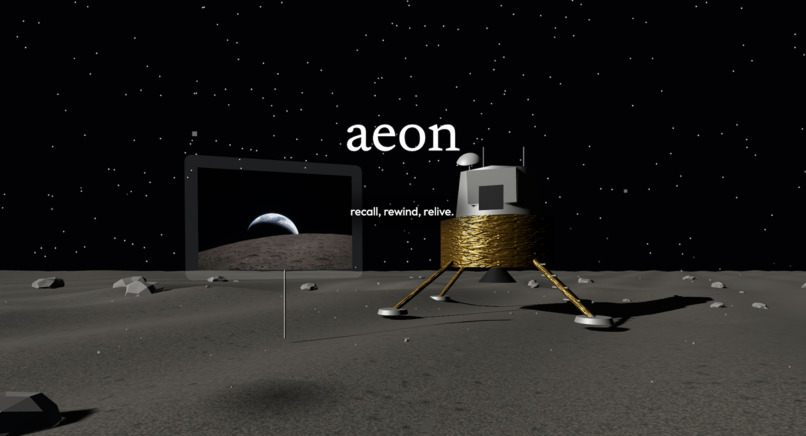
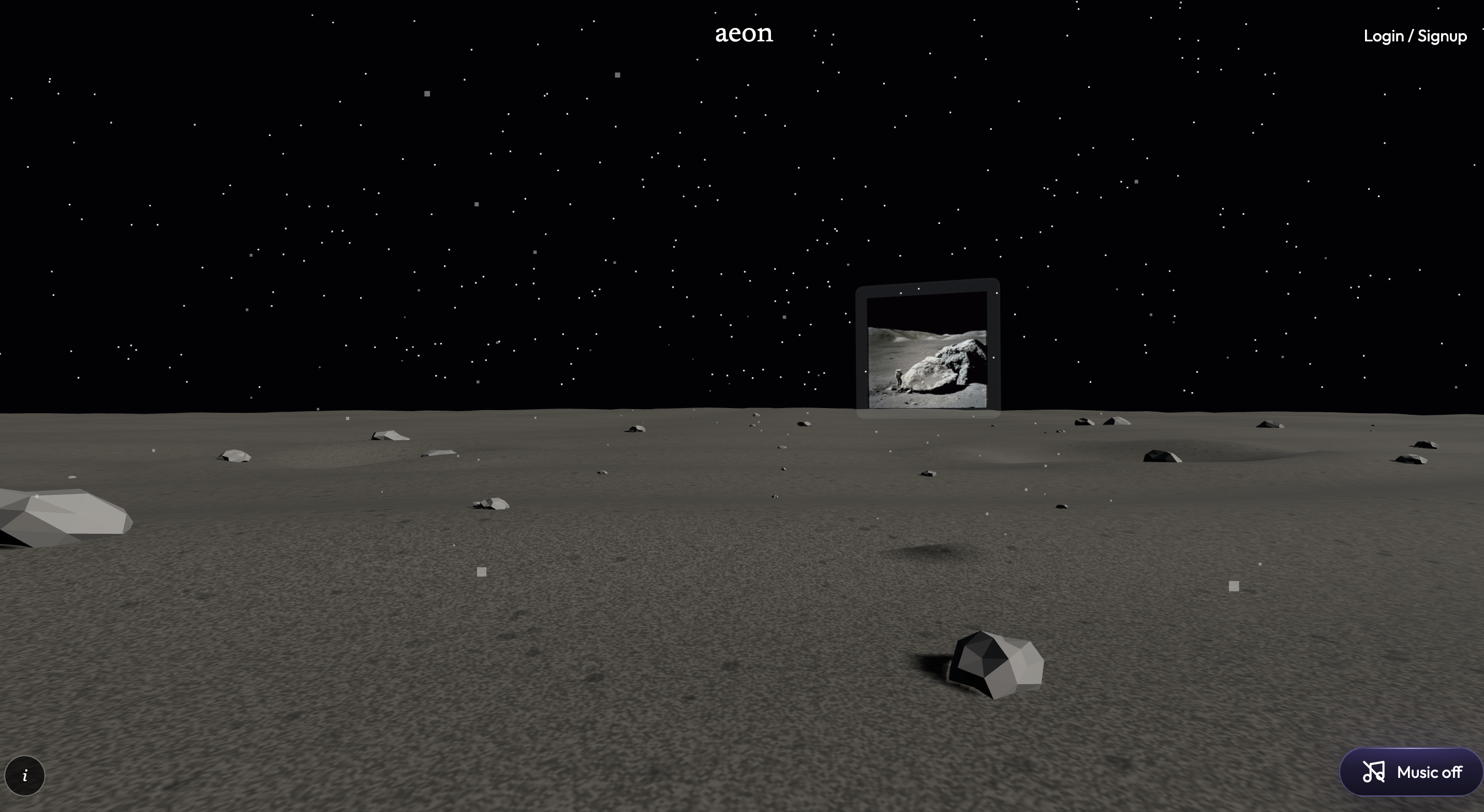
title_screen
-

aeon_vortex_logo
-
login_screen
-
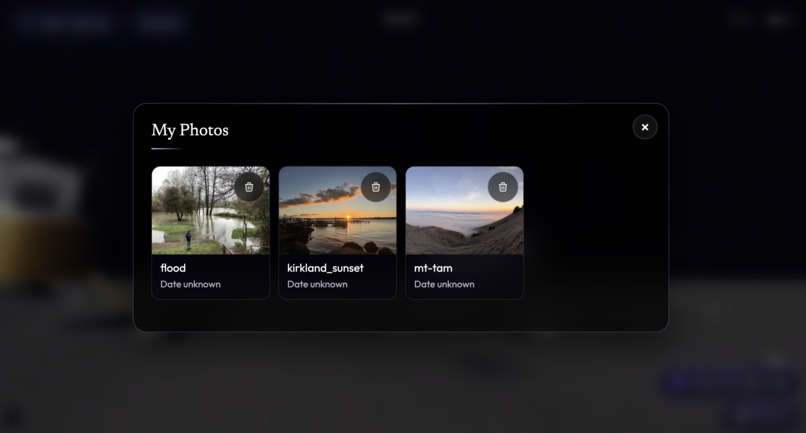
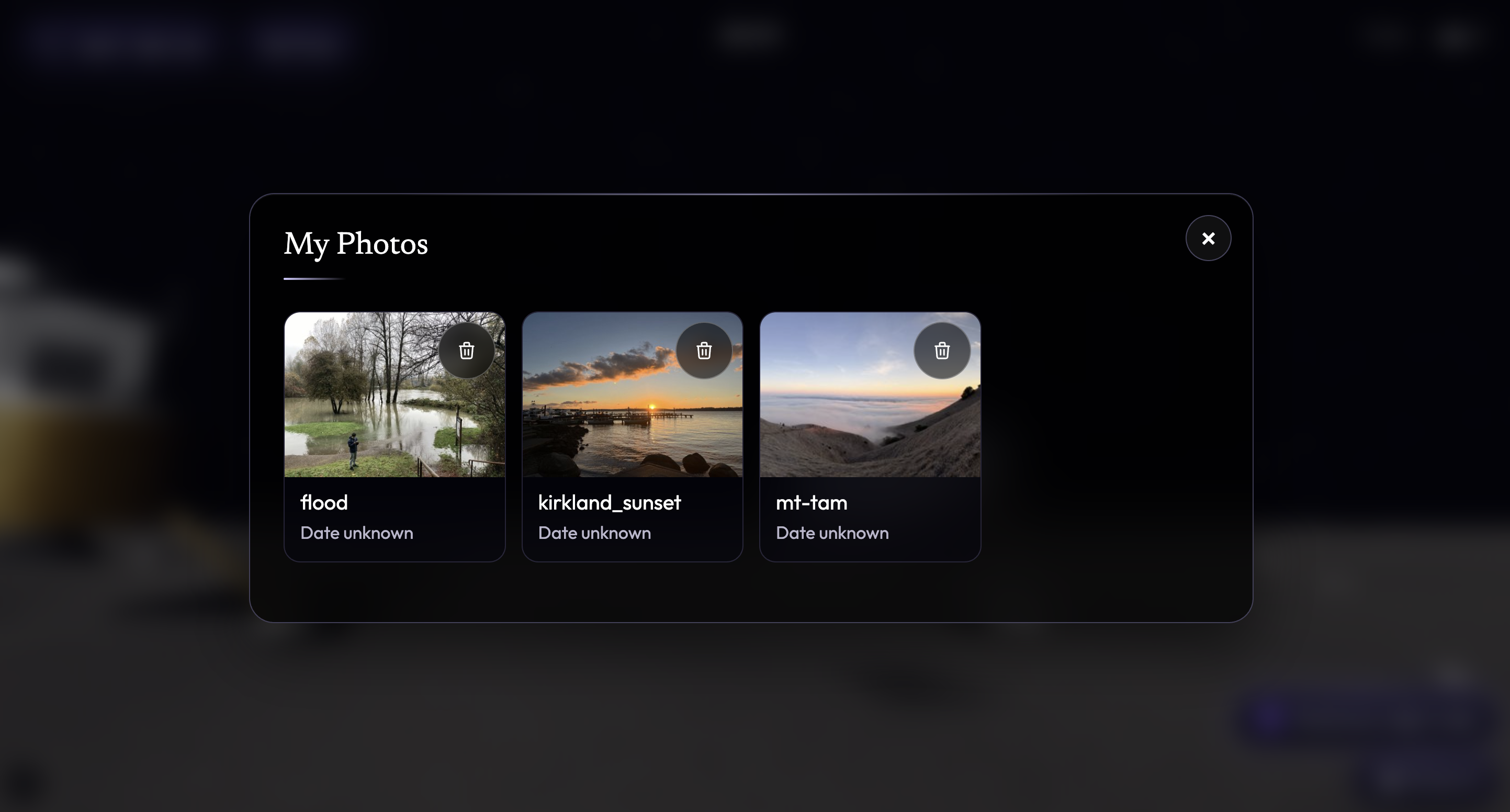
my_photos
-
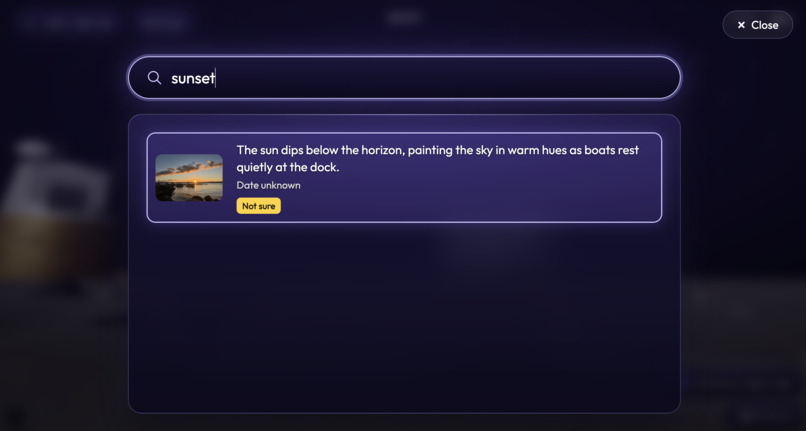
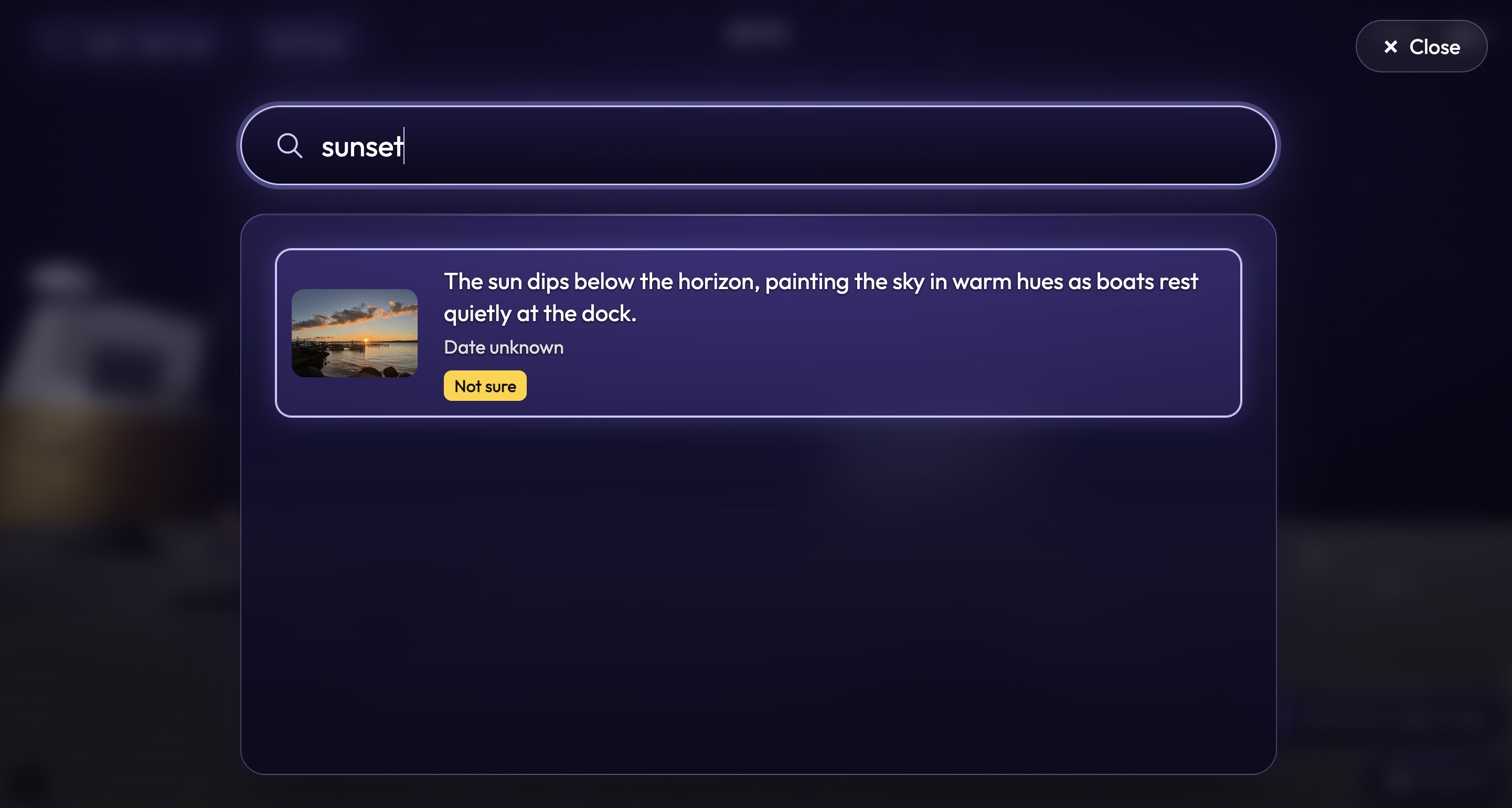
sunset_search
-
memories
-
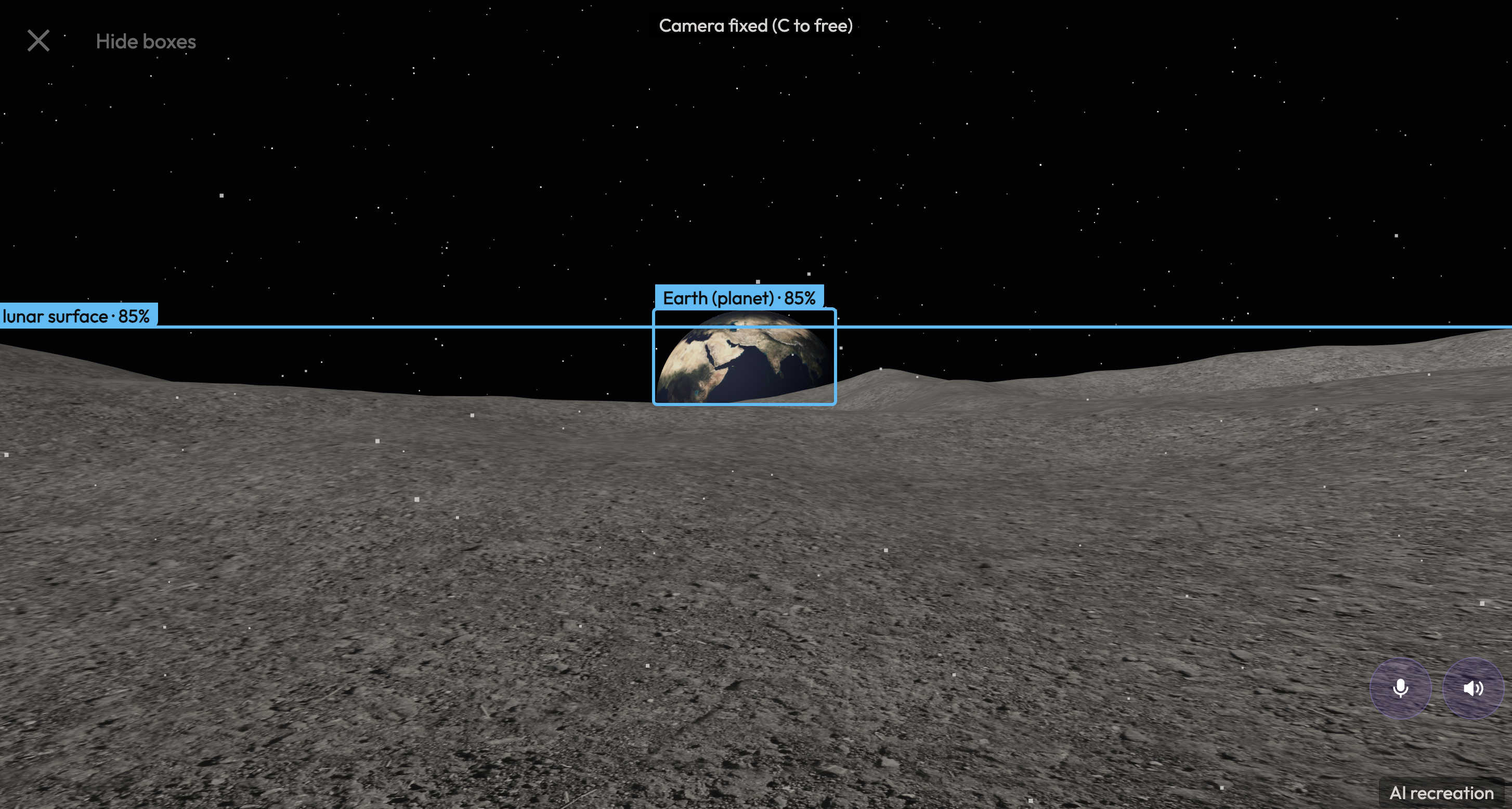
perceptron_earthset

aeon
 🔗
🔗 "Where would you like to go?"
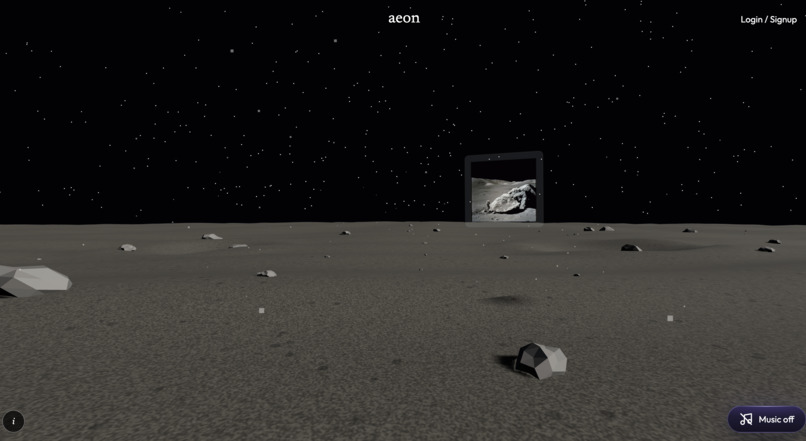
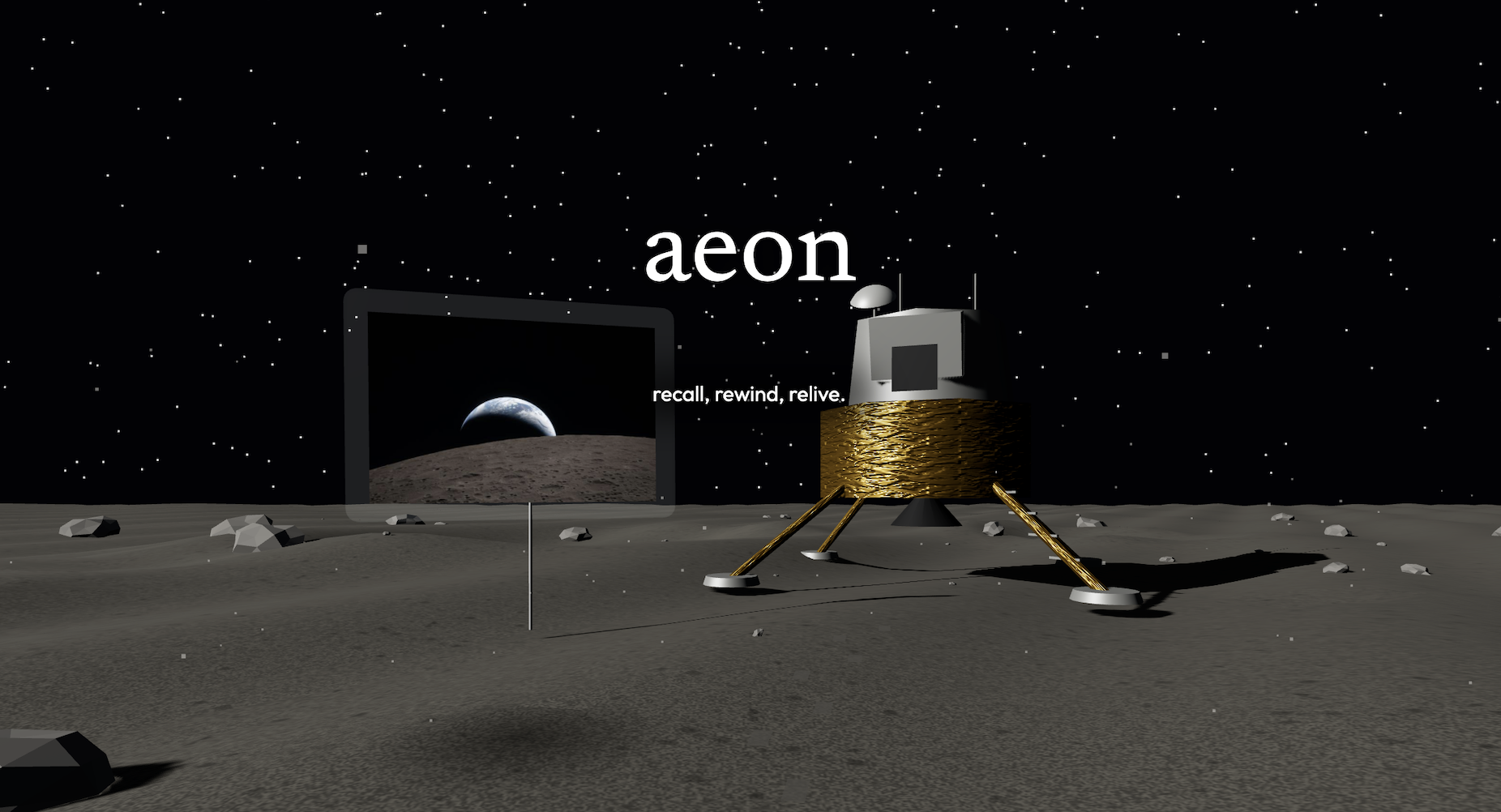
That's the first thing aeon asks. You're standing on the Moon, Earth in the background, and all around you, floating in clear acrylic frames, are your memories.
Inspiration
For people living with dementia, old photos are often the strongest pull back to who they are. Reminiscence therapy, looking at photos and talking about the past, is one of the most widely used non-drug approaches in dementia care.
But a photo on a phone screen is small and flat... we thought: what if you didn't just look at a photo, but what if you could experience it all over again?
And we wanted the first place you arrive to feel surreal, so we started on the Moon, in the exact spot Buzz Aldrin stood in Apollo 11 photo AS11-40-5927.
There was a second, harder question we had to answer too. An AI that talks about someone's past has to be honest. Telling a person with dementia, confidently, that a random woman in a photo is their sister, when she isn't, is plain hallucination. So, "never state a guess as a fact" became a rule from our initial product design.
What it does
When you load in, the moon is the home screen. Aeon drops you on the lunar surface. There is a 360 degree gallery of memories in clear acrylic frames all around you when you log in to your account. You can click a memory and walk into a 3D world rebuilt from your uploaded photos.
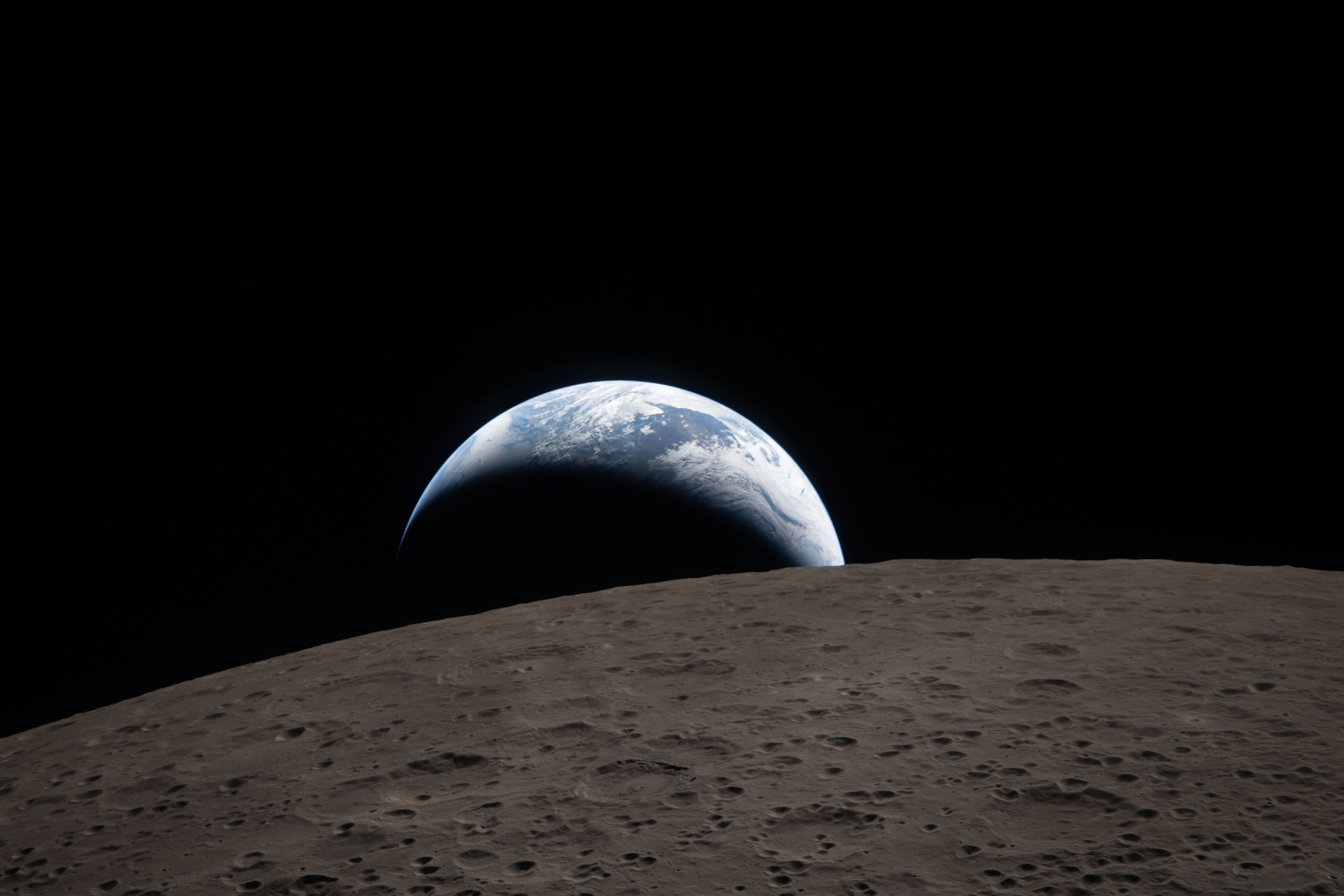
The starter memories are from real NASA historical images. Before anyone uploads anything, the gallery holds photos from the NASA Image and Video Library.
- art002e009288: Earthset behind the Moon, seen from Orion during Artemis II
- as17-140-21497: Harrison Schmitt beside a split boulder at Taurus-Littrow, Apollo 17
- as15-88-11866: James Irwin salutes the flag beside Falcon and the rover, Apollo 15
- PIA19807: Curiousity's low-angle self-portrait on Mount Sharp, Mars
Guests can explore the Apollo examples, but a registered user can keep collection of their memories and revisit them at any time. It's also very clearly labeled that every scene is clearly an AI recreation.
Aeon also talks to you, honestly. The memory is narrated and answers spoken questions about it, like: "who is standing by the car?". Every sentence passes a confidence check before it is spoken.
How we built it

We split into three vertical slices (photos & search, voice & narration, 3D & safety). They all build against one per-photo JSON schema: bounding boxes, labels, and confidence scores. Initially, we build on mocks. Every service runs with no API keys. The frontend runs on built-in mock data, the backend falls back to a mock analyser, and the voice service runs fully offline.
There's always challenges, isn't there?
Honestly, making it an immersive experience was pretty difficult. Getting a first-person movement right took many passes: we eventually included parallax that doesn't feel dizzy, edge-of-screen turning so nobody has to click-and-drag, and coming back facing where you left off after leaving a memory.
But, the hardest part would be turning one flat photo into a world you can walk in. Every pixel is projected onto a ground plane or a far wall from an estimated horizon, people and objects become standing cutouts, and edges are feathered into imagined terrain.
Teaching an AI how to say "I'm not sure" was also a challenge. Models love to always be correct, so we had to incorporate confidence thresholds, otherwise a low-confidence guess slipping through could really affect the user experience.
But we're always proud of what we built
we will fill this out later
What we learned
we will fill this out later
It's only the beginning
we will fill this out later
Tracks
Perceptron API
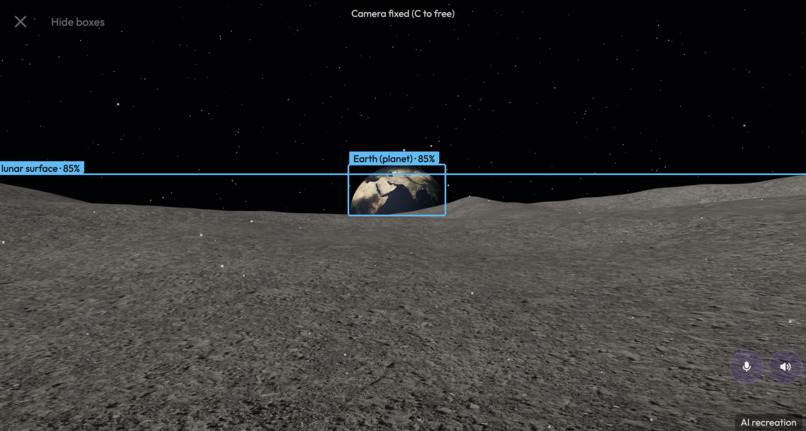
Look at the images in the gallery, a few of them use Mk1.5 for object detection in our scenes. We also use Mk1.0 for image description.
Built With
- claude
- elevenlabs
- grok
- python
- railway
- typescript
- vercel
- veyzl

Log in or sign up for Devpost to join the conversation.