Inspiration
One of our cofounders moved to Miami as a first-generation immigrant and lost power for three days during their first hurricane with no idea where to go.
Alongside, we visited a fire station in West Palm Beach and asked a firefighter what happens when a call comes in. His answer surprised us. Most of the time isn't spent responding. It is spent getting information. The crew radios the station, someone manually pulls up weather, checks which neighborhoods are at risk, calls shelters for capacity, figures out routes. All while the truck is already rolling. He said it plainly: that back and forth takes time they should be spending on the actual emergency.
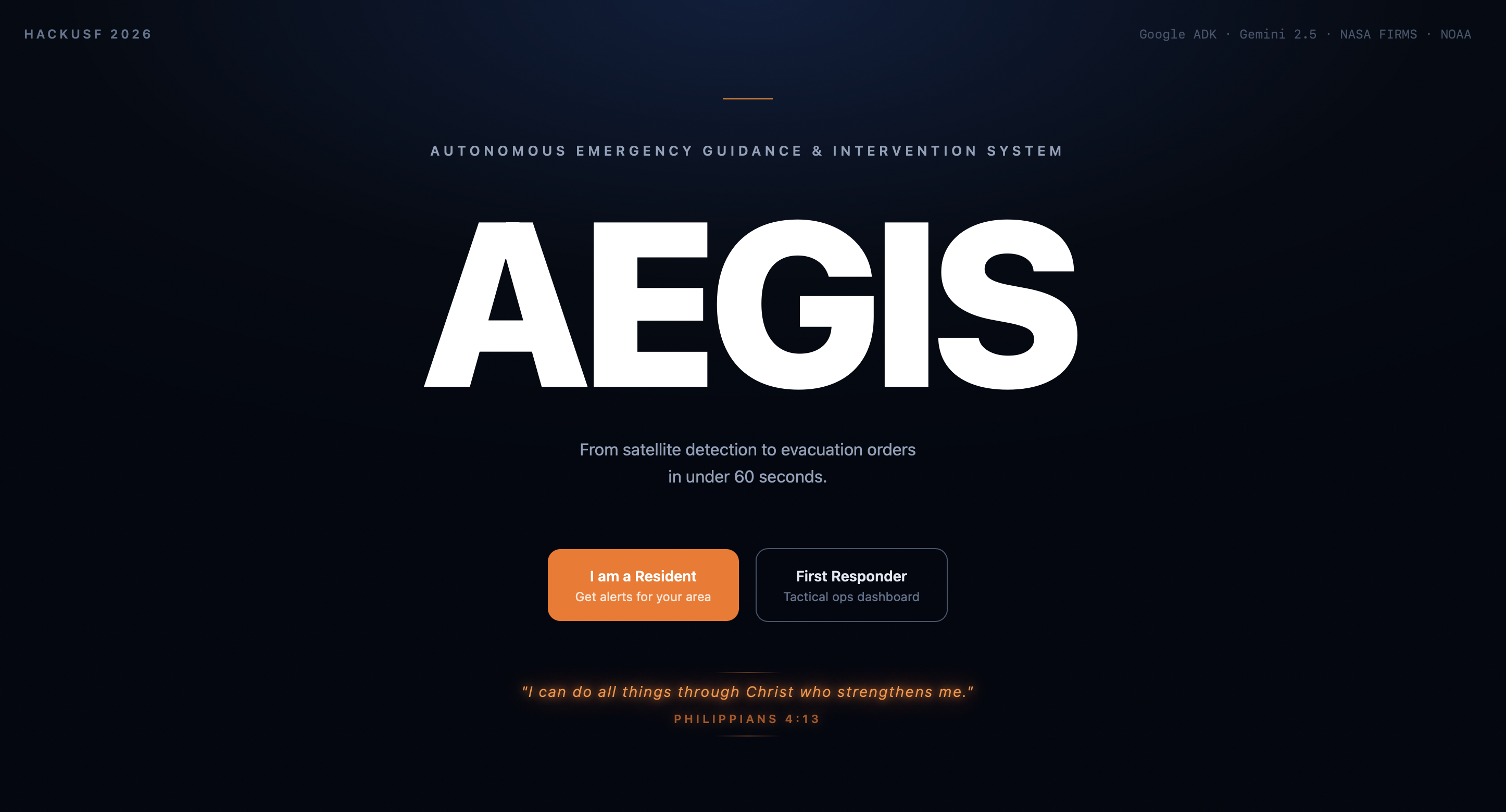
In Greek mythology, the Aegis was the divine mantle that protected warriors in battle. We built AEGIS to protect the ones who protect us and the loved ones.
What it does
One button. Under two minutes. Our AI agents run autonomously in the background while the crew gears up. By the time they are on the truck, everything is ready. Live fire locations from NASA satellites, risk scored neighborhoods, shelter availability, evacuation routes, and SMS alerts already sent to residents. No radio calls. No manual lookups. Just respond.
How we built it
Five AI agents built on Google ADK with Gemini 2.5 Flash:
Orchestrator Agent receives the request and kicks off the pipeline Ingestion Agent pulls live wildfire hotspots from NASA FIRMS and wind and weather data from NOAA Risk Scoring Agent scores zip codes by evacuation urgency using U.S. Census population data Dispatch Agent finds nearby shelters via OpenStreetMap and computes evacuation routes through Google Routes
Comms Agent translates alerts into Spanish and sends SMS notifications to residents via Twilio The agents work together in a structured workflow. The orchestrator triggers the ingestion agent, which feeds into the risk scoring agent sequentially, since each one depends on the output of the one before it. Once risk scores are ready, the dispatch and comms agents run in parallel since they are independent tasks. This sequential then parallel design keeps the pipeline fast and efficient.
Backend on Cloud Run with FastAPI. Frontend in React and Leaflet on Vercel. Six live APIs integrated: NASA FIRMS, NOAA, U.S. Census, OpenStreetMap, Google Routes, and Twilio SMS.
Challenges we ran into
Connecting the frontend and backend so they could communicate through API keys and environment variables on Google Cloud Run was a real learning curve. Getting all six APIs authenticated and talking to each other across deployed services took significant debugging. On top of that, Google ADK has not even been out for a year. The documentation is limited and AI coding assistants were not helpful because they were not trained on it. We had to read the source code, experiment, and figure out agent orchestration patterns on our own. That slowed us down but also forced us to deeply understand the framework.
Accomplishments that we're proud of
A fully autonomous pipeline that replaces 45 minutes of manual work. Five real AI agents orchestrating live data from six APIs. Built entirely around a problem a real firefighter told us about.
What we learned
Talk to users first. The bottleneck was not the response itself, it was the information gathering before the response. Speed is not a feature, it is the product. And when you are building on bleeding edge technology, you cannot rely on AI tools to write your code for you. You have to read the docs and figure it out yourself.
We also learned how to integrate ADK to Backend and make sure that frontend was getting a response within our targeted 2-minute intake. This was genuinely hard as ADK is a new tool (released less than one year ago). Therefore, we had to learn from multiple streamlines such as Youtube.
What's next for AEGIS: AUTONOMOUS EMERGENCY GUIDANCE AND INTERVENTION SYSTEM
Real time WebSocket streaming, Firebase push notifications, CAP integration for official broadcast systems, and a pilot deployment with a fire department.
Built With
- css
- html
- powershell
- python
- typescript


Log in or sign up for Devpost to join the conversation.