-
-
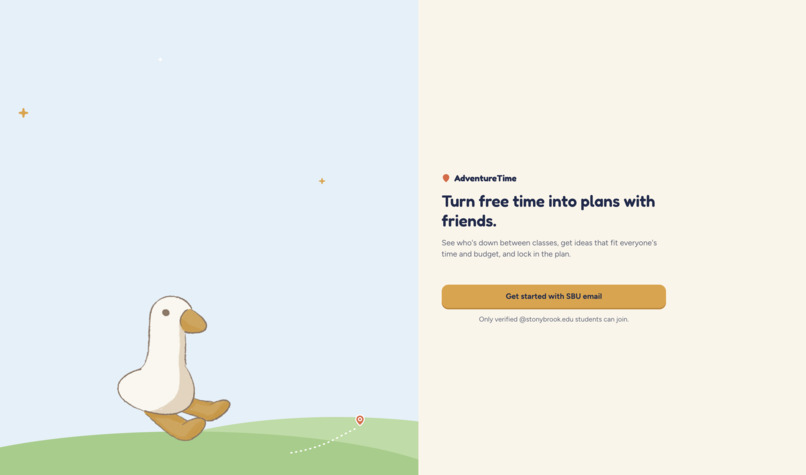
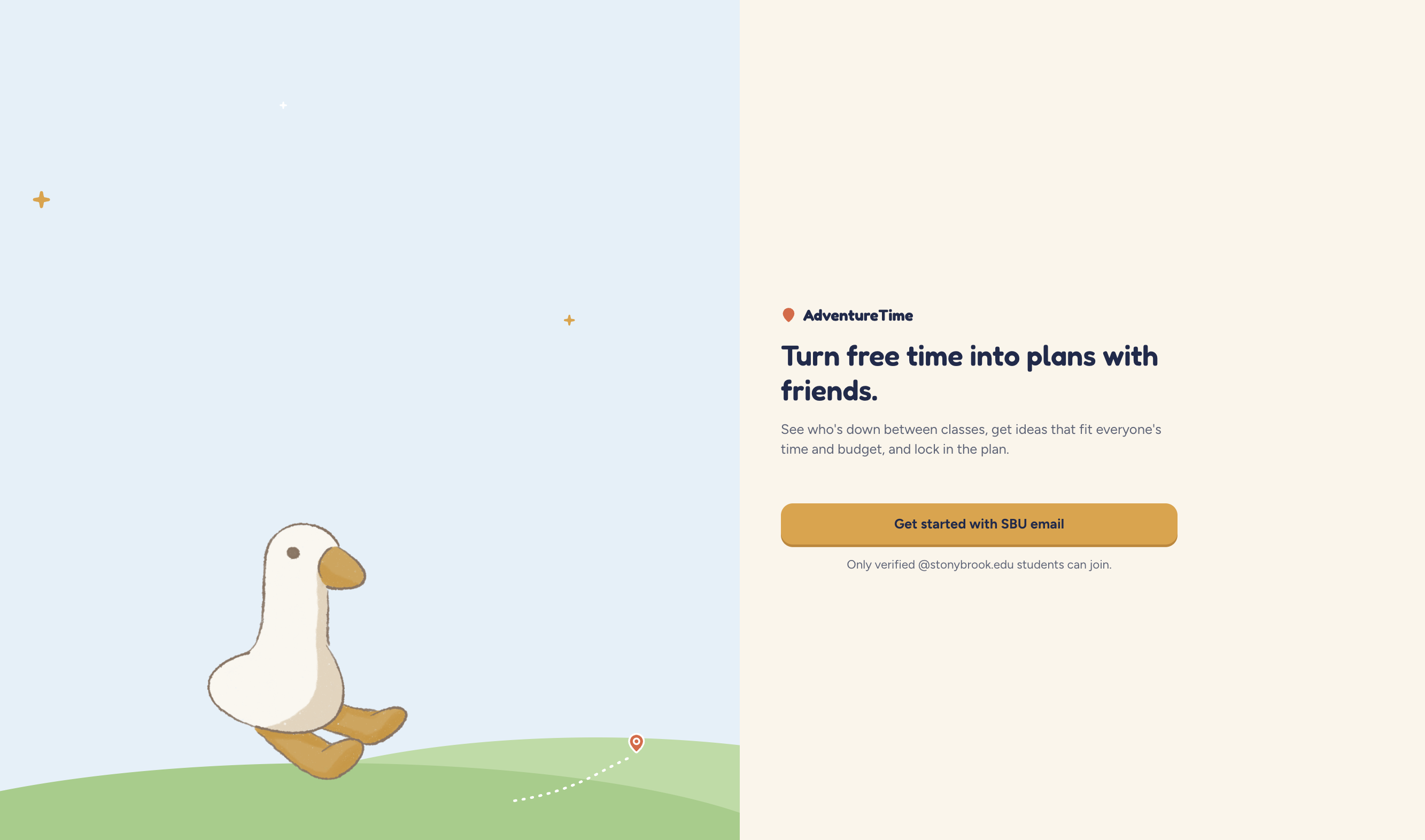
Welcome page
-
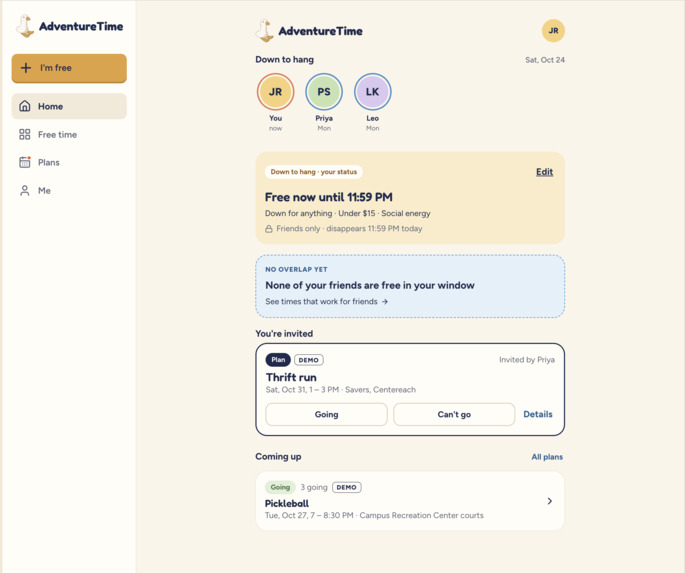
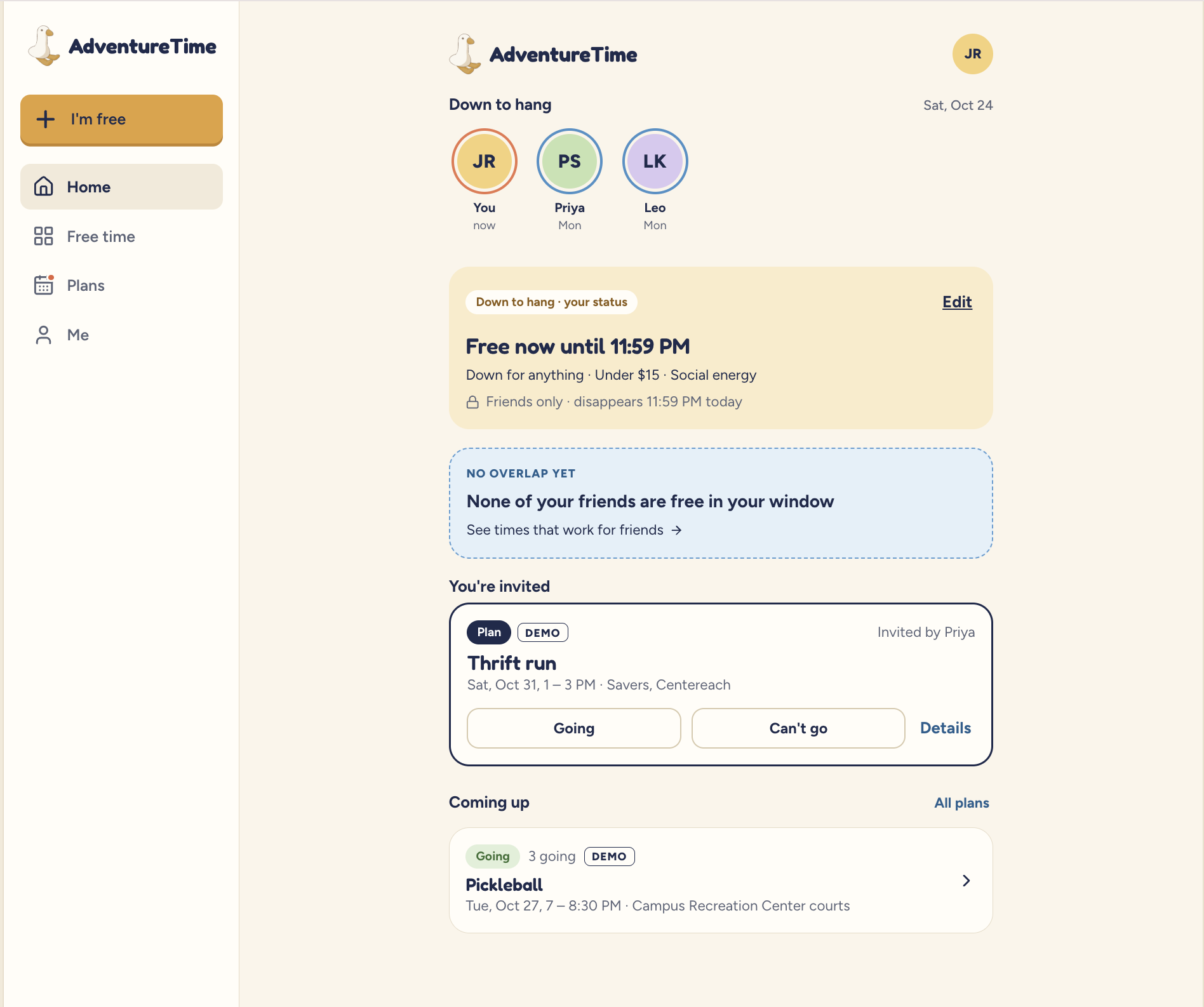
Home page: displaying a user's status, overlapping freetime with friends, and event invitations
-
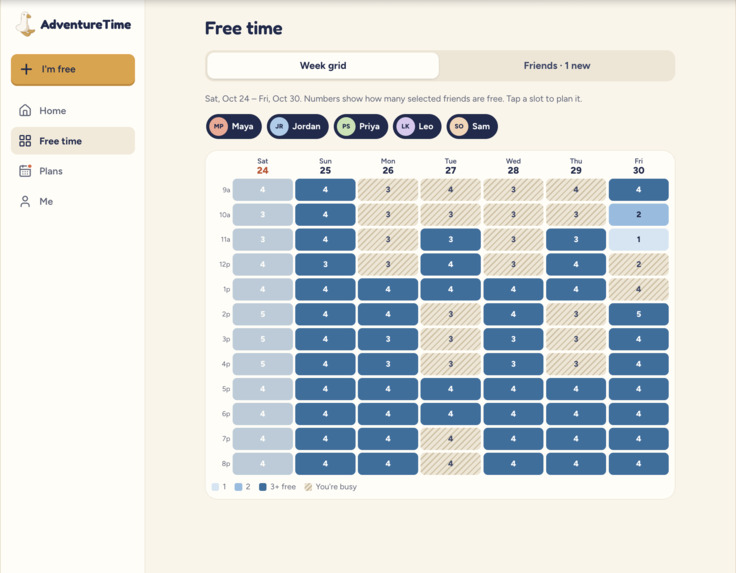
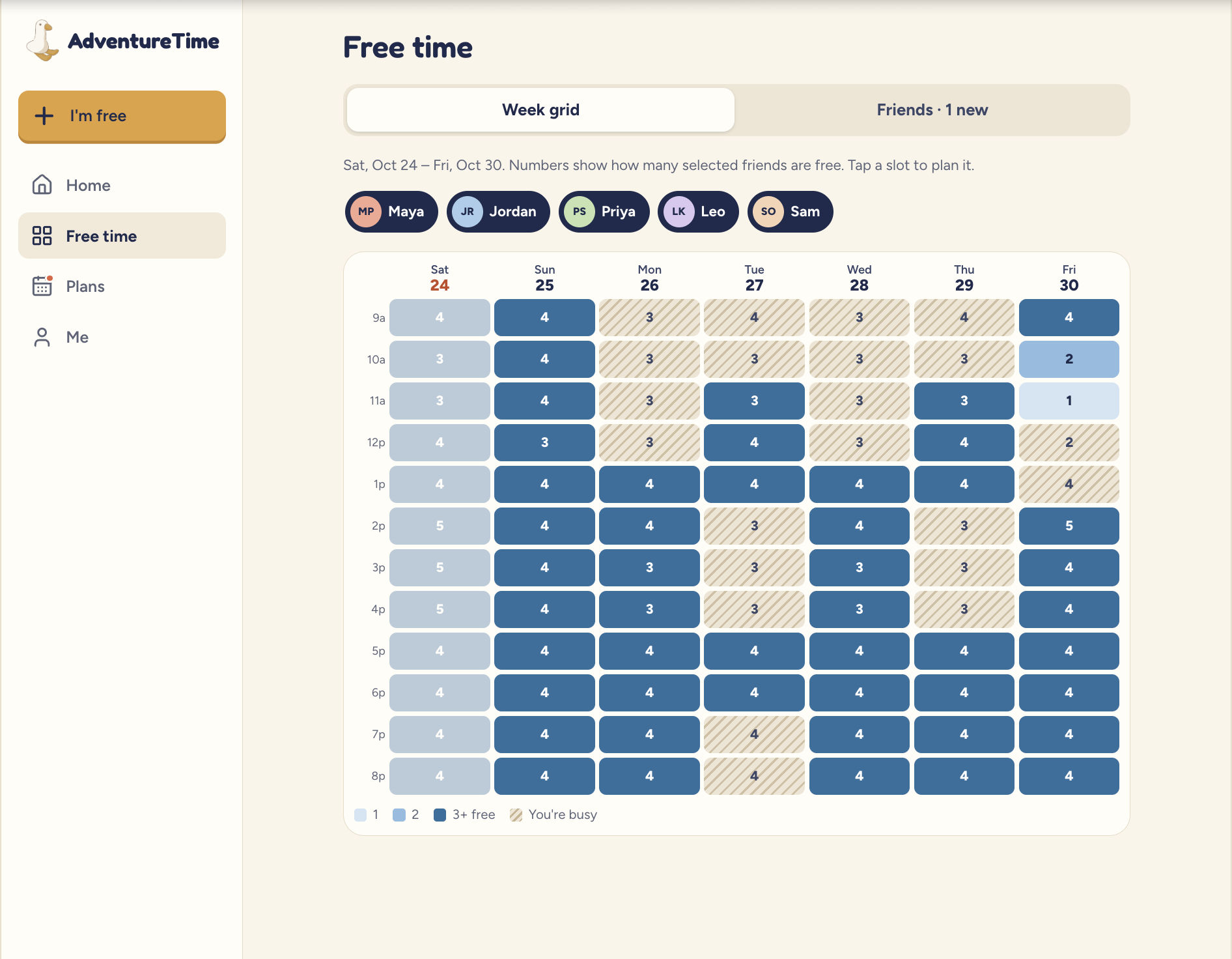
Calendar week page: blocks out schedules and display shared free time between friend's schedules
-
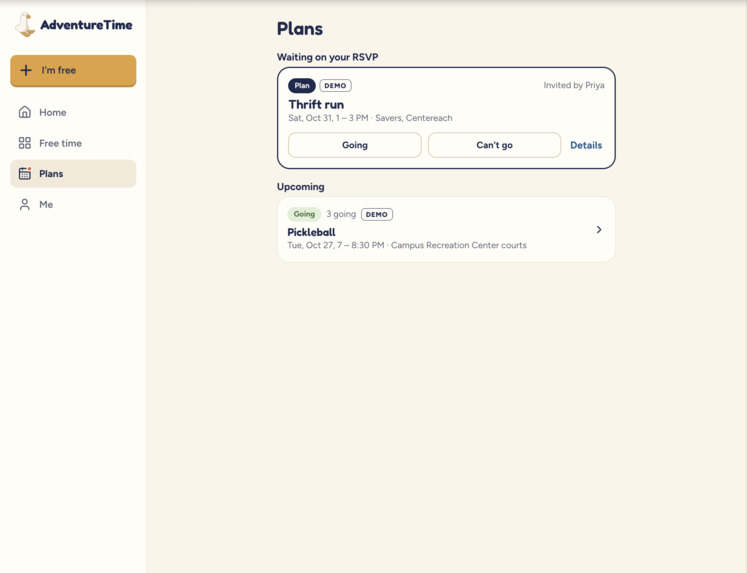
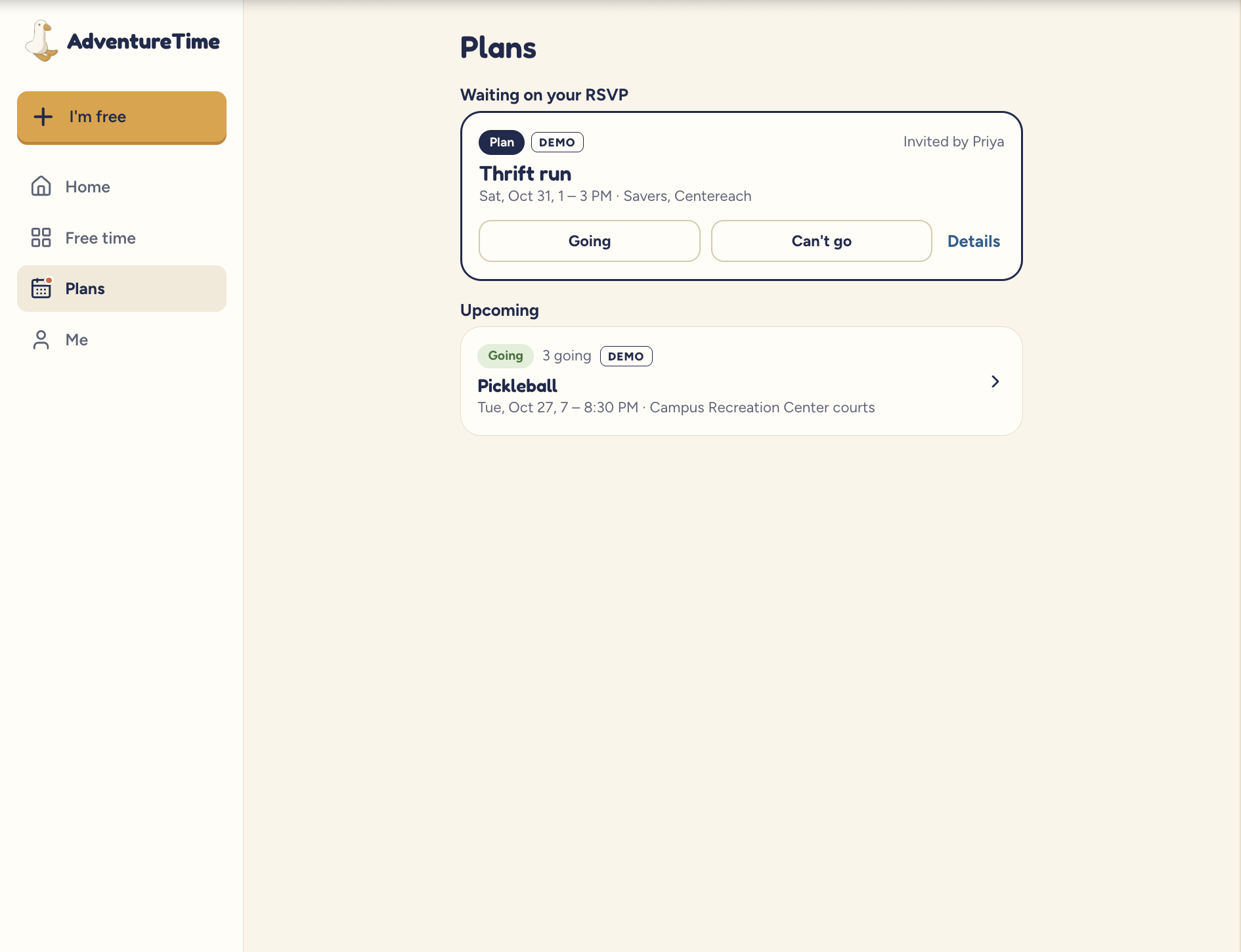
Plans page: list out all the events you're invited to, any upcoming ones, and ones you've rejected
-
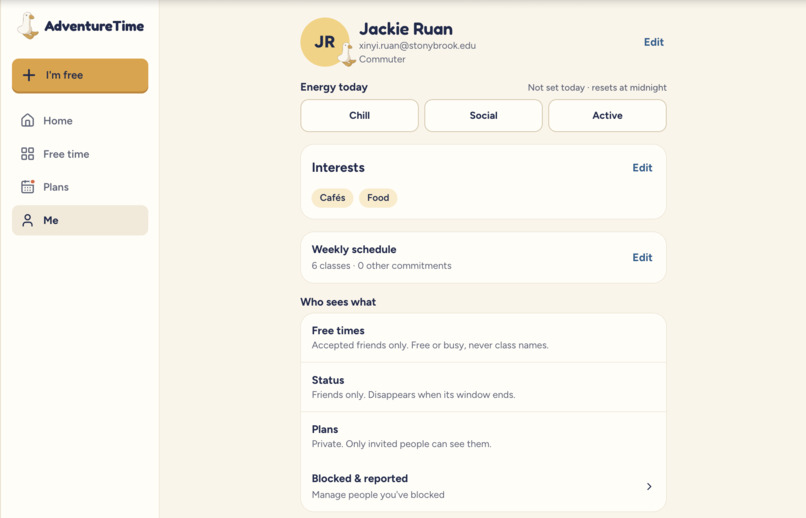
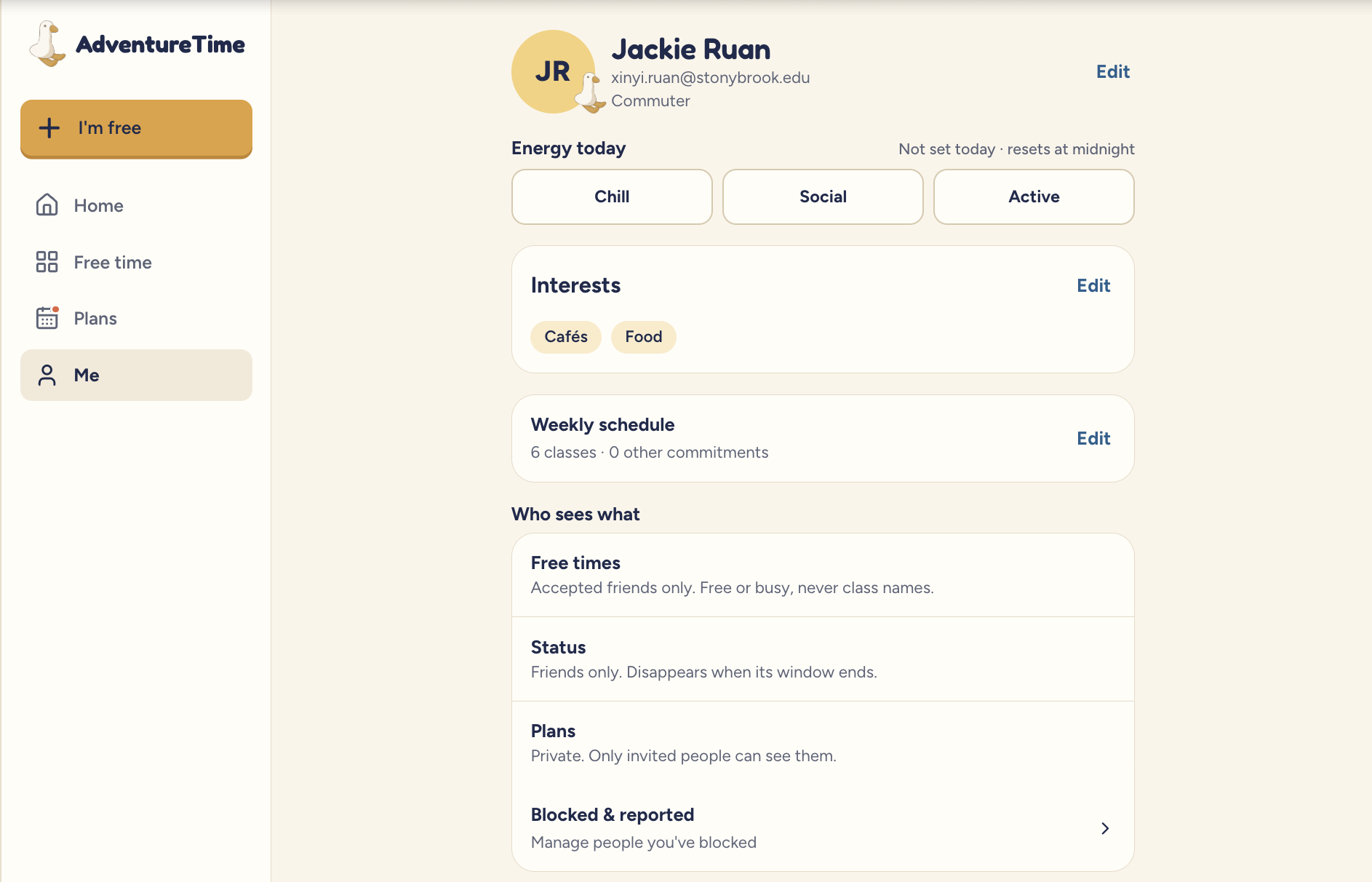
User account settings page: users can edit their status, interests, schedules, and other privacy settings.
-
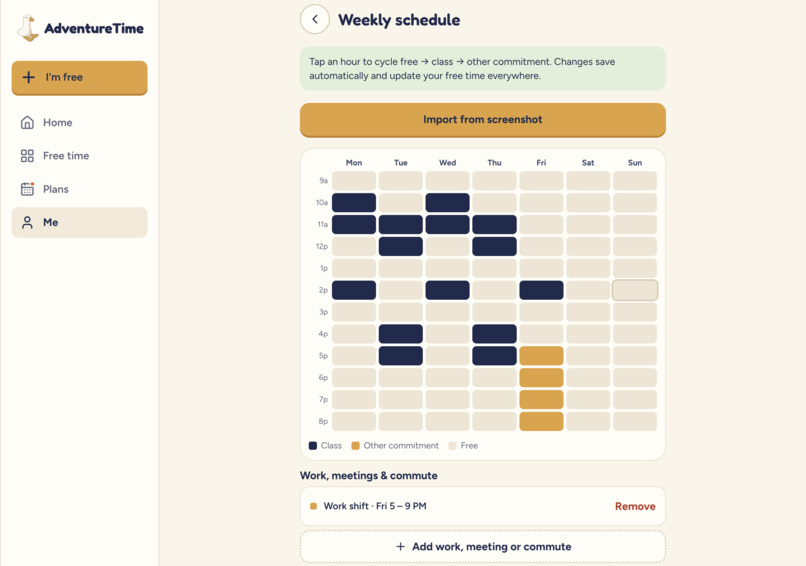
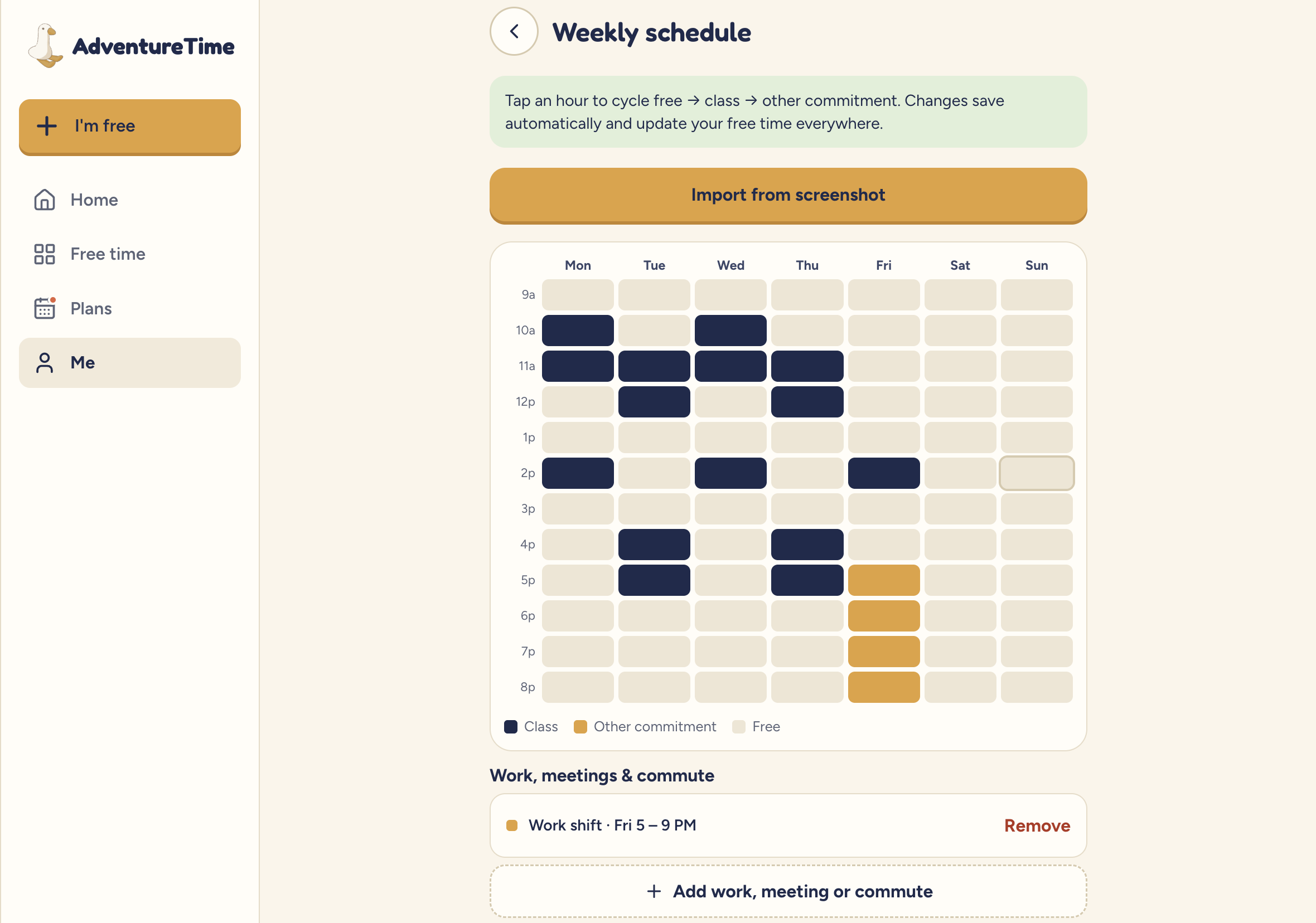
Schedule editing page: you can import an image of your schedule for it to automatically add to the calendar or add events manually
Inspiration
We were inspired by our own experiences of having to make plans to hangout with friends. The difficulty of choosing an activity, deciding on where to meet up, and knowing when everyone is free often leads to plans that never leave the group chat. We wanted a more seamless way to organize these hangouts.
What it does
Adventure Time is a mobile-friendly web app that helps Stony Brook students turn free time into real plans with friends. Students sign in with their SBU account and import their class schedule, so the app knows when they’re busy. When someone is free and up for hanging out, they set a status, either for right now or later in the week. The app finds friends who are free at the same time, and AI suggests a few activities that fit the group’s interests, budget and time window, each with a duration and estimated cost.
One person acts as the leader. They pick an activity, set the time and place, and invite friends, either from the app or by sharing a link. Invitees RSVP on a plan page that shows the time, place, cost and who’s going, and reminders go out before the event. Only verified SBU students can use it, and friends see only when you’re free, never which classes you take.
How we built it
We designed the app’s look and flow with Claude Design, then built it as a mobile-first single-page app in React, TypeScript, and Vite, with React Router for navigation.
Challenges we ran into
We ran into challenges of verifying SBU students. Email verification was our first block. Magic-link emails hit Supabase’s low default email limits, and we needed a way to keep the app SBU-only. We added Google sign-in, which avoids sending email, and enforced the @stonybrook.edu rule in the database so it can’t be bypassed from the frontend.
Accomplishments that we're proud of
We are proud of implementing our MVP's, implementing authentication and fixing bugs in parsing user schedules so that AI doesn't fall to a default/incorrect schedule.
What we learned
We learned how to use Supabase for our backend, Vercel for deploying our website, Google Cloud for setting up login information and using AI features and API keys.
What's next for Adventure Time
We only implemented our MVP goals, but we had additional ideas: expanding our color themes, having AI create optimal routes for each user based on an agreed meetup location, a collaborative photo album to store memories from the day, displaying costs of each planned event or reservation, and including opening hours for certain places/events.
Built With
- gemini
- google-cloud
- react
- supabase
- typescript
- vite


Log in or sign up for Devpost to join the conversation.