-
-

logo
-
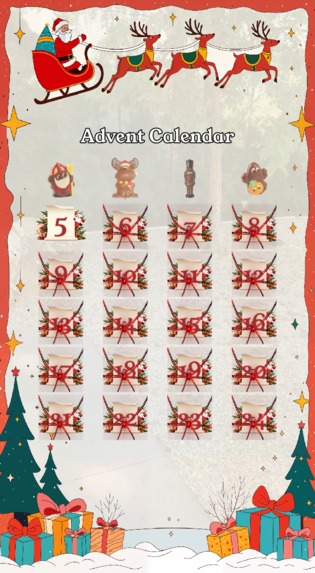
grid
-

candy example


The Inspiration
The project was born from a simple question: How can we translate the tangible “morning magic” of a physical Advent calendar into the digital world?
We wanted to move beyond static images and create a ritual for Snapchat users—a reason to return every day of December to scannable, interactive surprises.
The goal was to blend the nostalgia of paper-and-chocolate calendars with the immersive capabilities of Augmented Reality.
Building the Experience
Developing the Advent Calendar Manager (A.C.M.) required a balance between precise UI layout and dynamic logic.
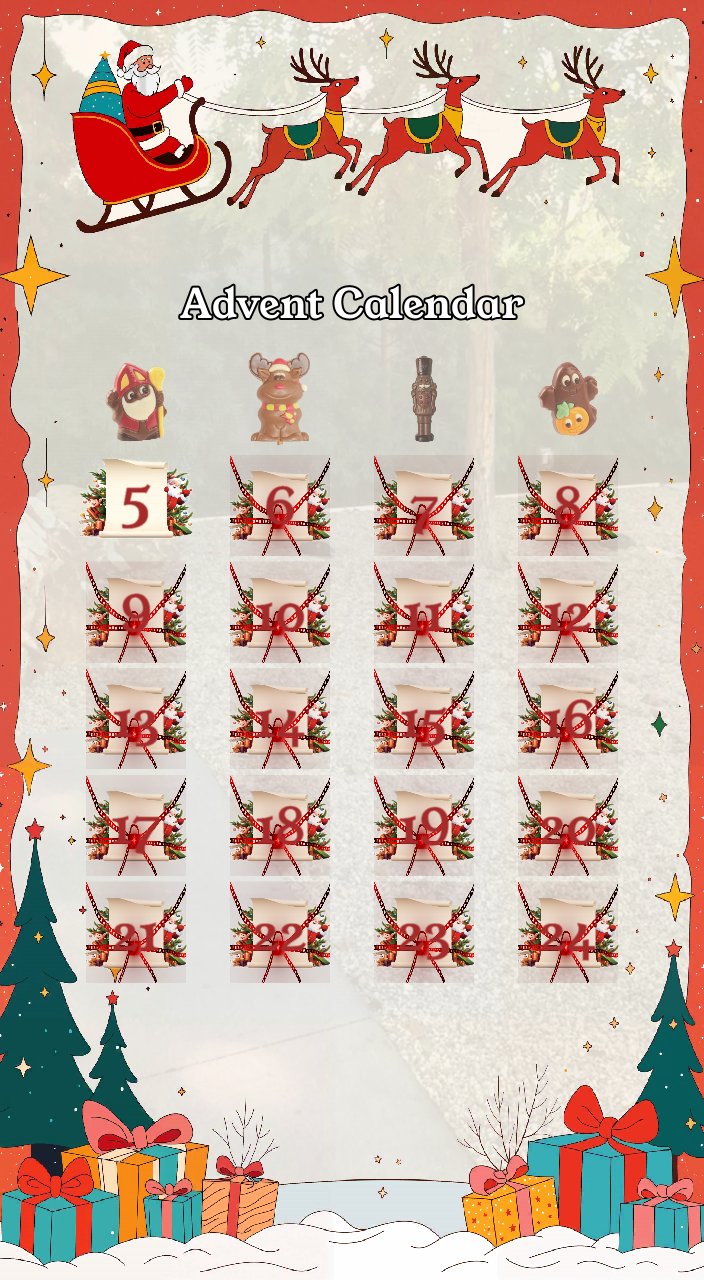
The core architecture relies on a Single-Card Instantiation system: rather than loading 24 separate 3D objects (which would tank performance), the script calculates the grid position and spawns only the active card for that specific day.
The Technical Logic
To ensure the grid remained consistent across various smartphone aspect ratios, I implemented a pixel-to-world unit conversion system.
The card's position $(x, y)$ is calculated based on the reference resolution:
$$ x = START_X + (col \cdot CARD_DIST_X) $$
$$ y = START_Y - (row \cdot CARD_DIST_Y) $$
The scale is also dynamically adjusted using the orthographic camera ratio:
$$ Scale_{base} = 1.2 \cdot \frac{OrthoSize_X}{720} $$
Challenges Faced
The biggest hurdle was the “Out-of-Season” Logic.
What happens if a user opens the Lens in November or January?
I had to implement a “Special Day” (Day 25) logic. This “Extra Choco Candy” mode acts as a fallback, ensuring the Lens remains interactive and rewarding even outside the strict Advent window.
Another challenge was UI Alignment. Dealing with Screen Transforms in Lens Studio can be tricky when trying to match a dynamic 3D object to a static 2D background texture.
I solved this by implementing manual pixel offsets $(X$ and $Y)$ to fine-tune the grid alignment without having to redesign the background assets.
What I Learned
- Optimization: Managing assets like textures and audio components efficiently is crucial for a smooth Lens experience.
- UX Design: Using pulsing animations for the current day’s card provides an intuitive visual cue, guiding the user without needing text instructions.
- Time-Based Logic: Working with the JavaScript
Date()object taught me a lot about handling timezones and device-side vs. server-side scheduling.
Built With
- javascript
- lensscriptingapi
- lensstudio

Log in or sign up for Devpost to join the conversation.