-
-
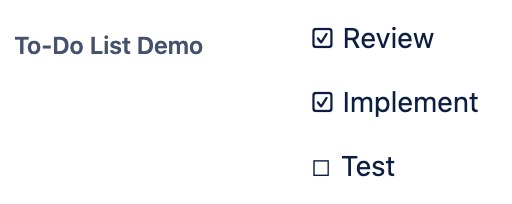
Viewing the "To-Do List" entries
-
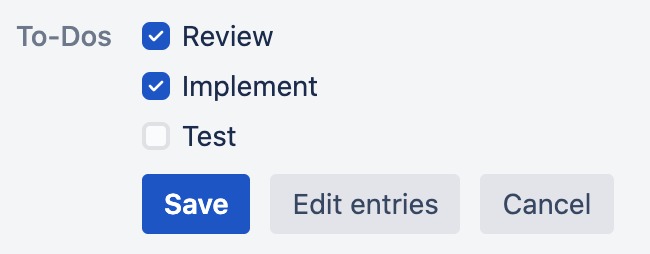
Editing the "To-Do List" entries
-
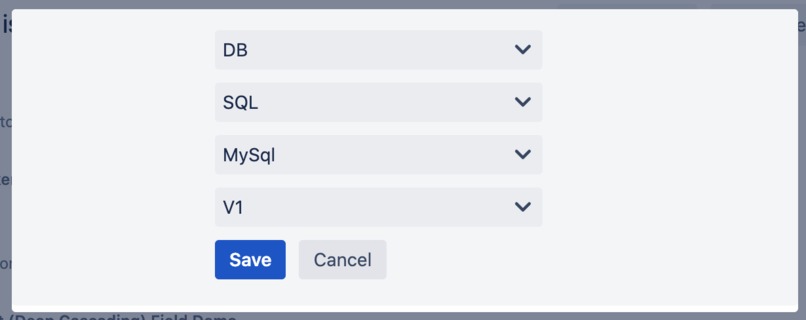
Editing the entries of a Select List (Deep Cascading)
-
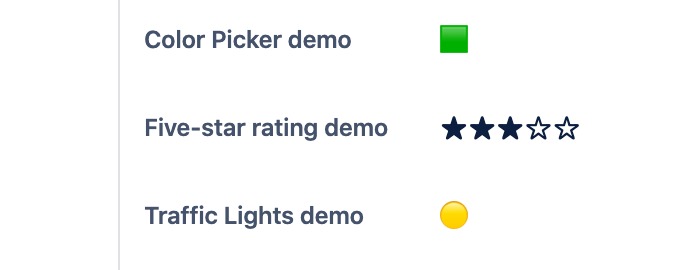
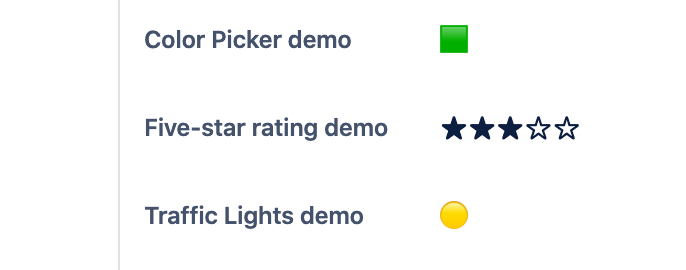
Viewing fields "Color Picker", "Five-Star Rating" and "Traffic Lights"


Inspiration
As a company, we have a long experience of building cloud apps for Jira and Confluence using the Connect framework. We wanted to use the opportunity of the Codegeist Hackathon to start gathering experience with the Forge framework as well.
What it does
For now, Advanced Custom Fields for Jira is a collection of five additional custom field types:
- "Select List (Deep Cascading)": similar to Select List (cascading), but with an unlimited amount of levels
- "To-Do List": a list of entries that can be dynamically edited and checked once done
- "Five-star rating"
- "Color Picker"
- "Traffic Lights"
How we built it
Creating a project with the Forge creation wizard and running the app locally. Overall, it went very smoothly.
Challenges we ran into
We initially tried to build the "To-Do List" editing UI with UI Kit and CustomFieldEdit, which prove to be quite challenging, as multiple actions should be available (check an item, add new items, delete items), while CustomFieldEdit is essentially a form with a single action (submit). We built a first version where the user had to submit the form for every action, then edit the field again for the next action. It was obviously quite cumbersome, and fortunately Custom UI was made available, allowing a much better UX. In the future, we will probably favor Custom UI for editing fields, as soon as the edit UI is not trivial.
At one point, after having built Custom UI in the app, we noticed that the app was working locally with a tunnel, but not once deployed to production. The issue was the Custom UI not being displayed, as requests for CSS and JS files from the browser were being rejected (HTTP 403). After a while, we figured out that the reason was the resource paths being absolute instead of relative, the latter being mandatory, as documented in the Forge Custom UI documentation.
Accomplishments that we're proud of
We were able to use Forge features that were introduced shortly before the deadline, like Custom UI for editing custom fields and custom field context configurations.
Overall, it took little time to build the app and the code is rather small. This is also due to the good developer experience with Forge, and the robust documentation.
What's next for Advanced Custom Fields for Jira
The UX/UI of most of the fields is still rudimentary, especially for the "Select List (Deep Cascading)" field type. We plan on investing more time to improve it, add new field types, and also new features to the existing ones, like default entries for the "To-Do List" custom field type, or a wider range of colors for the color picker.

Log in or sign up for Devpost to join the conversation.