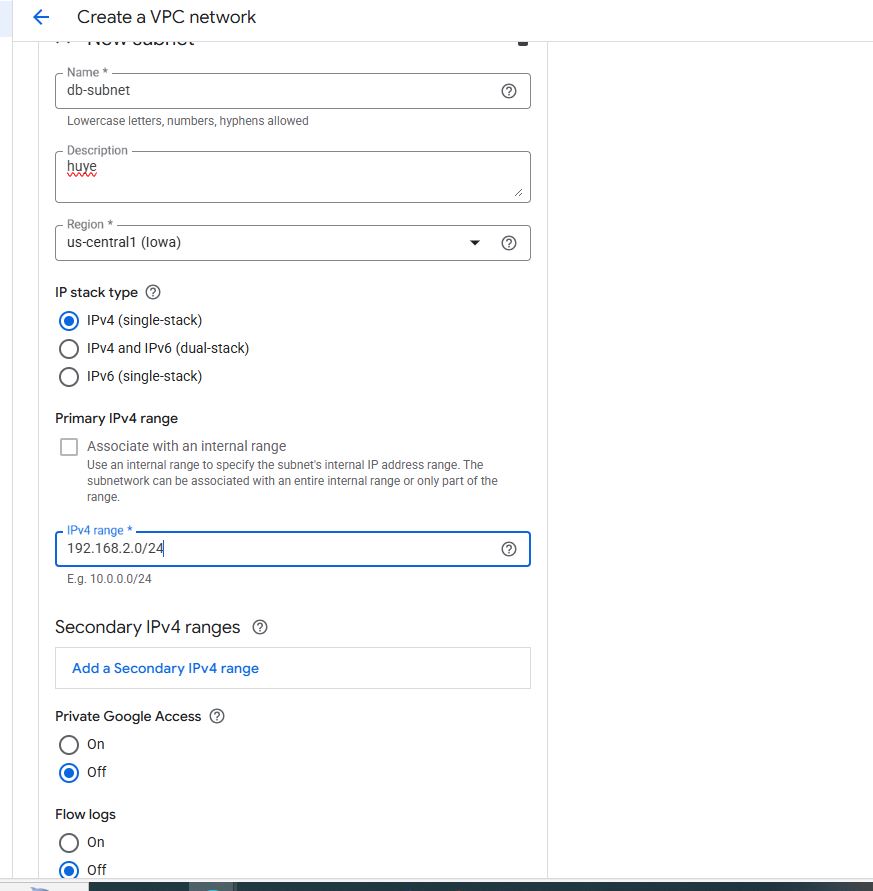
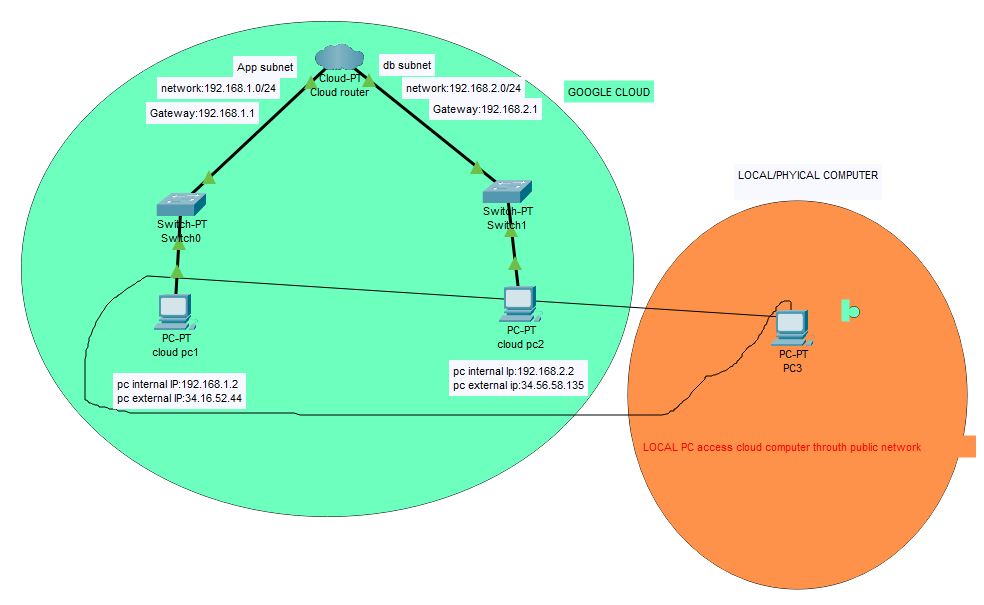
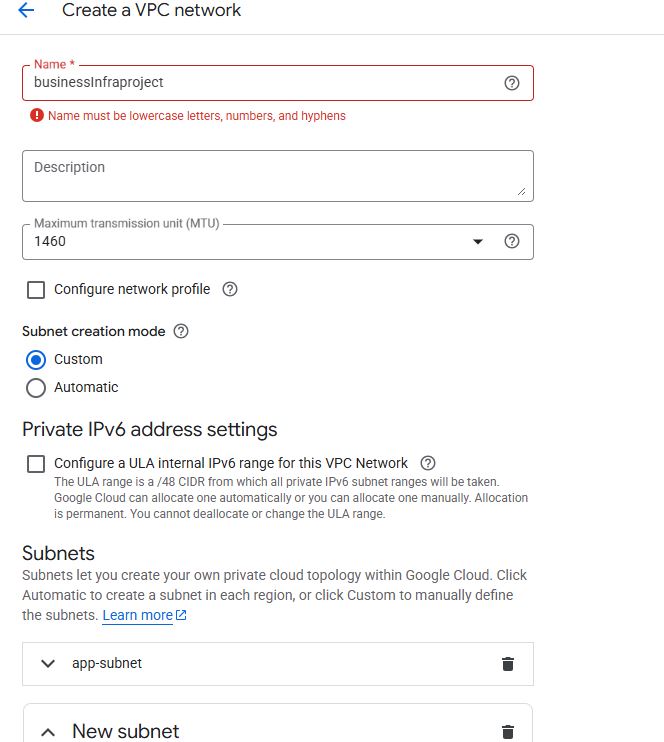
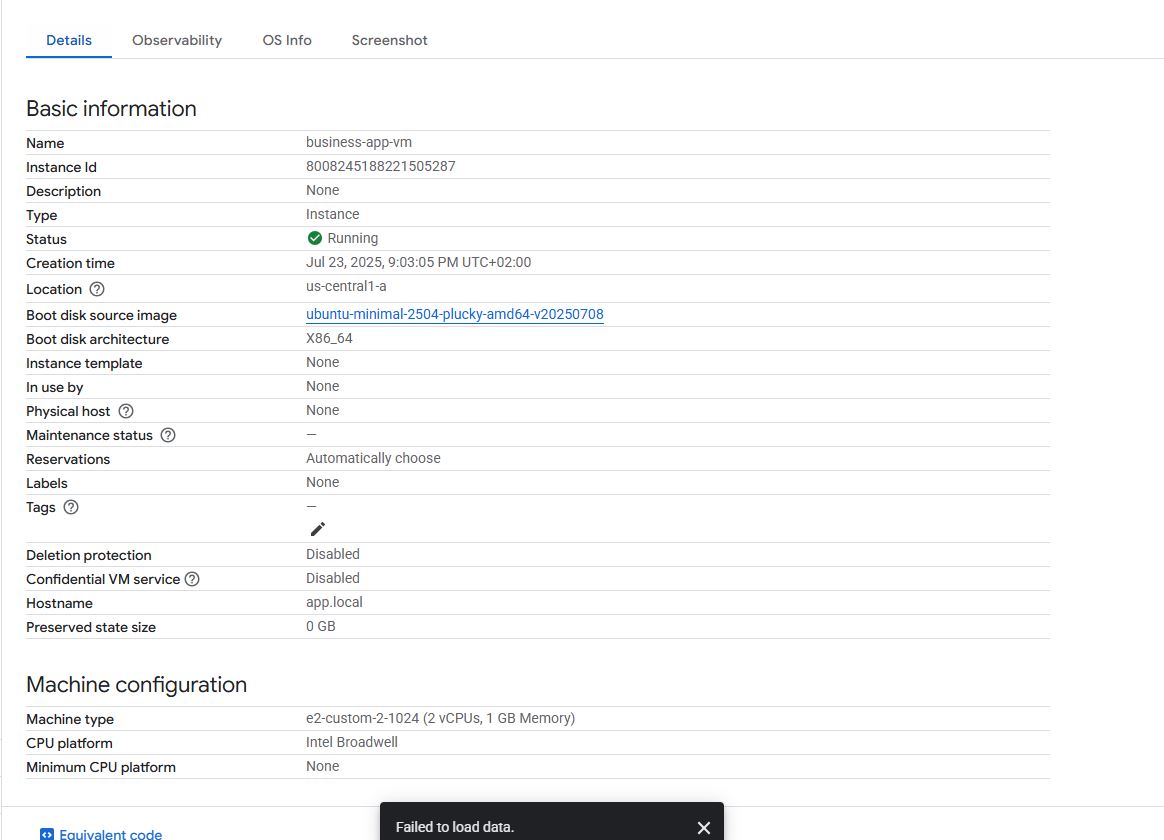
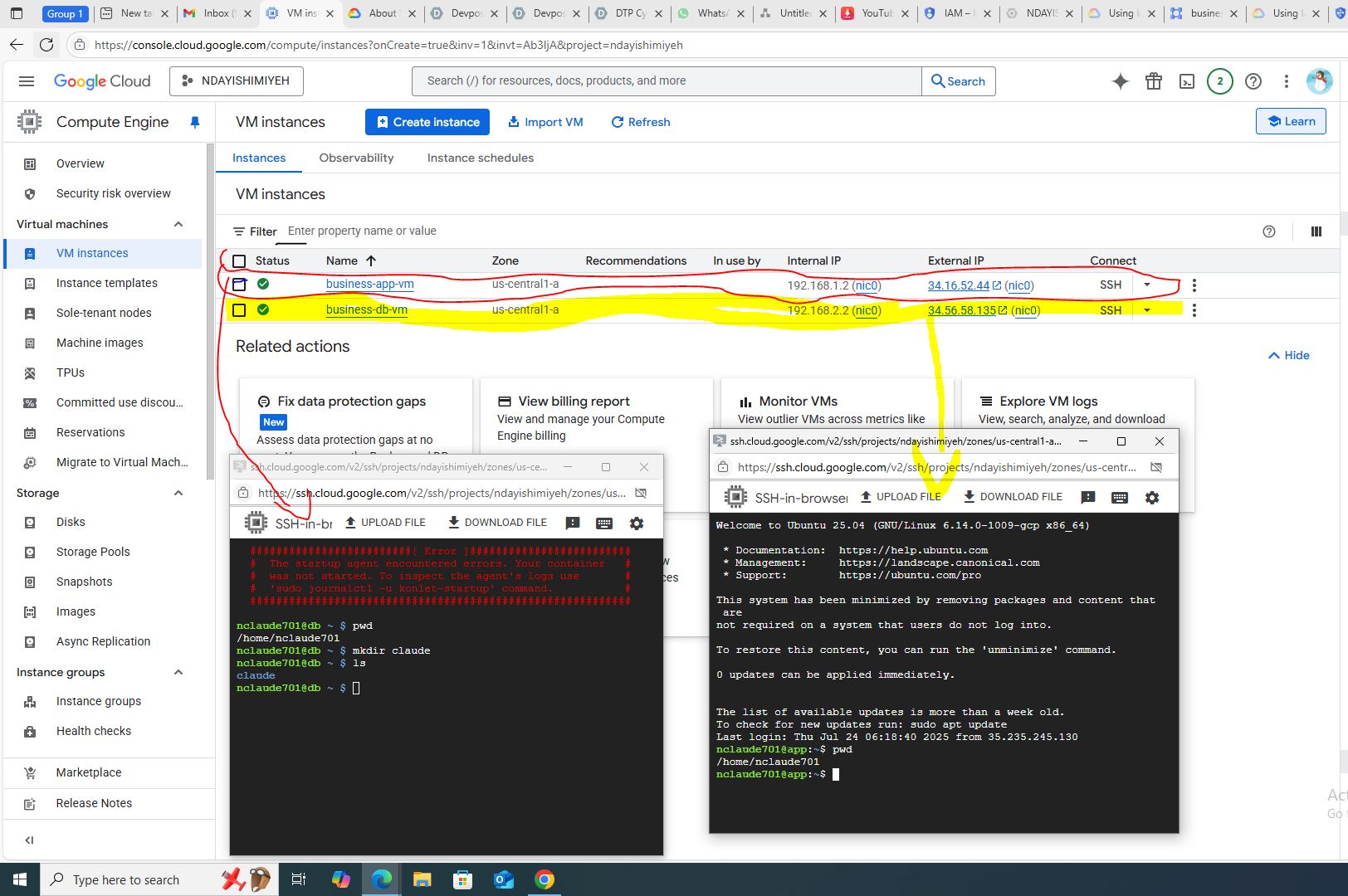
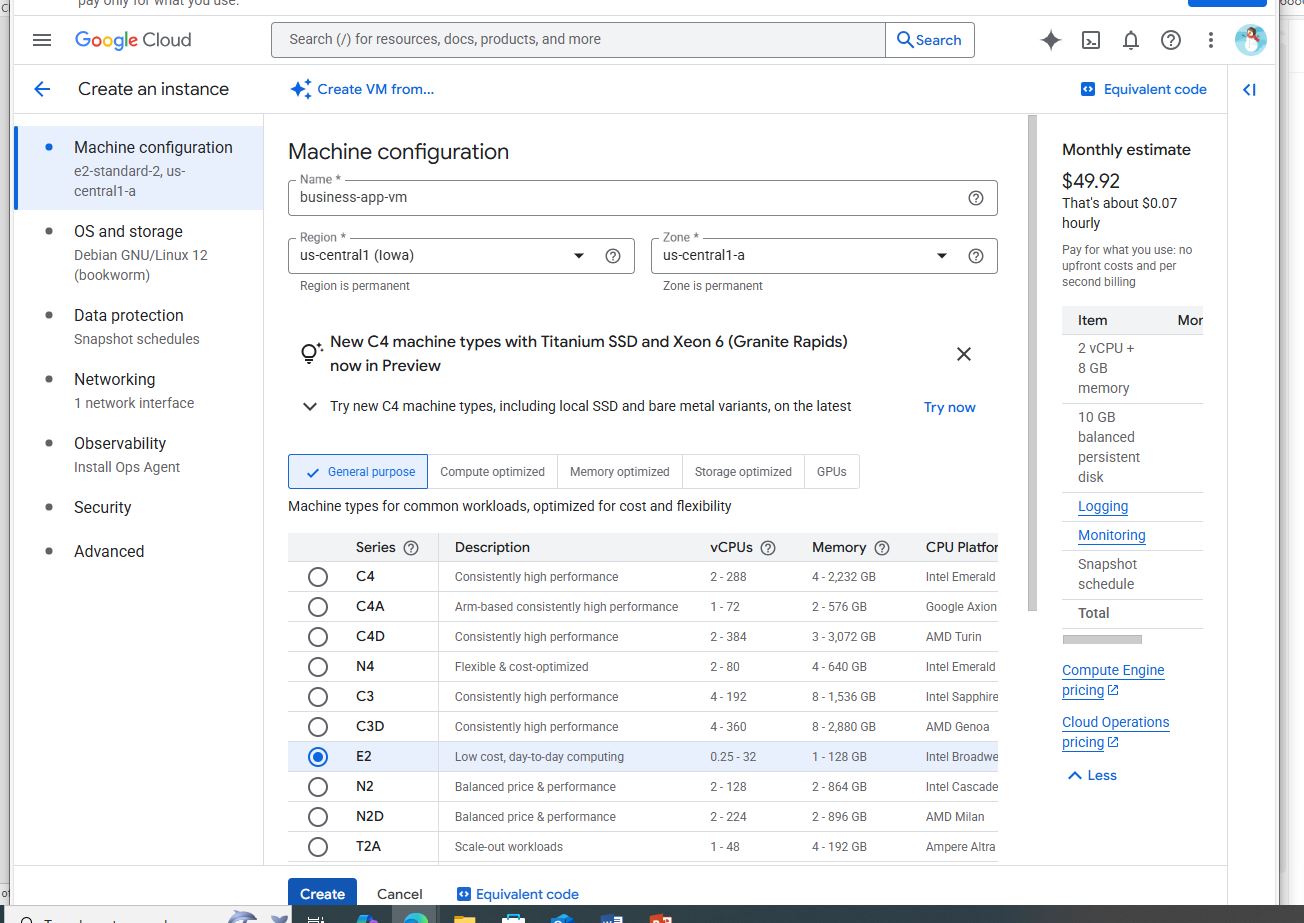
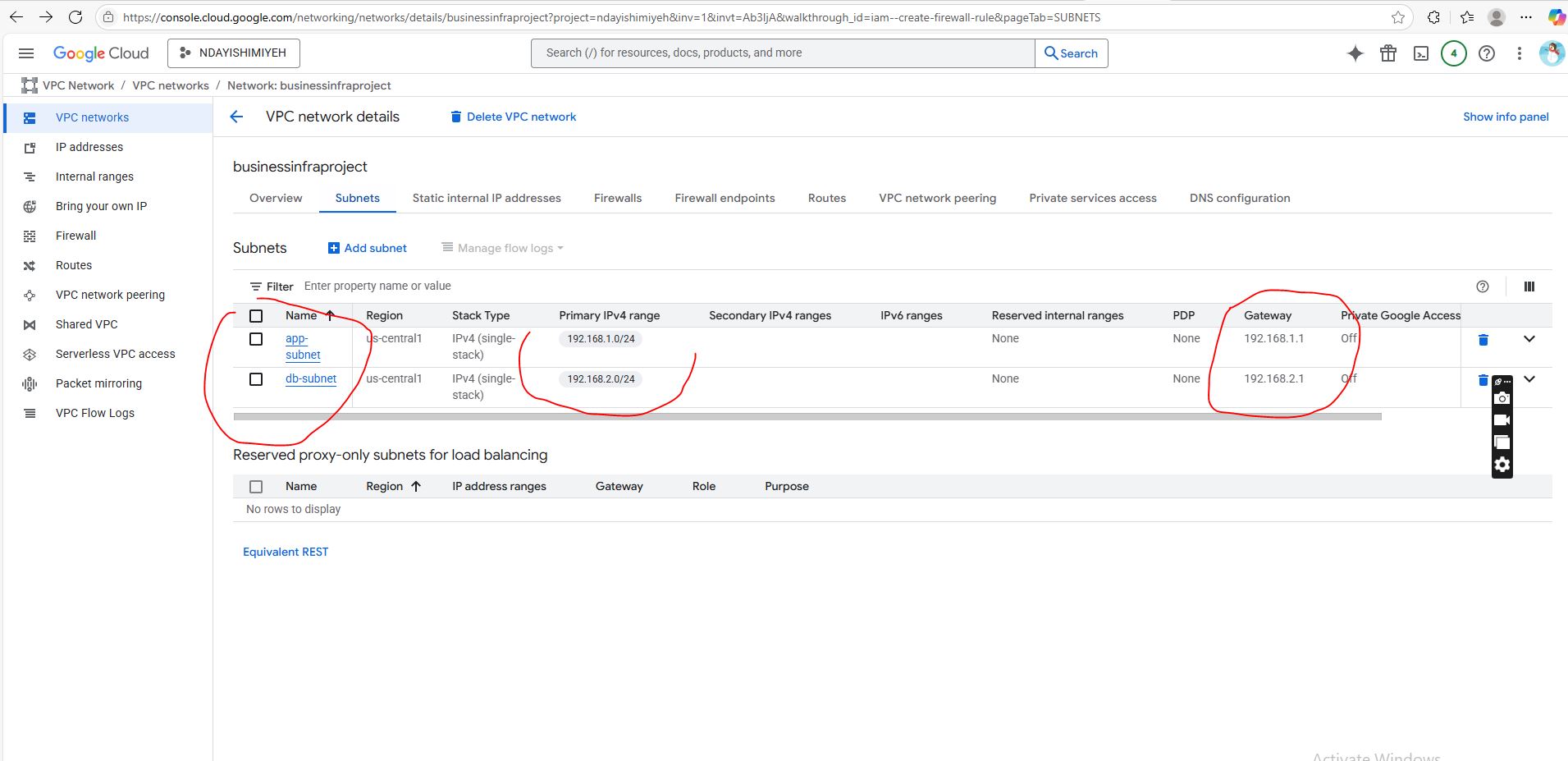
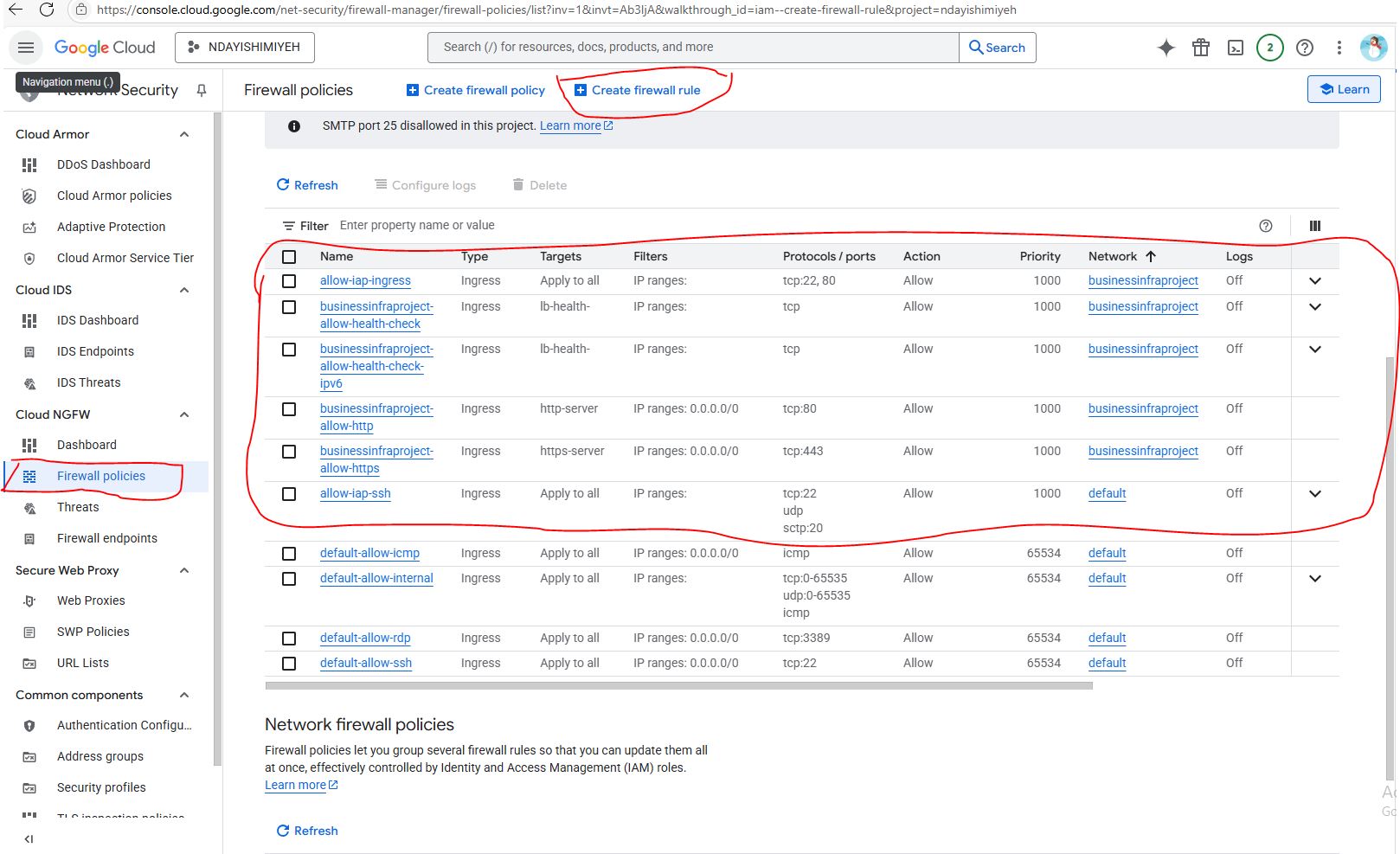
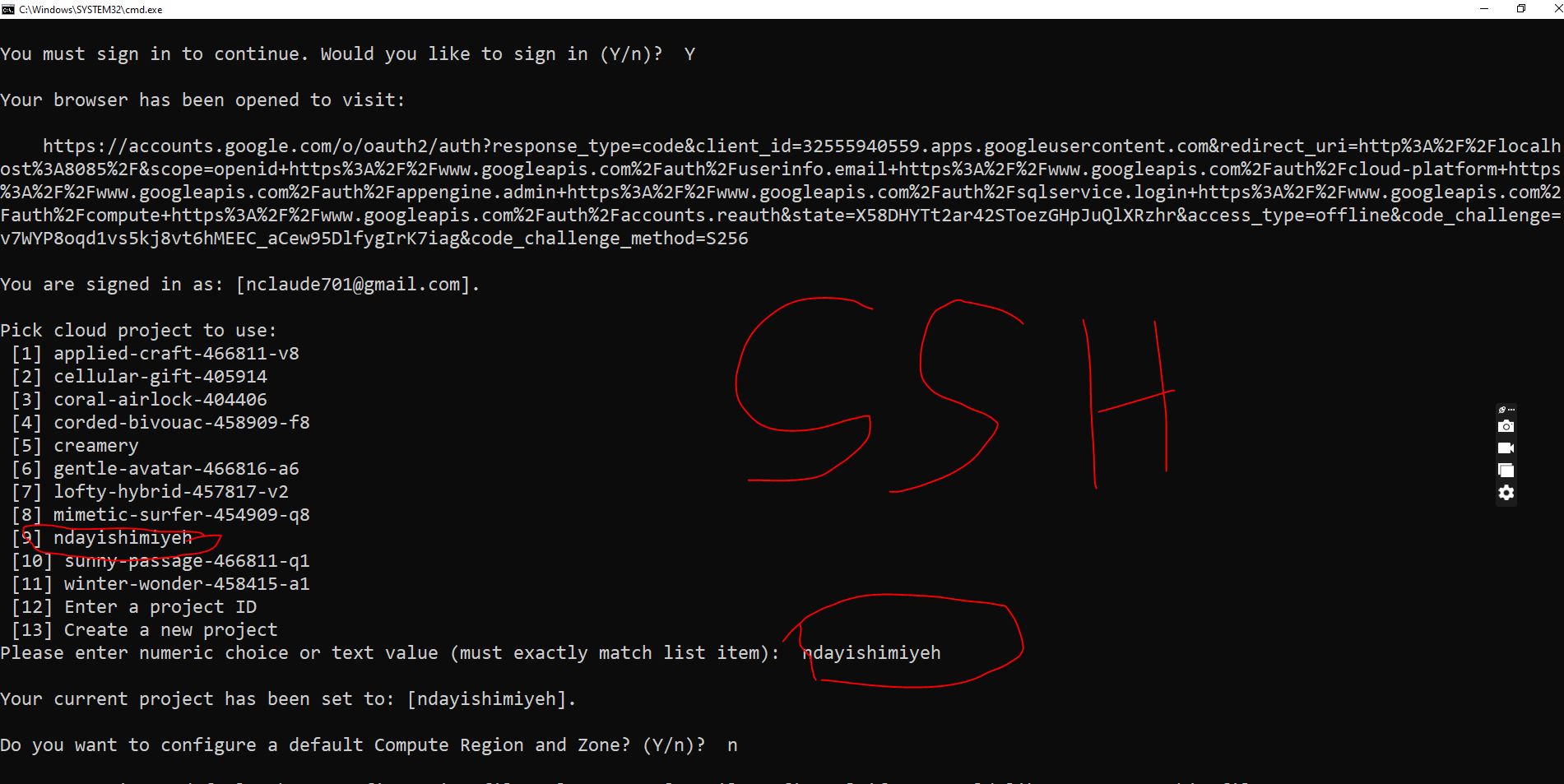
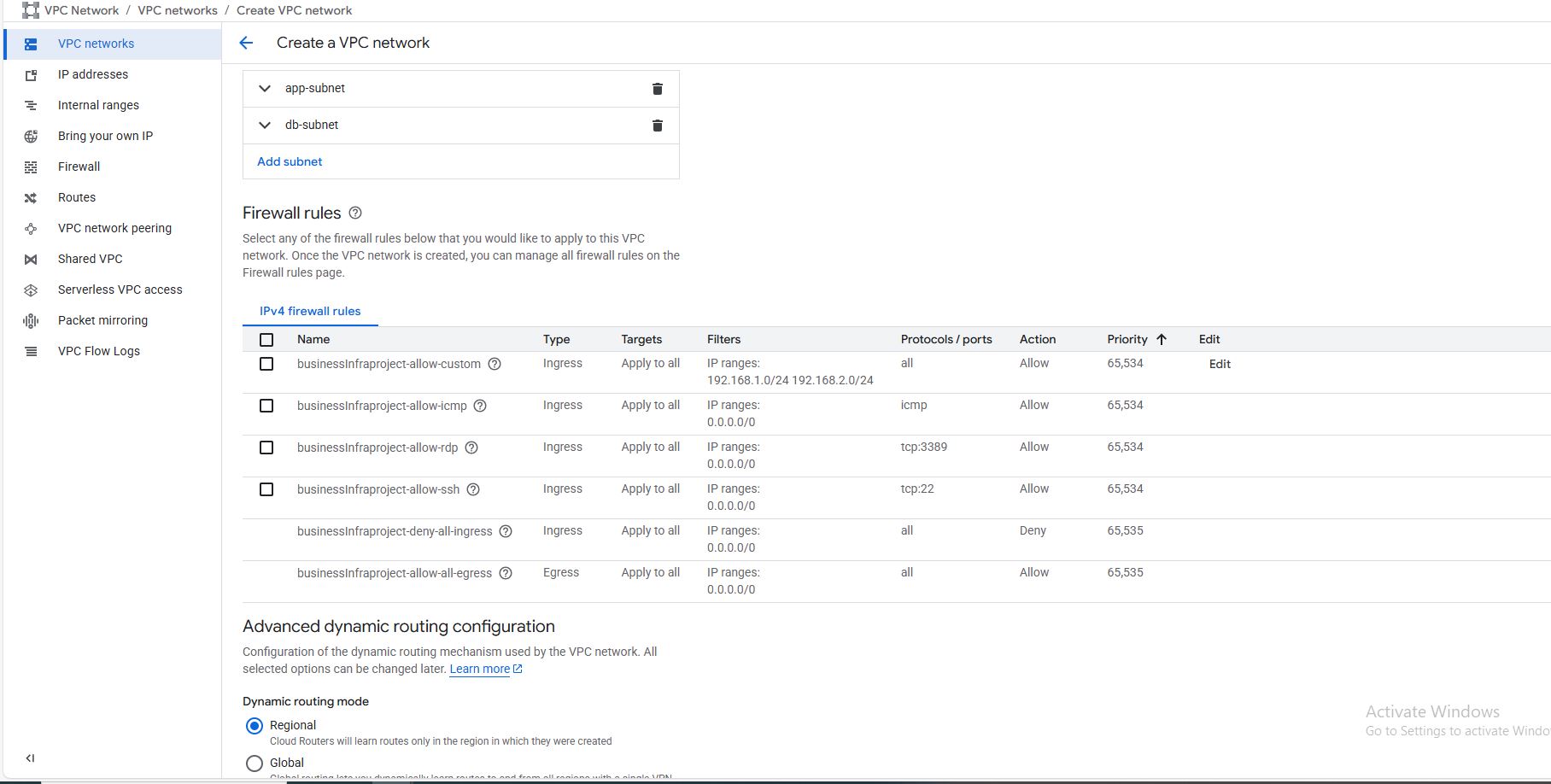
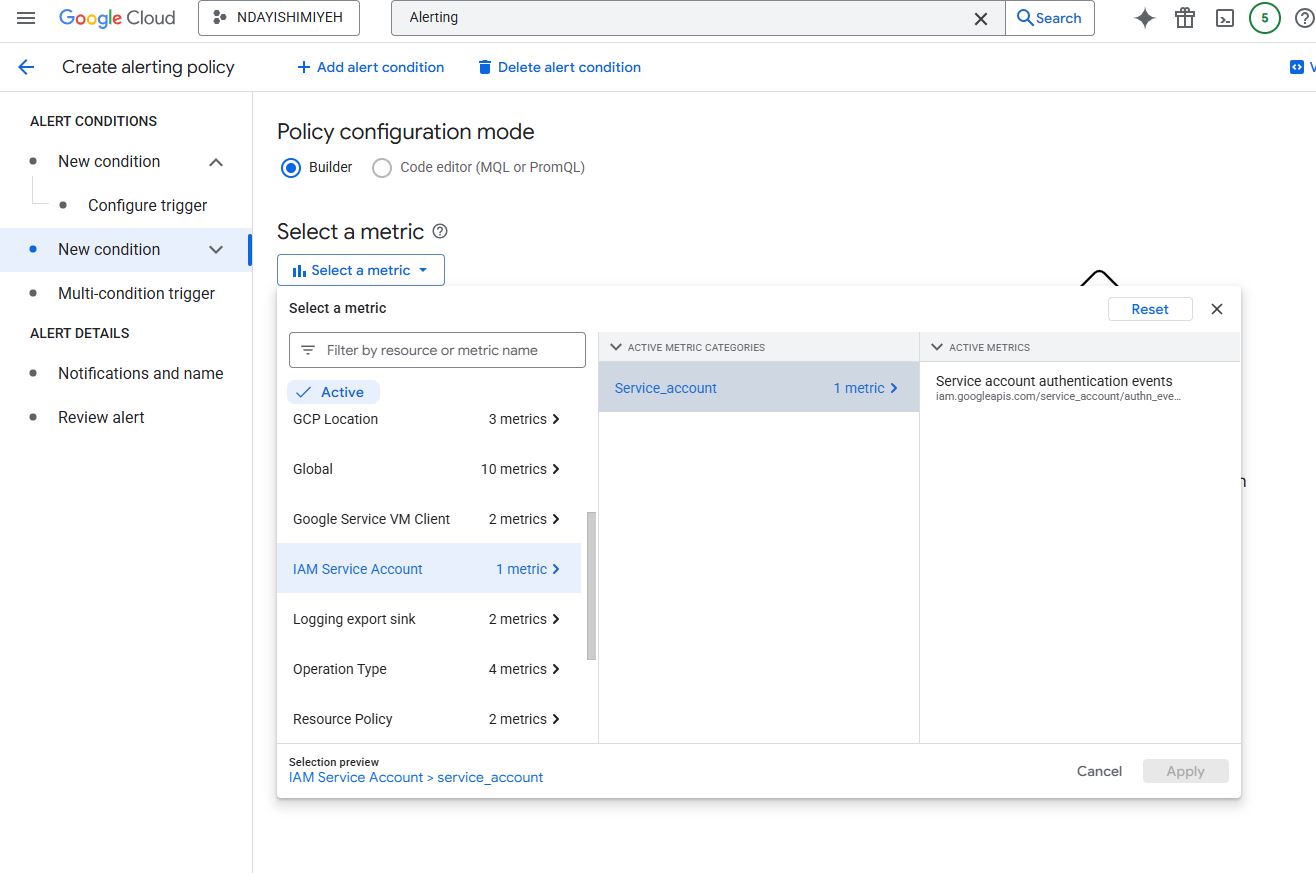
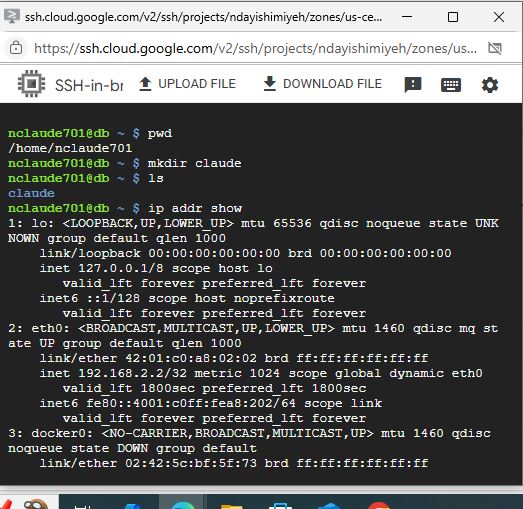
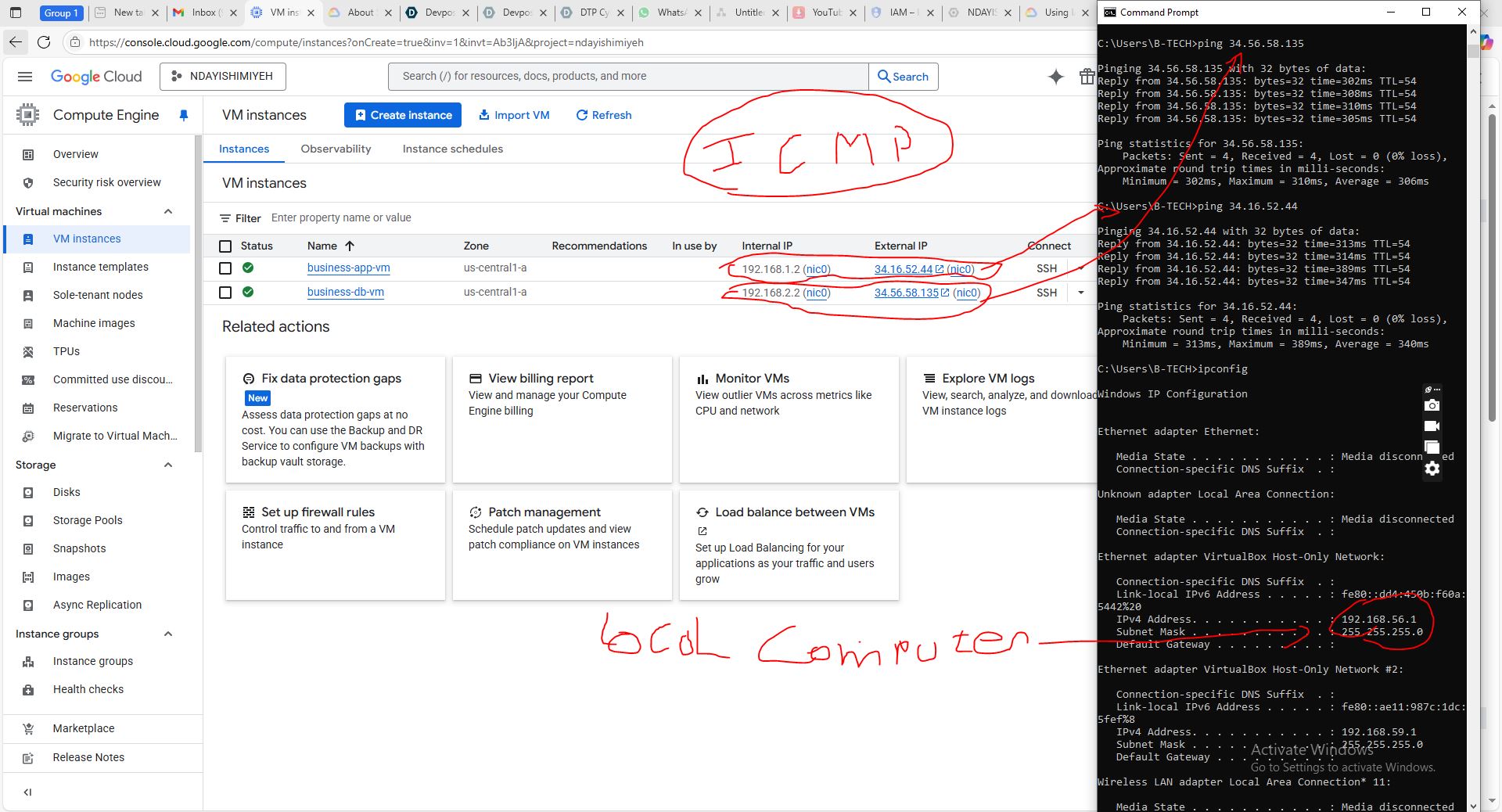
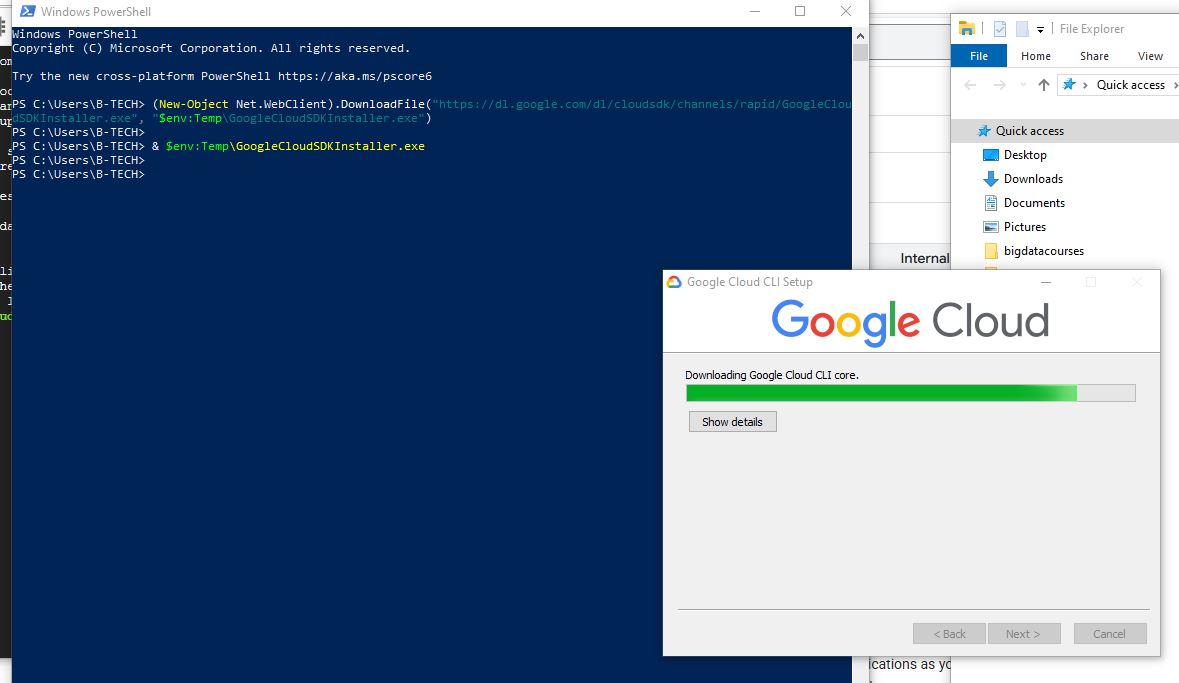
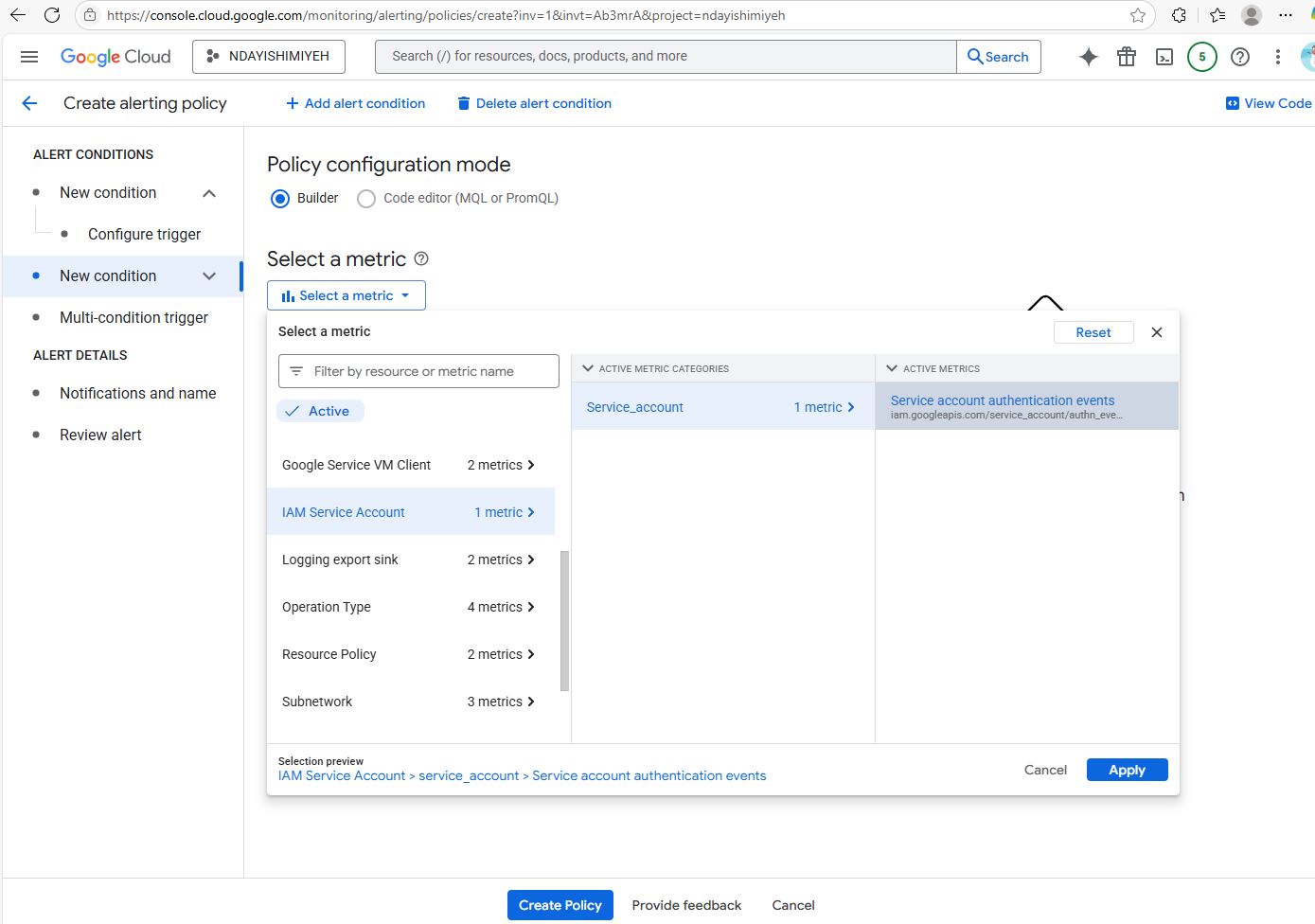
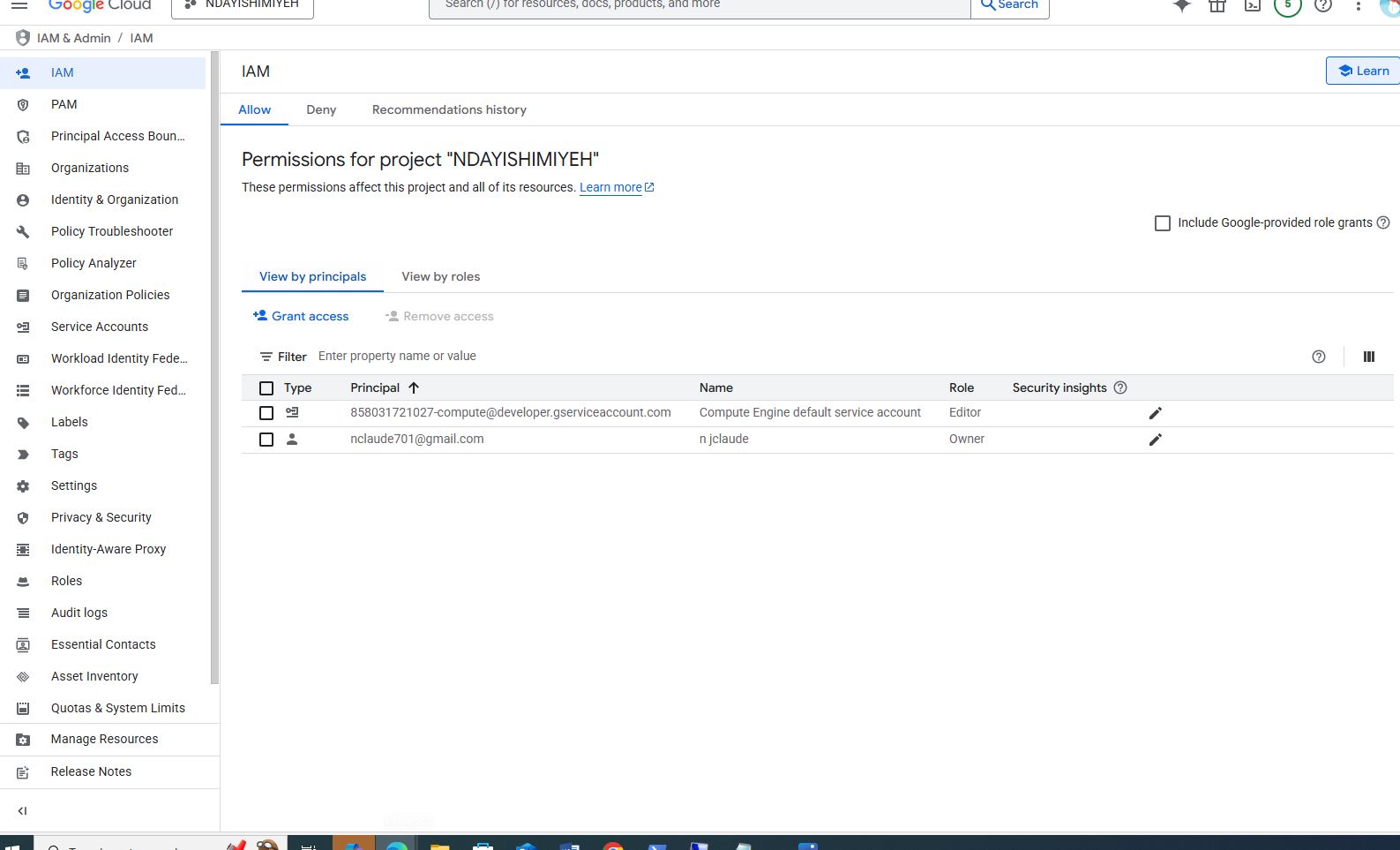
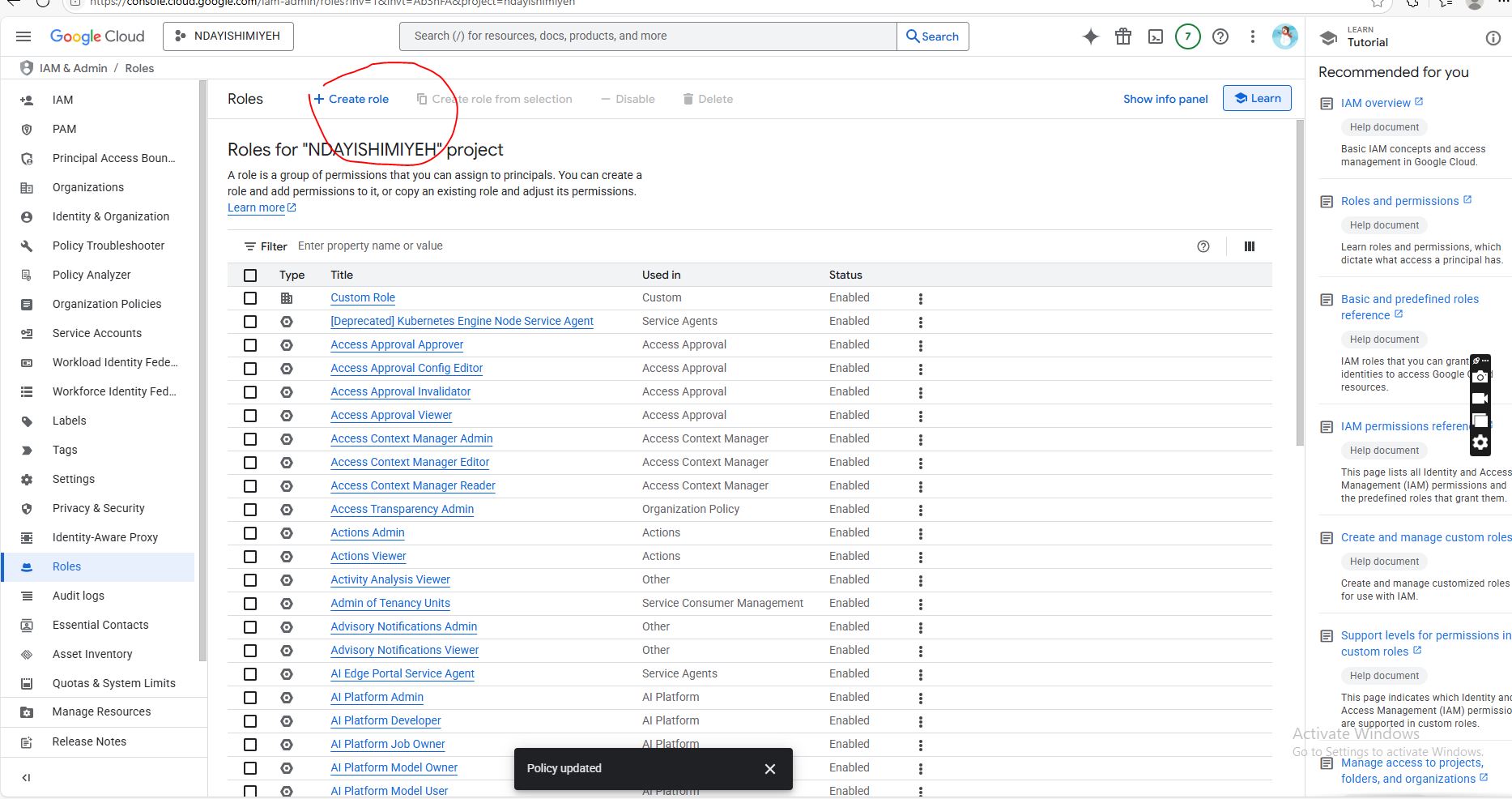
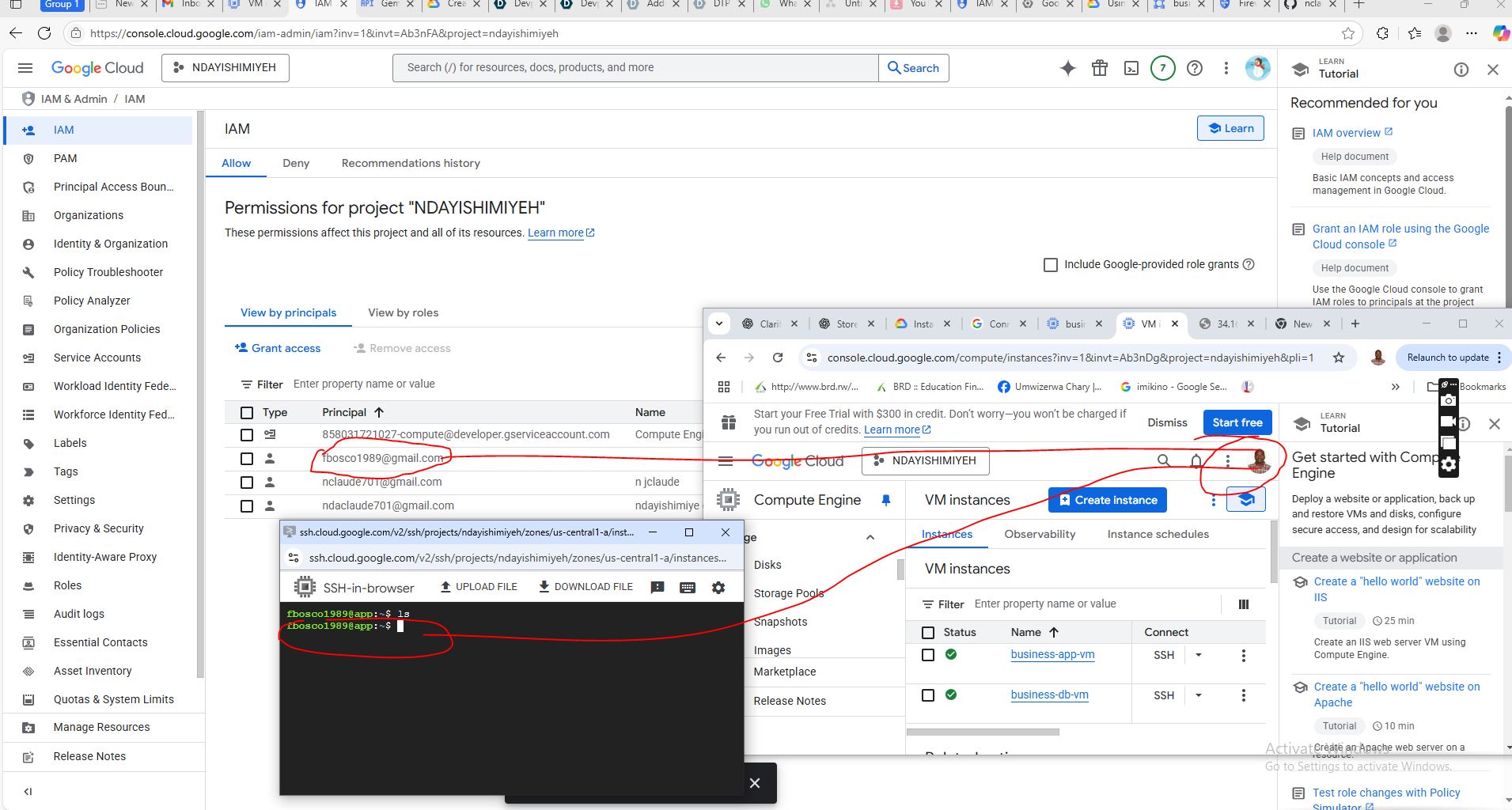
Advanced Cloud Infrastructure Deployment with Google Cloud (or Azure) Design and deploy a secure, scalable solution on Google Cloud. Configure the cloud infrastructure to support online access for multiple users, including compute resources, networking, and server systems. Set up both internal and external networks (subnets) to ensure the system is accessible from anywhere with an internet connection. Inspiration The growing demand for globally accessible, secure, and scalable cloud-based applications inspired me to dive into Google Cloud Platform (GCP). I wanted to build a solution that could support multiple users accessing a system remotely, while ensuring robust security and high availability. My goal was to simulate a real-world enterprise infrastructure, complete with internal and external network segmentation. What it does It provides a virtual cloud environment with Google Cloud tiers platform systems, secure access control, and auto-scaling to handle demand. How we built it Network Infrastructure • Created a custom VPC with two subnets: o Public Subnet o Two Private Subnet • Set up routing between subnets and configured firewall rules for access control. Compute Resources • Launched virtual machines using Compute Engine, assigning internal or external IPs based on their role. • Installed required services on VMs. Security Configuration • Configured IAM roles to restrict access and enforce least privilege. • Used Cloud NAT to allow internal instances to access the internet securely without public IPs. • Applied SSL certificates and HTTPS load balancing. Scalability and Monitoring • Integrated Cloud Load Balancing and Auto scaling. • Set up Cloud monitoring and Logging to track performance and troubleshoot issues. Challenges we ran into Subnet Design Conflicts Overlapping CIDR ranges led to deployment issues during VPC setup. This required a full redesign of subnet IP allocations to avoid conflicts and ensure proper routing. Firewall Troubleshooting • Overly strict firewall rules blocked communication between internal VMs. • Instances could not be reached from the internet due to missing or misconfigured ingress rules. • ICMP traffic (ping) was blocked by default, which made connectivity testing difficult. Cloud NAT Setup It took multiple iterations to ensure private VMs could securely access the internet. Cost Management we used small VM types and pre-emptible instances to stay within the free trial budget. Limited Free Tier Features • RDP, SQL Server, and Windows OS support were restricted. • Some tools and APIs required billing activation. Switch to Azure Azure provided better support for Windows-based VMs and RDP during testing. Accomplishments that we are proud of • Successfully designed and deployed a secure, production-like multi-tier cloud infrastructure. • Maintained strict security and traffic control while allowing external access. • Automated deployments using infrastructure-as-code tools. • Implemented full monitoring and audit logging. What we learned • Google Cloud VPC and subnet configuration • IAM, firewall, and load balancing best practices • high availability deployment • Infrastructure automation and security compliance What is next for this project? • Full automation with Terraform • CI/CD pipelines for rapid deployment • GKE containerization • Advanced security (VPC Service Controls, IAP) • Multi-region disaster recovery
Advanced Cloud Infrastructure Deployment with Google cloud
Design and deploy a secure, scalable solution on Google Cloud.


Updates

Leave feedback in the comments!
Log in or sign up for Devpost to join the conversation.