-
-
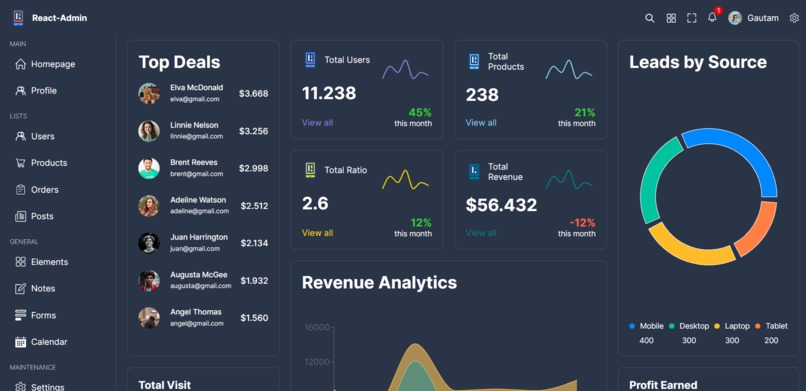
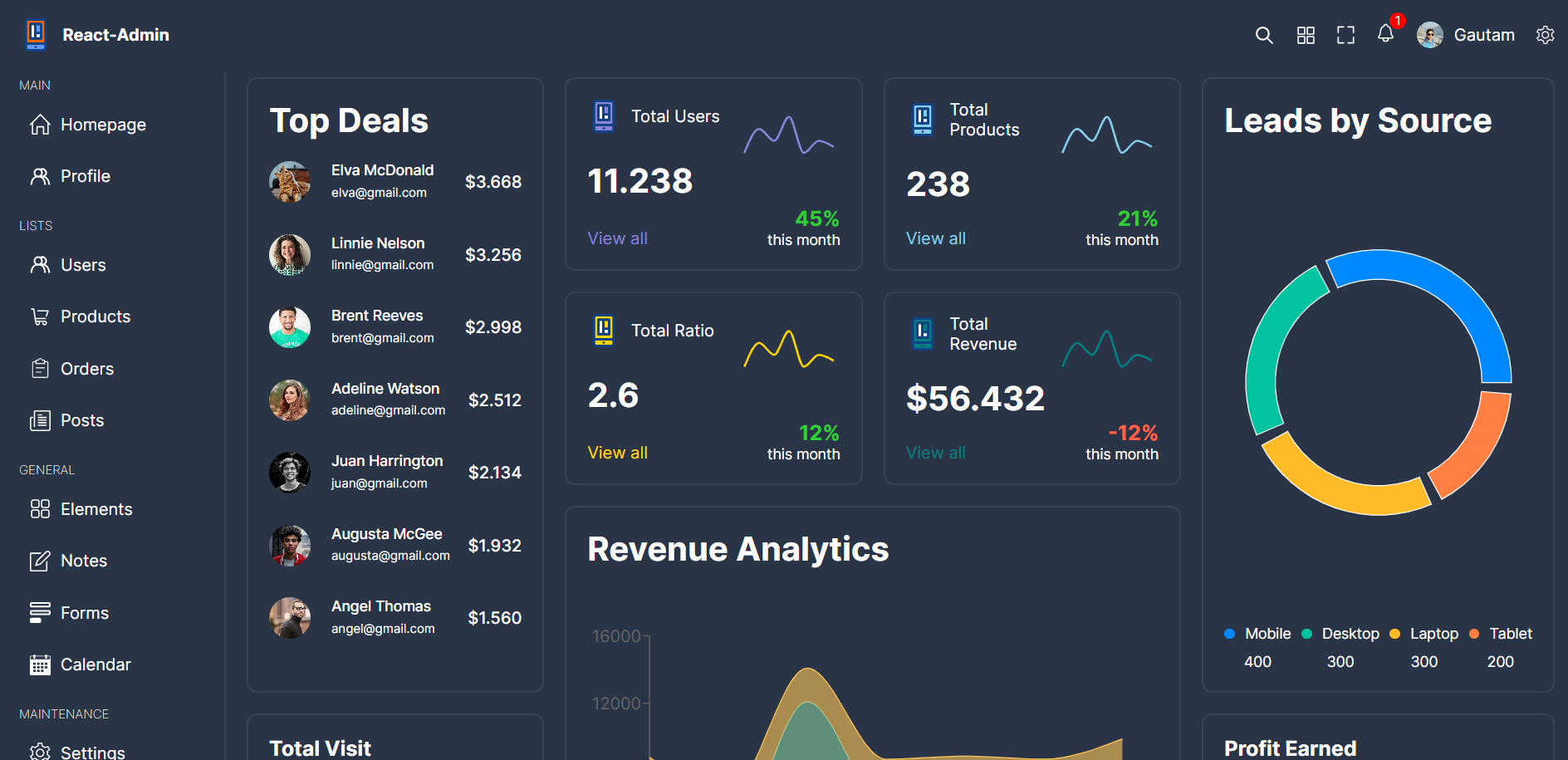
Main page of the dashboard
-
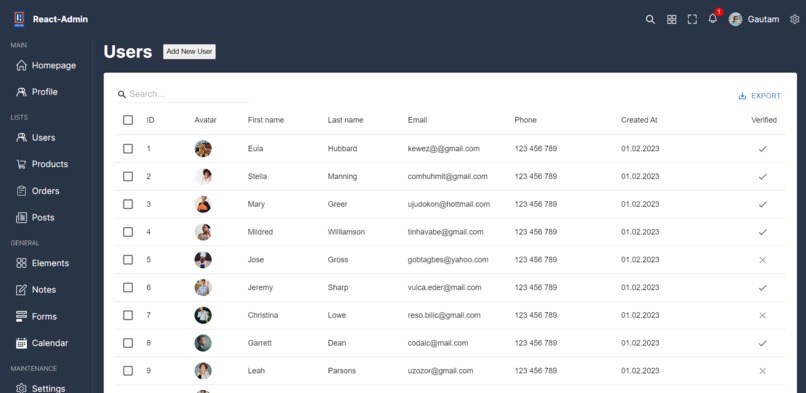
Users page
-
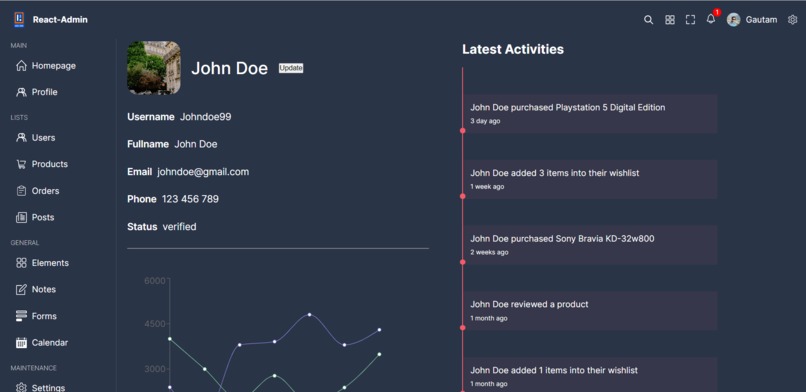
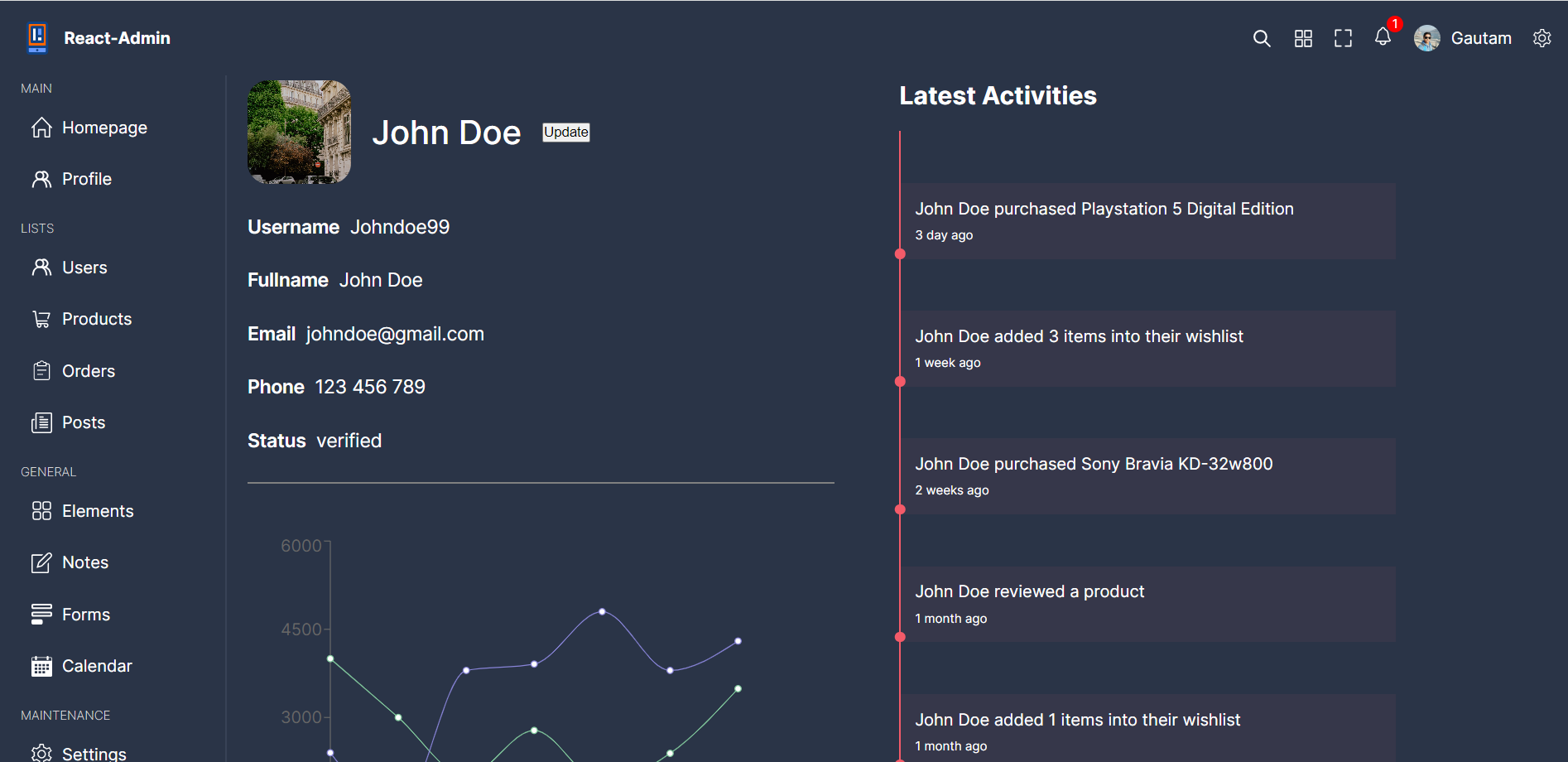
Profile page of the user
-
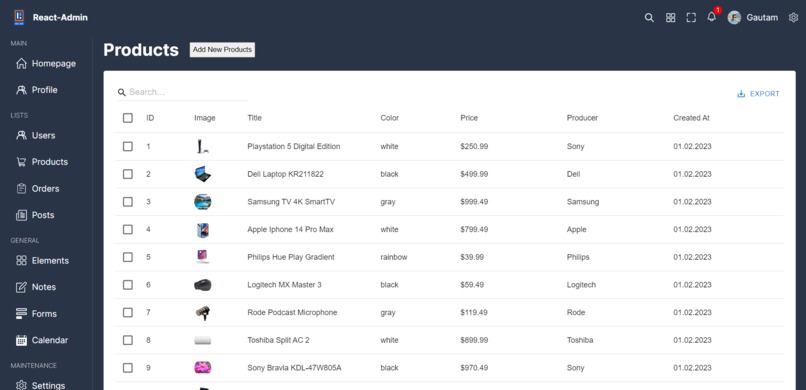
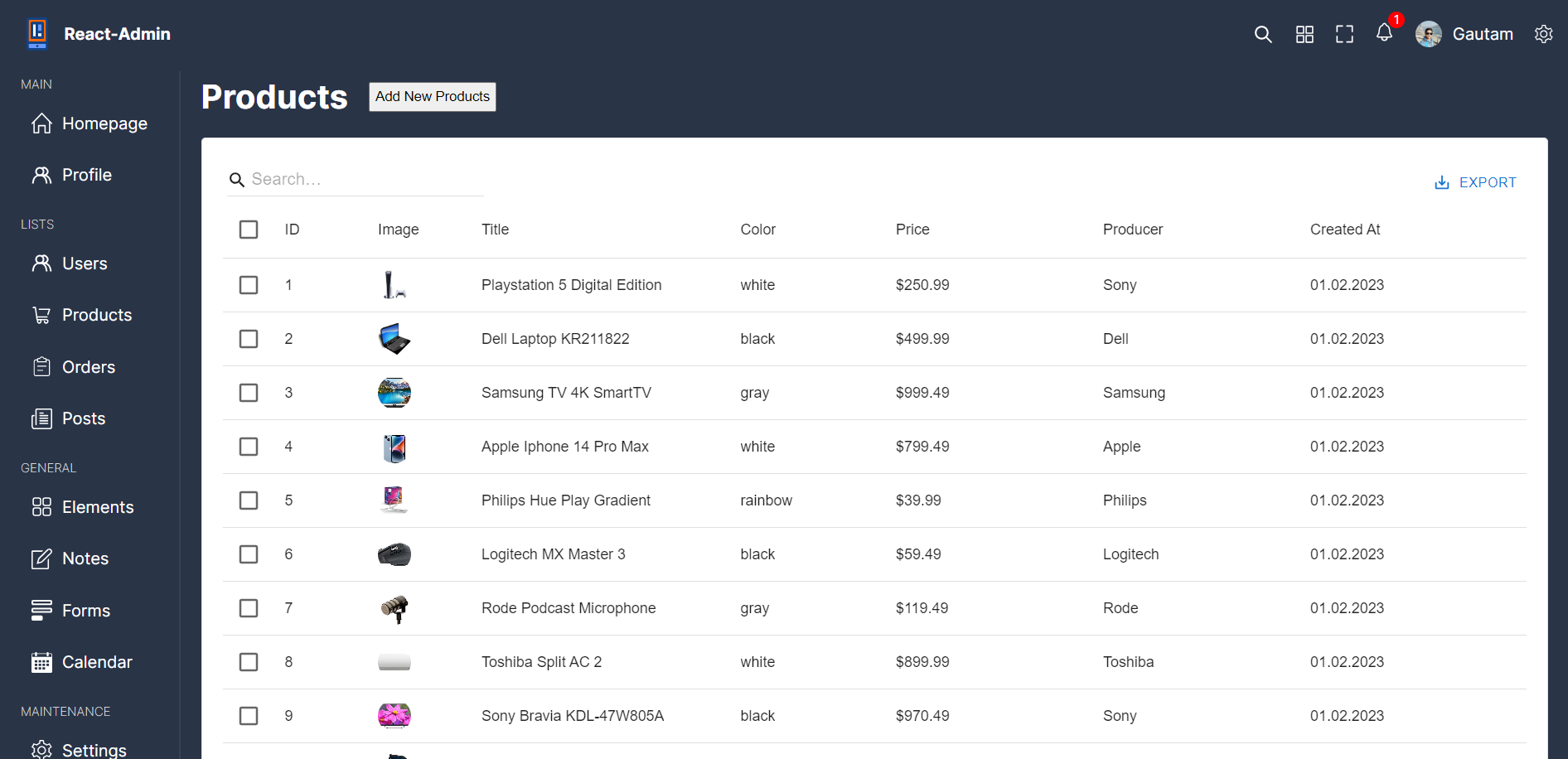
product page

Inspiration
I had this project in my mind for quite some time, and when I saw that there is an MLH hackathon coming up for React-based projects, I felt this was the perfect time to build and complete it while learning new skills in the process.
What it does
A React Admin Dashboard is a comprehensive web application that simplifies and streamlines the management and monitoring of various aspects of a system or business. It offers a user-friendly interface with real-time data visualization, making it easy to grasp critical information at a glance. The main purpose of a React Admin Dashboard is to empower users to make data-driven decisions efficiently and promptly.
Key functionalities of a React Admin Dashboard include:
Data Visualization: Presenting complex data in visually appealing charts and graphs for easy understanding.
Real-Time Insights: Providing live updates and analytics, ensuring up-to-date information.
Task Management: Organizing and tracking tasks to enhance productivity and meet deadlines.
User Management: Managing user roles, permissions, and access to maintain data security.
Integration: Seamlessly connecting with other tools or databases for enhanced functionality.
Customization: Allowing users to customize the dashboard to suit their specific needs and preferences.
In essence, a React Admin Dashboard serves as a powerful tool to optimize operations, boost efficiency, and maximize success in various domains, including businesses, hackathons, and more.
How we built it
Challenges we ran into
Setting up and designing the charts and using Recharts to create data samples were some of the biggest challenges I faced on this journey.
Accomplishments that we're proud of
I am proud of what I have built in a short period of time, which would have otherwise taken months for me to complete.
What we learned
Before this, I hadn't used TypeScript or SCSS. This project was my first experience with them, and I learned a lot about these technologies and am happy with what I built.
What's next for Admin's Dashboard
The next steps involve making it more responsive, adding new functionality, implementing a full-fledged backend to make everything dynamic (currently static), and providing personalization control to users.

Log in or sign up for Devpost to join the conversation.