Inspiration
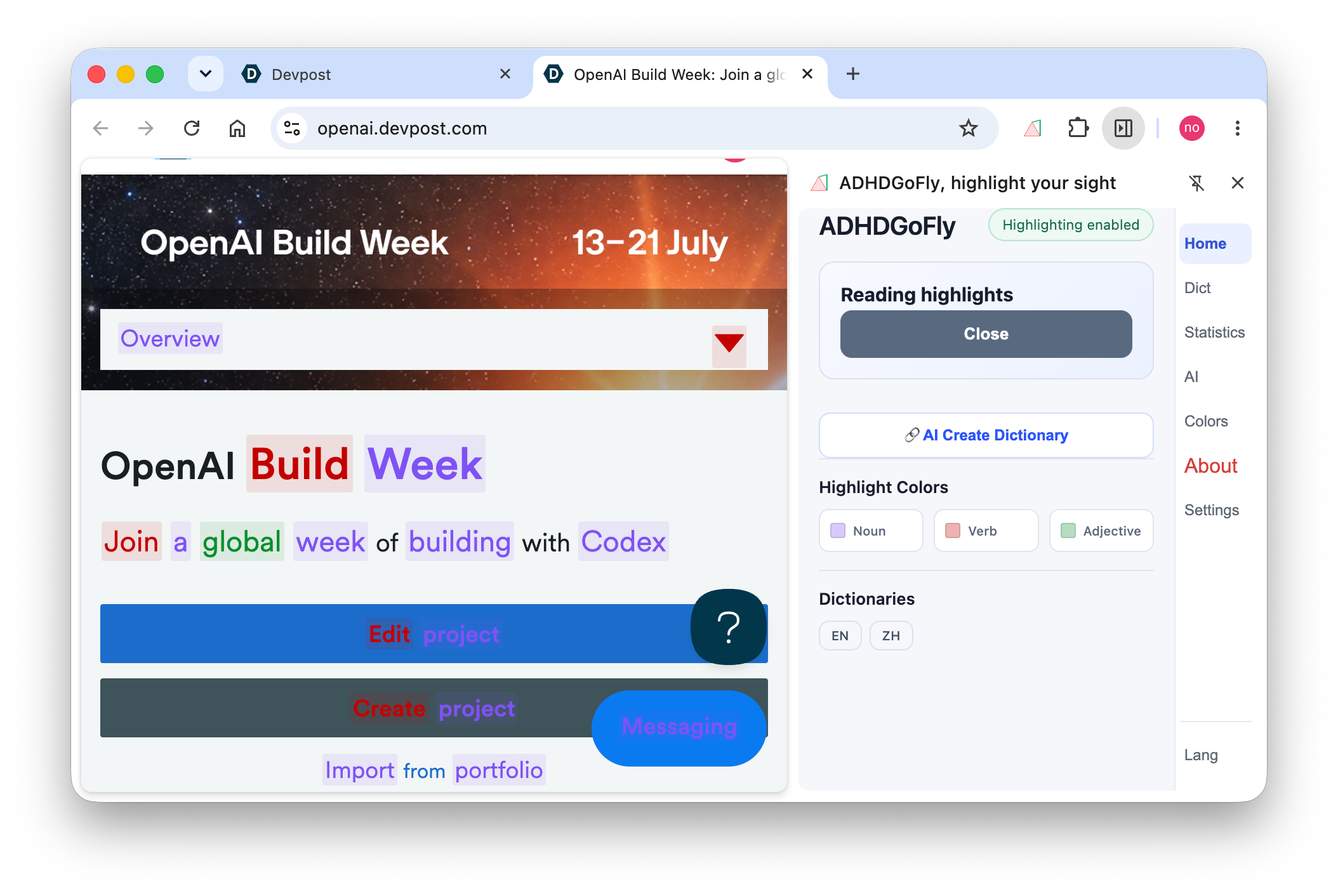
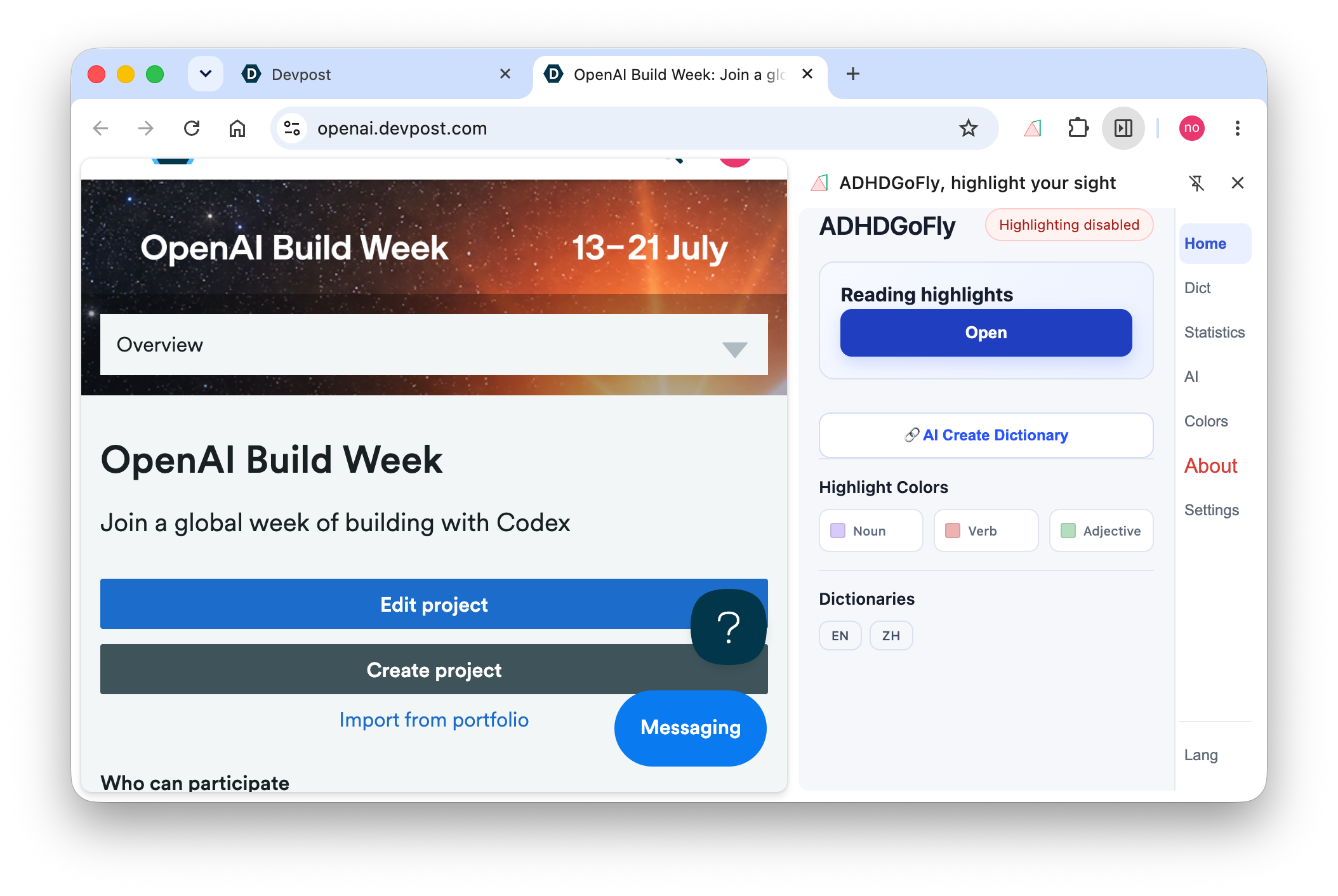
I started ADHDGoFly from a simple observation: It's REALLY HARD for ADHDer to focus on READING. A browser highlighter can make a page easier to read, but it does not by itself help a reader understand, remember vocabulary, or work with images and diagrams.
During this development cycle, I wanted ADHDGoFly to stay close to the page while becoming a complete reading and learning workspace. The goal was not to replace reading with a chatbot. The goal was to reduce context switching and give the reader structure, feedback, and momentum: highlight the page, ask about it, rewrite it, test understanding, review vocabulary, inspect images, and turn ideas into editable charts.
What it does
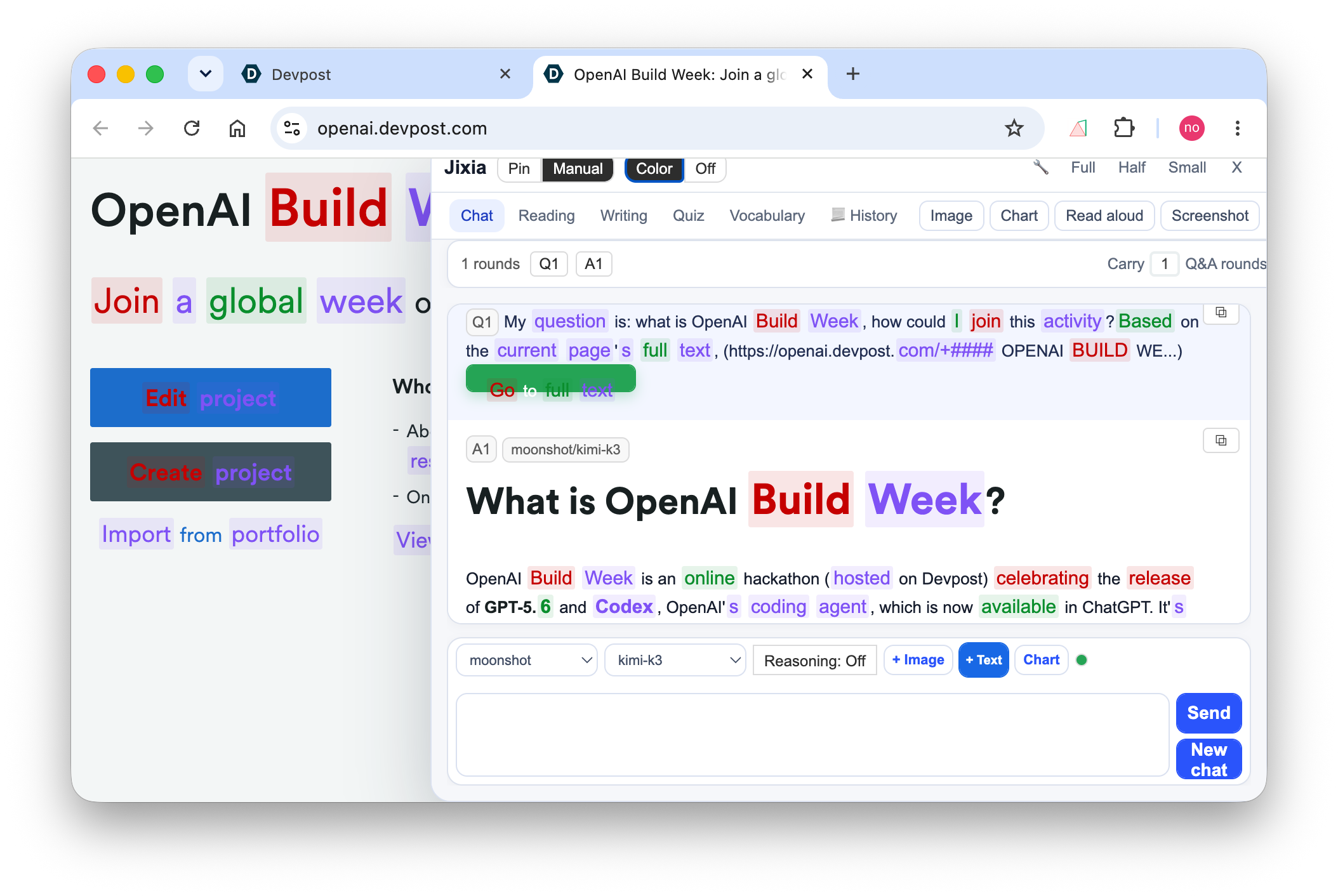
ADHDGoFly-Jixia-AI-Board sits inside the current webpage as a floating AI workspace. It can read the current article, selected text, paragraph context, images, and generated workspace artifacts.
Users can:
- Ask contextual questions about the current page.
- Add the full article into chat.
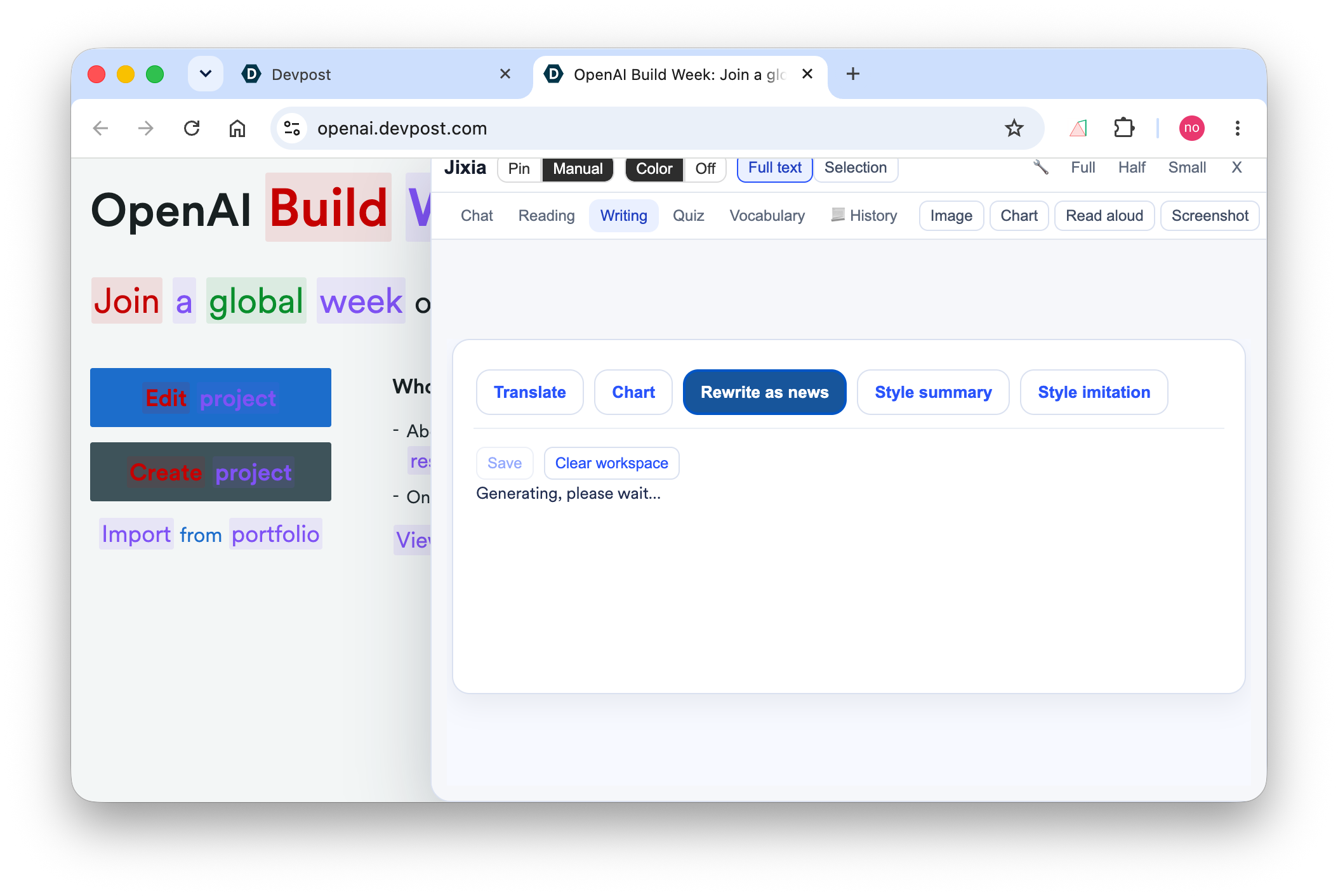
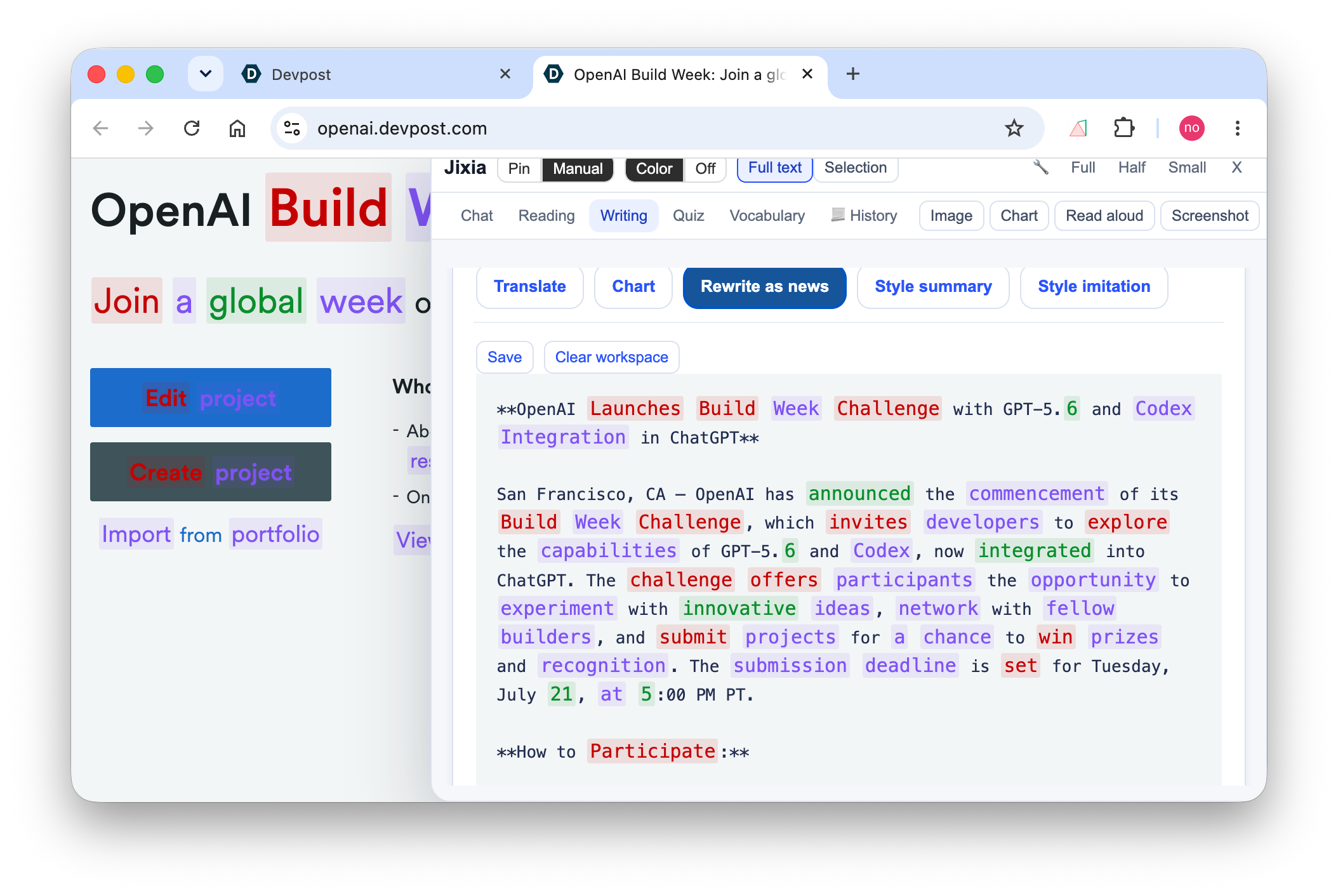
- Generate summaries, structured reading notes, explanations, outlines, keywords, and writing transformations.
- Create article comprehension quizzes with explanations and history.
- Build vocabulary review cards and save them as dictionaries.
- Collect webpage images, run OCR/visual understanding, and add results back into chat.
- Generate diagrams and data charts from page context, export them, and continue editing them.
- Resume previous chat, reading, quiz, image, and chart work through unified history.
How we built it
The project is a Chrome/Edge Manifest V3 browser extension. The existing product already had multilingual part-of-speech highlighting, a basic AI panel, provider settings, and full-page context. I used the repository's actual pre-Build-Week state as the baseline, then extended the in-page panel into Jixia, a set of browser-native workspaces.
The work proceeded in several concrete stages: With Codex and gpt-5.6, following work are finished:
- I extracted Chat, Quiz, Explain, Vocabulary, and UI event modules, then added focused tests and i18n regression checks.
- I designed the image workflow around page-image discovery, filtering, batch selection, GLM-4V-Flash OCR/visual recognition, progress/failure states, recognition history, and adding recognition results back to Chat. Pure-text models receive the verified recognition text; native vision-model paths are treated separately.
- I built the chart workflow around a structured
ChartModel. It supports relationship and workflow diagrams, data charts, deterministic rendering, local Mermaid/Rough/ECharts runtimes, editing, natural-language model changes, source references, and SVG/JSON/HTML/PNG export. - I tested the result in real browser pages and fixed Reddit SPA route/context errors, host-page CSS pollution, hardcoded Chinese words, history rendering, model/provider state, loading states, and initialization-order regressions.
How I used Codex and GPT-5.6
Codex was my primary development partner for this cycle. I used an iterative workflow rather than a single one-shot prompt: I described a product goal, Codex and gpt-5.6 write a plan. After I checked the plan and say: Let's do the task 1, task 2 and task 3. Codex would make it with high quality. and it also reviewed the proposed change, ran checks, tested the extension in the browser, and then reported the next observed behavior for another iteration.
In these sessions, Codex and gpt-5.6 made important progress:
019f847c-d5ec-7e00-af06-07fec5157d43— i18n, history, CSS isolation, quiz layout, and final UI corrections.019f8002-a1b6-71f0-b78c-ec3ec6853548— P2 implementation-status review and remaining-work verification.019f7fb6-ed1e-73f3-8e4c-fb4b60a5b836— completing P2 chart and workspace tasks.019f7efe-4bbd-7a72-8416-9b4bc438f5aa— splittingcontent/main.js, extracting Jixia modules, and adding tests.019f7cd7-53e7-7522-a76d-47bc32cc6469— chart export, import, editing, and workspace behavior.019f7629-f50d-7c02-a732-6b16a00908b8— Explain, Vocabulary, and browser visual/interaction work from the Jixia architecture plan.019f85e5-a5af-75d3-be4e-1caa9213c6a6— Last but most important session: help me to draft the story for devpost form, and write the video scripts.
Challenges we ran into
The first challenge was architectural. The original in-page panel had accumulated highlighting, page collection, provider settings, chat state, PDF handling, and new AI actions in a large content script. Adding more buttons would have made the product harder to reason about, so I had to define shared context, task, and state boundaries before expanding the feature set.
The second challenge was browser UI behavior. Jixia is injected into the host page rather than isolated by Shadow DOM, so sites with aggressive global CSS could change button sizes, spacing, typography, and alignment. The image workspace also repeatedly collapsed into an unusable two-column layout on narrow panels. I fixed these issues with scoped CSS isolation, more explicit layout groups, responsive grid rules, and regression checks.
The third challenge was separating capability from model availability. A pure-text model should not be treated as a vision model just because it comes from the same provider. The image workflow therefore distinguishes the original image, the recognition result, user confirmation, and the downstream text context. The chart workflow similarly treats ChartModel as the data boundary instead of executing model-generated scripts.
Accomplishments that we're proud of
I am proud that Jixia became a connected learning workflow rather than a row of unrelated AI buttons. A reader can start with highlighted text, ask a contextual question, generate a reading result, rewrite the material, test comprehension, review vocabulary, inspect page images, and turn the article into a chart without leaving the page.
And I also proud that: as an ADHDer, I finish this version upgrade successfully and before the last minute of closing... Really exciting, working hard and crazy for several night!
What we learned
Codex, the best coding & working colleague! Gpt-5.6-luna, great model in coding!
In most cases, what I need to do is just say: I want this, I want that, I confused about xxx, and I found something wrong, then, Codex and gpt-5.6-luna would make them done.
Good tools make me fly.
What's next for ADHDGoFly Plugin
Next I want to make the workflow more fluent, and inhance ASR, text-to-image, research workflow, obisidian plugin, to help more ADHDer. These are deliberately separated from the Build Week demo so the submission stays focused on the working extension.
Built With
- apis
- browser
- chrome
- codex
- echarts
- extension
- gpt-5.6
- html/css
- javascript
- local
- manifest
- mermaid
- openai
- roughjs
- storage


Log in or sign up for Devpost to join the conversation.