-
-
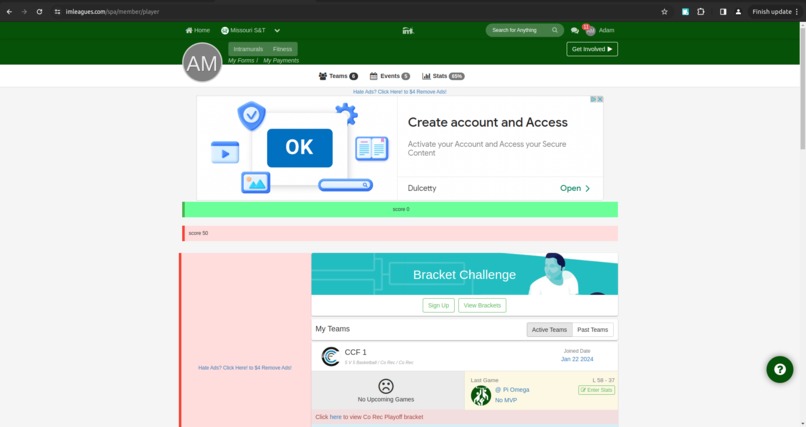
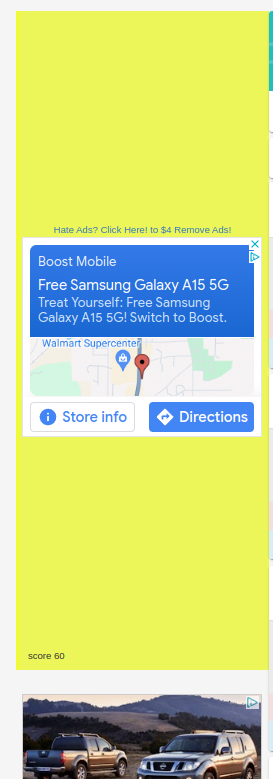
You can see the warning in this picture
-
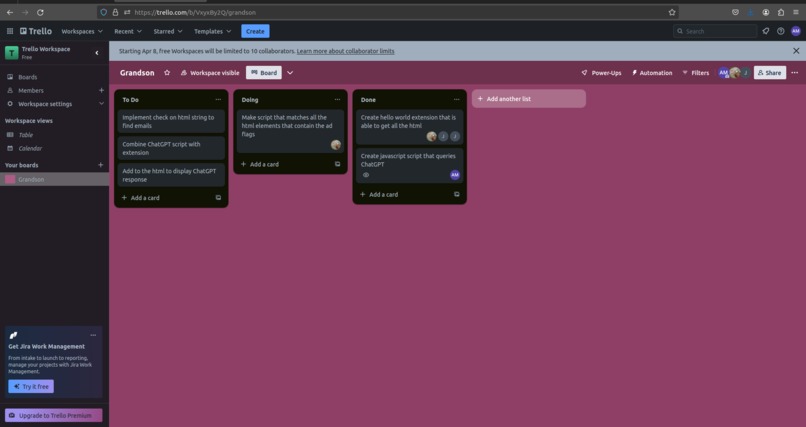
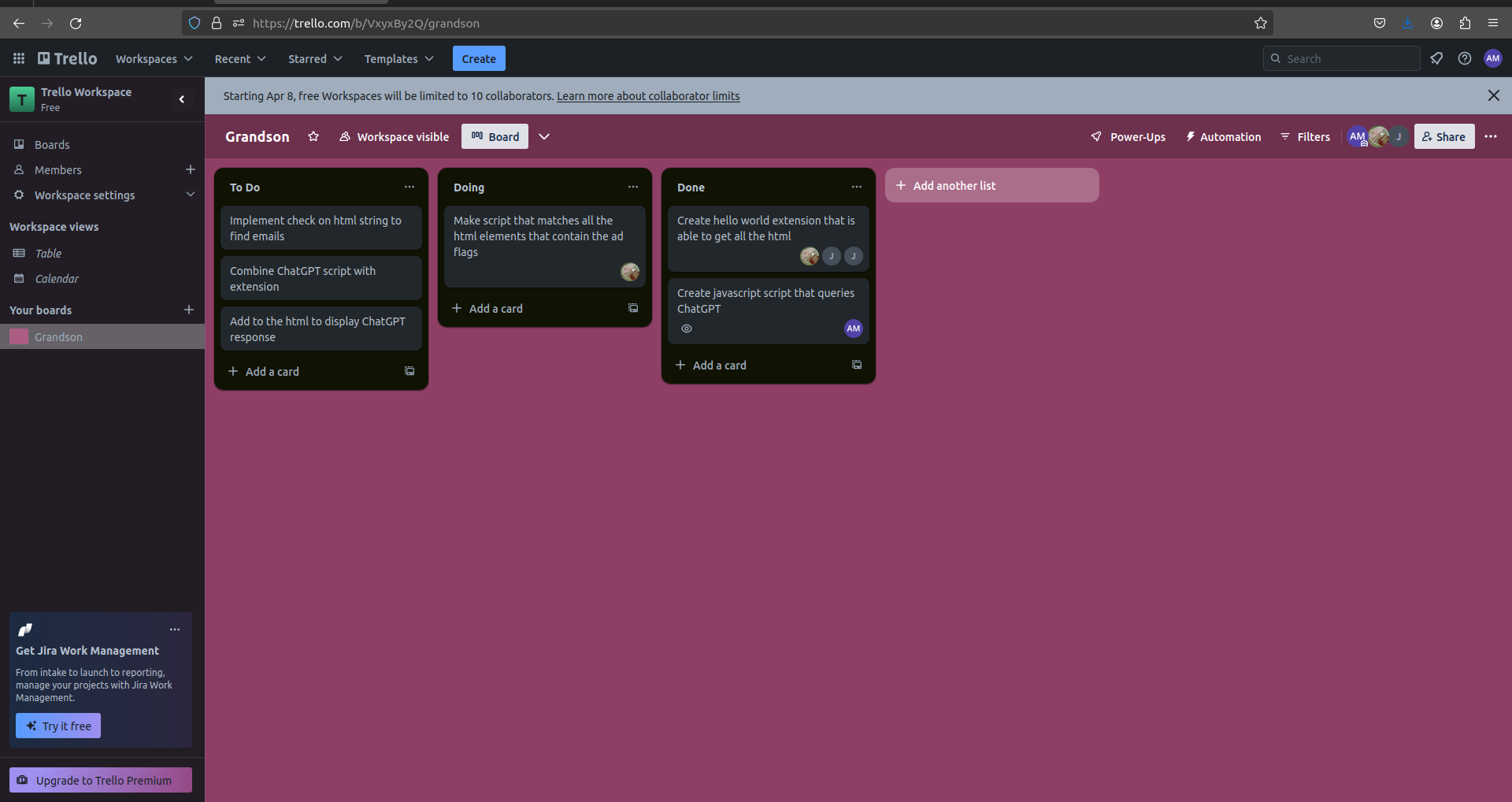
A tello board where we tracked progress
-
-
-

The icon for the extension


Inspiration
The use of online advertising to spread malware (called "malvertising") is an effective and rapidly growing method of spreading malware. Malicious advertisements on web pages can download malware and compromise systems if the advertisements are interacted with. It is particularly dangerous because malicious advertisements can be inserted into reputable, benign websites, making them difficult to easily identify. The Online Trust Alliance, an organization dedicated to Internet security, estimated that there have been nearly 10 billion malicious advertisements, exposing millions of users to malware.
In the past couple years, Large Language Models (such as ChatGPT) have emerged as a flexible and powerful tool for automatically understanding and evaluating natural language. These models excel at providing interpretable, helpful comments and information to users. Our idea was to use ChatGPT to help users identify malicious advertisements.
What it does
We built a Chrome web extension that first identifies advertisements in webpages and extracts the advertisement text. The extension then uses this advertisement text to query ChatGPT via an API about the possible malicious nature of the advertisement. The results from ChatGPT are then displayed on the webpage next to the advertisement.
How we built it
The web extension uses JavaScript and webpages are processed and modified with HTML. We started by following tutorials on building simple web extensions and expanded the capabilities of our web extension gradually, adding features incrementally to achieve our goal.
Challenges we ran into
One challenge we encountered was how to recognize advertisements in a webpage. We read code and borrowed ideas from Adblock Plus, an open-source project that detects advertisements. We used a collection of regular expression patterns found from Adblock Plus and determined that a part of a webpage was an advertisement if it matched any of the regular expression patterns.
Another challenge was detecting the smallest HTML element that contained an advertisement, since HTML elements are often nested and so an advertisement can be included in many elements at once. We used a breadth-first-search algorithm to search through the elements from broadest to smallest, finding the smallest HTML element for each advertisement.
Accomplishments that we're proud of
Responses from ChatGPT about the advertisements are displayed on the webpage! There were many different parts to this web extension, so seeing the parts come together in a final product is very satisfying. The web extension is very user-friendly, since the process is completely automated. This web extension can also work on websites that ban ad-blockers.
What we learned
We became more familiar with JavaScript syntax and paradigms, such as asynchronous programming. We are better versed in the HTML format and in modifying HTML with JavaScript. We also learned about how web extensions and advertisement detection methods work, as well as how ChatGPT can be accessed programmatically.
What's next for Grandson
In the future, this method could be applied to make web extensions for other browsers, such as Firefox or Edge. ChatGPT could also be used to comment on emails viewed in a browser that could be malicious.
Built With
- chatgpt
- html5
- javascript


Log in or sign up for Devpost to join the conversation.