-
-

Add One app icon · 1024 × 1024
-
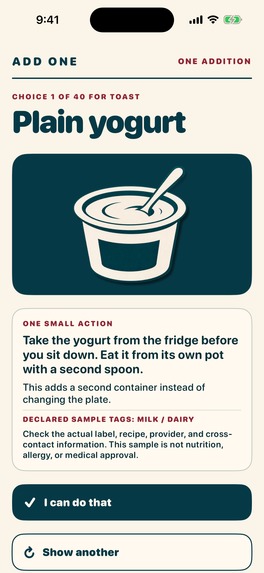
A practical addition to an existing meal · simulator screenshot

Inspiration
A meal decision does not always need a plan, a score or a complete replacement. Add One asks a smaller question: what is one practical thing to put beside the meal that is already happening?
What it does
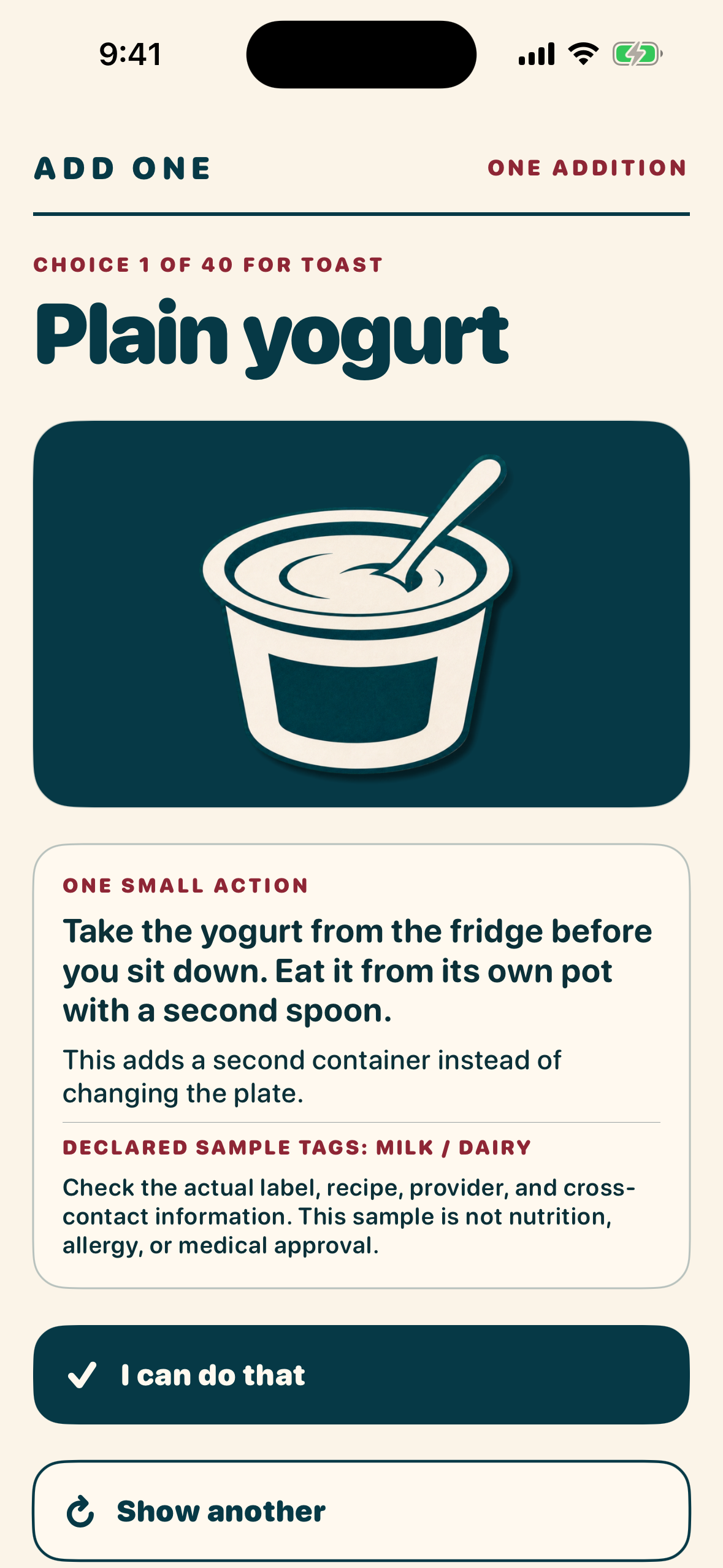
Type a meal and choose a real-world constraint: five minutes, no cooking, use what I have, eating out or convenience store. Add One returns one compatible addition from its bundled library. If it does not fit, Show another moves through the remaining choices rather than creating an endless feed.
Save useful meal-and-addition moments locally. A quiet Home Screen widget shows the selected addition without displaying the meal name, exclusions or personal responses. There are no calorie targets, meal grades, rings or streaks.
How we built it
Swift and SwiftUI provide the native interface. RevenueCat manages the optional Plus subscription, which unlocks Photo Assist. Manual entry and the addition workflow remain free.
Photo Assist is explicitly opt-in: after choosing a photo and pressing Send, the image goes through Add One’s first-party service to Gemini to draft an editable meal name. The user reviews that name before suggestions begin. The model does not choose the addition.
Challenges and what we learned
The main challenge was keeping assistance small and understandable. Photo drafting must not quietly become meal judgment, and consent must be visible before an image leaves the device. Declared-tag exclusions are a convenience filter, not an ingredient or allergen-safety check. Add One is not medical or nutritional advice.
Accomplishments
Version 1.0 is now publicly listed on the US App Store. The core product offers a complete manual-entry workflow without requiring Plus or a meal-tracking habit.
What’s next
Record a concise sample-meal demonstration and complete physical-device purchase and restore validation before the next update.

Log in or sign up for Devpost to join the conversation.