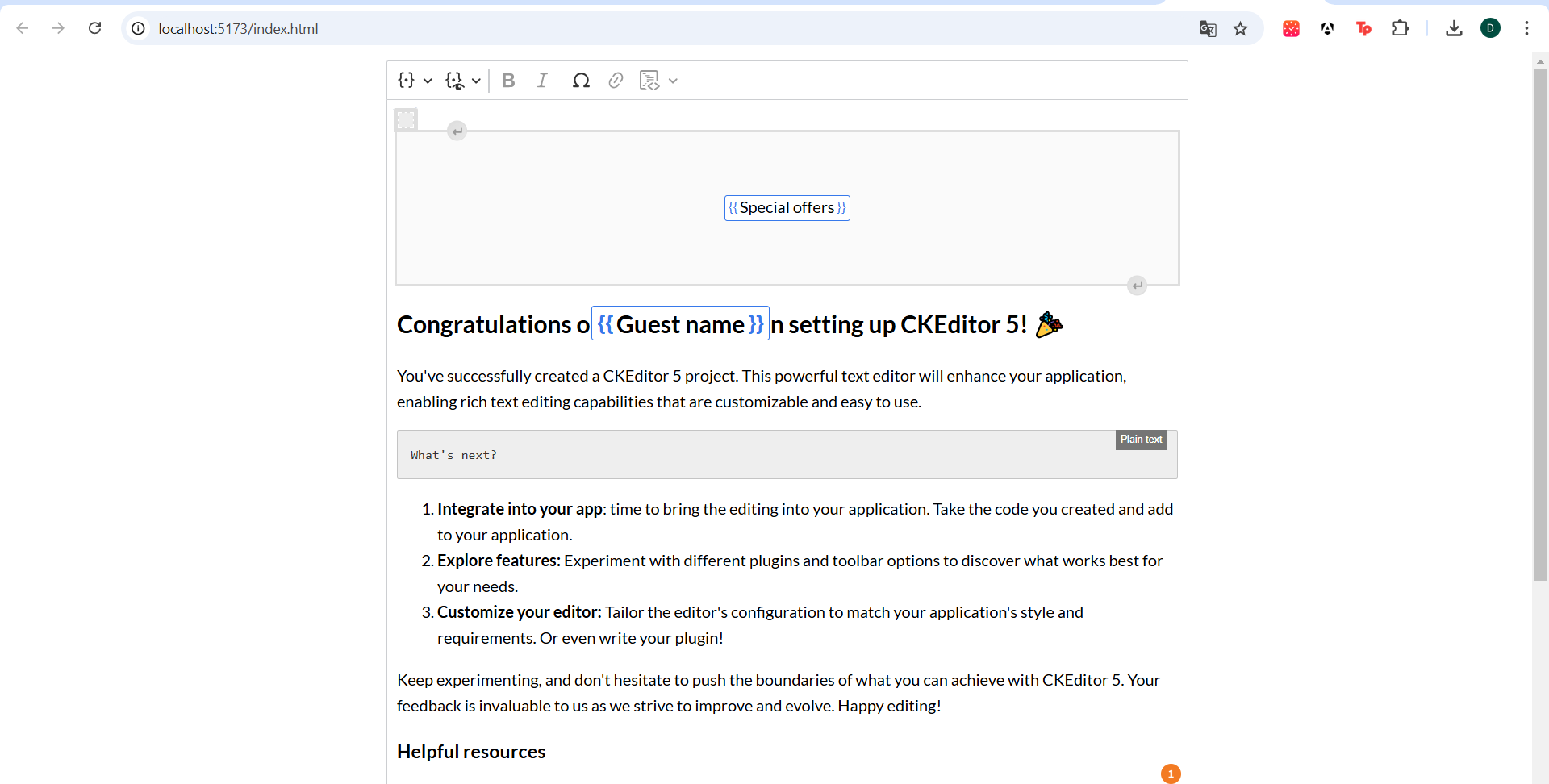
Challenge 5 Add and configure merge fields Objectives: Use merge fields to insert reusable content dynamically
Steps to Complete: Enable Merge Fields: Add the MergeFields plugin by importing it from the ckeditor5-premium-features package. Include Merge Fields to the Editor Setup: Add it to your plugins array in the configuration and items array of the toolbar. Define Merge Fields: By creating the definitions array inside the mergeFields configuration, define the merge fields you want to use. Each one should have: id label defaultValue Use Merge Fields in templates: By using the id in the template, incorporate Merge Fields in your templates. Share your implementation with us on our submission form and bonus points if you add your project to our Devpost Page!
Built With
- ckeditor

Log in or sign up for Devpost to join the conversation.