-
-
The Problem
-
Live Demo
-
What's Next
-
About AdaptiveDrive AI
-
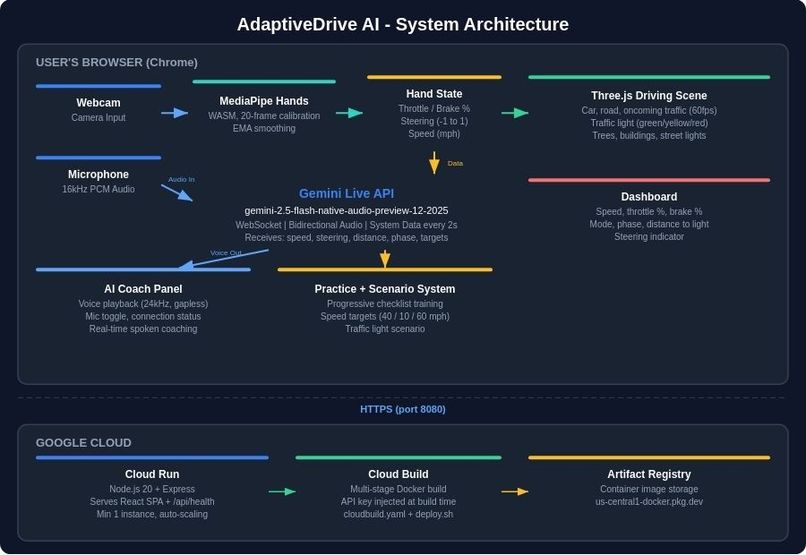
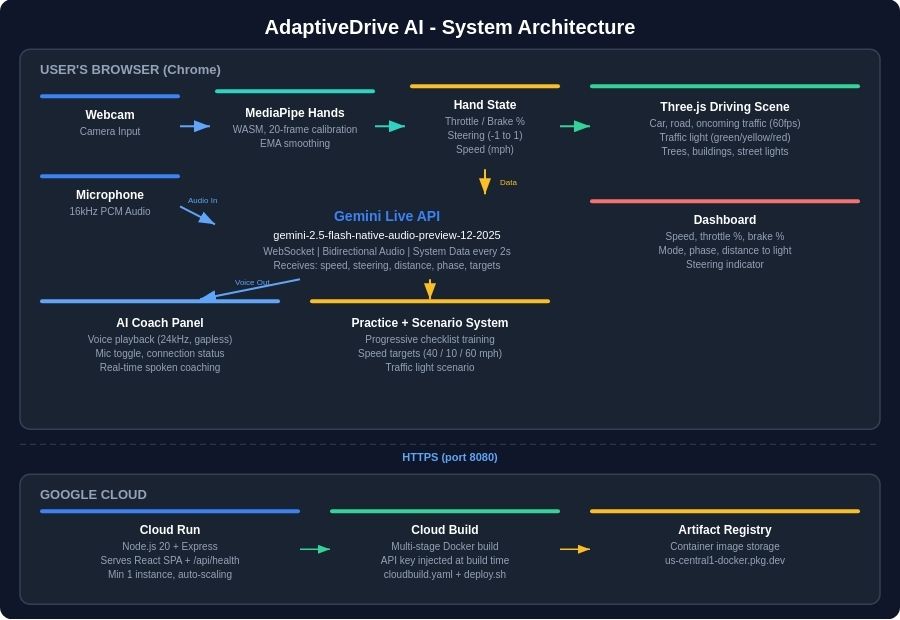
System Architecture Diagram
Inspiration
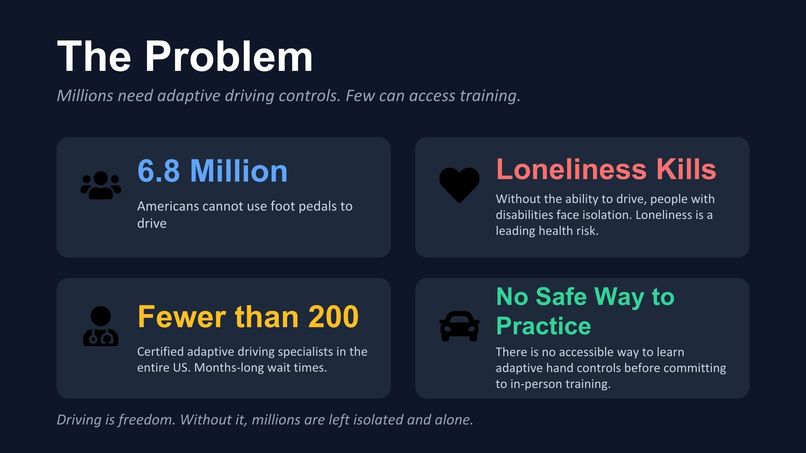
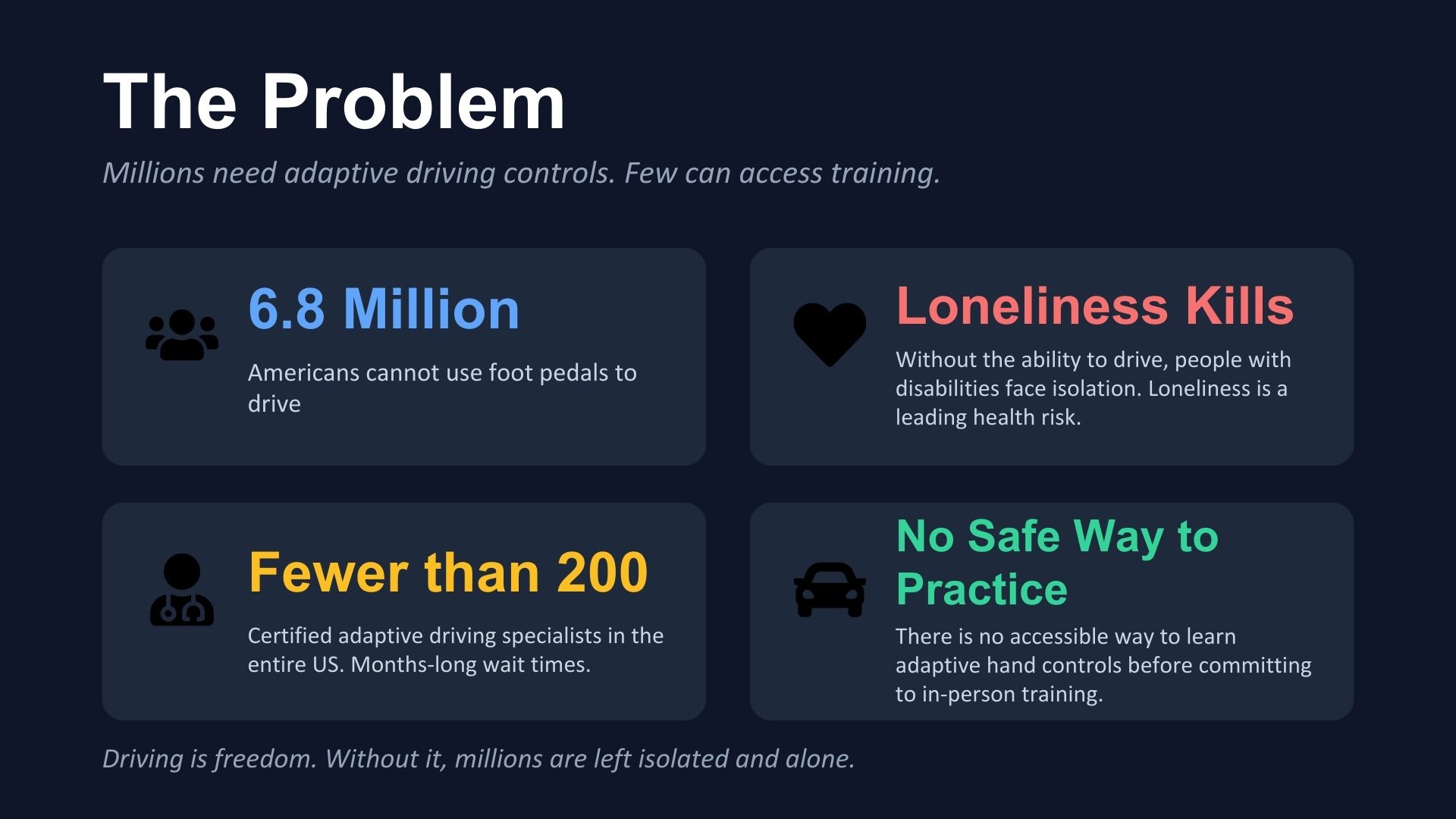
6.8 million Americans have a disability that makes it difficult or impossible to use foot pedals to drive. For many of them, the inability to drive leads to real isolation. They depend on others for work, healthcare, and social connection. Loneliness is now recognized as a leading public health risk, and people with physical and invisible disabilities who cannot drive are disproportionately affected.
Learning adaptive hand controls is a path to independence, but access to training is extremely limited. There are fewer than 200 certified adaptive driving rehabilitation specialists in the entire United States, and wait times stretch for months. There is currently no accessible way to practice adaptive hand controls before committing to in-person lessons.
I wanted to build something that lets people start learning from home, with equipment they already have.
What it does
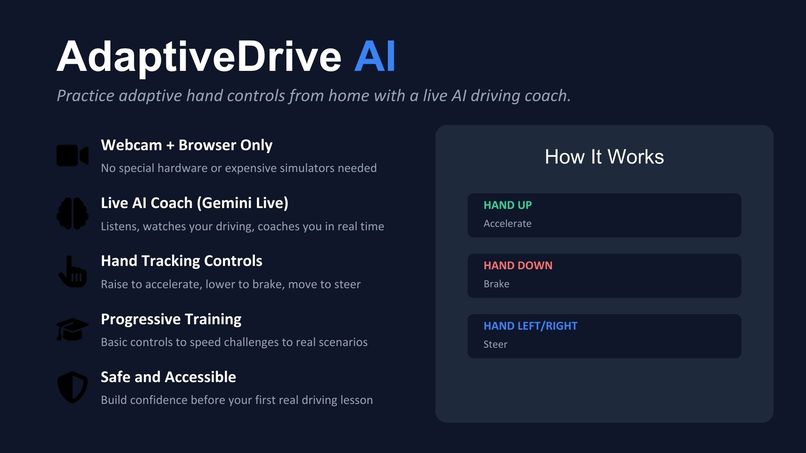
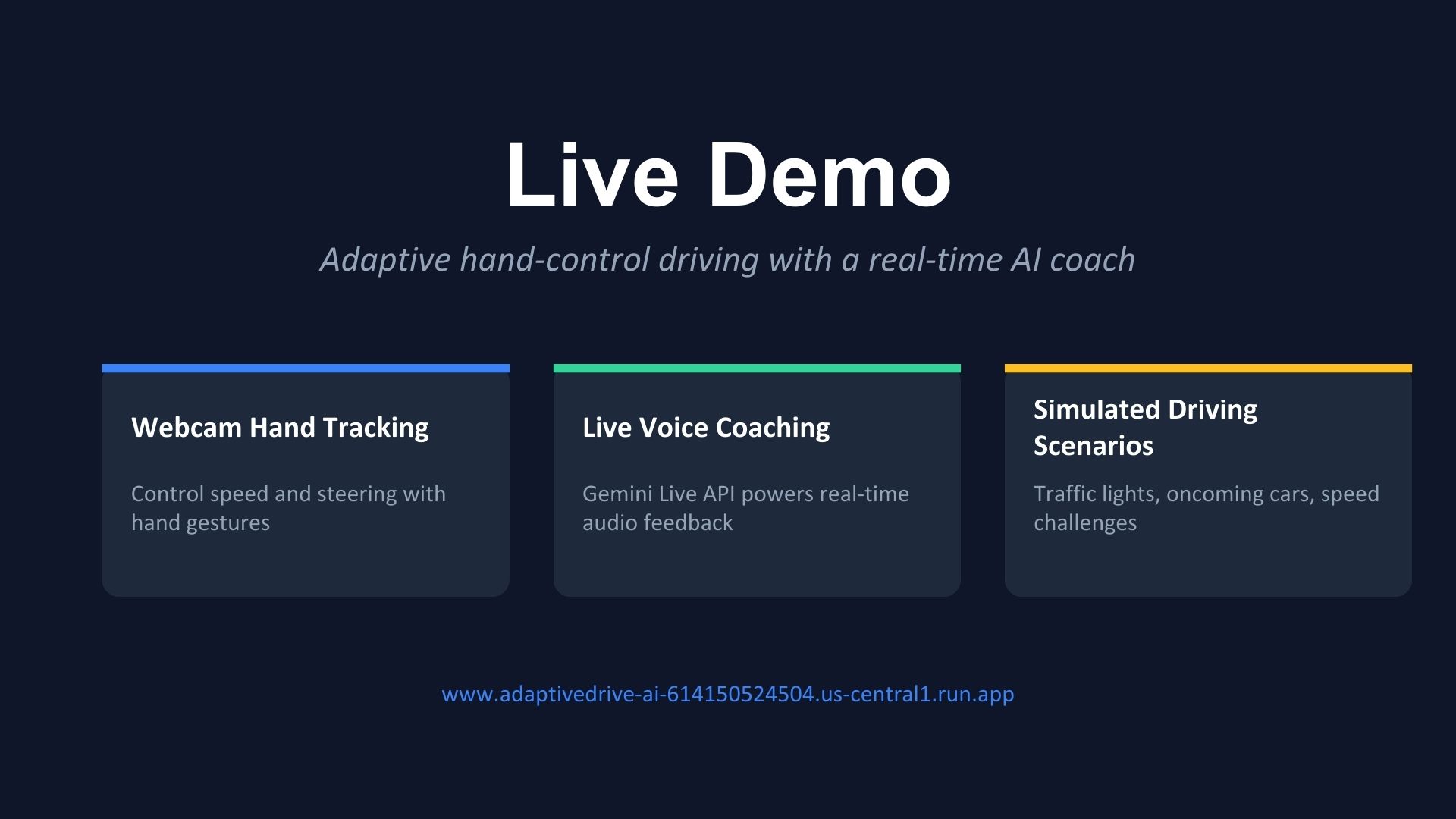
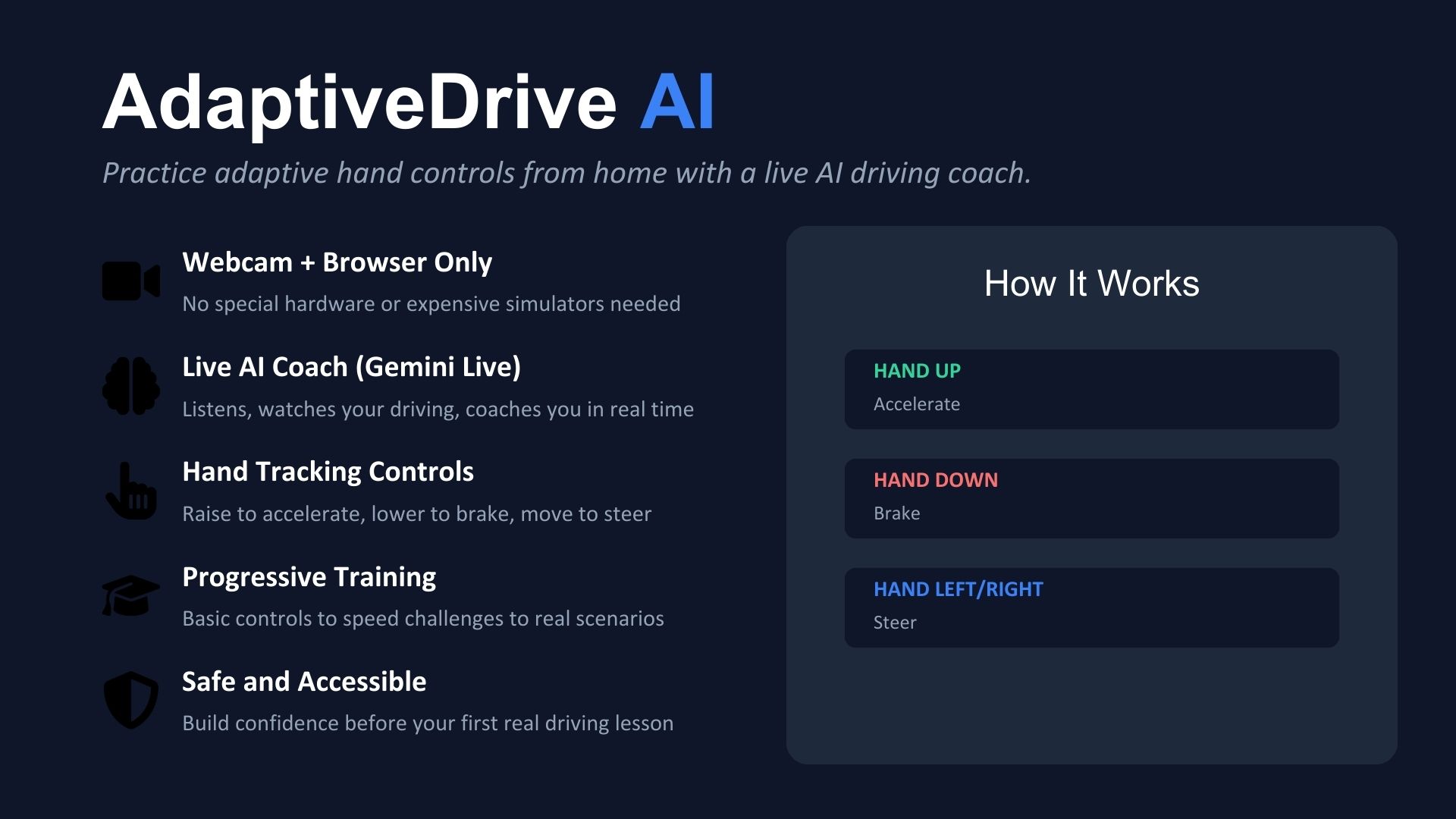
AdaptiveDrive AI is a browser-based driving simulator that teaches adaptive hand-control driving through real-time gesture recognition and live AI voice coaching.
Users hold one hand up in front of their webcam. Raising the hand accelerates. Lowering it brakes. Moving it left or right steers. This simulates a real push-pull adaptive driving lever used by drivers who cannot operate foot pedals.
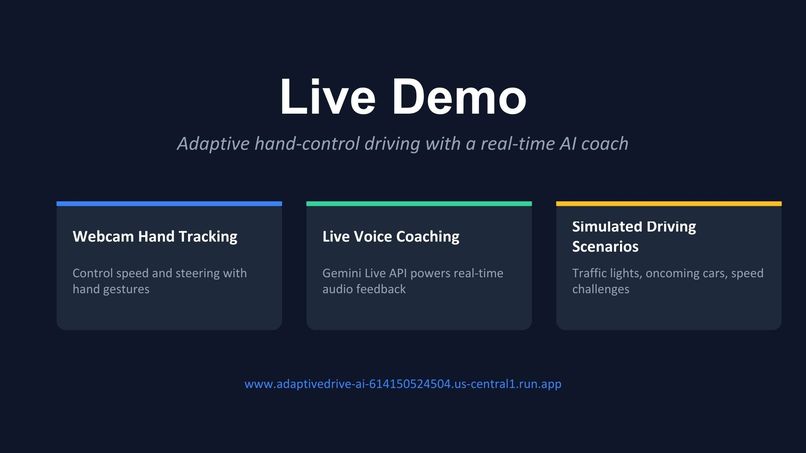
While the user drives through an interactive driving environment with oncoming traffic and traffic lights, a live AI coach powered by the Gemini Live API talks them through every step. The coach watches the user's speed, steering, and distance to obstacles, and provides real-time spoken feedback. The user can talk back to the coach hands-free through their microphone, just like having an instructor in the passenger seat.
The training is progressive. Users start by learning basic hand controls (accelerate, brake, steer), move through interactive speed challenges with specific targets (reach 40 mph, slow to 10 mph, accelerate to 60 mph), and then face real driving scenarios like approaching a traffic light that cycles from green to yellow to red.
Important note for judges testing the app: The hand tracking system uses your webcam, so good, even lighting makes a significant difference in tracking accuracy. If the tracking seems unresponsive, adjusting your lighting will help.
How we built it
The entire application runs in the browser. The technology stack includes:
- Gemini Live API (
gemini-2.5-flash-native-audio-preview-12-2025) for real-time bidirectional audio streaming via WebSocket. The AI coach receives structured system data about the user's speed, steering, distance to obstacles, and current training phase every 2 seconds, and responds with natural spoken coaching. - MediaPipe Hands (WASM-based) for real-time hand tracking through the webcam. The system tracks a single hand, uses 20-frame calibration to establish a neutral position, and applies exponential moving average smoothing to reduce jitter. Y-axis movement maps to throttle/brake, X-axis to steering.
- Three.js for the interactive driving environment rendered at 60fps. The scene includes a procedurally generated road, the user's car, oncoming traffic, trees, buildings, and a traffic light system with green, yellow, and red phases triggered by distance.
- React 19 with TypeScript for the application framework.
- Tailwind CSS v4 for styling.
- Web Audio API for gapless playback of Gemini's audio responses, scheduling PCM chunks back-to-back on the audio timeline.
- Express as a lightweight server for production, serving the built single-page application.
- Google Cloud Run for deployment, with Cloud Build for container builds and Artifact Registry for image storage.
- Docker for containerization with a multi-stage build (build frontend, then create a slim production image).
The Gemini Live API connection is the core of the experience. Audio streams bidirectionally: the user's microphone streams 16kHz PCM audio to Gemini, and Gemini's voice responses stream back as 24kHz PCM audio. The system prompt gives the AI coach full context about the current training phase, the user's hand state, vehicle speed, and scenario progress, enabling it to coach proactively rather than waiting for questions.
Challenges we ran into
WebSocket stability. The Gemini Live API connection would close immediately after opening. This turned out to be a billing/account configuration issue, but debugging it was time-consuming because the WebSocket close events did not always include clear error reasons.
Infinite reconnect loops. After fixing the initial connection, the reconnect logic would reset its attempt counter every time the WebSocket briefly opened before closing again. The fix was to only reset the counter when actual data was received, and to add a hard cap on total reconnection attempts.
Choppy audio playback. The initial implementation played each audio chunk sequentially, creating noticeable gaps. The fix was to schedule audio chunks back-to-back on the Web Audio API timeline using source.start(nextPlayTime) and advancing by each buffer's duration, achieving gapless playback.
React StrictMode destroying the 3D renderer. In development, React's StrictMode double-mounts components. The first mount's Three.js animation loop used recursive requestAnimationFrame calls that could not be cancelled, while the second mount's renderer (the one actually displayed) had dead references. The fix required removing StrictMode and restructuring the animation loop with proper cancellation flags.
Stale closures in React state. A setInterval callback captured the initial hand tracking state and never saw updates. The practice checklist would never detect progress because it was always reading stale values. The fix was using useRef to hold the current hand state, updated on every render, so the interval always reads fresh data.
Hand tracking and lighting sensitivity. MediaPipe hand tracking is heavily dependent on lighting conditions. Poor or uneven lighting causes the system to lose track of the hand or produce noisy data. This is something we plan to address with better user guidance and potentially alternative input methods.
Deployment registry changes. When upgrading the Google Cloud billing account from free trial to pay-as-you-go, the Container Registry (gcr.io) became inaccessible. We had to migrate to Artifact Registry (us-central1-docker.pkg.dev) mid-project.
Accomplishments that we're proud of
- Built a fully functional real-time driving simulator with AI voice coaching that runs entirely in the browser with no special hardware.
- Successfully integrated the Gemini Live API for bidirectional audio streaming, creating a natural conversational coaching experience.
- Implemented hand gesture recognition that maps to real adaptive driving controls (push-pull lever simulation).
- Created a progressive training system that takes users from zero knowledge to completing driving scenarios.
- The AI coach responds to real driving conditions, not scripted responses. It watches actual speed, distance, and steering data.
- Achieved gapless audio playback for natural-sounding AI speech.
- Deployed a working application accessible to anyone with a webcam and a browser.
What we learned
- The Gemini Live API is powerful for building real-time interactive experiences, but managing WebSocket lifecycle, reconnection logic, and audio streaming requires careful engineering.
- Real-time audio in the browser (Web Audio API) has quirks around scheduling, buffer management, and cross-browser compatibility.
- Hand tracking through a webcam is viable for accessibility applications, but lighting conditions are a critical factor that needs to be communicated clearly to users.
- React's rendering model (closures, StrictMode, state timing) creates unique challenges when integrating with imperative APIs like Three.js and MediaPipe.
- Building for accessibility means thinking about physical constraints. Holding a hand up for extended periods is fatiguing. Future versions need to account for this with rest prompts and alternative control schemes.
What's next for AdaptiveDrive AI
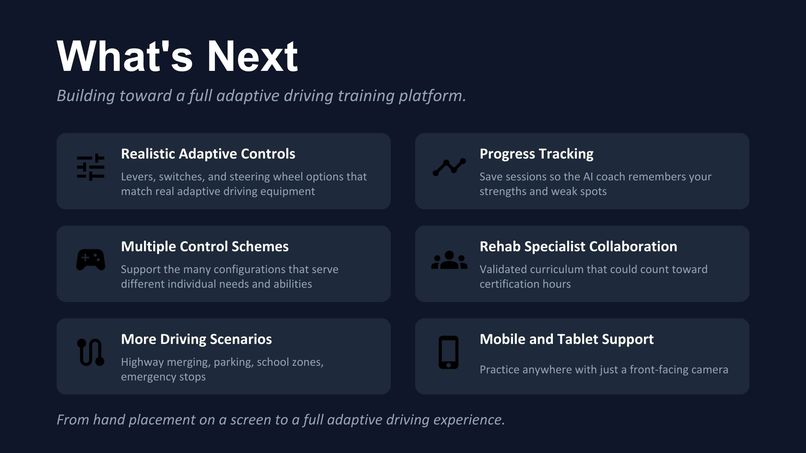
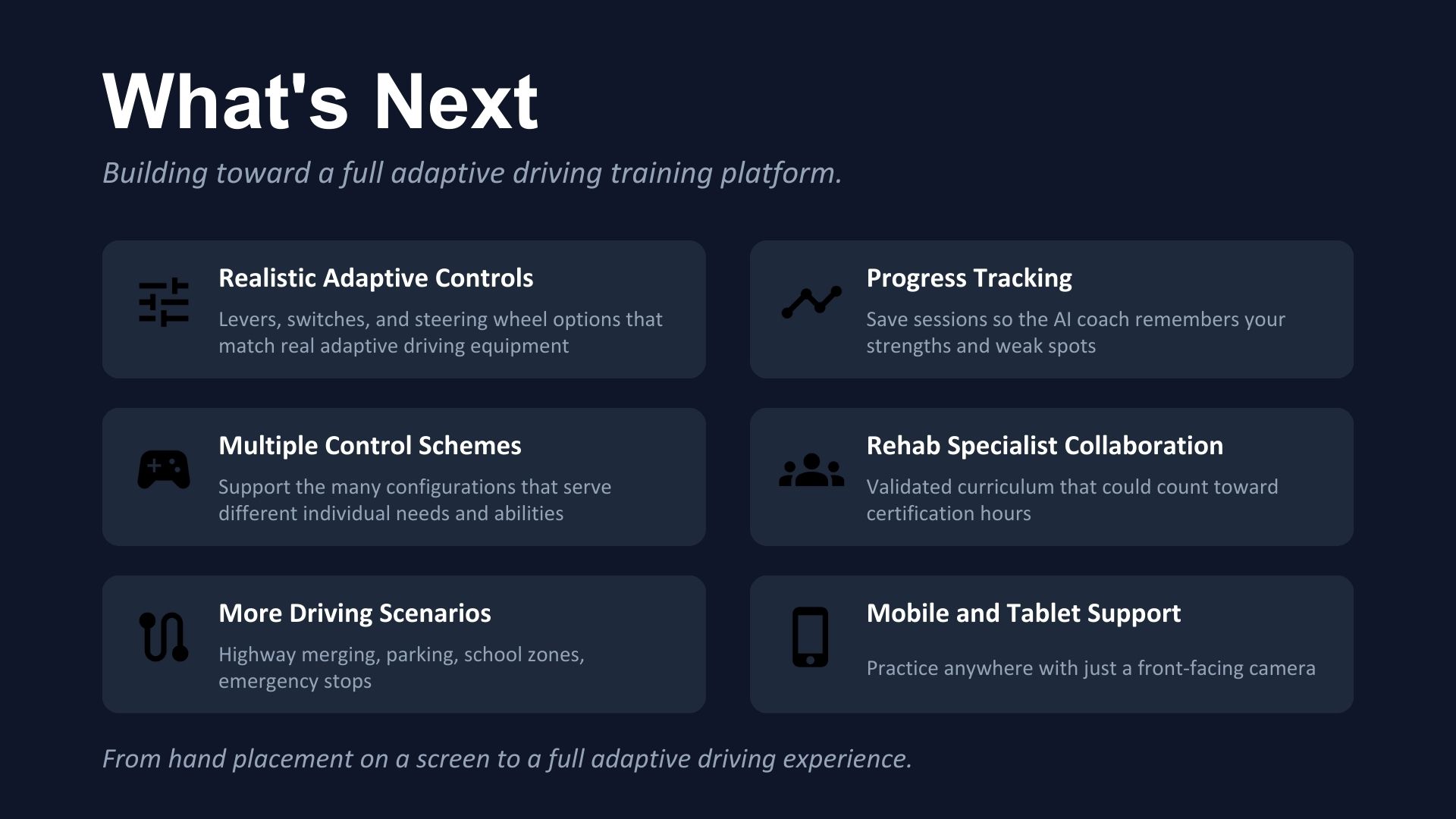
- More realistic control simulation. Real adaptive driving uses levers, switches, and many different steering wheel configurations. Every person's needs are different. We want to match the simulator to real adaptive driving equipment.
- Multiple control schemes. Add joystick simulation, head tracking, and switch-based controls to support users with different abilities and match the variety of real adaptive driving setups.
- More driving scenarios. Highway merging, parking, school zones, emergency stops, and multi-lane turns.
- Progress tracking. Save session data so the AI coach remembers what you have mastered and what needs work across visits.
- Collaboration with rehab specialists. Work toward a validated training curriculum that could eventually count toward real adaptive driving certification hours.
- Mobile and tablet support. Practice anywhere with just a front-facing camera.
- Better lighting guidance. Improve the onboarding experience with real-time lighting quality feedback so users can optimize their environment for hand tracking.

Log in or sign up for Devpost to join the conversation.