-
-
Title slide
-
Table of contents
-
Research prompt
-
Background
-
Purpose
Inspiration
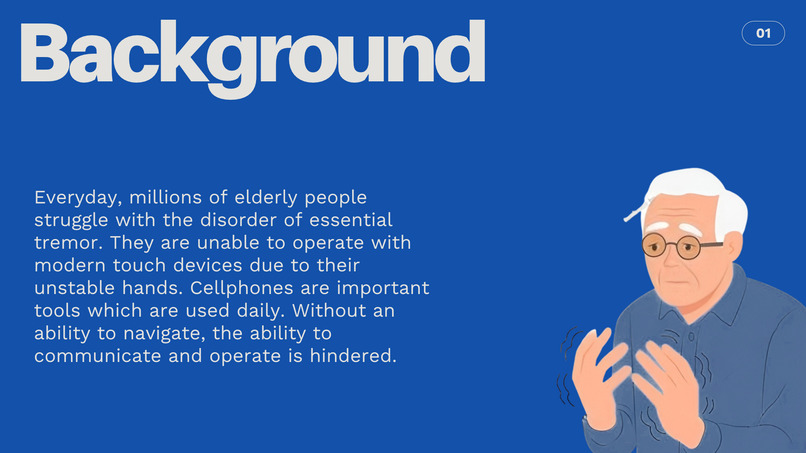
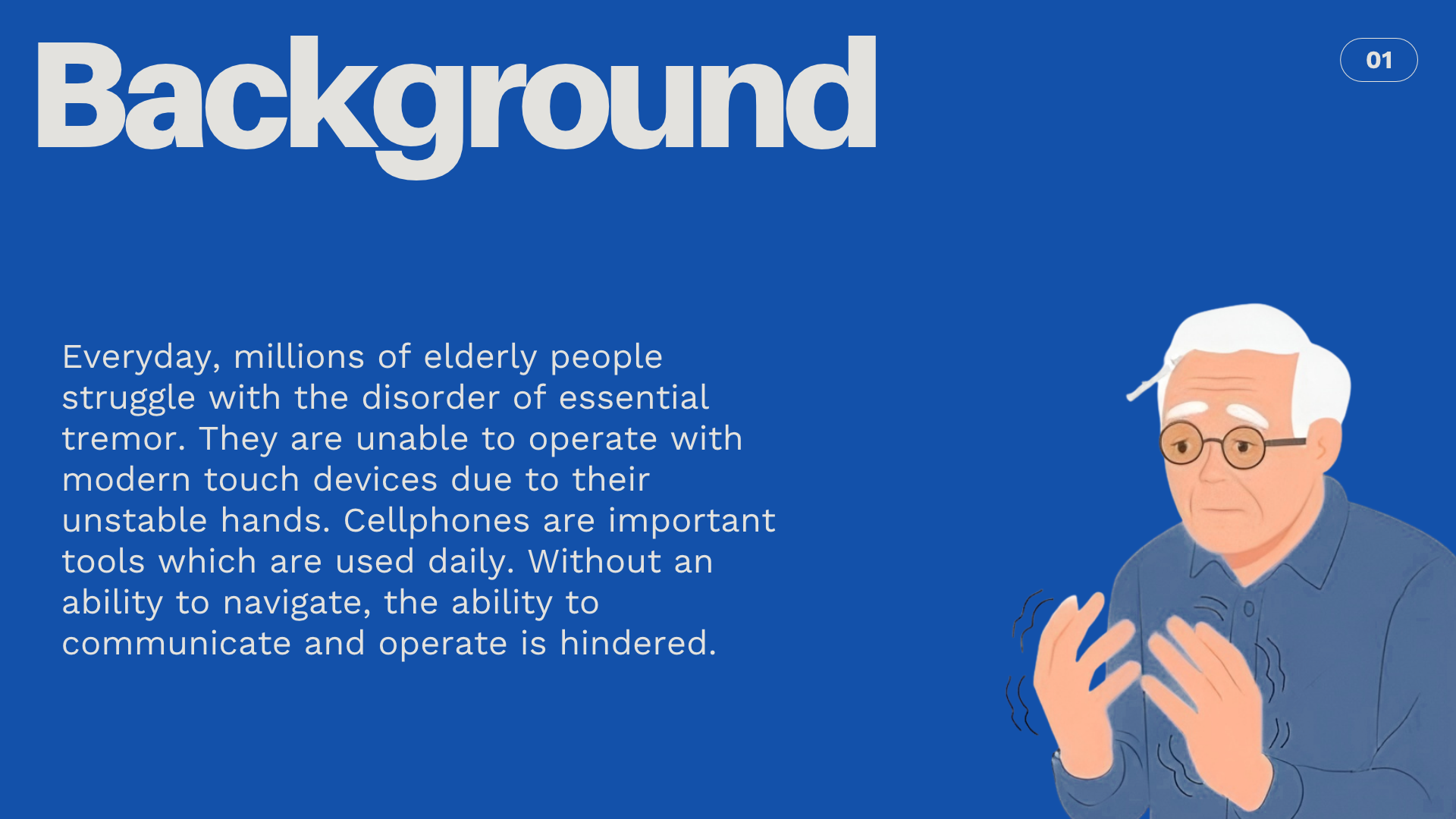
My cousin was volunteering at a library and told me about the struggles that seniors experience due to the hand tremors. She suggested that we work together to create a hardware project which could help solve the issue. It ended up not working out, so we decided to implement it using software.
What it does
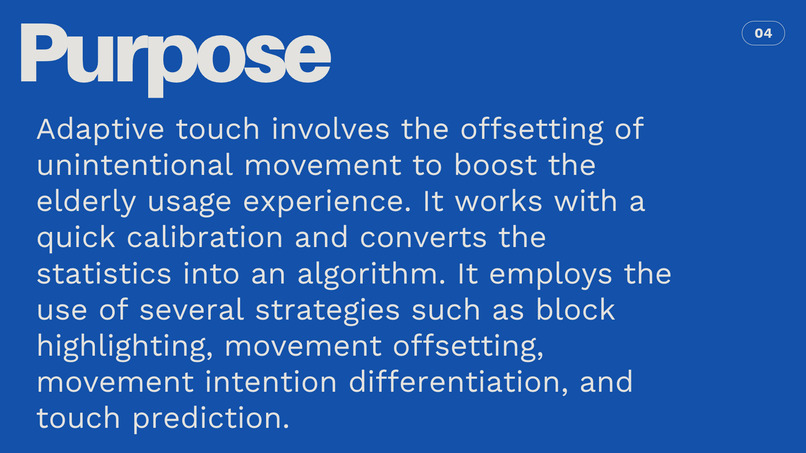
AdaptiveTouch makes a healthcare navigation easier to use for people with hand tremors or difficulty making precise touches. It responds to phone movement, provides larger touch targets, tolerates small finger movements, and helps prevent accidental taps. Users can also adjust these features and schedule fictional appointments.
How we built it
We built AdaptiveTouch as a native iPhone app using Swift, SwiftUI, UIKit, and Core Motion. It combines sensor-assisted interface movement with larger touch targets, touch tolerance, and accidental-tap protection in a fictional healthcare portal demo and theoretically applies to any software, especially healthcare related software.
Challenges we ran into
Making motion compensation smooth and readable was difficult. Early versions reacted too strongly to phone tilt, so we focused on lateral acceleration and added smoothing. We also worked to make touch controls forgiving while preserving scrolling.
Accomplishments that we're proud of
We created a working iPhone prototype that brings the accessibility features together. Users can adjust settings, compare touch modes, and book fictional appointments through a confirmation flow.
What we learned
Accessibility features need to be adjustable. Each person has different gyroscopic movement for trembling and intentional movement. We also learned that motion sensors can estimate short-term movement but can’t reliably track the phone’s exact position.
What's next for Adaptive Touch
We want to test with more users, refine motion and touch handling, improve calibration, make it immediately applicable to any software with ease, and expand accessibility and VoiceOver testing.
NOTE FOR THE GITHUB LINK: In order to test this process, you must run it through Xcode on a Mac, and run it through a connected iPhone. The program is built specifically for updated iPhones and simulating the program through a Mac yields the intended result. Please do not try using this in any other scenarios, it will not work. YOU MUST USE THE ROMAN DIRECTORY. DO NOT USE THE MAIN ONE. IT IS UNOPTIMIZED. THANK YOU FOR UNDERSTANDING. WE APPRECIATE YOU!
Built With
- chatgpt
- intellij-idea
- python
- swift


Log in or sign up for Devpost to join the conversation.