-
-
-
-
-
-
-
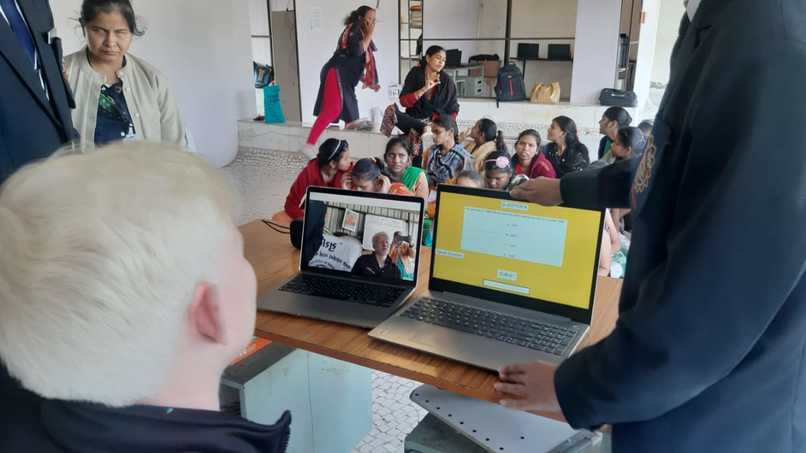
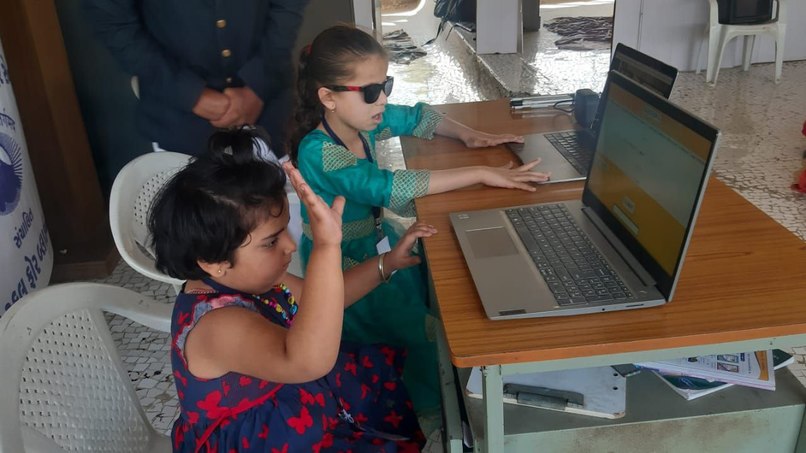
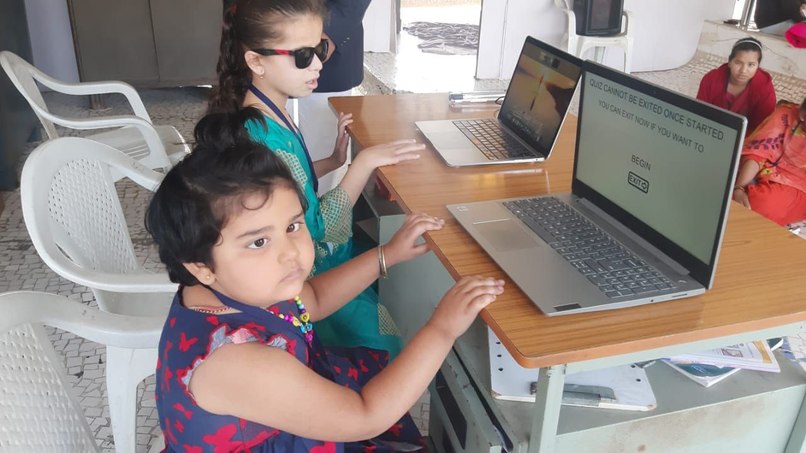
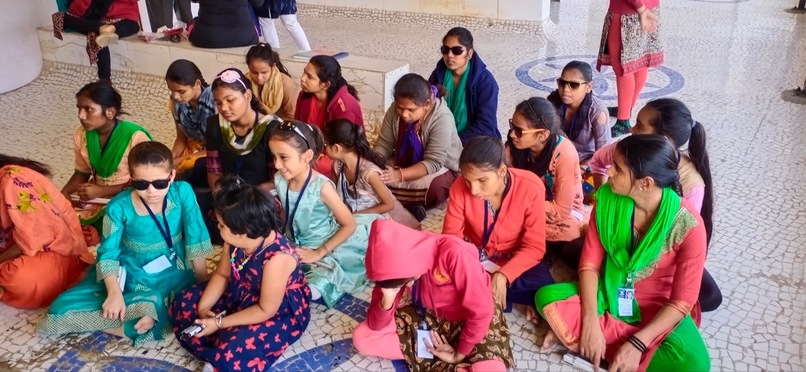
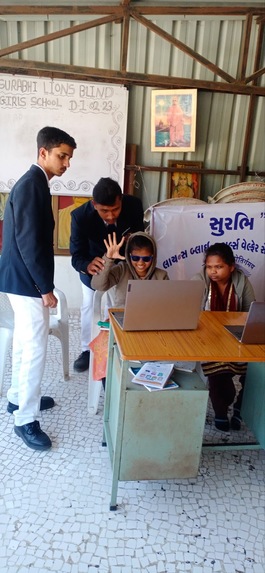
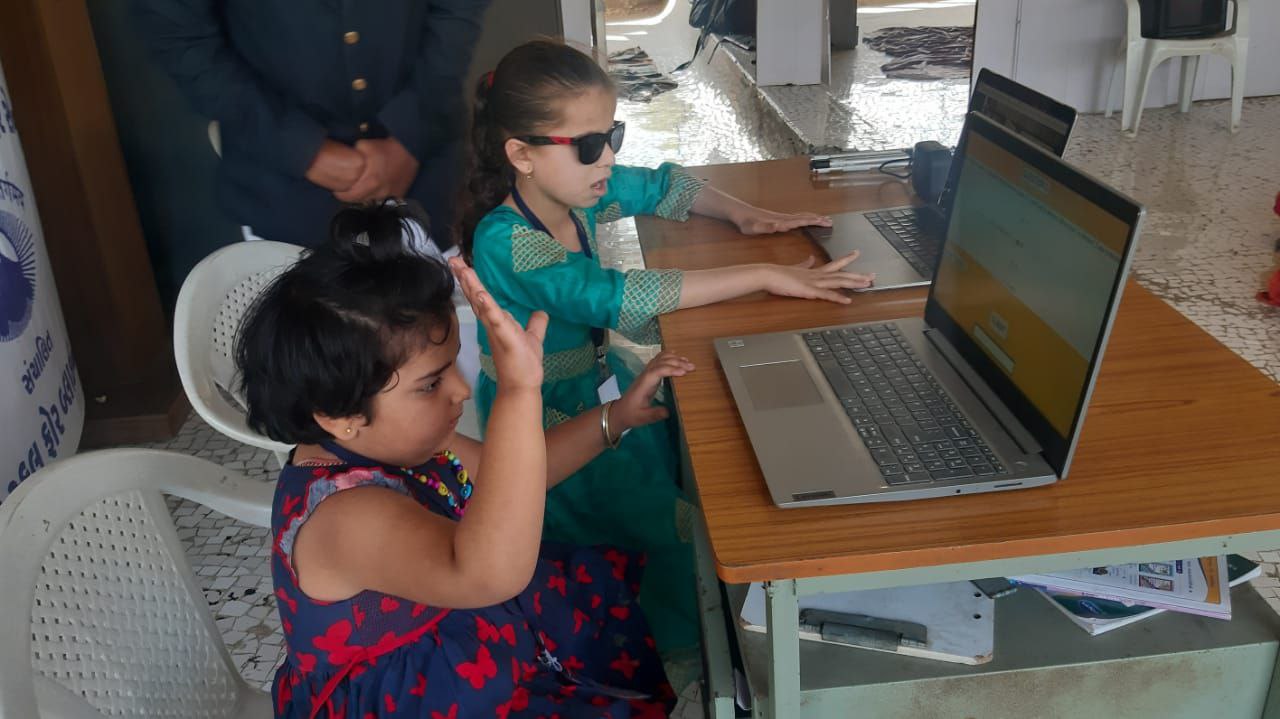
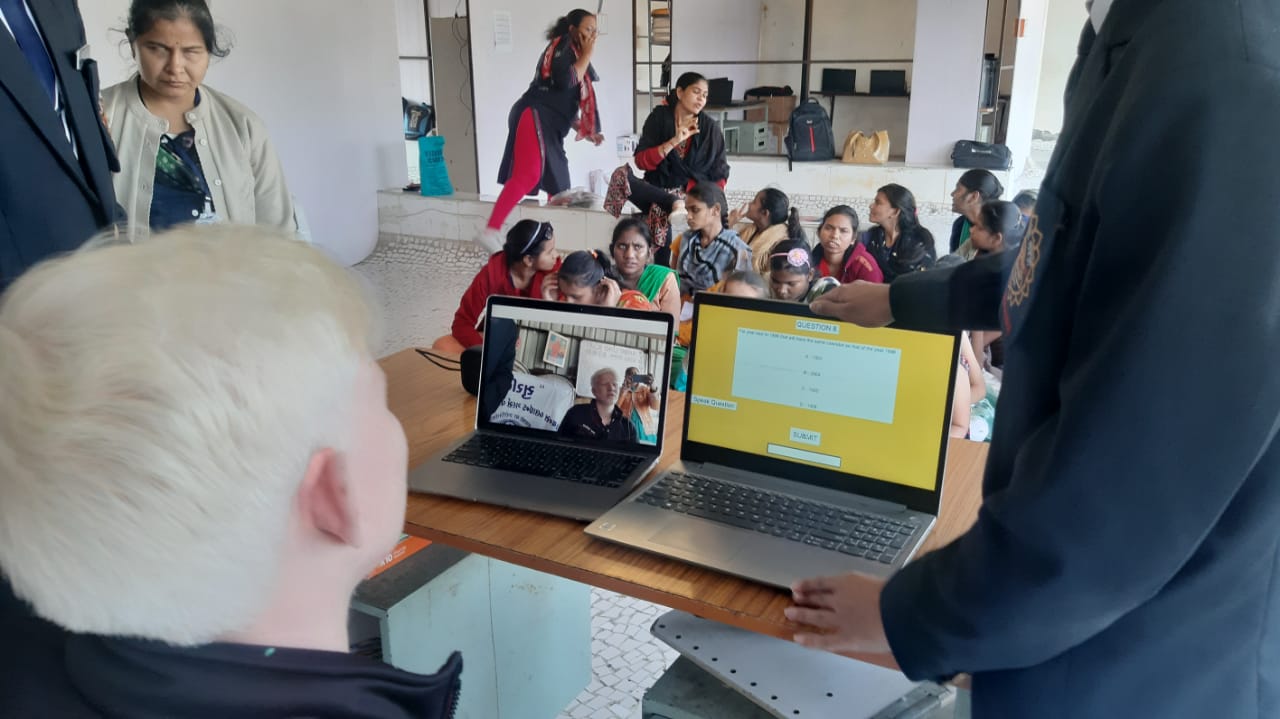
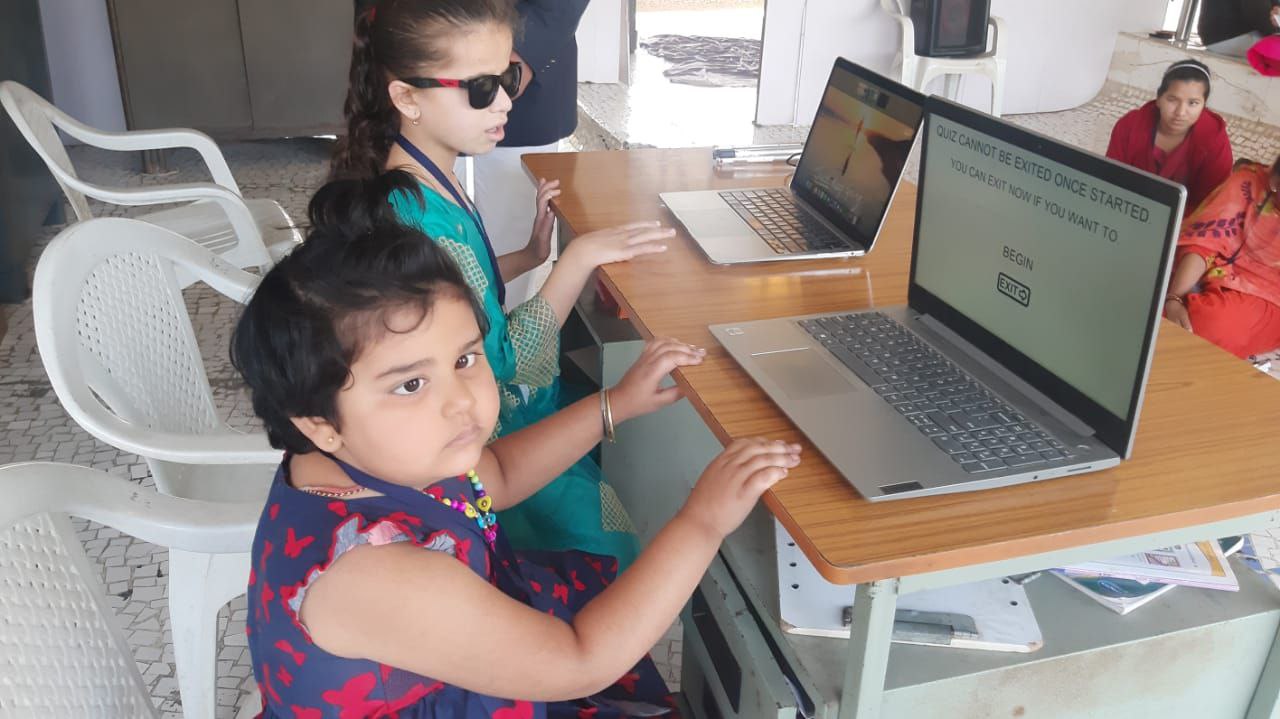
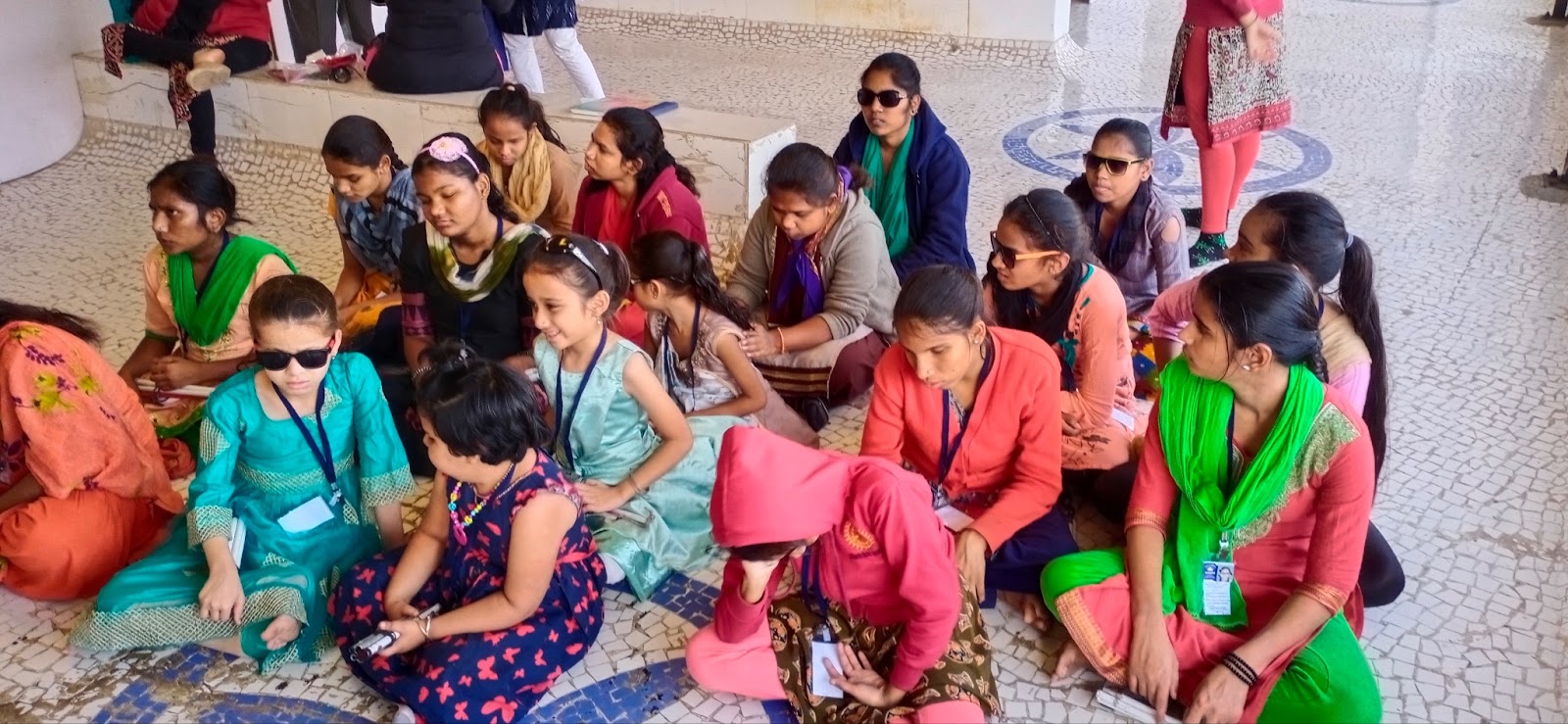
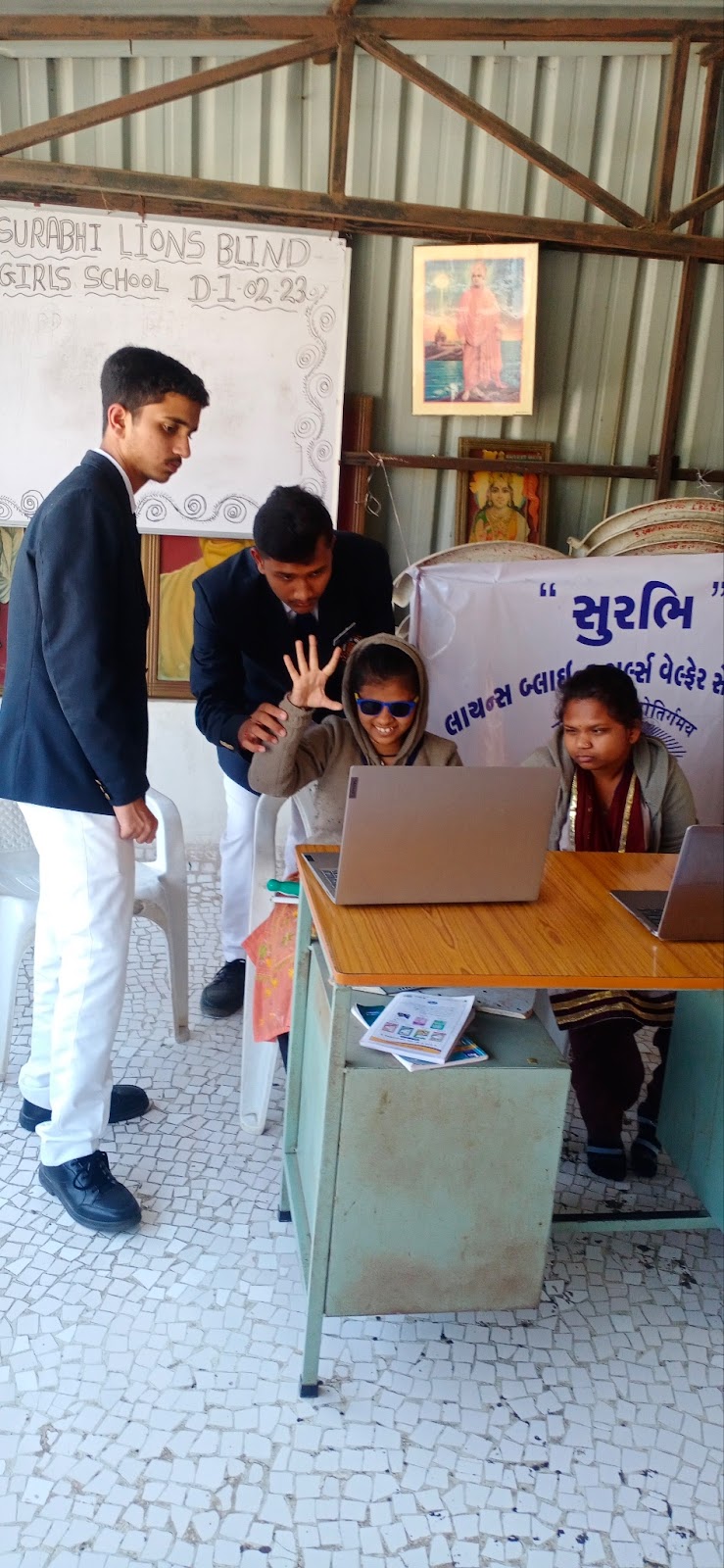
went to test the program to a blinds' school with a friend of mine
-
-
-
(I) RATIONALE:-
The project is a quiz with an adaptive evaluation system that changes its level of difficulty based on the user. The quiz adjusts the difficulty of the questions based on the participant's aptitude. People with disabilities can use Palm controllers and speech recognition to use this quiz.
Youtube demo: https://youtu.be/jxAAwpFmtbU
(i) Our concept aims to promote overall learning while also assisting anyone with any impairment/disabilities to effortlessly and independently study utilising the quiz, therefore building their confidence.
(ii) Our quiz consists of three sections: a standard quiz with the ability to vary the level of difficulty; a quiz that may be completed using palm controllers; and a voice recognition quiz.
(II) DESCRIPTION:- Scientific Principle(s)/ Concepts: Computer Vision, Machine Learning and AI
(i)DETAILS:
We have created new ways to interact with the quiz that enables non-technical users and individuals with disabilities to independently participate in the quiz; users can use their hands to enter their responses. The read-out option, is also available for blind persons which reads the question aloud so that they can respond with their hands. Due to automated input and submission, this function is especially helpful for those who are not familiar with computers or keyboards.
For those who are unable to use keyboards, we have incorporated voice recognition as a function. To utilise this feature, we just wait for the "say answer" prompt and afterwards speak our response, like "option 1," "option 2," "option 3," or "option 4." The computer records what we intend to say and submits the response automatically.
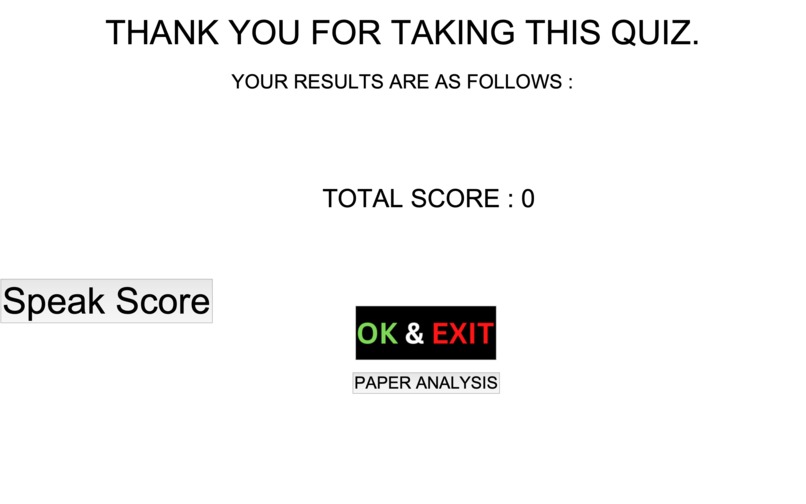
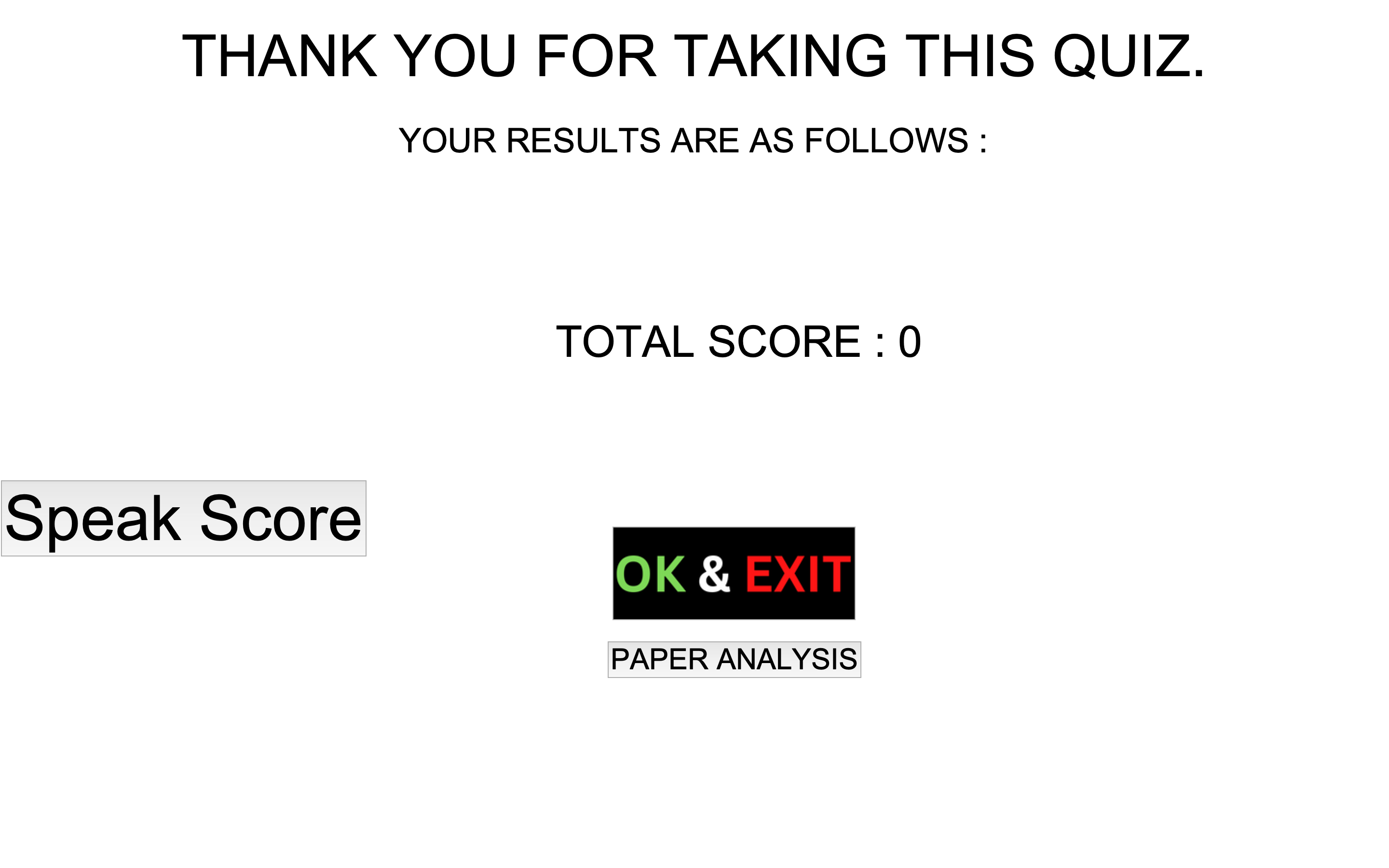
With the help of this function, older individuals or those who cannot use a keyboard can take the quiz. At the end of the quiz, you are given your score as well as information on the number of questions from each difficulty level that you correctly or incorrectly answered. Using the question-wise analysis option, you can also evaluate each of your responses separately. Choosing this will bring up a screen with the question, the appropriate response, and the answer you chose.
(ii)PROCEDURE:
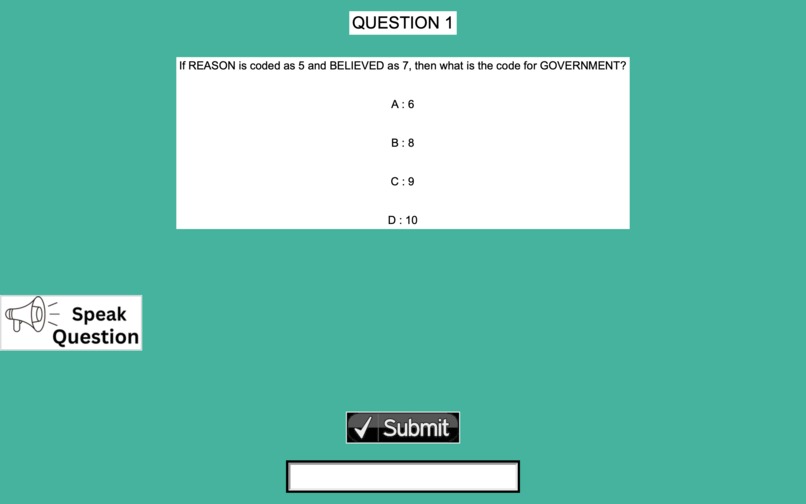
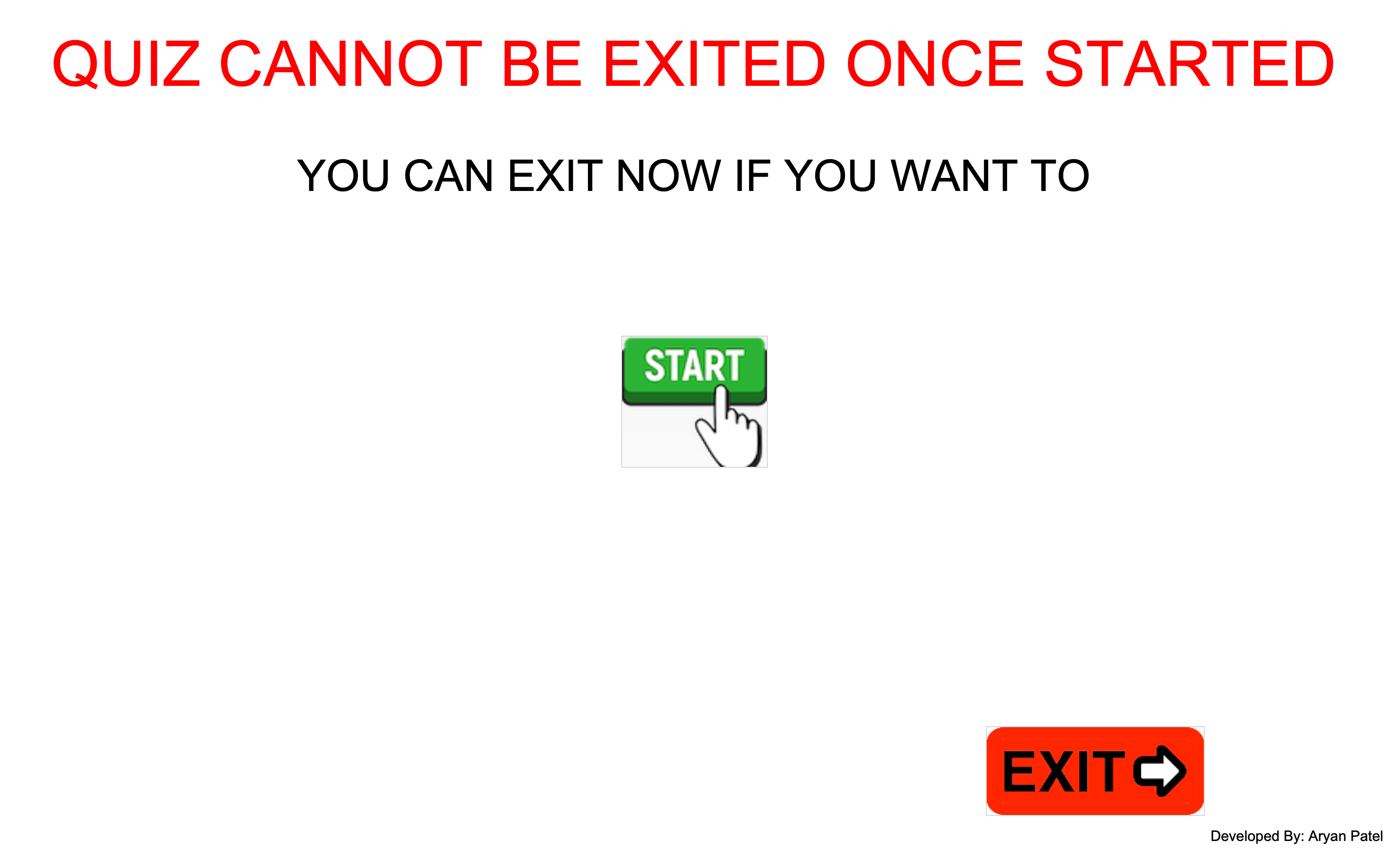
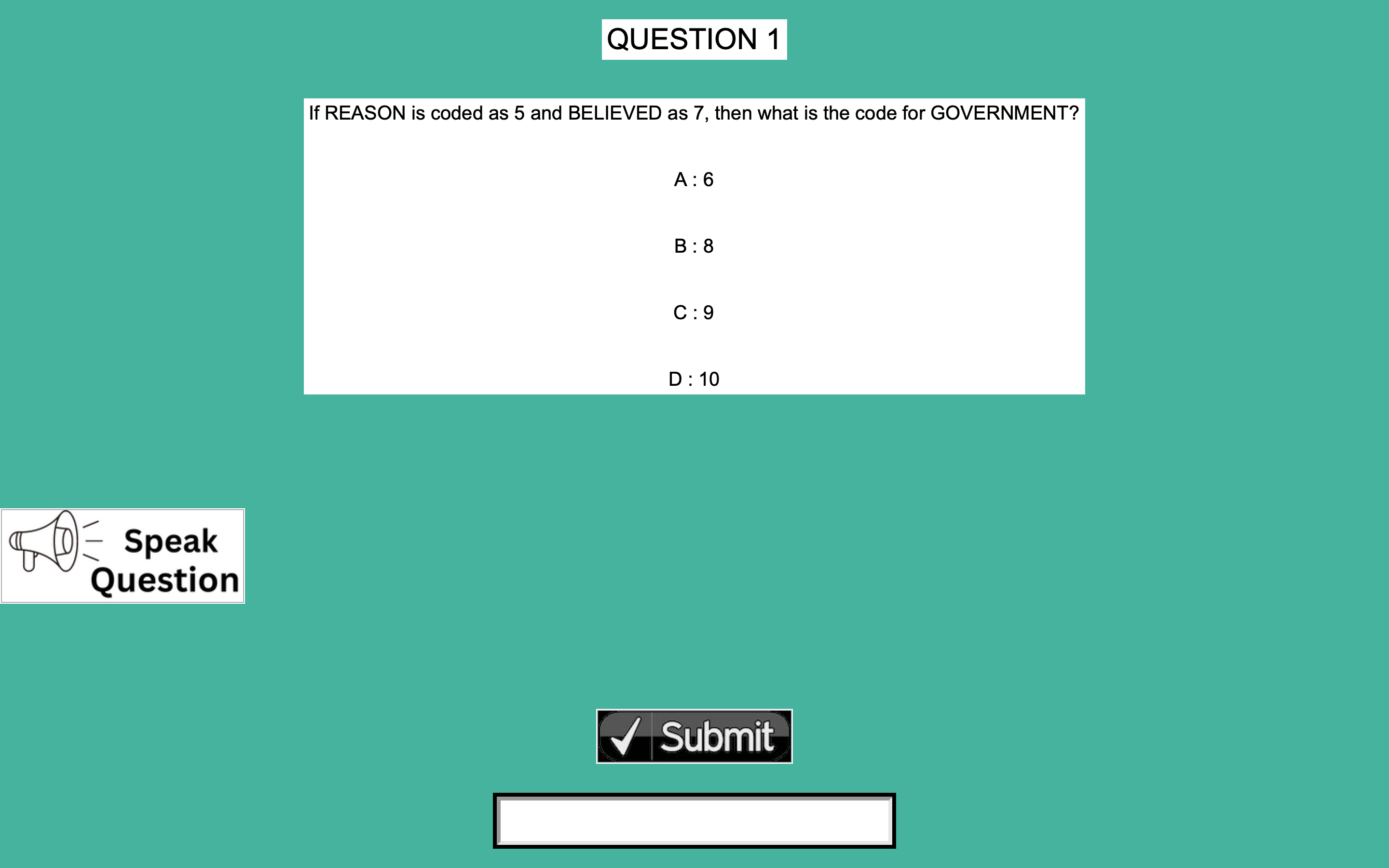
The quiz itself, palm and voice recognition, are the quiz's three key components. First, we determined how we would begin creating the quiz. We created a SQL database and connected it to our Python programm. Then we created a straightforward Python if-else points calculation loop. It was essentially a very modest machine learning tool that we designed that could calculate points, assess how competent the quiz taker was, and modify the difficulty of the questions. The front end, which consists of the question display, the response entry field, and the submit button, was made using the Python GUI development tool tkinter. The front end retrieves questions from the sql database that was previously attached to the main project.py file. We even added a read aloud button that reads the quiz's options and questions to make it more functional.
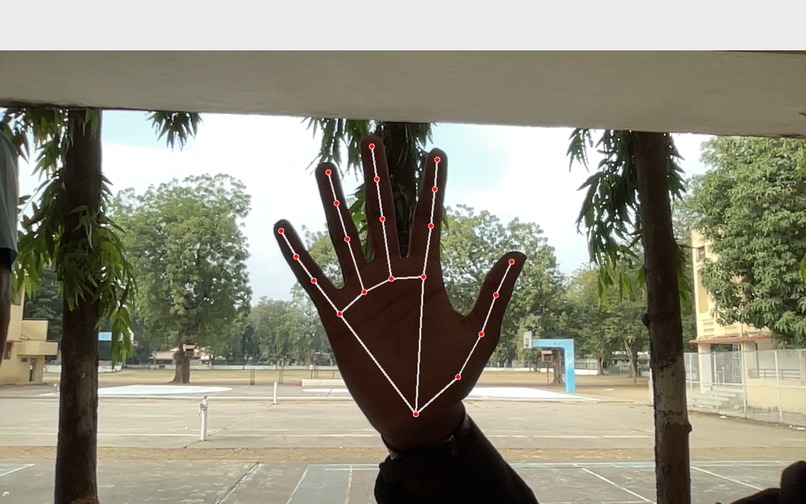
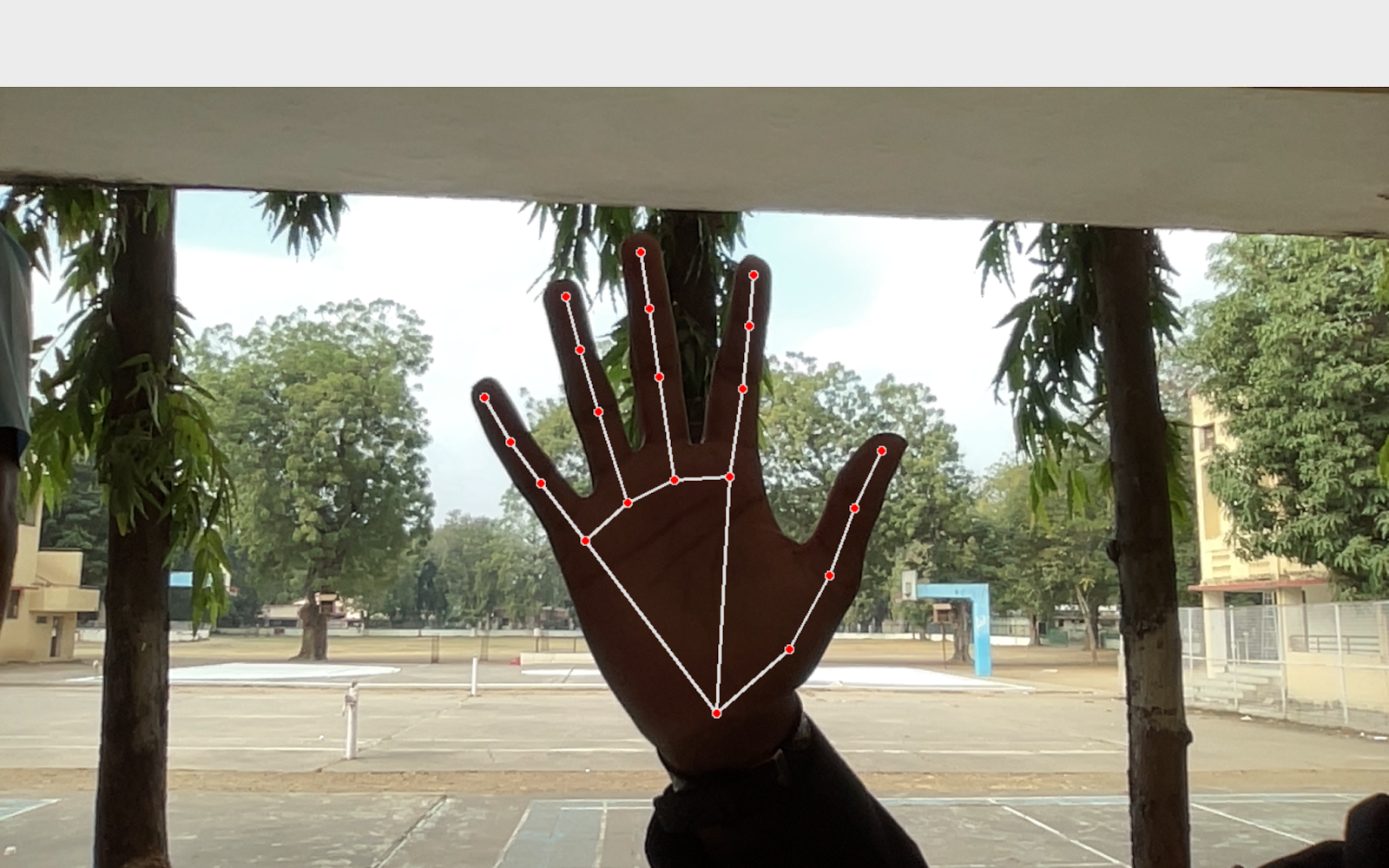
Second, we included a palm control option to the quiz, allowing users who are blind or unable to use a keyboard to enter their responses. The palm recognition system uses mediapipe and an opencv module to count the users' fingers. Then, we connected the number of fingers to pyautogui, an automation tool that we programmed to simulate clicks and presses. As a result, whenever you make a certain hand gesture, the quiz automatically selects and submits an answer and/or reads the question aloud. Once that was finished, we used speechrecognitionmodule and pyttsx3 to create a voice recognition application. This had a fairly simple operation; the loop recognises speech every few seconds and, upon finding the necessary speech (such as Option 1, A, B, etc.), inputs and submits the responses using PyAutogui. Basically, that sums up the entire project.
MATERIALS USED: Laptop IDE(Pycharm) MYSQL Workbench
(ii) Some of the Languages used are as follows :-
Python MySQL
(iii) Some of the Modules used are as follows :-
OpenCV Tkinter PyautoGUI Pyaudio Pyttsx3 Mediapipe


Log in or sign up for Devpost to join the conversation.