Inspiration
Every classroom, every tutoring platform, every online course assumes that everyone learns the same way. You sit down, you pay attention, and the content flows at a fixed pace regardless of who you are or how your brain is wired. For students with ADHD, anxiety, or autism spectrum differences, that assumption is not just unhelpful — it is actively exclusionary.
We started with a simple question: what if the learning environment adapted to you in real time, instead of expecting you to adapt to it? Every person shows physical signals while they learn — where their eyes go, how their head moves, how their voice sounds, how often they pause. Those signals carry real information about engagement and cognitive load. We wanted to build something that actually listened to them.
What We Built
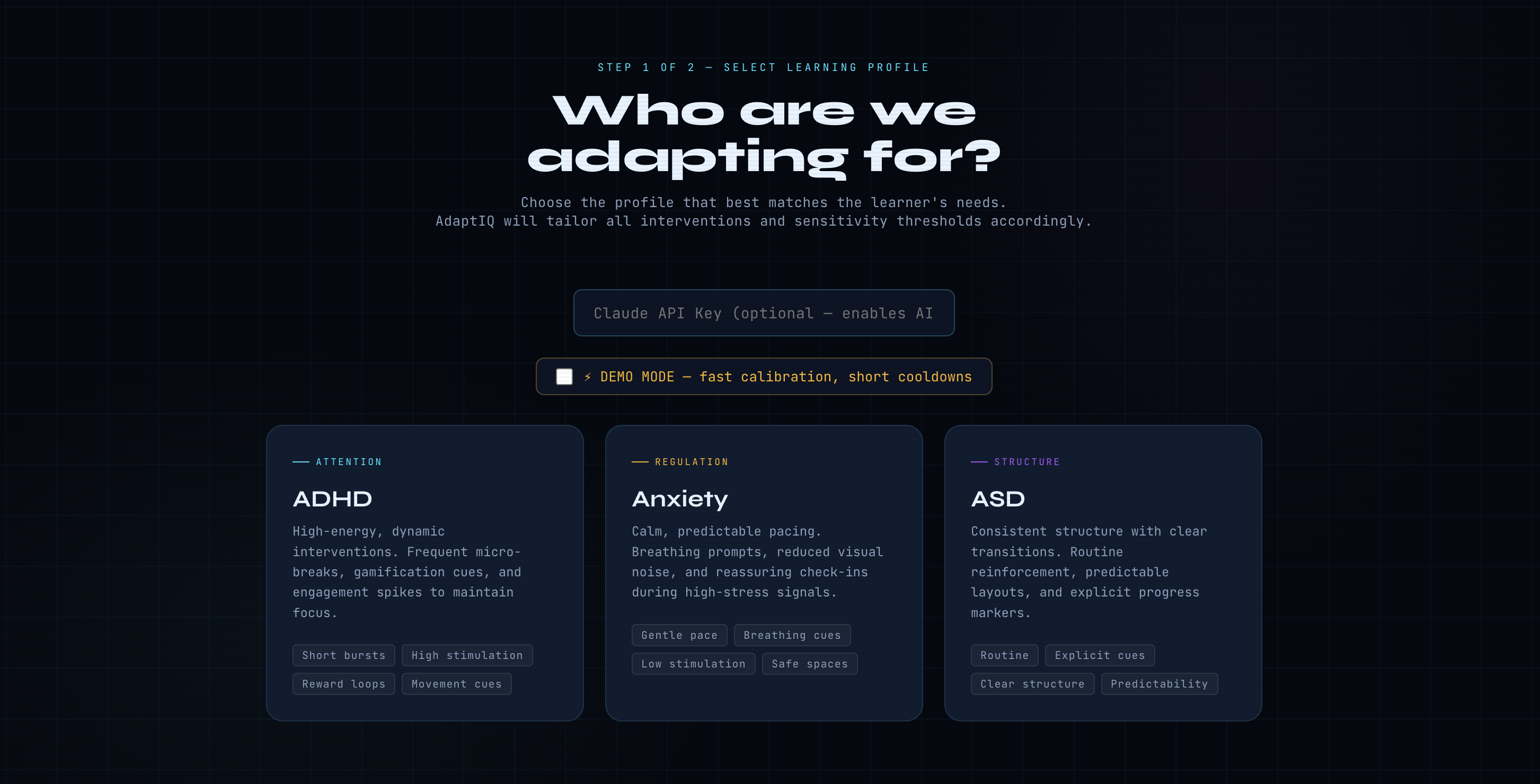
AdaptIQ is a browser-based adaptive learning platform that uses your camera and microphone to monitor cognitive engagement live during a session. Before starting, the learner selects one of three neurodivergent profiles:
- ADHD — high-stimulation nudges, gamification cues, frequent micro-breaks, and movement prompts to sustain focus
- Anxiety — calm pacing, breathing cues, low visual noise, and reassuring check-ins when stress signals appear
- ASD — consistent structure, explicit transitions, predictable layouts, and clear progress markers throughout
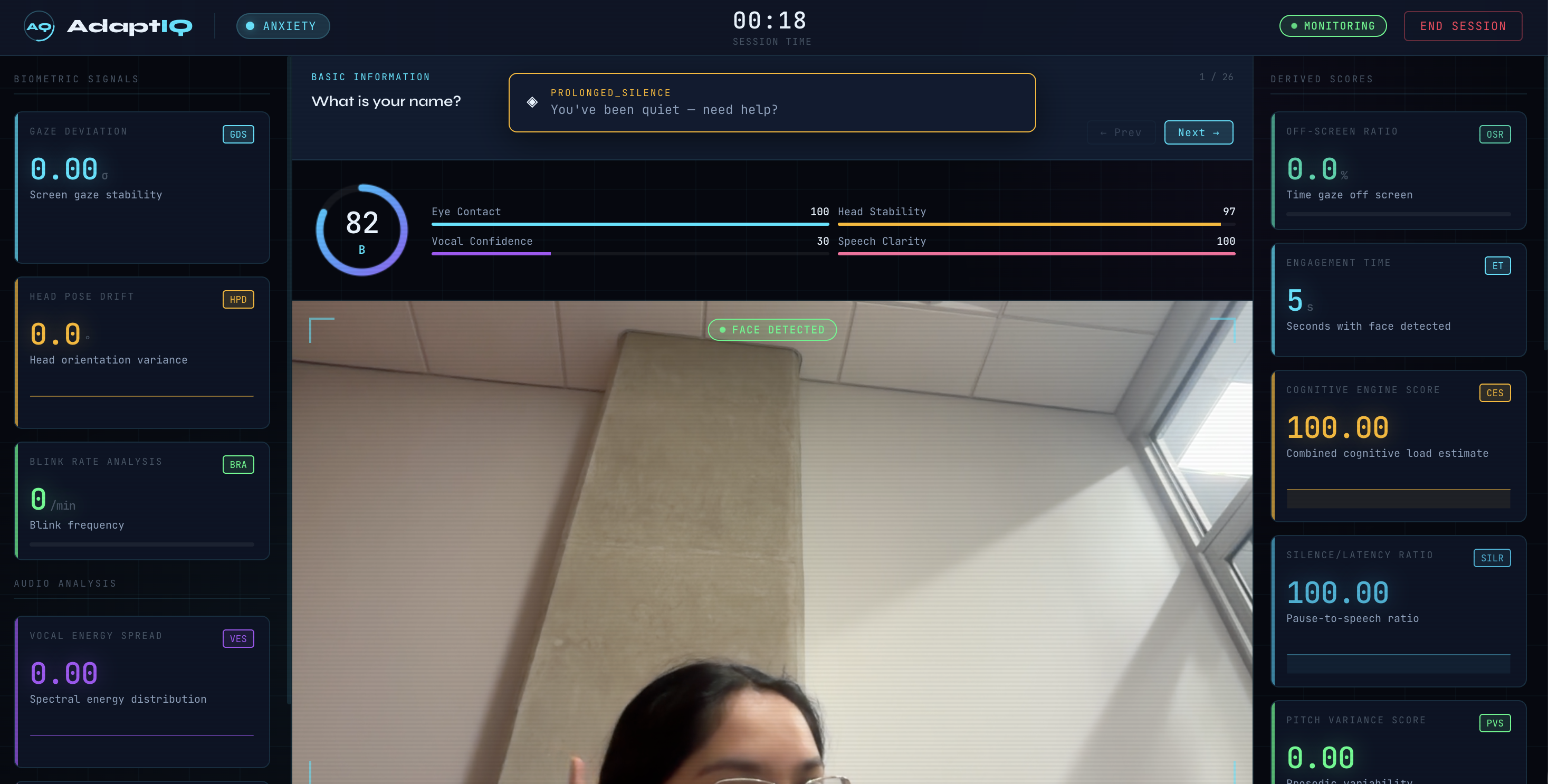
The system tracks a set of biometric signals in real time and combines them into a single Cognitive Engine Score (CES) that models overall engagement:
$$ \text{CES} = \sum_{i=1}^{n} w_i \cdot s_i $$
where each $s_i$ is a signal (gaze deviation, head pose drift, blink rate, vocal energy spread, speech rate, silence ratio) and each $w_i$ is a profile-specific weight tuned to that learner's sensitivity thresholds. At the end of the session, AdaptIQ generates a grade, a per-metric breakdown, and an AI-powered summary written in plain language the learner can act on.
How We Built It
The entire application runs in the browser with no backend server. All biometric processing happens locally on the user's device — no video or audio is ever sent anywhere.
Tech Stack:
| Layer | Technology |
|---|---|
| Frontend | Vanilla HTML5, CSS3, JavaScript (ES6+) |
| Camera & Microphone Access | WebRTC (getUserMedia API) |
| Face Detection & Gaze Tracking | face-api.js (TensorFlow.js models) |
| Audio Processing | Web Audio API (AnalyserNode, ScriptProcessorNode) |
| AI Session Insights | Anthropic Claude API (claude-sonnet-4-20250514) |
| Deployment | GitHub Pages |
The project is structured into three main modules: perception (handles raw
biometric signal capture and processing), integration (combines signals into
derived scores and triggers profile-appropriate interventions), and frontend
(renders the monitoring dashboard and session report UI).
Claude is called at the end of each session with the raw metric data. The prompt is engineered to produce a plain-language interpretation of what the scores mean for that specific learner profile and what they might try differently next time.
Challenges We Faced
Getting the Claude prompts right was harder than expected. The raw numbers coming out of biometric tracking are not self-explanatory. A Gaze Deviation Score of $0.82\sigma$ means nothing to most people. We went through many iterations of the system prompt to get Claude to produce responses that felt like useful, personalized feedback rather than a clinical readout of metrics. The key was framing: giving Claude the learner's profile, their scores relative to baseline thresholds, and explicit instructions to focus on actionable takeaways rather than descriptions of what each metric measures.
Designing a UI that did not overstimulate was a real design constraint. A monitoring dashboard that works for an ADHD session — with activity indicators, live signal readouts, and dynamic updates — can be overwhelming and counterproductive for someone in an anxiety session. We had to think carefully about information density, animation, color contrast, and sound for each profile. What is engaging in one context is harmful in another. The interface itself had to be part of the intervention.
Eye tracking and calibration in a browser environment is genuinely difficult.
Consumer webcams do not produce clean iris position data. We relied on face
landmark detection via face-api.js to estimate gaze direction from head pose,
which introduces noise — natural head movement can look like off-screen gaze if
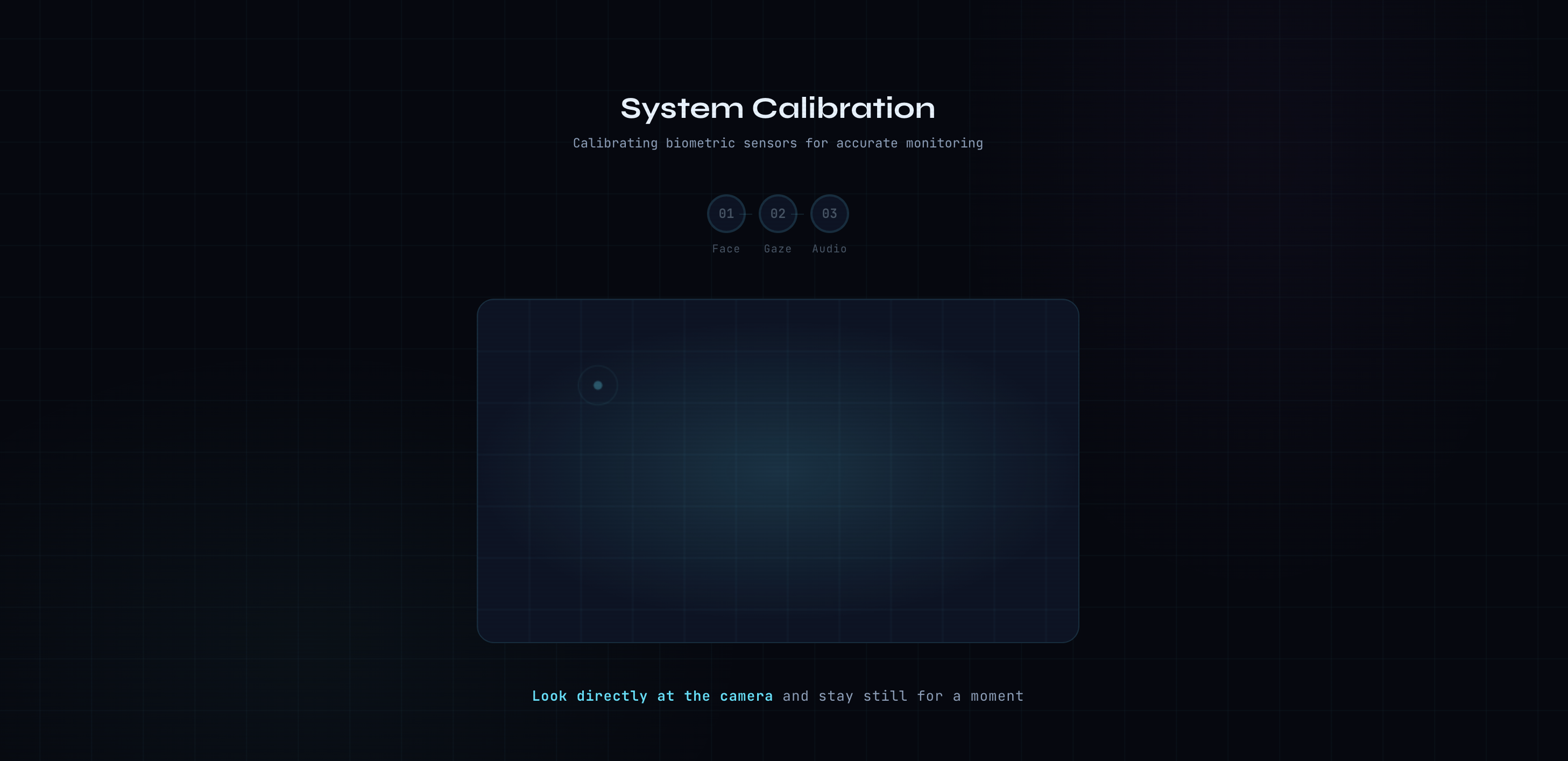
thresholds are not set carefully. Getting the calibration step right, so the
system had a reliable baseline before monitoring began, required significant tuning
and testing across different lighting conditions, camera distances, and face
orientations.
What We Learned
The biggest lesson was that physiological signals are much noisier in real-world conditions than they appear in research. Blink rate, gaze stability, and vocal energy all vary enormously between individuals, environments, and devices. Building thresholds that work reliably across a range of users — rather than being perfectly tuned to one person in ideal conditions — required accepting a level of approximation and being deliberate about what each signal is and is not measuring.
We also learned that accessibility tools carry a higher design responsibility than general-purpose software. The wrong intervention at the wrong moment — a sudden audio cue during an anxiety peak, or a complex status update during an ASD session — can make things actively worse. Every design decision had to be justified against the specific needs of the learner profile it was serving.
Finally, working with the Claude API showed us how much value there is in the translation layer between raw data and human understanding. The numbers are interesting to us as developers. What matters to the learner is a clear sentence telling them what those numbers suggest, and what to try next time.
What's Next
- Customizable sensitivity thresholds beyond the three preset profiles
- Longitudinal session tracking so learners can see how their engagement patterns change over time
- Integration with actual learning content so interventions can be tied to specific moments in a lesson rather than general session state
- Improved gaze accuracy using lightweight on-device models optimized for low-resolution webcam input


Log in or sign up for Devpost to join the conversation.