-
-
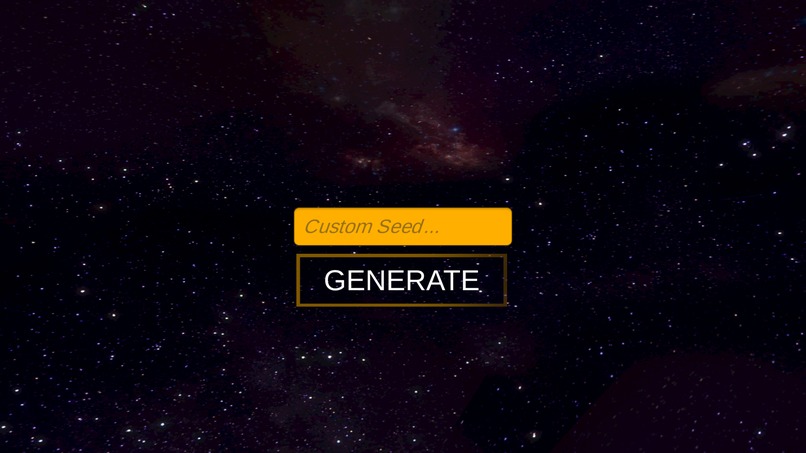
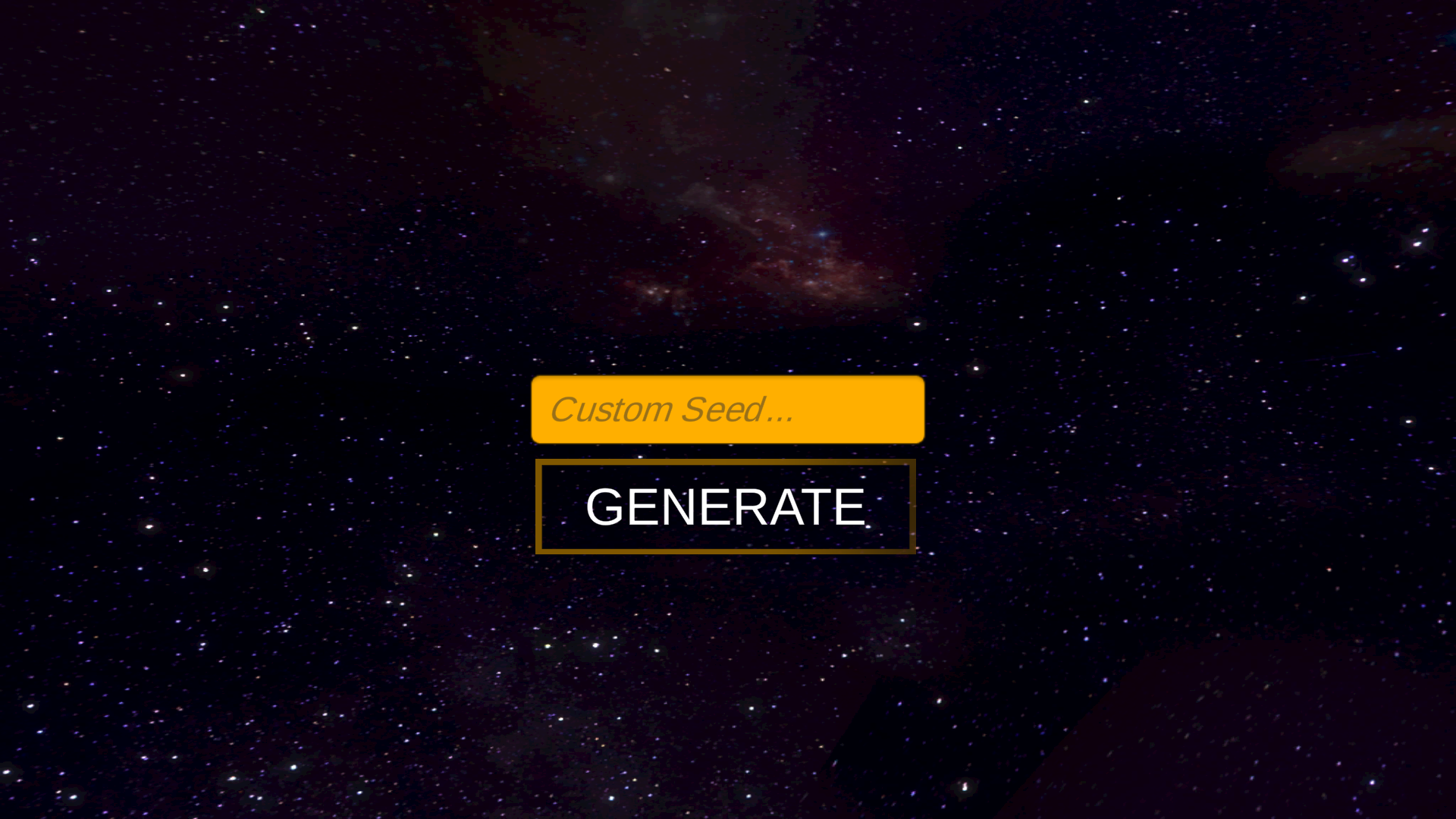
Main menu. Allows the user to enter a custom seed or use a random one.
-
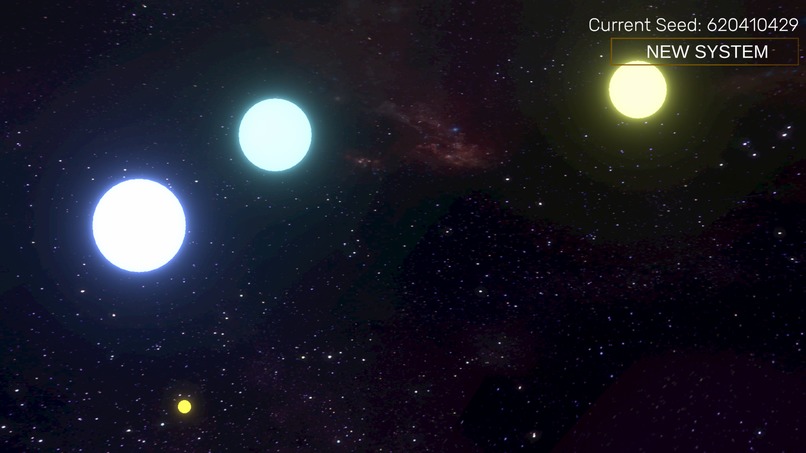
Using WASD allows the user to scroll through this infinite universe and its equally infinite stars.
-
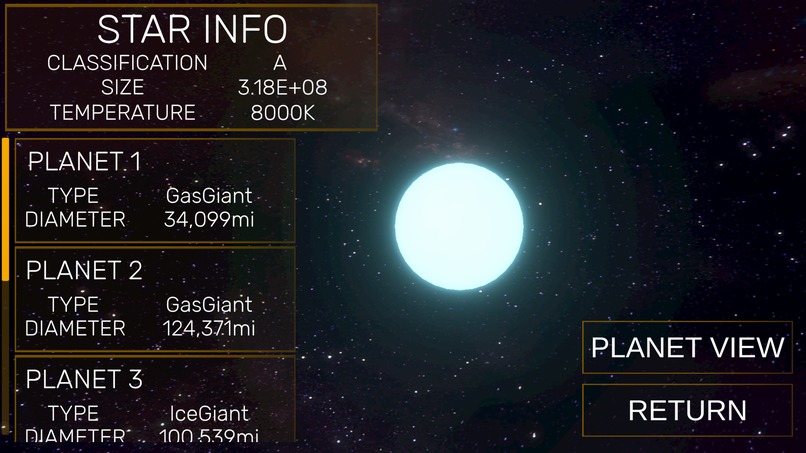
Clicking on any star brings up an overview of the system, including the planets and star information.
-
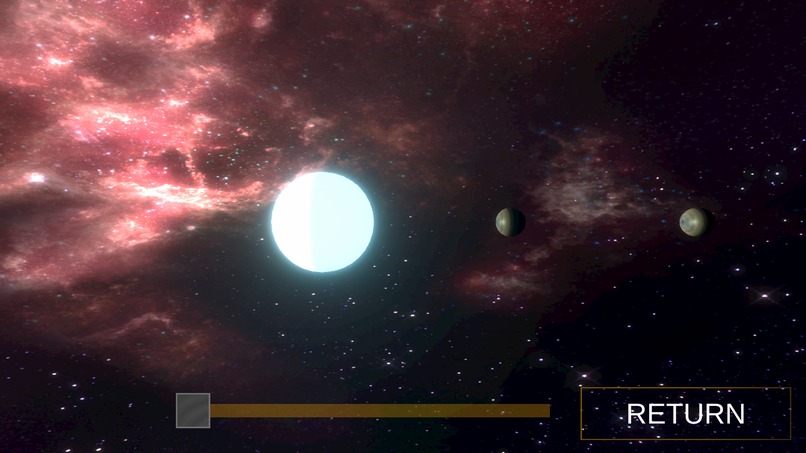
Going into the Planet View allows you to scroll through the solar system and its planets.


What it does
Using a seed, it will procedurally generate a universe of stars with various properties. The user can use WASD to explore the universe, and left-click on any star to view its size, classification, temperature, and the characteristics of its planets. These solar systems will always have the exact same properties given same seed every single time.
The Universe is broken up into various "sectors": chunks of stars that are dynamically loaded and unloaded depending on the distance from the player. This allows the user to explore the universe to their heart's content without any significant effect on framerate.

In the gif above, stars are procedurally generated in chunks and loaded in when the player, represented by the green cube, approaches it. Note that this is just a showcase of the underlying technology. Sadly, there are no third person flying green cubes in actual program.

If a player visits a previously visited chunk, it will load that chunk in from memory, allowing for a consistent and seamless experience.
Inspiration
I was inspired by a similar project I did a while back in which I procedurally generated a solar system given a seed, as well as games like Minecraft.
The project was built in the Unity Game engine.


Log in or sign up for Devpost to join the conversation.