Inspiration
What it does## Inspiration
Modern AI assistants are good at answering questions, but many real-world tasks require much more than a response. A user may need to provide a goal, gather information, make decisions, execute several steps, and keep track of the outcome.
We built ACTUATION Agent to explore a different approach: an AI agent that doesn't stop at generating text, but can plan a task, use tools, execute multiple steps, maintain state, and produce a meaningful result.
The project was inspired by the idea behind the Taskmaster track of the All Things Agentic Hackathon: build an autonomous system that removes real-world friction by completing a workflow rather than simply acting as a chatbot.
What ACTUATION Agent Does
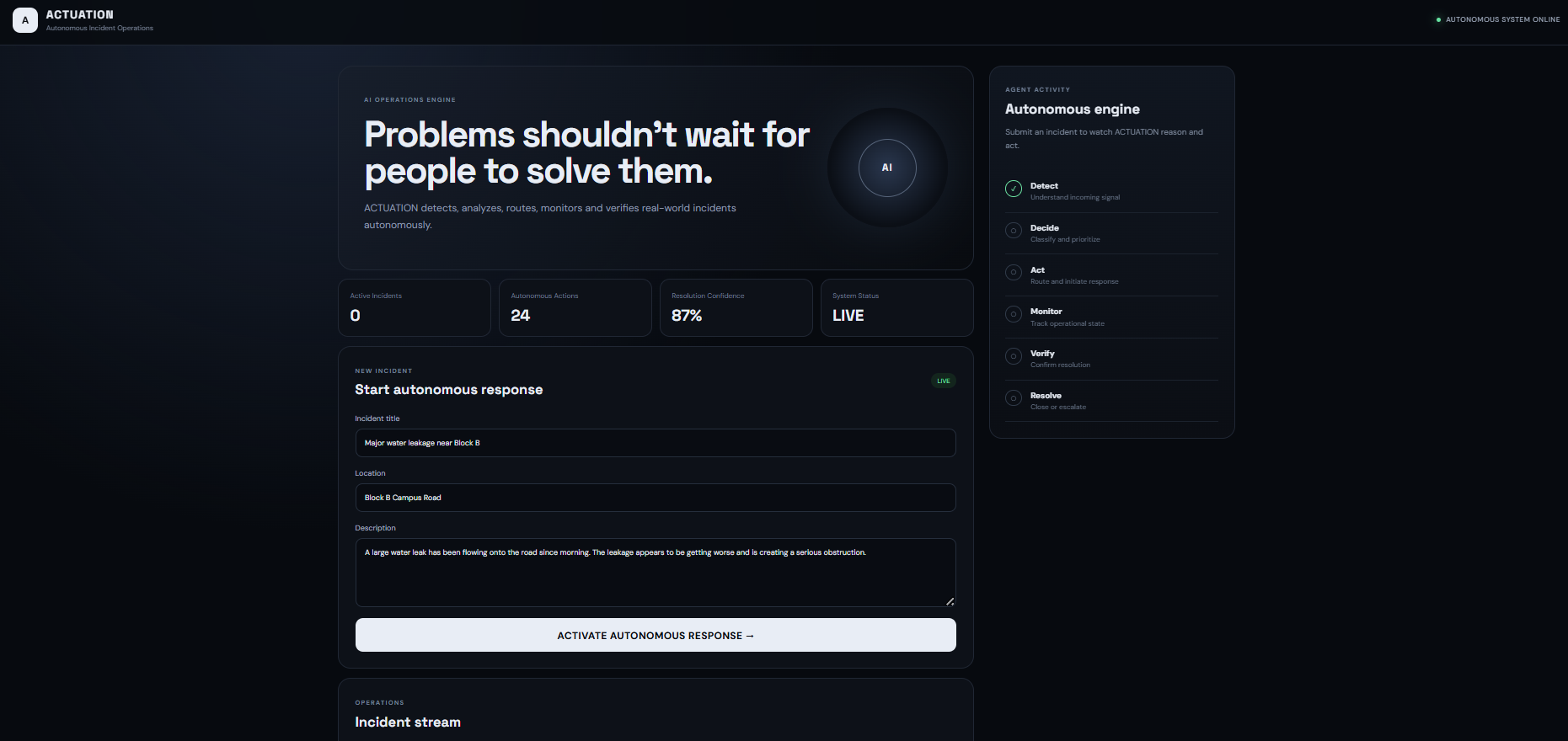
ACTUATION Agent accepts a user's goal and transforms it into an actionable workflow.
The agent can:
- Understand the user's objective
- Break complex requests into smaller steps
- Decide which action/tool should be used
- Execute the workflow through the backend
- Maintain workflow state
- Store relevant results
- Report completed actions and outcomes to the user
The key difference is the actuation loop:
Goal → Plan → Select Tool → Execute → Observe → Continue → Complete
This allows the system to move beyond a traditional question-and-answer interaction.
How We Built It
ACTUATION Agent uses Gemini as the reasoning engine and Google ADK to build the agent workflow.
The application is structured around a frontend, backend agent service, tool layer, and persistent cloud state.
Architecture
User
  ↓
Frontend
  ↓
Backend API
  ↓
Google ADK Agent
  ↓
Gemini
  ↓
Planning & Decision Making
  ↓
Tools / Actions
  ↓
Google Cloud Services
  ↓
Persistent State & Results
  ↓
Frontend
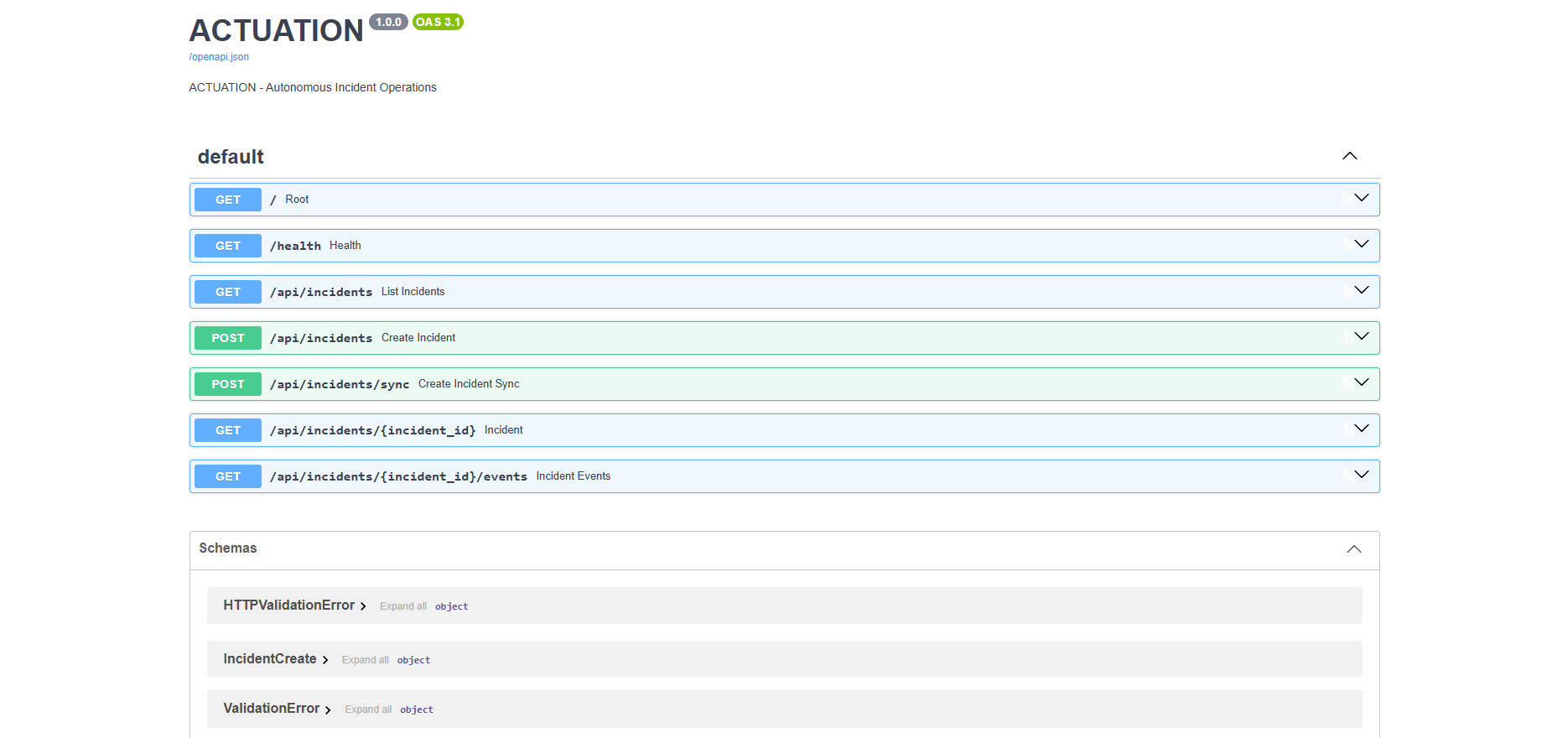
The frontend communicates with the backend through API endpoints. The backend passes the user's task to the agent, which determines the required workflow and executes the available actions.
Google Cloud provides the infrastructure required to run and persist the application.
Why It Is Agentic
ACTUATION Agent is designed around autonomous execution rather than a simple chat loop.
Instead of:
User → Question → AI → Answer
the system follows:
User → Goal → Agent Planning → Tool Selection → Action → State Update → Next Action → Completion
This makes the agent responsible for progressing through the workflow instead of requiring the user to manually guide every step.
Challenges
One of the main challenges was designing the system so that the AI reasoning layer remained separate from the actual application actions.
We also had to consider:
- Maintaining state between workflow steps
- Connecting the frontend and backend reliably
- Handling API failures
- Keeping credentials out of source code
- Designing tools with clear responsibilities
- Deploying the backend on Google Cloud
- Making the workflow understandable and demonstrable
What We Learned
Building ACTUATION Agent helped us understand that an effective AI agent is more than an LLM call.
The important parts are the orchestration, tools, state management, error handling, and reliable execution around the model.
We also learned how Google ADK can be used to structure agent workflows and how Google Cloud can provide the infrastructure needed to run an agent-based application.
Future Improvements
Future versions could support more external integrations, long-running background workflows, richer persistent memory, human approval checkpoints, additional specialized agents, and stronger observability and security controls.
Technology Stack
AI: Gemini Agent Framework: Google ADK Backend: Node.js / API services Frontend: React Cloud: Google Cloud Database/State: Cloud persistence Development: Git, GitHub
How we built it
Challenges we ran into
Accomplishments that we're proud of
What we learned
What's next for ACTUATION Agent
Built With
- adk
- agents
- ai
- api
- cloud
- firestore
- gemini
- generative
- javascript
- node.js
- react
- rest

Log in or sign up for Devpost to join the conversation.