-
-
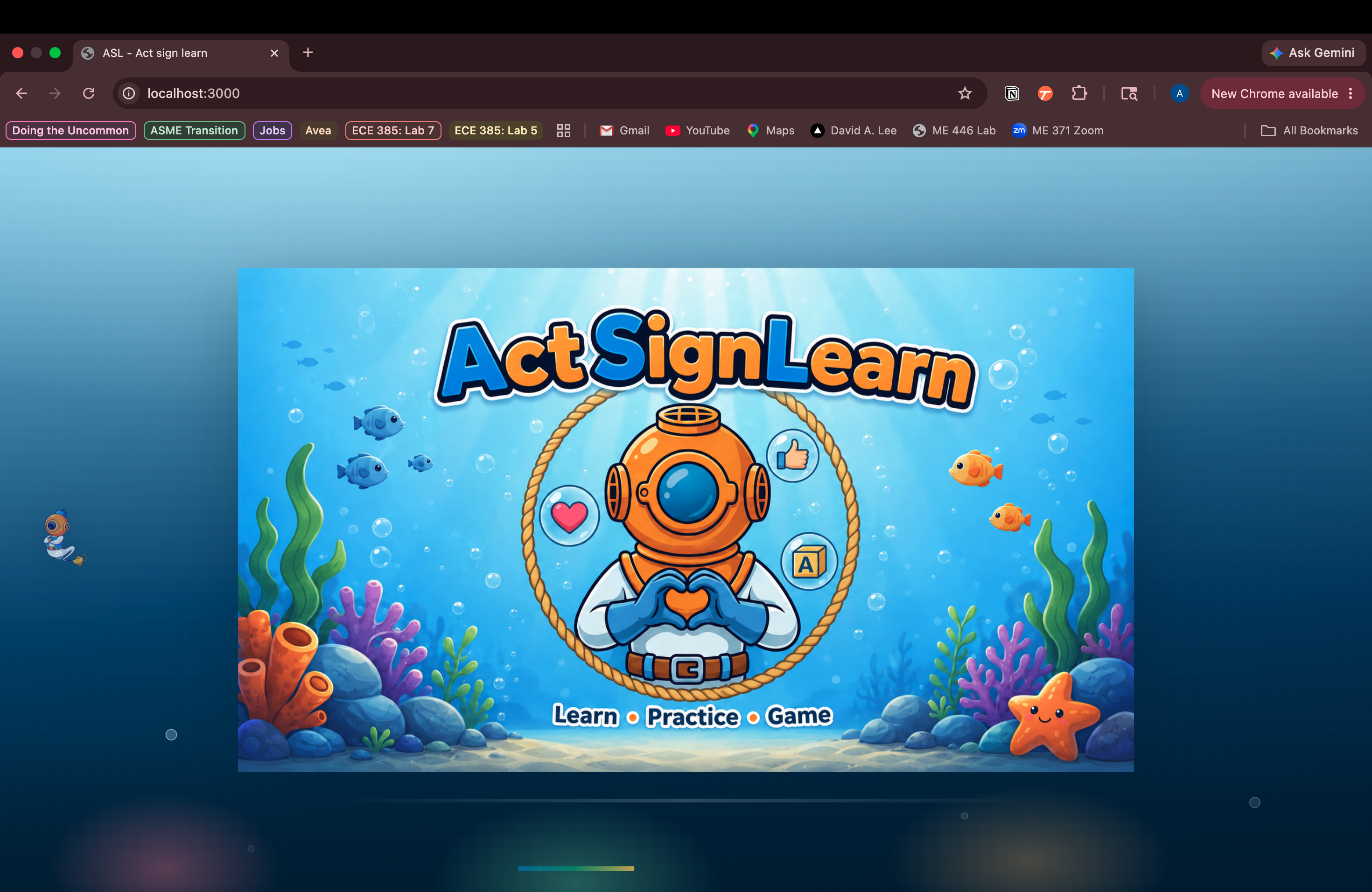
Logo
-
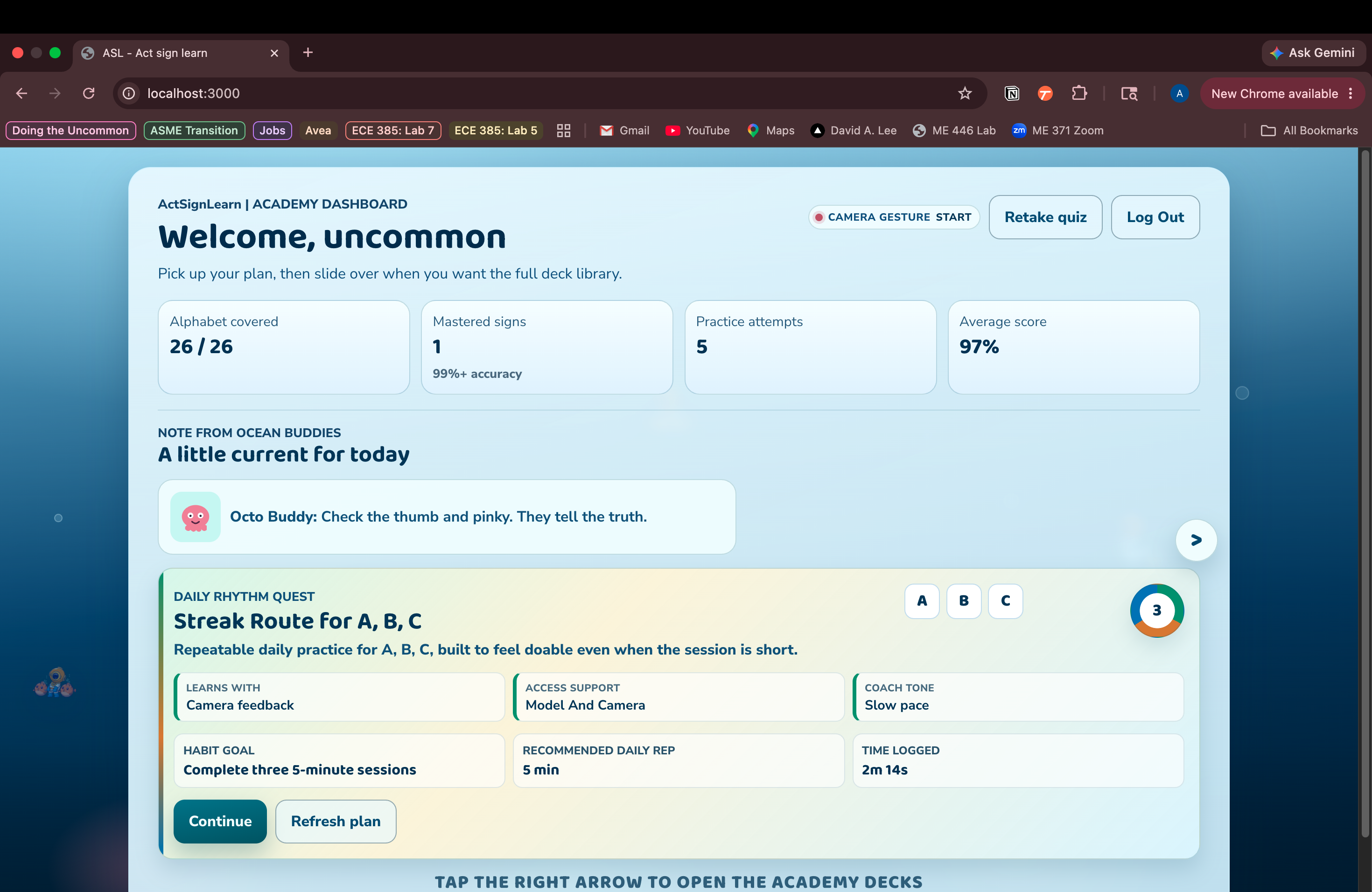
Home Page
-
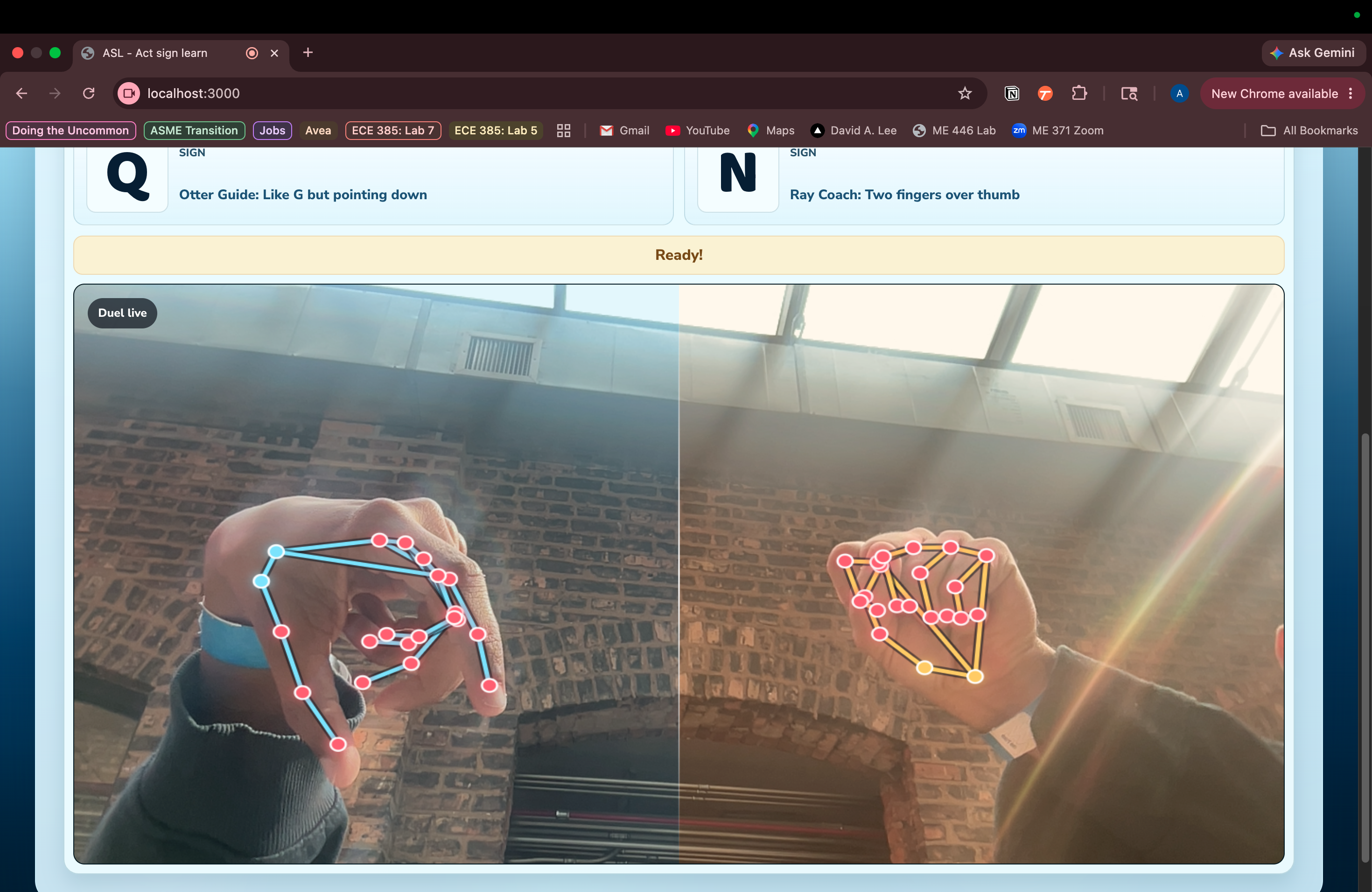
Sign Duel (multiplayer game)
-
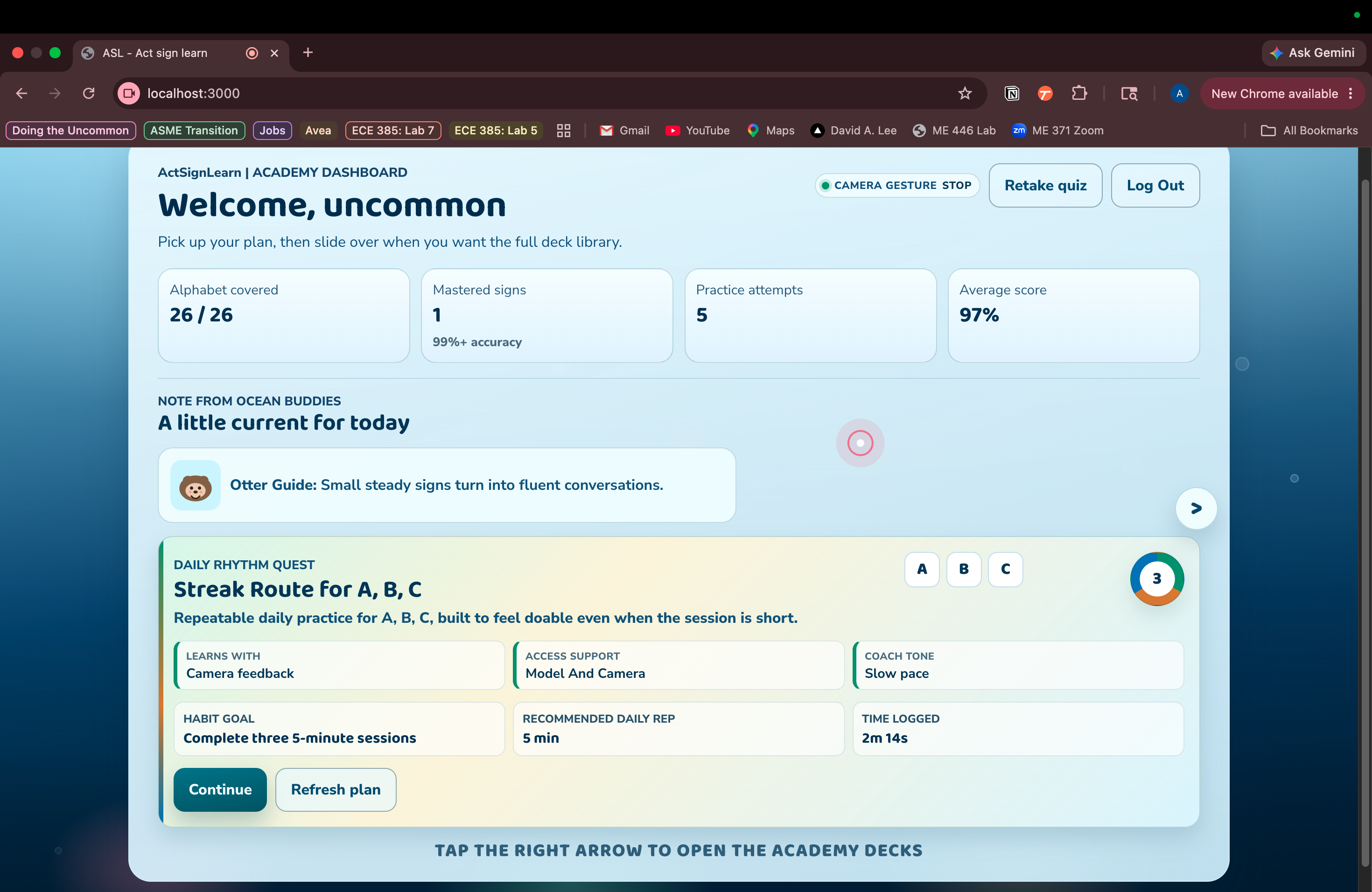
Camera Gesture Tracking
Inspiration
More than 1.5 billion people worldwide - nearly 20% of the global population - live with some degree of hearing loss. In the U.S. alone, that's roughly 48 million people. Yet fewer than 1% of them use sign language, and the hearing community that could bridge that gap largely never learns it either.
We looked at the existing landscape of ASL learning tools and found only 5–10 widely recommended apps - most of which are passive video libraries or static flashcard decks. None of them tell you when you're wrong. None of them show you which finger is in the wrong position.
We wanted to change that. ActSignLearn was built around a simple idea: what if learning ASL felt less like watching a tutorial and more like having a patient, always-available instructor watching your hands in real time?
What It Does
ActSignLearn is an accessible, AI-powered ASL learning platform that meets every kind of learner where they are.
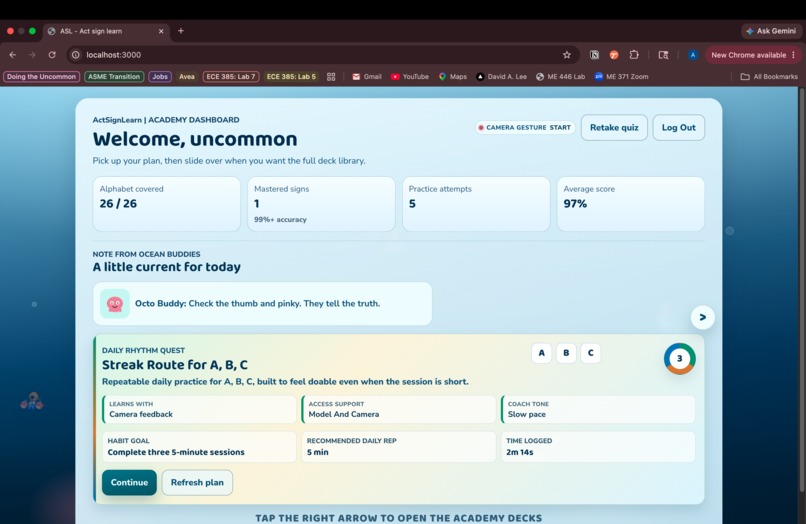
Personalized onboarding - New users complete a short onboarding quiz covering their background (deaf, hard of hearing, hearing, caregiver, interpreter student), current ASL level, fluency goals, and weekly time commitment. An AI agent uses these responses to generate a fully personalized study plan, including surprise game elements, quizzes, and daily goals tailored to their learning style.
Learn Mode - Users explore structured decks (alphabet, numbers, themed vocabulary) through a rotating 2D reference model that shows exactly how each sign should look from any angle.
Practice Mode - The core of ActSignLearn. Users turn on their webcam and sign in real time. MediaPipe tracks 21 hand landmarks per frame, compares them against the reference pose for the current sign, and gives two layers of feedback: individual landmark dots turn red or green depending on whether each joint is within an acceptable threshold, and a cosine similarity score gives an overall accuracy percentage. Text feedback tells you specifically what to adjust. For example, "extend your index finger more" or "your thumb is too far in." This all happens every single frame, in real time.
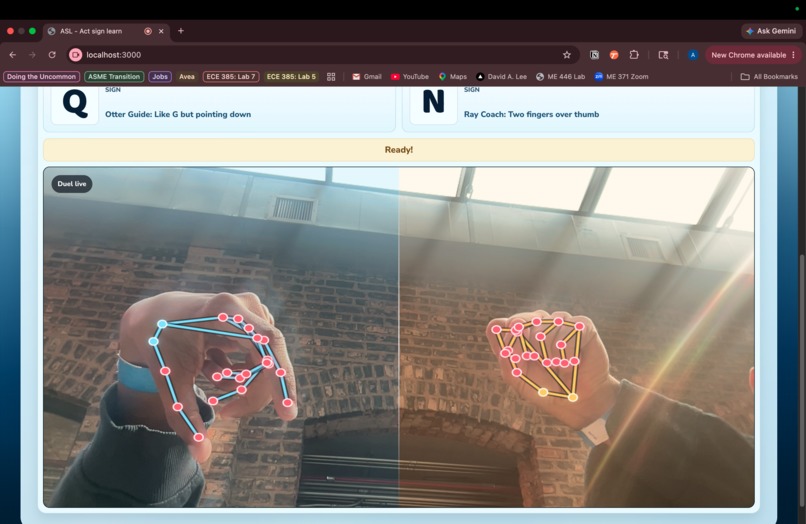
Game Mode - Multiple game formats, like speed signing and sign duel, reinforce the material in different ways, keeping practice engaging beyond repetition drills.
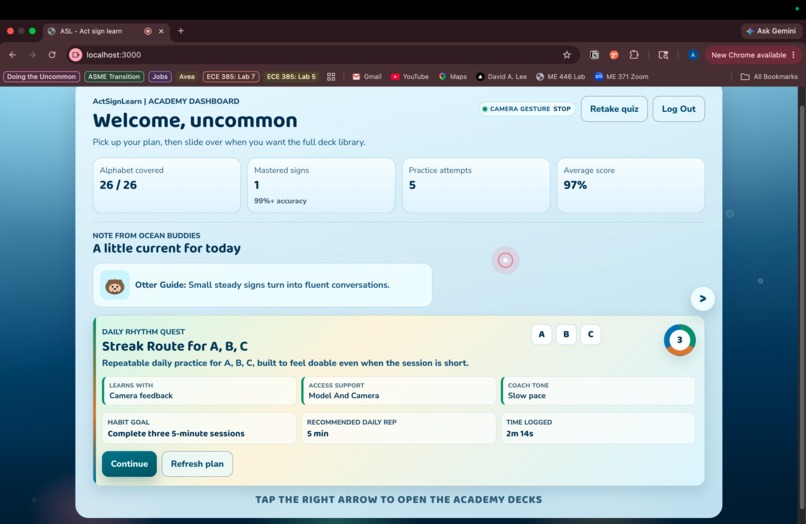
Gesture-based navigation - The entire platform can be operated through hand gestures alone. A pinch gesture acts as a click, and index fingertip position maps to cursor movement - making ActSignLearn fully accessible without a mouse or keyboard.
How We Built It
Frontend - React with a custom component architecture separating Learn, Practice, and Game modes. All styling is hand-crafted with a focus on accessibility and a clean, underwater-theme UI.
Hand tracking - Google's MediaPipe Hands runs entirely in the browser via WebAssembly, detecting 21 hand landmarks per frame with no server required. A canvas overlay renders the skeleton in real time on top of the webcam feed.
Sign classifier - A lightweight neural network trained in TensorFlow.js on a public ASL landmark dataset from Kaggle. The input is 63 normalized landmark coordinates (x, y, z × 21 joints), passed through two dense hidden layers, and output is a probability distribution across 26 letters. The model runs entirely in the browser - no server, no latency.
Real-time feedback engine - Per-frame landmark coordinates are compared against reference poses using cosine similarity. Individual joint distances are evaluated against a threshold to drive the red/green dot coloring on the skeleton overlay.
AI study plan agent - Built on top of the Groq API. User onboarding responses are structured and passed to the model, which generates a personalized week-by-week study plan as JSON, including which decks to focus on, daily goals, and adaptive game or quiz elements based on learning style.
3D/2D reference models - Integrated the IconScout API to retrieve high-quality rotational 2D model images per sign after hitting dead ends trying to source free GLB files for true 3D rendering.
Gesture navigation - A GestureController layer runs alongside MediaPipe, mapping index fingertip position to screen coordinates and detecting pinch events (distance between landmarks 4 and 8) to fire click interactions.
Challenges We Ran Into
3D model sourcing - We originally planned to render fully rotatable 3D hand models using GLB files, but no API provided free access to quality ASL hand pose assets. We pivoted to rotational 2D model images via the IconScout API, which gave us the visual reference quality we needed without the cost barrier.
Acquiring and preparing the dataset - Finding a clean, reliable ASL landmark dataset that was compatible with our MediaPipe setup took longer than expected. Most public datasets are raw image-based, not landmark-based, meaning we had to identify a Kaggle dataset that already had the 63-coordinate landmark format we needed, verify it was extracted with a compatible version of MediaPipe, and clean and normalize it before we could train on it.
Hand tracking accuracy - MediaPipe is powerful but sensitive. Lighting conditions, skin tones, and hand sizes all affect landmark detection quality. Getting the feedback engine to feel responsive and accurate - not jittery or misleading - required significant fine-tuning of thresholds and smoothing logic.
Gesture-based navigation - Making the entire app operable through camera gestures was one of our hardest challenges. The GestureController runs on the same MediaPipe pipeline as the sign feedback engine, and the two kept interfering with each other - gesture detection would fire mid-sign, or the feedback engine would misread a navigation pinch as part of a letter or the scroll wouldn't work. Isolating the two contexts, managing shared frame data without conflicts, and making gesture control feel smooth rather than laggy required significant rearchitecting of how we handled the MediaPipe event loop.
Building for every kind of user - Designing a platform that works equally well for a deaf person learning ASL as a primary language, a hearing parent learning to communicate with their child, and a student studying for an interpreter program is genuinely hard. Every UX decision - from onboarding language to how feedback is framed - had to account for a much wider range of users than a typical app.
Accomplishments That We're Proud Of
Real-time per-joint feedback with red/green landmark coloring is something we haven't seen in any existing ASL learning tool - and watching it work live, with dots snapping green as your hand finds the right position, was quite satisfying.
The AI-generated personalized study plan that adapts not just to skill level but to who you are as a learner feels like a meaningful step toward making ASL education actually accessible at scale.
Building a platform that can be fully operated through camera gestures alone - no mouse, no keyboard - and having that feel intuitive rather than gimmicky, is something we're really proud of.
What We Learned
Computer vision in the browser is both more capable and more finicky than we expected. MediaPipe gives you incredible power for free, but translating raw landmark coordinates into feedback that feels helpful rather than noisy required a lot of iteration. Moreso, acquiring datasets in the format we want and having a diverse set of points to work with is not super easy when it comes to mapping three-dimensional points.
We also learned that accessibility isn't a feature you bolt on at the end - it has to be a design constraint from the beginning. Building gesture navigation into the core of the app rather than as an afterthought changed how we thought about every interaction.
And perhaps most importantly: scoping matters. We had much bigger plans. Shipping the core loop - learn a sign, practice it, get real feedback, improve - and making that feel polished was the right call for us.
What's Next for ActSignLearn
We're just getting started. On the near-term roadmap:
- Expanded deck library - numbers, common phrases, themed vocabulary sets (family, school, medical, emergency)
- VR and hardware components - immersive signing environments and haptic feedback gloves that tell you physically when a finger is in the wrong position
- Community features - leaderboards, streaks, and the ability to practice with friends or join study groups
- Voice-enabled navigation for users who prefer audio cues alongside visual feedback
- Reward-based learning system with badges, milestones, and personalized challenges
- Instructor dashboard - a tool for ASL teachers to track student progress across a class
- Personalized themes - UI customization based on user preferences and accessibility needs
ASL is a full, rich language. ActSignLearn is built to go the distance with it.

Log in or sign up for Devpost to join the conversation.