-
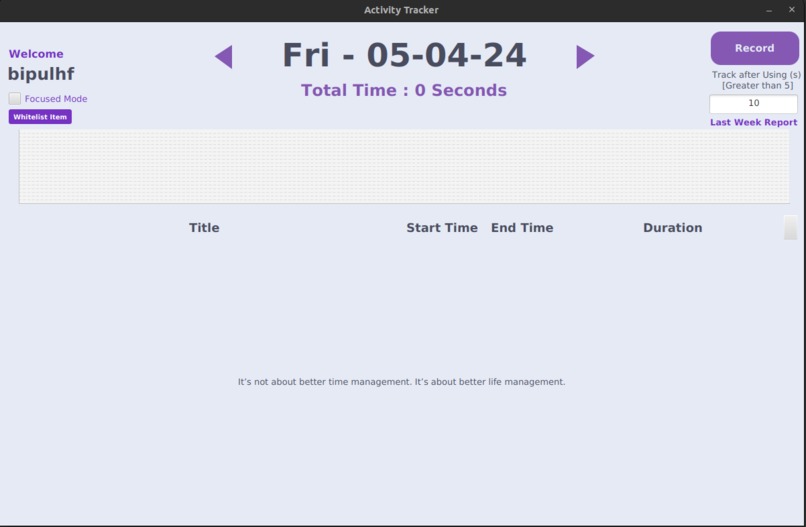
Home
-
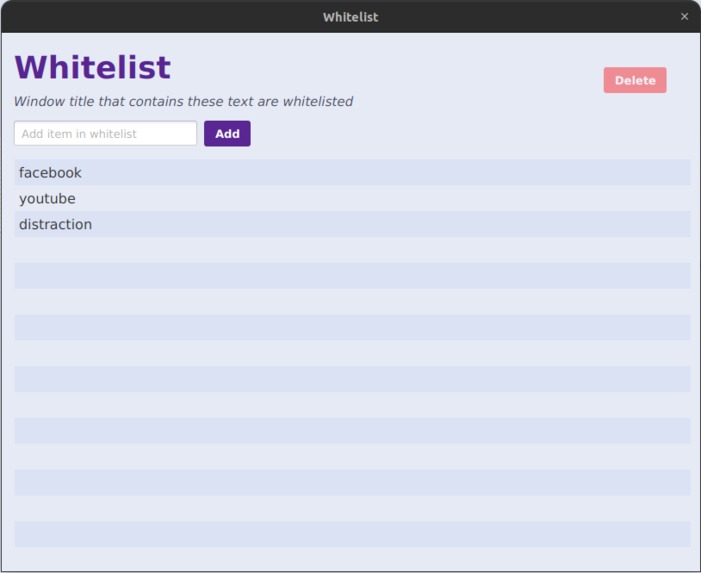
Whitelist
-
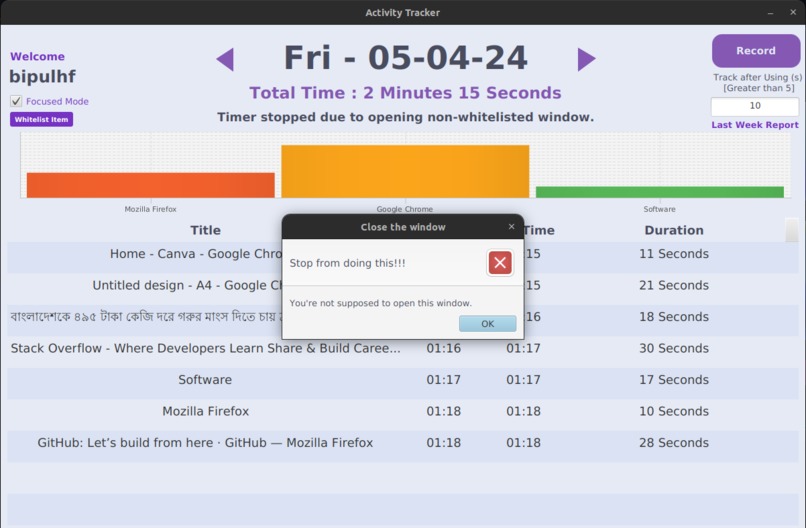
Error
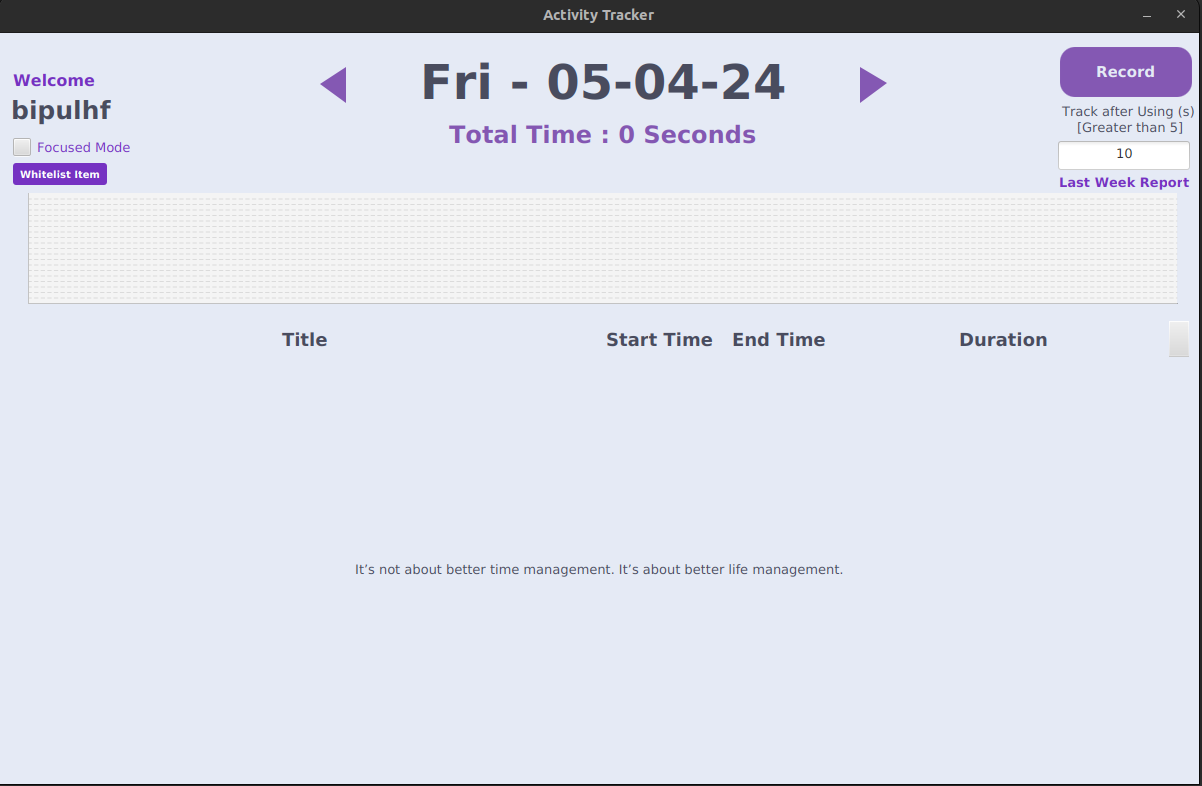
Activity Tracker
Activity Tracker is a Java application built with JavaFX that allows users to automatically track their screen time, monitor which tabs they visit, and observe how much time they spend on different activities. The application is available for both Windows and Linux operating systems.
Features
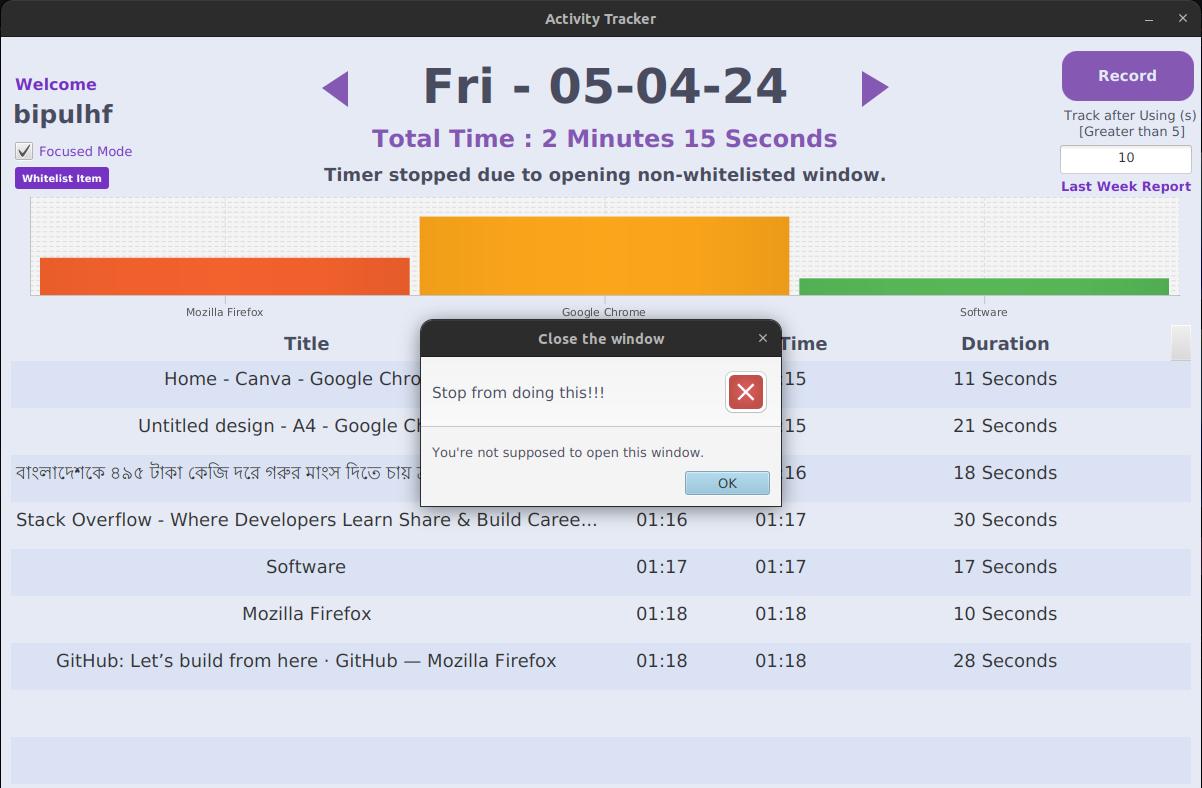
Automatic Tracking: Activity Tracker seamlessly tracks users' screen time and monitors the tabs they navigate to.
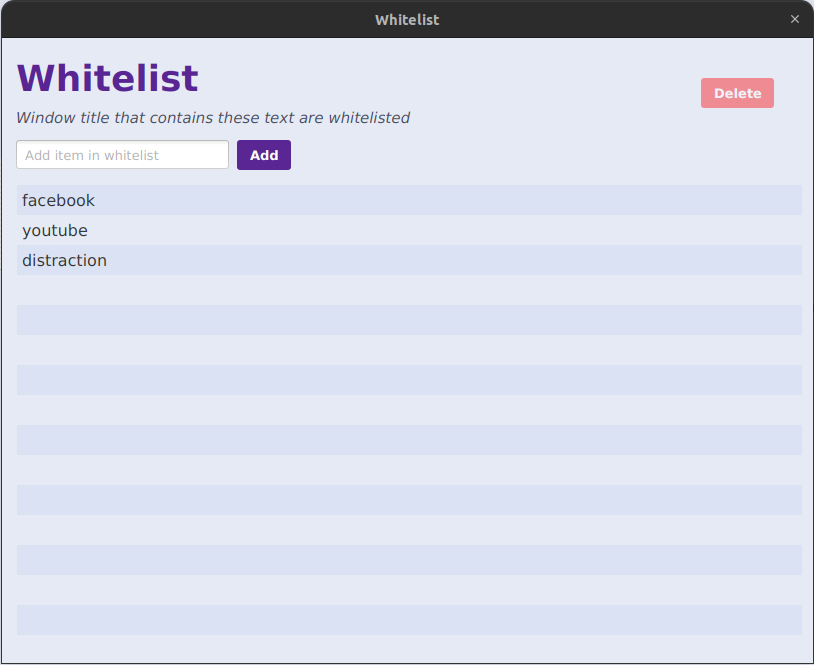
Whitelist and Focused Mode: Users can create a whitelist of permitted applications or tabs. When Focused Mode is enabled, any window or tab not included in the whitelist will trigger an error accompanied by a sound alert.
Weekly Report: Users can access a comprehensive weekly report that provides insights into their usage patterns, including total screen time, most visited tabs or applications, and more.
Usage History: Activity Tracker stores the user's usage history, allowing them to review their activity for the past 10 days.
Getting Started
To use Activity Tracker, install Java on your machine. Download the jar file from the jar folder. Now run the jar file using command java -jar ActivityTracker.jar.
Technologies Used
- Java
- JavaFX

Log in or sign up for Devpost to join the conversation.