-
-
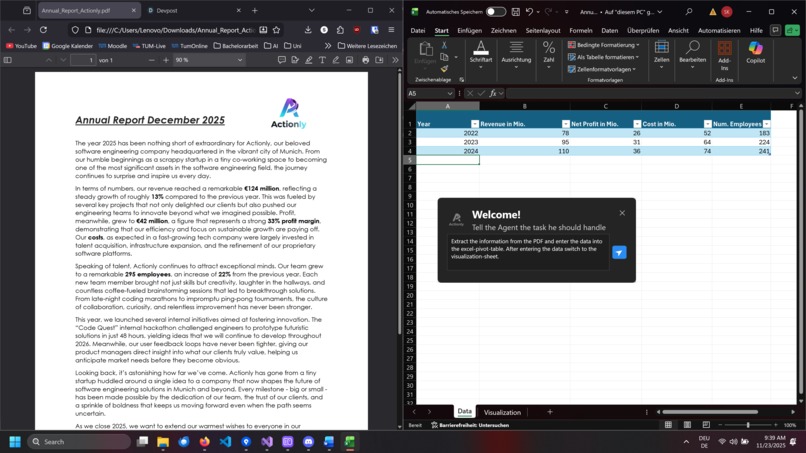
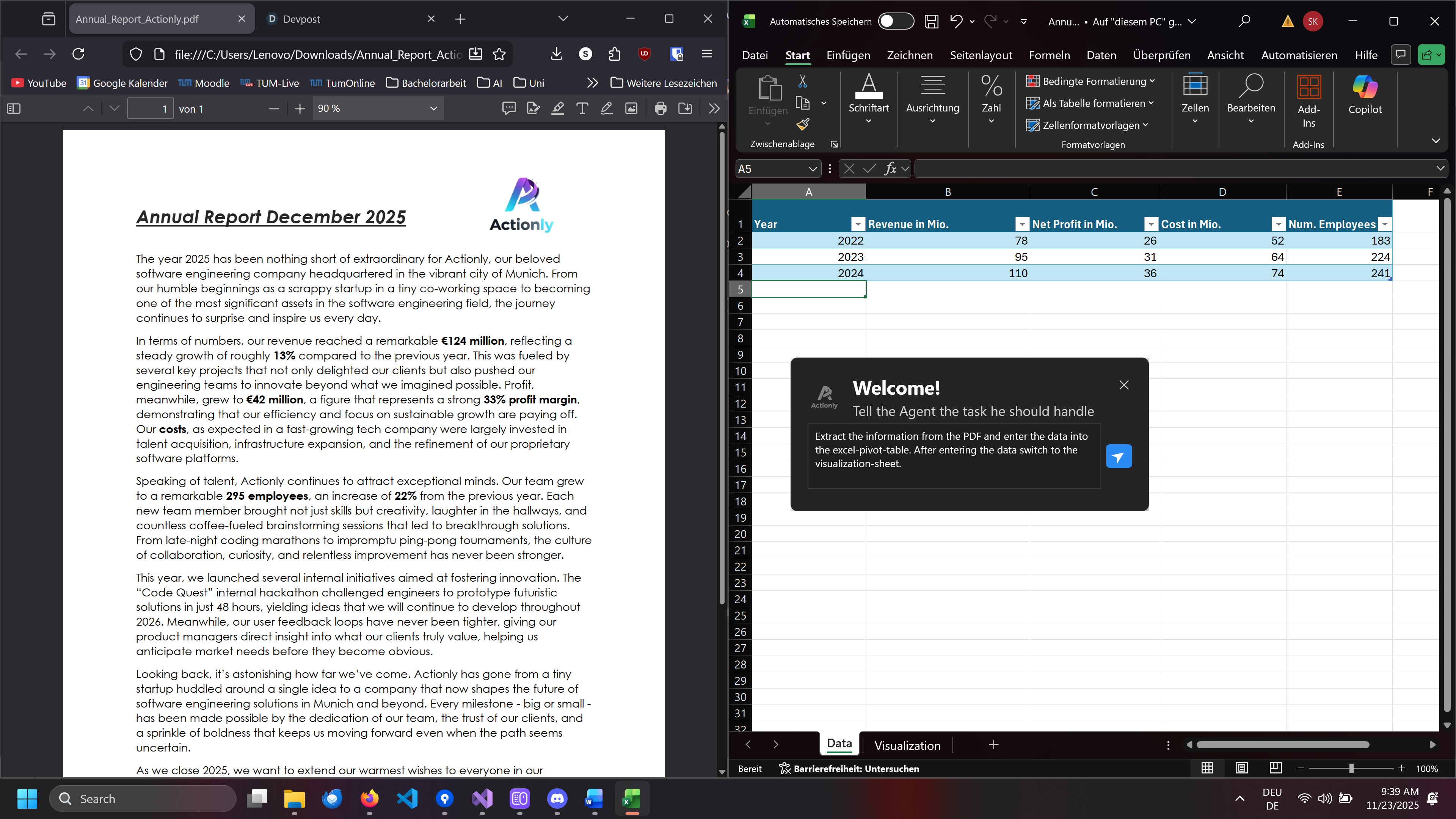
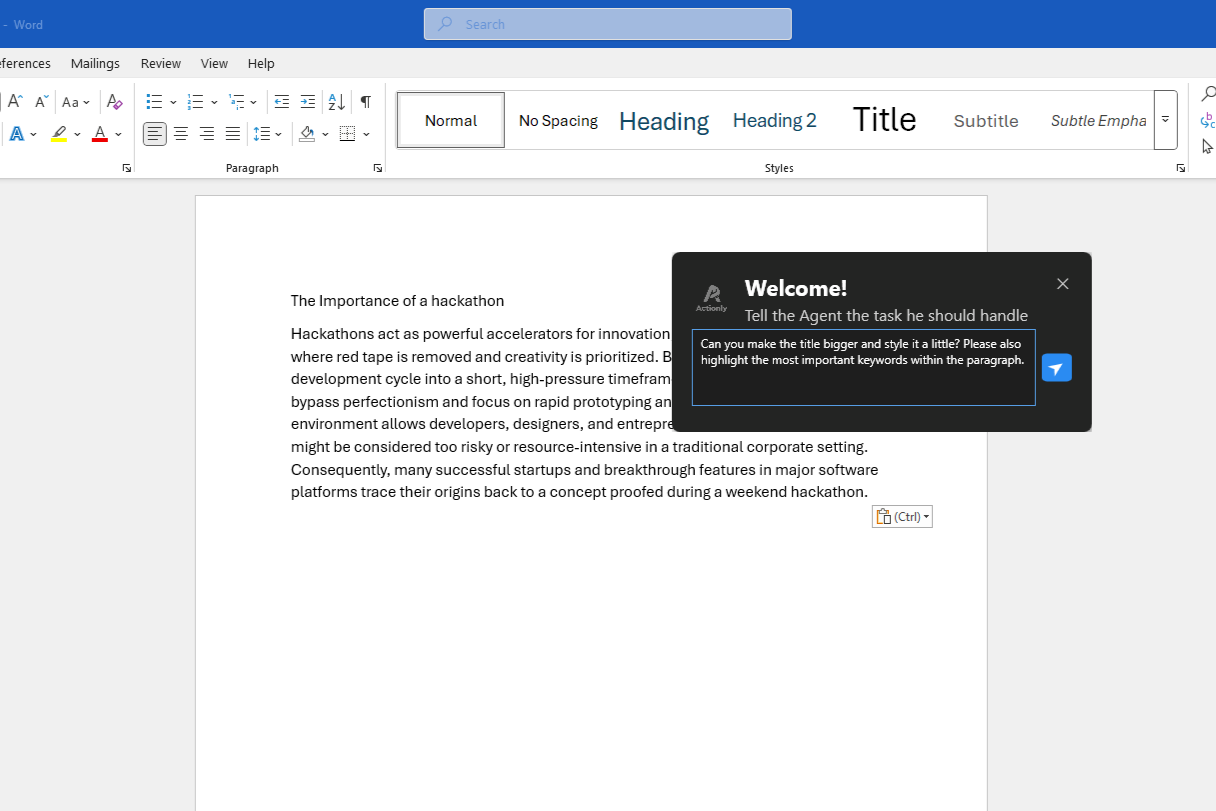
User telling Actionly what to do
-
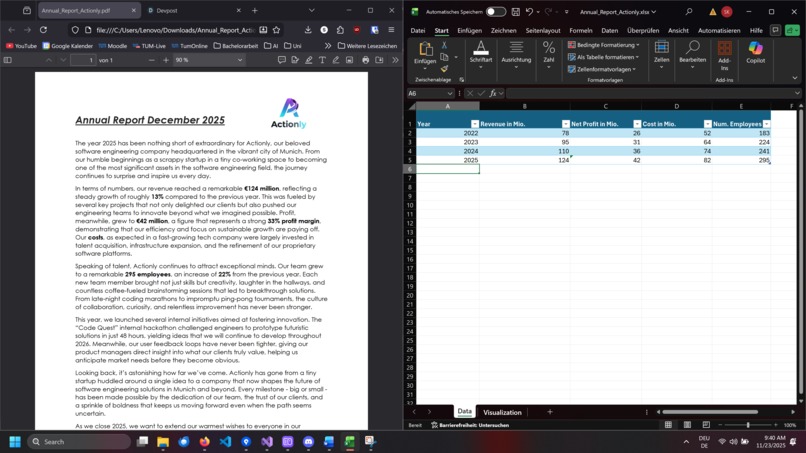
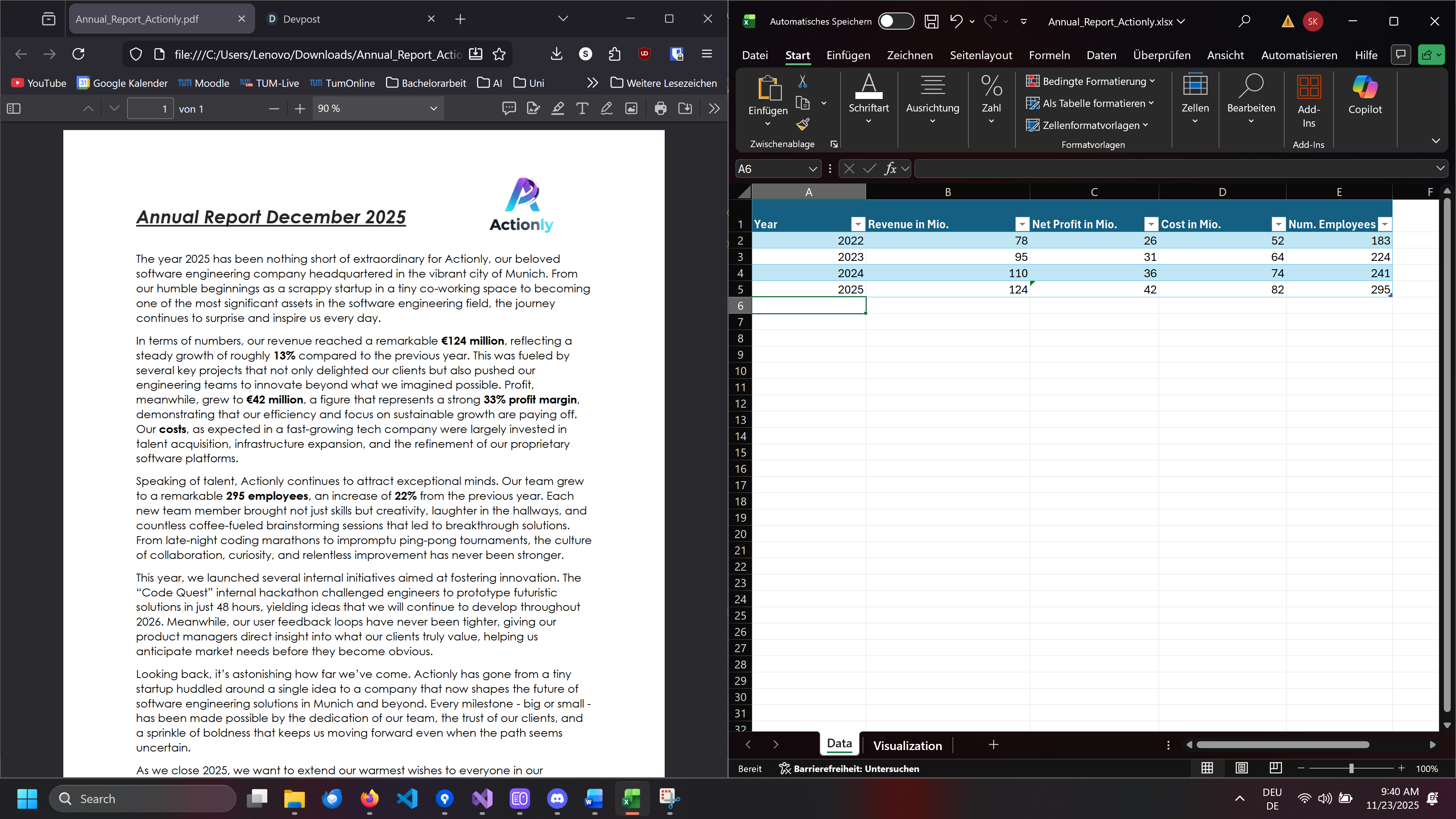
Acitonly executed his dedicated task
-
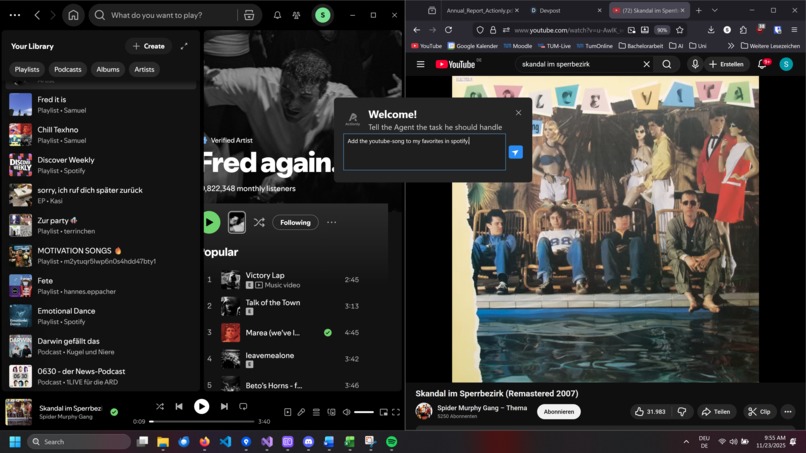
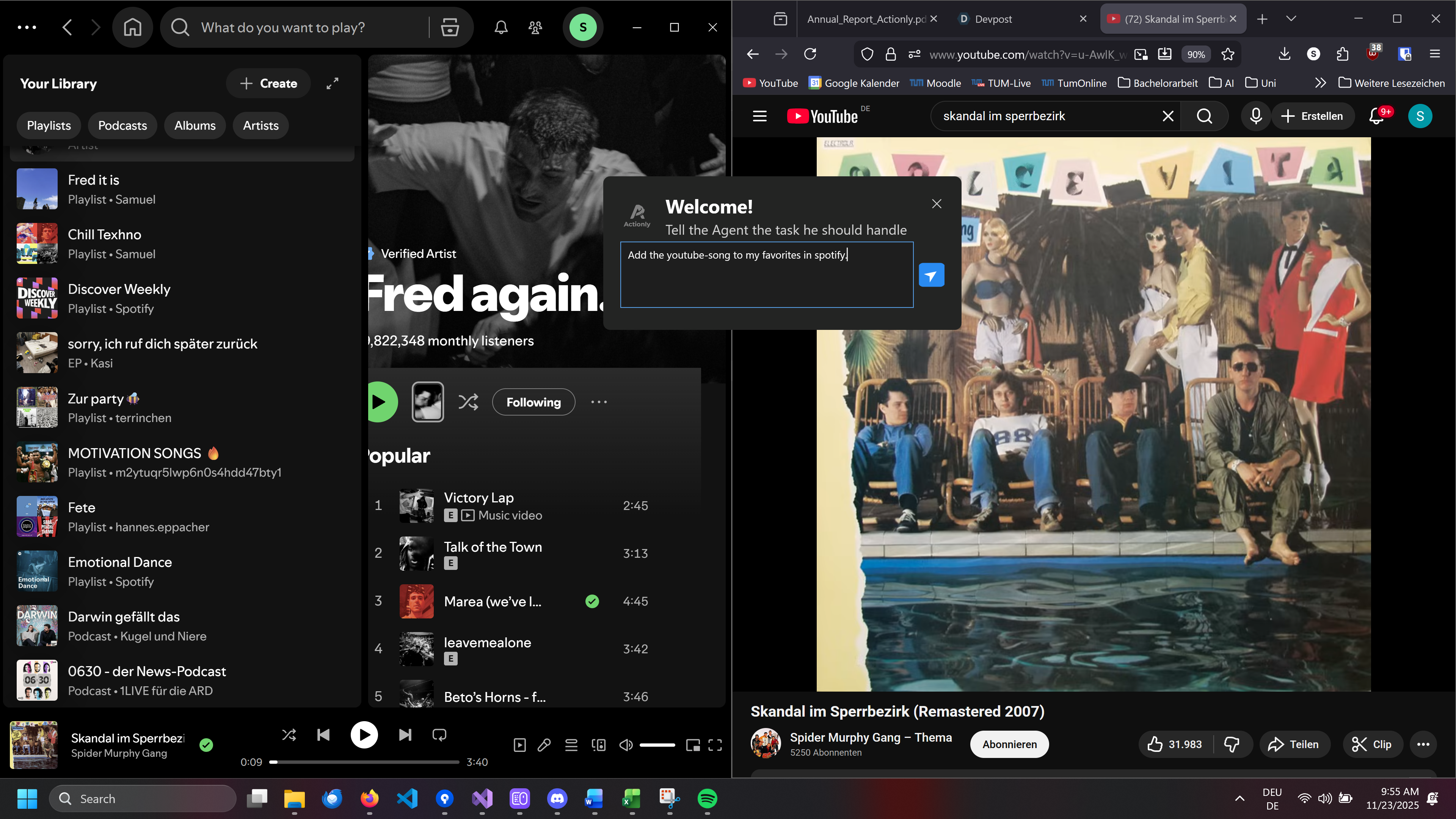
User telling Actionly to add a Song to their Favorites
-
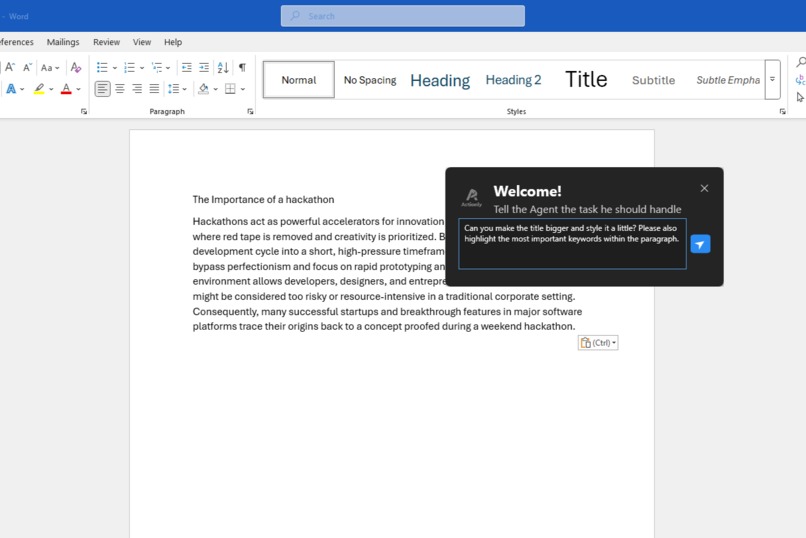
Potential use case within Word
-
Actionly Logo
Inspiration
We wanted to make AI assistance practical and accessible for everyday users, not just power-users. Logitech’s MX series is widely used, high-quality, and designed for productivity, which made it the perfect platform to integrate an AI Agent directly into the MX Master Action Wheel. Our goal was simple: bring intelligent task automation directly to people’s fingertips.
What it does
Our AI Agent turns the MX Master Action Wheel into a dynamic task-solving hub. With one gesture, users can activate the Agent to perform complex actions across different programs - such as generating appointments in Outlook from a external list of events or automatically completing workflows in Excel. The Agent communicates through keyboard shortcuts and context-aware logic to solve tasks rapidly, consistently, and without requiring users to manually script anything.
How we built it
We developed the prototype using the Logi Actions SDK in C#. The interface is powered by a lightweight pop-up window that appears whenever users engage the Action Wheel. Behind the scenes, we built a flexible system that interprets user queries, maps them to program-specific workflows, and executes them via dynamic keyboard-shortcut sequences. This architecture allows the Agent to work across a wide range of desktop applications with minimal setup.
Challenges we ran into
• Platform limitations: Windows was the only fully supported environment suitable for our use case. The macOS integration was inconvenient, and Linux support was unavailable.
• SDK unfamiliarity: Working with a new SDK required time to understand its capabilities and constraints.
• Teamwide learning curve: Some team members had limited experience with C#, so we had to quickly become comfortable with the language while still building a stable and efficient prototype.
Accomplishments that we're proud of
• We built a fully functional prototype that can dynamically execute real tasks across multiple applications.
• The Agent is fast, reliable, and genuinely reduces user effort.
• We successfully implemented an innovative idea on top of Logitech hardware unlocking new potential for productivity tools.
• We collaborated effectively as a team while working with unfamiliar technologies and delivered a polished and impactful tool.
What we learned
We gained hands-on experience working with the Logitech SDK, building real functionality in a new programming language, and understanding the broader Logitech ecosystem. Most importantly, we learned how powerful it can be to combine hardware interaction with AI-driven workflows, and how much creativity is possible when extending the capabilities of consumer devices.
What’s next for Actionly
• Expanding support for more applications and edge cases
• Integrating Logitech’s own plugins for tighter compatibility and native application support
• Exploring cross-platform possibilities as additional OS support becomes available
• Continuing to refine the user experience to make complex actions as seamless and intuitive as possible


Log in or sign up for Devpost to join the conversation.