
Project Story: Actionify: AI-Powered Meeting Analysis
Inspiration
The inspiration behind Actionify stemmed from a common frustration experienced in many professional settings: the loss of valuable insights and action items in meetings. As a solo developer with experience in fast-paced environments, I recognized how inefficient meetings could hinder progress and accountability. The goal was to build an intelligent solution that could automatically extract the essence of discussions, identify crucial tasks, and provide a clear overview of meeting dynamics. The idea was to transform raw meeting data into organized, actionable intelligence, saving countless hours of manual review and ensuring that important decisions never fall through the cracks.
What it does
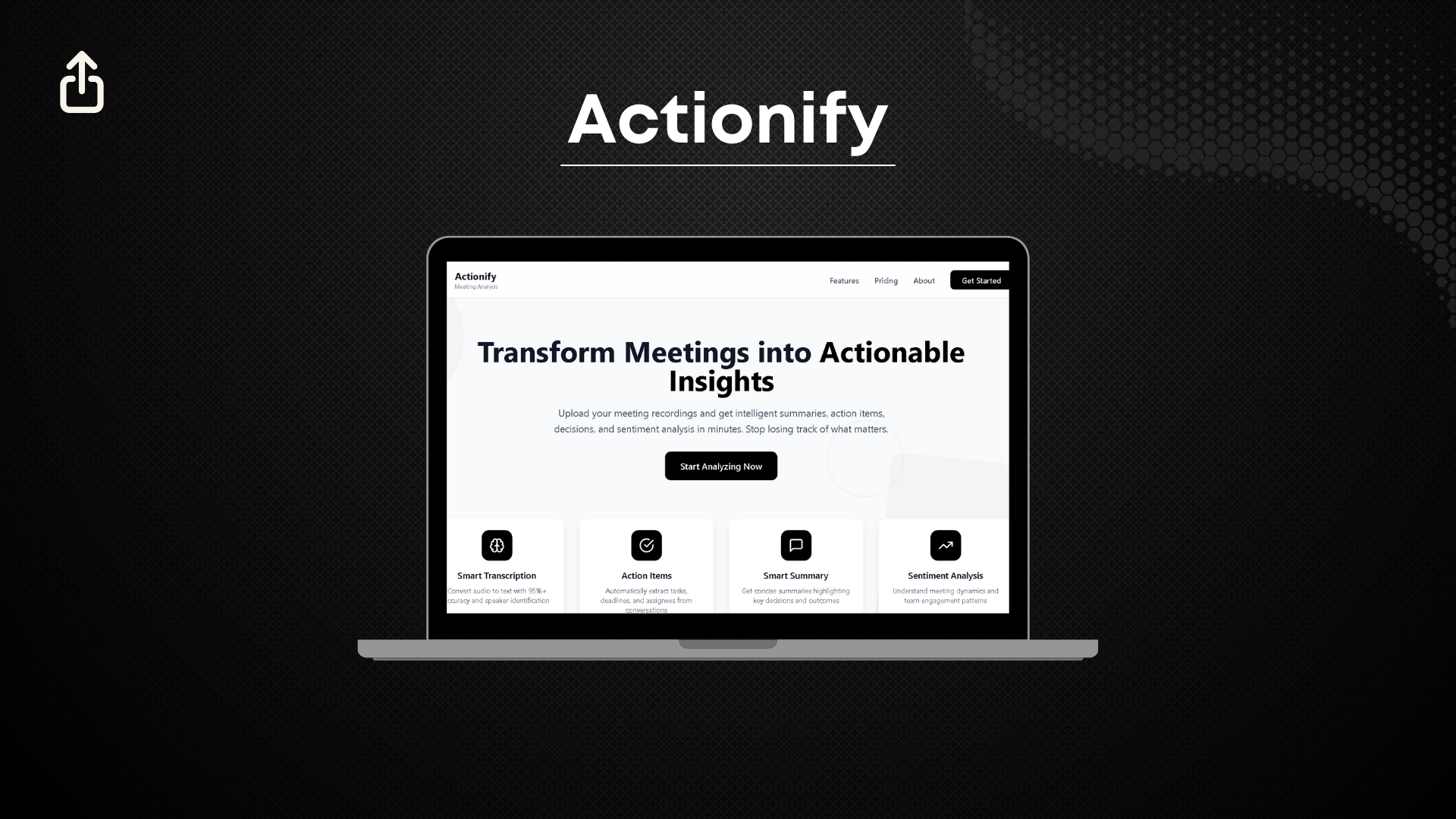
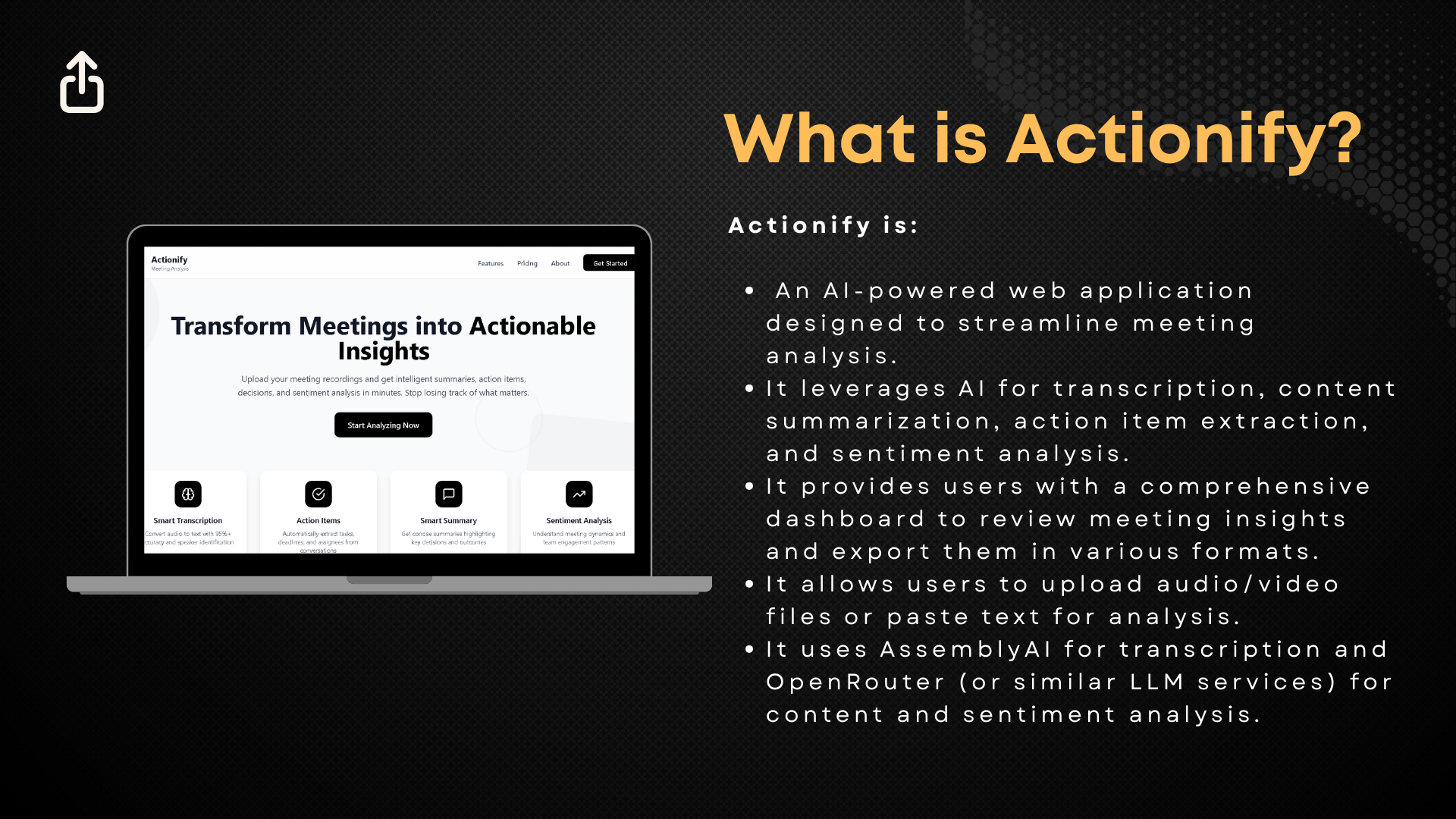
Actionify is an AI-powered web application designed to streamline meeting analysis. It offers a comprehensive suite of features to transform audio/video recordings or text inputs into structured insights:
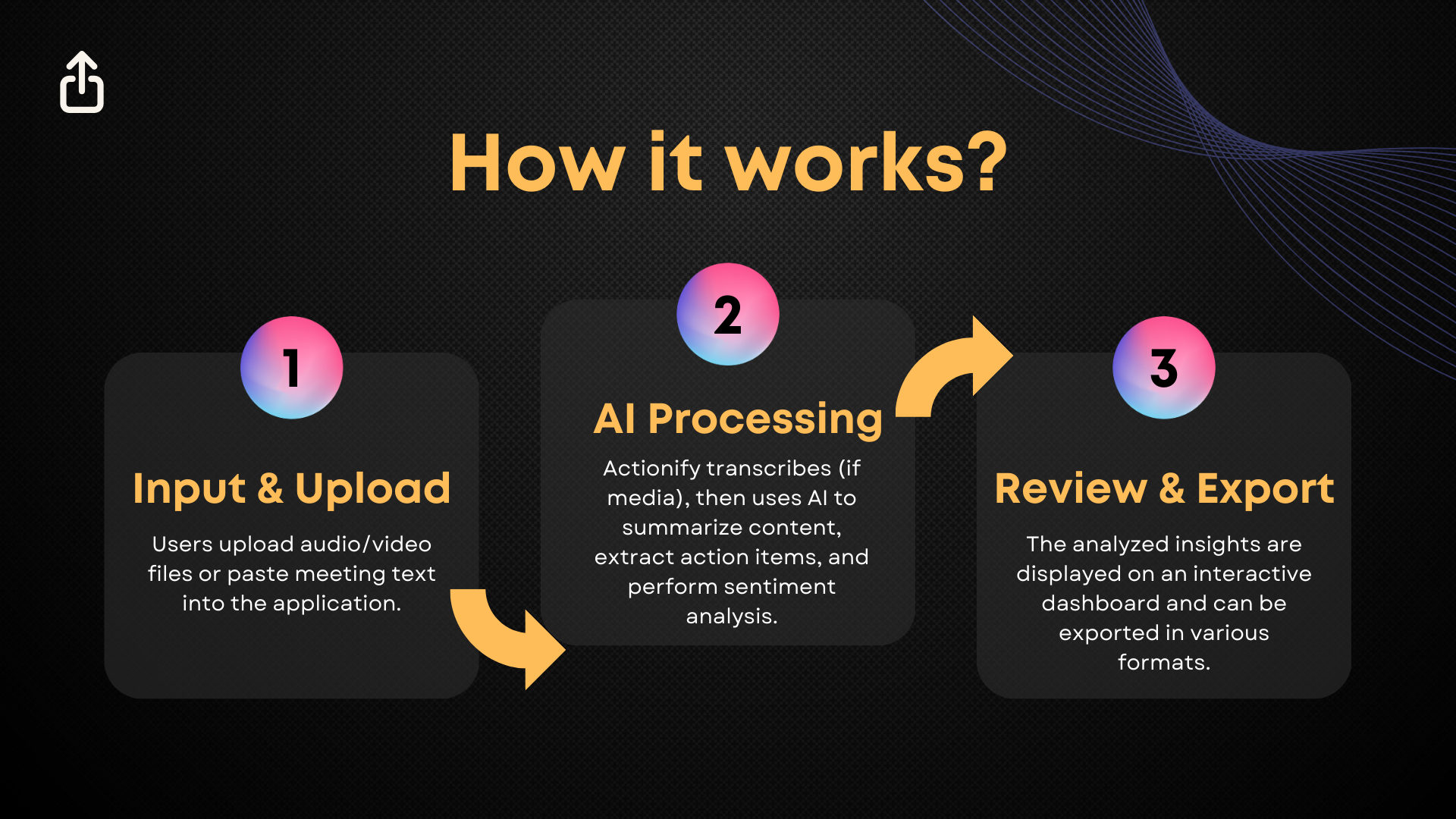
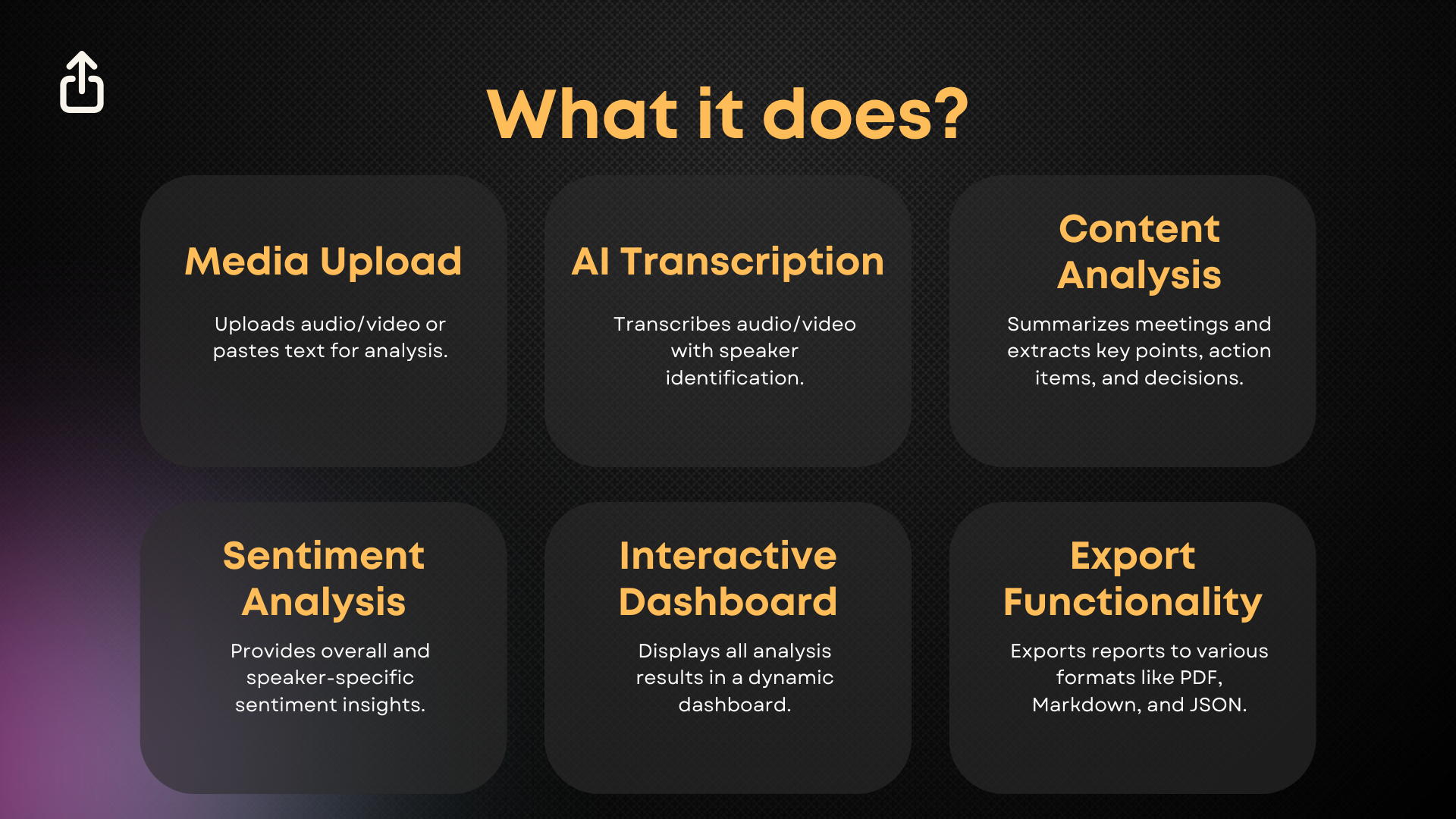
- Media Upload: Users can easily upload audio/video files or paste text directly into the application for processing.
- AI Transcription: Utilizing AssemblyAI, Actionify accurately transcribes audio/video content, complete with speaker diarization to identify who said what.
- Content Analysis: Leveraging OpenRouter (or similar LLM services), the application generates executive summaries, extracts key discussion points, identifies action items, and pinpoints crucial decisions made during the meeting.
- Sentiment Analysis: It provides insights into the overall meeting sentiment, tracks sentiment changes over time, and offers speaker-specific sentiment analysis, helping users understand the emotional tone and engagement levels.
- Interactive Dashboard: All analyzed results are presented on a dynamic, user-friendly dashboard, with dedicated tabs for summaries, transcripts, action items, and sentiment.
- Export Functionality: Users can export comprehensive meeting analysis reports in various formats, including PDF, Markdown, Plain Text, and JSON, with customizable options for included sections.
How we built it
Actionify was built from scratch using a modern and robust technology stack:
Frontend Development:
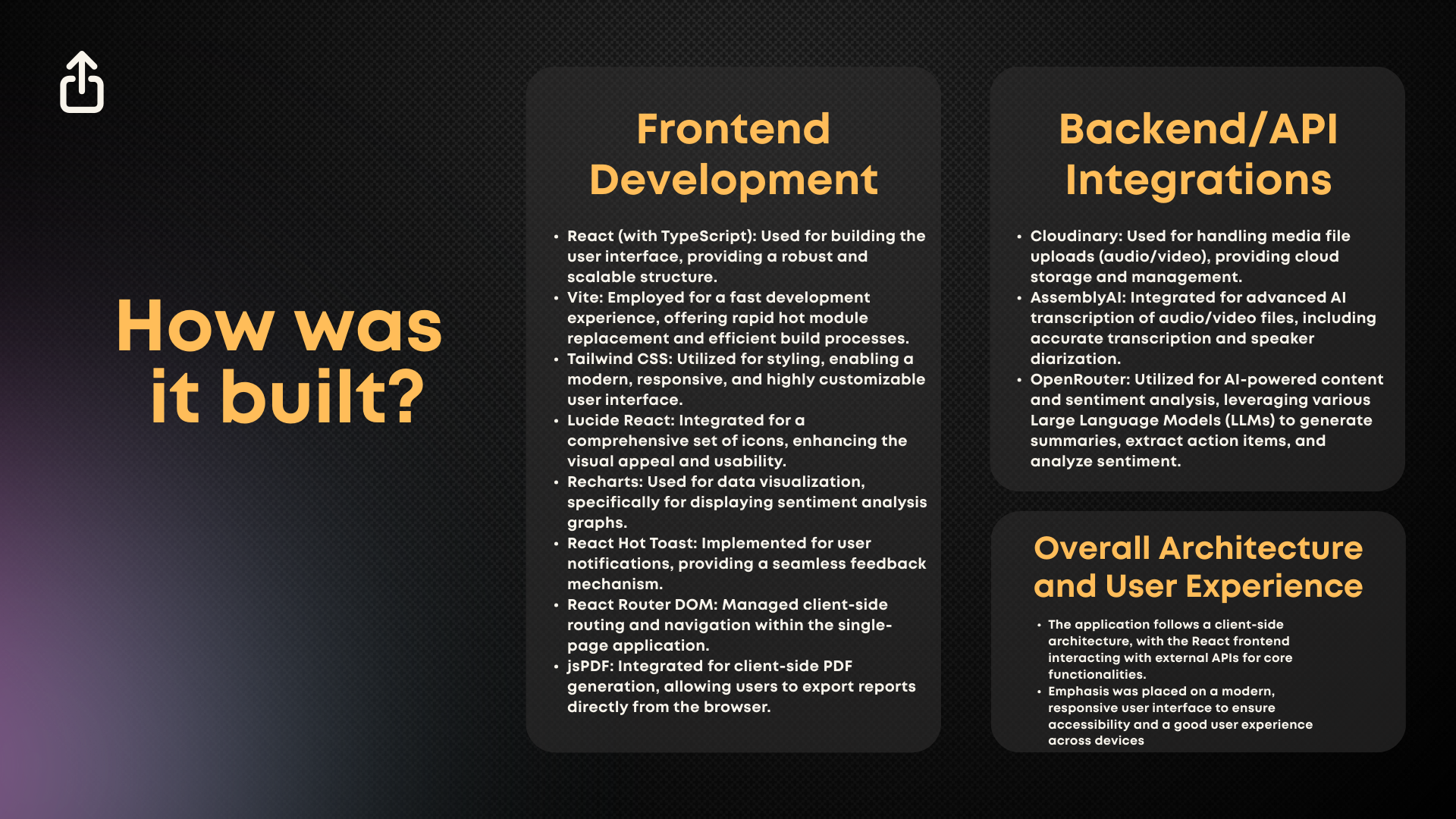
- React (with TypeScript): The core of the user interface was built using React, providing a component-based architecture and enhanced type safety with TypeScript.
- Vite: This served as the build tool, ensuring a fast development experience with features like hot module replacement and optimized builds.
- Tailwind CSS: For styling, Tailwind CSS was chosen for its utility-first approach, enabling rapid development of a modern, responsive, and highly customizable UI.
- Lucide React: Integrated for a comprehensive icon set, improving visual clarity and user experience.
- Recharts: Utilized specifically for data visualization, especially for rendering dynamic graphs in the sentiment analysis view.
- React Hot Toast: Implemented for intuitive and non-intrusive user notifications and feedback.
- React Router DOM: Handled client-side routing, managing navigation between different pages and views within the single-page application.
- jsPDF: Integrated for client-side PDF generation, allowing users to download reports directly from their browser without server-side processing.
Backend/API Integrations:
- Cloudinary: Used for secure and efficient media file uploads (audio/video), providing robust cloud storage and delivery capabilities.
- AssemblyAI: This powerful API was integrated for its state-of-the-art AI transcription services, including accurate speech-to-text conversion and advanced speaker diarization.
- OpenRouter: Leveraged for its flexible access to various Large Language Models (LLMs), enabling the sophisticated content summarization, action item extraction, and sentiment analysis features.
The architecture emphasizes a lean client-side application that intelligently orchestrates interactions with these external AI and cloud services, ensuring efficiency and scalability.
Challenges we ran into
Building Actionify presented several interesting challenges:
- API Integration Complexity: Integrating multiple external APIs, each with its own authentication and rate limiting, required careful management to ensure smooth data flow and error handling.
- Real-time Progress Tracking: Providing real-time updates for long-running AI processing tasks, such as transcription and analysis, was challenging. Implementing a robust polling mechanism and designing a responsive UI for progress indication required thoughtful consideration.
- Large Language Model (LLM) Prompt Engineering: Crafting effective prompts for OpenRouter to consistently extract accurate summaries, action items, and sentiment required iterative experimentation and fine-tuning. Ensuring the LLM generated structured and useful output was key.
- Client-side PDF Generation: While
jsPDFis powerful, generating complex, multi-section PDFs directly in the browser, especially with dynamic content and styling, involved meticulous layout and formatting adjustments. - Performance Optimization: Handling potentially large media files and managing the subsequent AI processing efficiently, while maintaining a responsive user interface, necessitated careful attention to performance and resource management.
Accomplishments that we're proud of
Despite the challenges, I'm particularly proud of:
- Seamless AI Integration: Successfully integrating multiple advanced AI services to create a cohesive and powerful meeting analysis workflow.
- Intuitive User Experience: Developing a clean, responsive, and intuitive user interface using React and Tailwind CSS that makes complex AI features accessible and easy to use.
- Comprehensive Export Options: Providing versatile export functionalities (PDF, Markdown, Plain Text, JSON) with customizable content, catering to diverse user needs.
- Robust Progress Tracking: Implementing a clear and informative progress tracking system that keeps users informed throughout the analysis process.
- End-to-End Functionality: Delivering a fully functional application that addresses a real-world problem, from media input to actionable insights.
What we learned
This project provided invaluable learning experiences, including:
- Deepening React & TypeScript Expertise: Gained a more profound understanding of advanced React concepts, state management, and the benefits of TypeScript for large-scale applications.
- API Integration Best Practices: Learned best practices for integrating and managing multiple third-party APIs, including error handling, asynchronous operations, and data transformation.
- Prompt Engineering for LLMs: Developed practical skills in prompt engineering, understanding how to effectively communicate with LLMs to achieve desired analytical outcomes.
- Frontend Performance Optimization: Explored various techniques for optimizing frontend performance, especially when dealing with computationally intensive tasks and large data displays.
- Full-Stack Thinking (Client-Side Focused): Enhanced my ability to think about the entire application lifecycle, from user interaction to backend processing, even with a strong client-side focus.
What's next for Actionify: AI-Powered Meeting Analysis
The future of Actionify holds exciting possibilities:
- Real-time Analysis: Exploring options for real-time meeting analysis, providing live insights during ongoing discussions.
- Integration with Meeting Platforms: Developing integrations with popular meeting platforms (e.g., Zoom, Google Meet) for direct recording ingestion.
- Customizable AI Models: Allowing users to select and fine-tune different LLM models for specific analysis tasks.
- Enhanced Team Collaboration Features: Implementing features for sharing insights, assigning action items to team members, and tracking progress within the application.
- Advanced Data Visualization: Expanding the dashboard with more sophisticated data visualization options for deeper analytical insights.
- Multilingual Support: Broadening language support for transcription and analysis to cater to a global user base.
Built With
- assemblyai
- cloudinary
- huggingface
- jspdf
- lucidereact
- openrouter
- react
- reacthottoast
- reactrouterdom
- recharts
- talwindcss
- typescript
- vite


Log in or sign up for Devpost to join the conversation.