-
-
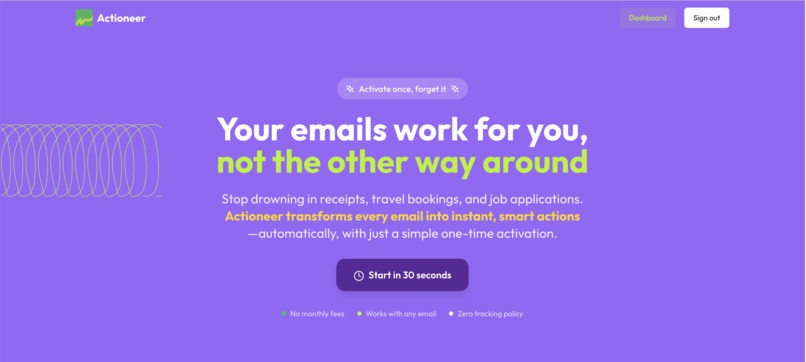
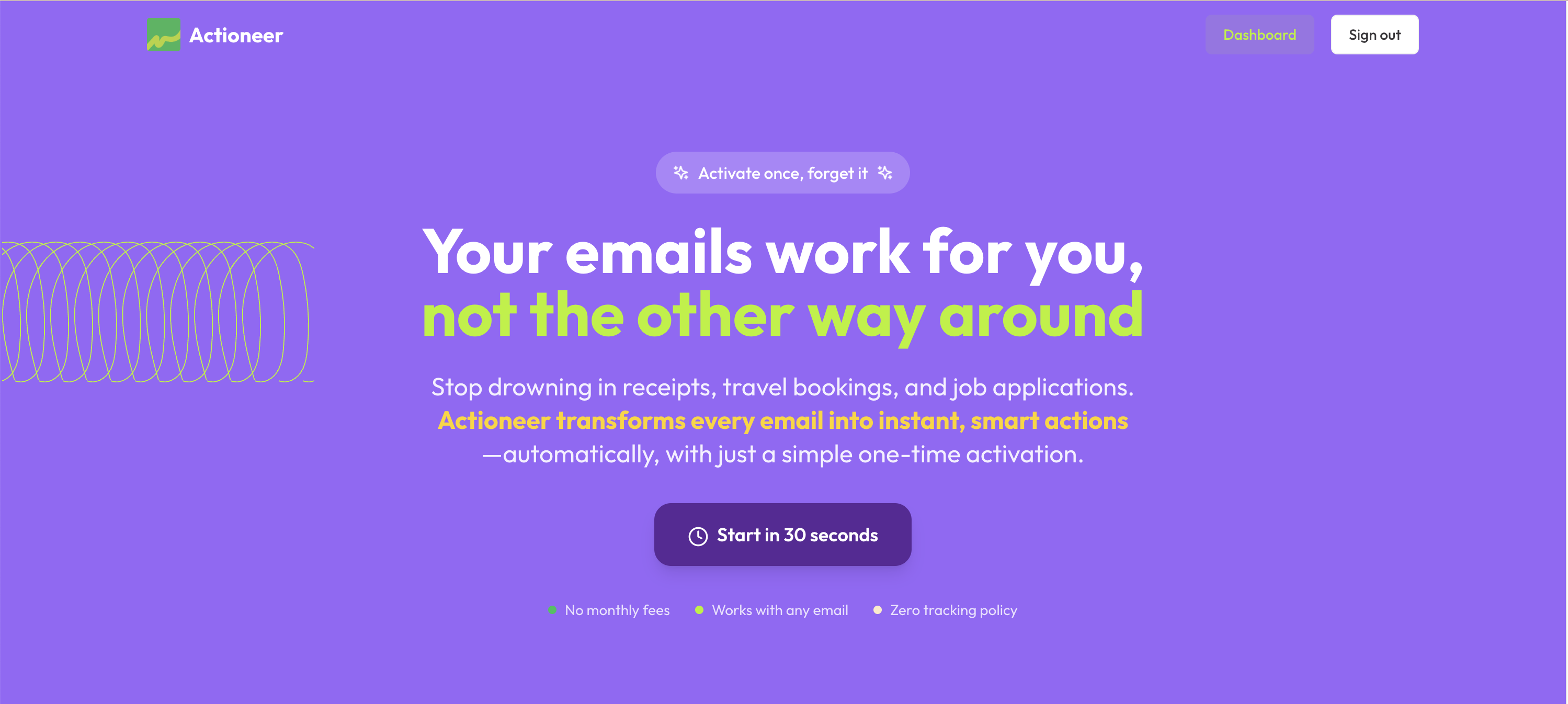
Landing: Hero
-
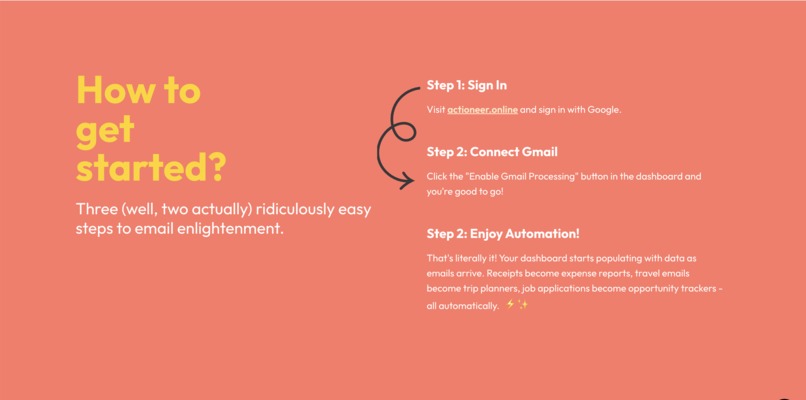
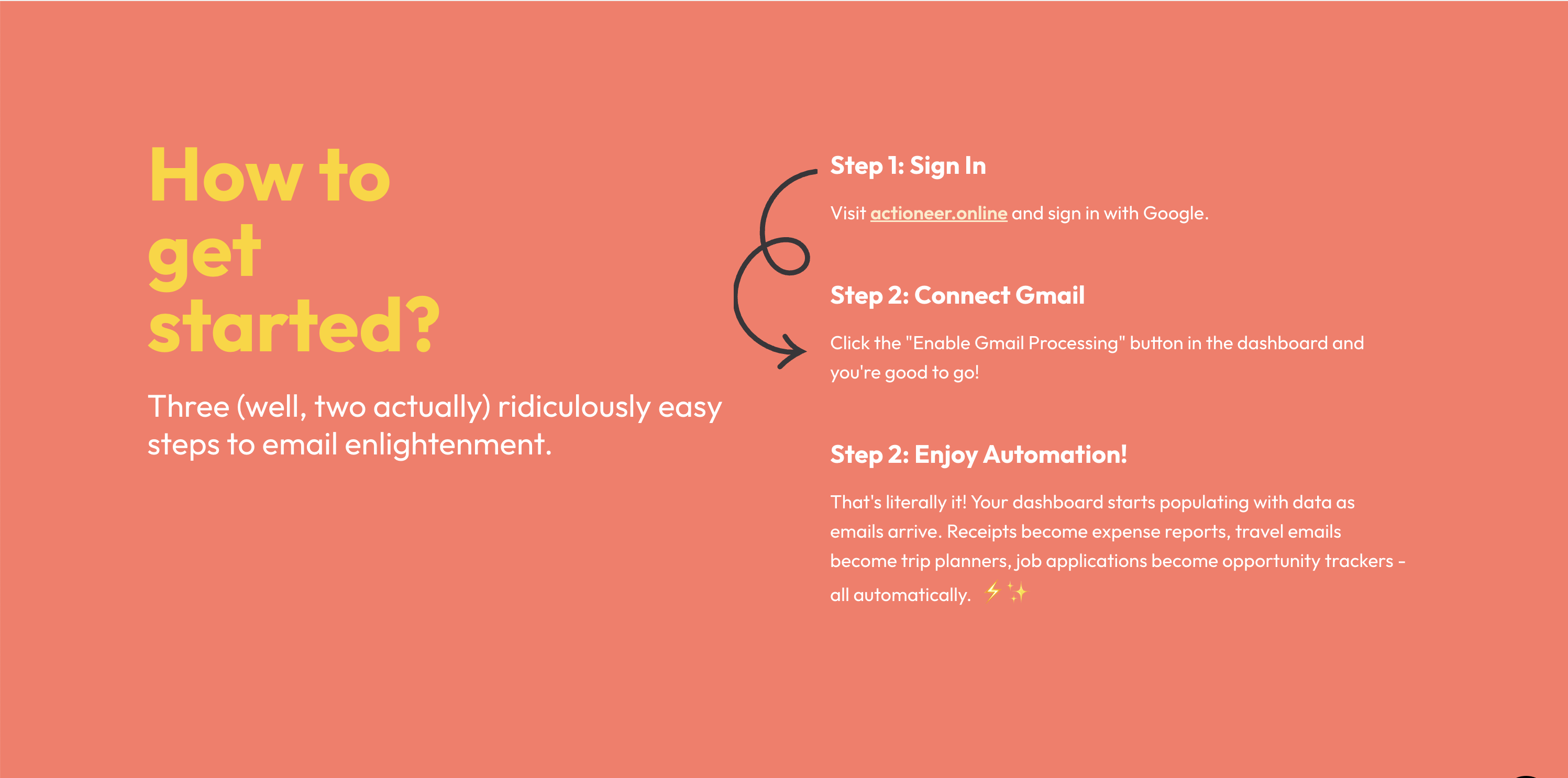
Landing: Getting Started
-
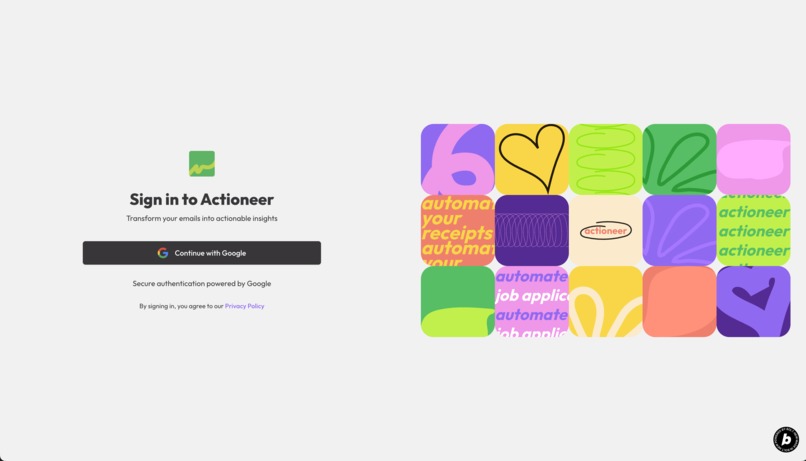
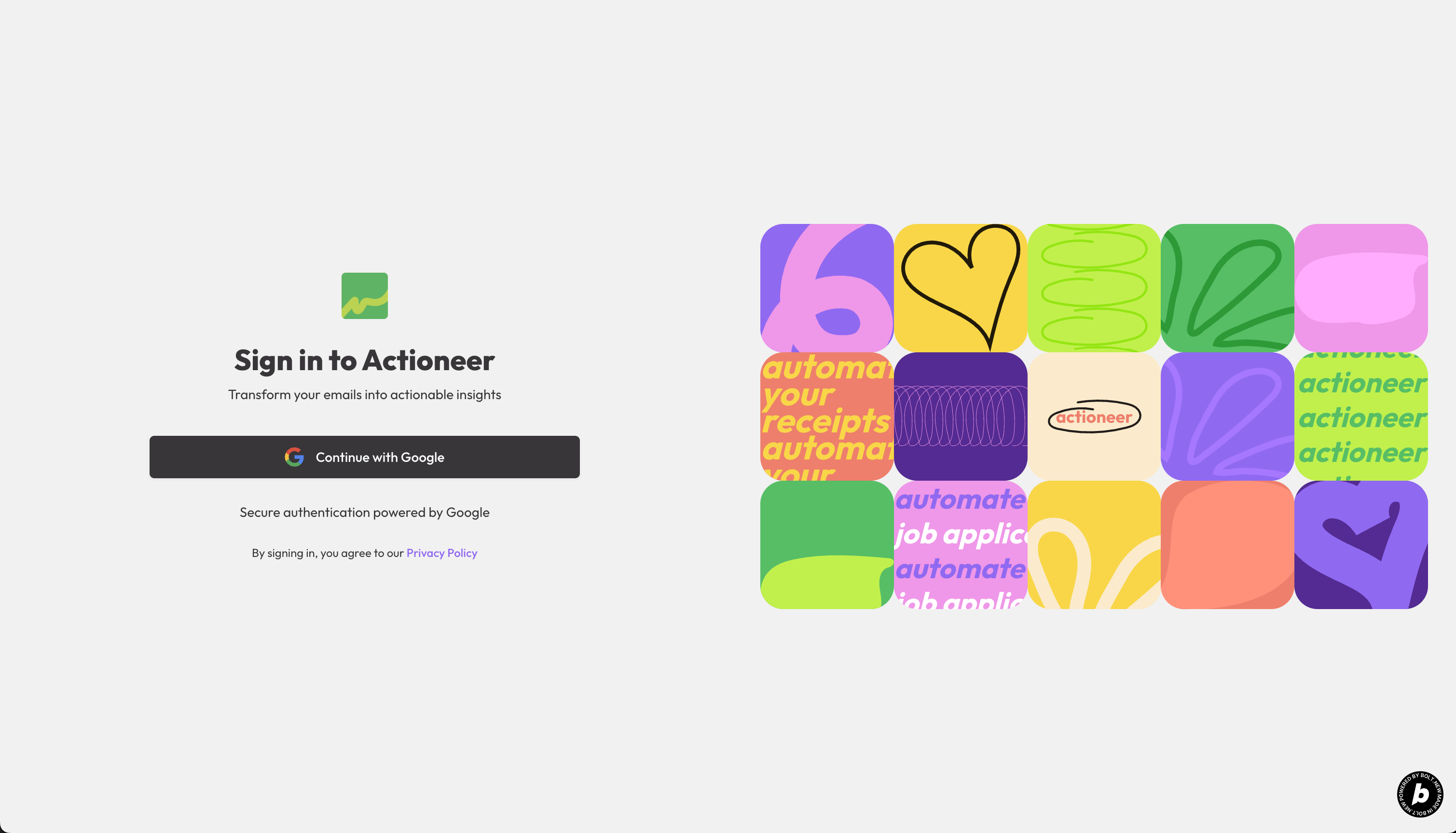
Login
-
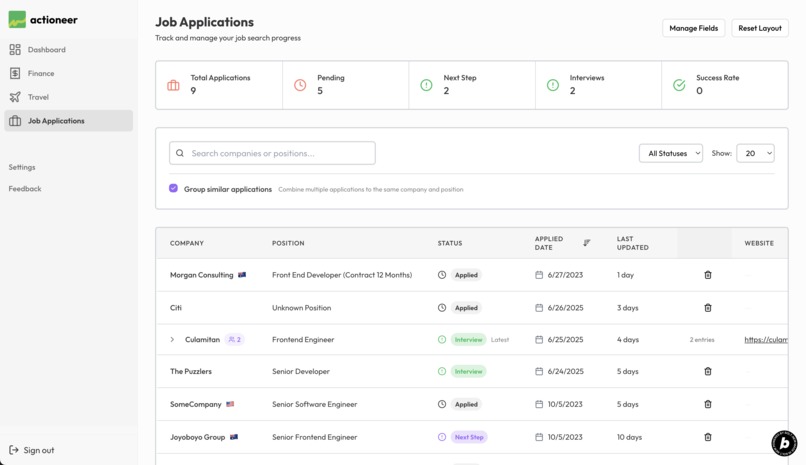
Job Applications
-
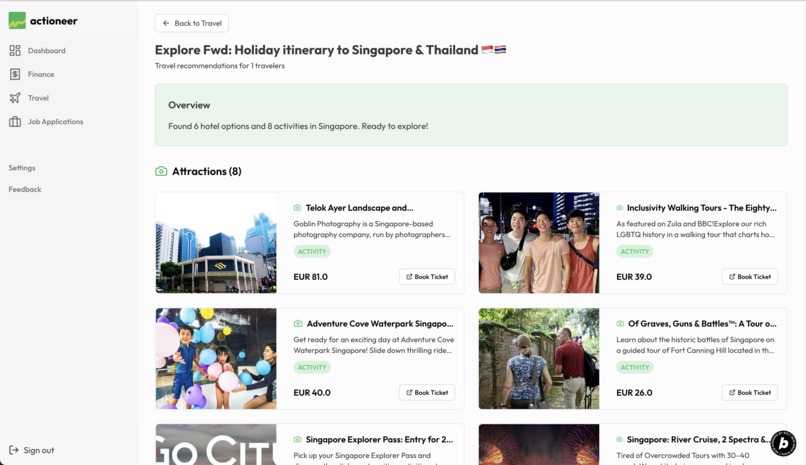
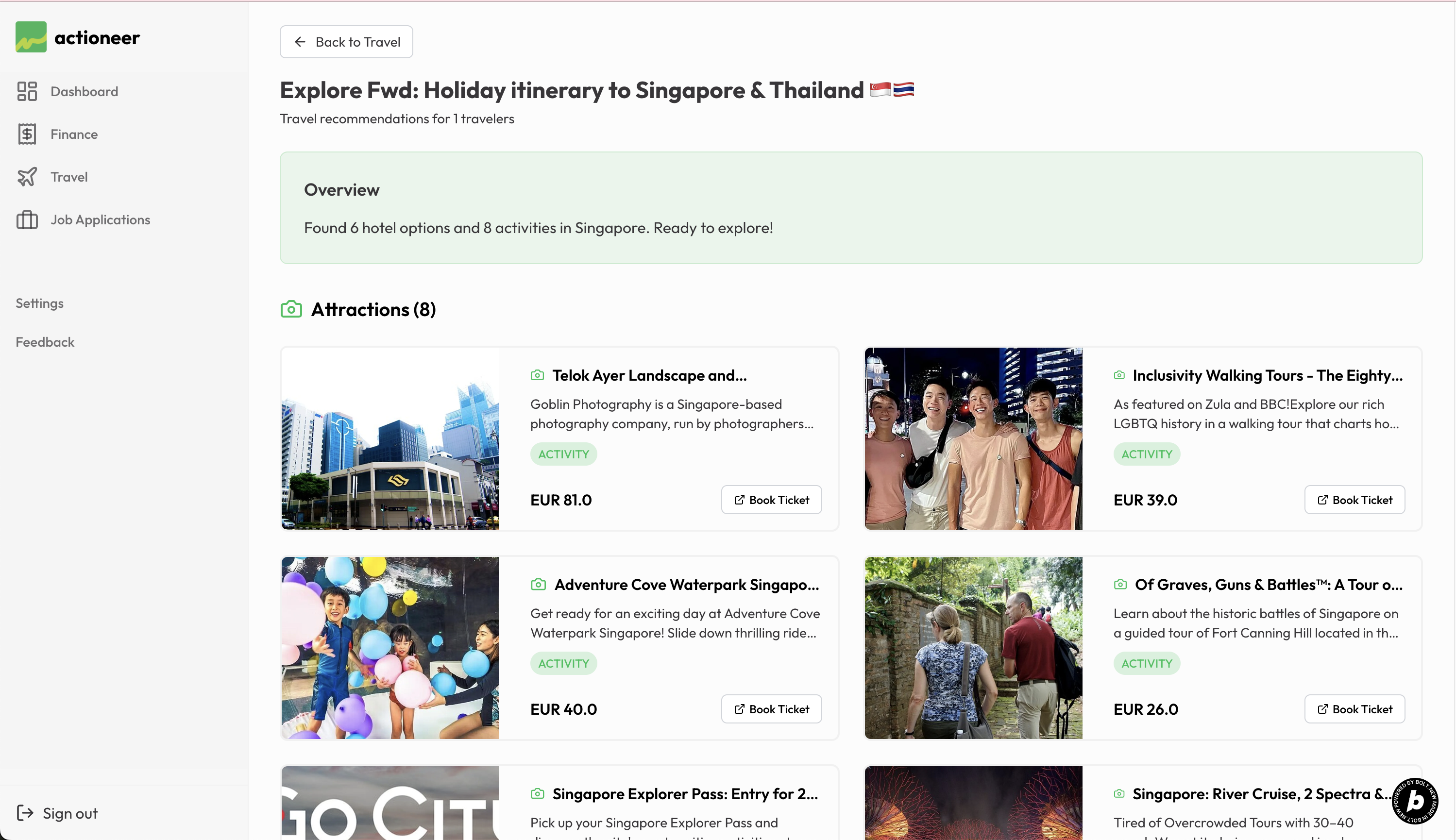
Travel Recommendations
-
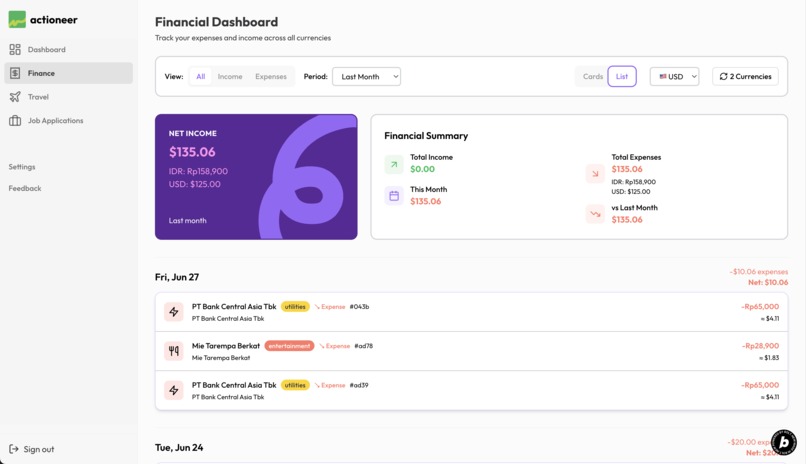
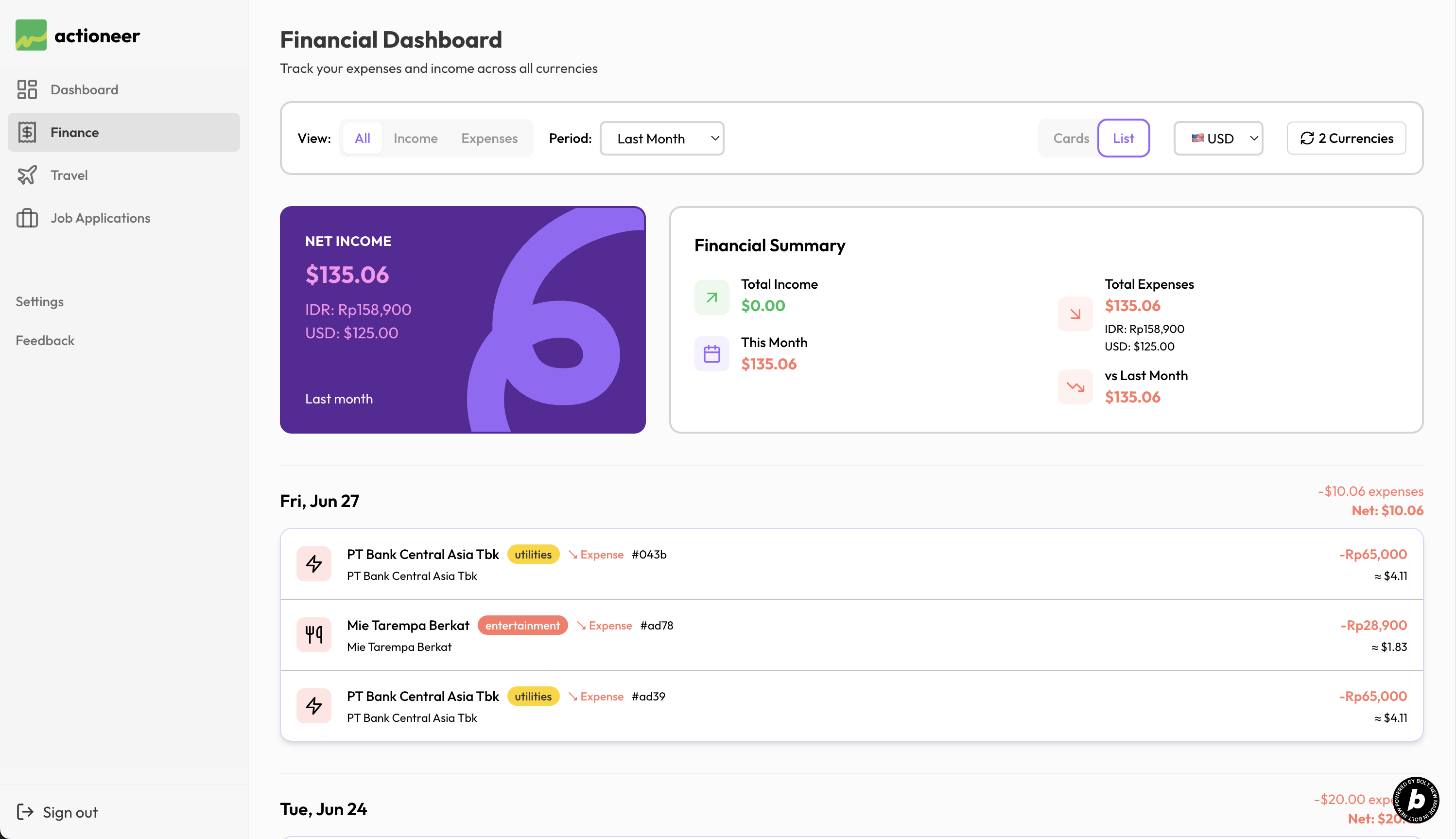
Receipts & Income: List View
-
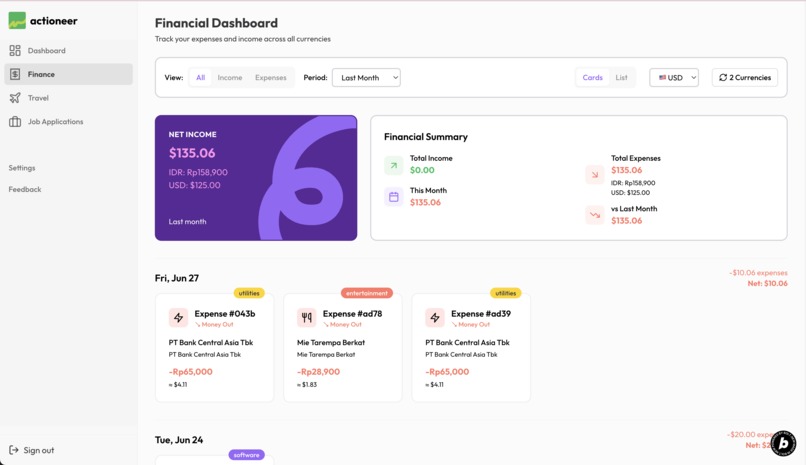
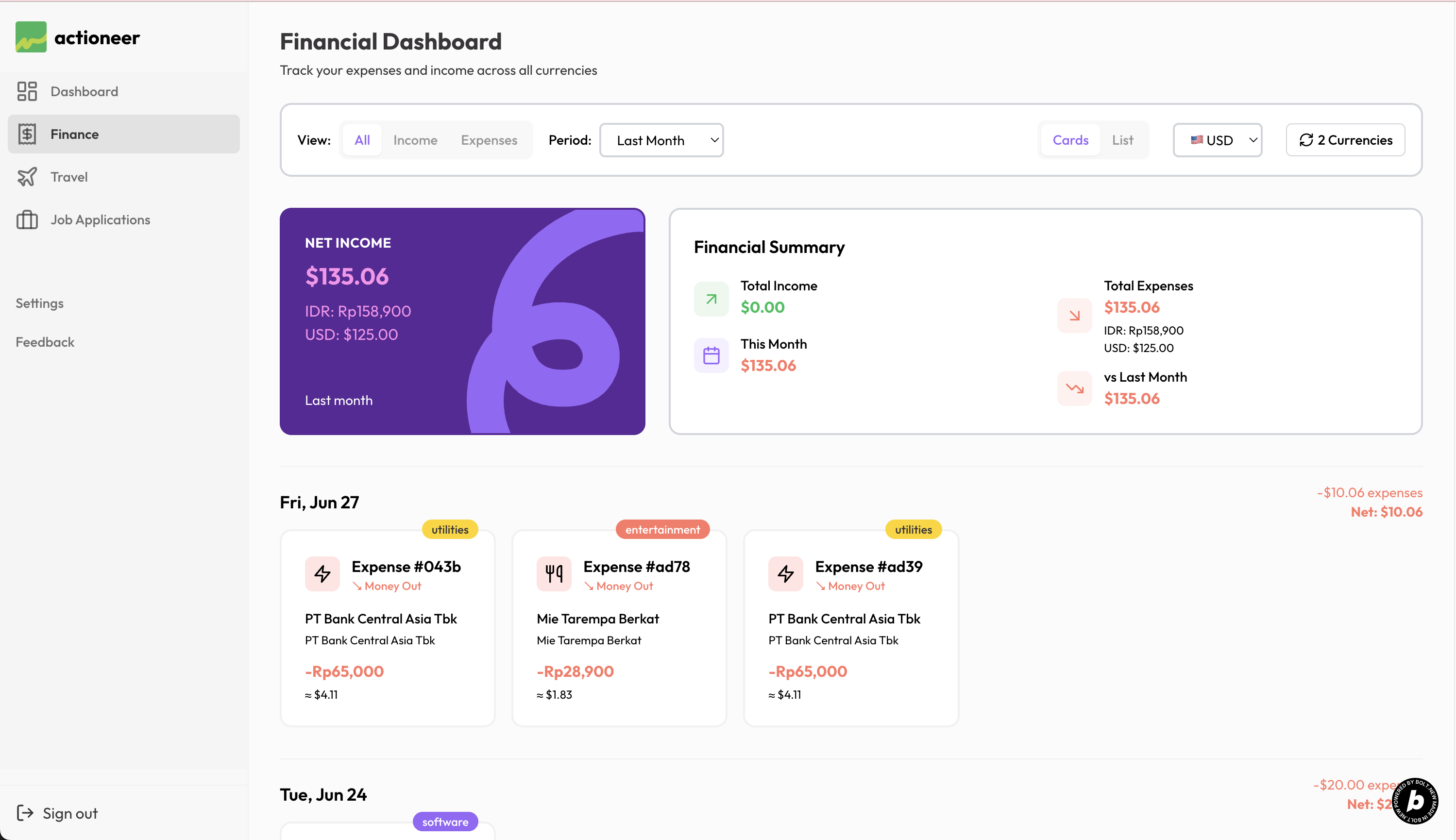
Receipts & Income: Grid View
-
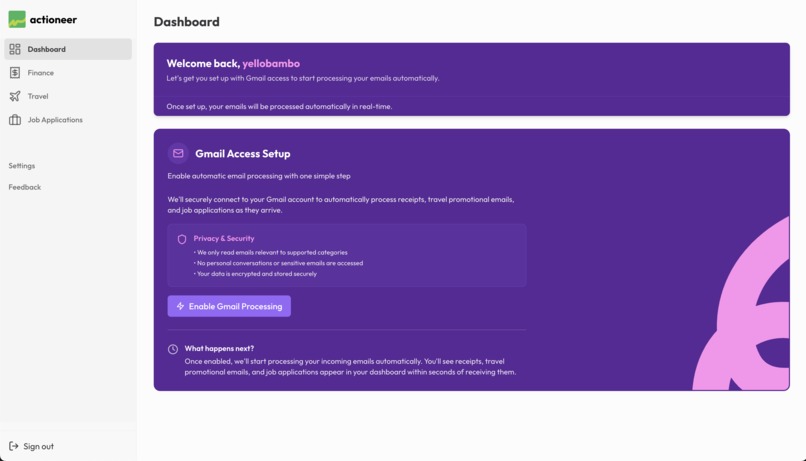
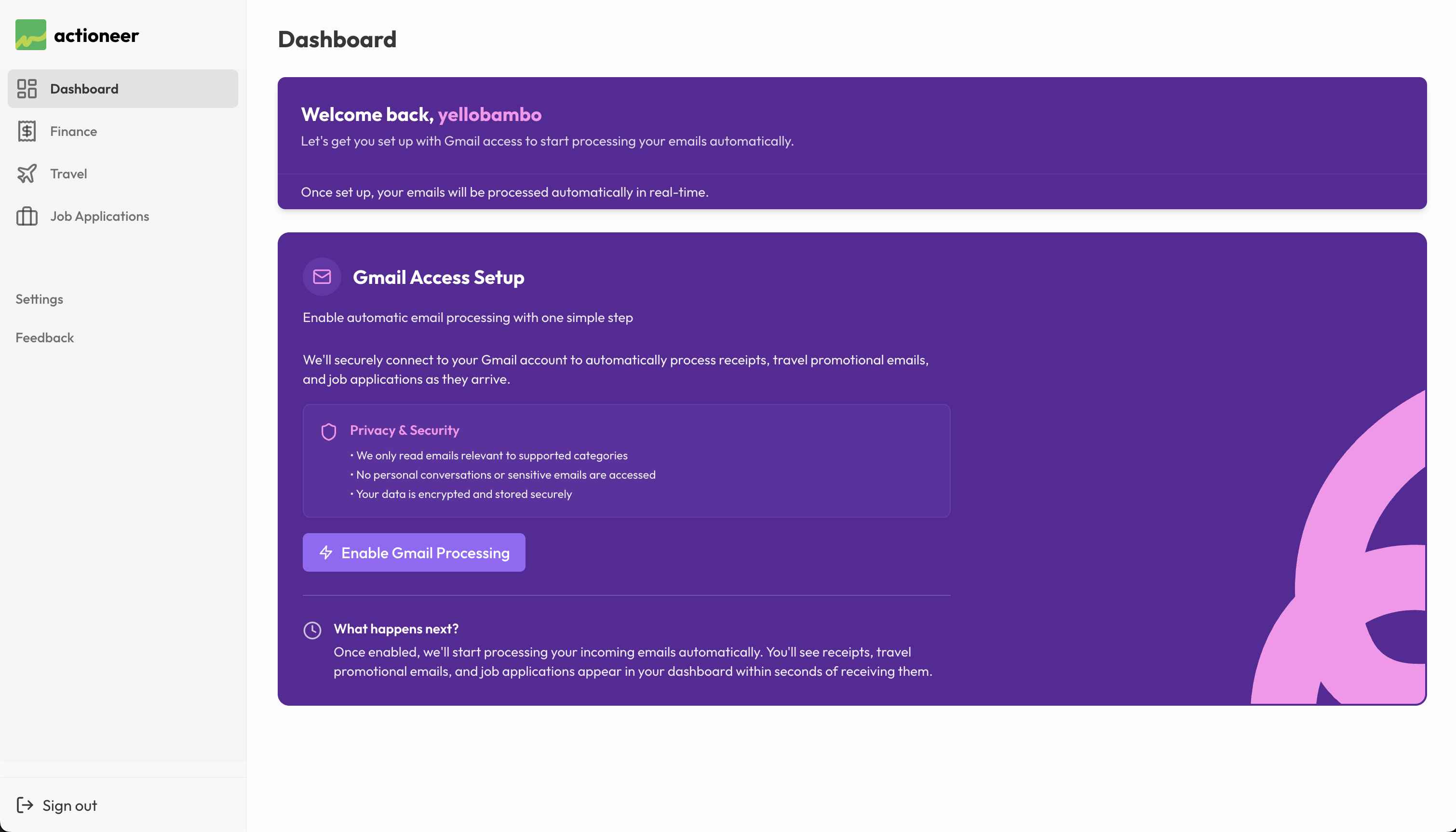
Enabling Gmail Processing

Inspiration
The inspiration came from everyday frustrations we all face. I just like to note down expenses and incomes, but it won't last long as I sometimes don't have enough time or am too lazy to pull up note-taking apps. I also felt the struggle for job seekers who tend to just get away with job status emails and end up putting everything all over the place, making it hard to track which employers are calling for interviews. The lightbulb moment was realizing all this valuable data already exists in our Gmail - we just needed a smart way to extract and organize it automatically without even lifting our fingers, it's just there working it off for you. This is the biggest selling-point from Actioneer - once installed, simply forget it.
What it does
Actioneer automatically monitors your Gmail inbox and transforms incoming emails into organized, actionable insights. It captures receipts for expense tracking, travel promotional emails for destination planning, and job applications for career management - all without any manual work. Think of it as having a smart assistant that sorts the wheat from the chaff in your inbox 24/7.
How I built it
Tech Stack: React/TypeScript frontend with TanStack Router and Query, Supabase backend with Edge Functions and PostgreSQL, Gmail API with OAuth 2.0, and OpenAI.
Architecture: Gmail webhook → AI classification → data extraction → database storage → real-time dashboard updates. Started with a Gmail add-on approach but pivoted to web-only for better reliability.
Challenges I ran into
The biggest challenge was definitely the Gmail add-on integration. Gmail add-on was one of the blockers, to be honest - after few weeks dealing with synchronizing things between add-on and web-app, I finally decided to ditch it altogether for good and streamlined everything with just the web-app. Turns out it was making everything more seamless. Number 2 would be getting AI to correctly distinguish between different types of emails, it was trickier than expected. Future billing notifications kept getting classified as receipts, travel confirmations were mixed up with booking inquiries, and job applications needed very specific pattern matching to avoid false positives.
Accomplishments that I'm proud of
- Bulletproof OAuth system with automatic token refresh and multiple fallback mechanisms
- High-precision AI classification that distinguishes "was charged" vs "will be charged"
- Performance optimization: only stores actionable emails, filters out irrelevant content
- Seamless user experience: zero configuration required, just connect Gmail and go
What I learned
- Sometimes less is more: ditching the Gmail add-on made everything more reliable
- OAuth is trickier than expected: requires thinking about edge cases and graceful degradation
- AI needs human insight: combining AI with carefully crafted patterns yields the best results
What's next for Actioneer
- Multi-account support: connect personal + work Gmail accounts
- Advanced analytics: spending trends, job success rates, travel insights
- Smart notifications: alerts for important events without overwhelming users
- Category expansion: subscriptions, warranties, appointments, documents
Built With
- edge-functions
- gmail-webhook
- open-ai
- react
- supabase
- tailwind
- tanstack-query
- typescript
- vite

Log in or sign up for Devpost to join the conversation.