Inspiration
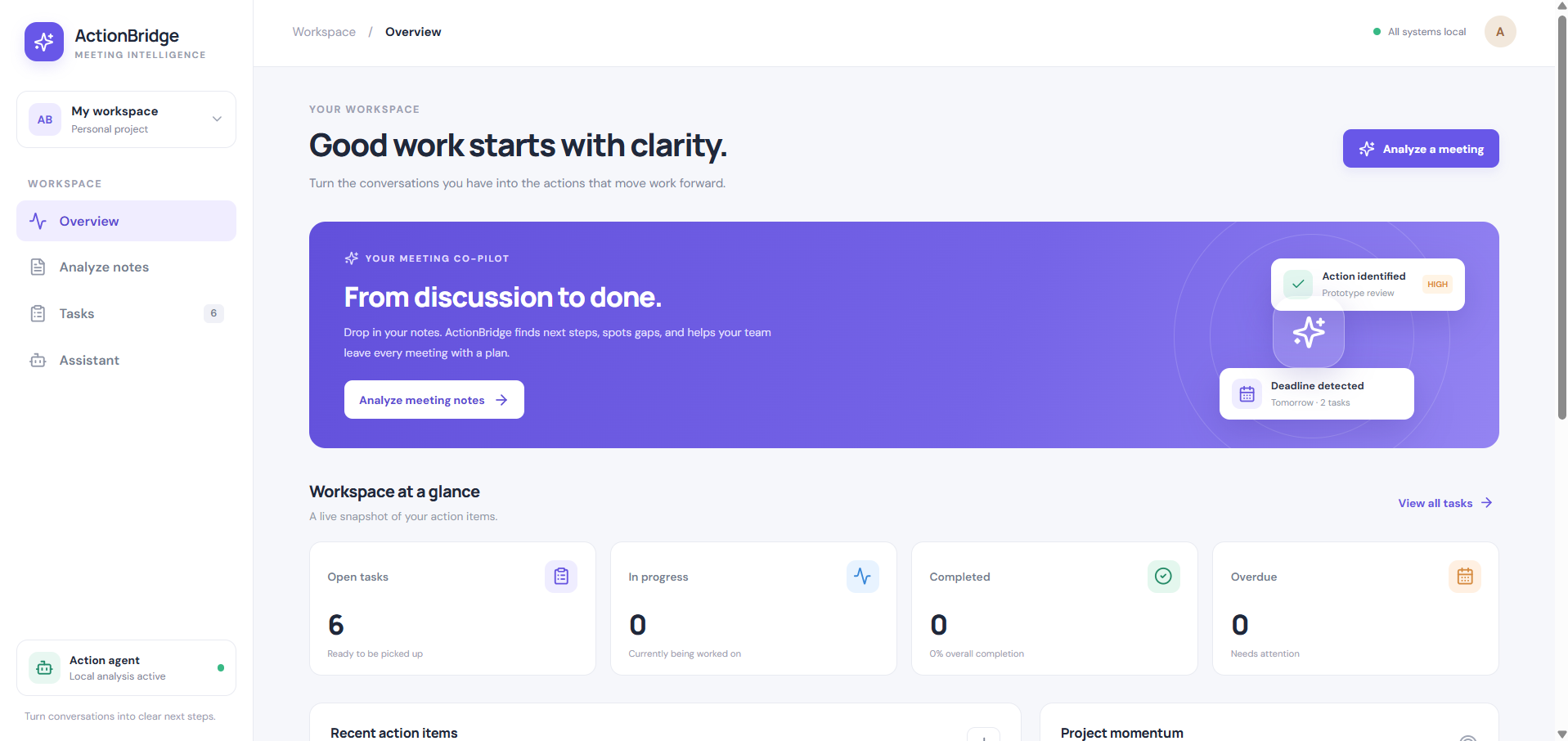
Managing tasks and meetings separately can make it difficult to stay organized, track responsibilities, and keep work moving forward. We wanted to create a simple platform that brings these essential activities together in one place.
This idea inspired us to build ActionBridge — a productivity platform designed to turn plans into action through organized task and meeting management.
What it does
ActionBridge provides a centralized space to manage everyday work more efficiently. Its key features include:
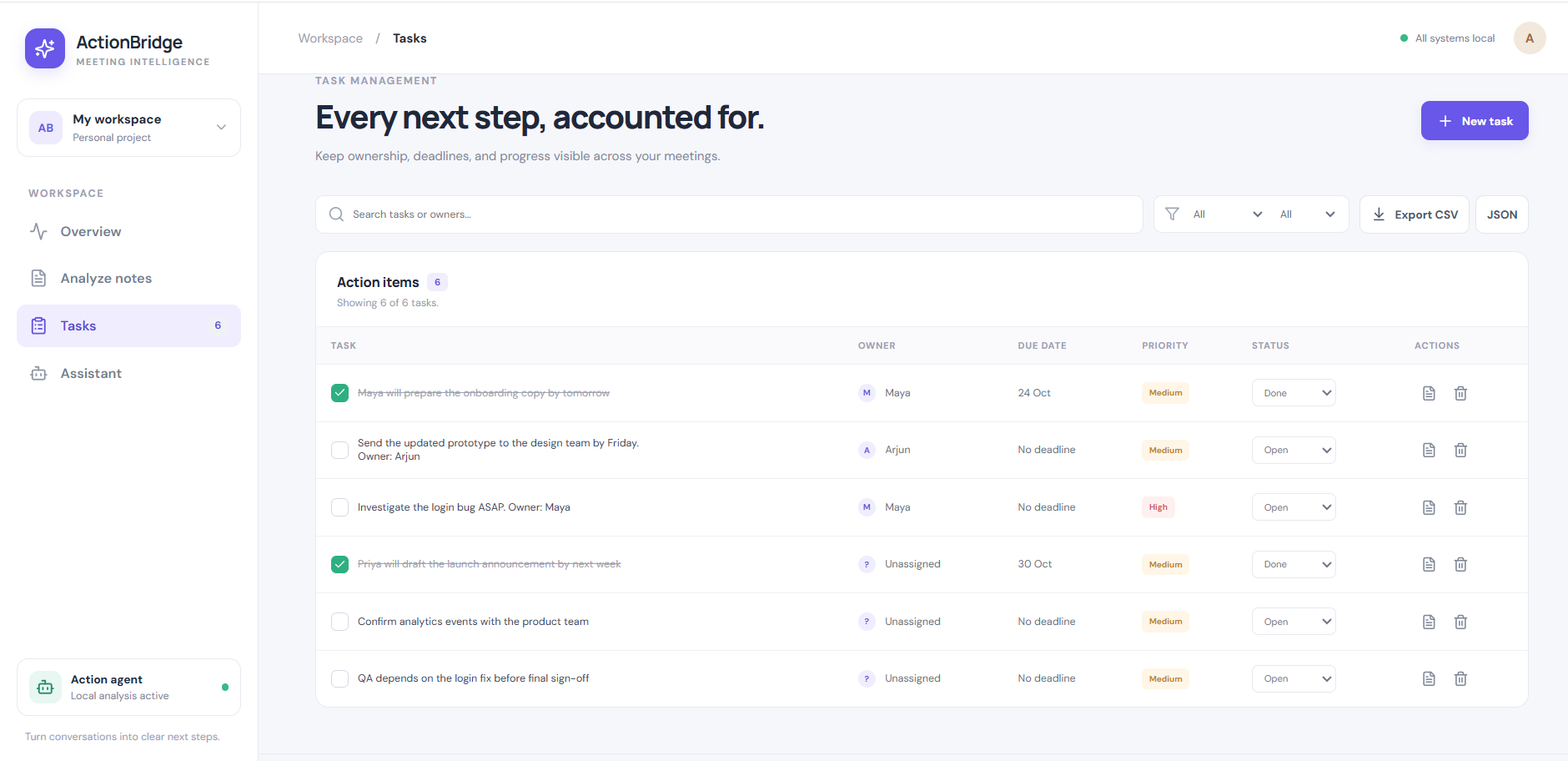
- Task Management: Create, view, and organize tasks in one place.
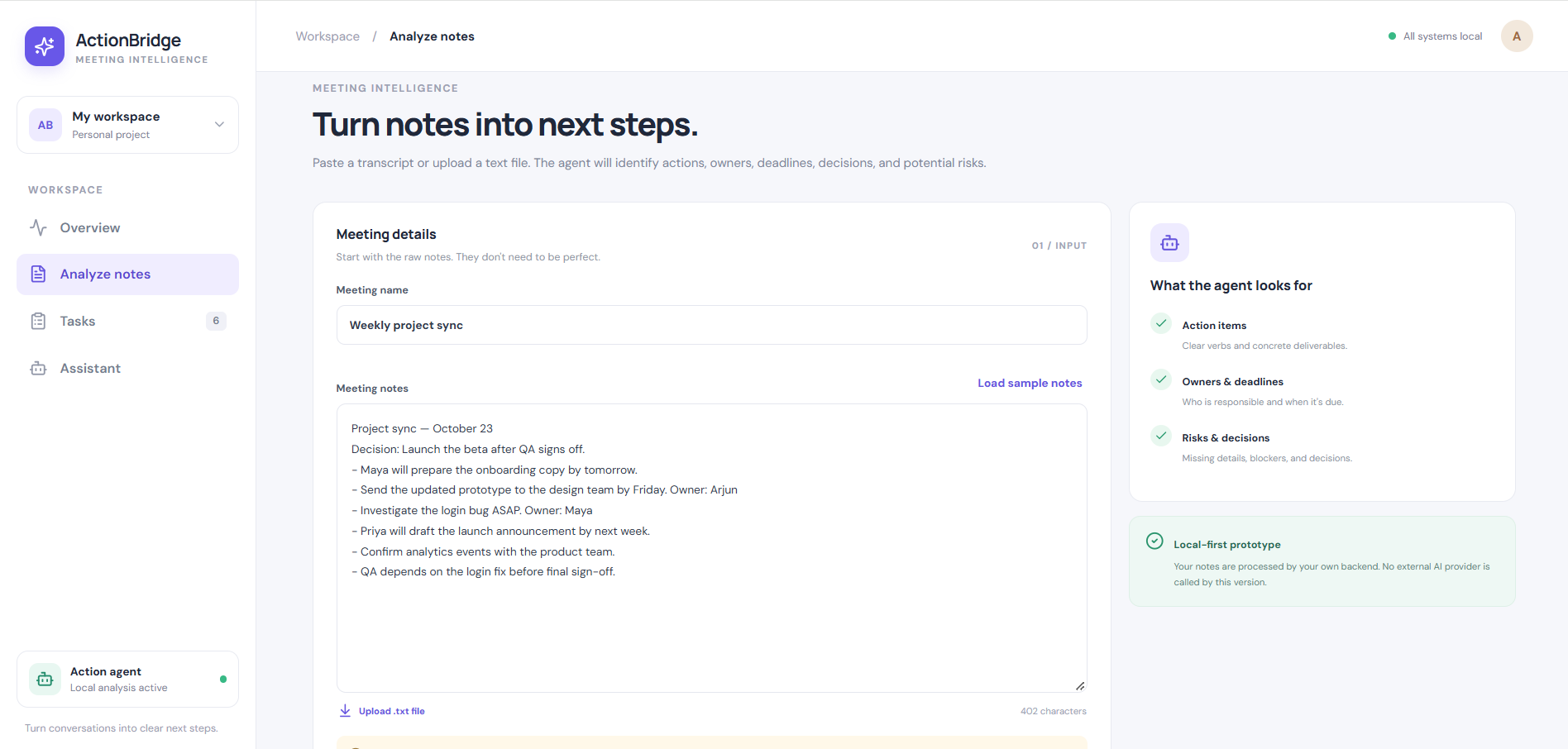
- Meeting Management: Keep meeting information organized and accessible.
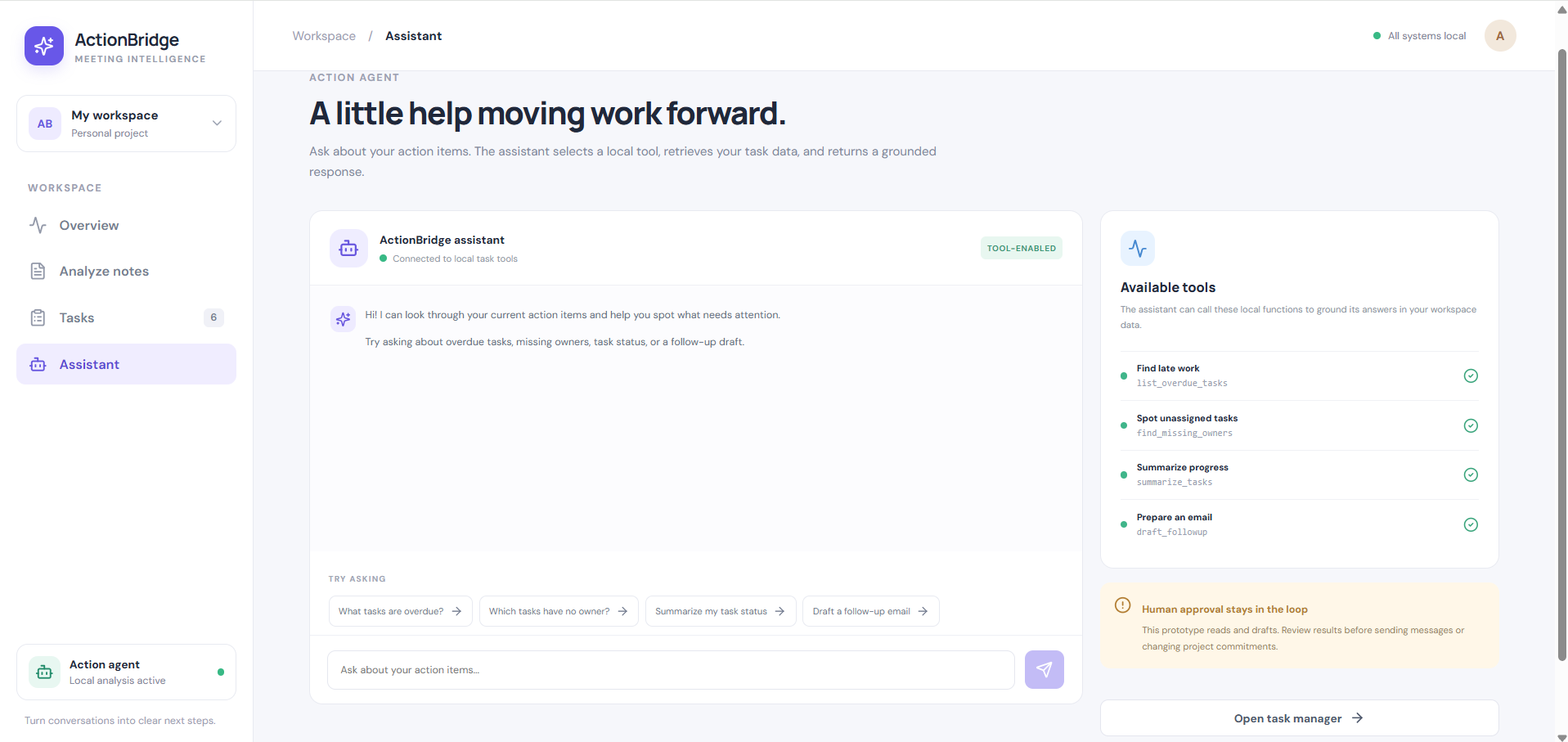
- Simple User Experience: Use a clean interface designed to make navigation straightforward.
- Centralized Workflow: Bring tasks and meetings together to support better planning and coordination.
Our goal is to make everyday organization easier and help users focus on completing their work.
How we built it
We built ActionBridge as a full-stack web application using:
- React for the interactive frontend.
- Vite for frontend development and production builds.
- Node.js and Express.js for the backend API.
- REST API endpoints to connect the frontend with the backend.
- JSON-based data storage for managing application data in the current implementation.
- Render to deploy the frontend and backend.
The frontend communicates with the backend through API requests, allowing task and meeting information to be retrieved and managed through a single interface.
Challenges we faced
One of our main challenges was connecting the frontend and backend correctly during deployment. The application worked locally, but the deployed frontend needed the correct backend API URL instead of relying on localhost.
We worked through environment variable configuration, API connectivity, and deployment settings to make the frontend and backend communicate in the hosted environment. We also focused on making the interface visually consistent with the ActionBridge brand.
Accomplishments We're Proud Of
- Building a Full-Stack Application: We brought our idea to life by developing a working application with React, Node.js, and Express.js.
- Successful Deployment: We deployed the frontend and backend to Render, making ActionBridge accessible online.
- Frontend–Backend Integration: We connected the user interface to backend APIs to manage tasks and meetings.
- Creating a Consistent Brand: We designed a recognizable logo and a cohesive visual identity for ActionBridge.
- Learning Through Real-World Challenges: We gained hands-on experience solving deployment configuration and API connectivity issues.
Our biggest accomplishment is turning an idea into a deployed product while learning how to build, connect, and deliver a full-stack web application. We're proud of the progress we've made and excited to keep improving ActionBridge.
What we learned
Building ActionBridge helped us understand how frontend and backend components work together in a full-stack application. We gained practical experience with React, REST APIs, environment variables, production builds, and cloud deployment.
We also learned that successful deployment requires more than writing code: configuration, connectivity, and testing are equally important.
What's next
We would like to improve ActionBridge by introducing user authentication, persistent database storage, task deadlines and priorities, meeting reminders, and enhanced collaboration features.
Inspiration
The inspiration behind ActionBridge came from the everyday challenge of managing tasks, meetings, and responsibilities efficiently. When activities are scattered across different tools or notes, it can become difficult to stay organized, track progress, and focus on priorities.
Built With
- css
- express.js
- full-stack-development
- html
- javascript
- json
- node.js
- react
- render
- rest-api
- task-management
- vite
- web-development


Log in or sign up for Devpost to join the conversation.