-
-
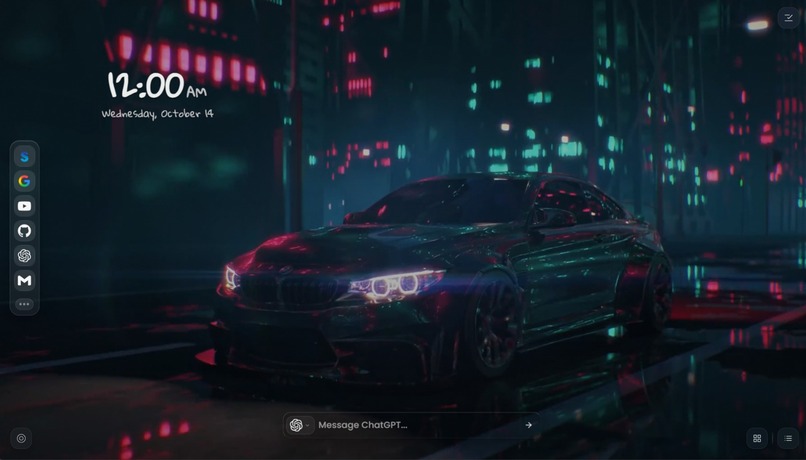
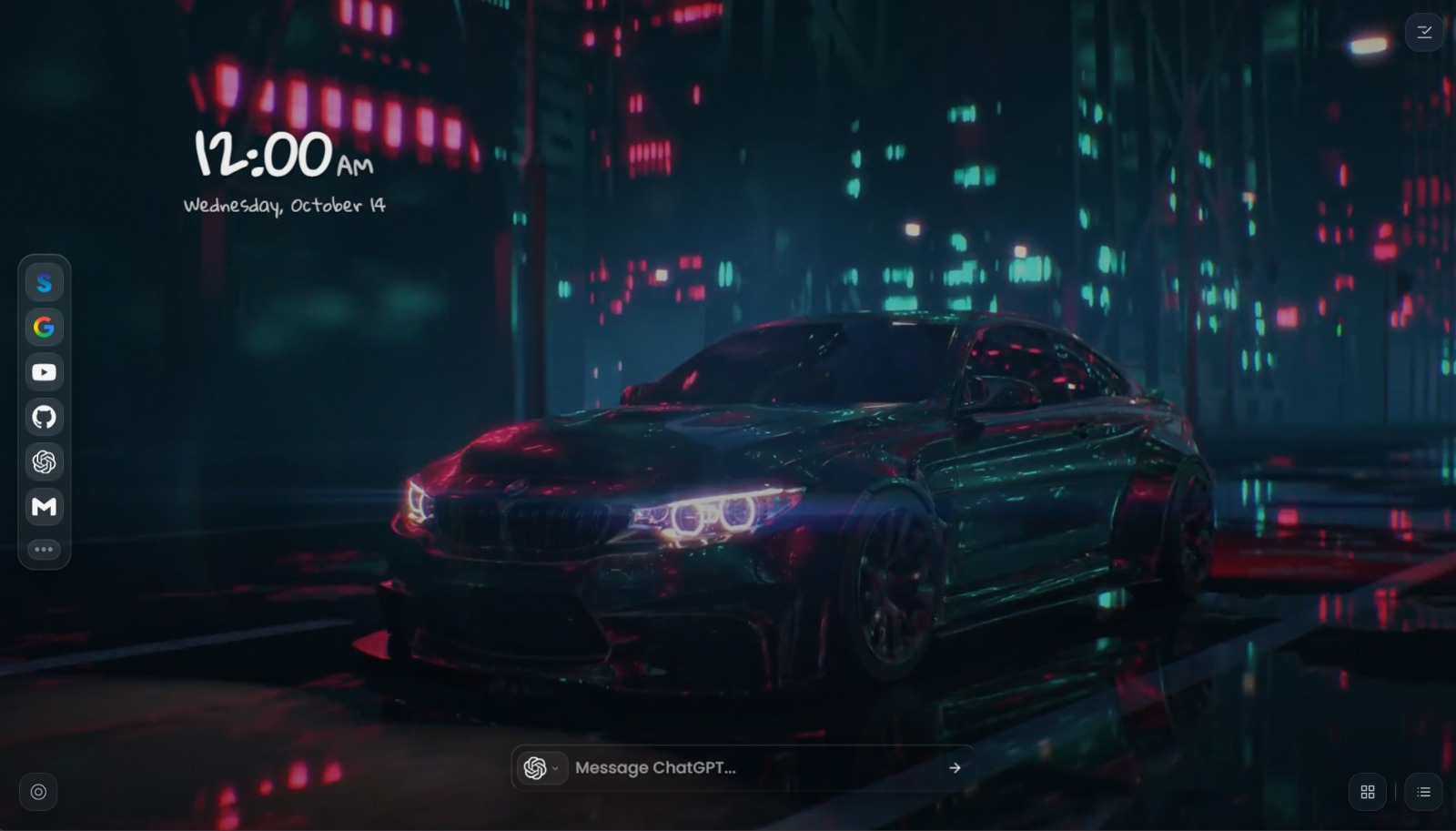
Main Dashboard
-
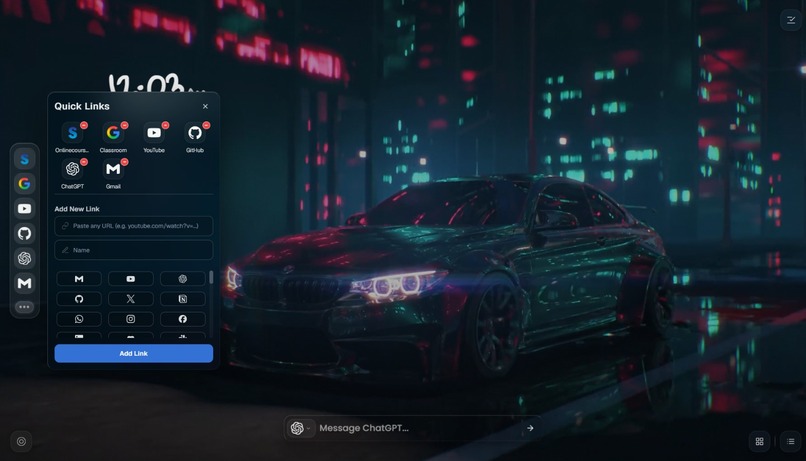
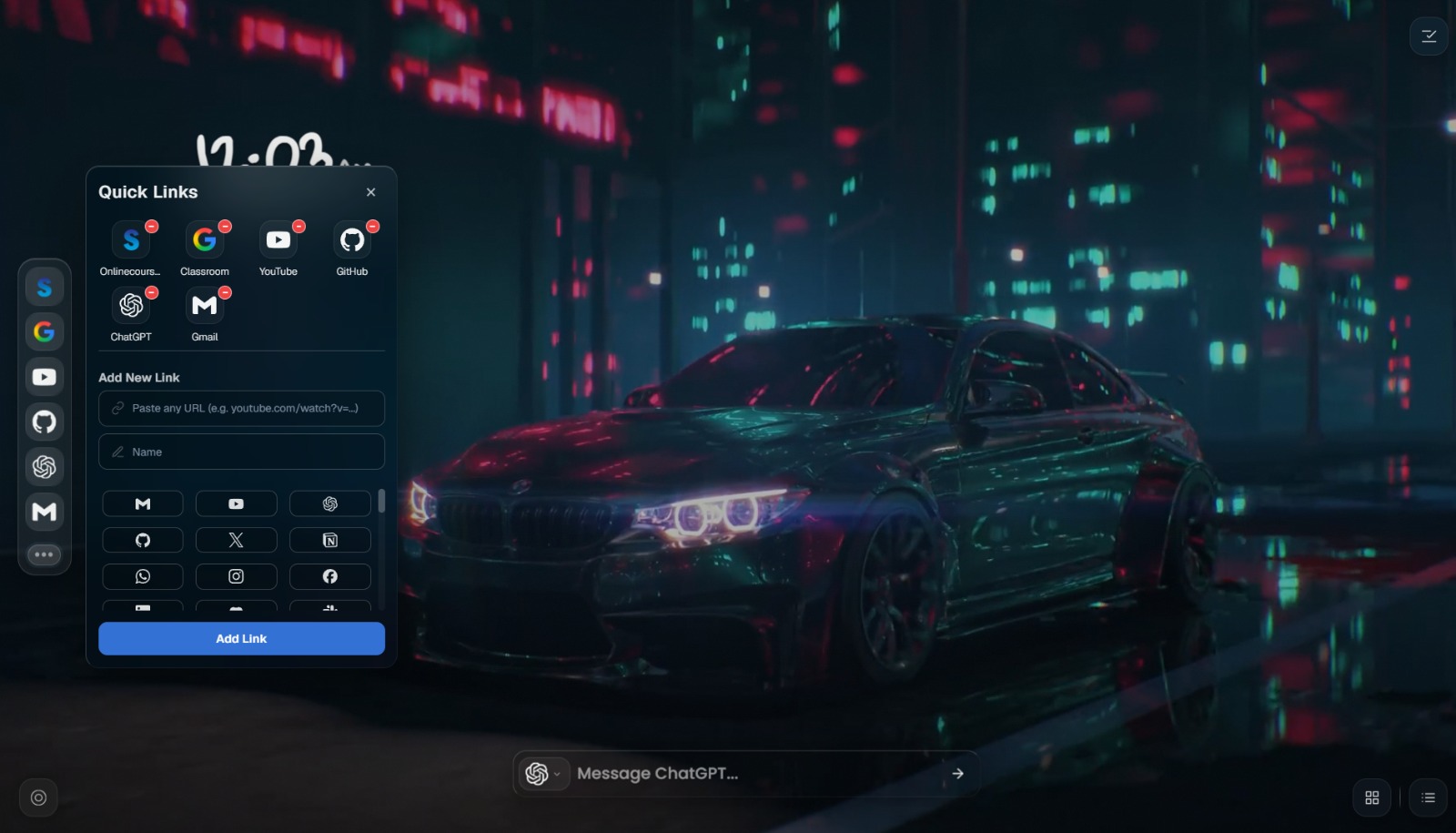
Quick Links
-
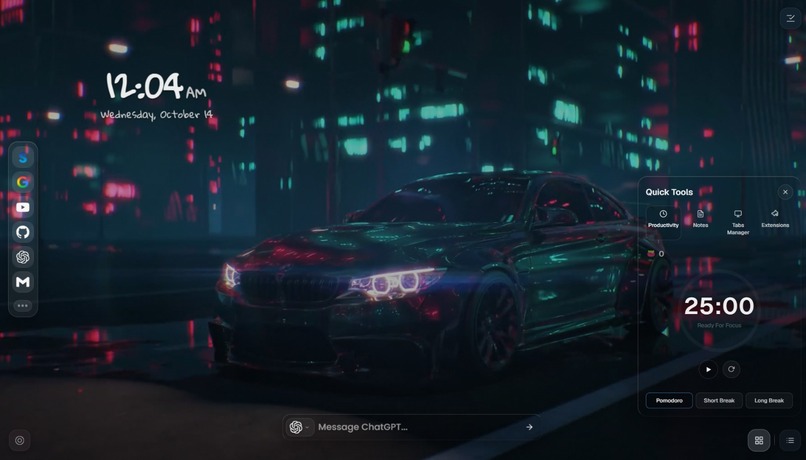
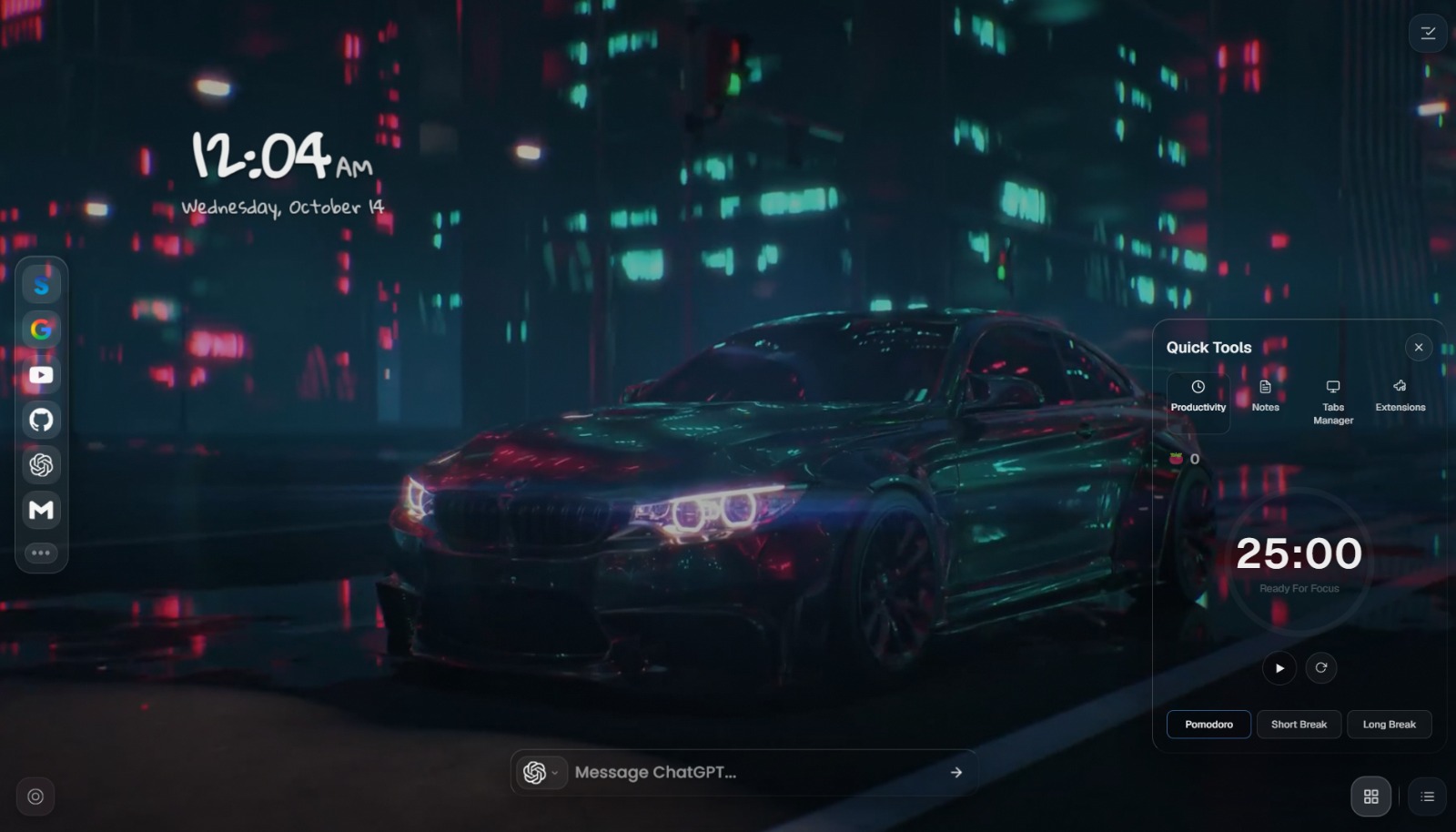
Tools
-
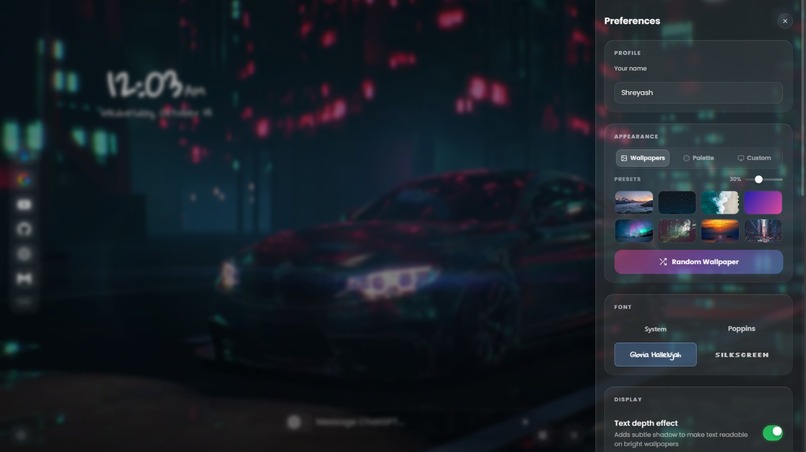
Customization Tab
-
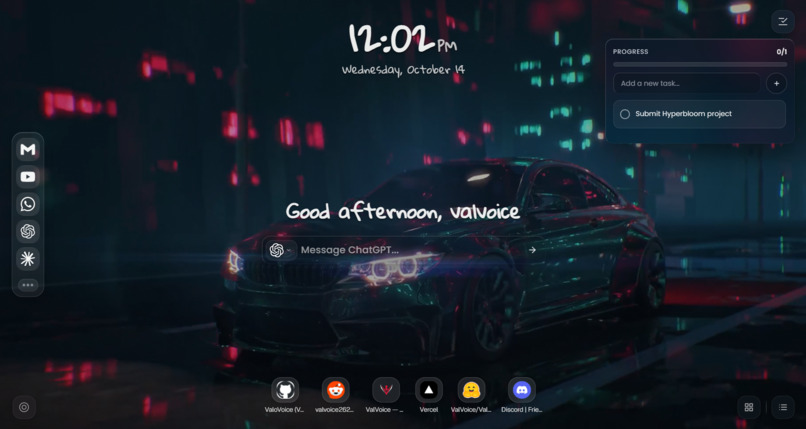
Progress Tracker and Recently visited Tabs
Inspiration
We open our browsers countless times a day, yet the default new tab often remains an empty space. Meanwhile, the tools we use for productivity, notes, search, and daily tasks are scattered across different websites.
Acrylic was created to transform that everyday experience into something more useful, personal, and visually calming—a workspace that combines thoughtful design with practical functionality.
What It Does
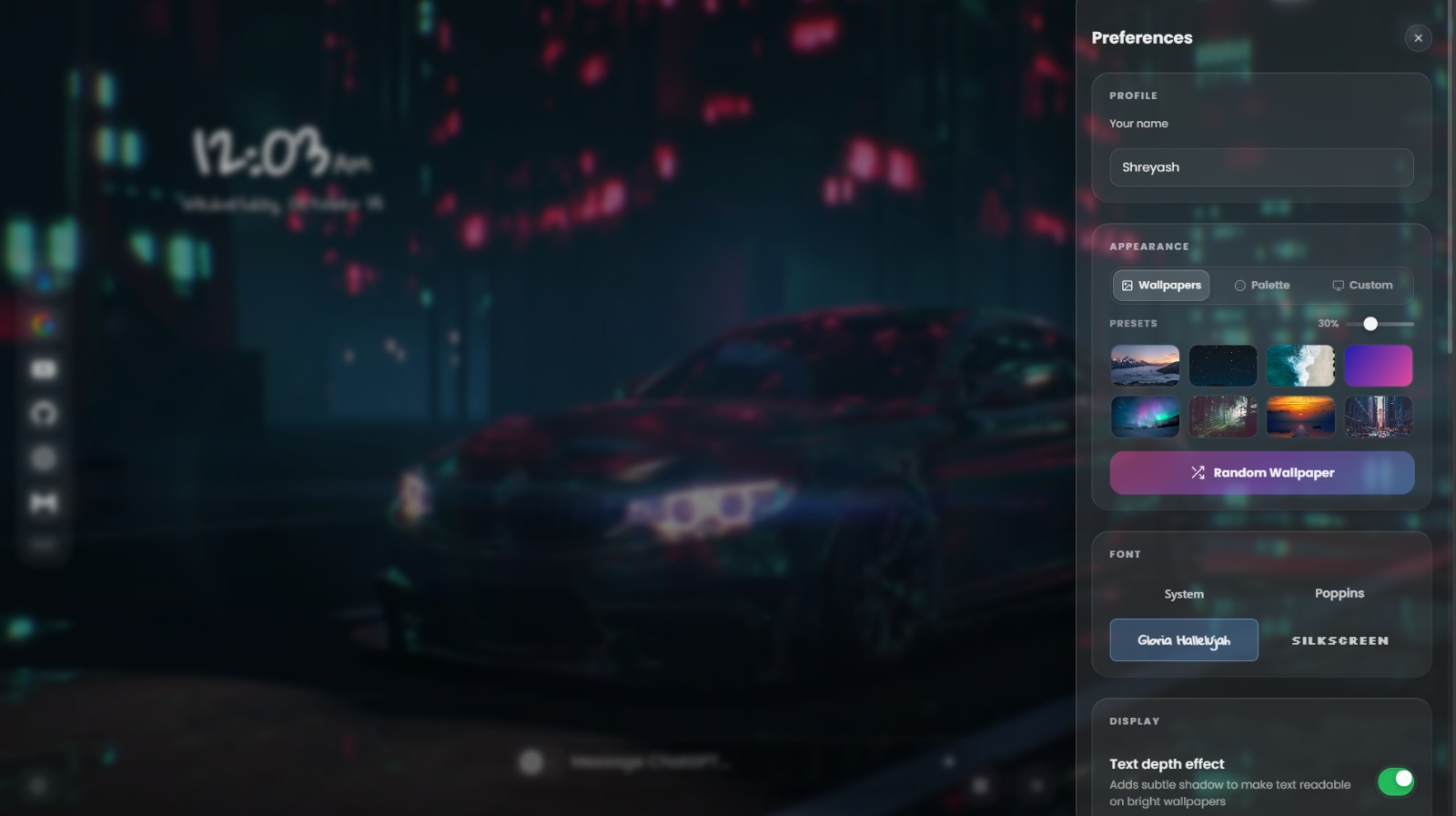
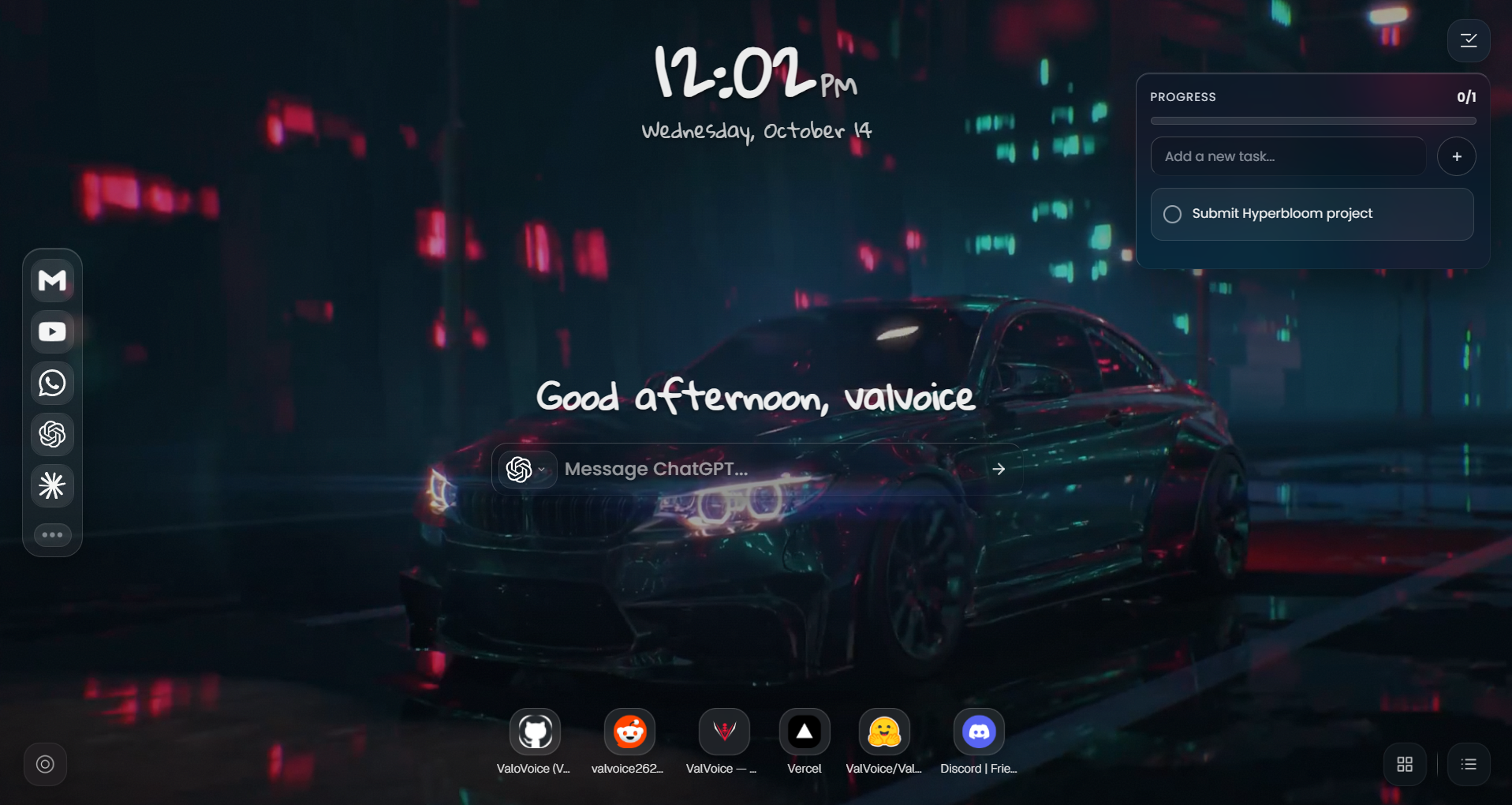
Acrylic is a lightweight, privacy-first browser extension that transforms your new tab into a customizable productivity dashboard with a premium frosted-glass aesthetic.
It brings essential tools together in one place, helping users organize their digital workspace, access frequently used websites, and maintain focus without unnecessary clutter.
Key Features
- Premium Glassmorphism UI: Translucent panels, eight built-in themes, and customizable transparency create a polished, personalized interface.
- Custom Wallpapers and Backgrounds: Use personal wallpapers and supported media backgrounds with smooth visual transitions.
- Built-in Productivity Tools: Access a Pomodoro timer, tasks, scratchpad notes, and clipboard history directly from your dashboard.
- Smart Search and AI Shortcuts: Search the web using your default search engine or quickly access AI tools such as ChatGPT, Gemini, and Claude.
- Quick Links Dock: Keep frequently visited websites and essential shortcuts organized and readily accessible.
- Zen Mode: Switch to a minimalist flip-clock experience for a quieter visual environment.
- Privacy-First Architecture: Acrylic is designed around local-first storage, with no advertisements or telemetry.
How We Built It
Acrylic is built as a Manifest V3 browser extension using HTML, CSS, vanilla JavaScript, and native ES modules. It uses browser APIs and local storage to provide its dashboard and productivity features without relying on a conventional web-app backend or heavy frontend frameworks.
Its lightweight architecture prioritizes responsiveness, while carefully designed transitions, glassmorphism, and customizable visual elements create a cohesive user experience.
Design Philosophy
Acrylic follows a simple principle: your browser's starting point should help you focus, not distract you.
The interface balances aesthetics with usability through a clean layout, translucent surfaces, accessible controls, and personalized backgrounds. Instead of forcing users into a rigid workspace, Acrylic lets them shape an environment that fits their preferences.
Performance and privacy are equally important. The goal is to deliver a fast, comfortable, and personal browsing experience while keeping user data on their device.
Challenges We Focused On
Creating a polished new-tab experience means balancing visual effects with responsiveness, keeping interactive tools organized without overcrowding the screen, and ensuring the interface remains usable across different backgrounds and display preferences.
Acrylic brings these considerations together in a single lightweight browser extension.
What's Next
Acrylic's existing foundation opens the door to further exploration of personalized focus environments and productivity experiences. The project demonstrates how thoughtful UI/UX design can turn an ordinary browser interaction into something more useful, engaging, and enjoyable.
Built With
- browserstorage
- chrome
- css3
- extensions
- html5
- javascript
- manifestv3

Log in or sign up for Devpost to join the conversation.