-
-
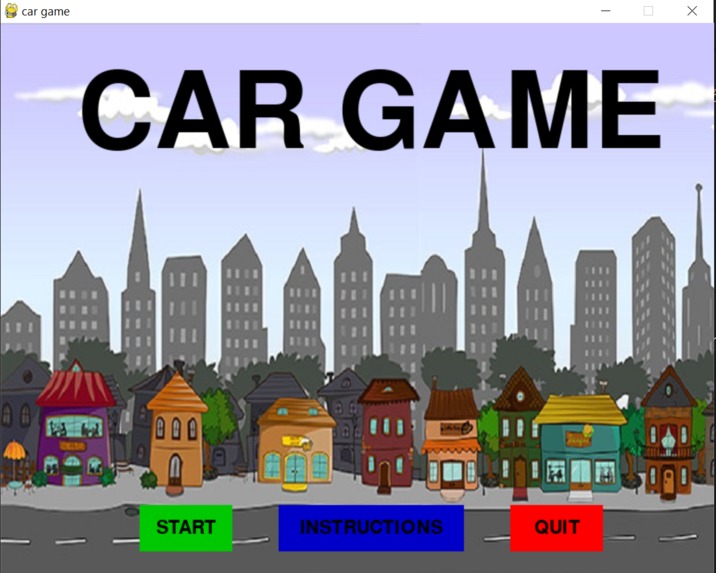
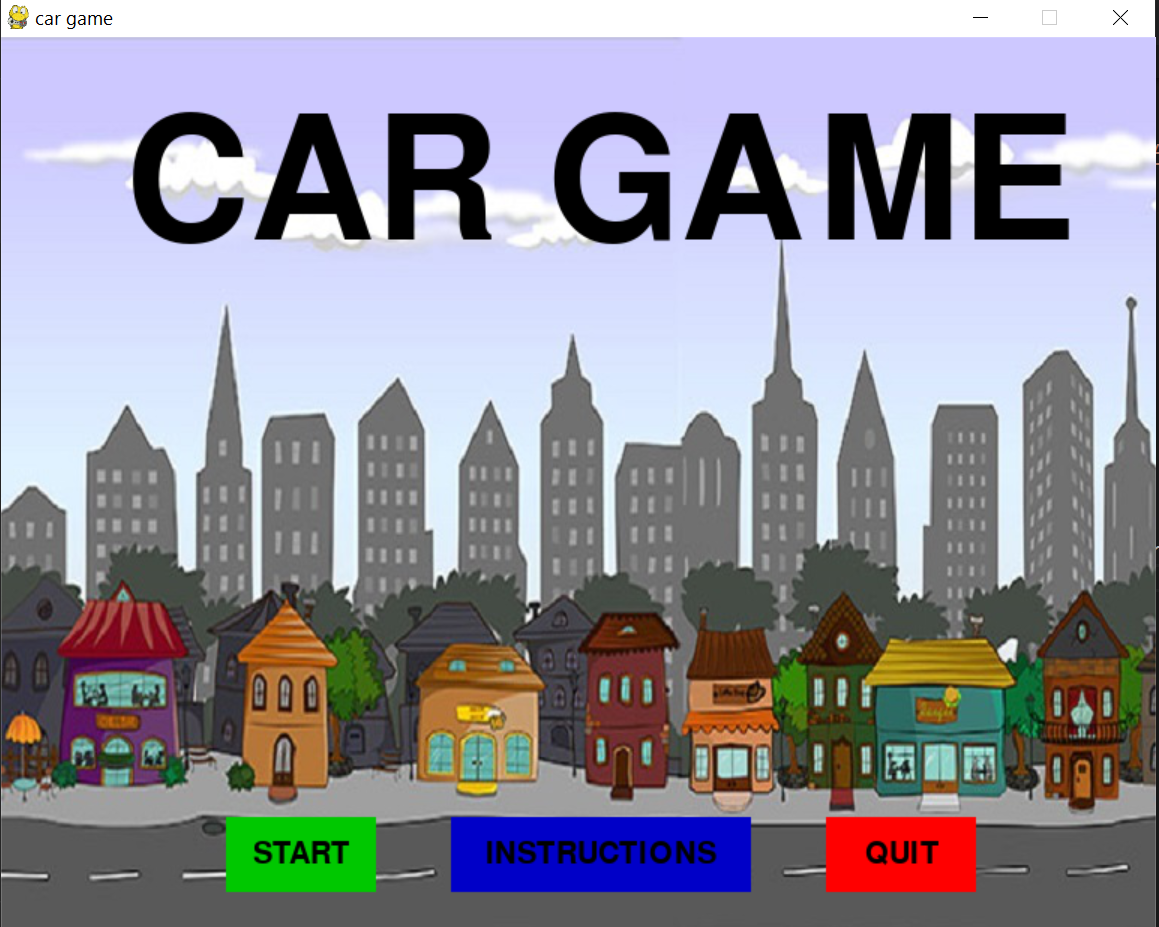
first page
-
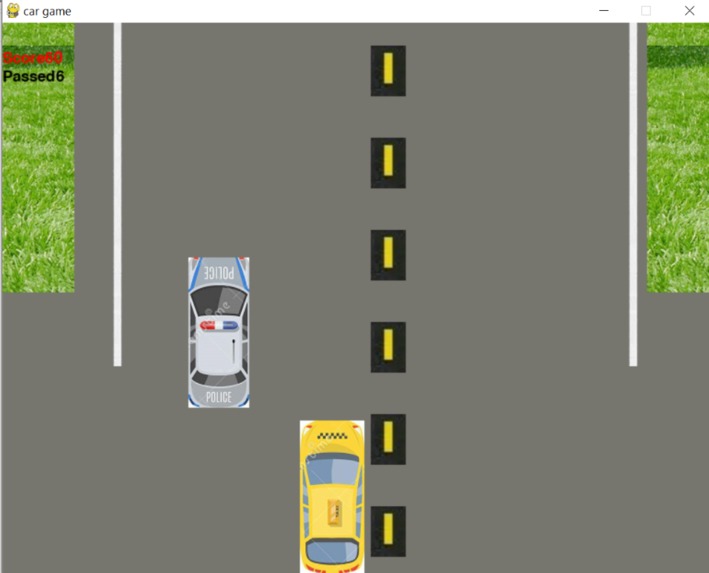
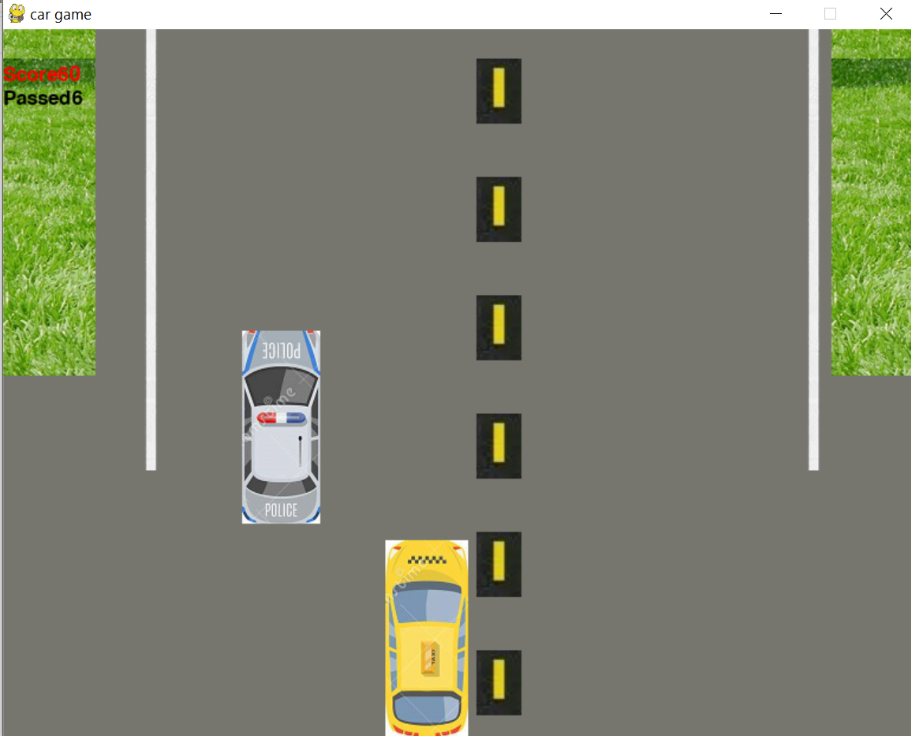
race
-
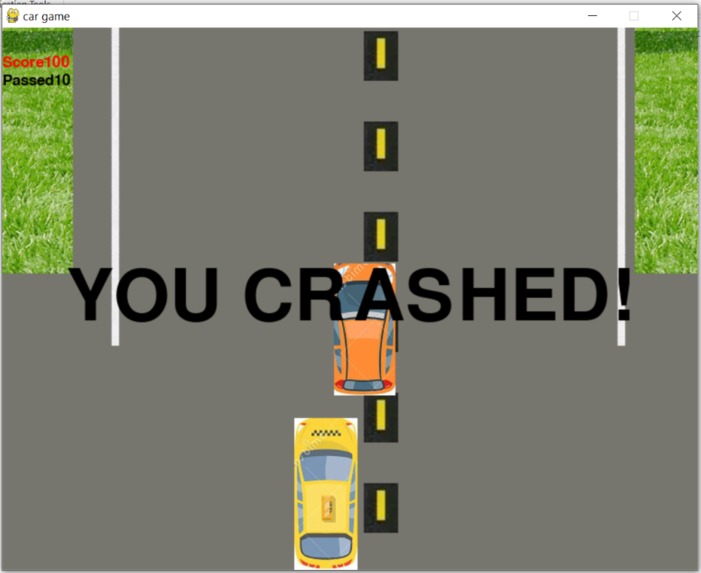
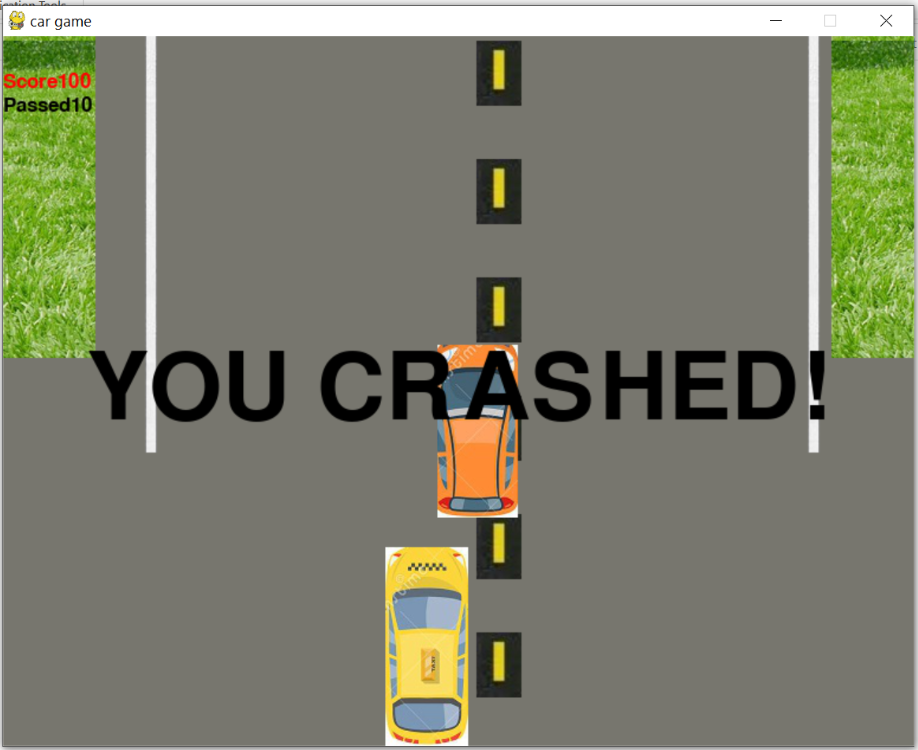
crashed
-
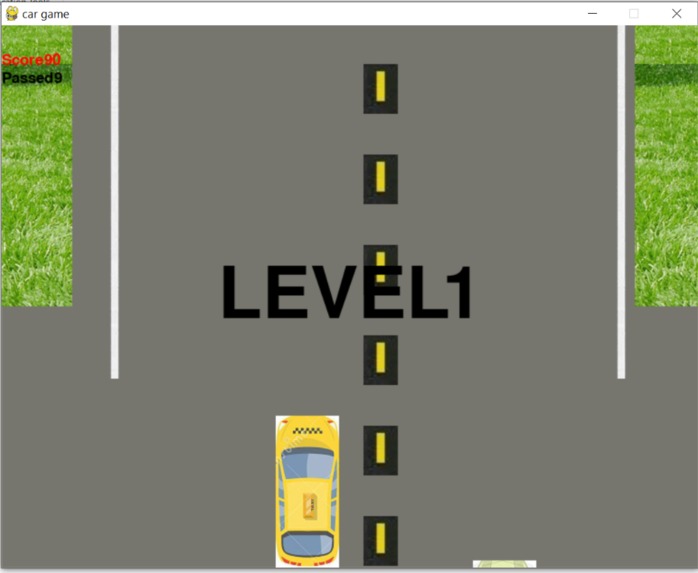
level up
-
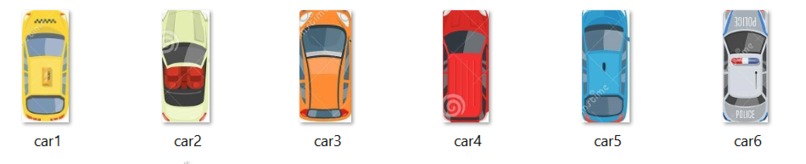
assets
Inspiration
We got inspired from the theme of the hackathon- Game Simulator.
What it does
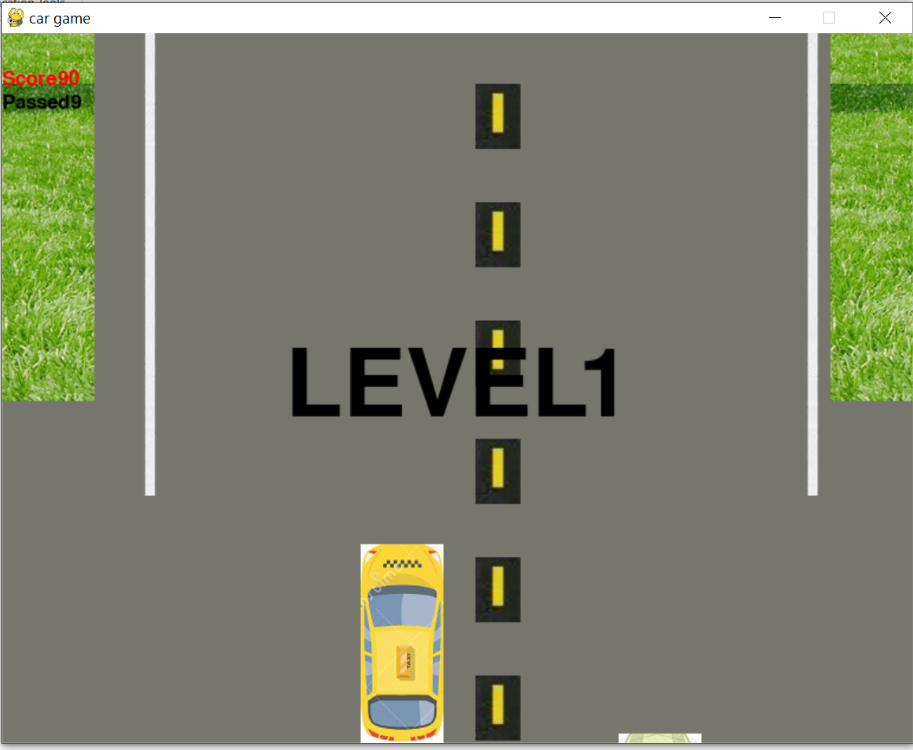
- This is a car game in which you have to dodge the coming cars.
- It displays 'YOU ARE CRASHED!' if you bump into another car or move out of the white boundary.
- Your score and the no of cars you have passed would be displayed in the left top corner of the window.
- The score will increase by 10 for each car you pass.
- Also there will be a level up for 10 cars passed.
- You can also speed up the acceleration of the obstacle cars or reduce the speed by applying brake.
How we built it
- The RGB values of the colours are provided.
- Load the images using the pygame package.
- The intro_loop() runs for the introduction page and consists of the start, instructions, quit buttons
- The button function is used for the working of the buttons in the intro_loop() and also the colour change option on clicking over the button is depicted.
- The introduction loop() runs for the instructions page.
- The countdown() runs after you click on the start button and is used for the numbering to depict that the game is set to begin.
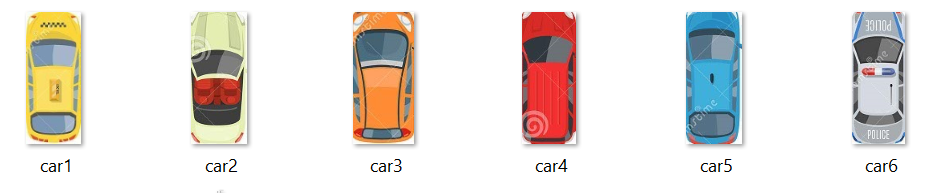
- The obstacle() stores the images of all the other cars used as obstacles.
- The score_system() is used to display the 'score' and 'passed' with red and black colors respectively.
- The game loop() is the main code which consists of all the other features of the game like moving background, moving obstacles, restriction on your car so that it displays the crash option if you move out of boundary, speed of obstacles, displaying crashed if you bump into other cars.
- Quit() quits the game and stops running the program.
Features of the game:
- Press the 'a' key on the keyboard to accelerate the speed of obstacles.
- Press the 'b' key on the keyboard to reduce the speed of obstacles.
- In case you move out of the white boundary line of the road, you crash and have to restart again.
- You can quit the game by pressing the 'cross' button of the window.
- Instructions are provided on the first page.
- Use the images provided for the background, and the obstacles.
Challenges we ran into
- Making an executable file for it.
Accomplishments that we're proud of
We were able to complete the challenge on time!
What we learned
Learnt a lot about game programming using python, how to make a .exe file using pyinstaller package of python and hosting our webapp.
What's next for Ace The Race
Want to make it multiplayer!

