-
-

LOGIN
-
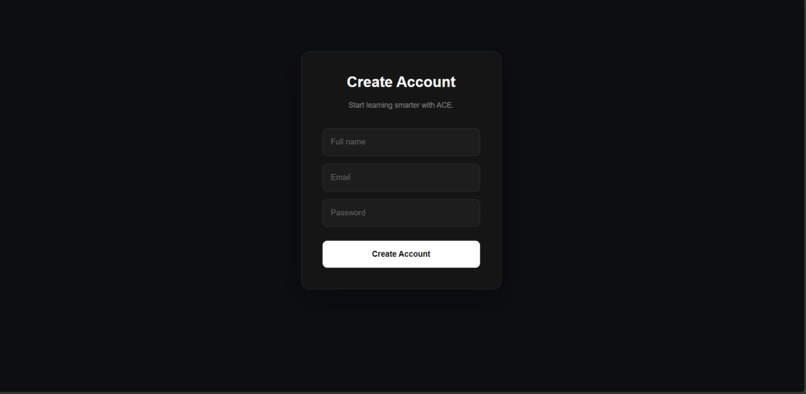
REGISTER
-
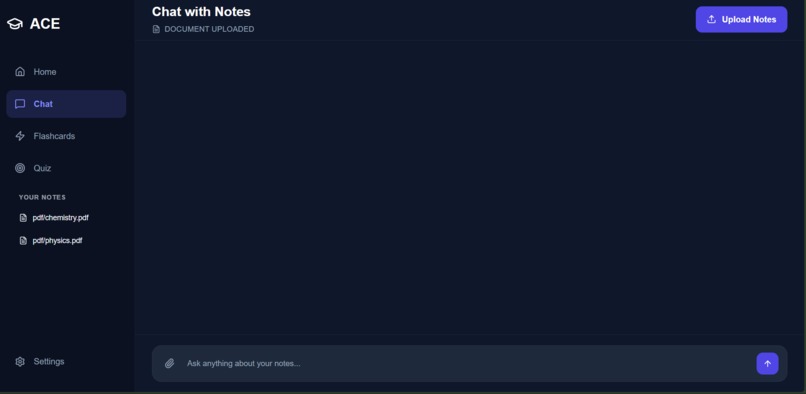
AFTER UPLOADING
-
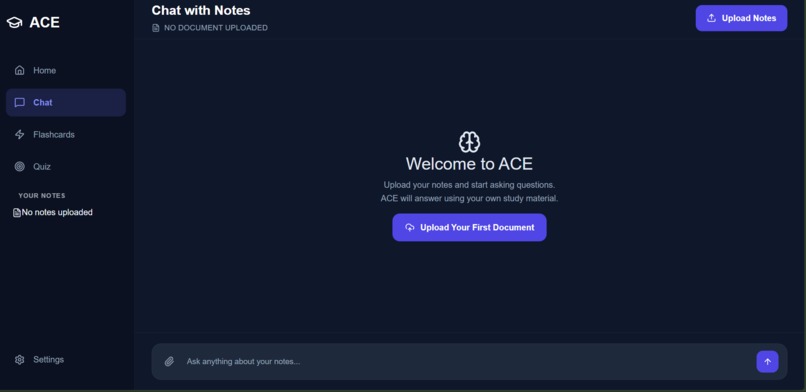
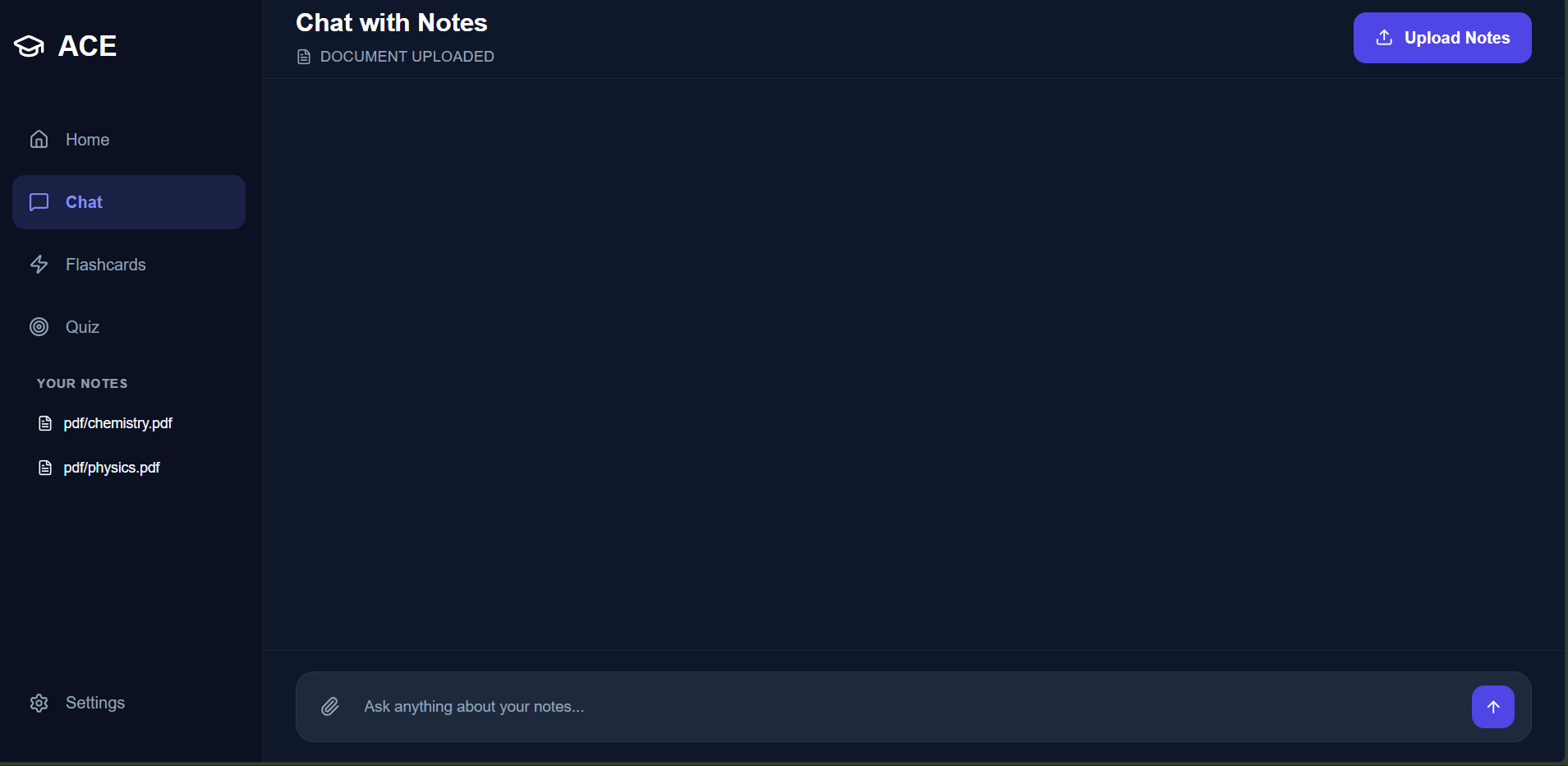
NOTES UPLOAD SECTION
-
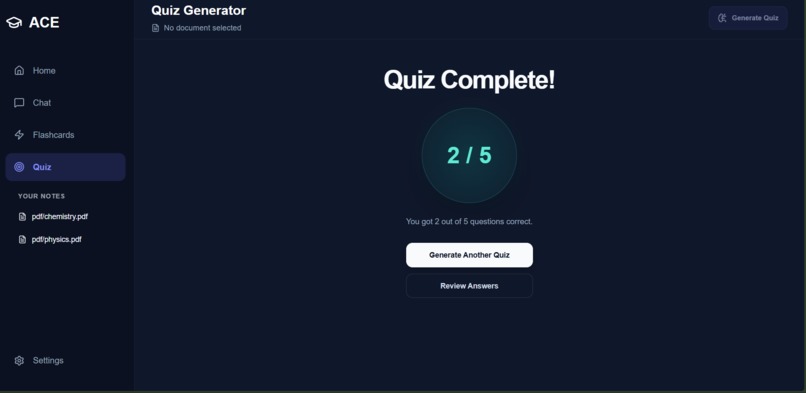
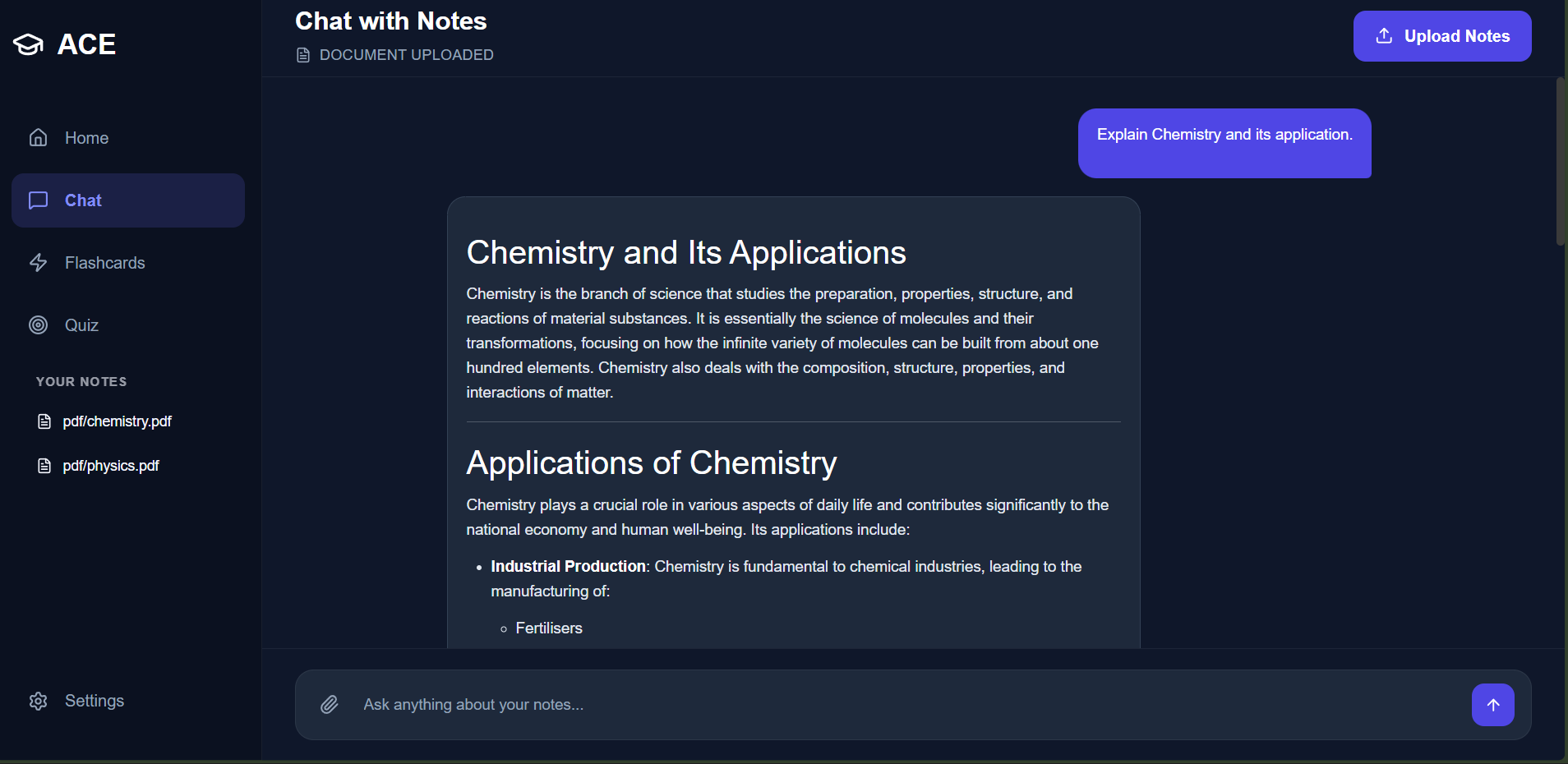
RESULTS PAGE
-
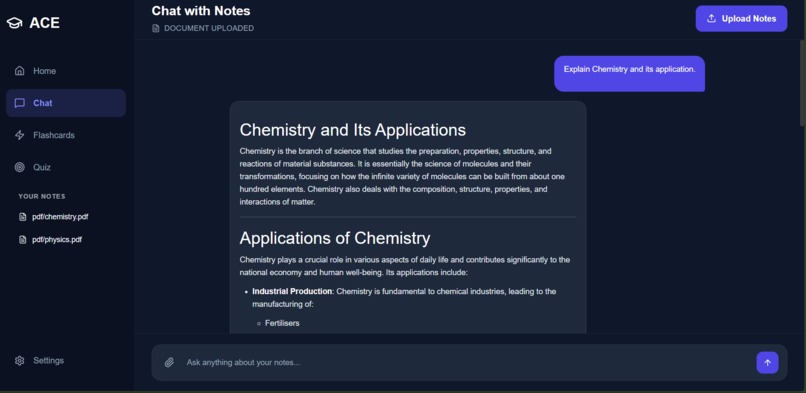
RESPONSE
-
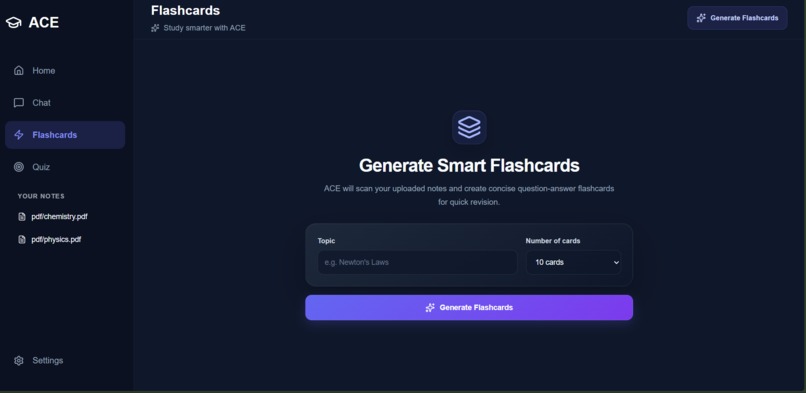
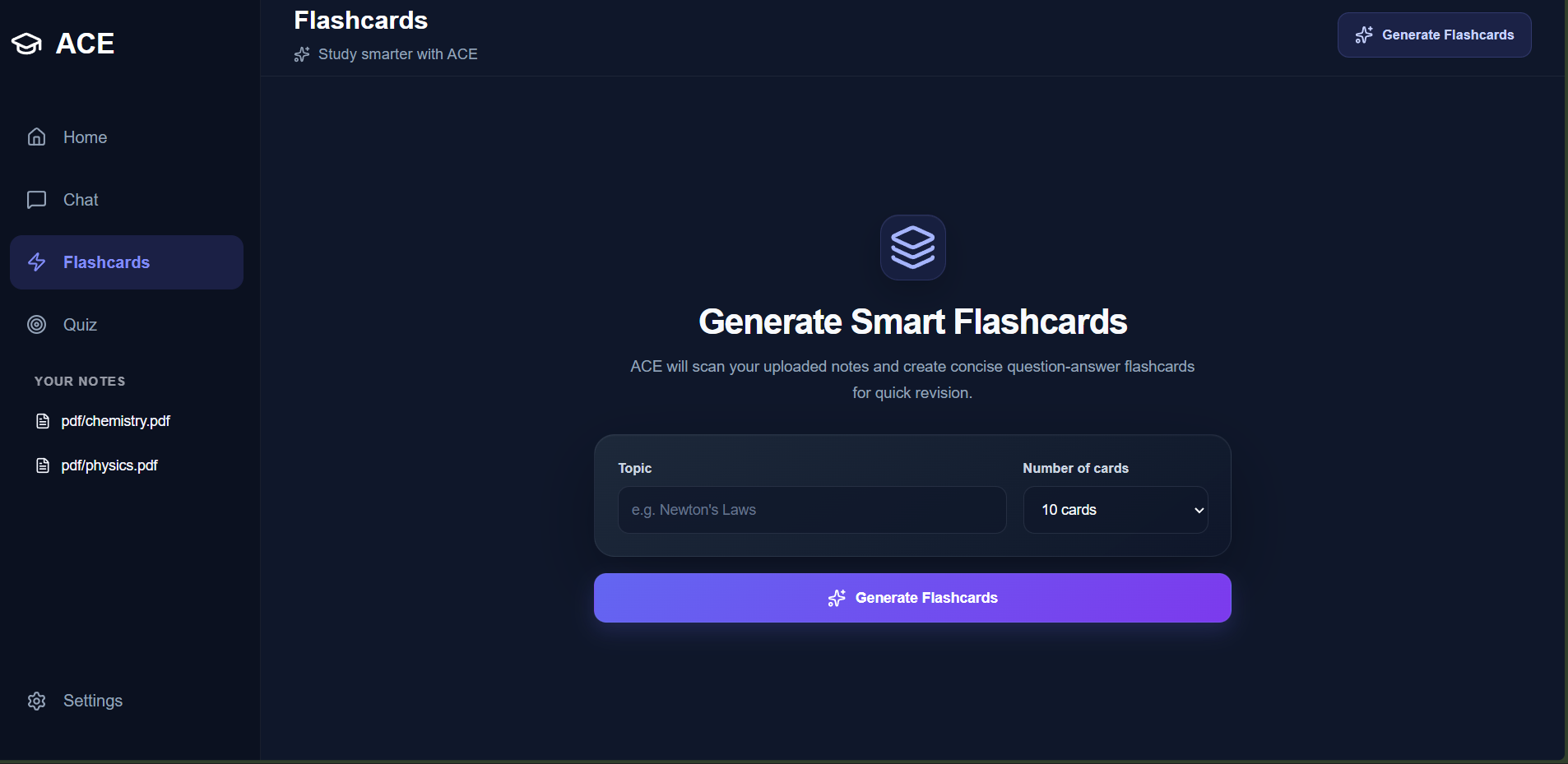
FLASHCARD SETTINGS
-
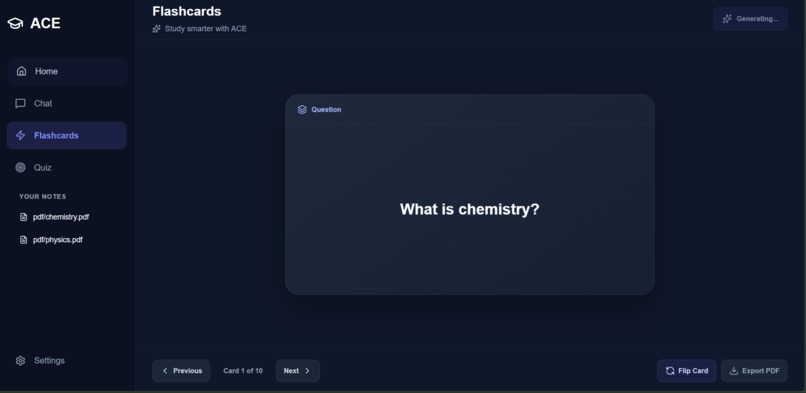
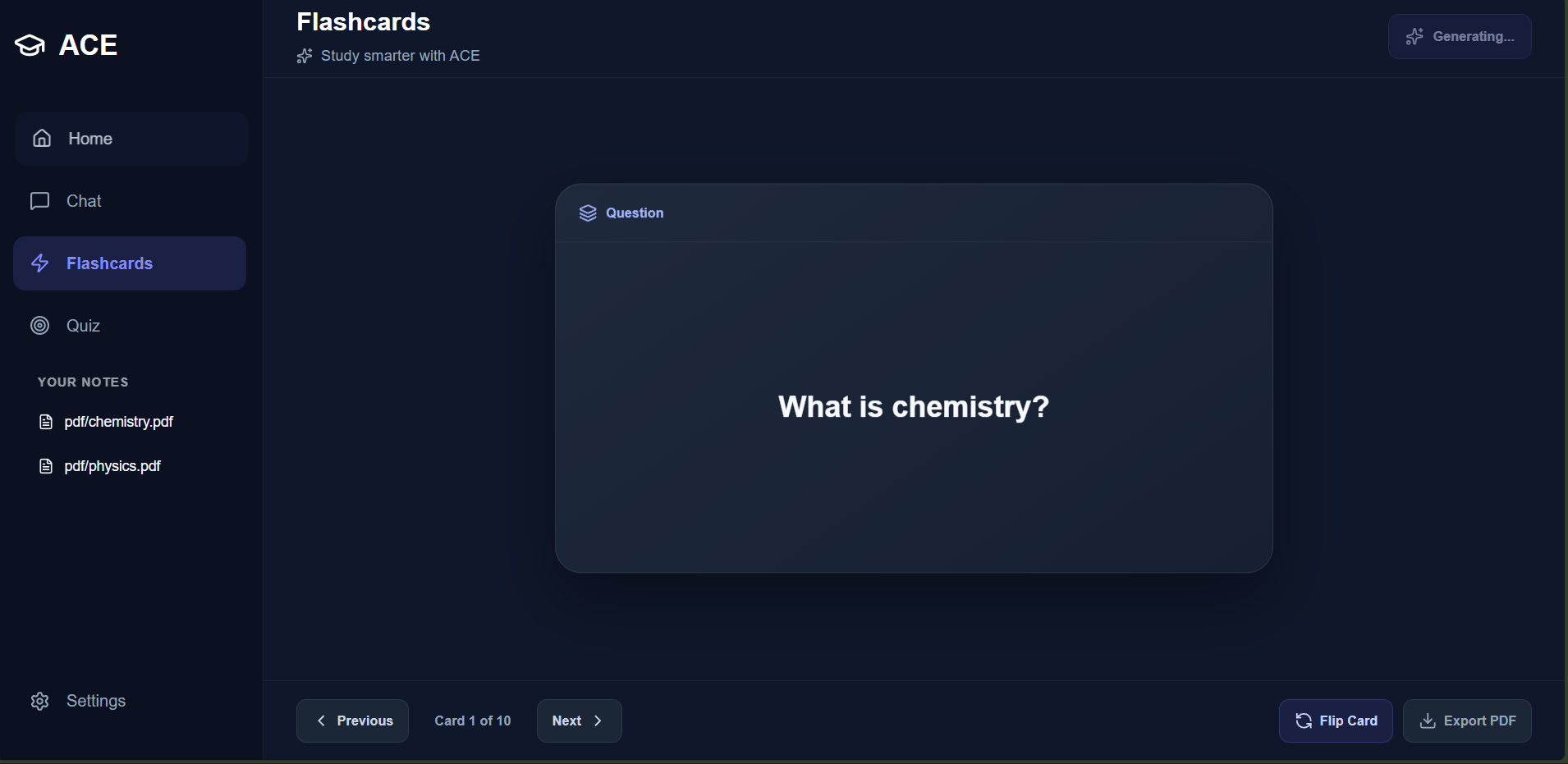
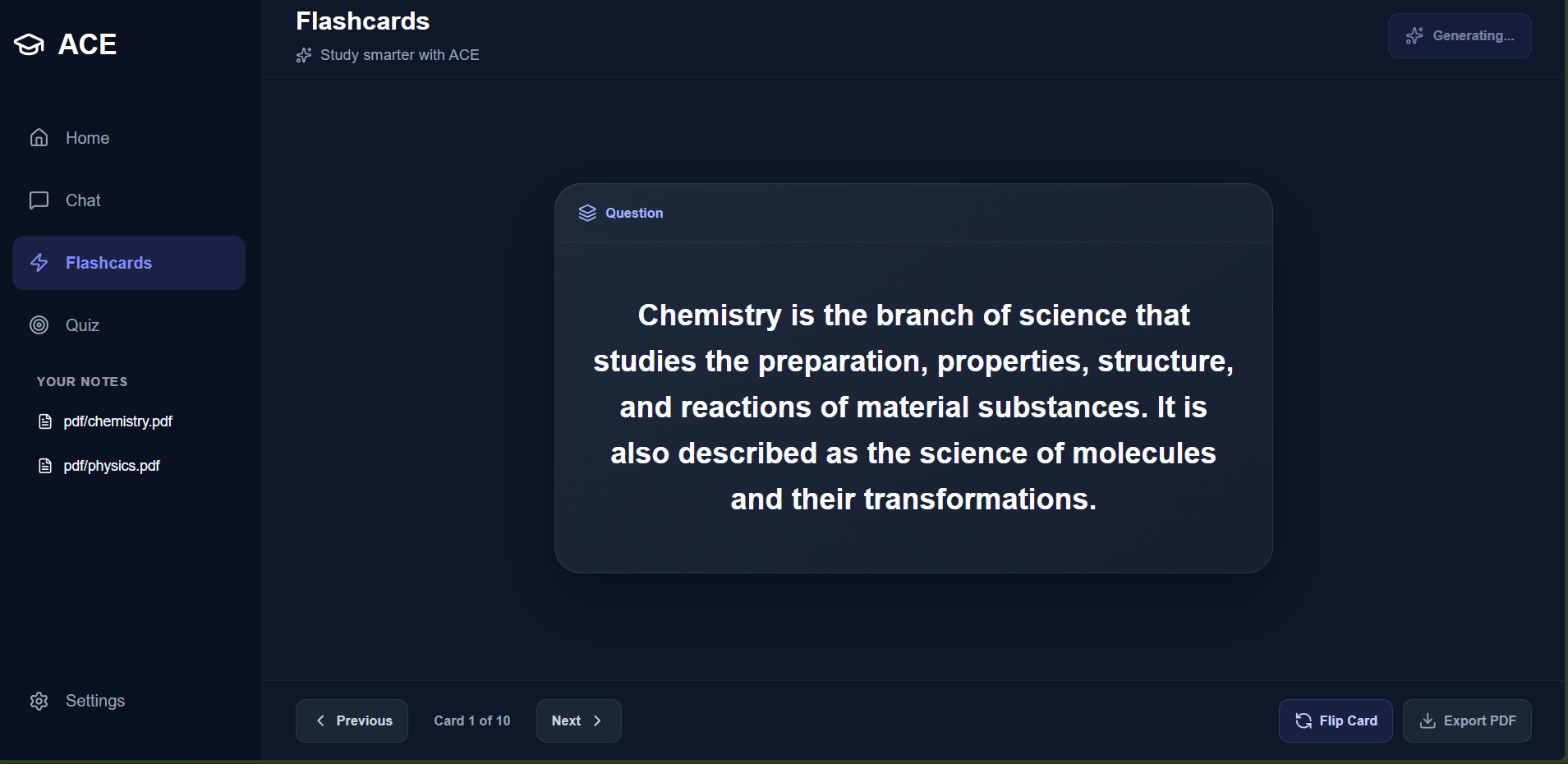
GENERATED FLASHCARDS
-
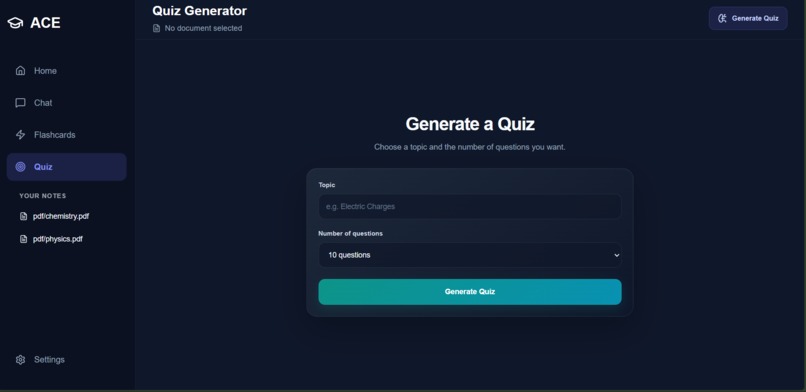
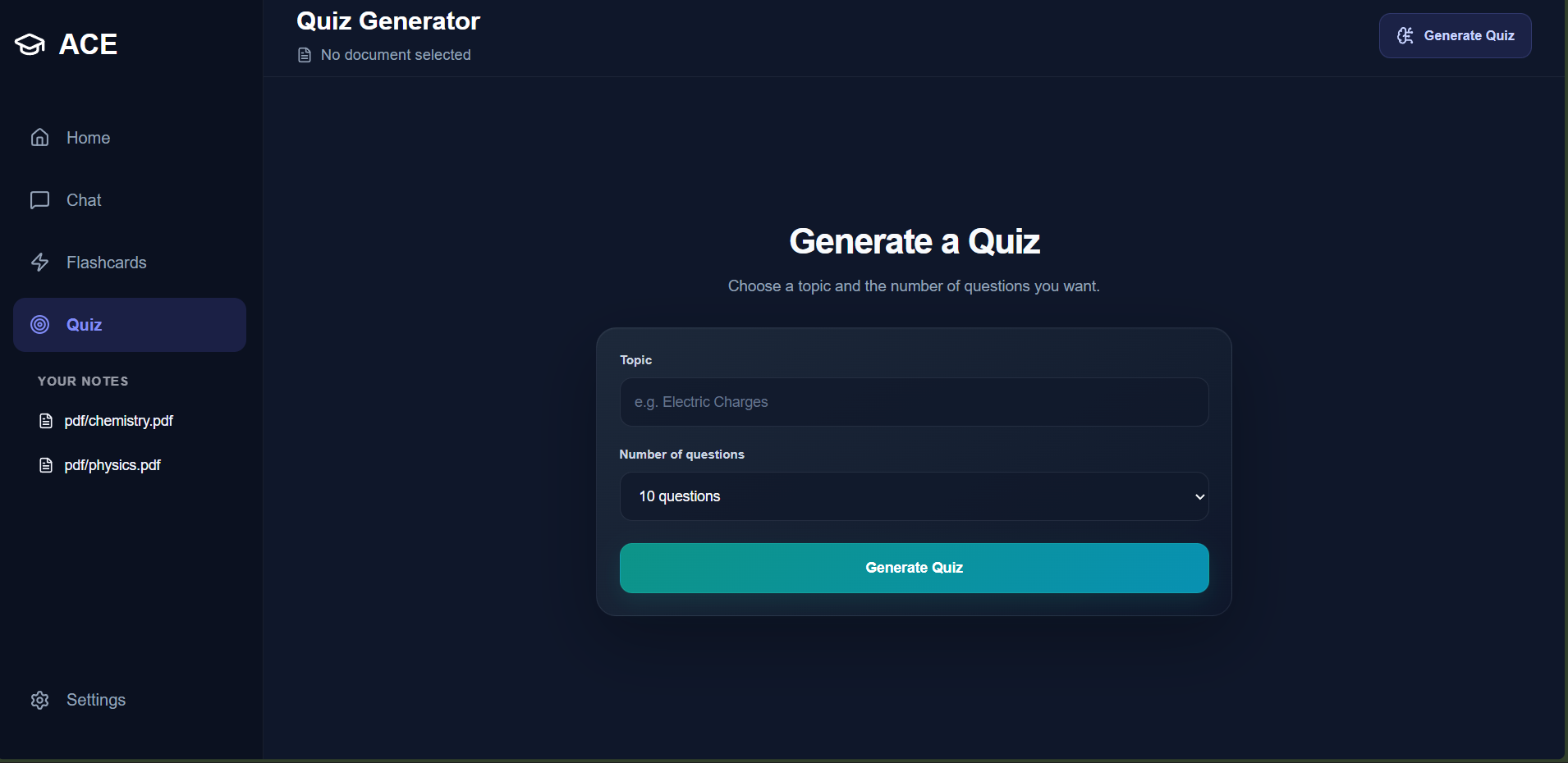
QUIZ SETTINGS
-
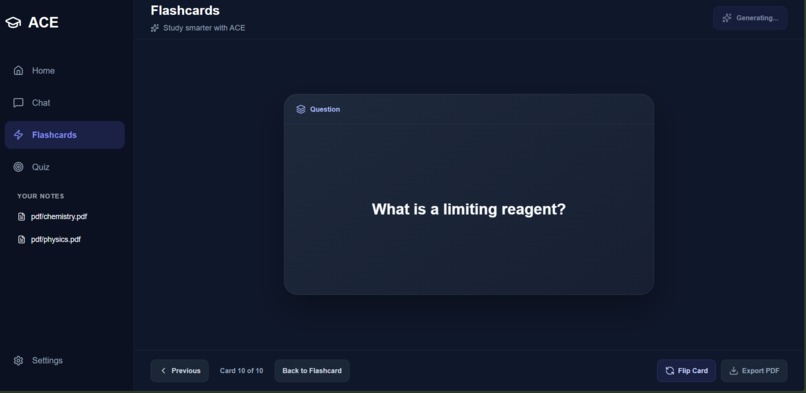
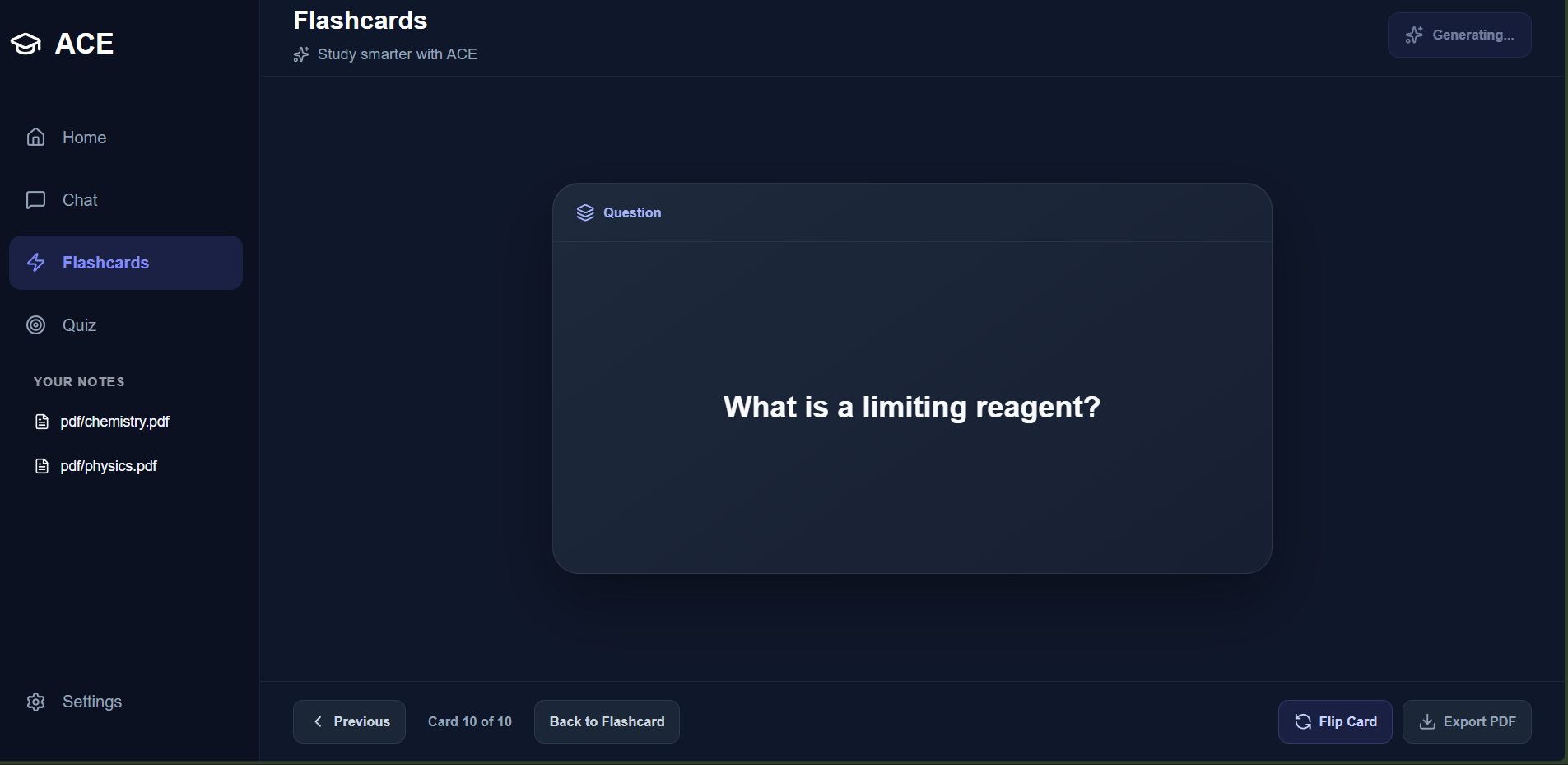
END OF FLASHCARDS
-
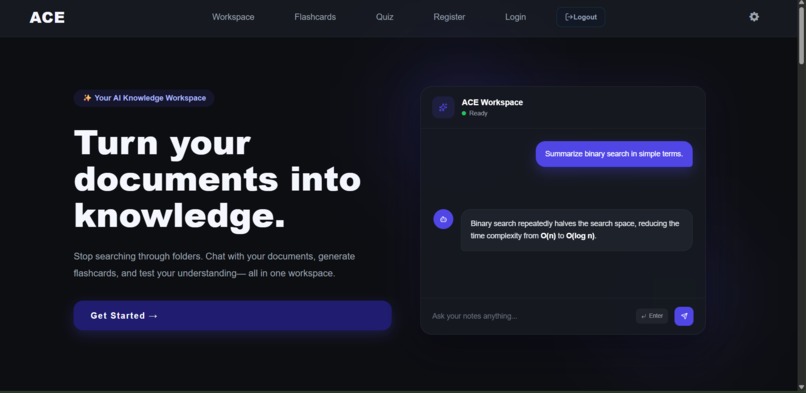
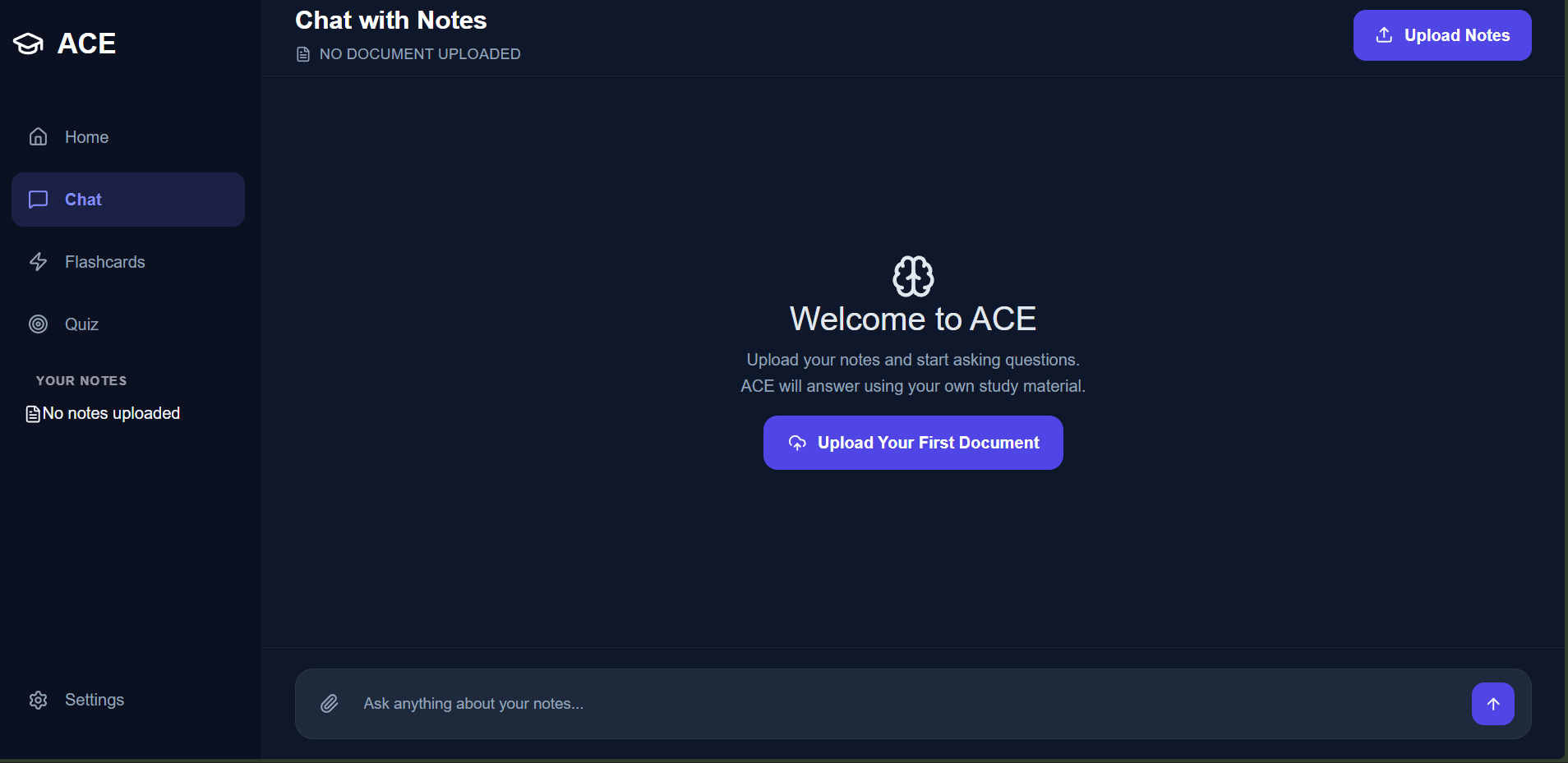
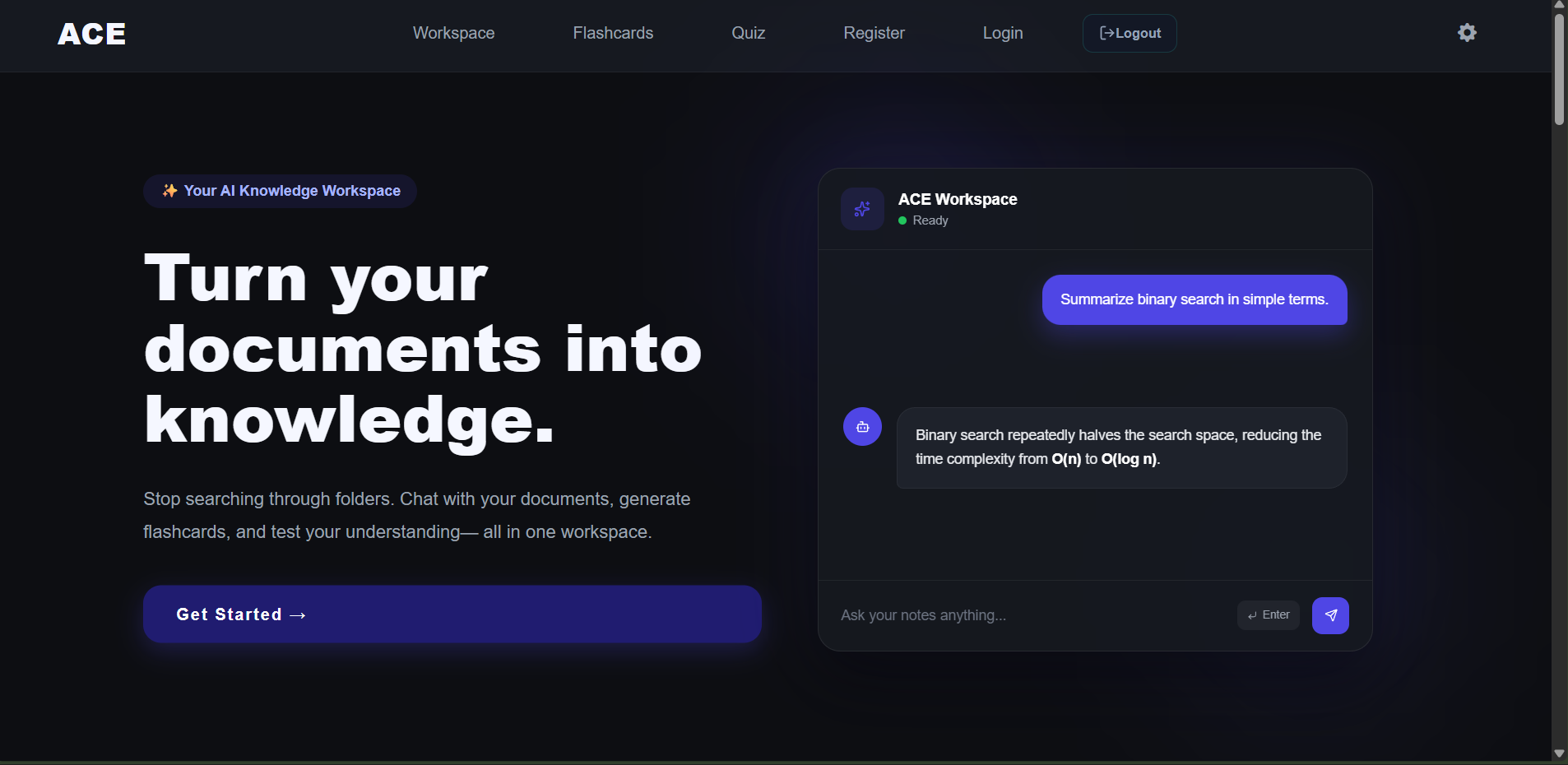
HOME PAGE
-
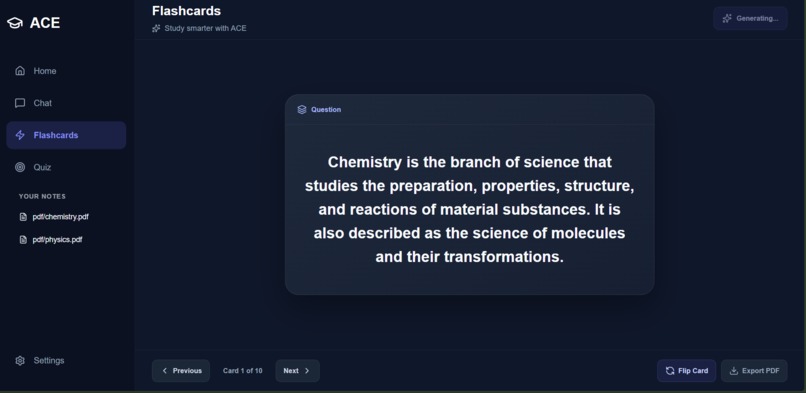
FLASHCARD FLIPPED
-

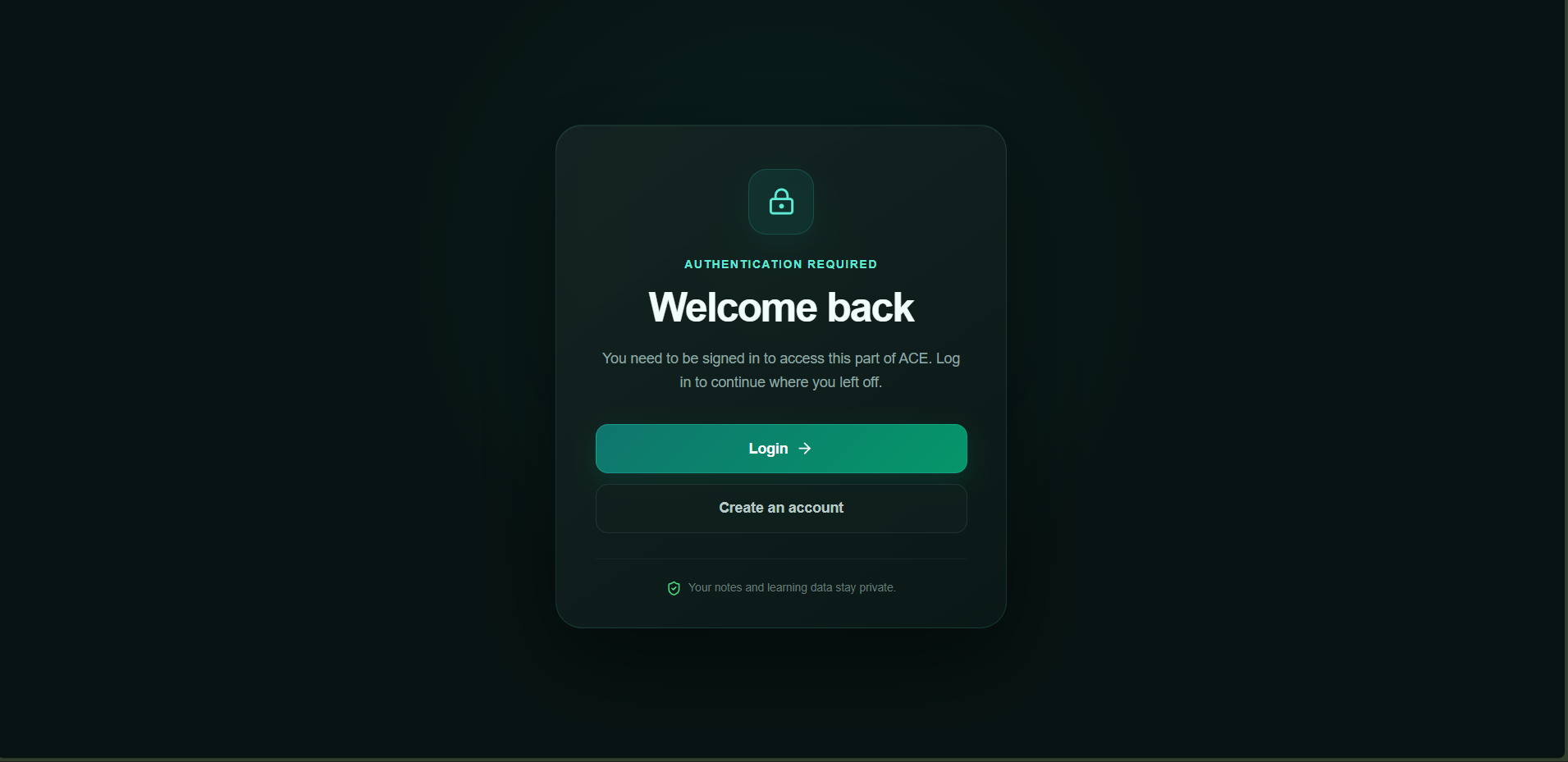
AUTHENTICATION REQUIRED
-
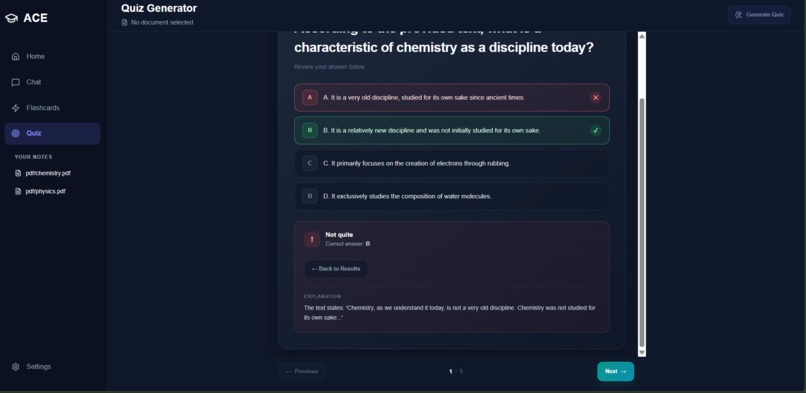
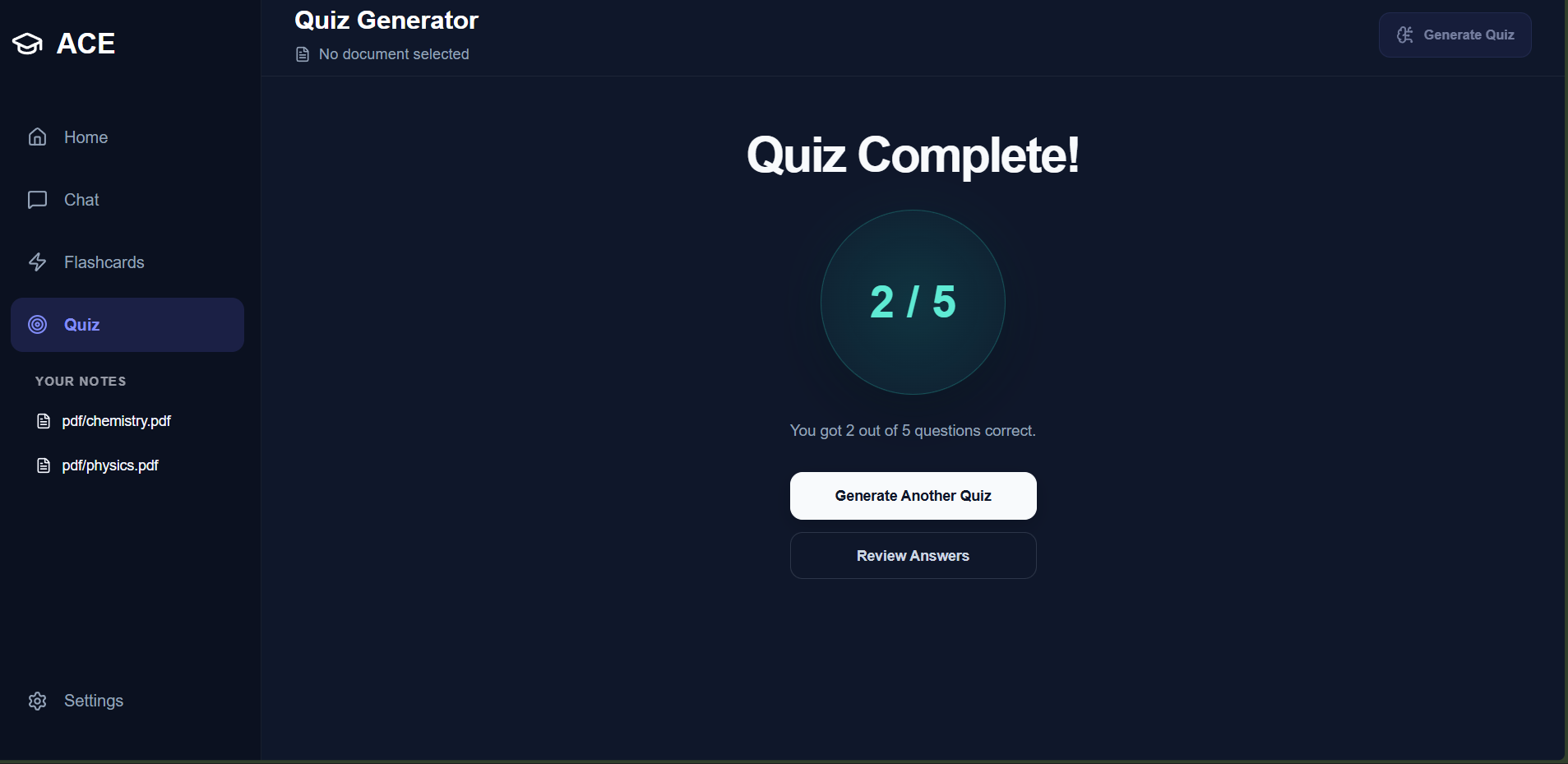
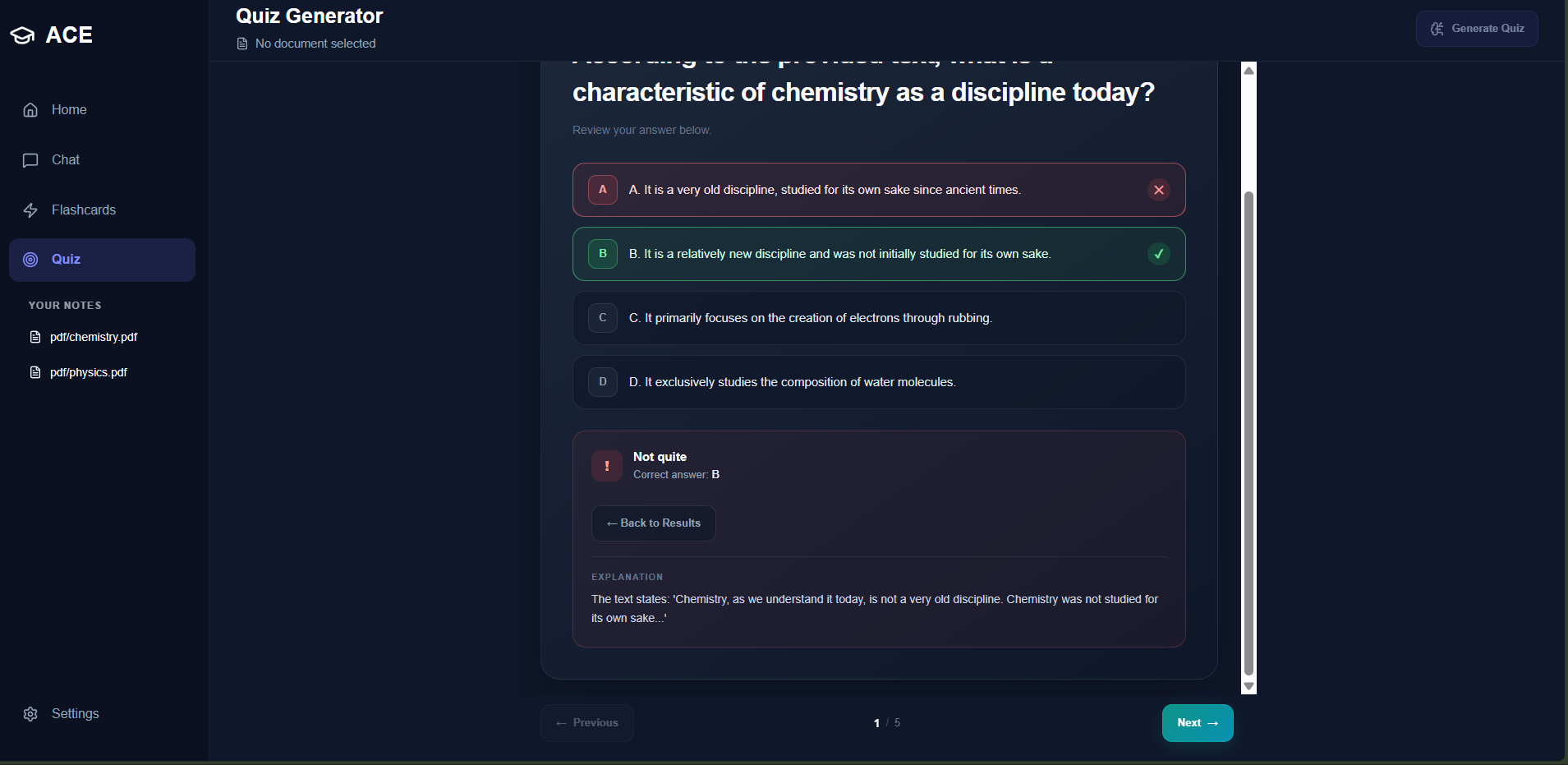
QUIZ REVIEW AFTER SUBMISSION
-
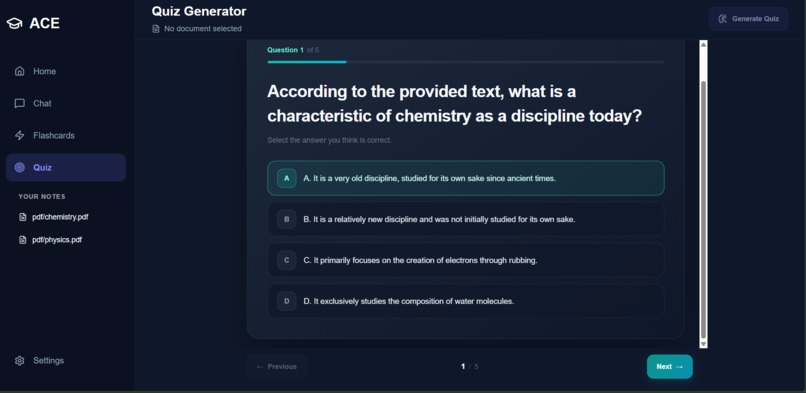
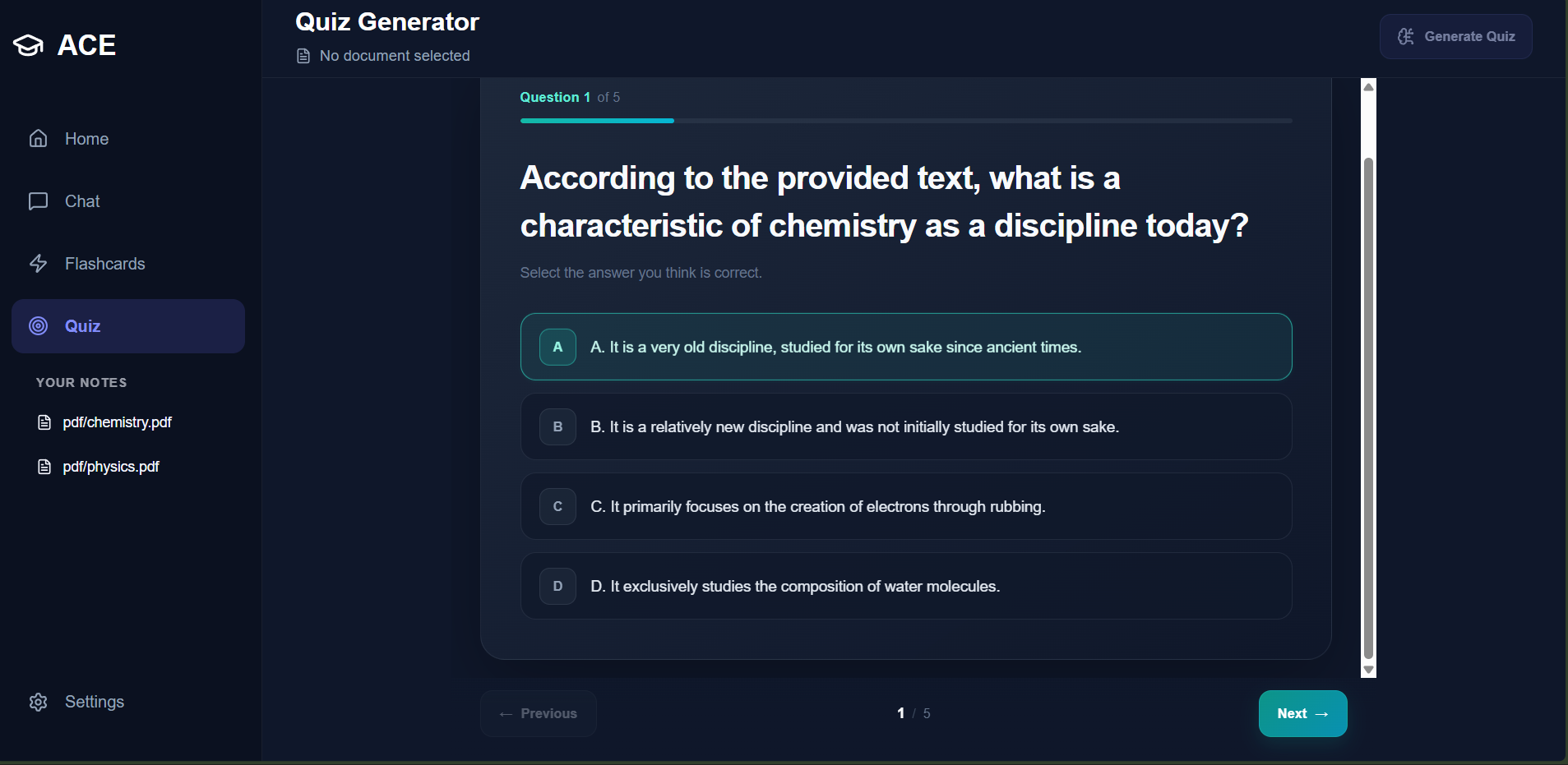
GENERATED QUIZ


Inspiration
During exam season, many students waste valuable time finding the right notes to answer their questions. I wanted to solve this problem by building something that helps students get answers from their own notes without having to search through countless files and folders.
What it does
Ace reduces the tedious work of finding the right notes for a question.
It uses a ranking system to find the most relevant notes. When a user asks a question, Ace uses semantic search and keyword matching to identify the most relevant content from their notes. It then generates an answer based purely on what is written in those notes.
Ace also allows users to generate quizzes based on their notes. Users can choose the topic, number of questions, and question type: True/False, Multiple Choice, or Mixed. The quiz is interactive, allowing users to select an answer and immediately see whether it is correct.
Ace also features flashcard generation for revision. Generated flashcards can be exported and are compatible with Anki.
How we built it
Ace features a ranking system designed to accurately find relevant content from the user's notes. It combines semantic search and keyword matching to improve the relevance of the retrieved content.
Ace uses three note files as references. When a user asks a question, the relevant content is retrieved and passed to a separate answer-generation system using the OpenAI API. Only the relevant paragraphs are provided to the AI, helping keep the generated answer focused on the user's notes.
Challenges we ran into
1. Repetitive Embedding
Ace uses a model to generate embeddings for questions and paragraphs from the notes. During development, I encountered a problem where every time the application restarted, the model had to generate the embeddings again. This wasted time and resources.
To solve this, I implemented an embedding cache. Ace stores the embeddings of the notes in a JSON file after generating them for the first time. When the application starts, it checks whether the cache exists. If it does, Ace reuses the stored embeddings instead of generating them again. If the cache does not exist, the model generates the embeddings and a new cache is created.
2. Keyword Search Only
During the first phase of Ace, I relied heavily on keyword matching to find relevant notes. This turned out to be unreliable because a keyword could appear in a notes file that was not actually relevant to the question.
To improve this, I introduced semantic search, which compares the embedding of the question with the embeddings of the notes. This allows Ace to consider the meaning of the question rather than relying only on matching individual words.
Accomplishments We're Proud Of
- Reducing the time wasted searching for the right notes.
- Helping students learn more effectively through the integration of quizzes and flashcards.
What We Learned
- How a RAG system works.
- How to manage a complex system.
- How to use embeddings, create caches, and verify hashes.
- How to build components using React.
- How to integrate FastAPI and Python for the backend.
- How routing, authentication, cookies, sessions, JWTs, and password verification work.
- How to use SQLite and build precise databases.
What's Next for Ace
I am thinking of integrating more features into Ace to make it more useful for students. Some of the features I am considering include:
1. Notes Generation
Generating notes by specifying the topic, references, main focus, and other additional details.
2. Specialized Test Sessions
Creating tests that simulate real-life examinations. References would be taken from previous-year question papers to provide relevant tests and ensure that unimportant topics do not receive unnecessary focus.
Afterwards, a specific report would be generated based on the student's performance to highlight weak topics.
3. Persistent Notes
Allowing users to save their notes so they do not have to upload them every time they use Ace.
Built With
- api
- css3
- fastapi
- html5
- javascript
- json
- openai
- python
- react
- sqlite
- typescript

