Accuracy Fills
Inspiration
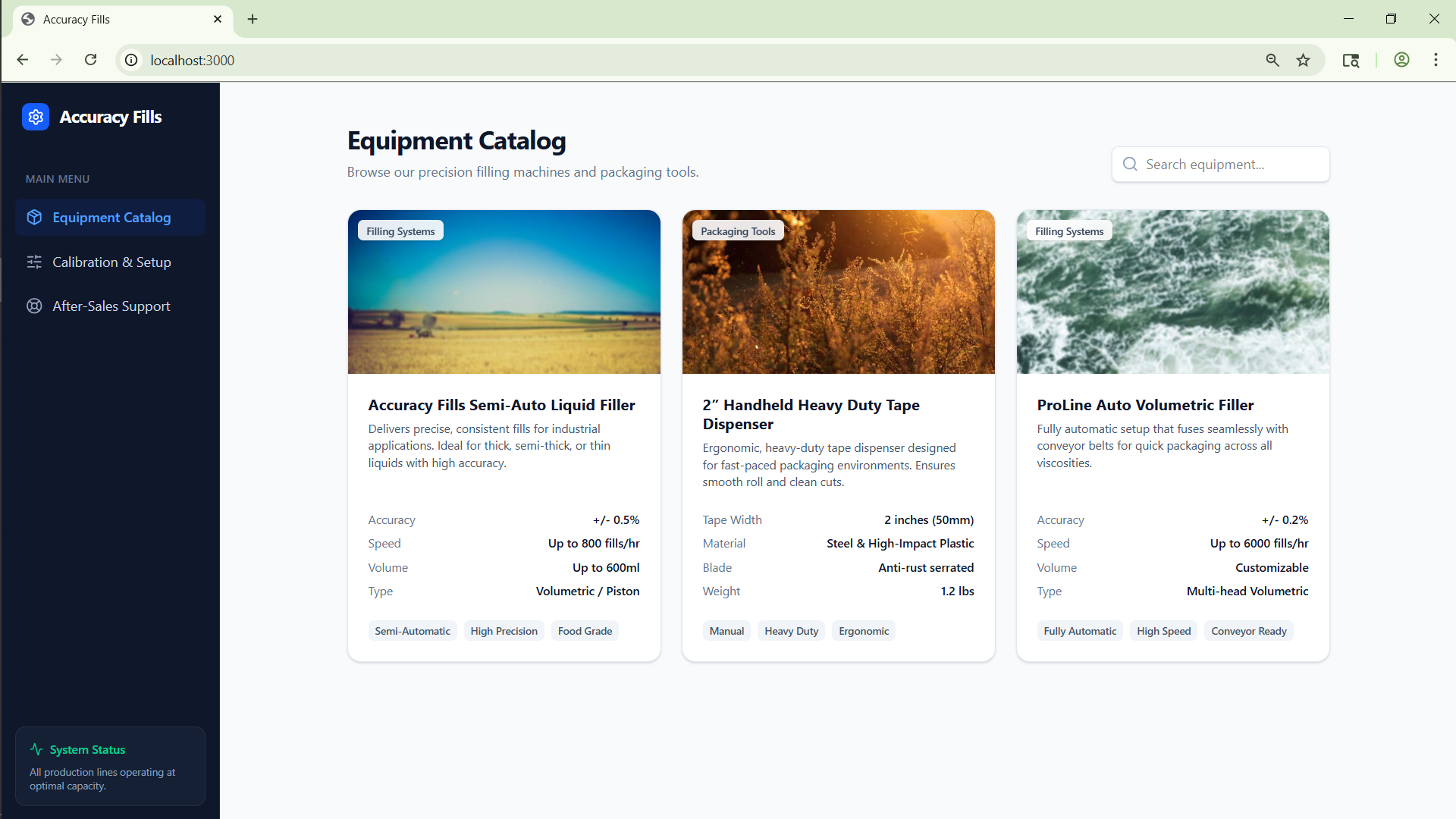
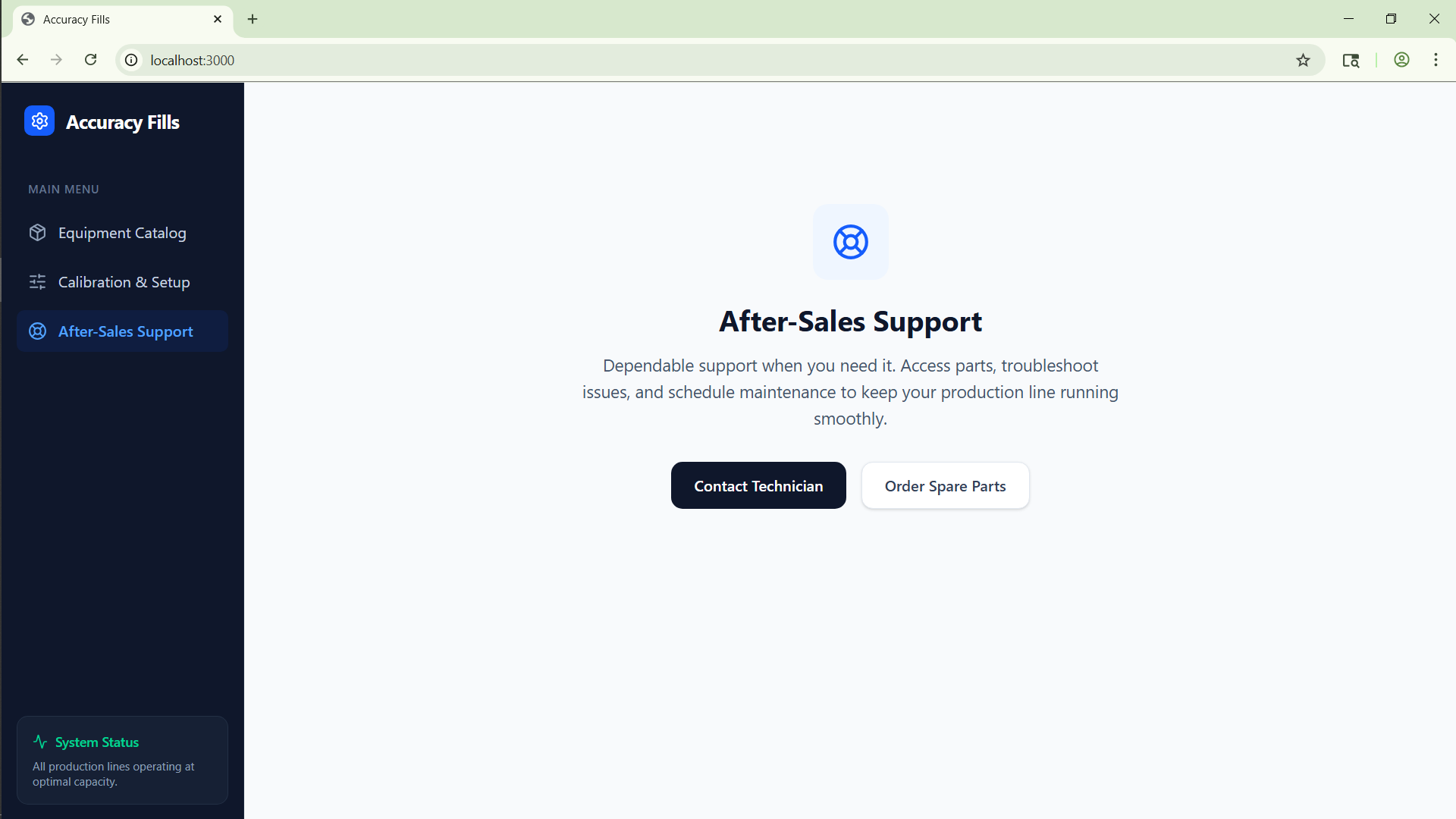
Accuracy Fills was inspired by a practical demo problem: a client did not just want a static interface or a product catalog, they wanted to see how a filling workflow could move from the browser to a real handheld or embedded device. The idea was to bridge that gap with something credible: keep the familiar calibration UI, then connect it to a Python firmware contract and a compact device screen preview.
We were also motivated by a broader product question: how do you make industrial tooling feel more modern without forcing a full hardware redesign on day one? That pushed us toward a hybrid approach where the browser acts as the control and demo layer, while the firmware contract shows how the same logic can live on-device.
What it does
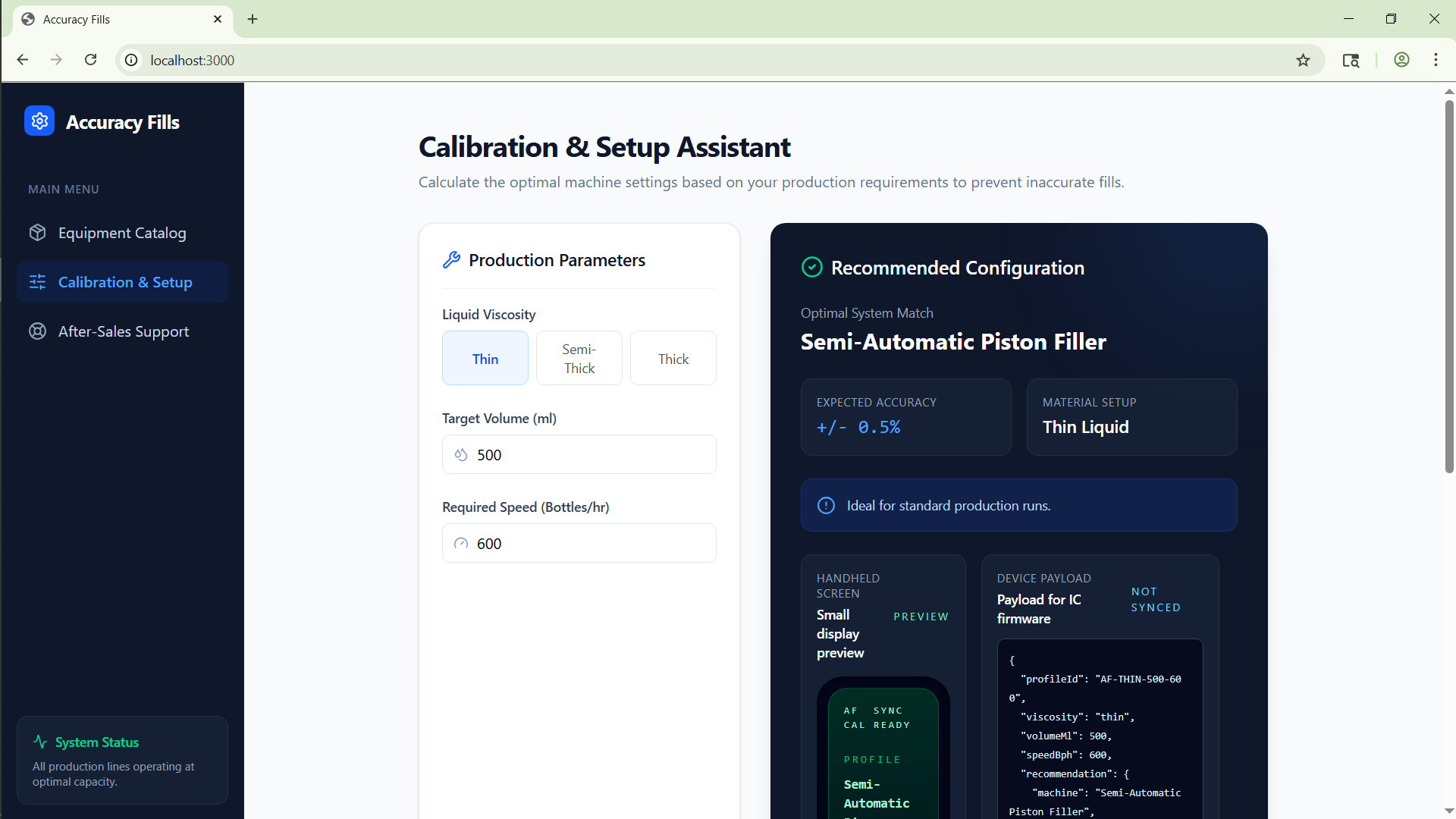
Accuracy Fills is a calibration demo for liquid filling workflows. It lets an operator enter production parameters such as:
- liquid viscosity
- target volume
- required speed
From those inputs, the app generates:
- a recommended machine profile
- an expected accuracy range
- setup notes for the operator
- a structured payload that can be sent to a handheld controller
- a simplified small-screen UI preview for the device
The project also includes a Python firmware file that mirrors the frontend logic. That means the same decision flow can be reproduced on an IC-backed handheld device instead of existing only in the web UI.
At a high level, the system treats the recommendation as a function of operating inputs:
[ R = f(\text{viscosity}, \text{volume}, \text{speed}) ]
and then maps that recommendation into a compact device payload and display frame.
How we built it
We built the project in two connected layers.
First, we used React, TypeScript, Vite, Tailwind, and Motion to create the browser experience. The calibration screen already handled user input, so we extended it to produce a device-ready payload and a handheld screen preview without disturbing the main UI flow.
Second, we added a MicroPython-friendly Python module that mirrors the same recommendation logic. The firmware file:
- normalizes incoming values
- rebuilds the recommendation
- generates compact screen lines for a handheld display
- exposes a simple device class that can accept payloads and return screen frames
This gave us a clean story for both sides of the demo:
- The frontend acts as the operator dashboard.
- The payload represents what would be sent to hardware.
- The Python module acts as the on-device logic contract.
- The small-screen preview shows what the operator would see on the handheld.
Challenges we ran into
One challenge was that the original project had leftover scaffolding and naming from earlier iterations, including references that were not relevant to the final Accuracy Fills concept. Cleaning that up without breaking the working app took care and verification.
Another challenge was keeping the current UI intact while still adding a believable embedded workflow. Replacing the interface would have been easier, but it would also have changed the product story. Instead, we had to integrate the payload preview, sync state, and small-screen display into the existing calibration experience.
We also had to think carefully about scope. A real industrial controller would involve sensor handling, transport layers, and hardware-specific code, but for a client-facing demo we needed something lightweight, understandable, and still technically credible.
Accomplishments that we're proud of
We are proud that the project now tells a complete story instead of stopping at a UI mockup.
- The frontend is functional and keeps the original experience intact.
- The device payload is explicit and inspectable.
- The small-screen handheld UI is already represented in the app.
- The Python firmware contract mirrors the frontend logic, which makes the demo much more believable.
- The repository was cleaned up, renamed consistently to Accuracy Fills, and prepared for version control.
Most importantly, the project now demonstrates continuity from browser input to embedded-device output.
What we learned
We learned that for industrial demos, the most important thing is often not visual complexity but trust. A client needs to see that the same logic can survive across interfaces, from desktop UI to constrained hardware.
We also learned that a small contract layer can do a lot of work. By defining one shared payload shape and one mirrored recommendation path, we reduced ambiguity between frontend behavior and firmware behavior.
From a product perspective, we learned that a convincing demo often sits between prototype and production. It does not need every hardware detail implemented, but it must show a clear migration path.
What's next for Accuracy Fills
The next step is to connect the payload contract to a real transport layer, such as serial, Wi-Fi, or BLE, so the frontend can communicate with an actual handheld controller.
After that, we would extend the project with:
- persistent profile storage on-device
- live sync status from real hardware
- a more production-ready small-screen state machine
- sensor-driven calibration feedback instead of only rule-based recommendations
- optional logging and analytics for repeated fill cycles
Longer term, Accuracy Fills can evolve from a calibration demo into a true browser-to-device operating workflow for smart filling equipment.
Built With
- micropython-style-firmware-contract
- motion
- node.js
- python
- react
- tailwind-css
- typescript
- vite


Log in or sign up for Devpost to join the conversation.