-
-
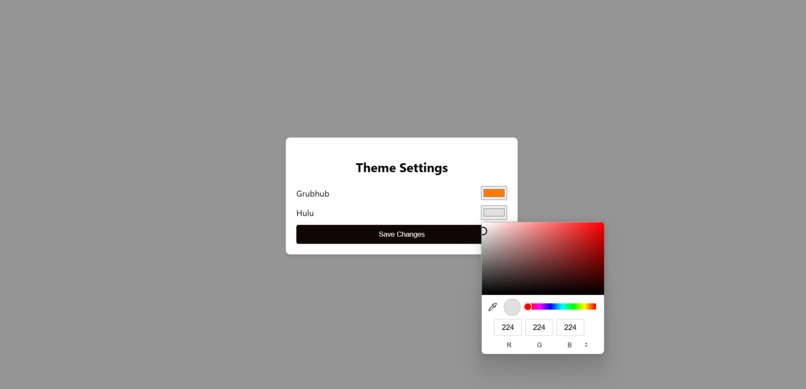
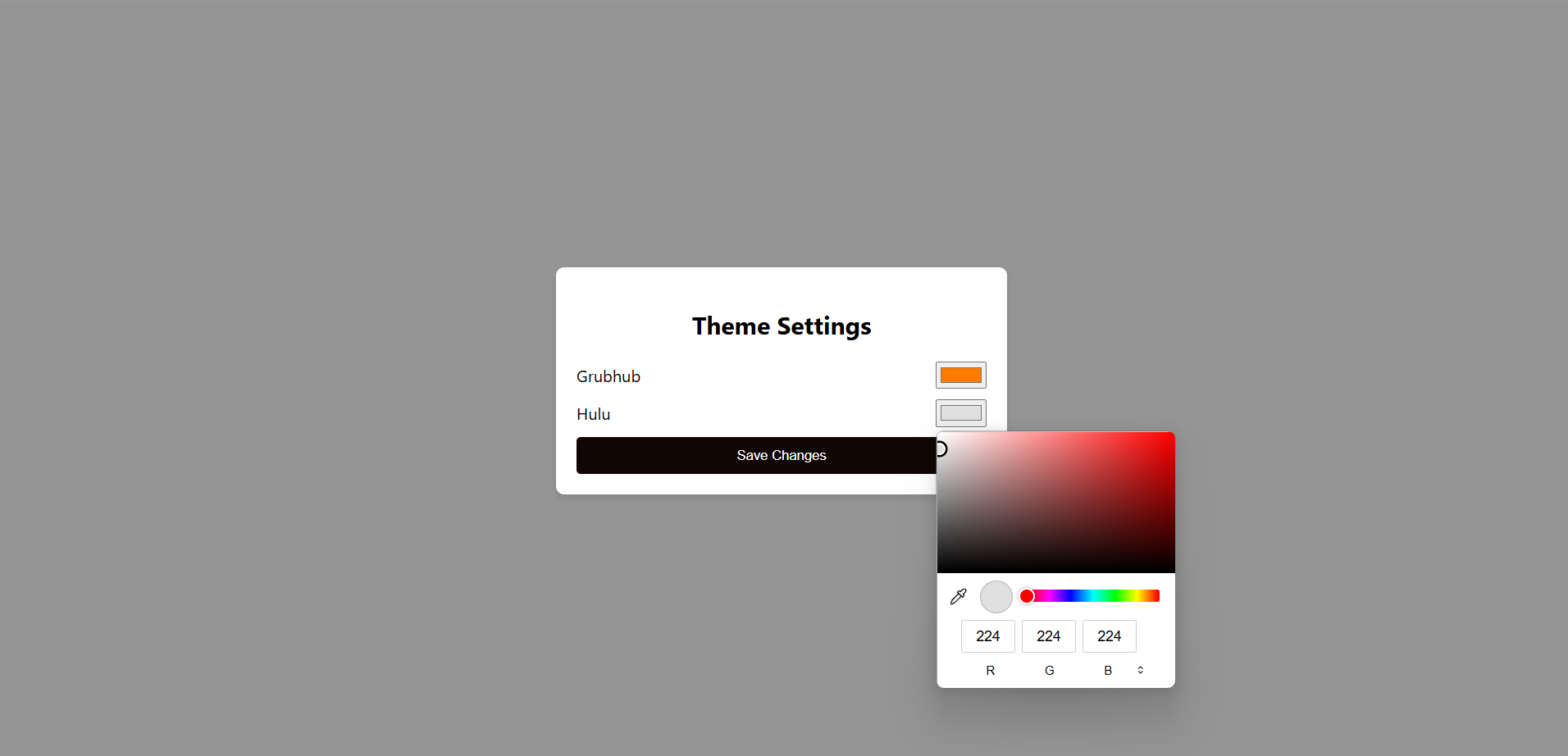
Color customization Option
-
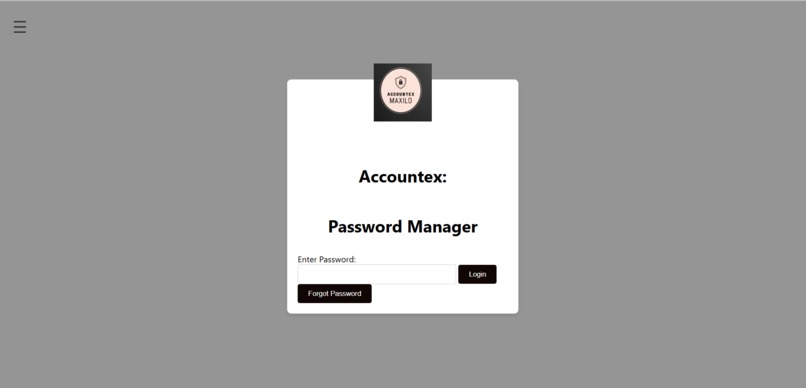
Login screen
-
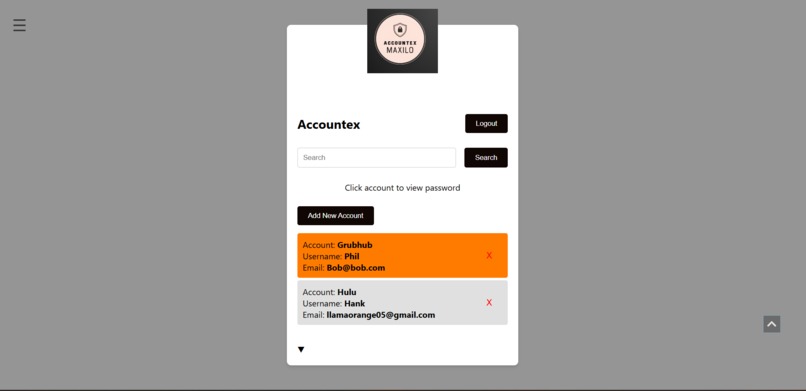
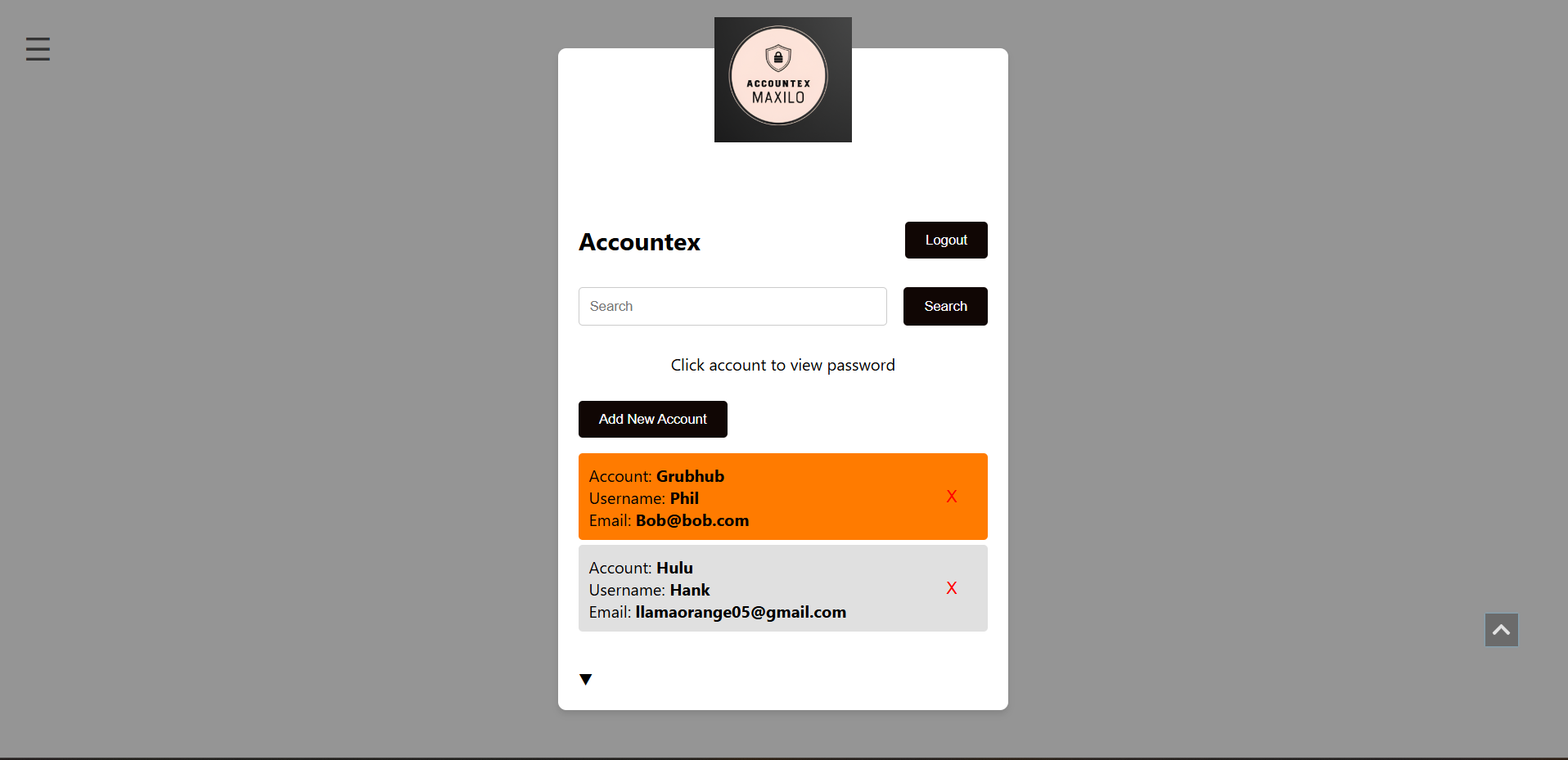
Accounts list screen

Inspiration
In today’s digital age, we’re constantly creating new accounts — for work, school, apps, newsletters, and everything in between. Keeping track of all these logins is a nightmare, especially when you want a simple, secure way to organize them without handing your data over to a third-party service.
What it does
Accountex is a privacy-first, local account manager built entirely in the browser. It helps users store and organize login info across multiple profiles — all without any backend, signup, or cloud syncing.
How I built it
I started by choosing a simple HTML template to serve as the basic structure of the project. From there, I gradually added functionalities and customized the design to meet the needs of the account management system.
Basic Layout and Structure:
I began by setting up the initial HTML structure, including sections for profiles, accounts, and account details. The layout was designed to be minimal and intuitive.
Styling:
Using CSS, I refined the UI to ensure a clean, user-friendly design. The focus was on readability and ease of navigation between profiles and accounts.
Local Storage Integration:
For data storage, I used the Web Storage API to save user data in the browser's localStorage. This allowed profiles and account information to persist even after the browser was closed. I implemented functions to create, read, update, and delete profiles and accounts stored in localStorage.
Dynamic UI with JavaScript:
I used JavaScript to manage the interactivity of the app. This included dynamically adding profiles, displaying account details, and handling actions like editing and deleting accounts. The UI updates in real-time without the need for page reloads.
Password Recovery with EmailJS:
For password recovery, I integrated the EmailJS API. This allows users to recover their lost passwords by sending a verification code via email. I set up email templates and linked them to the recovery functionality, ensuring a seamless user experience.
Client-Side Logic:
The entire app is built with client-side logic, meaning all data storage, management, and email functionality are handled directly in the browser, without needing a backend server.
Challenges I ran into
HTML-Java Integration: Originally, I planned to build the backend using Java, with data being written to and read from CSV files for storage. However, integrating the HTML frontend with the Java backend proved to be too challenging within the time frame. The process of passing data between the frontend and backend, especially without relying on external libraries or JSON, became more complex than anticipated. Ultimately, I had to pivot and shift to using client-side JavaScript with the Web Storage API to store data locally in the browser. While this was a setback, it ended up being a simpler and more efficient solution for the project.
Project Management: As this was our first experience managing a project, there were several challenges related to time management and task delegation. Initially, we didn’t have a clear sense of how to break down the tasks and manage the workload effectively. This led to delays in certain parts of the development process and added some pressure toward the end. However, this experience was invaluable in teaching me how important clear communication, planning, and deadlines are when working on a project as a team.
Accomplishments that I'm proud of
First Completed Application: This project marks my first fully completed application from start to finish. Being able to create something functional that I can use on a daily basis is incredibly rewarding. It’s been a great introduction to turning ideas into working software.
Directly Applicable Usage: The fact that the software has immediate, real-world use is something I’m proud of. I’m actually using Accountex to manage my own accounts, which makes the project even more satisfying. Knowing that my work is directly solving a problem I face daily reinforces the value of this project.
Overcoming Challenges: Despite the hurdles — whether it was the difficulties of integrating Java with HTML or managing the project as a team — we pushed through and completed the software. I’m proud of how we managed to stay focused, adapt to changes, and ultimately finish the project. It was a test of perseverance and problem-solving.
Relearning HTML, JavaScript, and CSS: This project gave me the opportunity to relearn and improve my knowledge of HTML, JavaScript, and CSS. Although I had some experience with these technologies, it was a great refresher and helped me solidify my understanding of how to integrate them into a real-world application.
What I learned
Relearning HTML, JavaScript, and CSS: Working on Accountex gave me the chance to relearn and sharpen my skills in HTML, JavaScript, and CSS. This project reinforced how essential it is to understand the core web technologies to build effective and responsive web applications.
The Importance of Project Management: Managing a project from start to finish was an eye-opener. I learned that clear task delegation, proper time management, and maintaining open communication are crucial to overcoming challenges and keeping a project on track. This experience highlighted how essential project management skills are, especially when working in a team or on something with a deadline.
How to Use GitHub: This project taught me a lot about using GitHub effectively for version control, collaborating with others, and managing project files. I became more comfortable with git workflows, branching, committing changes, and resolving merge conflicts — skills that will be incredibly useful for future projects.
What's next for Accountex
Password Encryption for Local Storage: Implementing client-side encryption for passwords stored in localStorage will add an extra layer of security. This ensures that even if someone gains access to the browser's storage, they won't be able to retrieve passwords without proper decryption.
Multi-User Support: Introducing multi-user functionality will allow different users to log in and manage their accounts from the same device. This will require an authentication system to load and display specific account data for each user, making the app more versatile for shared devices.
Improved UI/UX Design: I’ll focus on refining the UI/UX design to make the app more aesthetically pleasing and intuitive. This will include better layout, smoother navigation, and enhanced visual elements to create a more enjoyable and user-friendly experience for all users.
Built With
- css3
- emailjs
- html5
- javascript
- webstorage

Log in or sign up for Devpost to join the conversation.