-
-
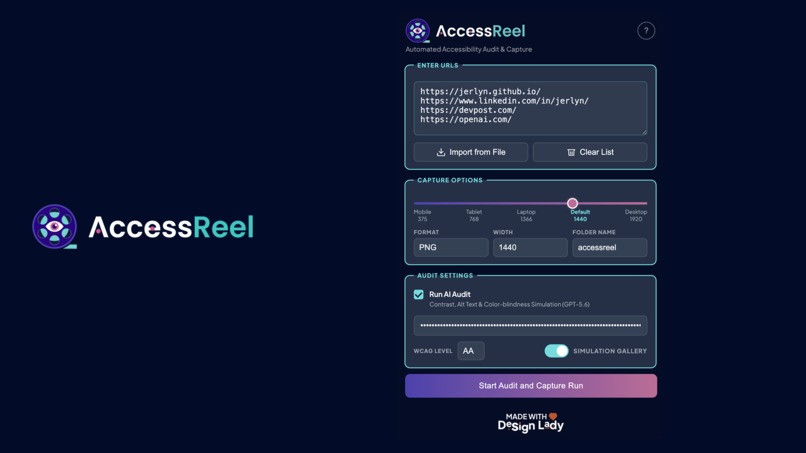
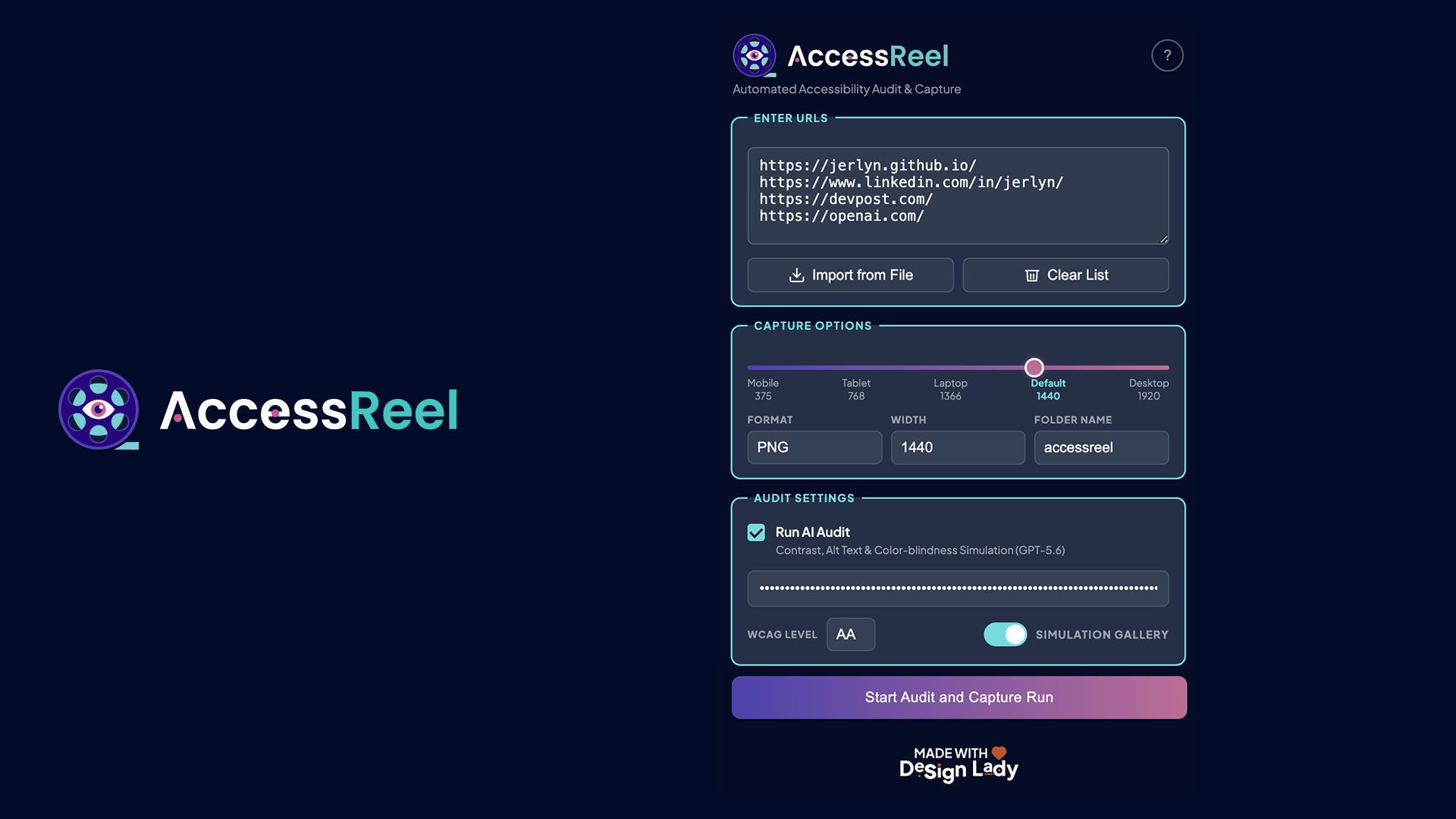
Interface
-
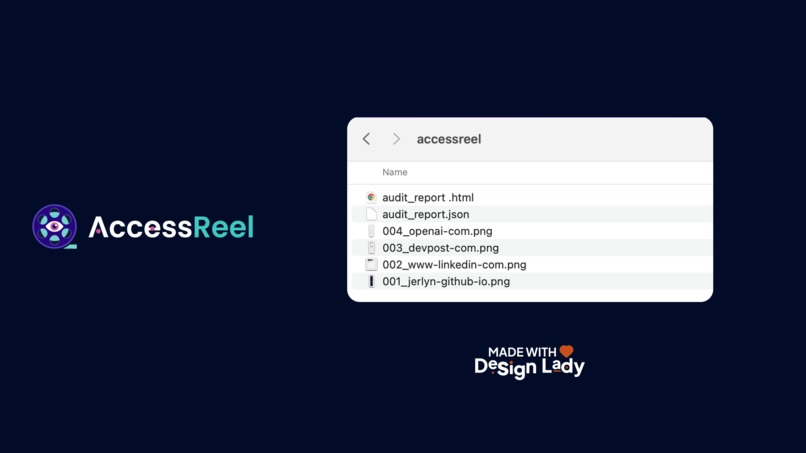
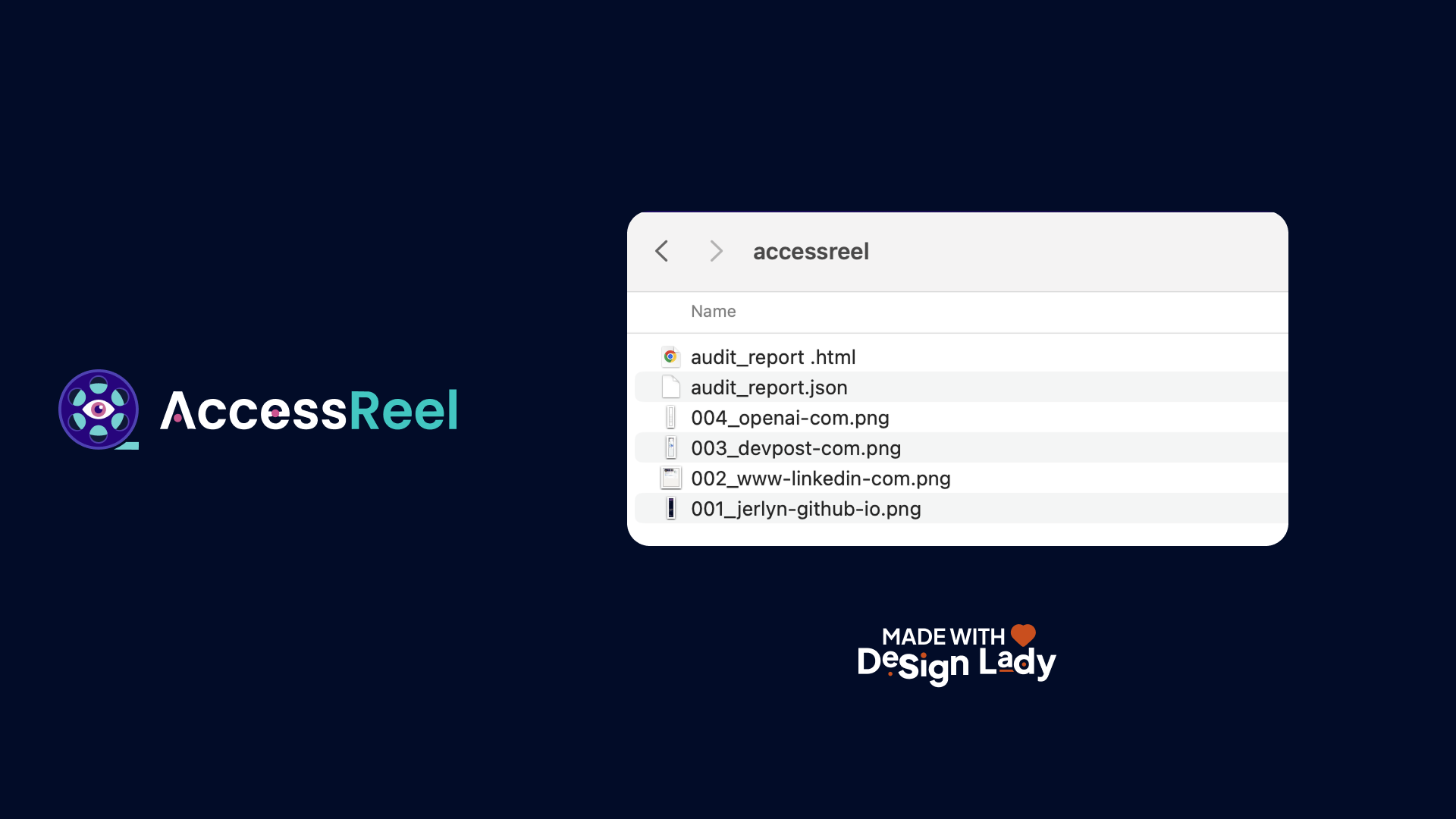
Files
-
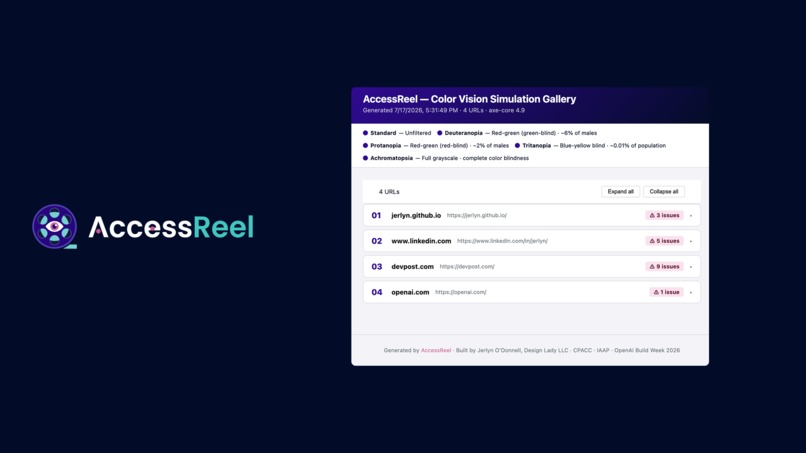
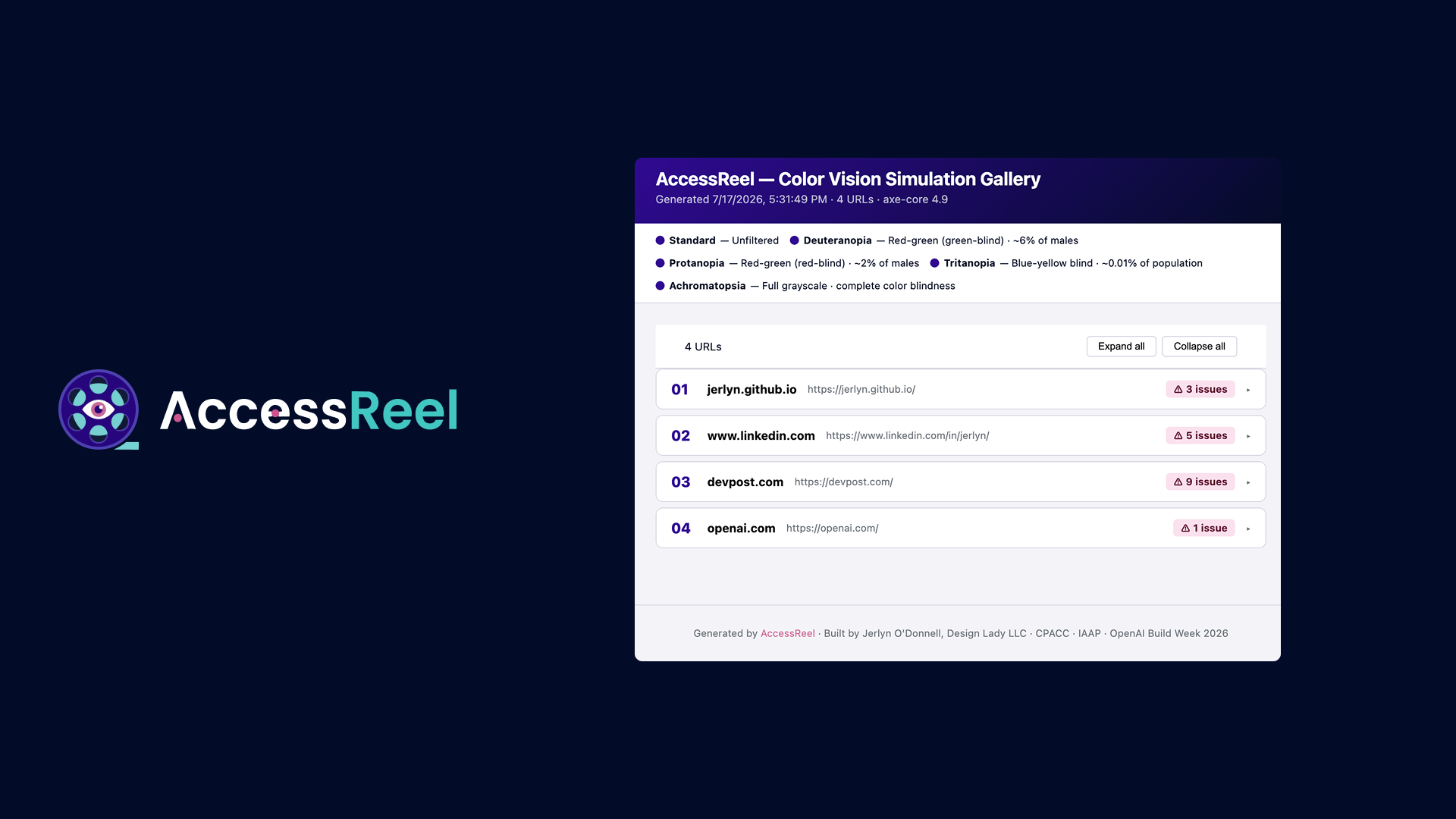
Simulation Gallery
-
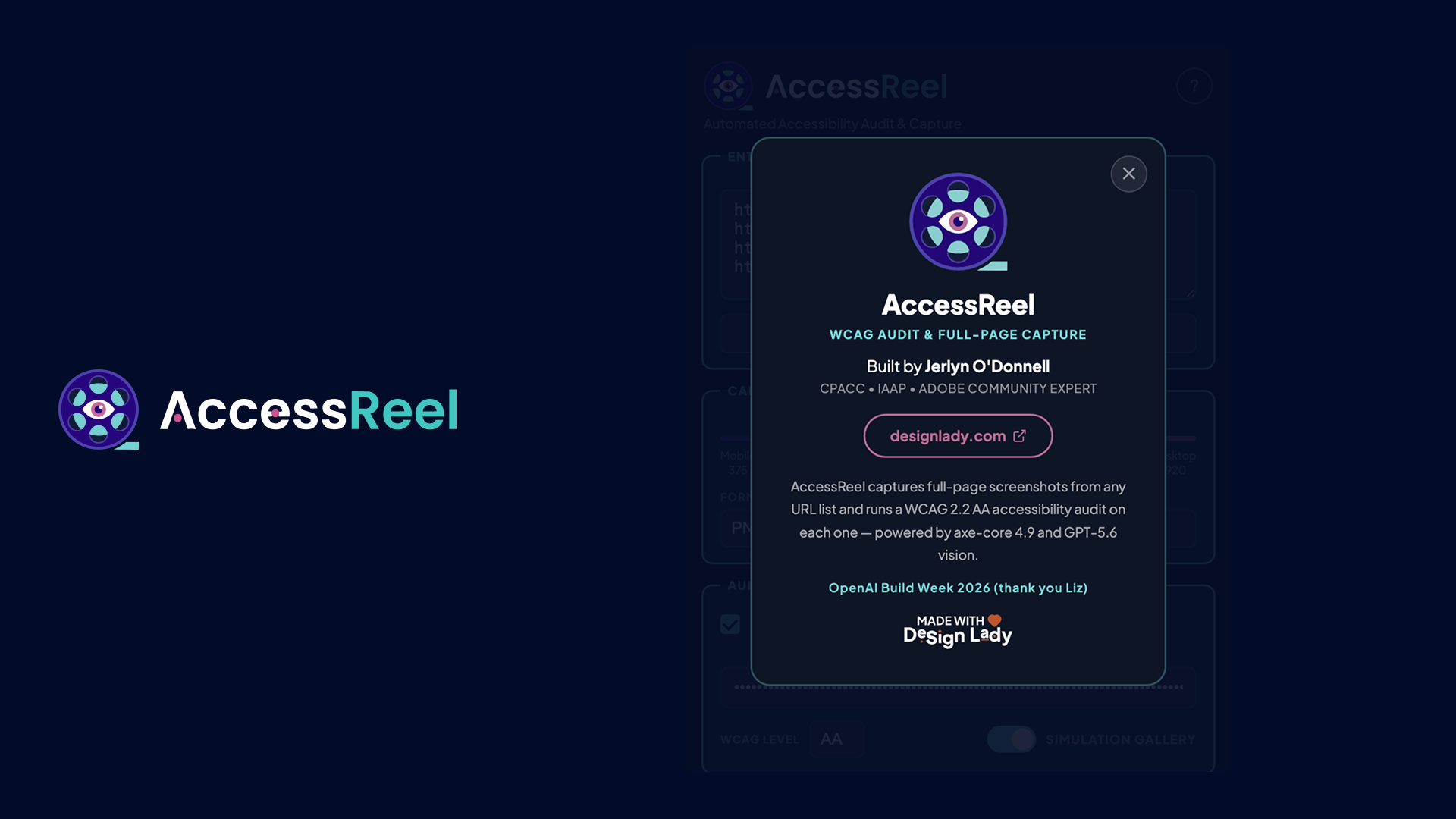
Credit
Inspiration
QA engineers and accessibility auditors run two completely separate jobs to verify a site (screenshots to document visual state, then a separate accessibility checker. Neither tool talks to the other). I built AccessReel to eliminate that second job entirely.
As a CPACC-certified accessibility consultant, I work with organizations that need documented evidence of WCAG compliance but screenshots with violations mapped to them. No existing tool does both in one run. This does not operate as a check list.
What it does
AccessReel is a Chrome extension that captures full-page screenshots from any URL list and delivers a WCAG 2.2 AA compliance report alongside each capture (in a single run, with no separate audit step). It has an additional layer of a gallery simulation for varying colorblindness.
Core features:
- Full-page capture via Chrome DevTools Protocol (not a viewport crop)
- Batch processing from pasted URLs or imported .txt / .csv / .xlsx files
- axe-core 4.9 injects into each captured page and returns structured WCAG violations with impact levels, node counts, and remediation links
- GPT-5.6 vision analyzes each screenshot for visual accessibility failures automated rules miss: contrast failures baked into images, icon-only controls, cognitive accessibility issues
- Color vision simulation gallery: five side-by-side views per URL (Standard, Deuteranopia, Protanopia, Tritanopia, Achromatopsia) using clinically validated Viénot/Brettel color matrices — the same matrices Chrome DevTools uses
- Downloadable HTML audit report with violation badges, impact severity color-coding, and links to axe documentation
How I built it
Built entirely with Codex during OpenAI Build Week.
Codex scaffolded the Manifest V3 architecture, the CDP screenshot pipeline, the axe-core injection logic, the batch download system, the SVG color matrix gallery, and the results dashboard UI. I supplied the accessibility domain knowledge, the architecture decisions, and the WCAG specification expertise.
GPT-5.6 is called once per URL with a structured system prompt instructing it to act as a WCAG 2.2 AA auditor. It returns a JSON array of findings (region, issue, severity, remediation) that merges with the axe-core output into a unified report. This is what makes the results actionable rather than just descriptive.
Tech stack:
- Chrome Manifest V3 + Chrome DevTools Protocol
- axe-core 4.9 (injected content script)
- GPT-5.6 vision via OpenAI API
- SVG feColorMatrix for color blindness simulation
- SheetJS for .xlsx import
- Vanilla JS, no frameworks
Challenges
Background tab rendering was the hardest problem. Full-page CDP capture in a background tab fails in ways no documentation warns you about: GSAP ScrollTrigger reverses hero animations when scrolled back to y=0, CSS background-attachment:fixed renders against the full page height instead of the viewport, and lazy-loaded images never fire their IntersectionObservers.
The solution was a staged stabilization pipeline: kill GSAP first (before any scroll events), fast-forward CSS animations via animation-delay:-9999s, incrementally scroll to trigger lazy loaders, reveal opacity-hidden elements via computed style sweep, then capture. Never removing transform values — that was the garbling root cause that took longest to diagnose.
Pharma sites have sticky ISI (Important Safety Information) trays that inflate scroll height by thousands of pixels. The fix distinguishes between the fixed tray (hide it) and the inline regulatory text (preserve it fully — it's required content).
What I learned
Codex is fastest when you supply domain expertise and clear architecture decisions, and let it handle implementation. The accessibility layer — knowing that axe-core catches ~57% of WCAG issues and that GPT-5.6 vision covers the rest — that's the differentiator Codex couldn't supply on its own.
Accessibility note
AccessReel is itself WCAG AA compliant. An accessibility audit tool that fails its own audit would be an irony too large to ignore.
Built With
- accessibility
- axe-core
- batch-processing
- chrome
- chrome-devtools-protocol
- codex
- css
- gpt-5.6
- html
- javascript
- manifest-v3
- openai-api
- screen-capture
- sheetjs
- wcag
- wcag2
- web-accessibility



Log in or sign up for Devpost to join the conversation.