-
-
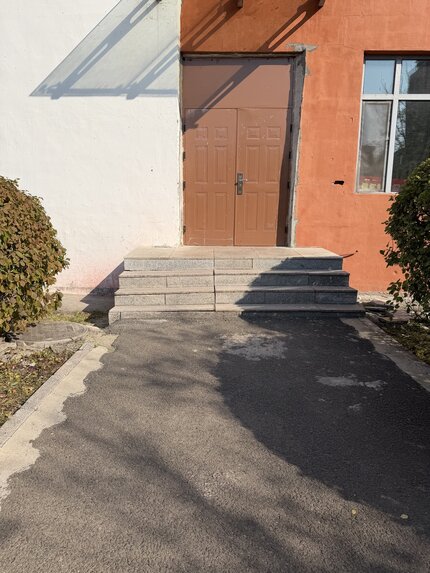
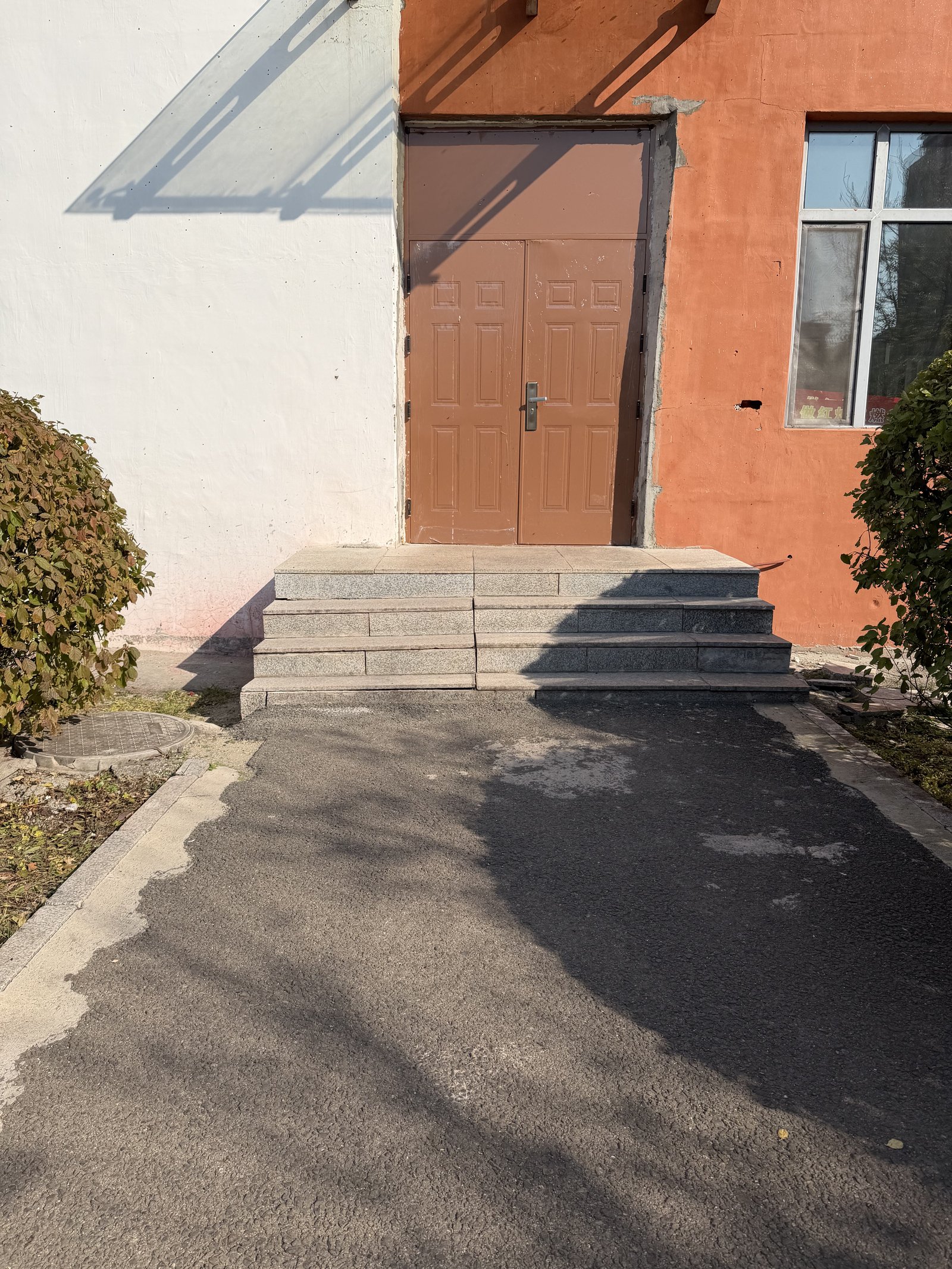
Side entrance: steps with no ramp.
-
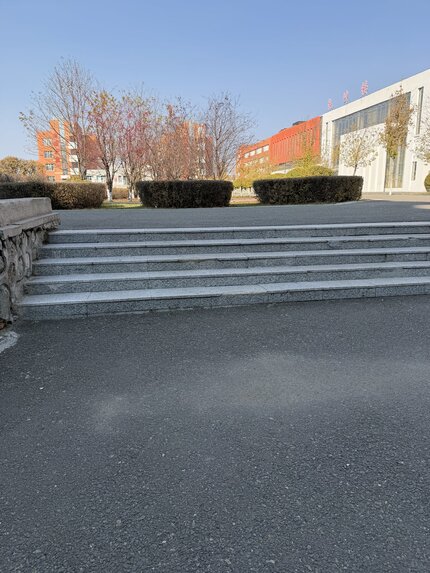
Main gate: a wide flight of stairs, no ramp. Everyone enters here.
-
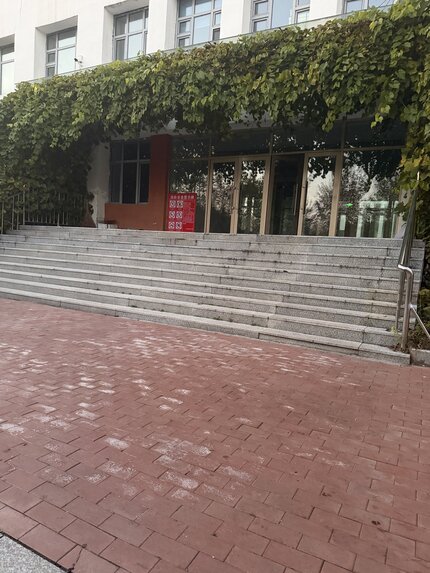
Building entrance: stairs only, no ramp or lift.
-
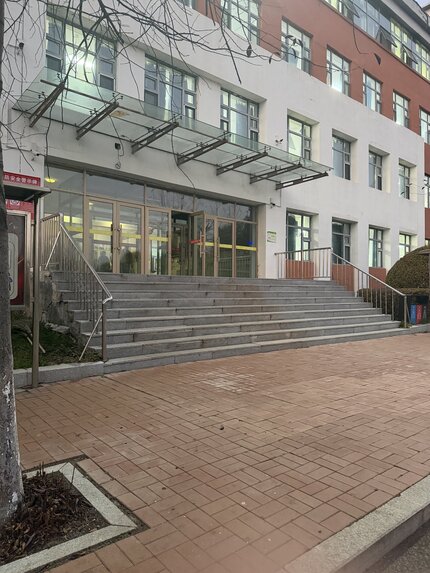
Teaching area entrance: steps block wheelchair access.
-
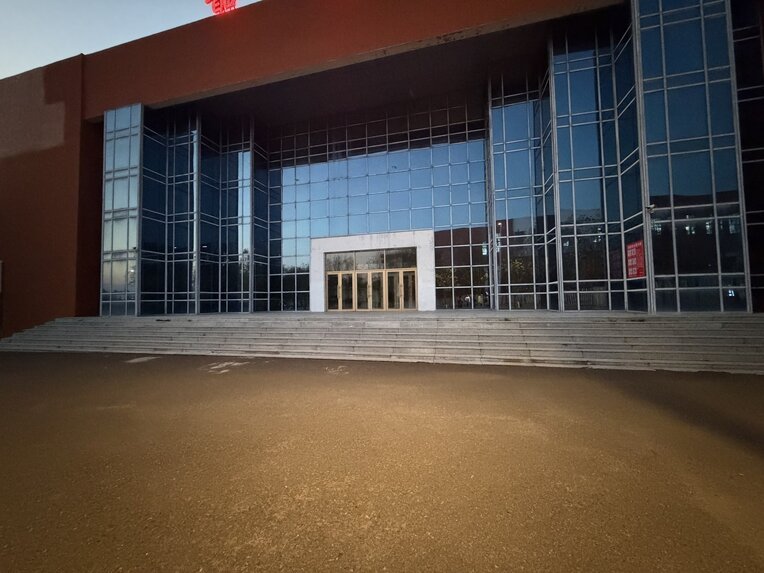
Gym entrance: stairs and no elevator to the upper floors.
-
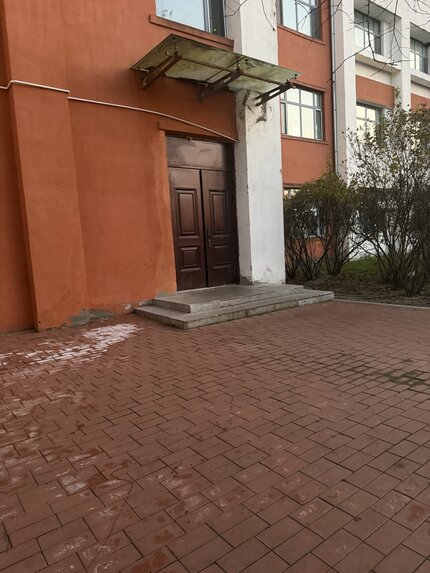
Another campus entrance with steps and no ramp.
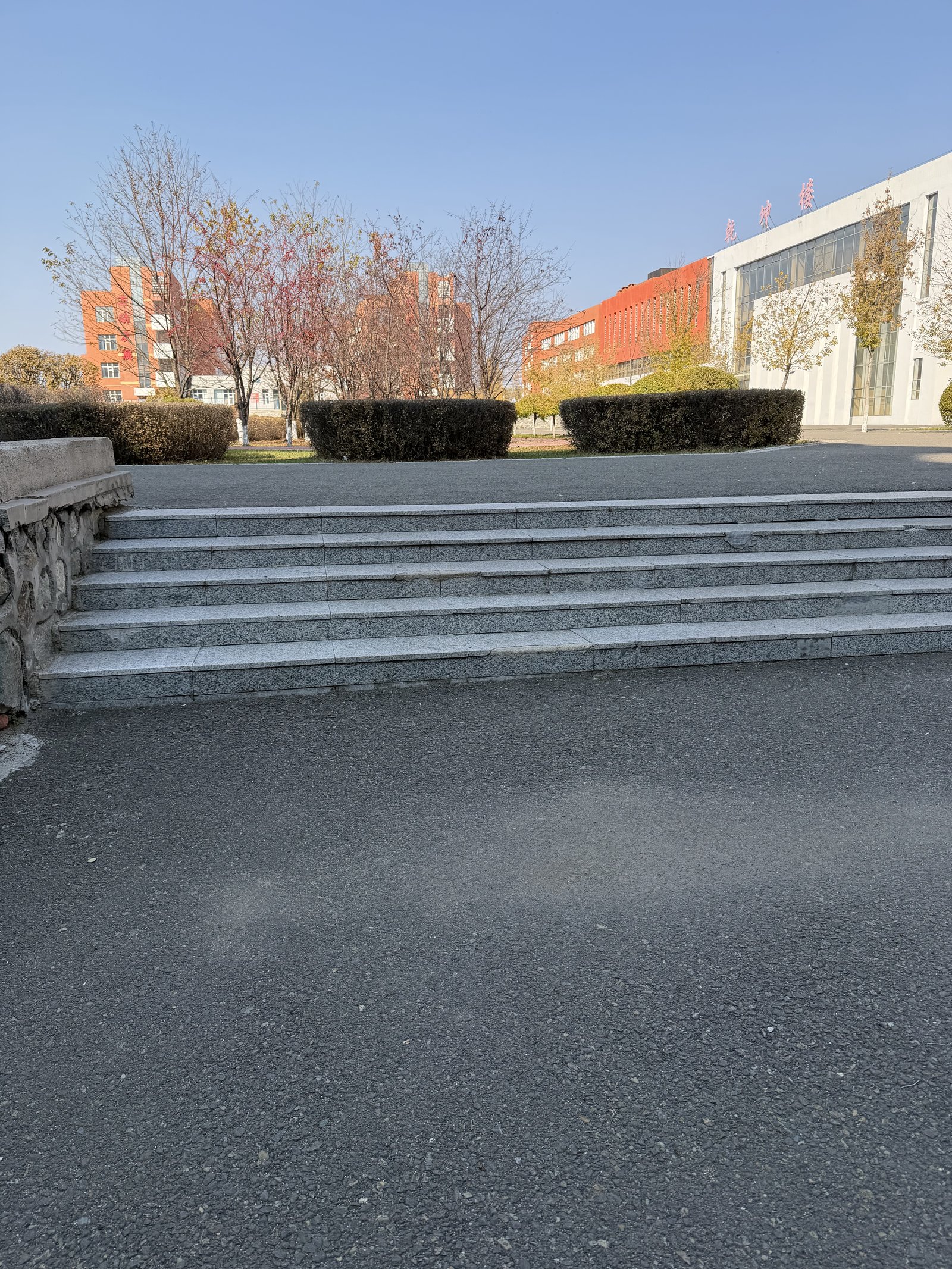
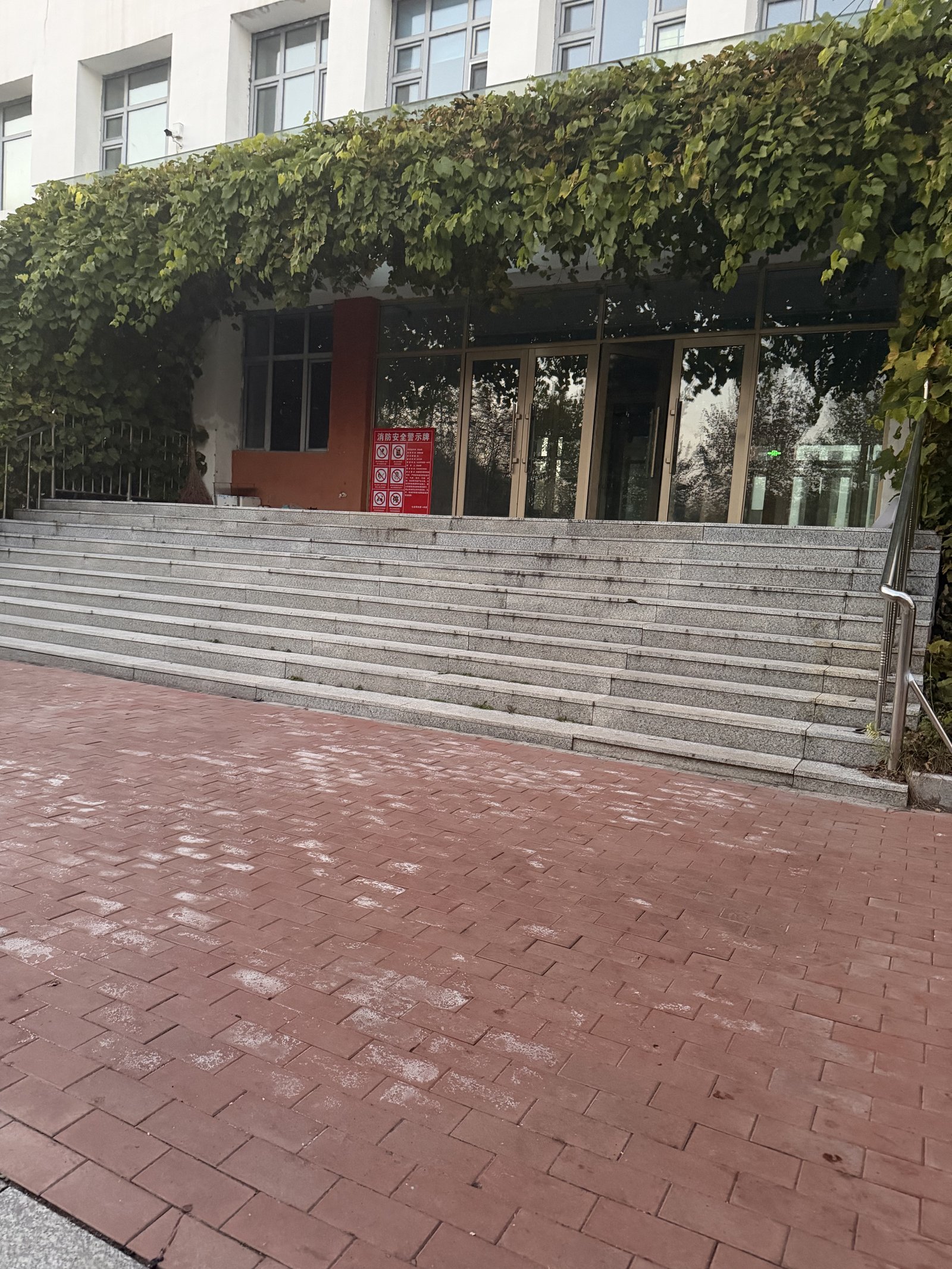
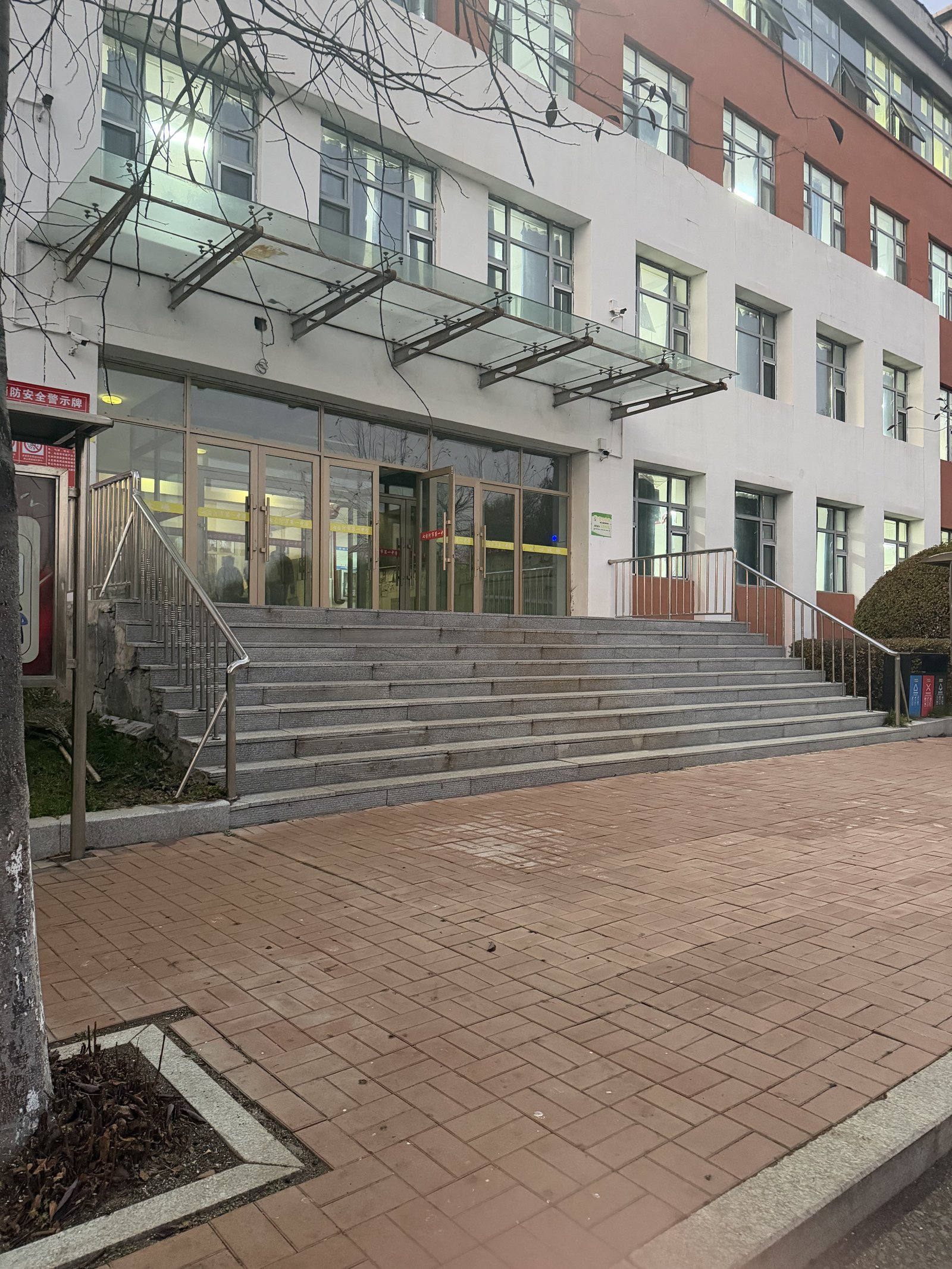
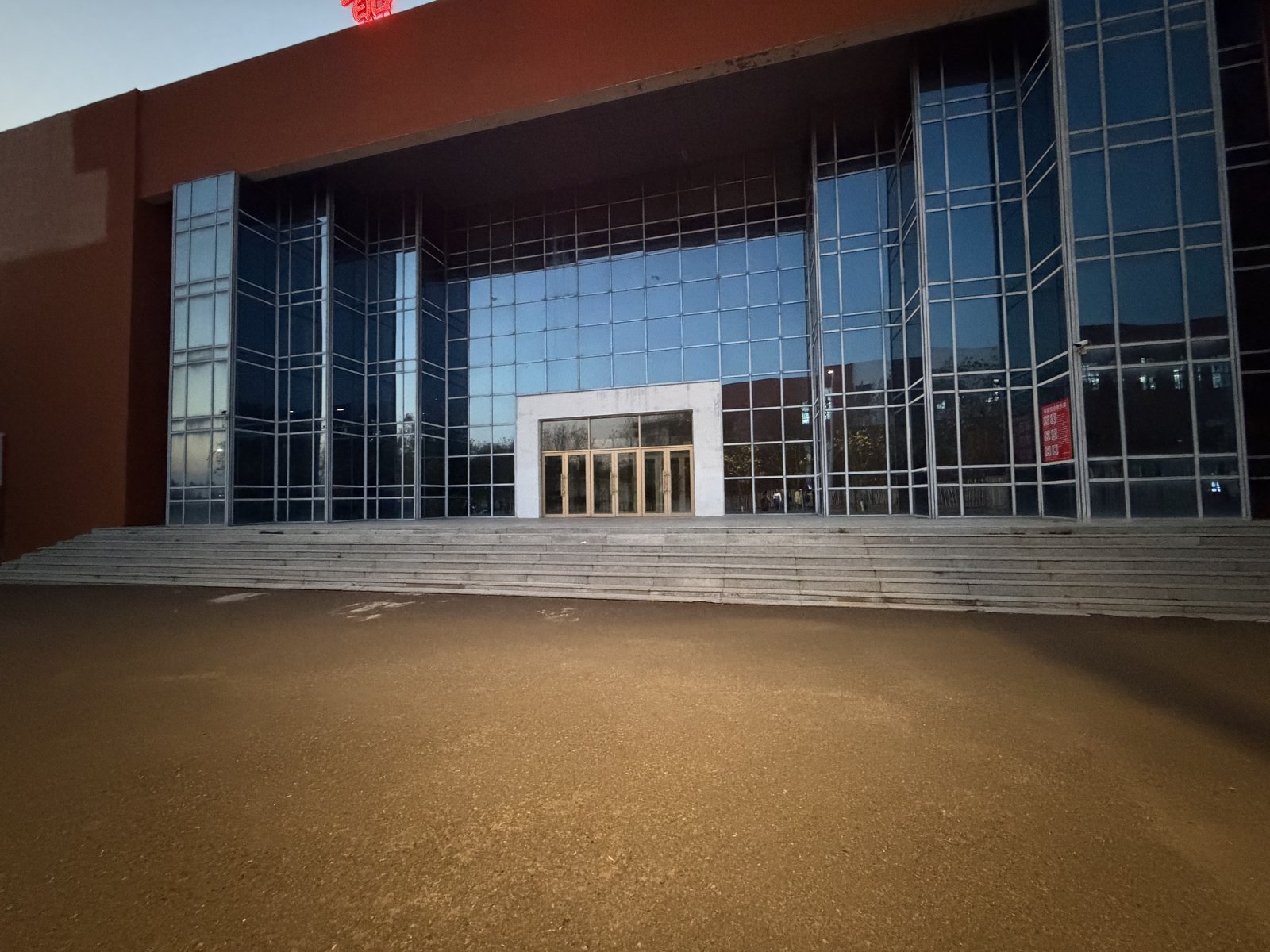
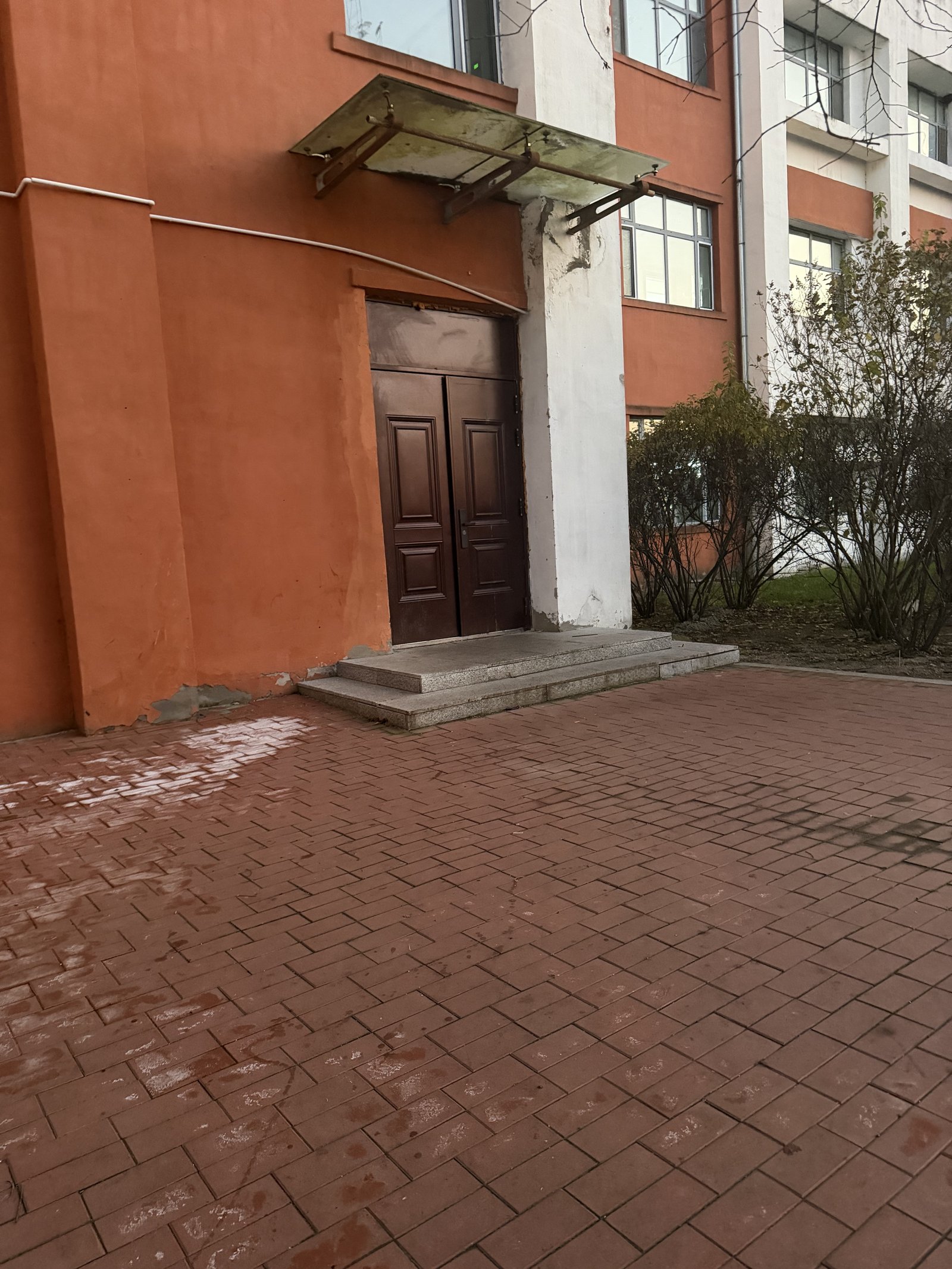
What is the specific problem, and how do you know it's real?
I am a high school senior at Qitaihe No.1 High School in Heilongjiang, China. On our campus, wheelchair access is uneven and easy to miss until you need it.
I walked the campus and checked the places students use every day:
- Main gate / guard post: stairs with no ramp. Everyone enters and leaves through this gate.
- Lab building: 4 floors, no elevator.
- Library: 3 floors, no elevator.
- Gym entrance: no elevator.
- Main teaching building and cafeteria: already have elevators (passable).
I also talked with classmates about which doors they would avoid if someone used a wheelchair. If the main gate has no ramp, a wheelchair user cannot enter school at all. I took photos and notes before coding, so every pin in AccessMap is a real campus location.
What it does
For students
- See blocked vs passable places on a campus map
- "Fix this week" shows the most urgent barrier first
- Filter by status and barrier type
- Report a new barrier with name, type, note and optional photo
- Voice reads the selected place aloud, with on-screen captions
- "Play 20 seconds" gives a short narrated walkthrough
For the school
- School mode ranks barriers by repair priority
- Export "This week's repair priorities" (copy, CSV or print). No account, no server; data stays on the device.
How I built it
Vite + React 19 + TypeScript, Leaflet / react-leaflet with a Gaode basemap, localStorage for data, English + Chinese interface, browser speech synthesis for voice, deployed on GitHub Pages. Solo project.
Challenges I ran into
- Placing pins on the right buildings on the basemap
- One interface for two audiences: students (can I enter?) and the school (what to fix first?)
- Making voice helpful without being noisy
- Building within one week around a full high-school schedule (classes until 10:30 PM)
What I learned
Accessibility problems are local and concrete: one missing ramp at the main gate blocks everyone who needs it. AI tools sped up the coding, but the campus research, product decisions, testing and storytelling still had to come from me.
What's next
- Add more schools from classmates' photos and notes
- A shared school account if the facilities office wants official use
- Better mobile layout for checking doors between classes
- Offline support for weak campus Wi-Fi
AI disclosure
I cannot hand-write production code, so I used AI tools, as the rules allow:
- Cursor: early scaffolding and feature iteration
- DeepSeek Harness (DeepSeek V4.1 Flash): later improvements
- Grok Bot: competition planning, demo script and writeup support
I directed the product, collected the campus evidence, tested the app, recorded the demo and submitted the project myself.
Built With
- css
- cursor
- deepseek
- github
- html
- javascript
- leaflet.js
- react
- typescript
- vite


Log in or sign up for Devpost to join the conversation.