-
-
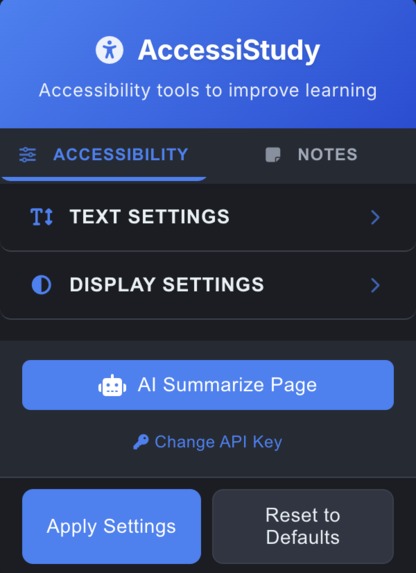
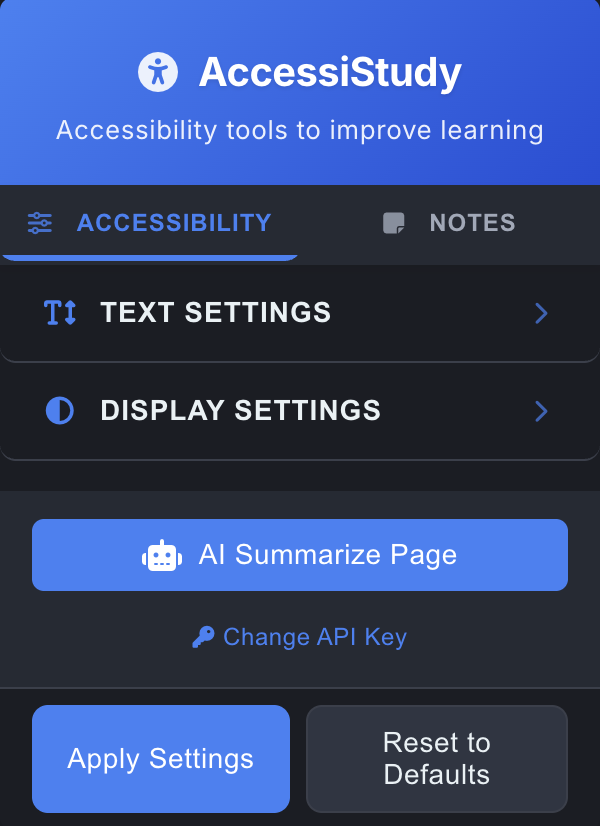
Home screen
-
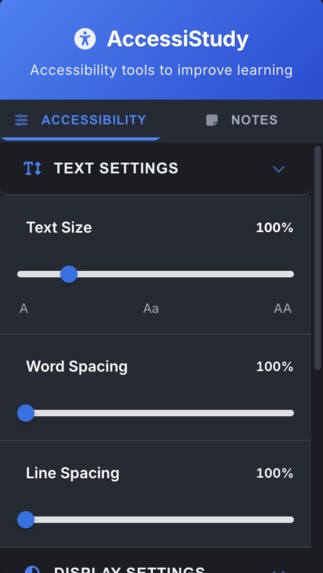
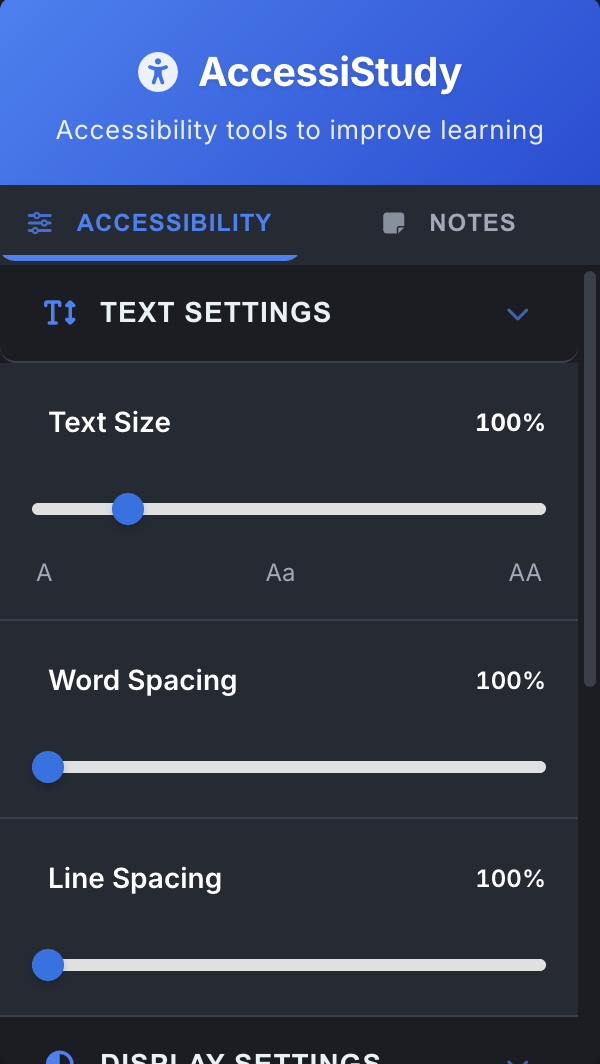
Text settings
-
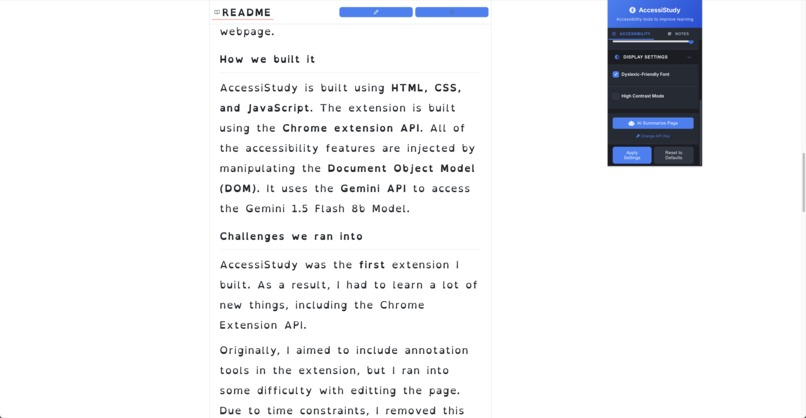
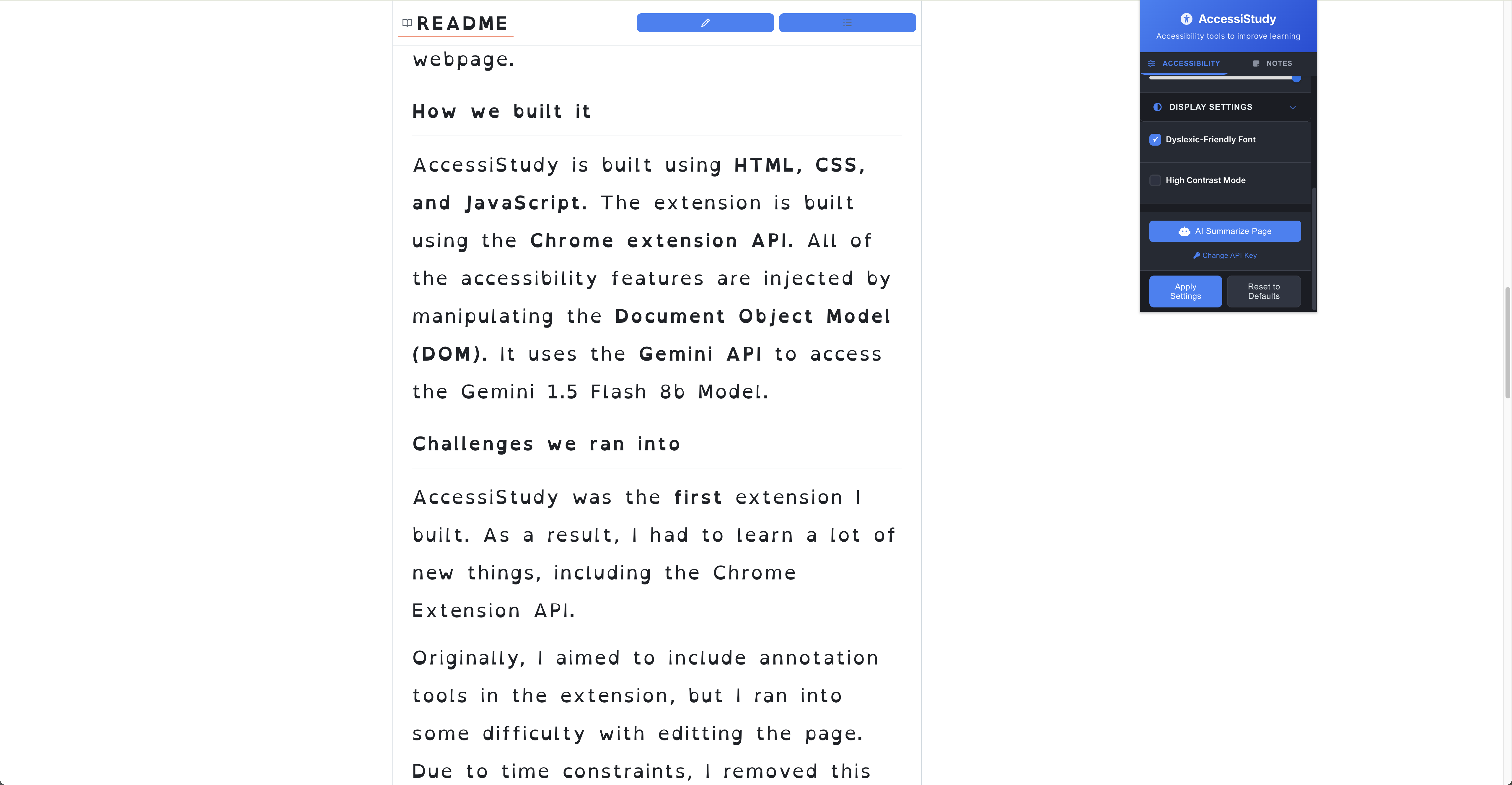
Working Ex. 1
-
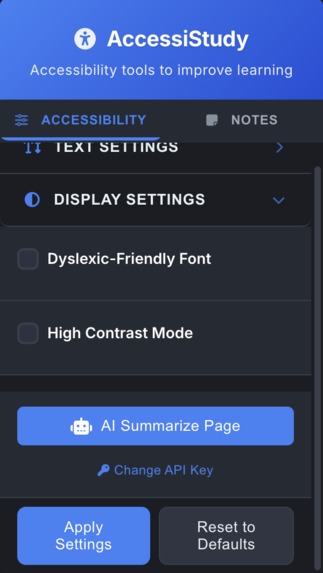
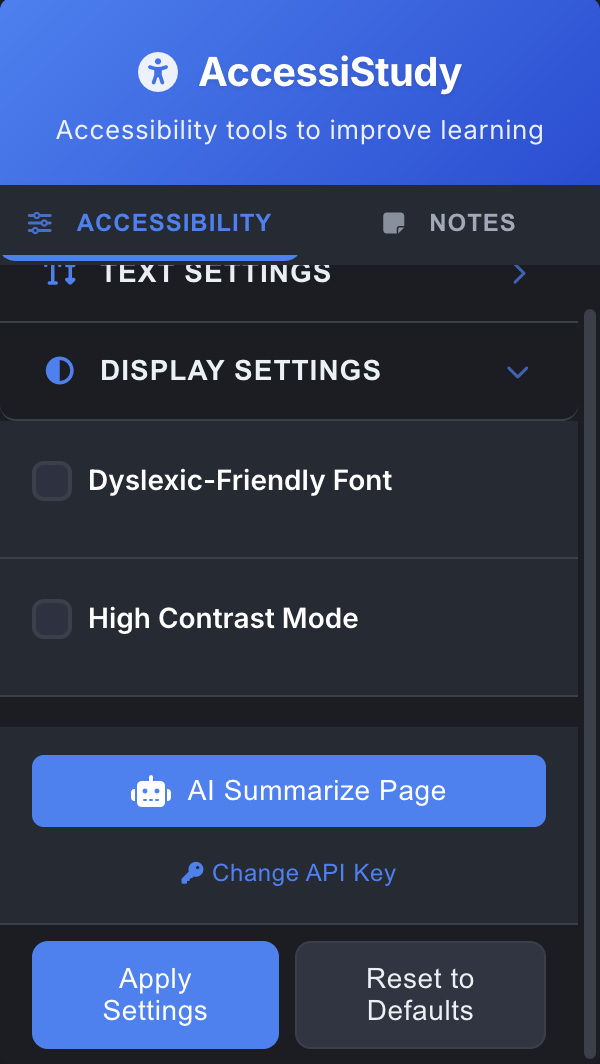
Display settings
-
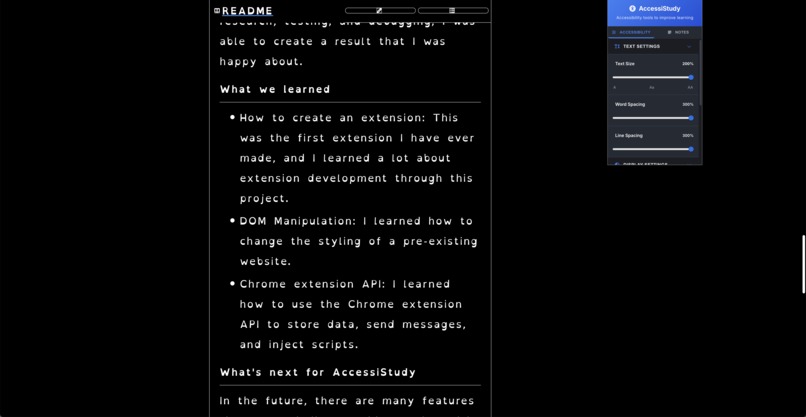
Working Ex. 2
-
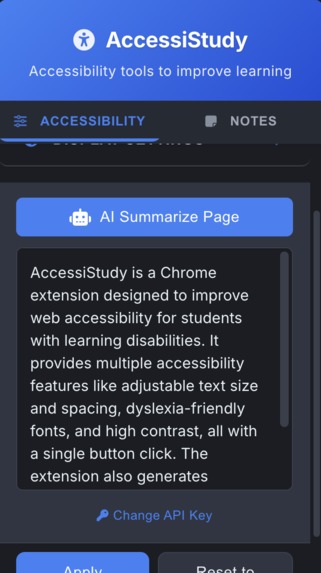
AI Summarized Repo
-
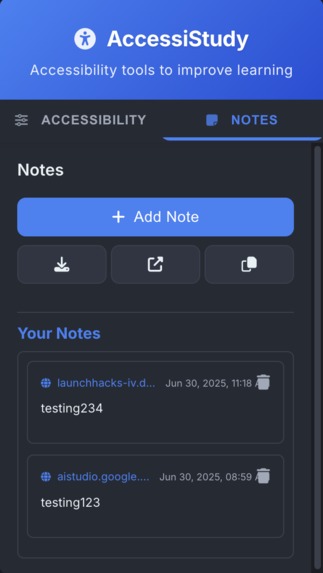
Notes tab
-
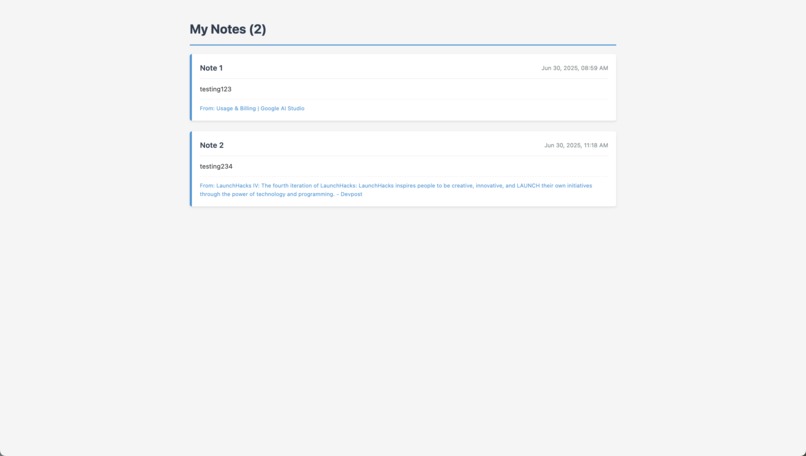
Notes in new tab
Inspiration
Approximately 20% of students in the US have a learning disability. Only around 10% of web pages meet basic accessibility standards. I also have a friend who has dyslexia, who inspired me to first create this extension with the goal of helping students better access the web. When students struggle to read or understand content online, it can lead to frustration, anxiety, and a sense of exclusion. AccessiStudy is a simple and easy-to-use extension that addresses multiple aspects of accessibility in one spot. Accessibility extensions like AccessiStudy are not yet widespread on the internet. While there are some apps and extensions meant to improve accessibility, almost all of them address only one aspect, and most of them are complex and hard to use.
What it does
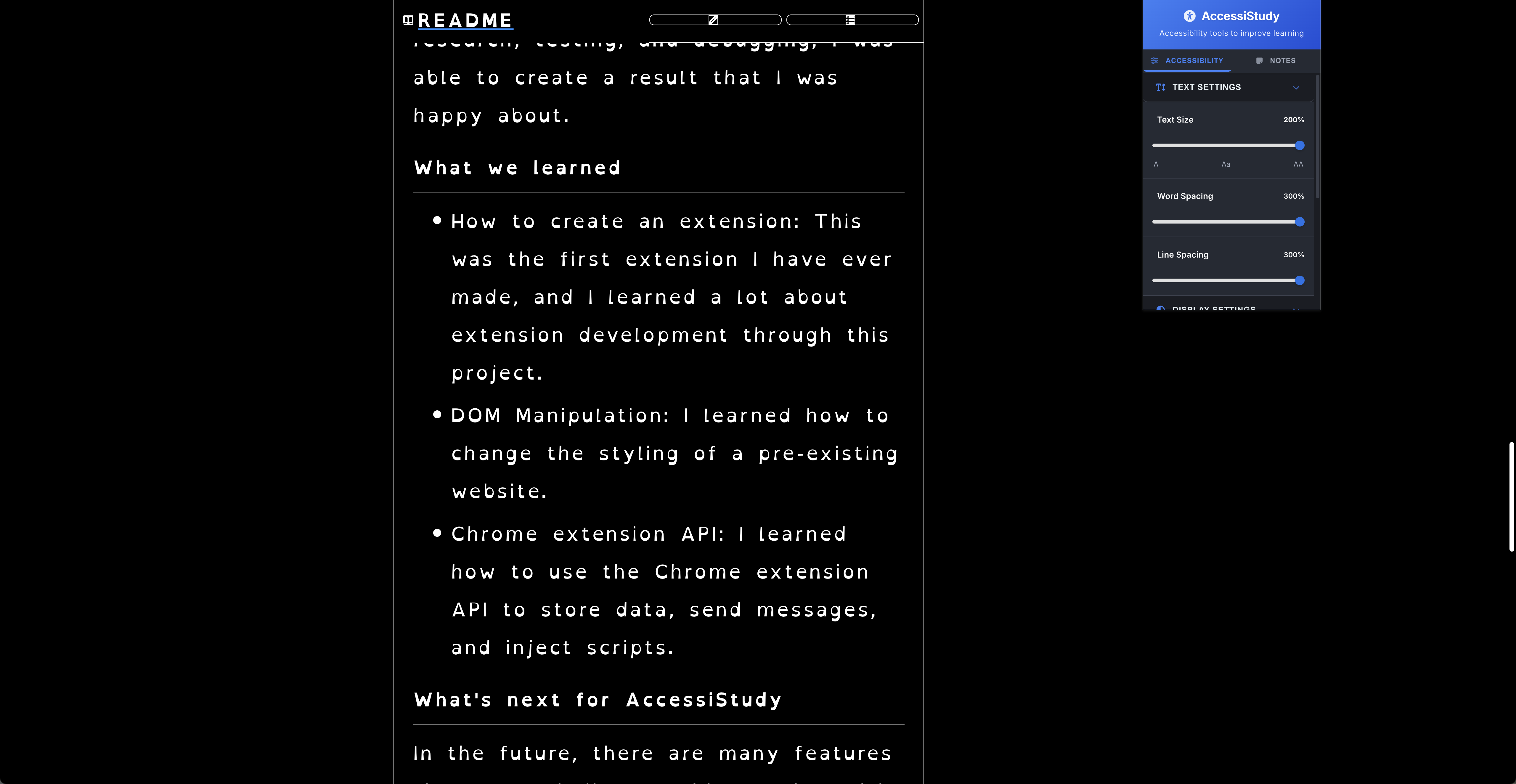
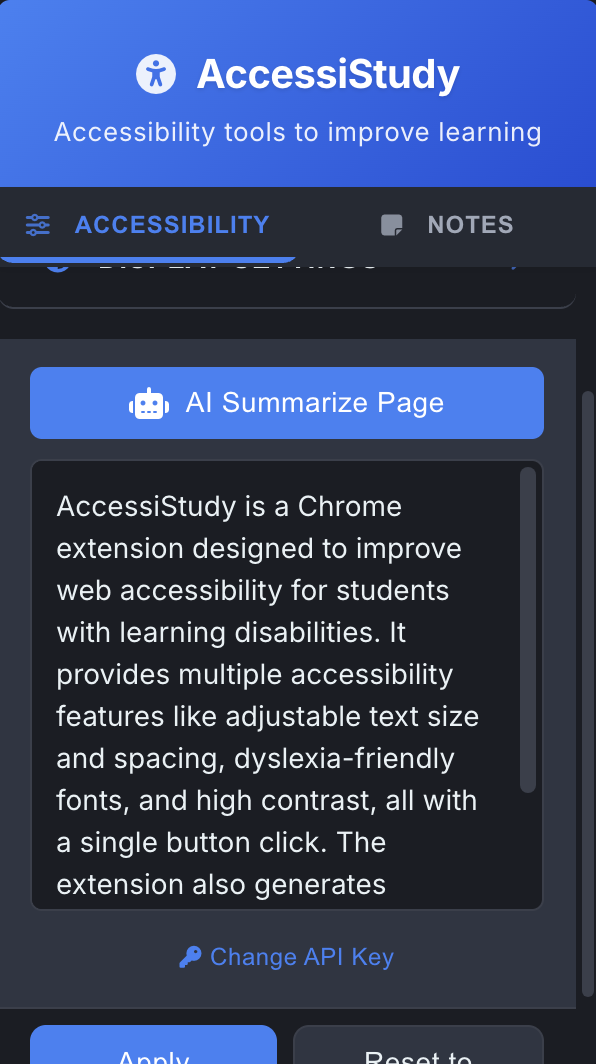
AccessiStudy is an extension meant to improve the accessibility of webpages. It allows users to apply accessibility features to the current webpage with the click of a button. It can modify text size, letter spacing, line spacing, and it can even apply a dyslexic-friendly font (OpenDyslexic) and high contrast mode to the webpage. Additionally, it can generate a summary of the webpage using the Gemini 1.5 Flash 8b Model.
Overall, AccessiStudy lets students control how they use the internet, making learning more inclusive, less stressful, and better aligned with their individual needs. This promotes mental well-being and reduces cognitive overload —key goals of the UN Sustainable Development Goal 3: Good Health and Well-being.
How I built it
AccessiStudy is built using HTML, CSS, and JavaScript. The extension is built using the Chrome extension API. All of the accessibility features are injected by manipulating the Document Object Model (DOM). It uses the Gemini API to access the Gemini 1.5 Flash 8b Model.
- HTML
- CSS
- JS
- Chrome Extension API
- Gemini API
Challenges I ran into
AccessiStudy was the first extension I built, so I had to learn many new things, including the Chrome Extension API.
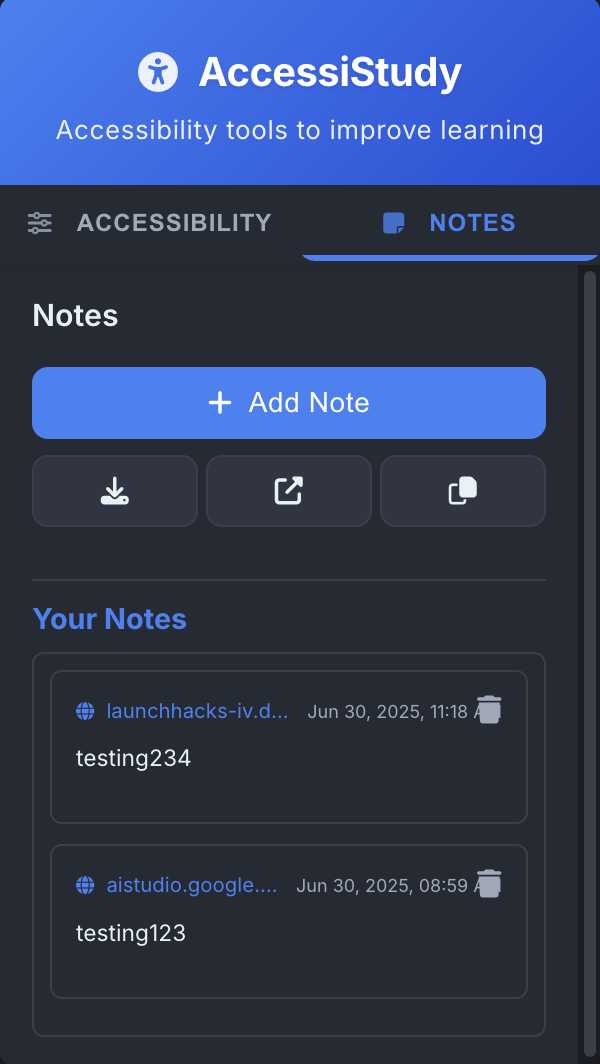
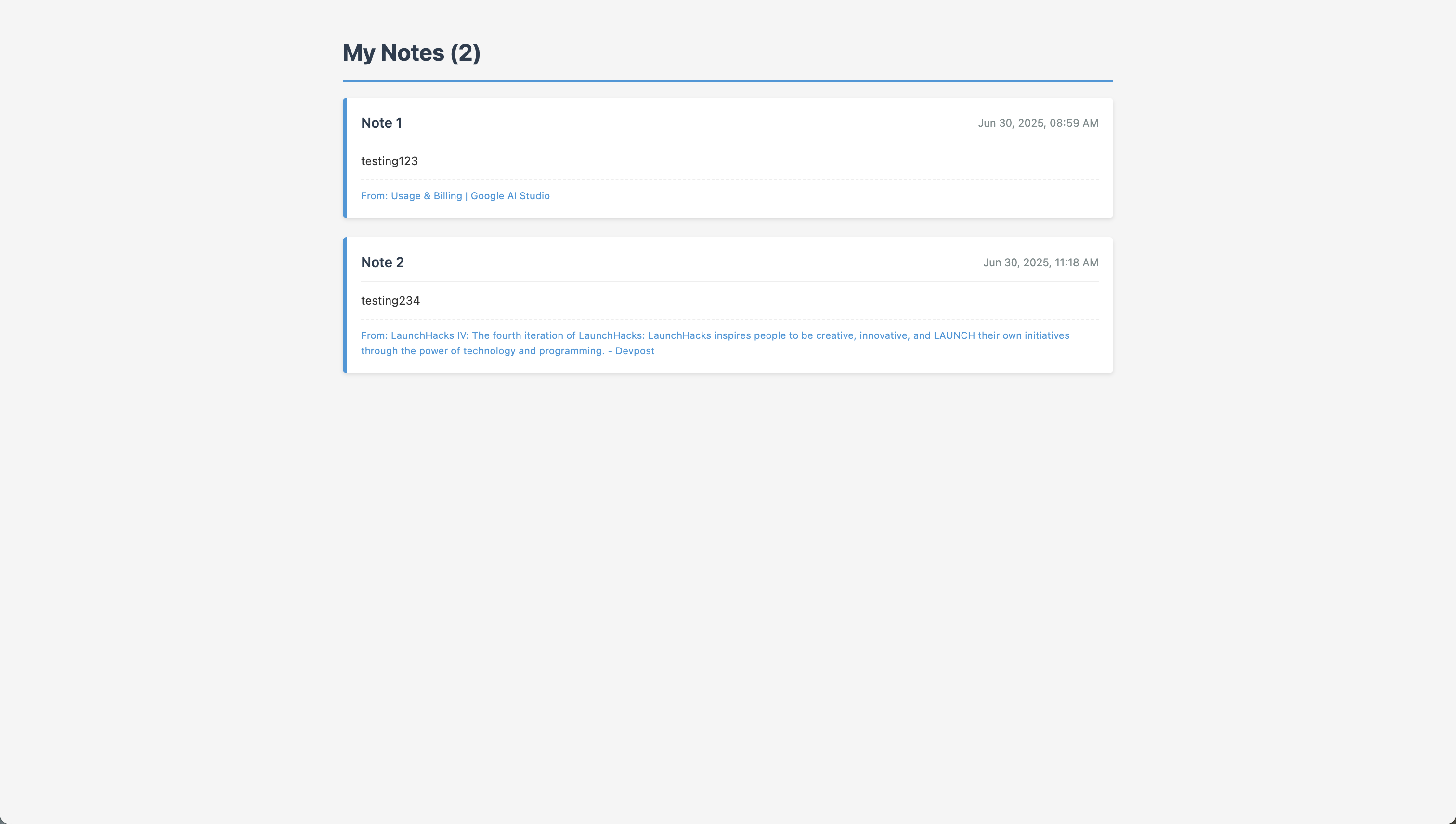
The biggest challenge was time. Originally, I aimed to include annotation tools in the extension, but I had some difficulty editing the page. Due to time constraints, I removed this feature and replaced it with the notes function.
Accomplishments that I'm proud of
Despite the challenges I faced during the development of AccessiStudy, I'm still proud of the accessibility features. When I first started, I didn't know how to change the styling of a pre-existing website. Through hours of research, testing, and debugging, I was able to create a result that I was happy about.
What I learned
- How to create an extension: This was the first extension I have ever made, and I learned a lot about extension development through this project.
- DOM Manipulation: I learned how to change the styling of a pre-existing website.
- Chrome extension API: I learned how to use the Chrome extension API to store data, send messages, and inject scripts.
What's next for AccessiStudy
In the future, there are many features that I would like to add, starting with the annotation tools. While I was unsuccessful in implementing them in this short amount of time, I plan on adding them in the future, as they would be a useful feature for this extension. I also plan on adding a text-to-speech function to help users with reading difficulties.
Try it out:
Installing the Extension
- Download the extension files from the green code button
- Go to chrome://extensions/
- Enable "Developer mode"
- Click "Load unpacked"
- Select the folder containing the extension files
Gemini API key
- Go to https://aistudio.google.com/
- Open the dashboard
- Click the "Create API Key" button
- Copy the provided key into the extension.
Credits
- https://youtu.be/0n809nd4Zu4
- https://youtu.be/uMsrBz8DKCg
- https://youtu.be/mcfCdFS9VBY
- https://opendyslexic.org/
Tech Used:
- VS Code + extensions
- ChatGPT for debugging and for cleaning up & formatting code
- Screencastify for recording & CapCut for editing.
Built With
- chromeextensionapi
- css
- geminiapi
- html
- javascript


Log in or sign up for Devpost to join the conversation.