-
Logo
-
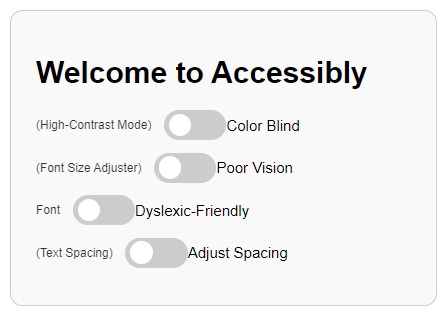
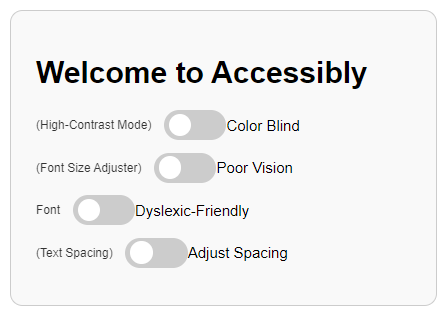
Chrome Extension Design
-
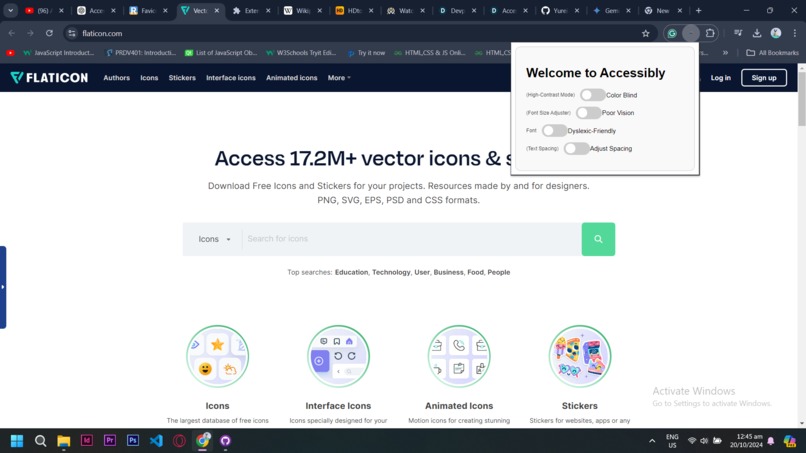
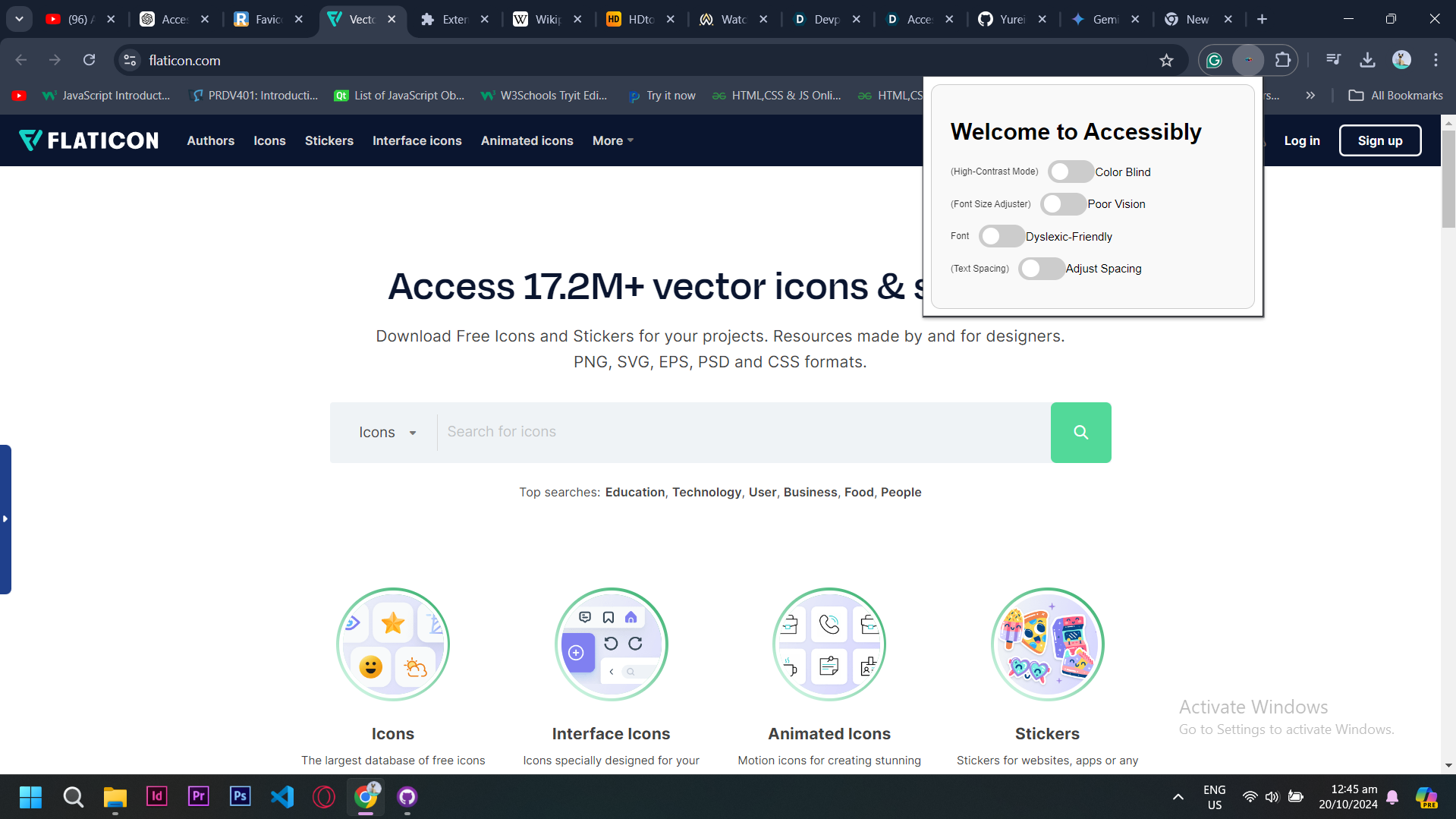
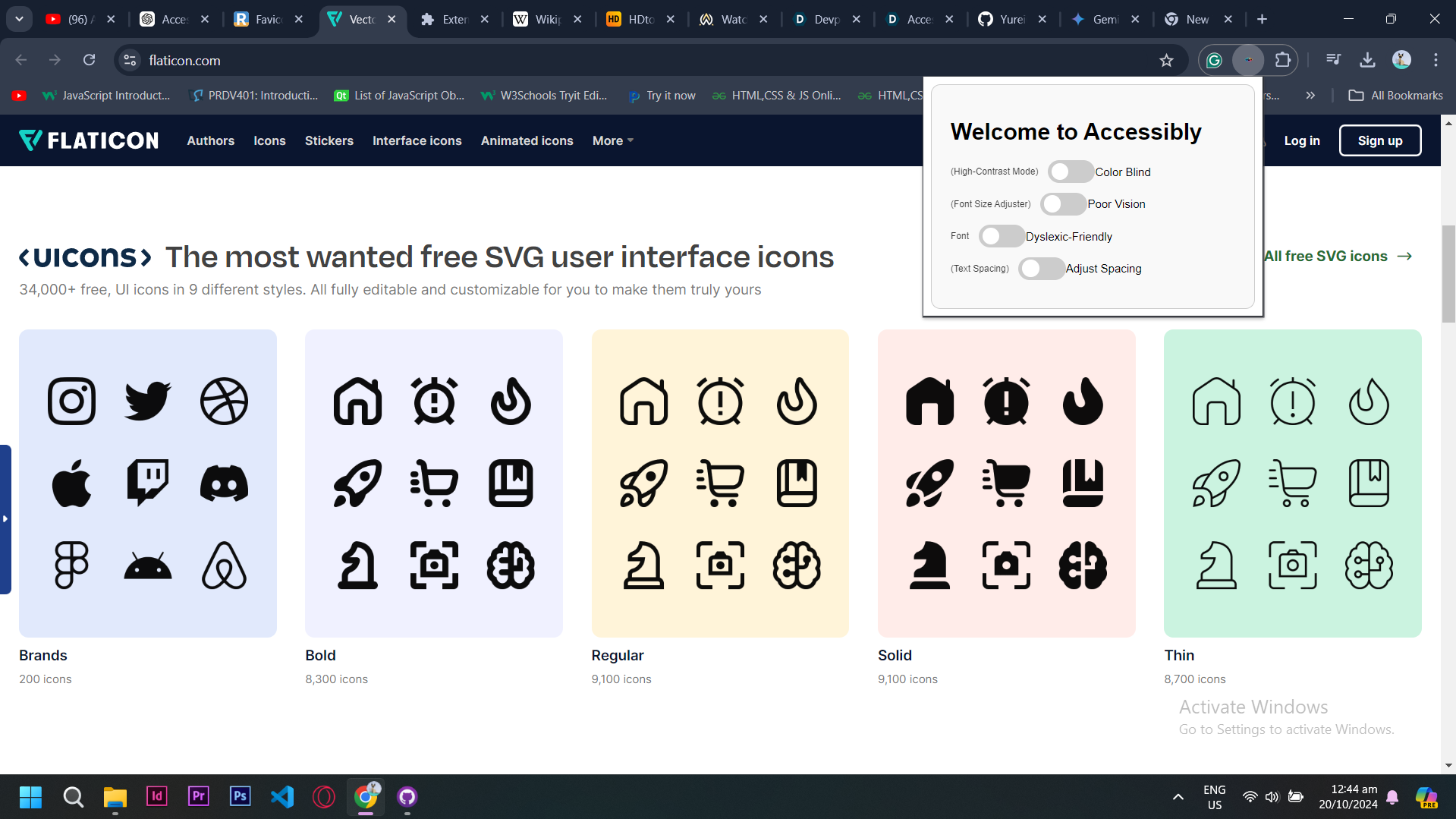
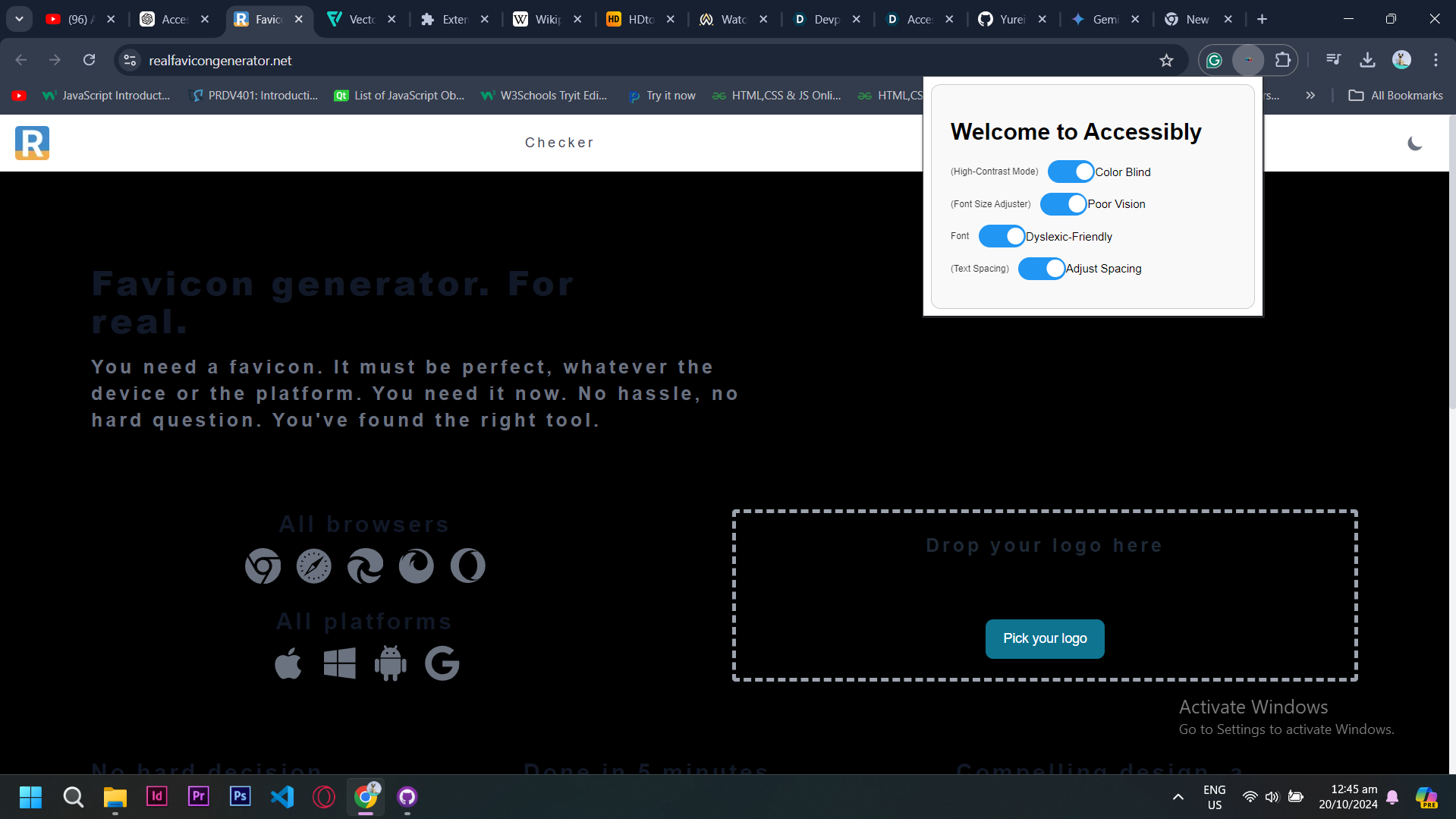
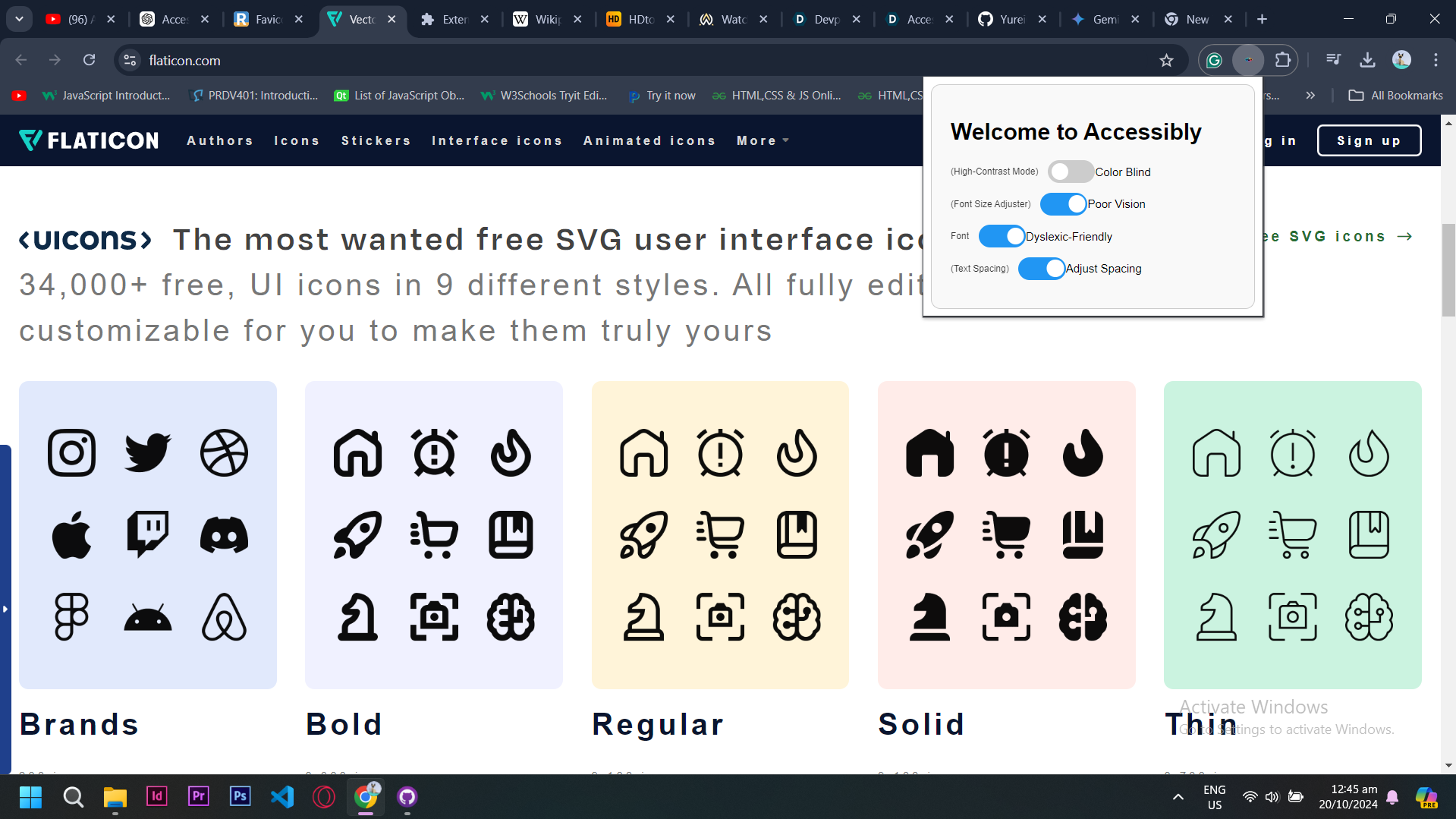
No Effects
-
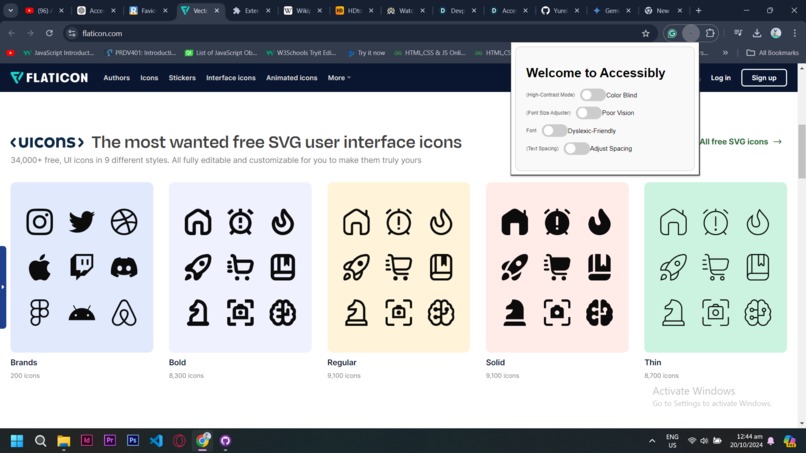
No effects
-
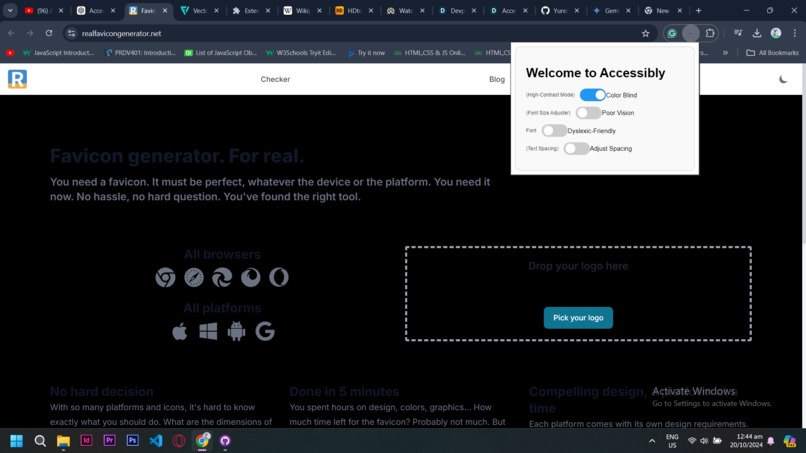
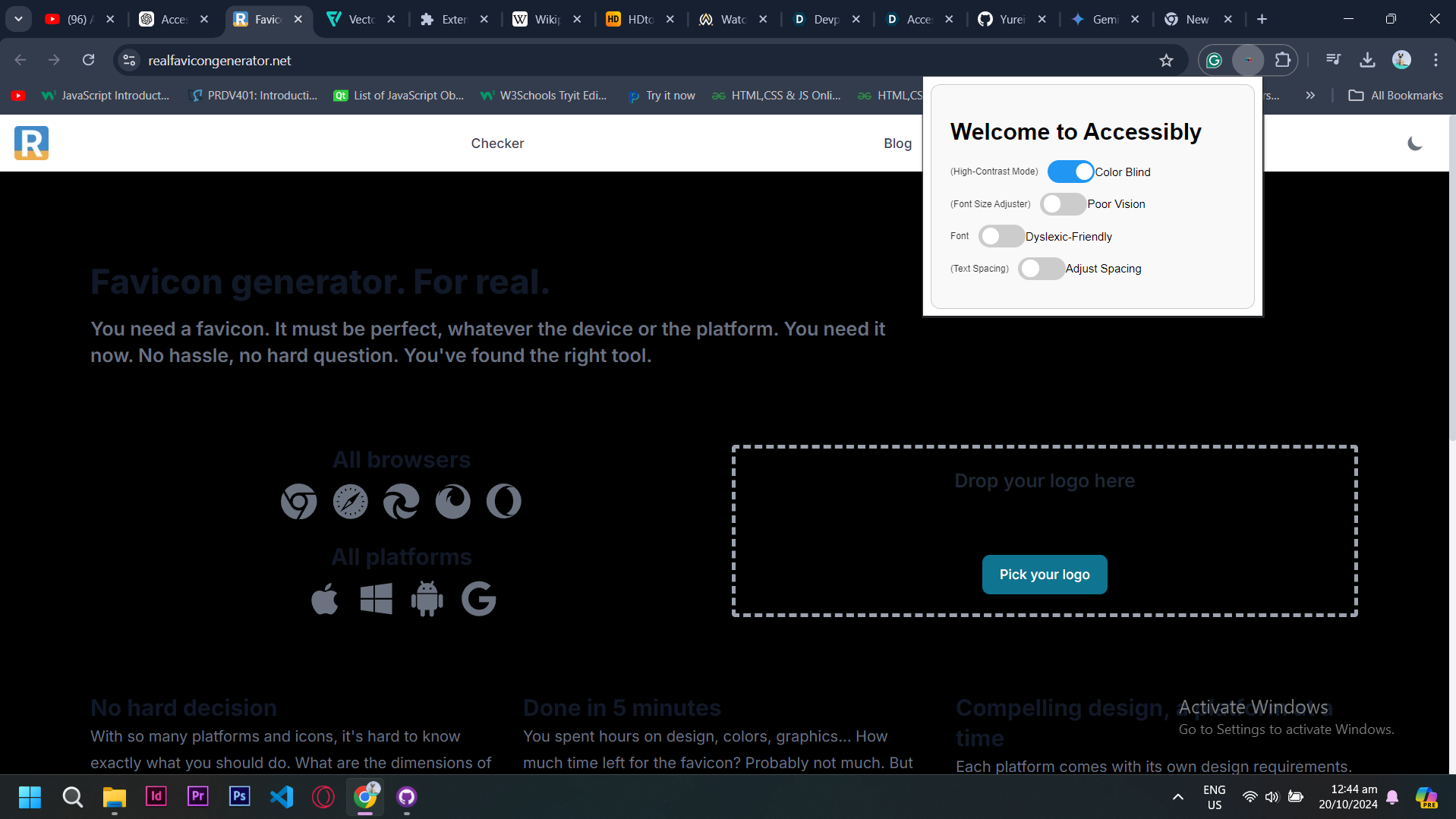
High Resolution for Color blind people
-
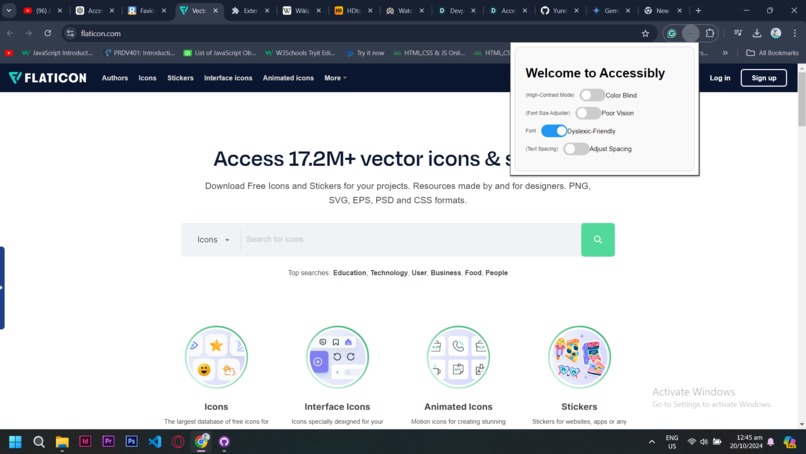
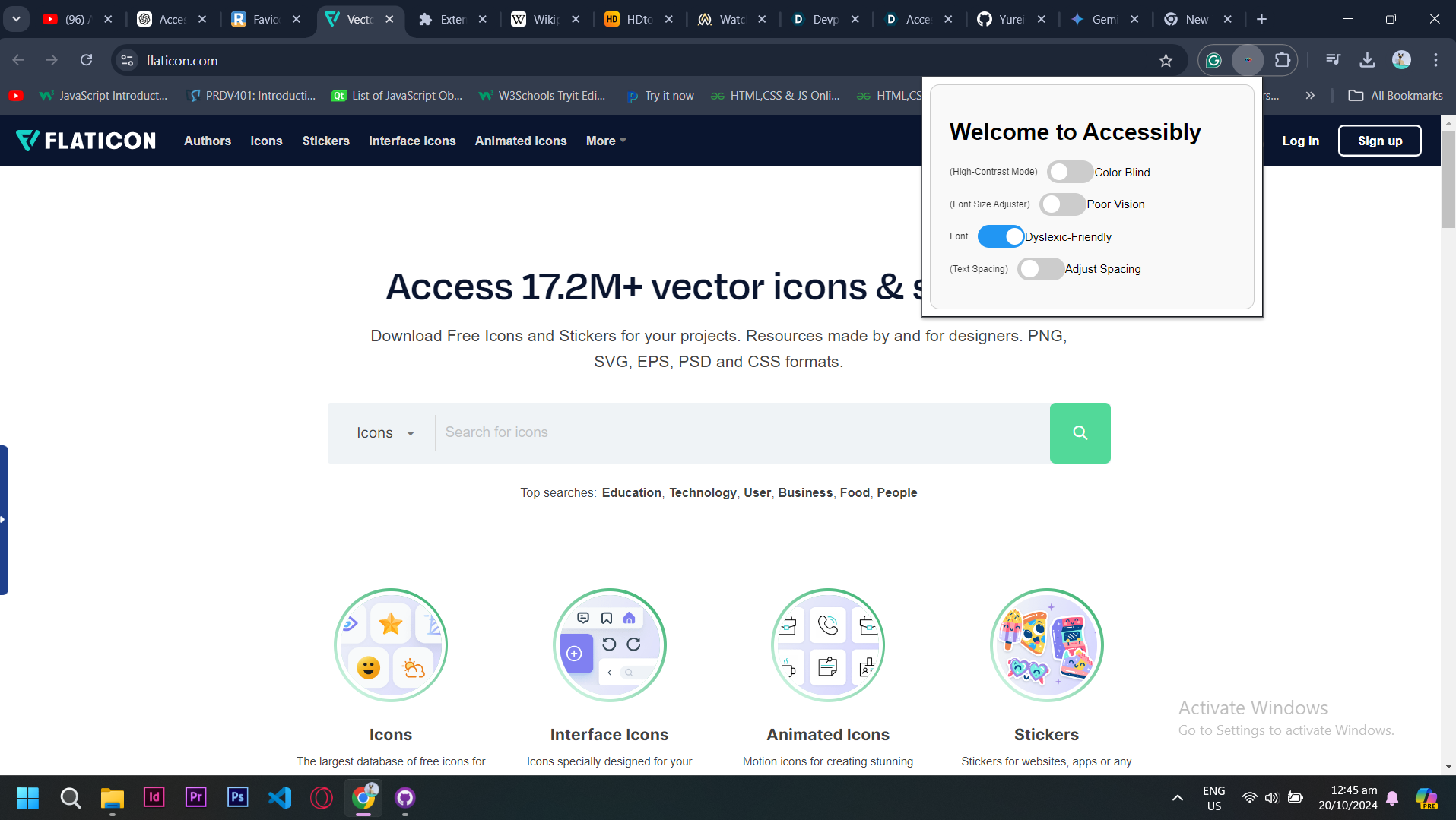
Dyslexic-Friendly Font
-
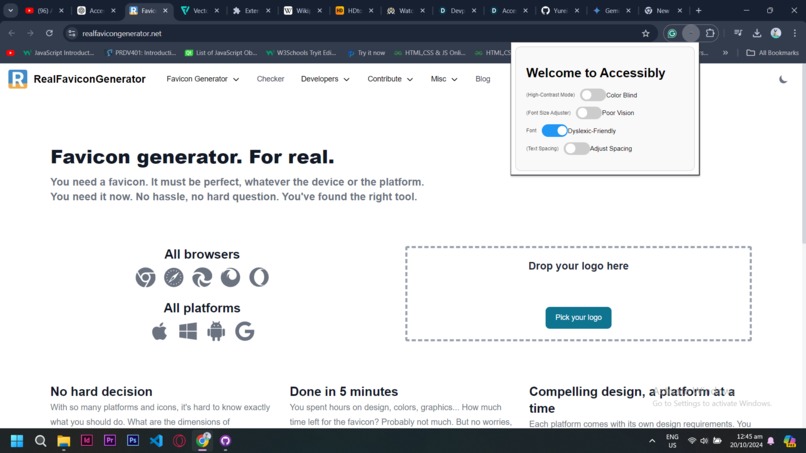
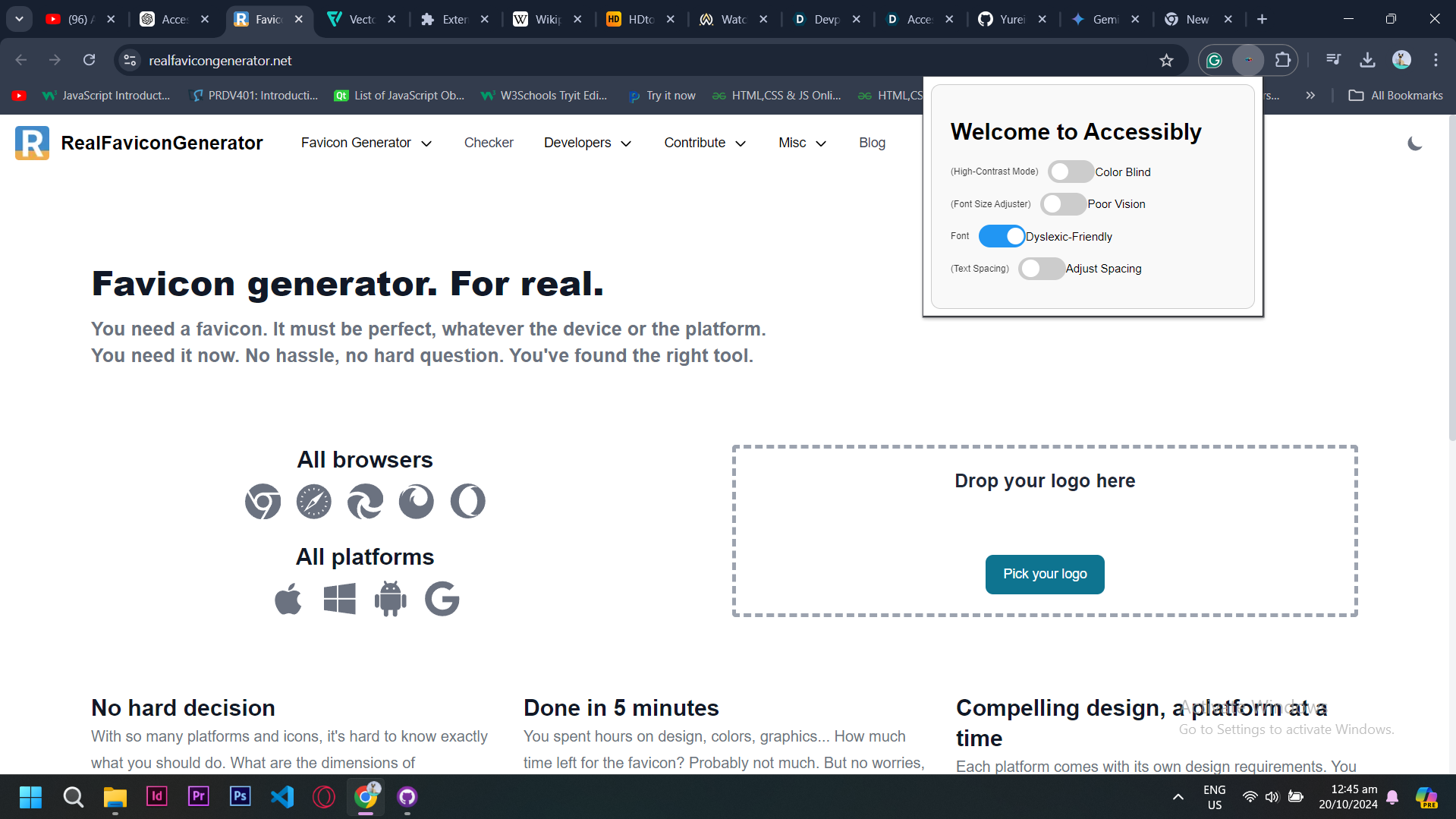
Dyslexic-Friendly Font
-
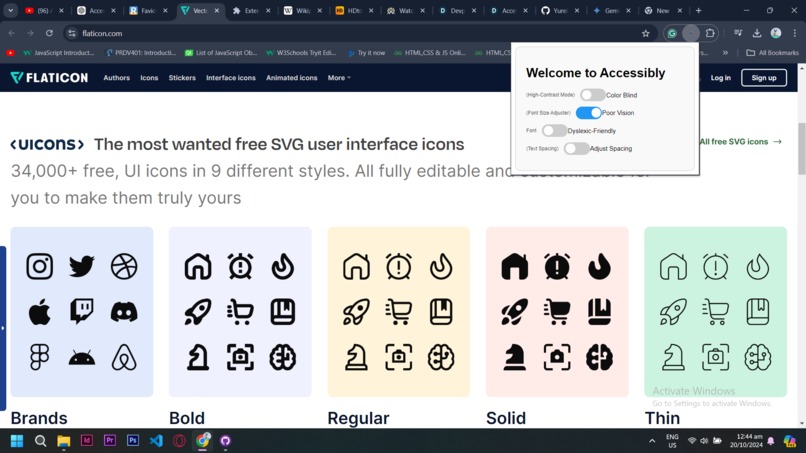
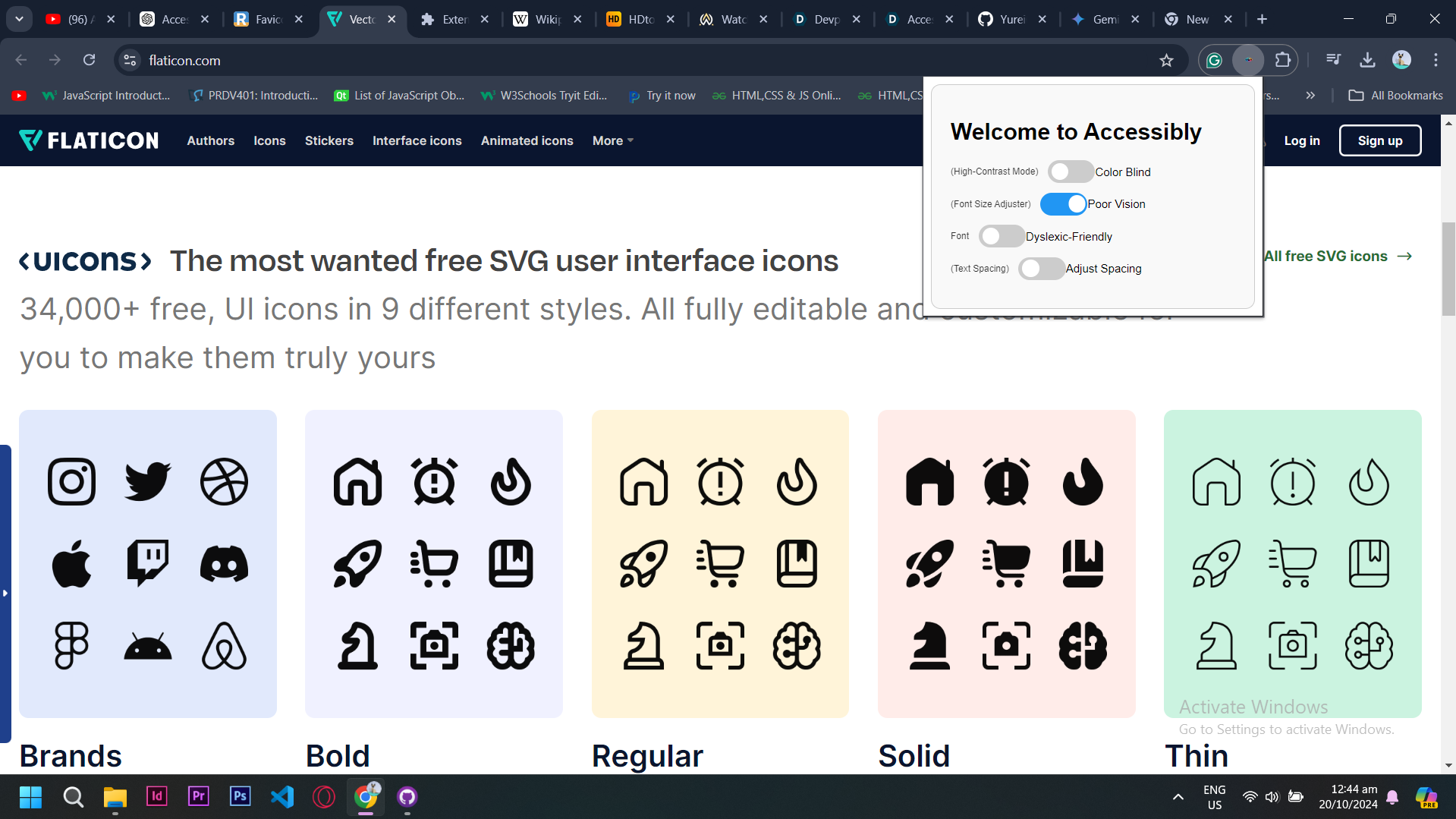
Font Adjuster
-
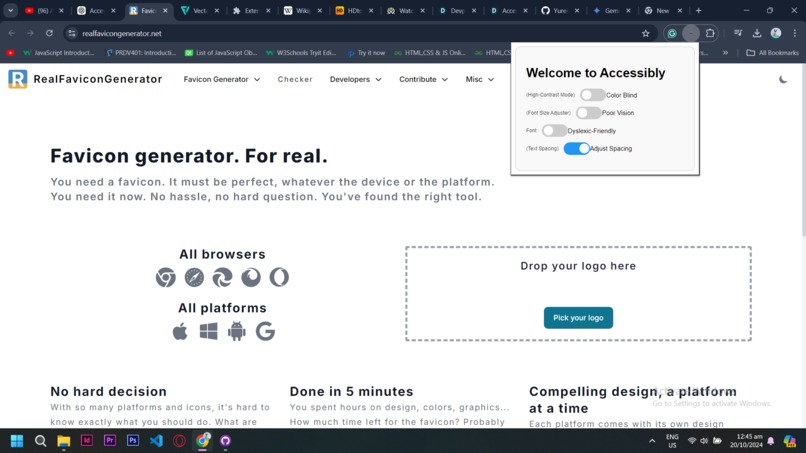
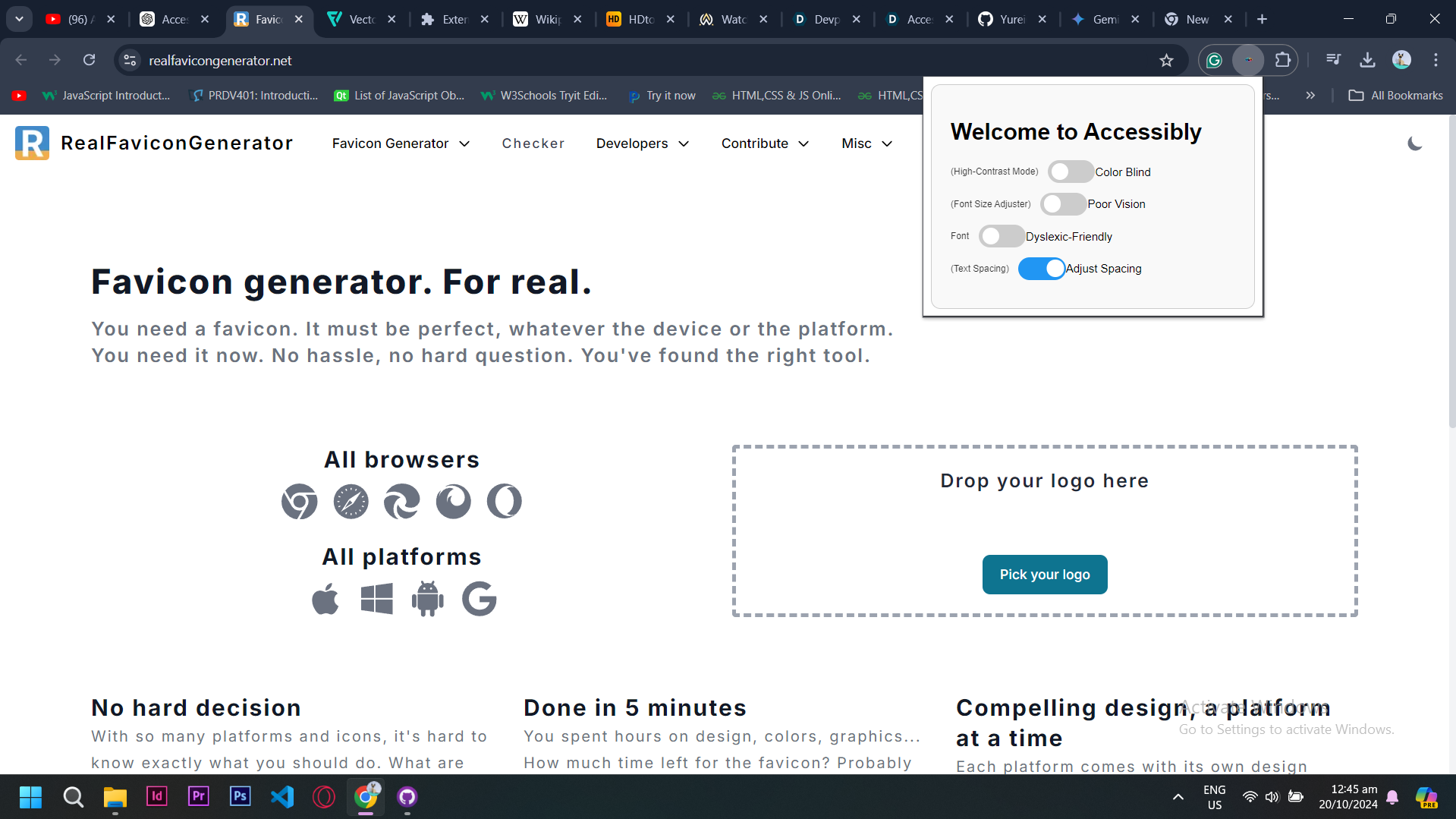
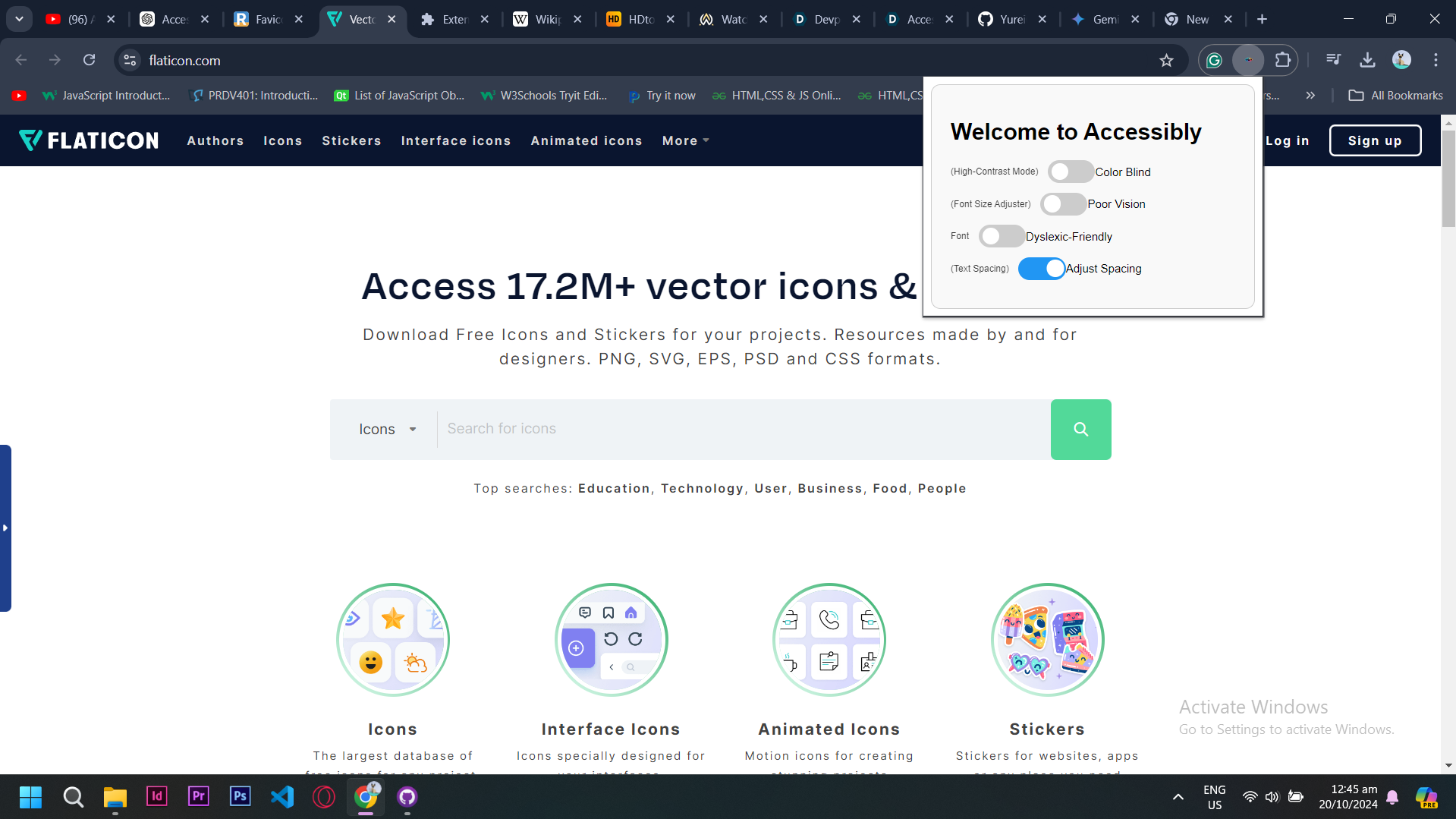
Spacing Adjuster
-
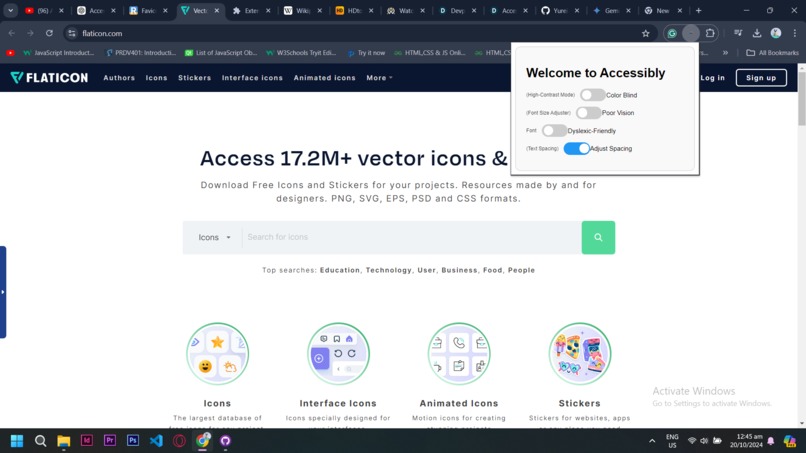
Spacing Adjuster
-
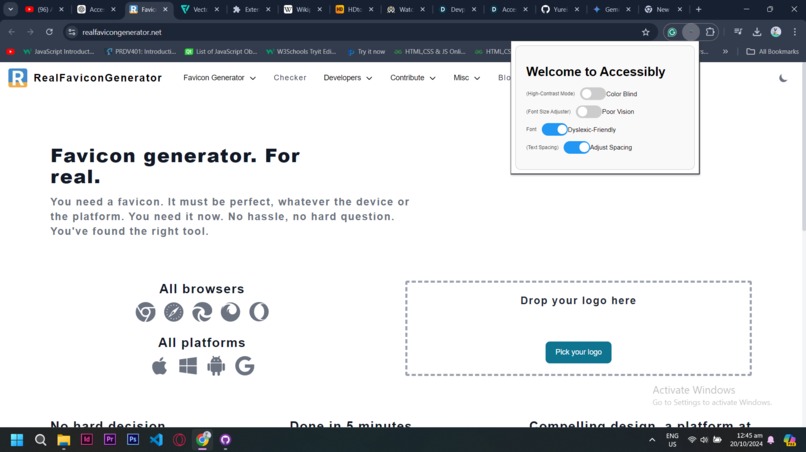
Change Accordingly freely!
-
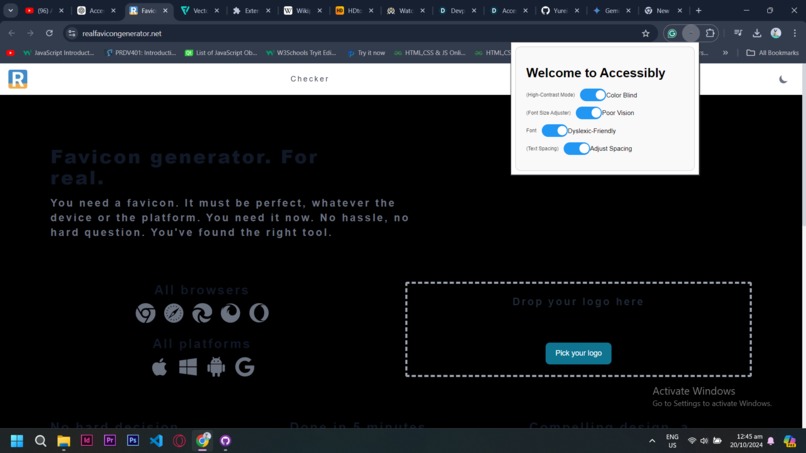
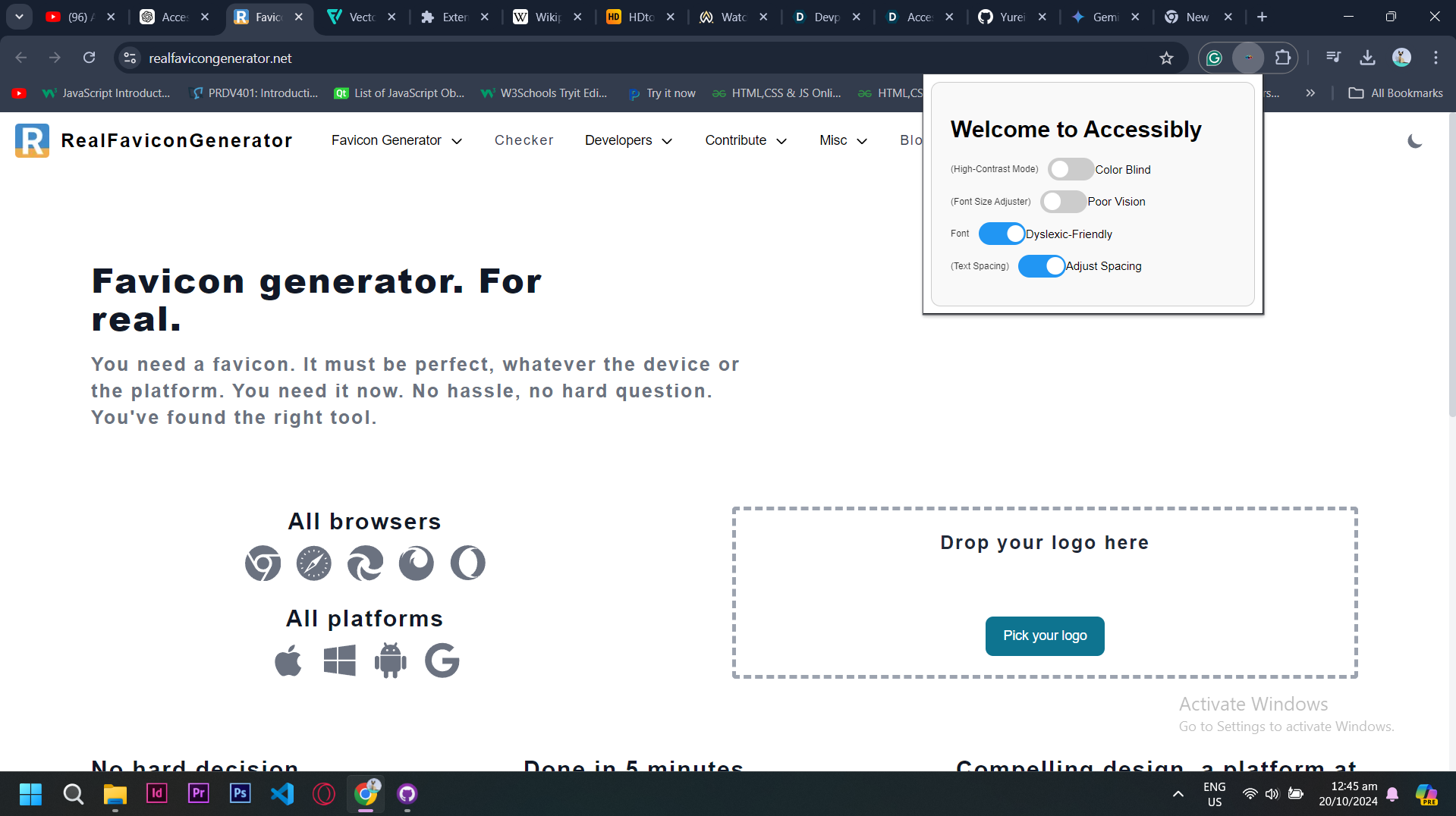
Effects can be stacked
-
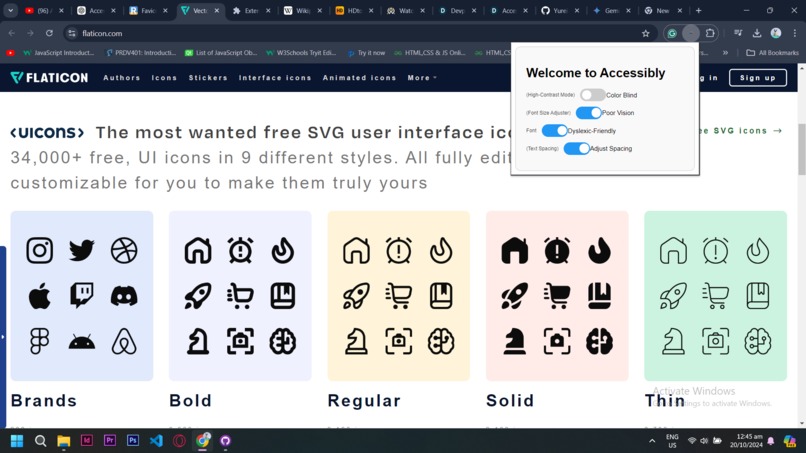
Effects can be stacked
Inspiration
The idea for Accessibly arose from personal frustration and inspiration. As someone who is somewhat dyslexic, I’ve often faced challenges navigating the web. A YouTuber who developed a game with a color scheme designed to accommodate color-blind users also inspired me. This resonated during a hackathon focused on accessibility, and I wanted to create something meaningful.
What it Does
Accessibly is a Chrome extension designed to make the web more user-friendly for people with various disabilities. It adjusts websites to meet the needs of users who might struggle due to impairments or weaknesses.
Key Features:
- Color Blindness Adjustment: Customizable color schemes and high-contrast options to enhance visibility for users with color blindness.
- Font Size Adjuster: Easily increase font sizes for improved readability, especially for individuals with visual impairments.
- Dyslexia-Friendly Fonts: Specialized fonts designed to minimize reading difficulties for dyslexic users.
- Spacing Enhancer: Adjusts line spacing and letter spacing to facilitate smoother reading and reduce visual clutter.
How I Built It
- Used a
manifest.jsonfile to structure the Chrome extension. - HTML for the structure of the extension interface.
- CSS for styling the interface and enhancing visual accessibility.
- JavaScript (JS) to handle functionality like changing website colors and adjusting text sizes.
- Plenty of coffee ☕.
Challenges We Ran Into
- Time management was tough, especially working under pressure within a limited timeframe.
- Debugging and testing the extension’s functionality on different websites.
- Learning the ins and outs of Chrome extension APIs on the go.
Accomplishments That We're Proud Of
- Finishing this project in under 6 hours and still writing this at 1 a.m I wanna sleep
- Overcoming development challenges, especially around creating a user-friendly interface for people with different needs.
What I Learned
- Always double-check the hackathon schedule (seriously!).
- Don’t use inline JavaScript in Chrome extensions—it can cause issues with permissions and security.
What's Next for Accessibly
- Expanding the Color Blindness Adjustment feature to make it more customizable.
- Offering more font options to better accommodate dyslexic users.
- Gathering feedback from users to continue improving the extension.

Log in or sign up for Devpost to join the conversation.