-
-
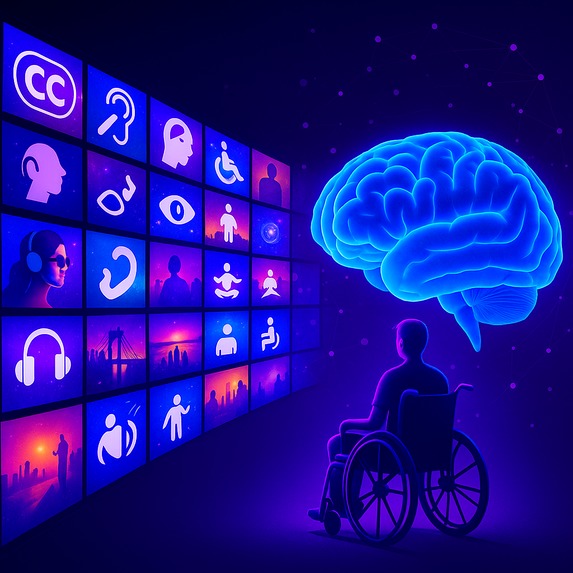
Making the web accessible with GenAI
-
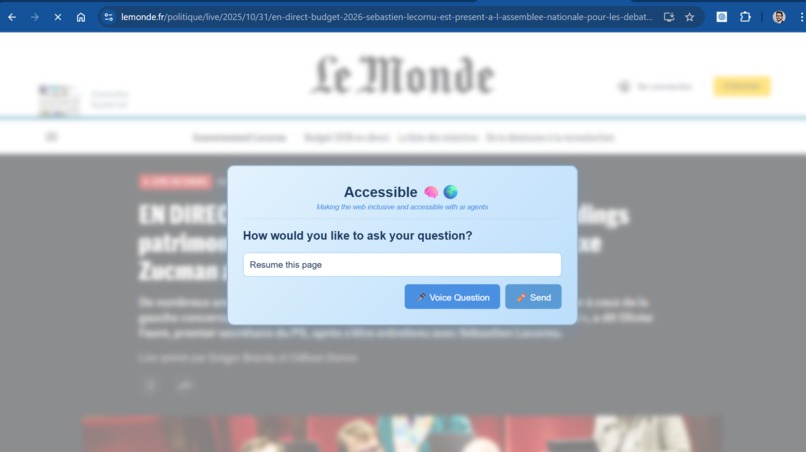
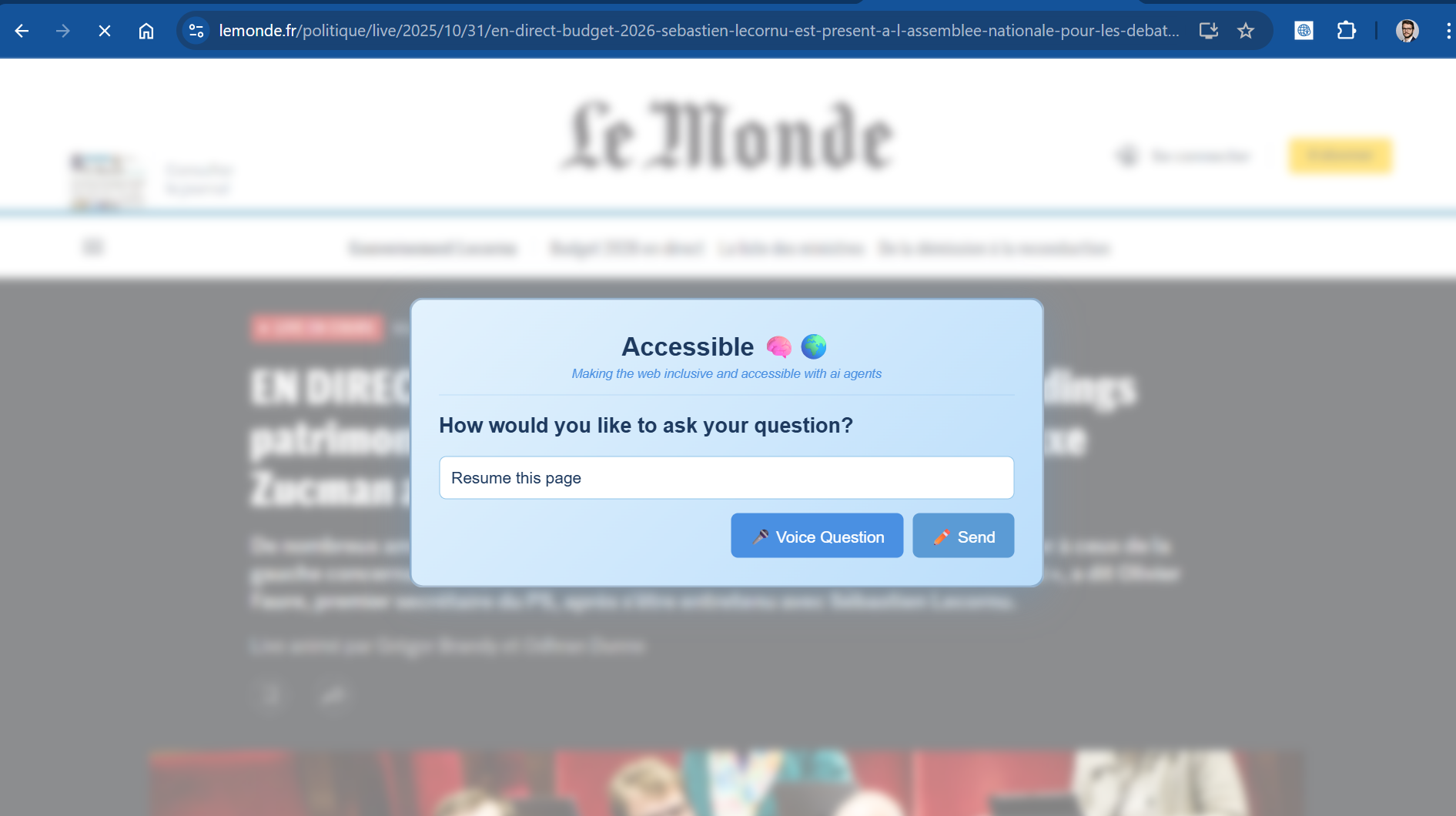
Interface for people with Dyslexia/ADHD - asking the page
-
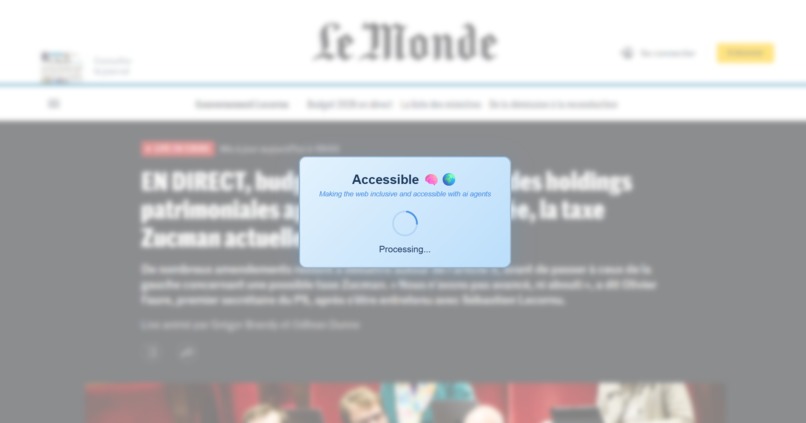
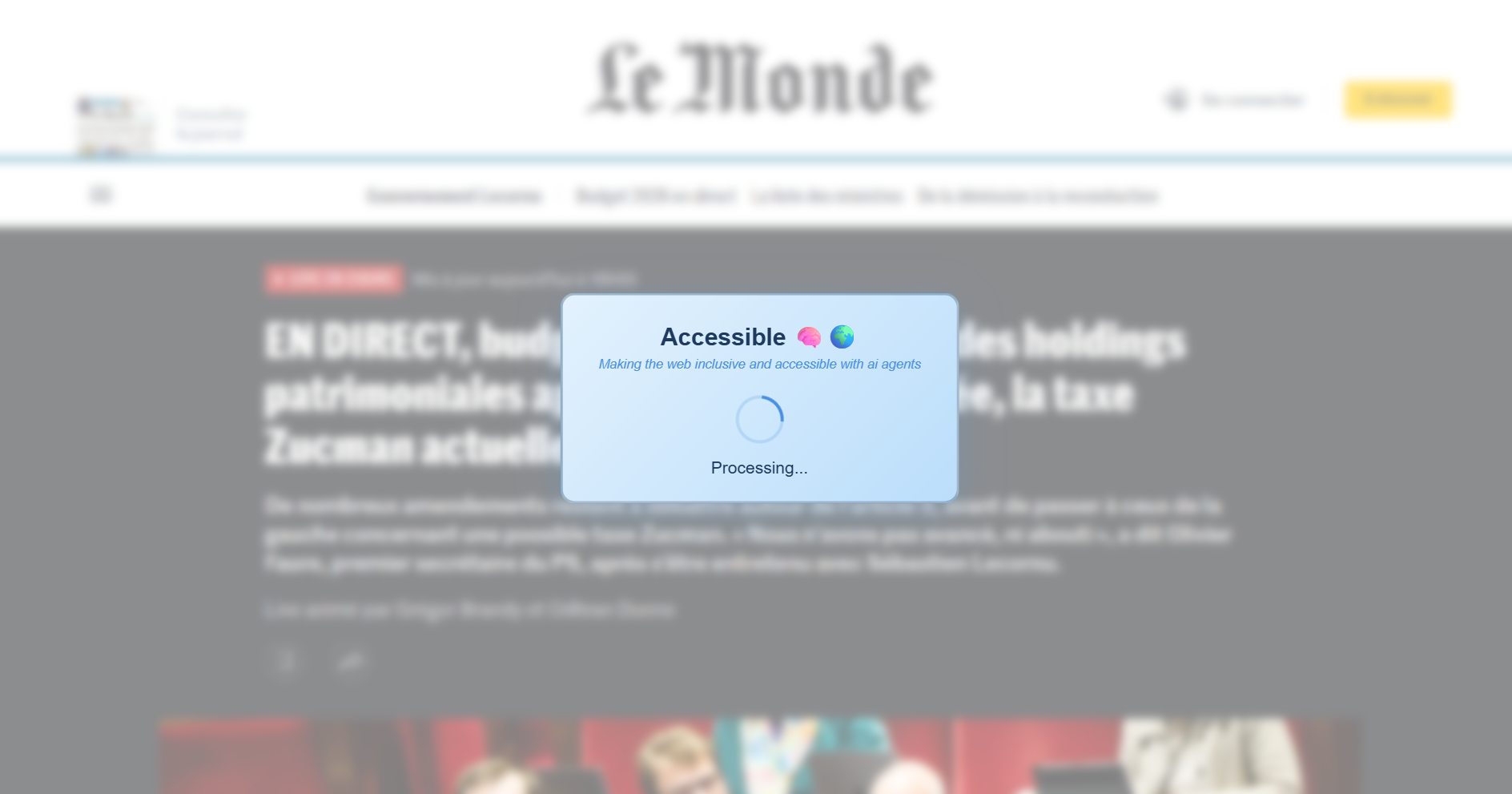
Interface for people with Dyslexia/ADHD - loading
-
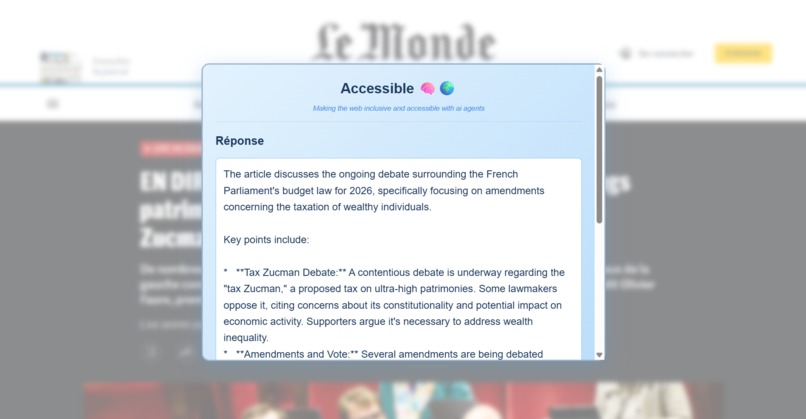
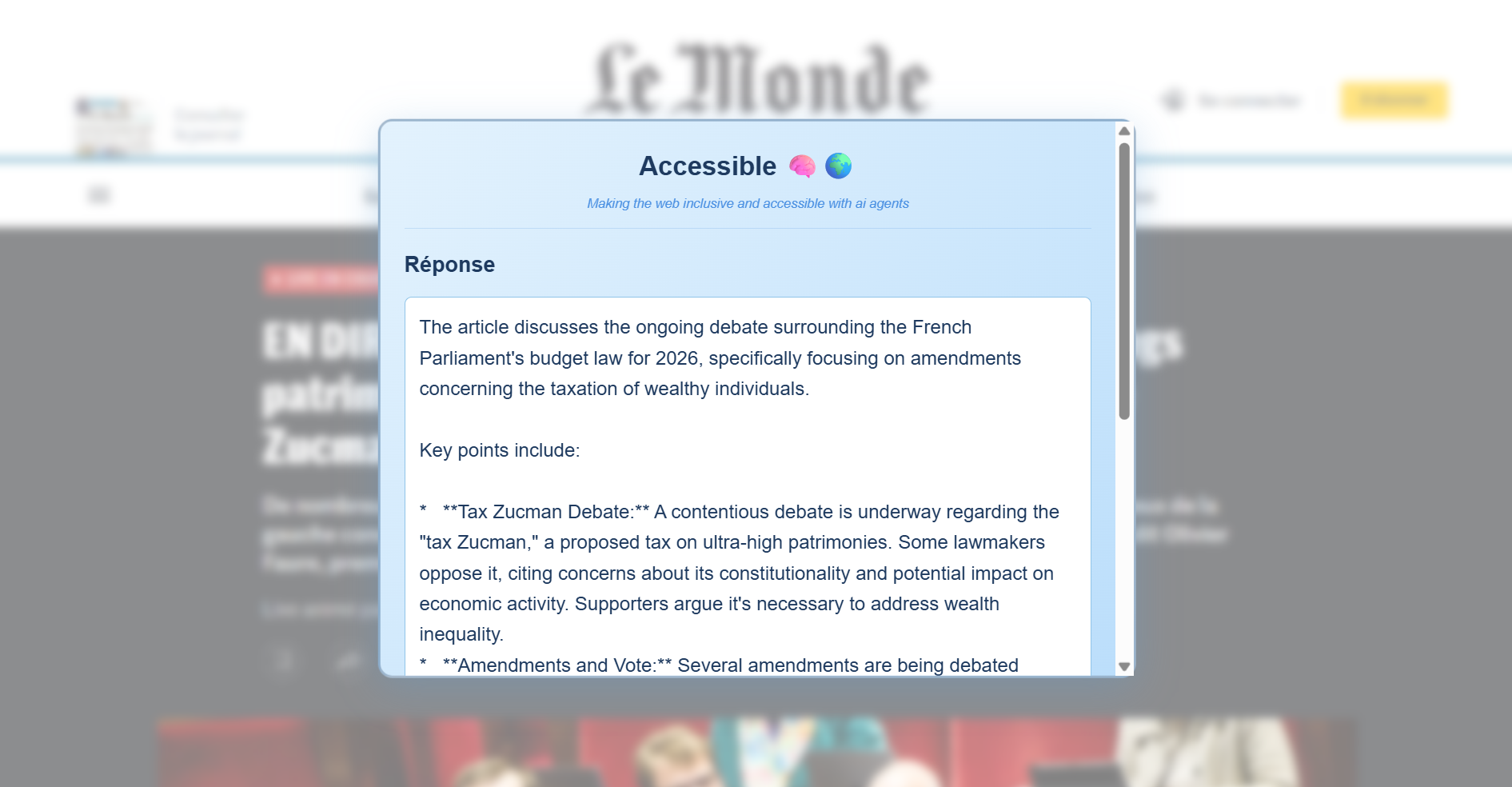
Interface for people with Dyslexia/ADHD - Results
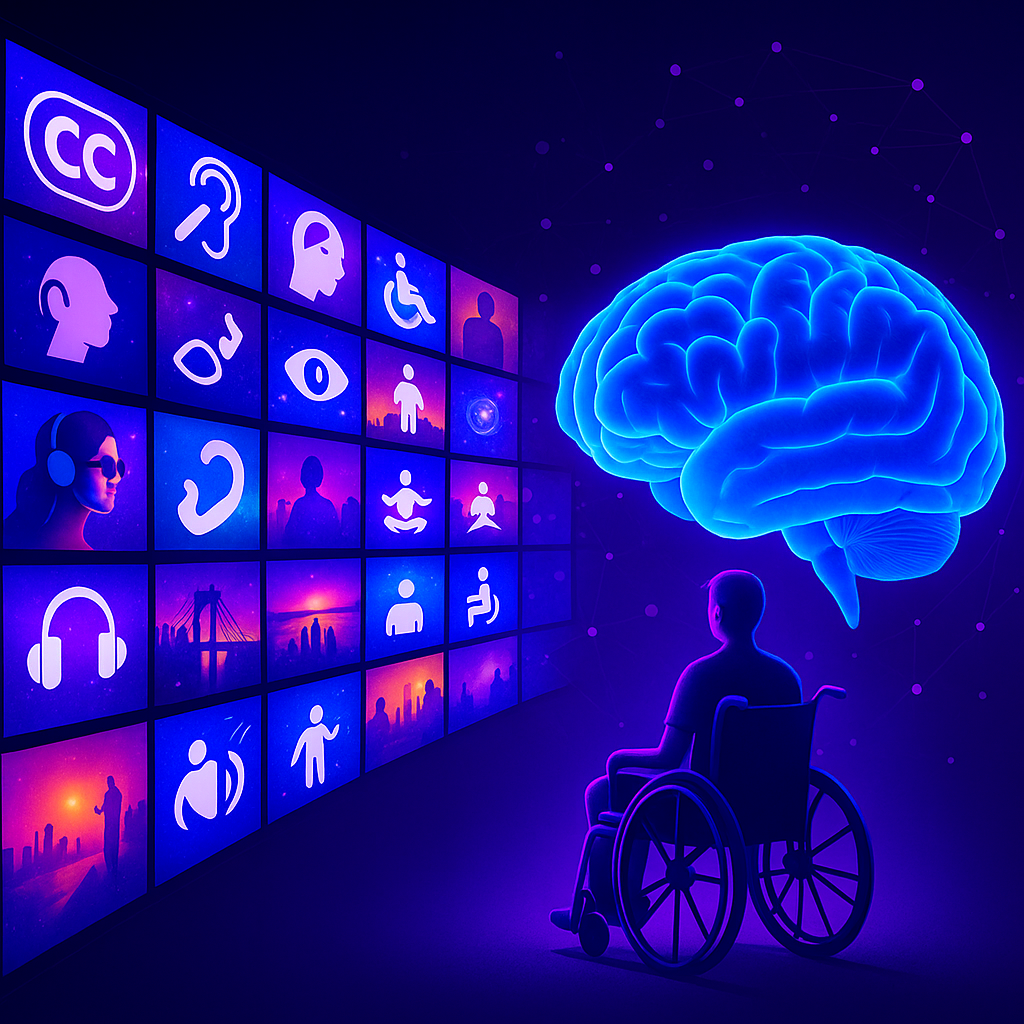
Accessible 🧠🌍
Making the web inclusive and accessible with multimodal Generative AI
🧠 Inspiration
My name is Paul, and I’m a computer scientist working in AI for Good.
During the Paris 2024 Olympic Games, I developed a system that allowed people with motor disabilities to carry the Olympic flame using only their brainwaves. The project, called Prometheus BCI, was built with Inclusive Brains, my co-founded neurotech company and released as open source.
While working closely with people with disabilities, we discovered a recurring pain point: the web remains largely inaccessible. More than 80% of websites are not properly structured or tagged for screen readers, leaving blind and visually impaired users excluded from online content. Moreover, people with invisible disabilities — such as dyslexia or ADHD — often find websites overwhelming, cluttered, and cognitively exhausting.
That realization inspired Accessible 🧠🌍, a project that brings AI-powered inclusivity directly into the browser, so that everyone — regardless of ability — can navigate and understand the web with ease.
💡 What it does
Accessible 🧠🌍 is a multimodal Chrome extension that uses Generative AI powered by Chrome’s built-in Gemini Nano model to make the web more inclusive and accessible for people with visual impairments, dyslexia, and ADHD.
It combines multiple interaction modes — text, voice, and (soon) facial gestures — to create a seamless and inclusive experience where users can listen, speak, or express themselves to understand and navigate the web.
It offers three main features:
- Page Summary (for visually impaired and blind users) — Instantly generates and reads aloud a structured summary of the current webpage.
- Voice Question (for visually impaired and blind users) — Enables fully hands-free interaction: users can ask questions about the page content using only their voice.
- Question Interface (for dyslexic/ADHD users) — Provides a distraction-free interface with clear fonts and calm colors to query or summarize web content.
🛠️ How we built it
We built the extension using:
- Chrome’s experimental PromptAPI, leveraging Gemini Nano for local AI reasoning
- Web Speech API for speech recognition and text-to-speech
- JavaScript and HTML/CSS for the interface and content injection
- Keyboard shortcuts for full accessibility and hands-free operation
The design philosophy focused on clarity, calmness, and inclusivity — featuring a soft blue gradient theme, blurred backgrounds, and high-contrast, readable typography. Every feature was tested with real accessibility tools and screen readers to ensure usability.
⚙️ Challenges we ran into
- Model stability: Chrome’s PromptAPI is still experimental, leading to unpredictable availability and performance issues.
- Speech-to-text accuracy: We needed to fine-tune the interaction flow to handle background noise and microphone permissions gracefully.
- Accessibility testing: Ensuring compatibility across assistive technologies like screen readers was complex and time-consuming.
- Information overload: Designing an interface that supports neurodiverse users (e.g., ADHD, dyslexia) required rethinking simplicity, spacing, and color balance.
🏆 Accomplishments that we're proud of
- Created a fully local AI accessibility assistant that doesn’t send any data to external servers.
- Delivered hands-free web interaction for visually impaired users — enabling independent navigation and understanding of online content.
- Designed a minimal, neurodiversity-friendly interface that reduces cognitive load and promotes focus.
- Continued the mission of AI for Good, extending neurotech accessibility from the physical world (Prometheus BCI) to the digital one.
📚 What we learned
Throughout this project, we learned that accessibility is not a feature — it’s a mindset. It requires thinking beyond the interface and deeply understanding how different users interact with digital content. Working with visually impaired and neurodiverse users showed us that:
- Small design choices have a massive impact. Contrast, spacing, and simplicity can completely change usability.
- AI can be empowering when used responsibly. Running the model locally proved that advanced AI can serve people without compromising privacy.
- Accessibility must be proactive, not reactive. The web is still overwhelmingly built for people without disabilities. Technology like this extension can bridge the gap.
We also learned how to work with Chrome’s new experimental PromptAPI, navigate its limitations, and integrate it with speech interfaces and content scripts. The process pushed us to combine UX design, AI reasoning, and accessibility principles in a single cohesive experience.
🚀 What's next for Accessible AI
♿ Motor Disability Control (Facial Expression Shortcuts)
We’re adding hands-free web control using facial expressions powered by Google MediaPipe — designed especially for users with motor disabilities who can’t easily use a keyboard or mouse.
The feature detects simple expressions (blink, eyebrow raise, smile, mouth open) and maps them to common actions such as scrolling, reading aloud, or summarizing a page.
All processing happens locally, ensuring full privacy and low latency. Users will be able to customize gestures, calibrate sensitivity, and navigate the web independently — no hands required.
🌐 Translator API Integration
To make accessibility global, we’re integrating Chrome’s Translator API so that page summaries, AI responses, and content explanations can be automatically translated into the user’s preferred language — keeping the same level of inclusivity worldwide.
This step will allow visually impaired or neurodiverse users from any country to interact with the web in their own language, while maintaining local, private AI processing.
Accessible 🧠🌍 — Making the web inclusive and accessible with multimodal Generative AI
Built With
- genimi
- javascript
- promptapi
- webspeech

Log in or sign up for Devpost to join the conversation.