-
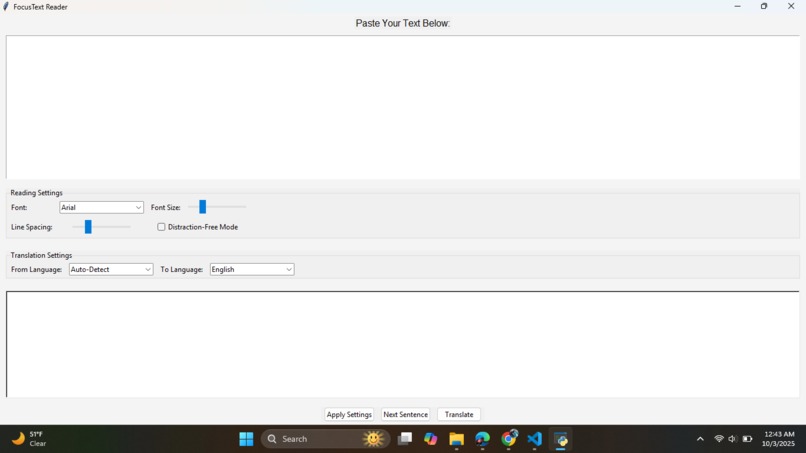
FocusText Reader: A simple Tkinter-based app to adjust font, size, spacing, and translate text with Google Translate support.
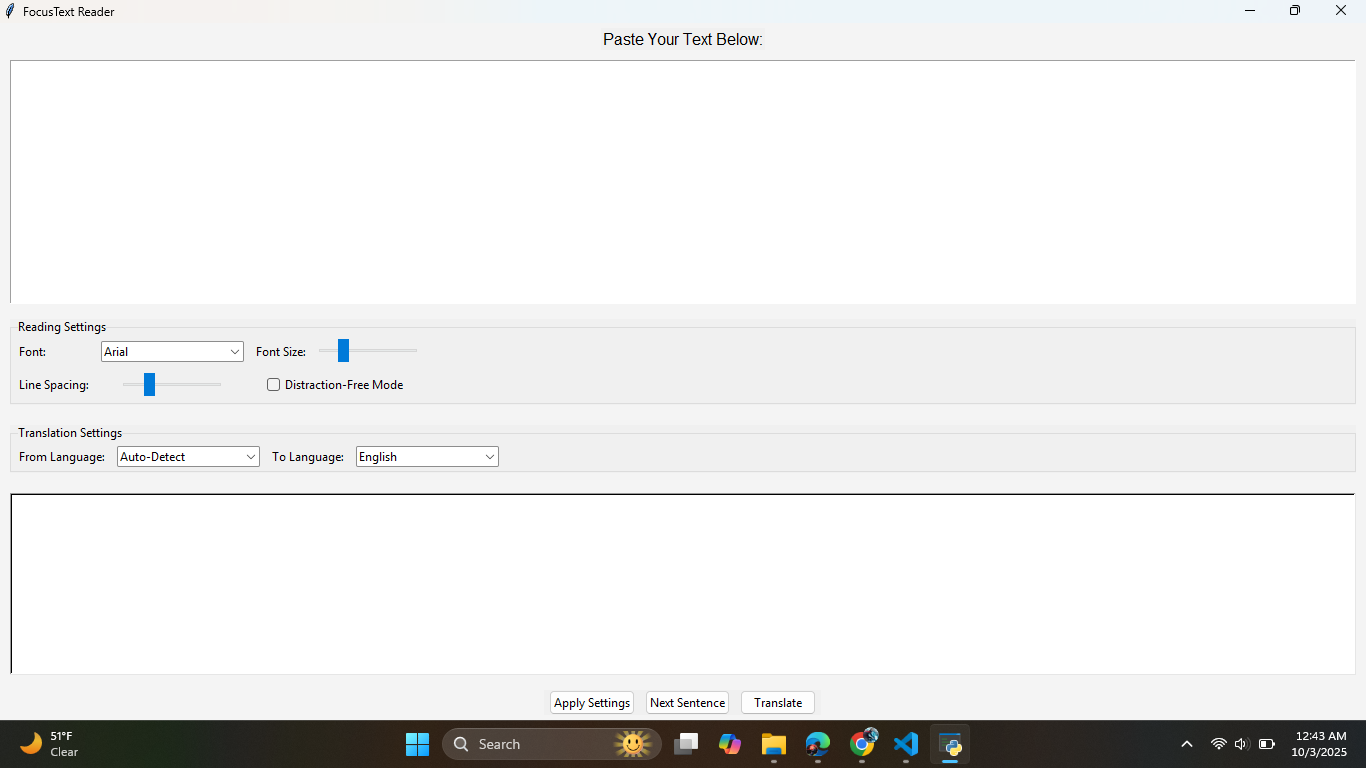
The Accessibility GUI was inspired by the idea of making reading and communication easier for people who face challenges such as dyslexia, vision difficulties, or language barriers. Many readers struggle with small fonts, distracting layouts, or unfamiliar languages, and I wanted to build a tool that helps make text clearer, focused, and inclusive. Using Python with Tkinter, I created a clean and customizable interface that allows users to change fonts, font sizes, and line spacing, enable a distraction-free mode to display one sentence at a time, and translate text into different languages with the help of the Google Translate API. While building it, I faced challenges such as smoothly integrating translation into the GUI, designing a layout that balances simplicity with flexibility, and ensuring font compatibility across different systems. Through this project, I learned how to combine accessibility design principles with programming, gained experience in building practical Tkinter applications, and deepened my understanding of inclusive technology. Moving forward, I plan to expand the tool by adding text-to-speech, dark mode, high-contrast themes, and more translation options to make it even more versatile and impactful for users worldwide.
Built With
- googletrans
- gui)
- python
- tkinter
- translation


Log in or sign up for Devpost to join the conversation.