Inspiration
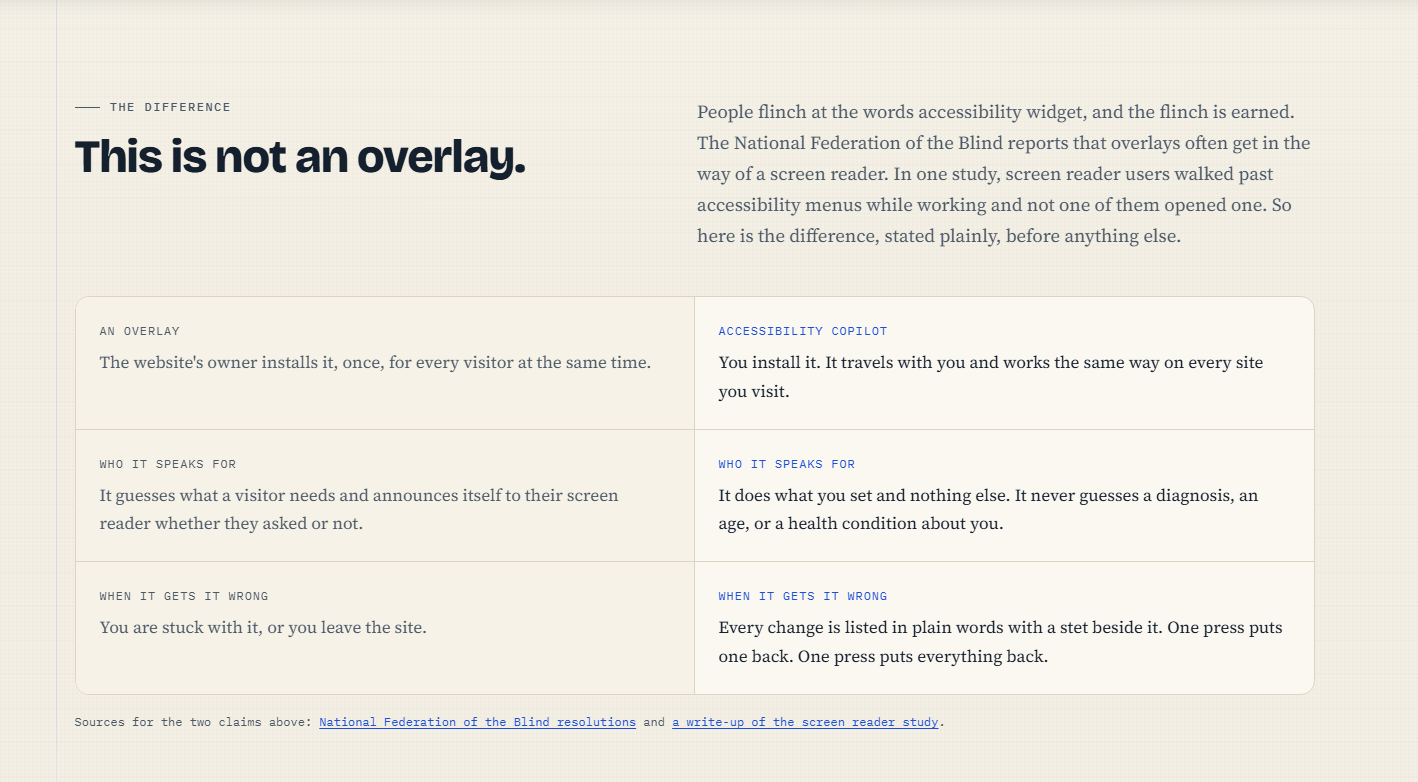
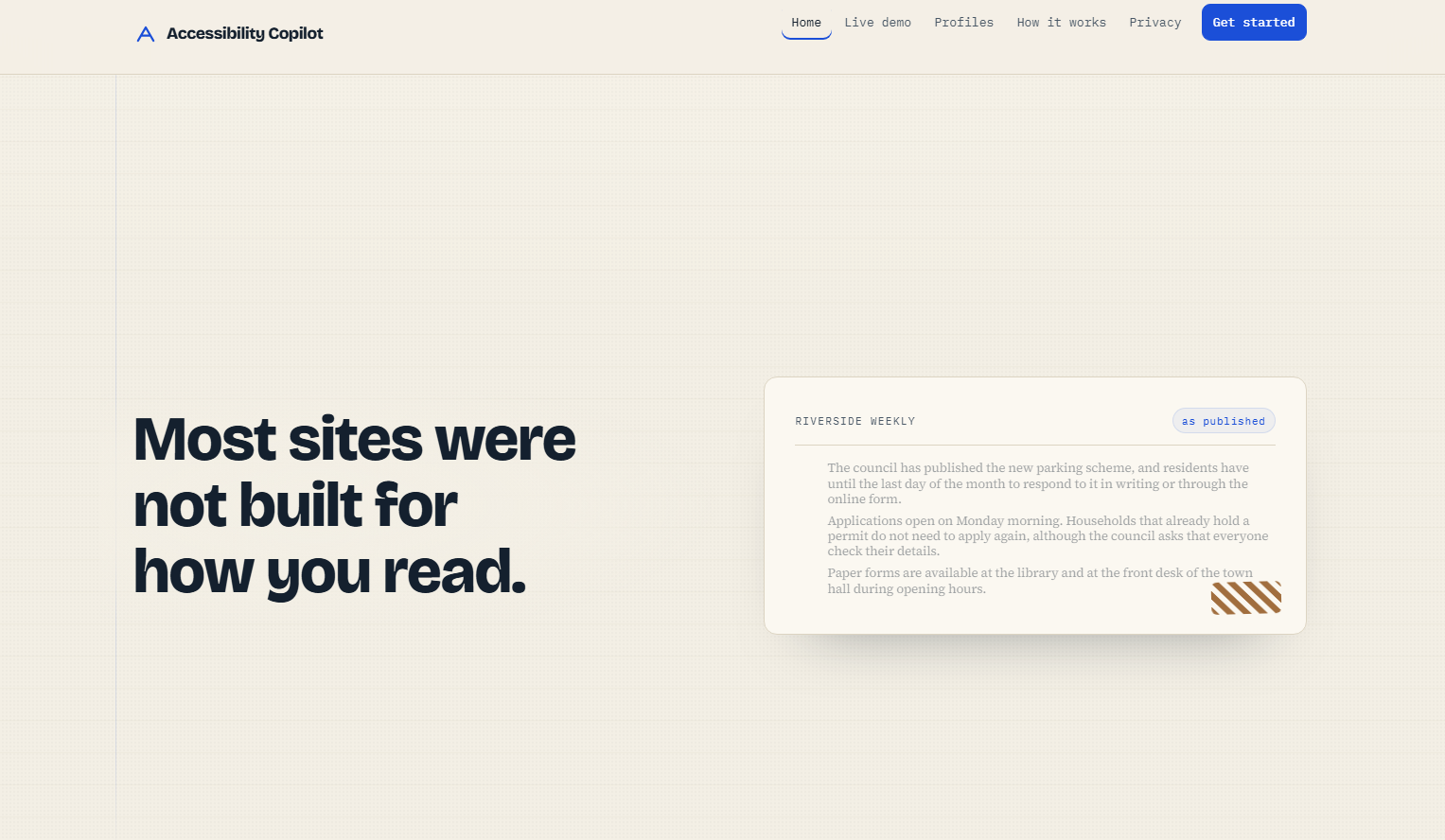
Accessibility overlays are the most hated category of products in accessibility, and the people that they're supposed to be serving are the ones who reject them. According to the National Federation of the Blind, overlays frequently block screen readers, and in a study, screen-reader users navigated past accessibility menus when performing tasks and not one user chose to open a menu. The problem is not technical, it's about who's in charge: the overlay is the one installed by the site owner and represents all visitors at a time and it cannot be avoided. I wanted to know what the same capability might look like when the reader installs it, controls it and can undo it.
What it does
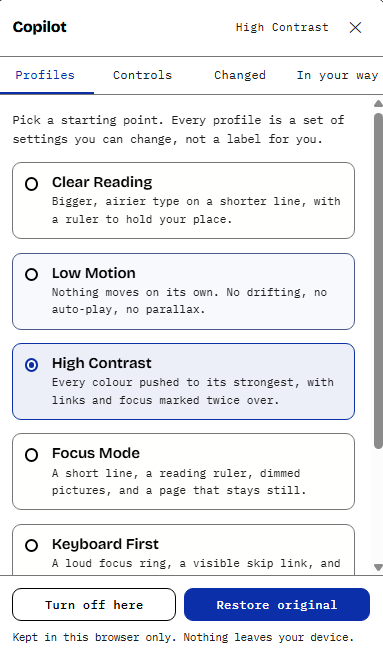
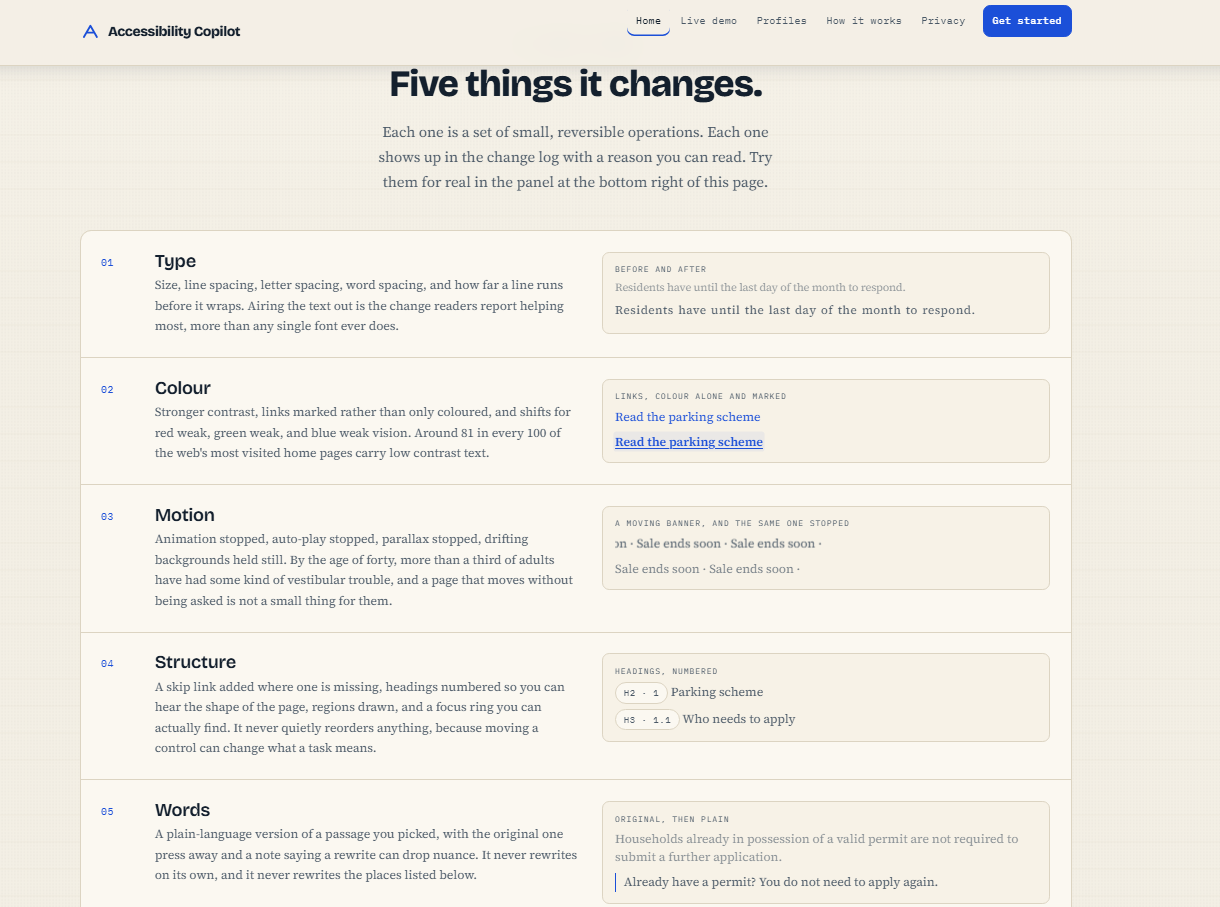
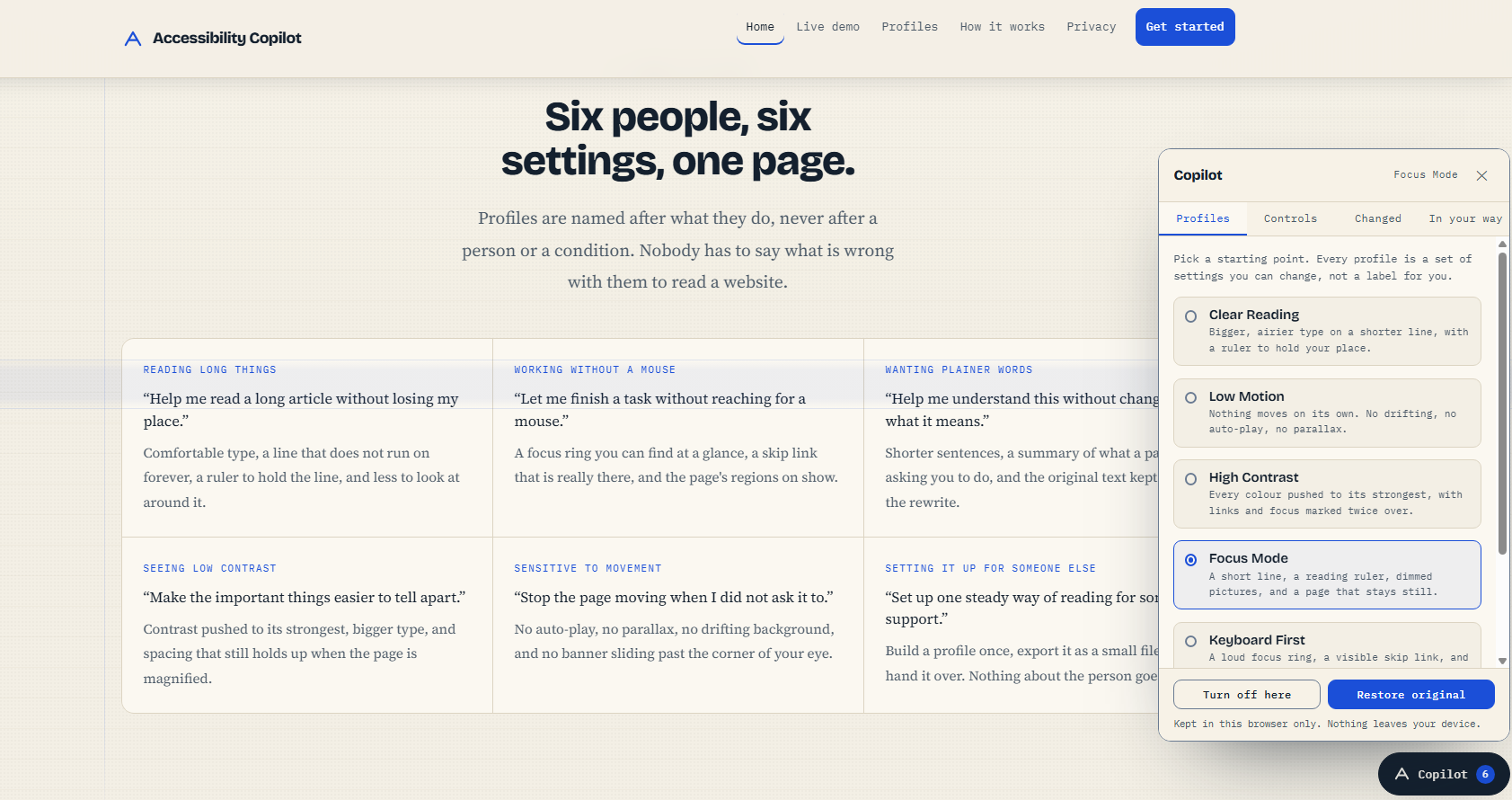
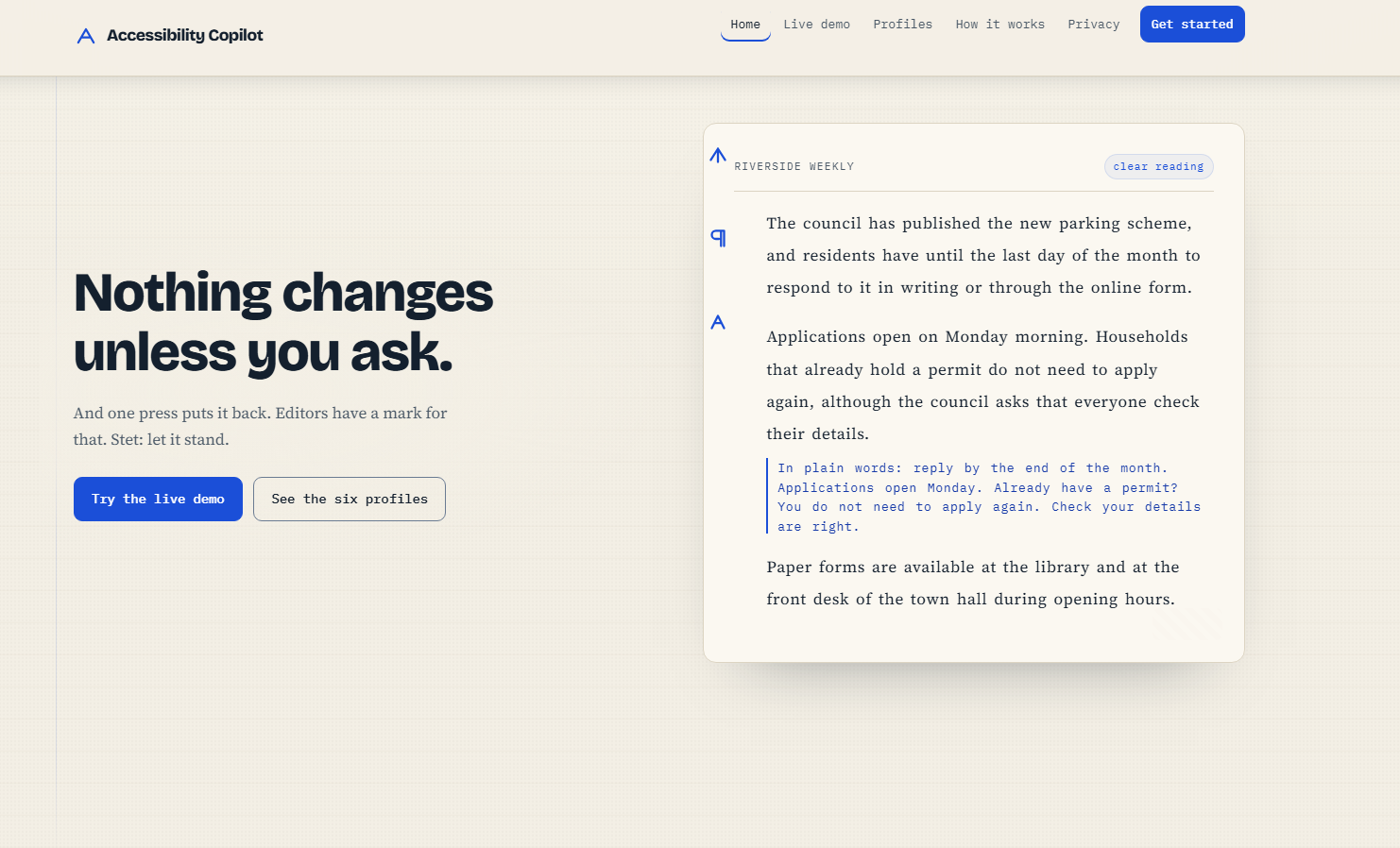
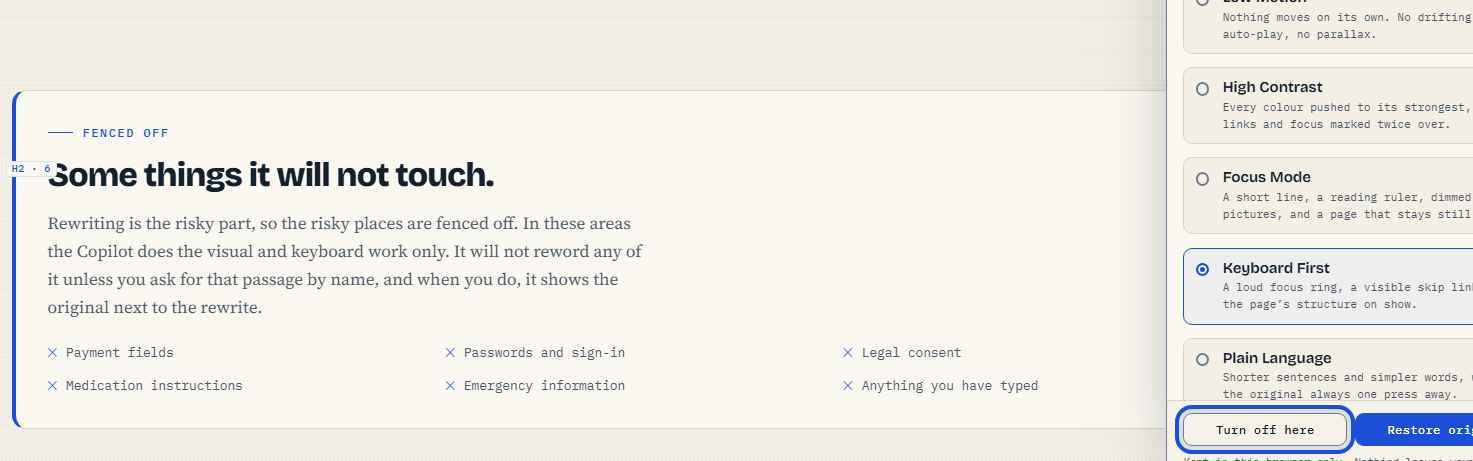
Accessibility Copilot is a user script that makes all websites accessible. There are six profiles (reading, motion, contrast, focus, keyboard, night reading) and sixteen individual controls (size, line spacing, letter spacing, measure, color vision, page structure) behind them. All the changes are listed in the log in plain English, with a stet beside the change; the proofreaders mark is "put that back" and the press restores the page completely. It also conducts twelve real checks more than any competitor in order to tell you what it could not fix, what it split and what it papered over the latter in a tab called In your way.
How I built it
The website vanilla HTML, CSS and JavaScript, no framework, no build step: one 74 KB user script file, plus a six-page companion site that's 288 KB. They are not written by the host page or our styles, live in a shadow root, transformations are written in one injected stylesheet, undo removes that sheet and text size is written on a generated attribute, not thousands of inline writes. Rewriting is done in plain language with the Claude Haiku 4.5 model from Open Router, and costs about a third of a penny per passage, in a way that avoids most rejection by the site you're requesting from because the passage is in plain language, and not wrapped in XML. I tested by driving the machine's own Chrome headless via the Dev Tools protocol, allowing us to perform real walks with keyboard, touch emulation, live prefers-reduced-motion flips and perform audits of contrast at the pixel level.
Challenges I ran into
the tool wouldn't work on exactly the government and banking sites that it needed to work on, as the content security policy that is sent by .gov.uk blocks style tags, the style attribute, even the inline styles inside our own panel markup; the solution was to move everything to constructed CSS Style Sheet objects, which CSP doesn't govern. The user script manager's request channel was used because Wikipedia's policy prevented page-context requests being made to our language service. The weirdest bug was an overly-narrow tab button for controls on the same element as querySelector('[data-pane=controls]') so the controls interface was rendered in the tab button and stretched to 1926 pixels.
Accomplishments that are to be proud of
On Wikipedia, MDN, and example.com, I cycled three profiles on each and then measured: all the font sizes were restored to their original values; all of the attributes that I set were removed; there was no horizontal overflow anywhere; the stylesheet was deleted entirely. I also feel good about the "what it cannot fix" checker, finding two true bugs in our own site and one bug in itself, which is a result of its having the channels 0 to 1 instead of 0 to 255. That's true enough: MDN has 72 problems across 4977 elements, Wikipedia 23 and gov.uk, well, exactly 1.
What I learned
The biggest limitation in this area is not technical it's credibility and the healthiest way to achieve it is to publish your limits before someone else does! The magic of having it say, ‘the Copilot will not touch this, and here's why' made our biggest weakness our greatest strength and differentiator from all others on the market. Further, knowing that measuring beats under the assumption that: the checker's heading-level skip in their footer had to be corrected; the assumption had to be true for the keyboard tab sequence if the button was to be seen, as it wasn't in a screenshot, led us to correct a heading level skip in our own footer. Lastly, CSP is the true enemy of any tool that alters a page and designing for the strictest sites first would have spared us a rewrite.
What's next for Accessibility Copilot
The rewriting should run on the reader's own machine rather than through a hosted service, because on device is the honest answer for a tool that reads what you are reading. I wanted a per element exclusion so you can switch the Copilot off for one stubborn widget instead of a whole site, page summaries with reading time and the decisions a page is asking of you, and a screen reader preview that shows what a region actually announces.
Built With
- css
- css-custom-properties
- css3
- cssom
- fetch
- html5
- intersection-observer
- javascript
- json
- localstorage
- mutationobserver
- requestanimationframe
- shadow-dom
- svg
- userscripts

Log in or sign up for Devpost to join the conversation.