-
-
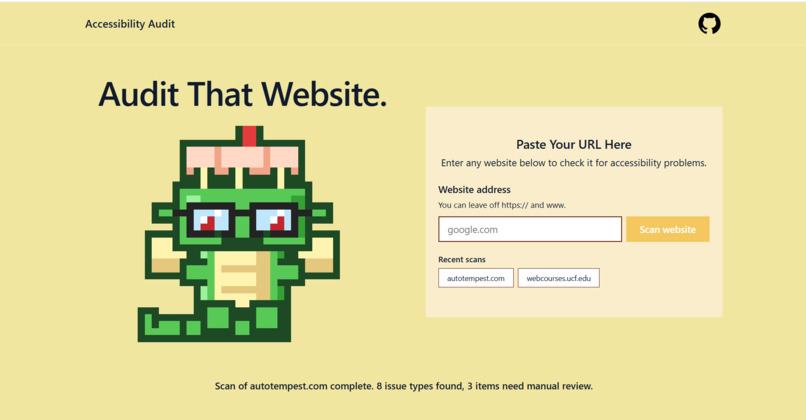
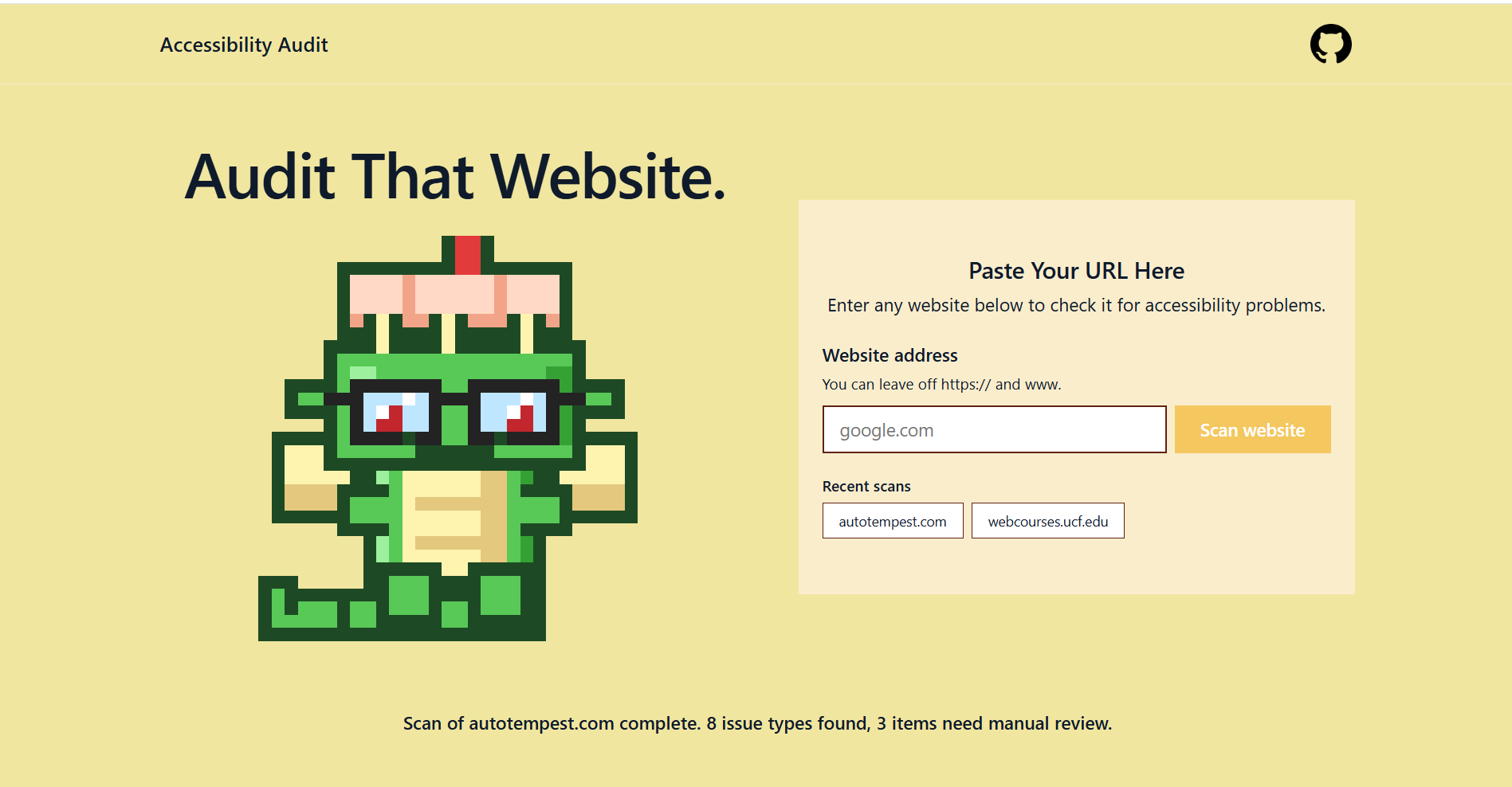
Shows empty homepage
-
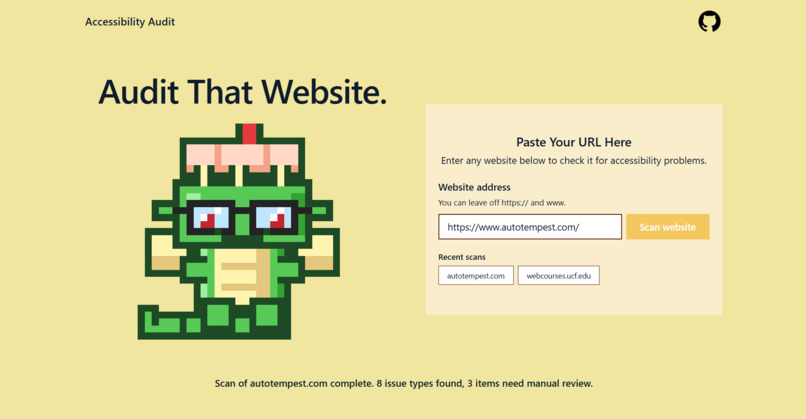
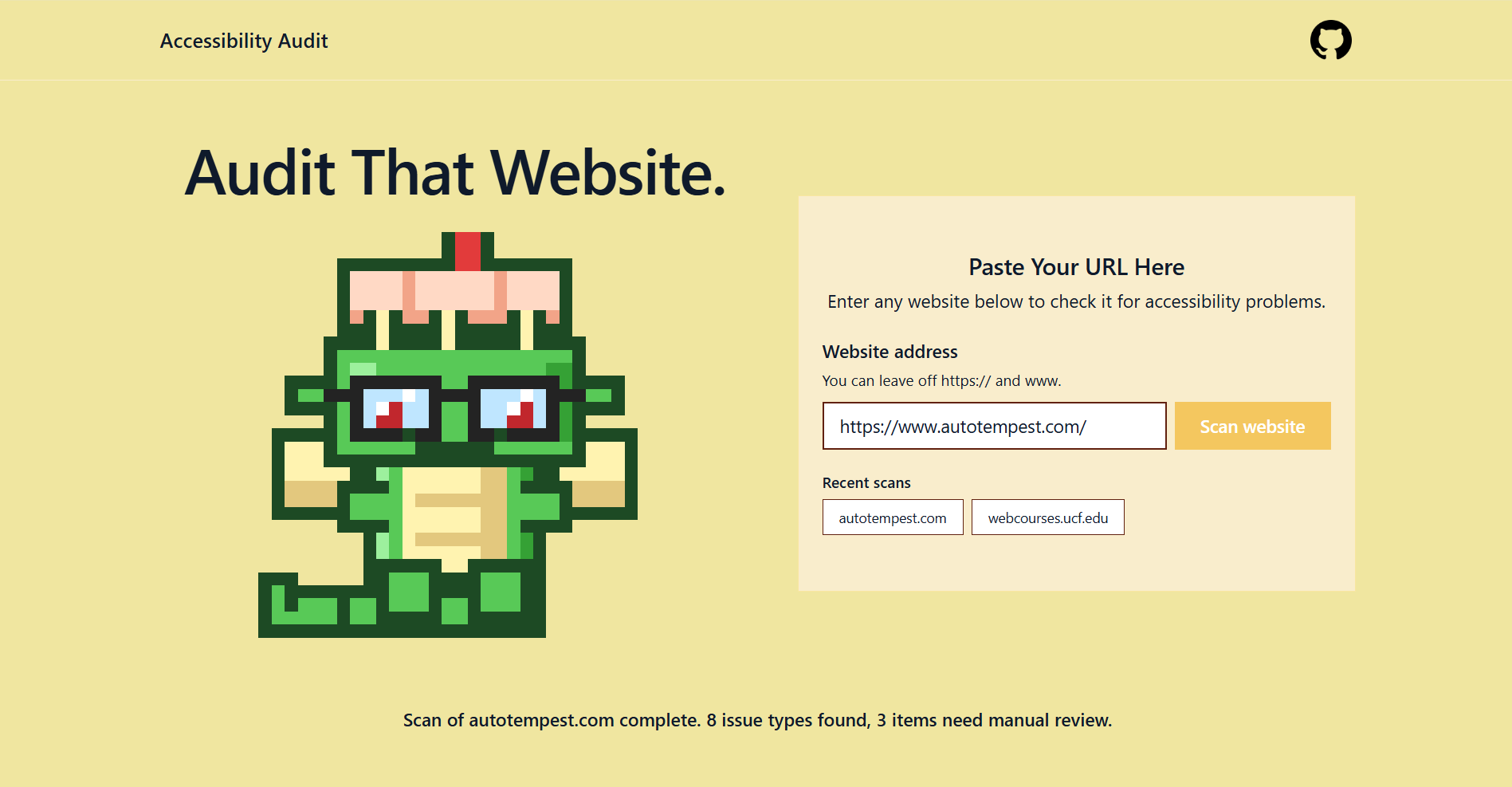
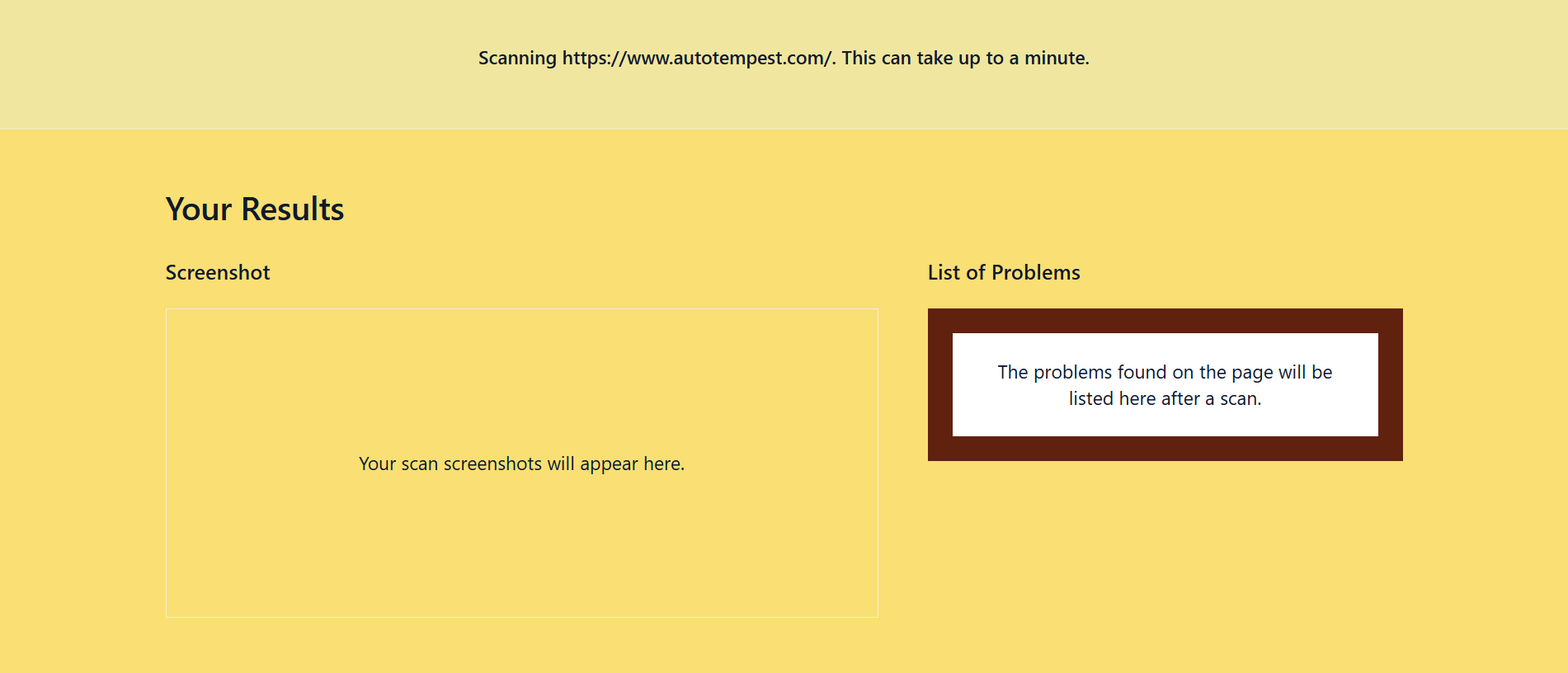
Shows the process of entering a website and processing
-
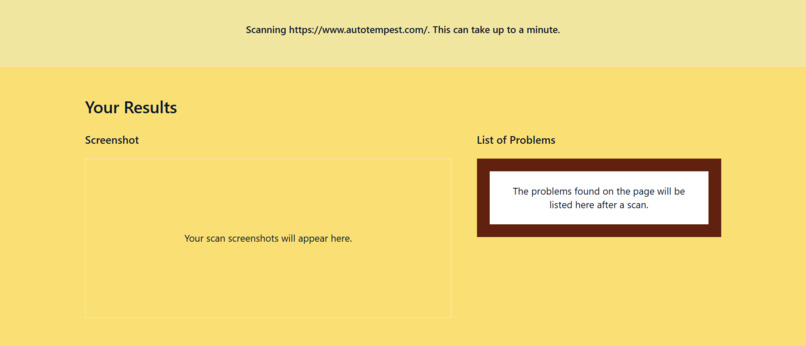
shows the empty results panel
-
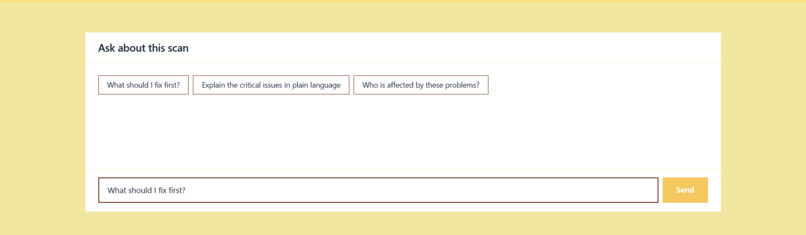
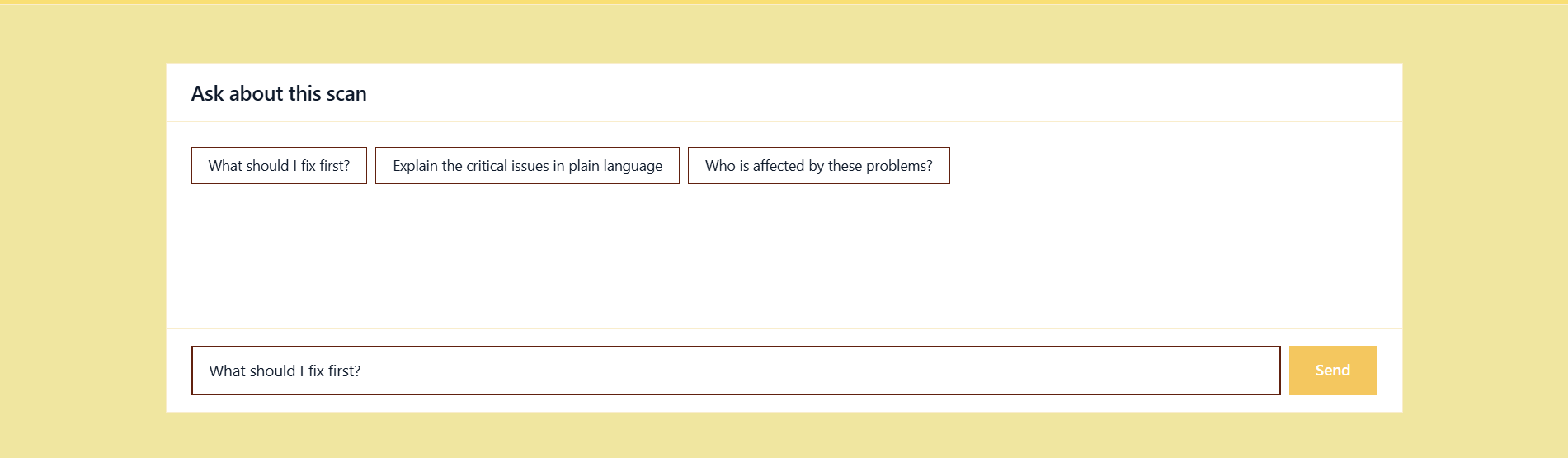
shows the empty AI chat box
-
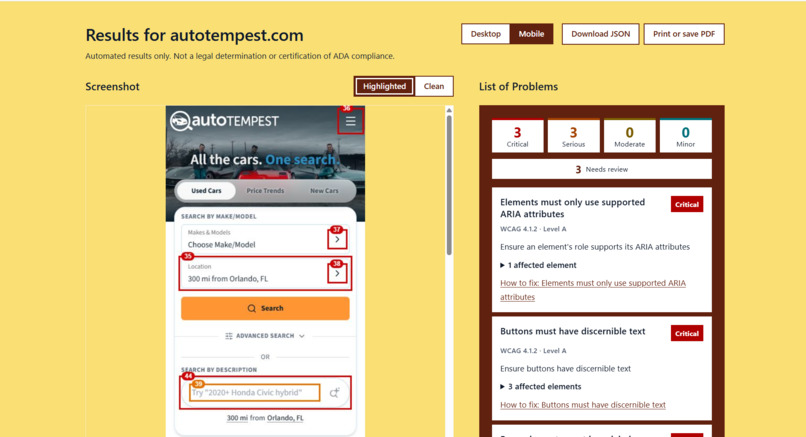
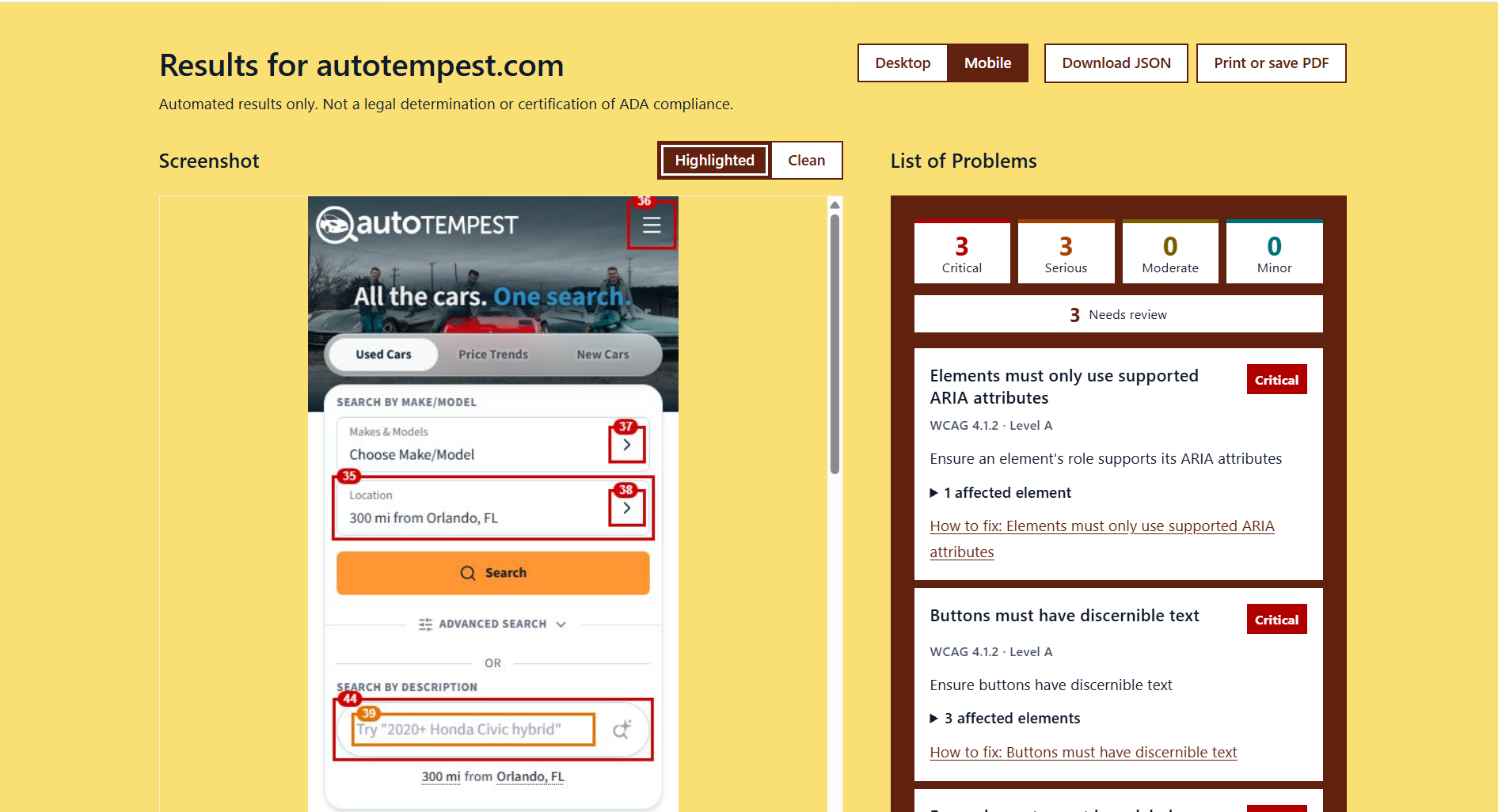
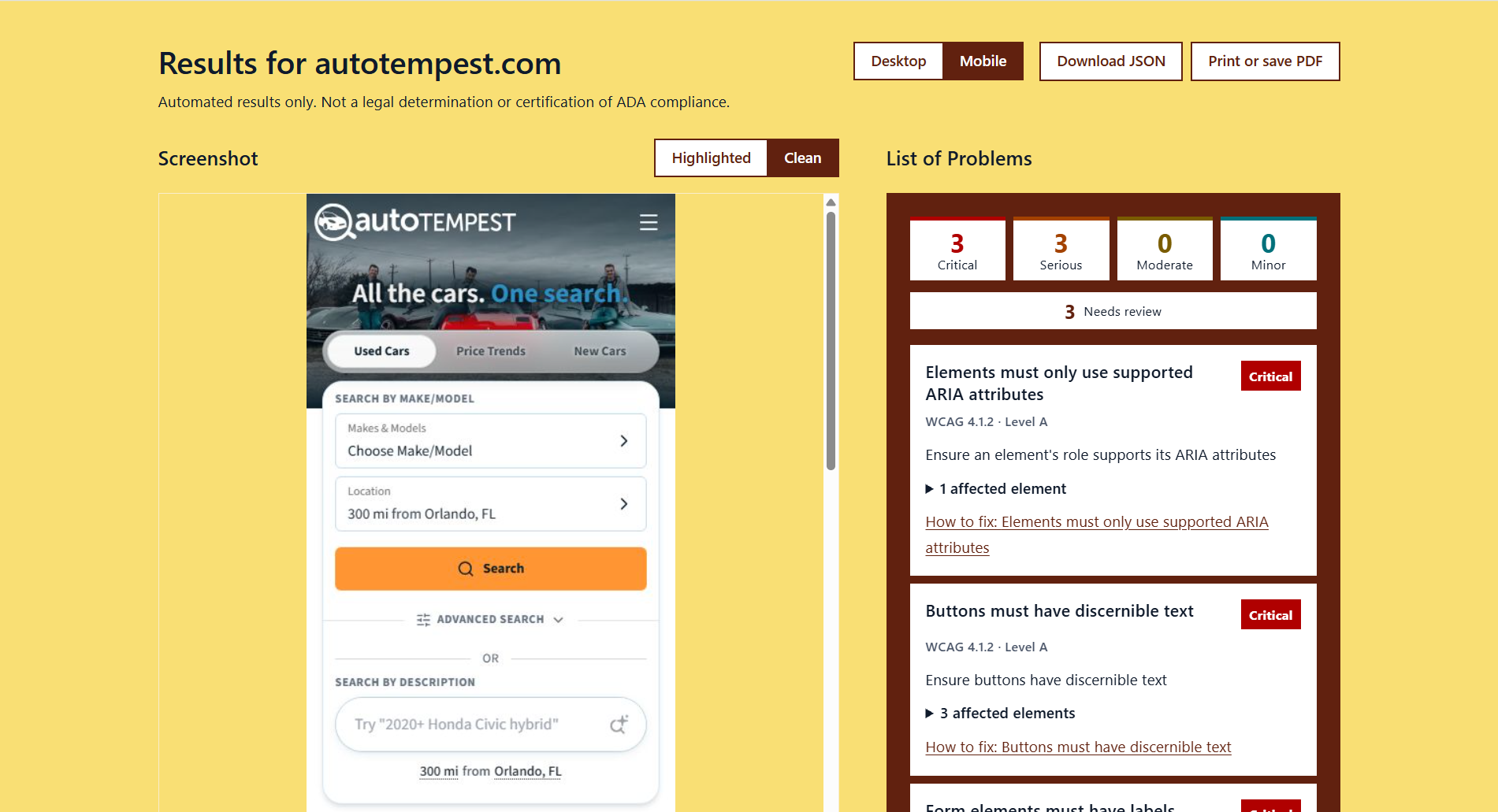
shows highlighted problems on mobile
-
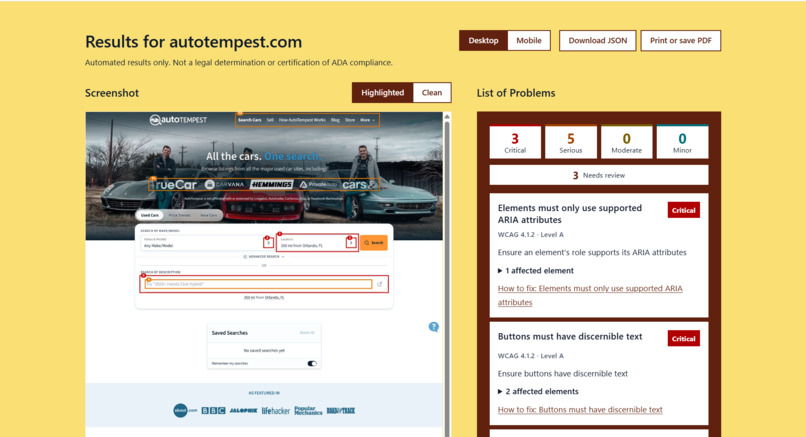
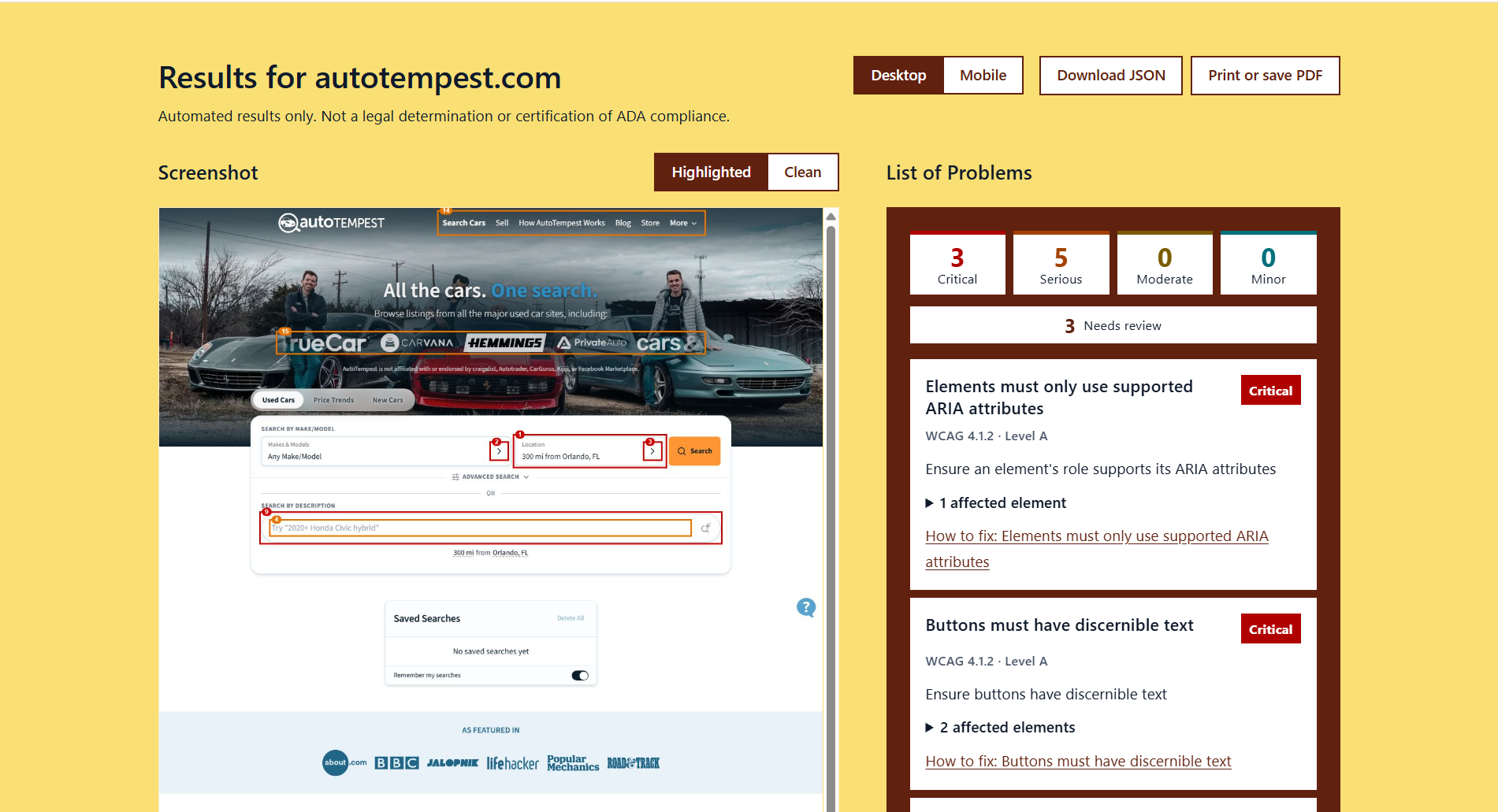
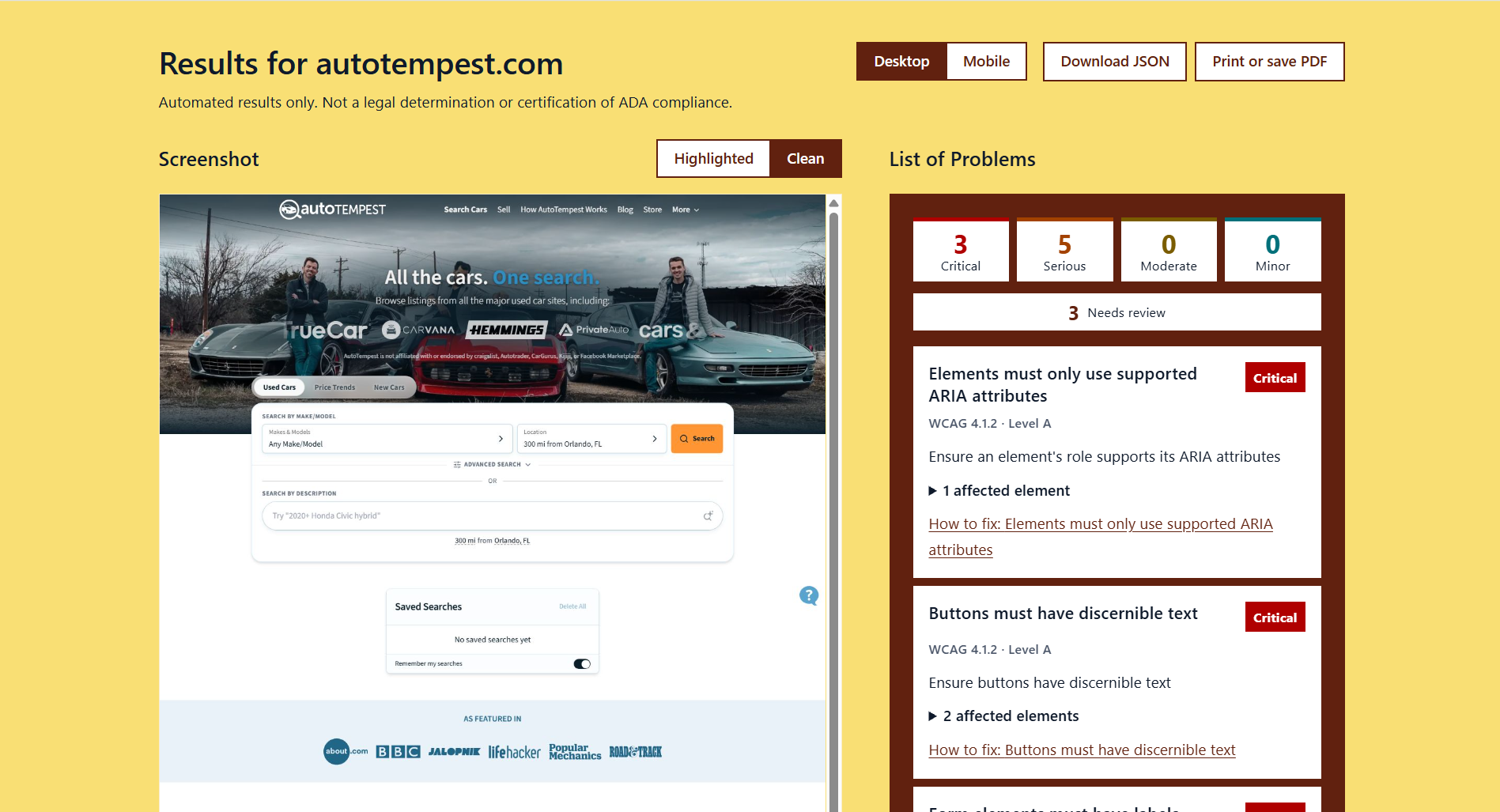
shows highlighted problems on desktop
-
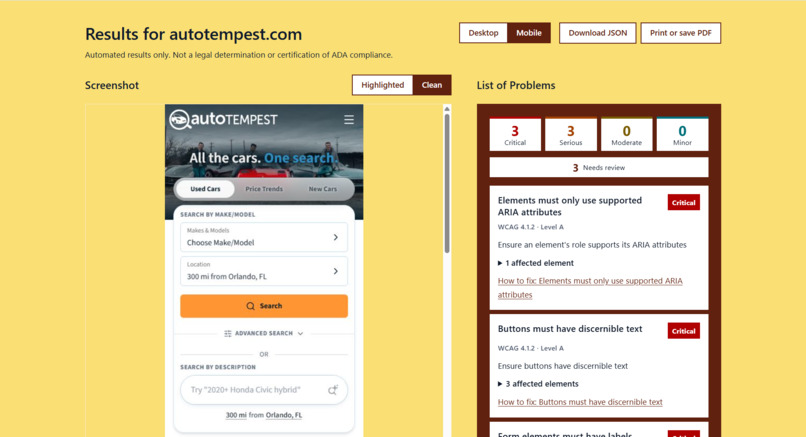
shows no problems on mobile
-
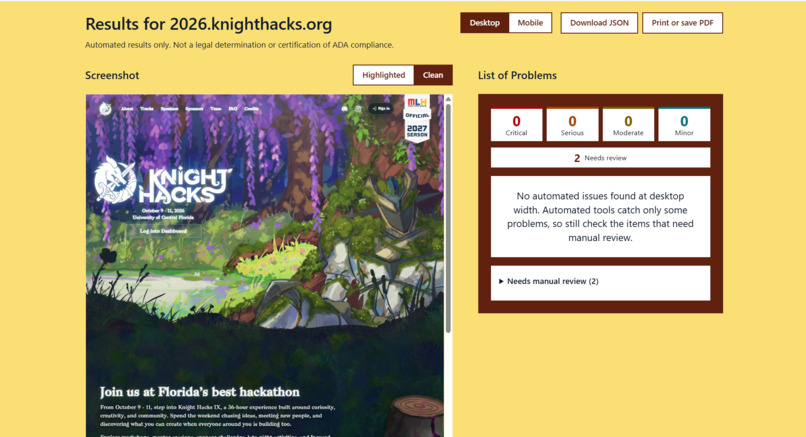
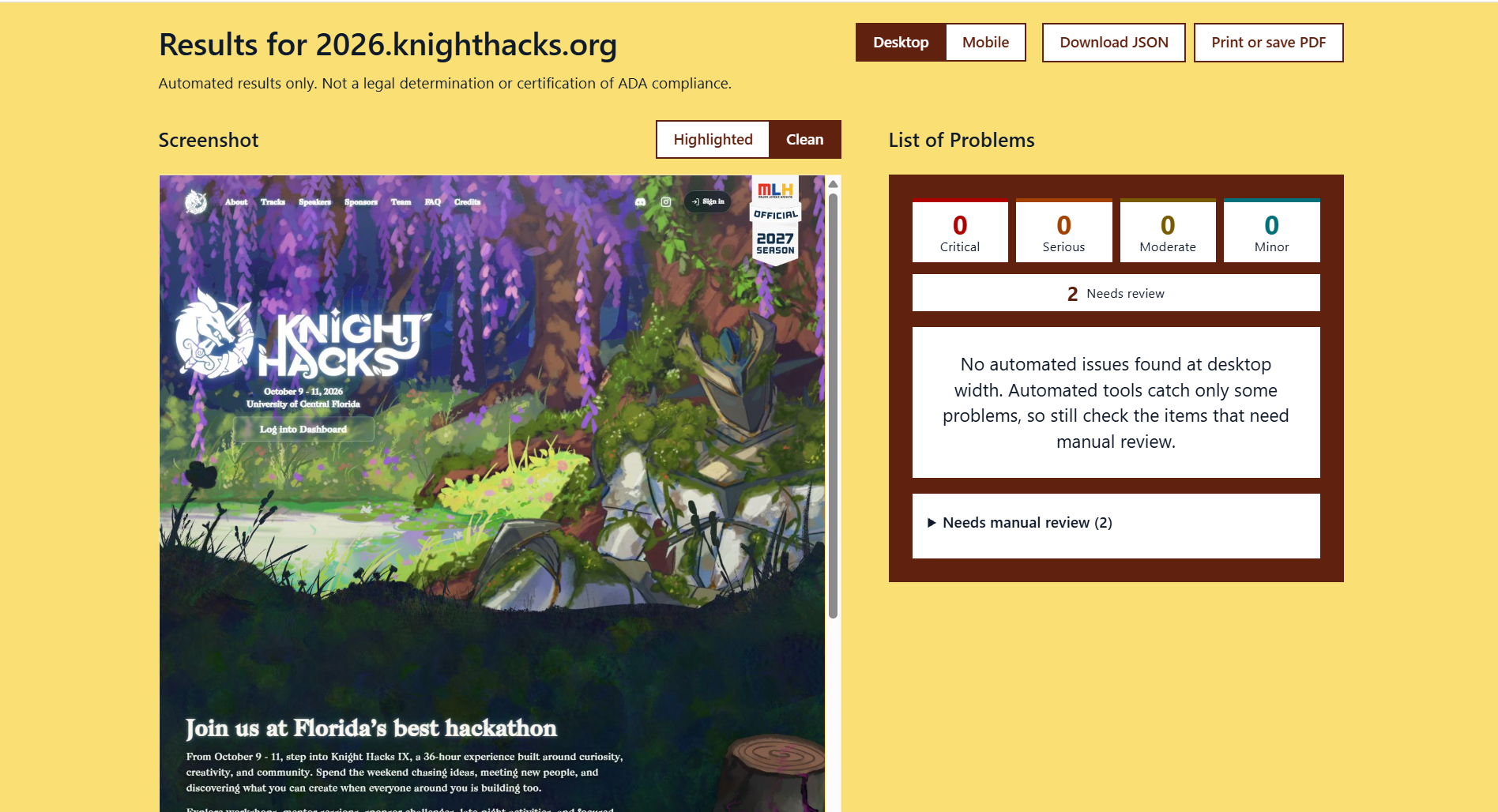
shows no problems on desktop
-
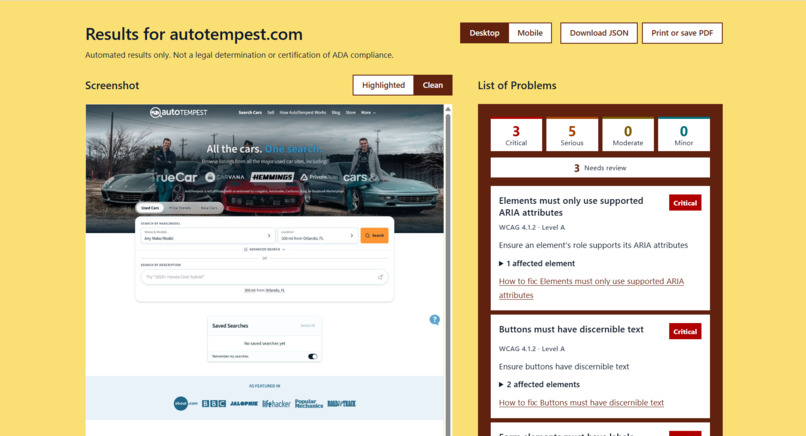
shows no problems on desktop
-
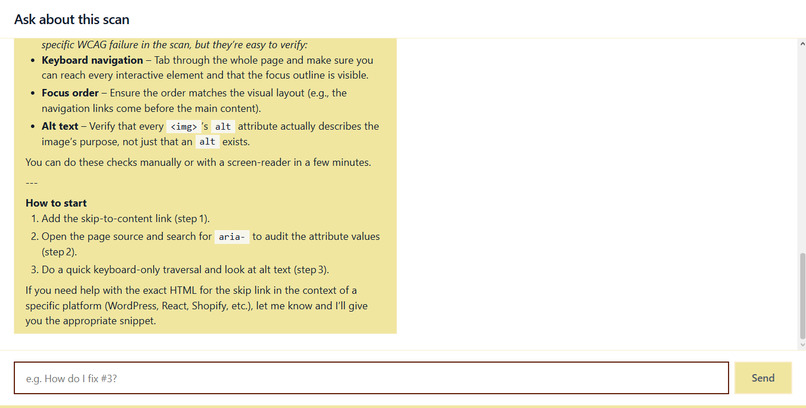
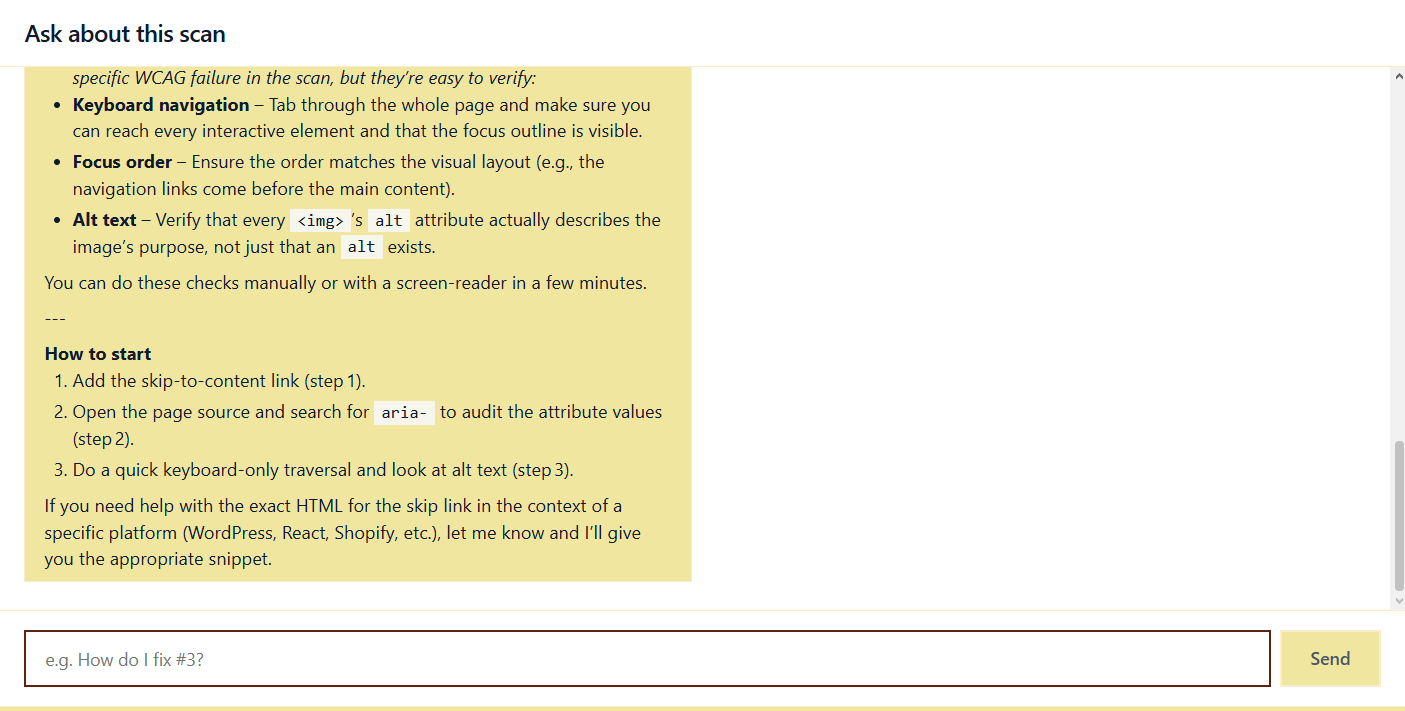
Shows formatted chat response
Inspiration
Most developers know WCAG exists, but it’s often hard to tell what a rule means for their own code. We wanted to close that gap with an accessibility auditor that helps developers understand these standards and apply them to make their sites more accessible. We also wanted developers to be able to learn from other websites by seeing how they handle accessibility, both the good and the bad.
What it does
Accessibility Audit scans any public website against WCAG 2.2 A/AA standards on both desktop and mobile layouts. It shows what’s broken directly on screenshots of the site, with numbered, color-coded highlights by severity. A built-in AI assistant, powered by Hugging Face, explains each issue in plain language and suggests fixes.
How we built it
Frontend: React and Vite, with a results panel, a screenshot viewer, and a chat panel. Backend: FastAPI, which runs the scan and serves the screenshots. Scanning: Playwright opens each site in a headless browser at desktop and mobile sizes. The open-source axe-core engine then checks the page against WCAG rules. Visual highlights: we find where each problem element sits on the page and draw numbered outlines on a screenshot, colored by severity. AI assistant: a FastAPI endpoint sends a scan summary to a model via Hugging Face Inference, so users can ask questions about their results.
Challenges we ran into
At the very beginning, we struggled to come up with a concept for our project that could be reasonably done within the short time-frame of the hackathon event. Additionally, it had to fit our capabilities as a mostly new developer team. So we had to keep things manageable. Following our decision on what our project was going to be, we ran into multiple issues using git. Most of these from our branches not getting updated from main properly when doing merges. We landed on using the GitHub desktop application to have a cleaner interface to work through our problems which helped us greatly.
Accomplishments that we're proud of
We are proud to have a working end-to-end flow: paste a URL, then get visual, annotated results for desktop and mobile. We are also proud to have found a way to turn abstract WCAG rules into something you can see on the page, and to include an AI assistant that makes accessibility approachable for developers who aren’t experts. Learning responsive sizing in front-end development, so the tool itself works across screen sizes, was also a highlight of this project.
What we learned
We learned how to connect a FastAPI backend to a Hugging Face AI chatbot and how React manages frontend components and state. We also learned a lot about WCAG, including that automated tools only catch part of the problems. A clean scan doesn’t mean a site is fully accessible, which is why we include a disclaimer on every report.
What's next for Accessibility Audit
Authenticated pages: scanning sites that require a login, such as Canvas for UCF students or a Facebook feed. Scan history: saving scans so teams can track fixes and catch accessibility regressions over time. Full-site crawling: auditing every page of a site, not just one. Accessibility scores and dashboards: showing progress at a glance. Site comparison: comparing two sites side by side to learn from how others handle accessibility.
Built With
- ai
- css
- fastapi
- html
- javascript
- python
- react

Log in or sign up for Devpost to join the conversation.