Ally: accessibility that notices when you need a hand
We were inspired by our own grandparents, who often have difficulty using technology. We wanted to make everyday computer tasks less frustrating and make useful accessibility tools easier to reach.
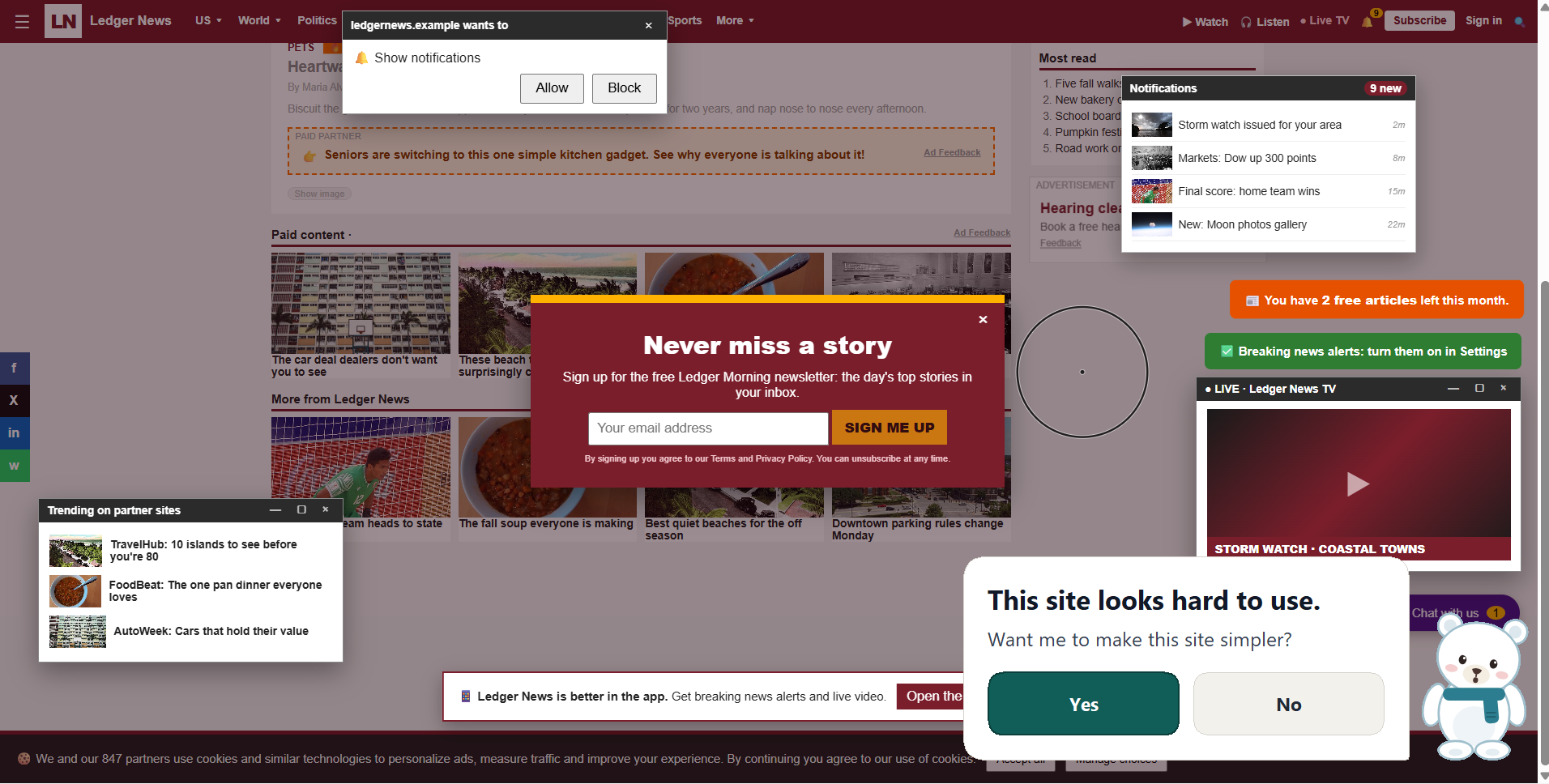
To use accessibility apps, people often have to know what to look for, find the right setting, and turn it on at exactly the moment they need it. Ally can notice signs of difficulty and offer a simple next step: make the text bigger, read the page aloud, or help navigate what’s on screen.
We also wanted the experience to feel respectful. Ally asks before making a change, provides ways to undo it, and aims to offer help without making the user feel watched or judged.
What we built:
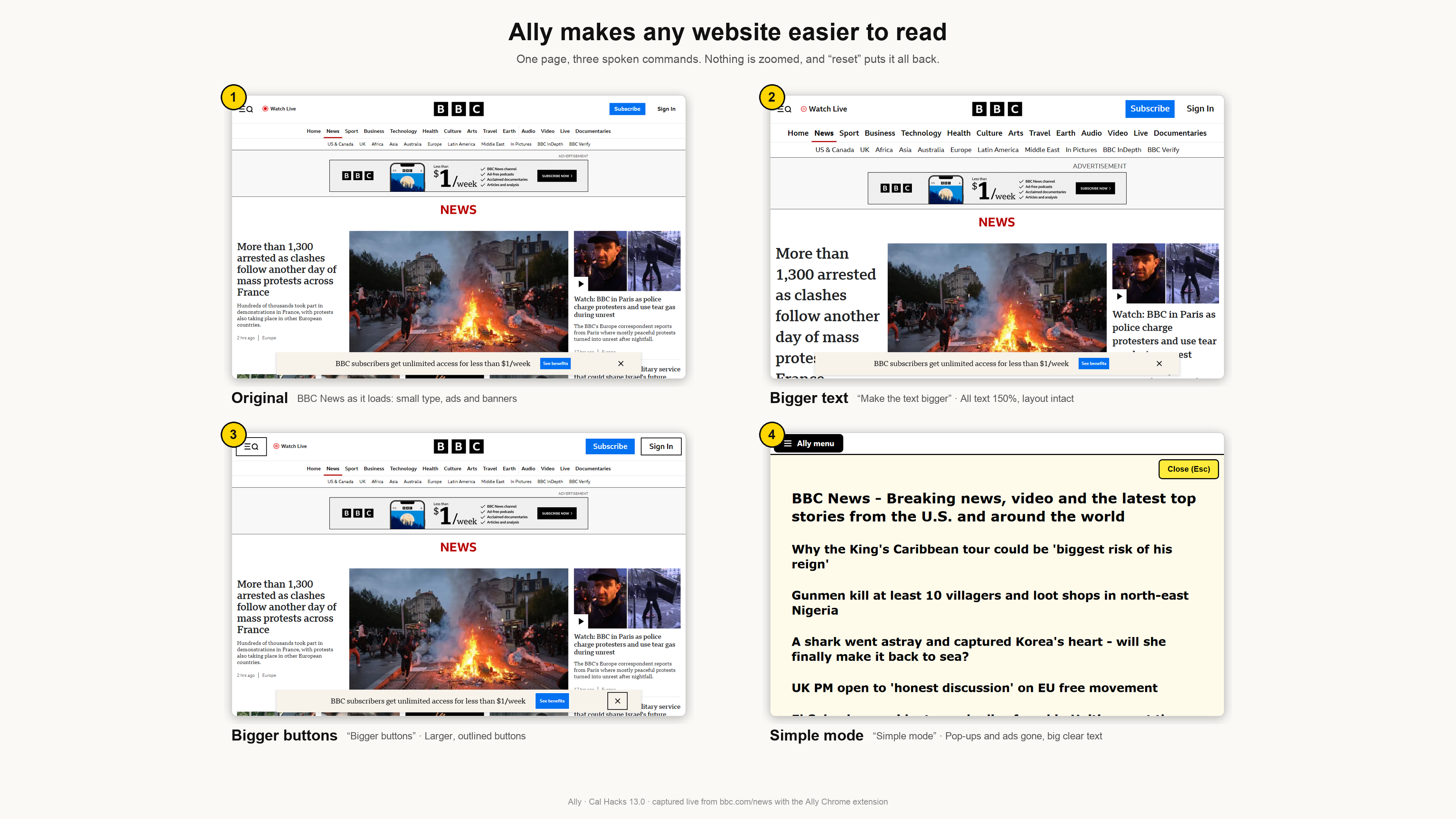
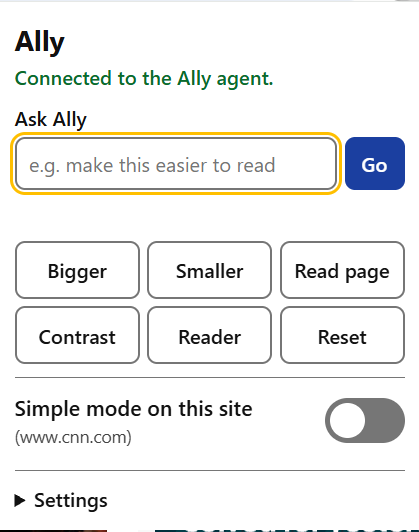
Ally combines a local Python assistant, an OS level agent, and a Chrome extension. It can adjust text and page layout, read content aloud, magnify the screen, apply visual changes such as high contrast, and respond to voice, typed requests, or hotkeys.
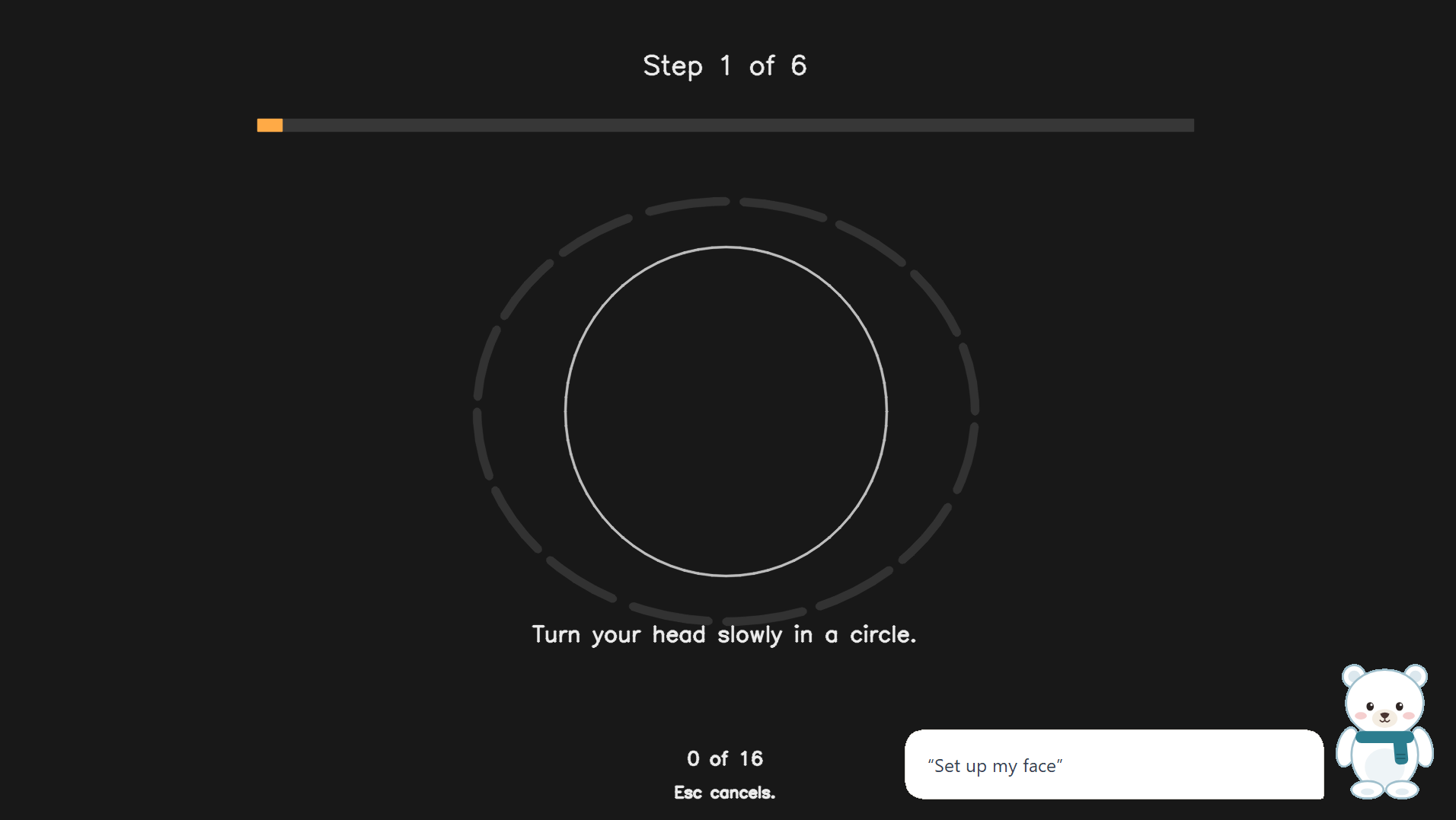
For more proactive help, Ally can combine signals such as squinting, leaning toward the screen, repeated clicks, and retyping. When multiple signals suggest someone may be struggling, it can offer help and adapt to a “yes” or “no.” With eye tracking enabled, Ally can also magnify the area a person is looking at.
We also built scam protections. Local rules look for patterns such as fake virus warnings, lookalike bank addresses, suspicious card forms, and remote-access tools appearing alongside sensitive pages. Ally explains the concern and asks before taking an action, such as closing a page.
How we built it:
We built the assistant’s core in Python and connected it to a browser extension. The extension handles page-specific changes, while the assistant can also use operating-system accessibility features for screen-level controls.
For screen understanding and conversational requests, Ally can use Claude and registered tools. Scam detection starts with explicit local rules, with optional AI review for a second opinion. Voice, speech recognition, and eye tracking are optional components, so people can choose which capabilities to enable.
Privacy shaped the implementation. Camera processing for eye tracking and struggle sensing happens on the computer; video frames are not saved or sent. Some optional features use external services—for example, requests can go to Claude, and configured voice services may process speech—so Ally’s data handling depends on the features and settings a person chooses.
What we learned:
We learned that accessibility is not just about adding more controls. The timing and manner of help matter: an offer should be understandable, easy to decline, and easy to undo. Combining signals can make an offer more thoughtful than reacting to a single glance or click, while giving the user the final say keeps them in control.
We also learned that privacy needs to be part of the design. Keeping camera analysis local and avoiding stored video helped us make the sensing features more deliberate. Clear boundaries around what leaves the computer matter just as much as the feature itself.
Challenges:
One of our biggest challenges was making the experience work across a browser and operating-system features. A web page and a native Windows control do not expose the same accessibility capabilities, so we had to connect different mechanisms while keeping the interaction consistent.
Reliable sensing was another challenge. Webcam-based eye tracking can drift with lighting, distance, glasses, and camera position. We added calibration and confidence checks, and Ally can fall back to the mouse pointer when it cannot trust the estimate. For struggle sensing, we designed the system to combine different cues and support baselines rather than treating one behavior as proof that someone needs help.
We also had to think carefully about false alarms and risky actions. A missed offer is frustrating; an unwanted change can be worse. Ally therefore asks before making changes, includes ways to reverse them, and uses cautious rules for scam warnings. These choices make the system more dependable, while reminding us that accessibility tools need to handle uncertainty gracefully.
What’s next:
We’d like to test Ally with more people and a wider range of devices, improve calibration and false-positive handling, and make it easier for users to teach Ally which accommodations work for them. The goal is for support to feel available when it’s needed, while leaving the person in control.
Built With
- anthropic
- cartesia
- chrome
- claude
- css3
- html5
- javascript
- mediapipe
- node.js
- numpy
- onnx-runtime
- opencv
- playwright
- pynput
- python
- spacetimedb
- svelte
- tkinter
- typescript
- vite
- websockets
- whisper
- win32
- windows-ui-automation


Log in or sign up for Devpost to join the conversation.